ShadersJava
Emissive Shaders (26.2, 1.20.1) – HRR, PTGI
Java shader pack listed for Minecraft 1.20. Downloads from the MC Java Mods app on Android.
⬇ Download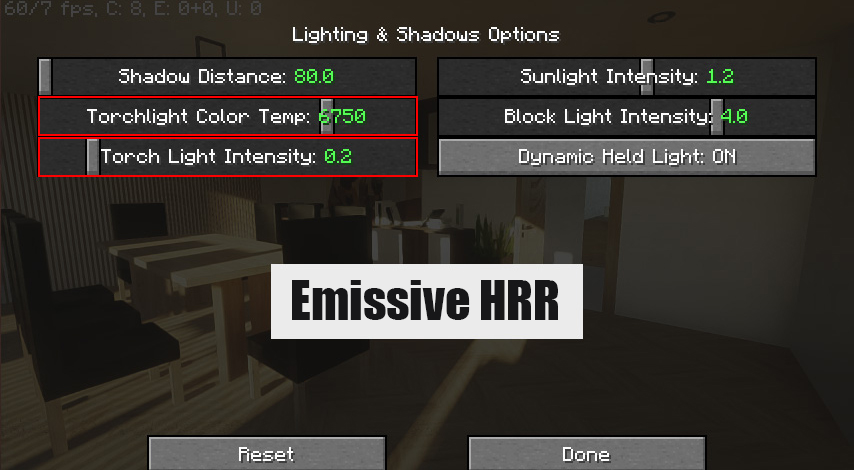
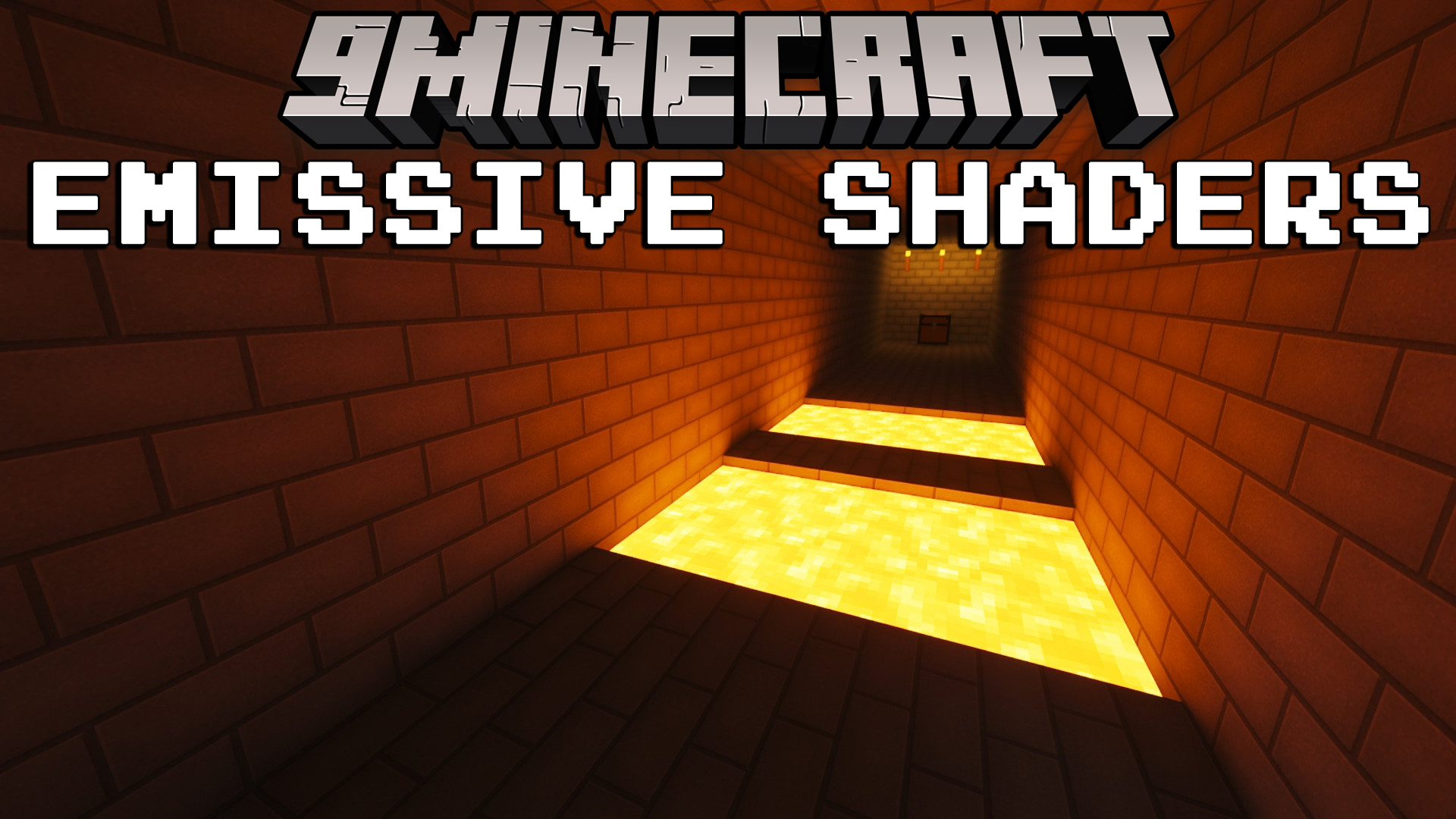
Emissive Shaders is a shader that allows blocks or items to emit light independently of in-game light sources (such as sunlight, lamps, or glowing blocks). It is used in conjunction with other shaders like SEUS PTGI, Complementary Shaders, or BSL Shaders and does not function effectively on its own.
Features:
- Blocks or items with an emissive map emit light based on their designated texture, creating effects like lit lamps, glowing screens, or luminescent materials (neon lights, billboards).
- This light can interact with the surrounding environment, casting shadows or illuminating nearby blocks, depending on the shader used.
- In the ExperiArch Mod, blocks such as modern lamps, TV screens, or kitchen appliances are often designed with emissive textures to simulate realistic lighting (light from LEDs or screens).
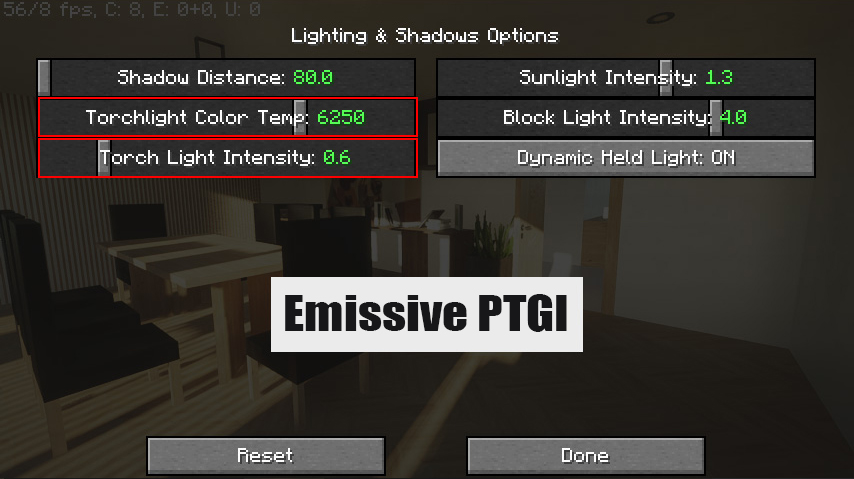
- When combined with ray-tracing-supported shaders (like SEUS PTGI), these blocks produce dynamic lighting effects, making modern architectural structures appear more lifelike. For example, a TV in ExperiArch can glow as if turned on, or an LED lamp can illuminate its surroundings without requiring an actual light block in the game.
Configs:
Emissive Shaders Download Links
For All Versions of Minecraft
HRR v2.1: Download from Server 1 – Download from Server 2
HRR v3: Download from Server 1 – Download from Server 2
Quick facts
- Edition: Minecraft Java
- File type: .zip (resource pack)
- Minecraft version listed: 1.20.1
- How to install: Download the .zip resource pack — do not unzip it. → Put it in .minecraft/resourcepacks. → Enable it in Options → Resource Packs.
- Where to get it: In MC Java Mods, or directly above on this page.
Install steps are the general flow for this file type — see the MC Java Mods guides for the full walkthrough.
File checked by MCModsHub
- Download size: 18 KB
- Download link checked 17 Jun 2026 — working
- Mirrored on our own servers — the download does not depend on the original host
These come from our own check of the pack file, not from the source page.