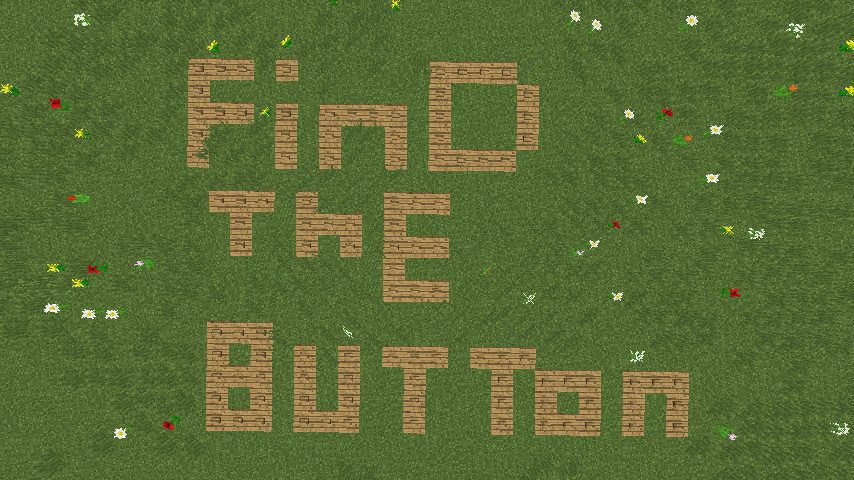
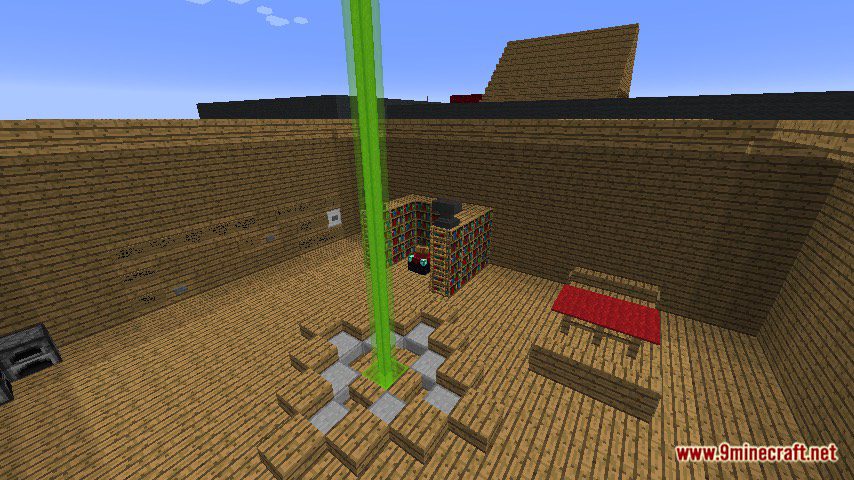
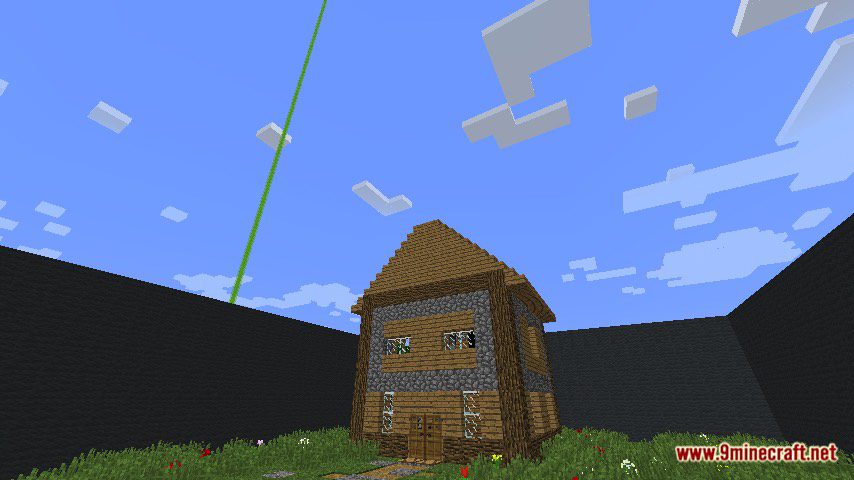
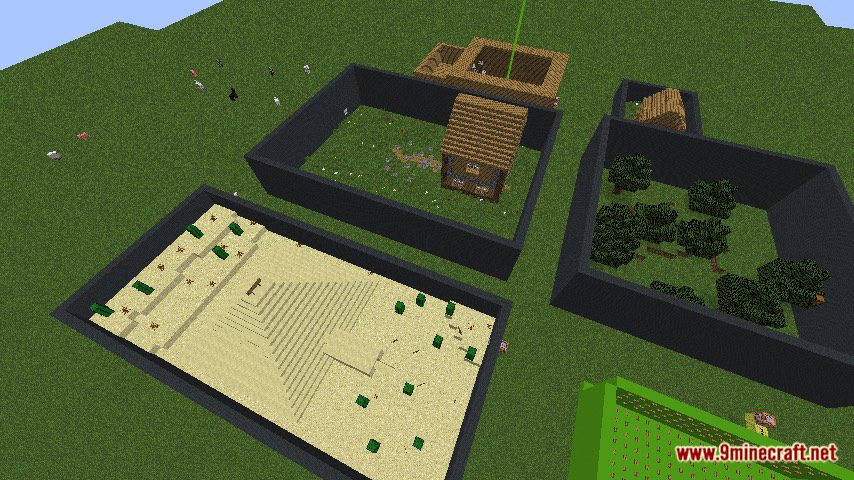
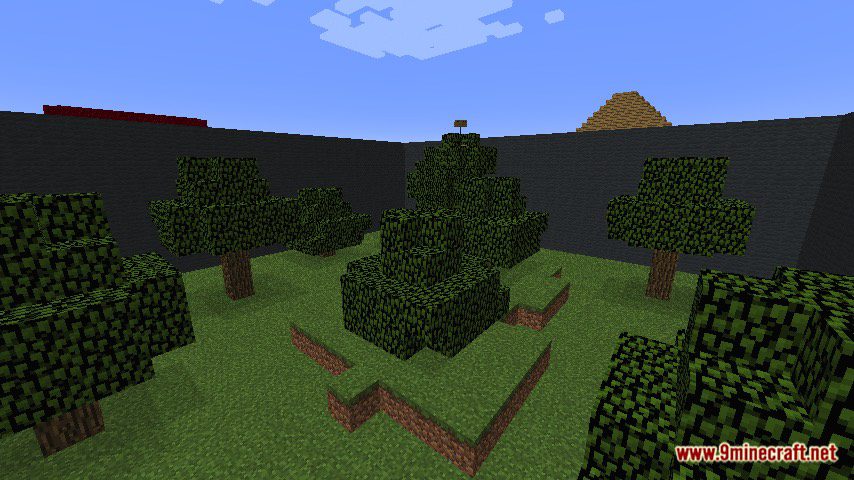
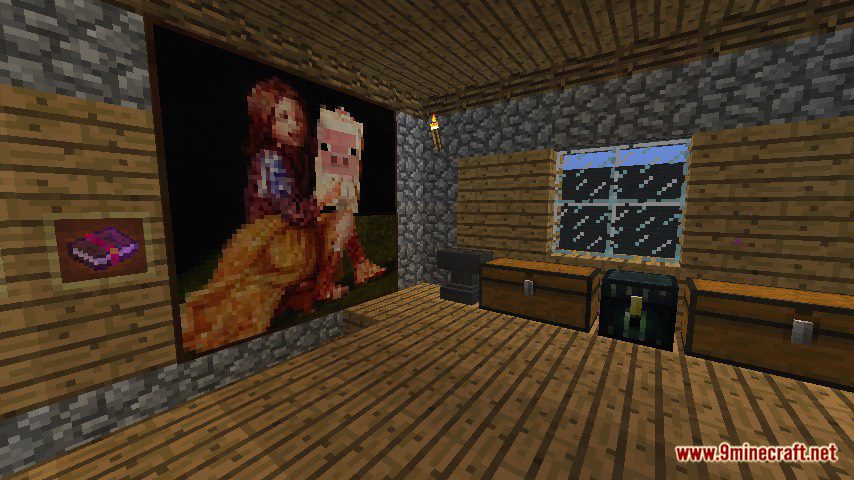
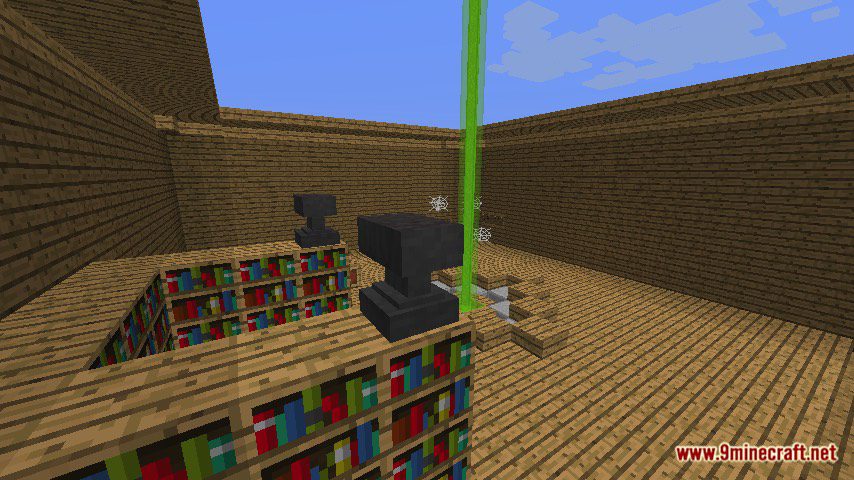
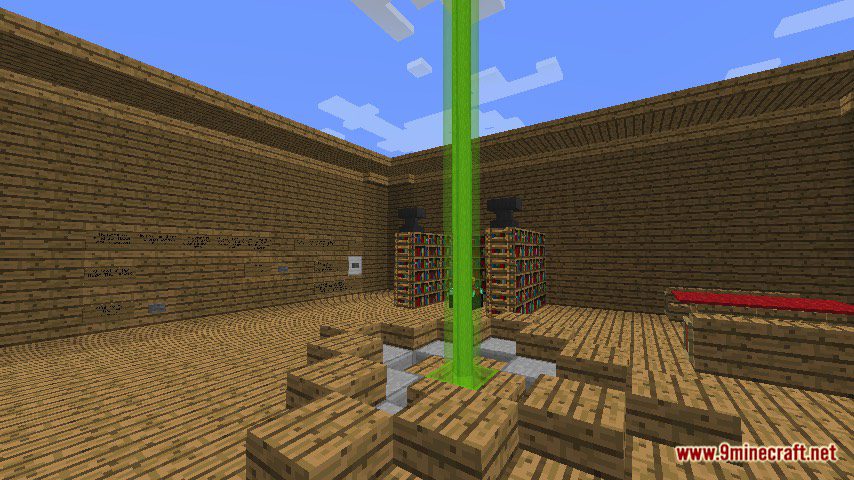
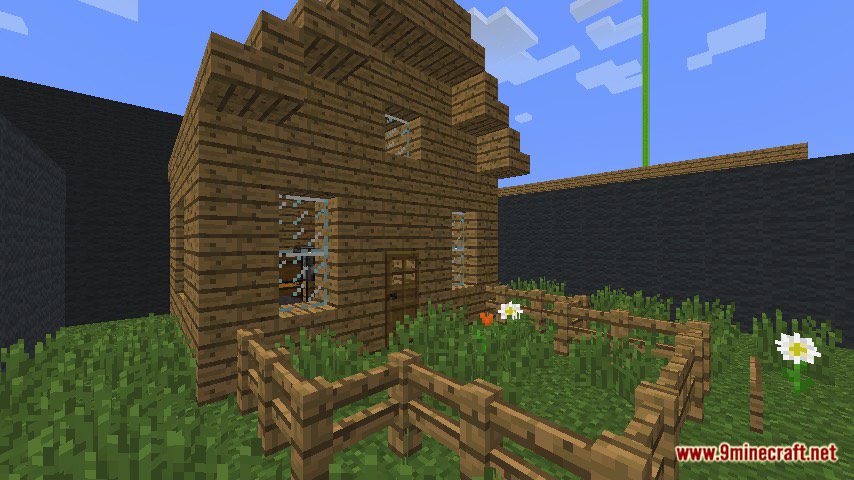
Find That Wood Lookin’ Button Map for Minecraft is a finding map created by HugoTheGamer. Concluding of 6 levels, your goals is to finish all of them to win the game. Each level will have a button, and if you can find out where it is, you win. This is the very first map created by the creator so it may have some bugs but doesn’t worry and play. Download the map from the link below and try to challenge yourself.
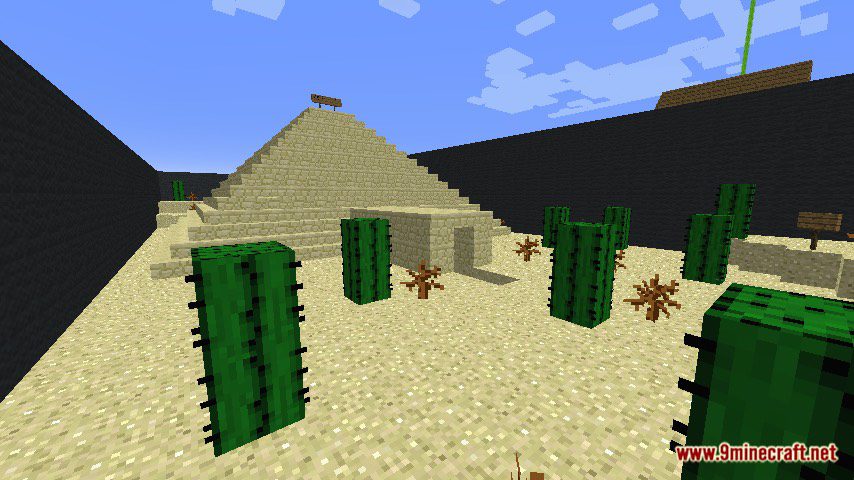
Screenshots:
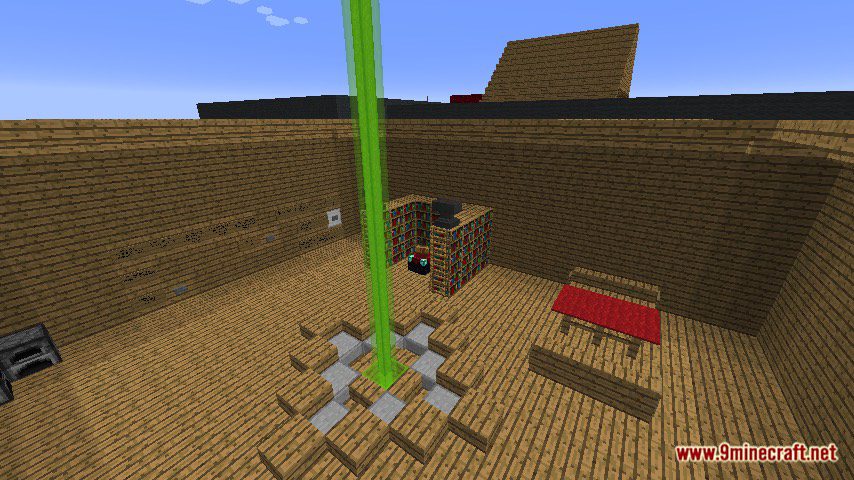
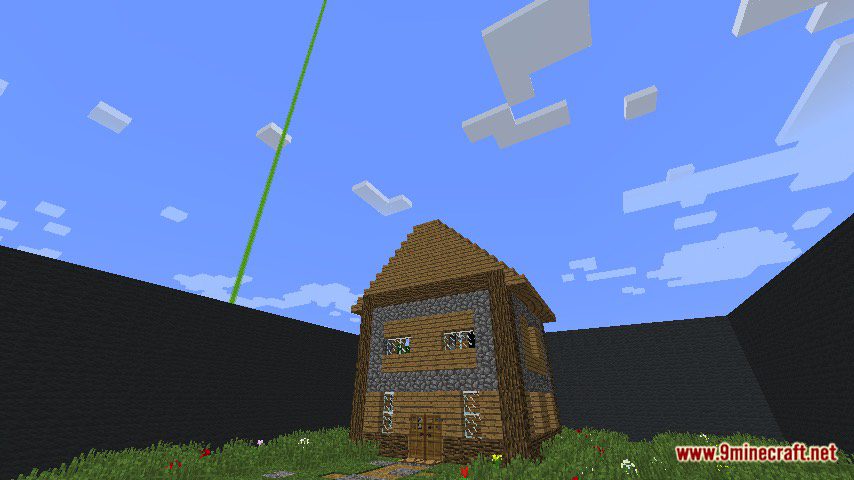
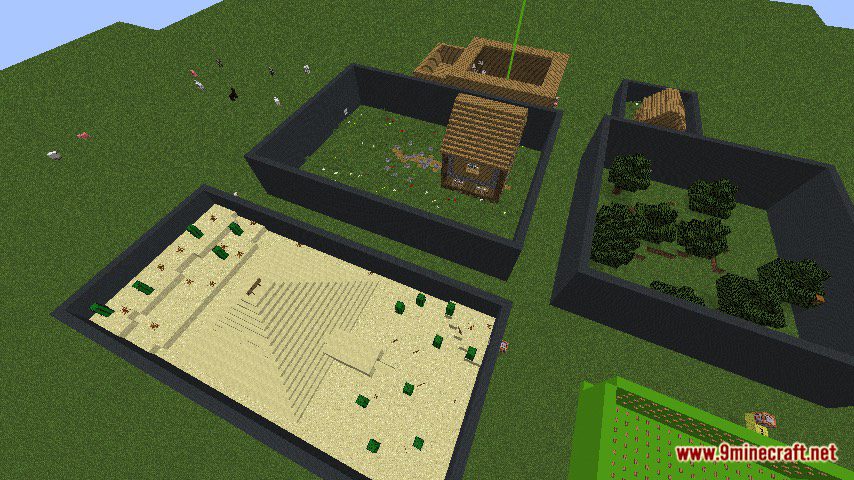
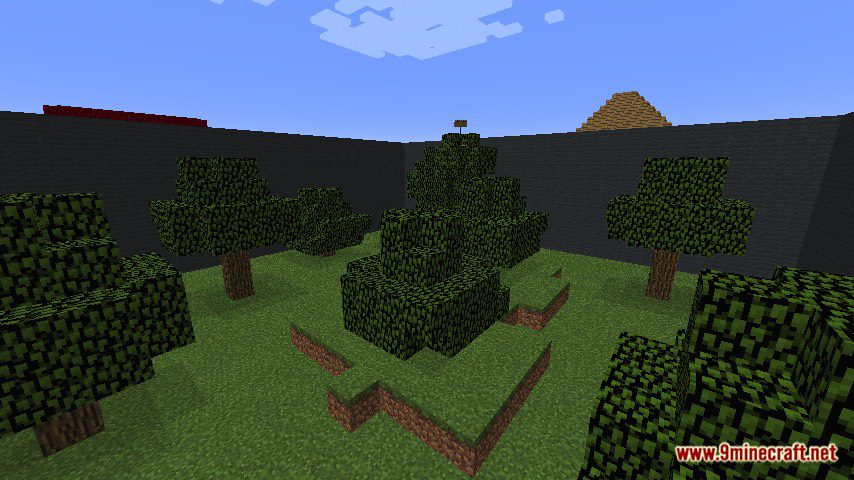
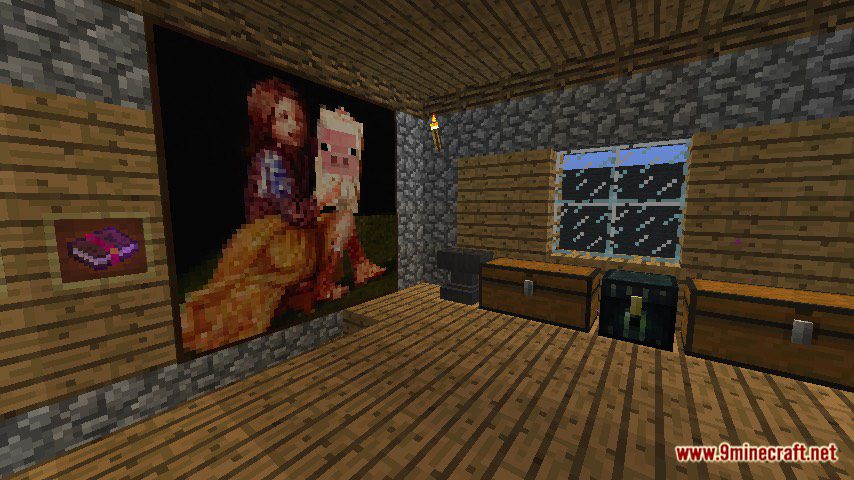
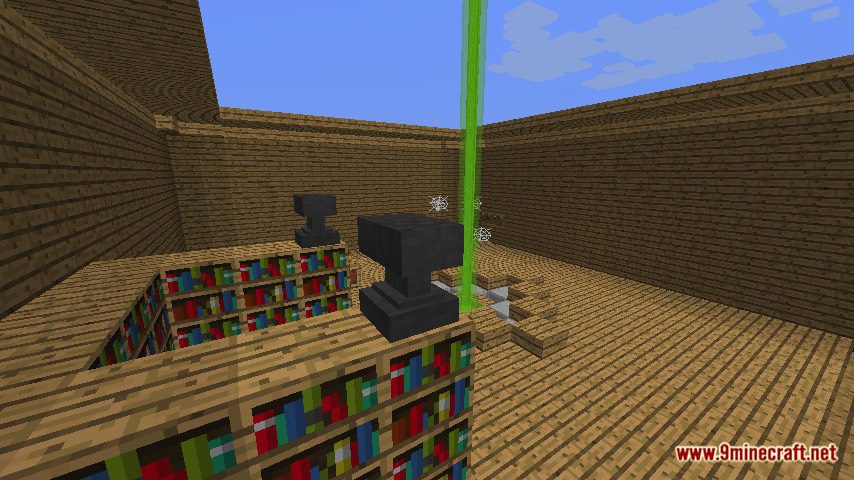
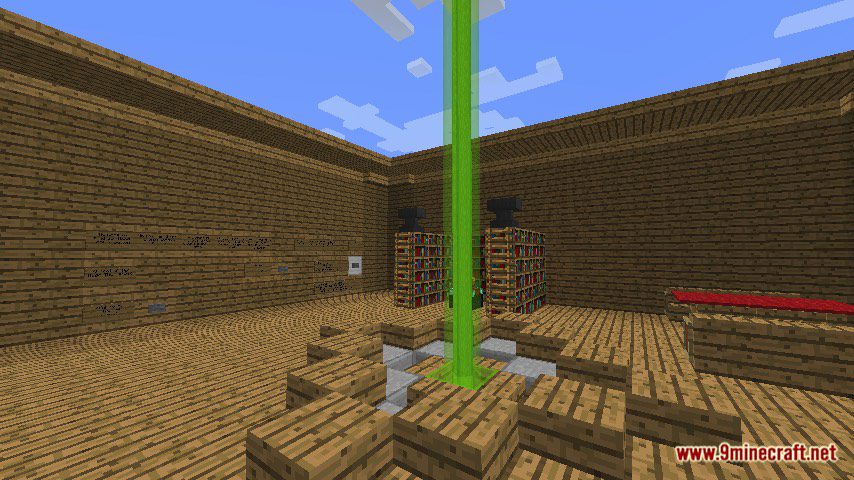
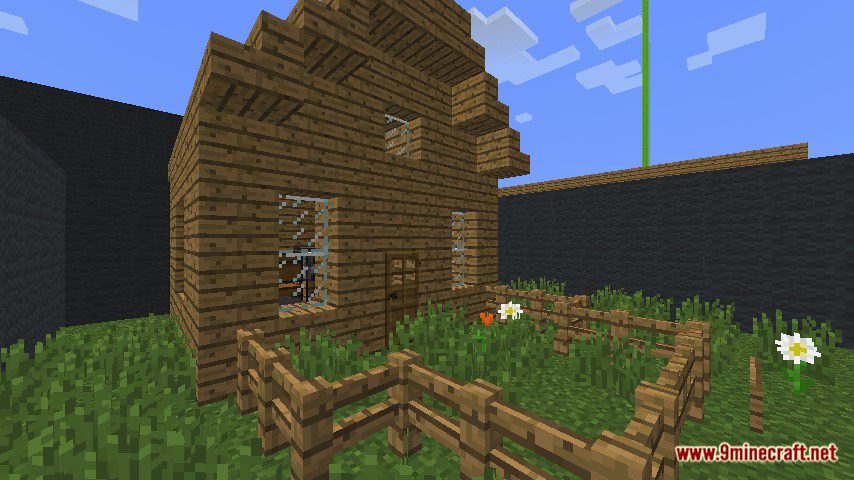
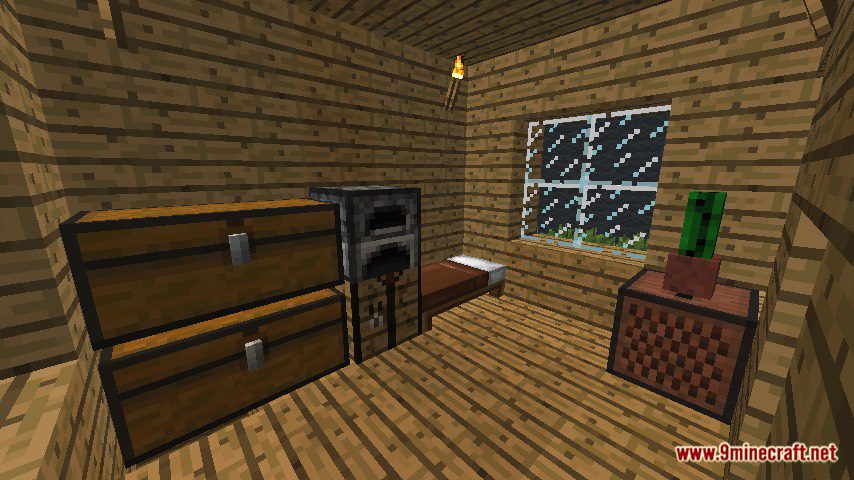
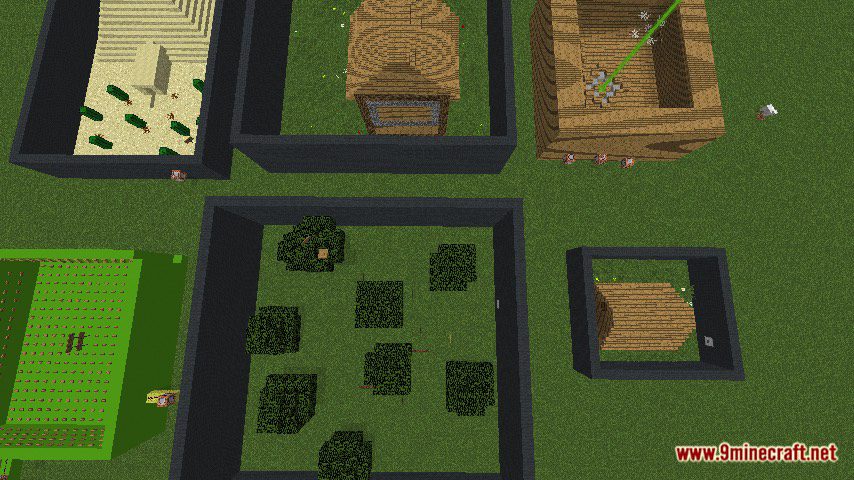
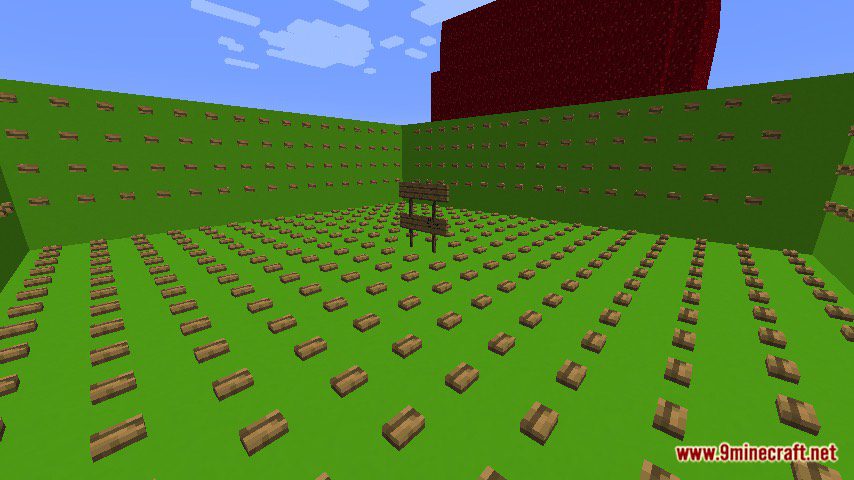
Notes:
- Please do not play on any other version or it may not work!
- Do not cheat.
- You should set Render Distance to 12 or upper.
Find That Wood Lookin’ Button Map Download Links
Quick facts
- Edition: Minecraft Java
- File type: .zip (world save)
- Minecraft version listed: 1.20.1
- How to install: Download the .zip world. → Unzip it. → Move the folder into .minecraft/saves.
- Where to get it: In MC Java Mods, or directly above on this page.
Install steps are the general flow for this file type — How to install Minecraft Java maps & worlds walks through it step by step.
Find That Wood Lookin’ Button Map (26.2, 1.20.1) for Minecraft is a free Minecraft Java map. Compatible with Minecraft 1.20.1. Download it and open it directly in the game.