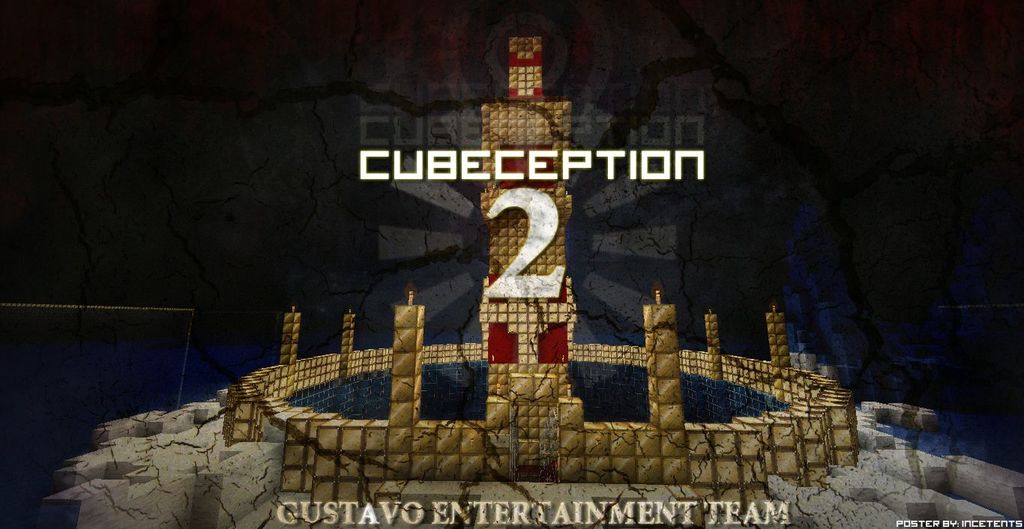
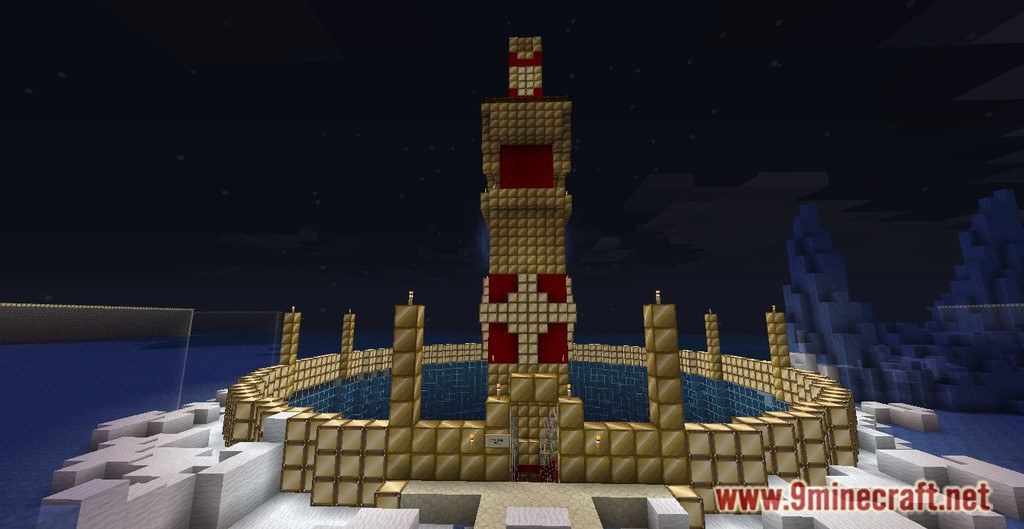
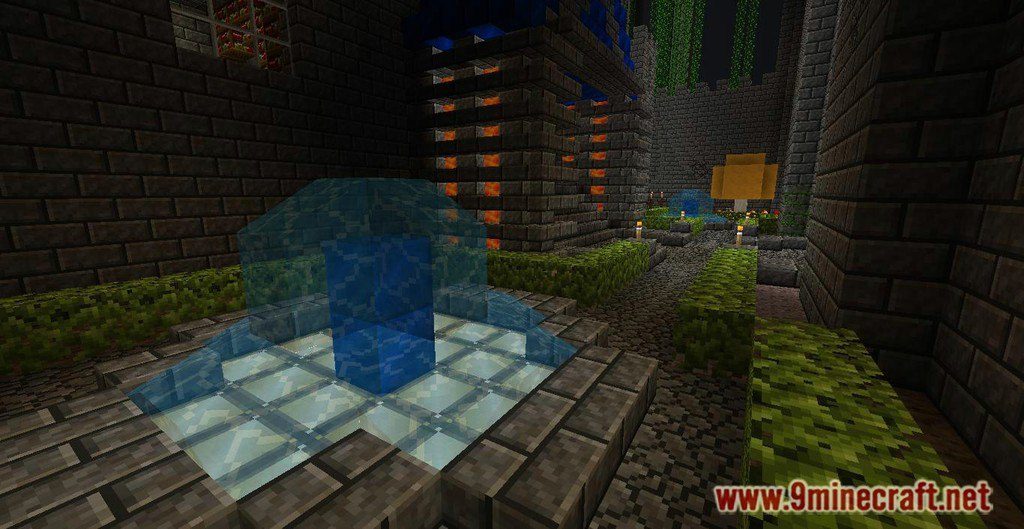
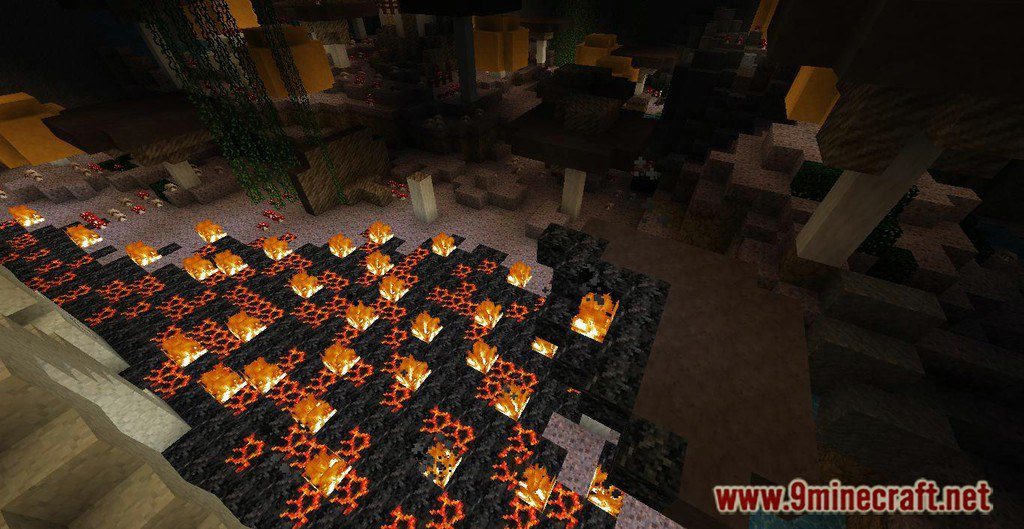
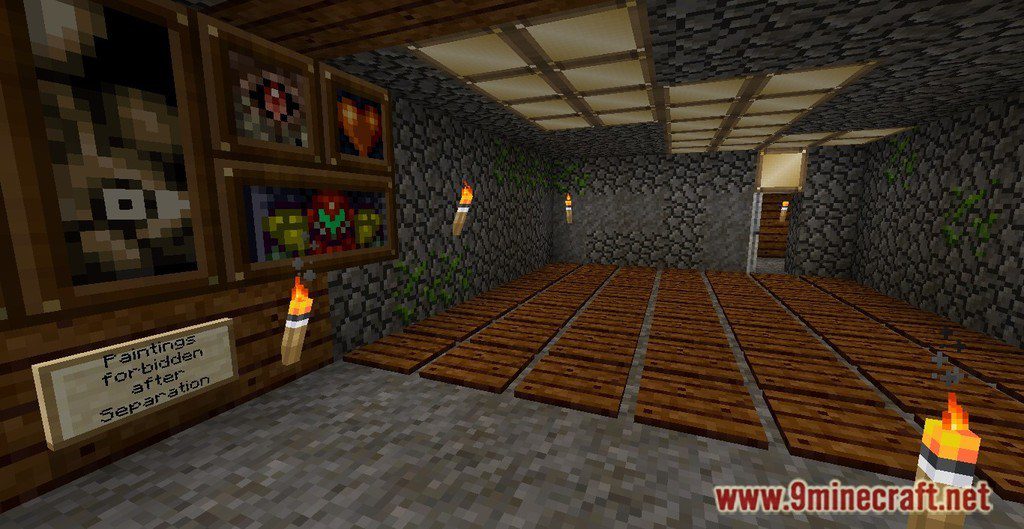
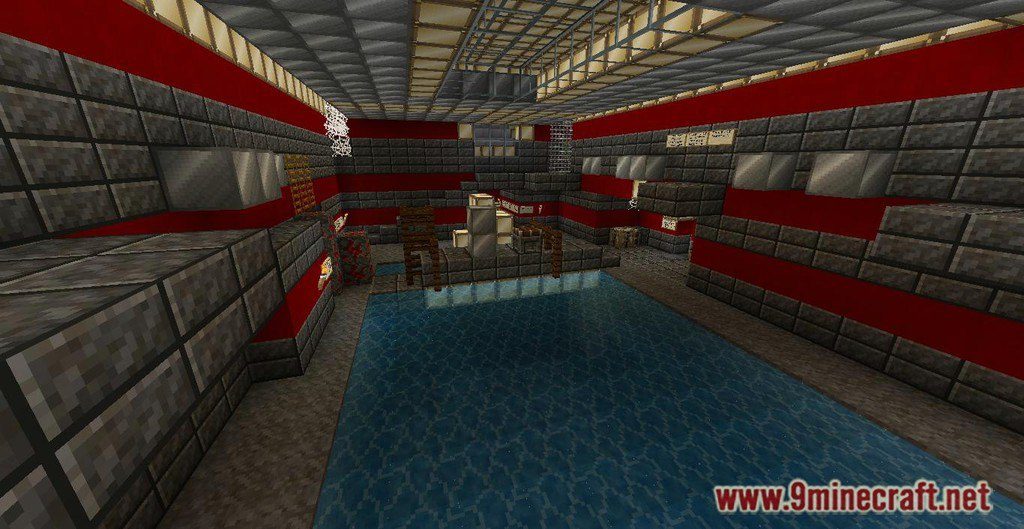
CUBEception 2 Map for Minecraft is an adventure map created by Gustavo Team. Cubeception 2 is a story driven, jumping focused adventure map with escape feeling. Platforming, parkouring, looking for levers, puzzles, traps, secret rooms, good storyline and grand scale architecture. The map is divided into six chapters + prologue and epilog, and it’s about 2 – 4 hours long. Single player and multi player versions are much different – single player is similar regarding gameplay to the first Cubeception, while multiplayer has some of the puzzles and locations redesigned for cooperative mode (like Portal 2 or It’s Better Together). This map continues the story in CUBEception Map. After escaping from the Cube and learning the truth about the world outside you begin another journey. On top of one of the Cubes you discover a strange city, that looks like it was abandoned just a while ago. Gustav, the man who guided you in the first part of Cubeception, joins you and together you try to learn what happened here. Are you and Gustav the last people on Earth, or is there someone else alive? What was Separation and why citizens of Cube started a civil war? Who is mysterious DiCraftio, the man who tried to unite Cube against the threat from the outside? Learn the truth in this epic adventure!
Screenshots:
Notes:
- Please do not play on any other version or it may not work!
- Do not cheat.
- You should set Render Distance to 8.
CUBEception 2 Map Download Links
For Minecraft – Singleplayer
For Minecraft – Multiplayer
- Edition: Minecraft Java
- File type: .zip (world save)
- Minecraft version listed: 1.20.1
- How to install: Download the .zip world. → Unzip it. → Move the folder into .minecraft/saves.
- Where to get it: Opens on the file's original source — not every file is mirrored on our own servers.
Install steps are the general flow for this file type — How to install Minecraft Java maps & worlds walks through it step by step.
CUBEception 2 Map (26.2, 1.20.1) for Minecraft is a free Minecraft Java map. Compatible with Minecraft 1.20.1. Download it and open it directly in the game.