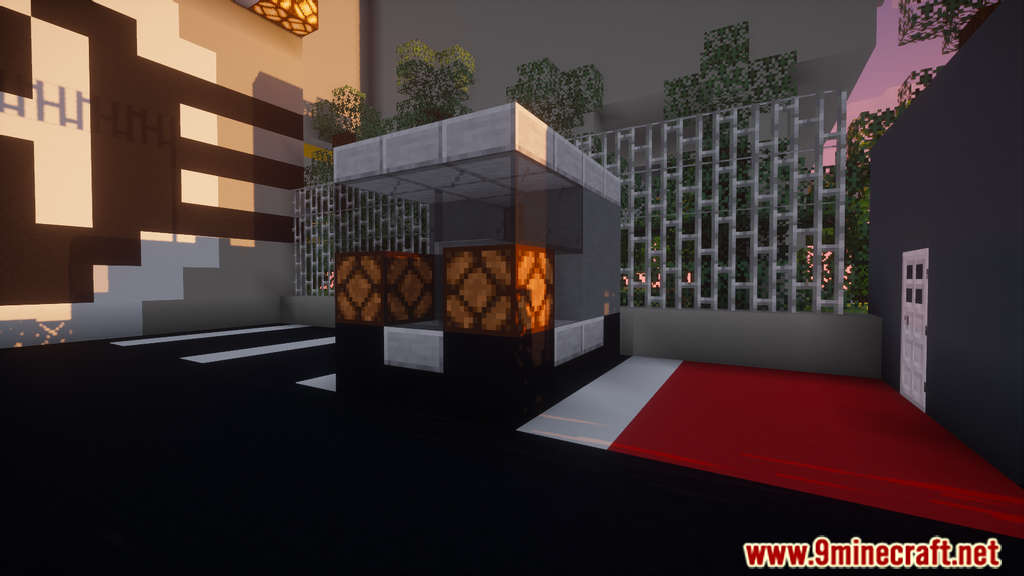
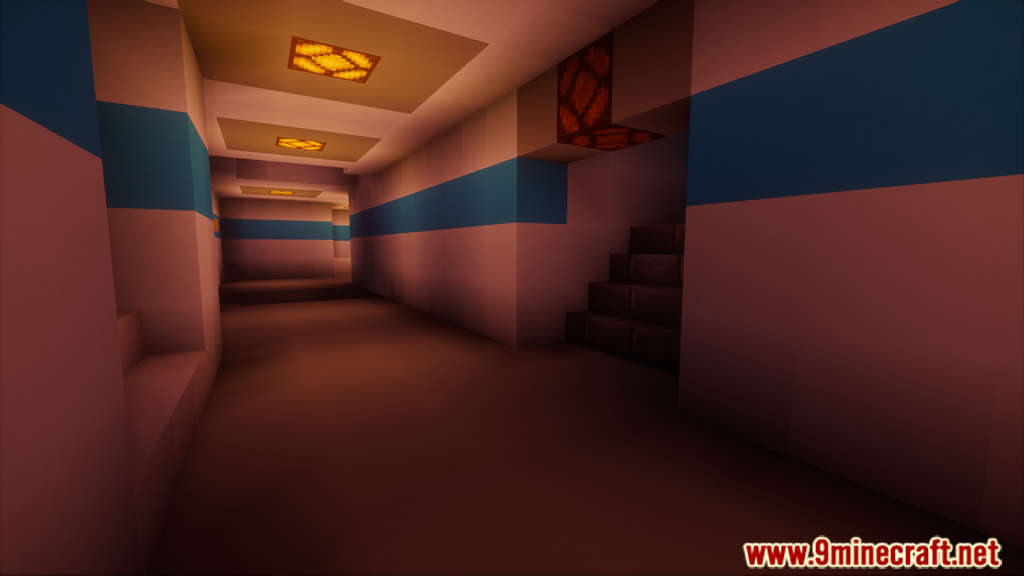
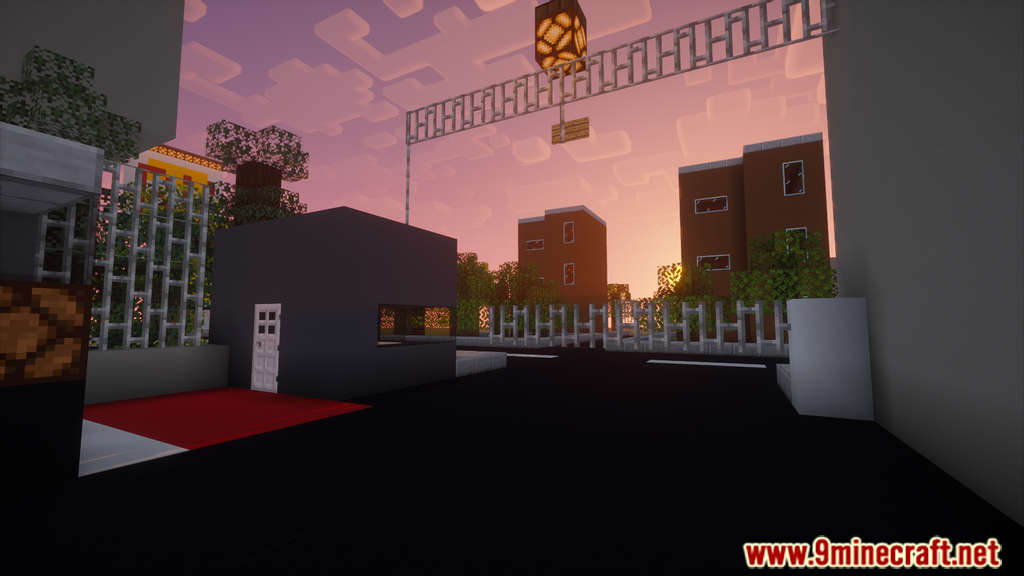
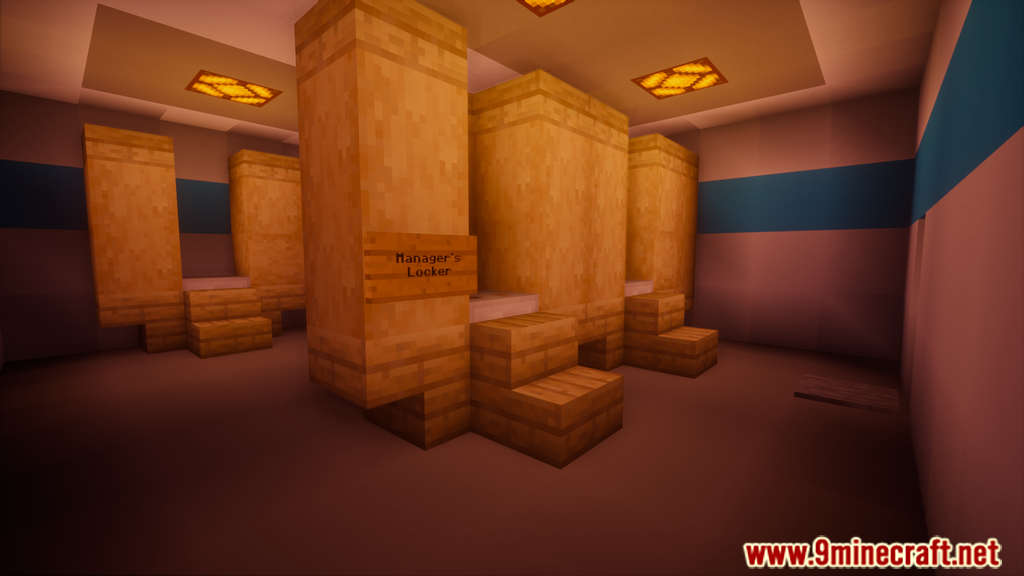
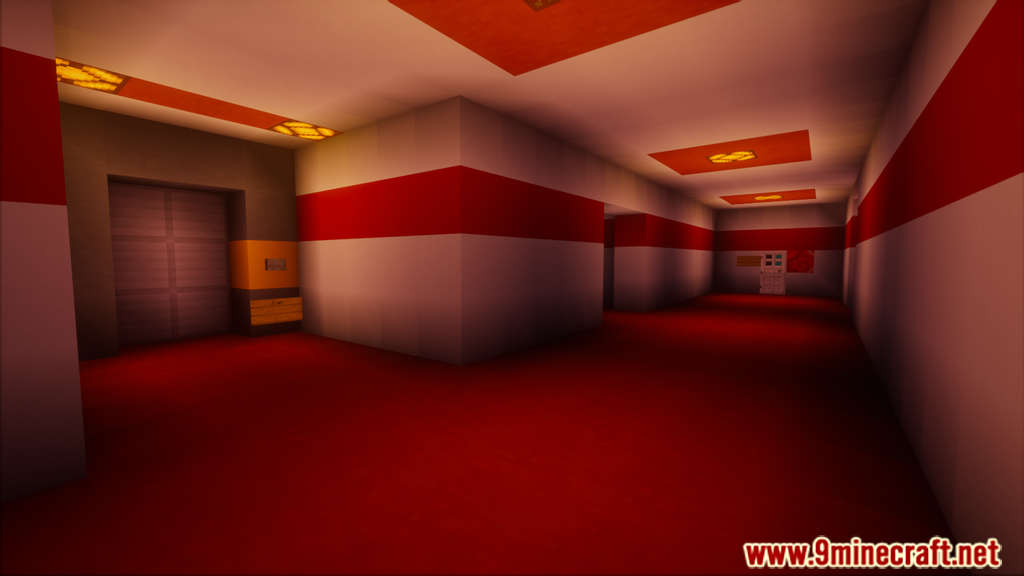
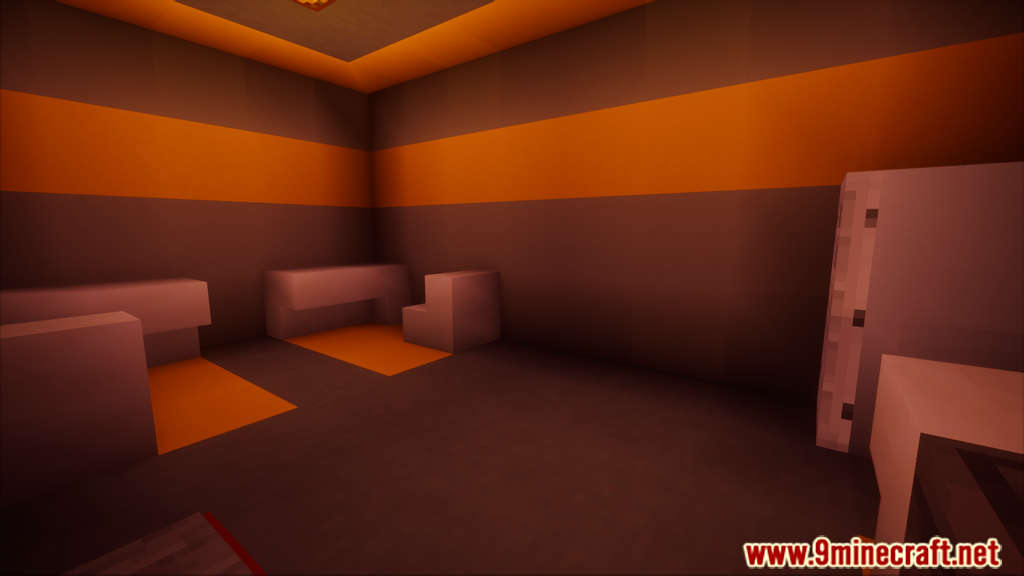
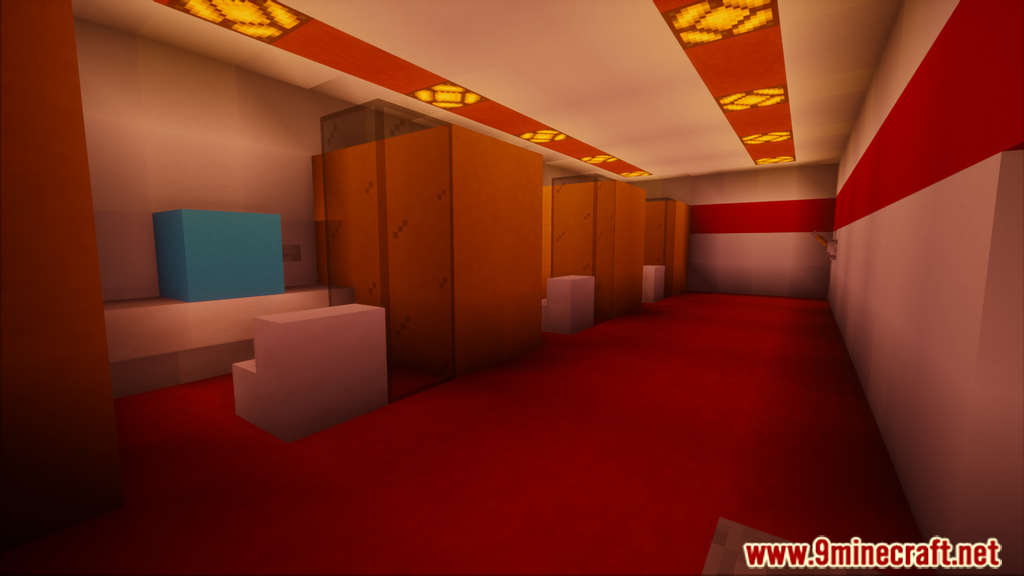
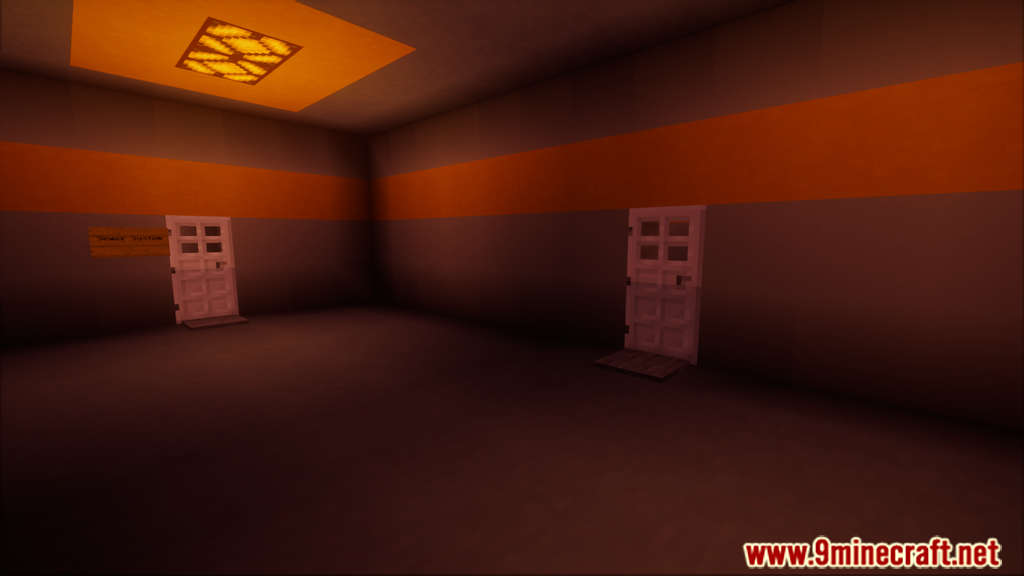
Find Your Wallet: Remastered is a puzzle map from Sparlaky. Starting this game, you work for a corporation called AtomCenter as a senior employee. When you got home from work one day, you noticed you had left some of your belongings, most notably your wallet, in the building’s locker room. When you return to the building and enter, you will notice that it has been abandoned and has become deformed. After that, it’s up to you to either back out or battle tooth and nail to reclaim your wallet.
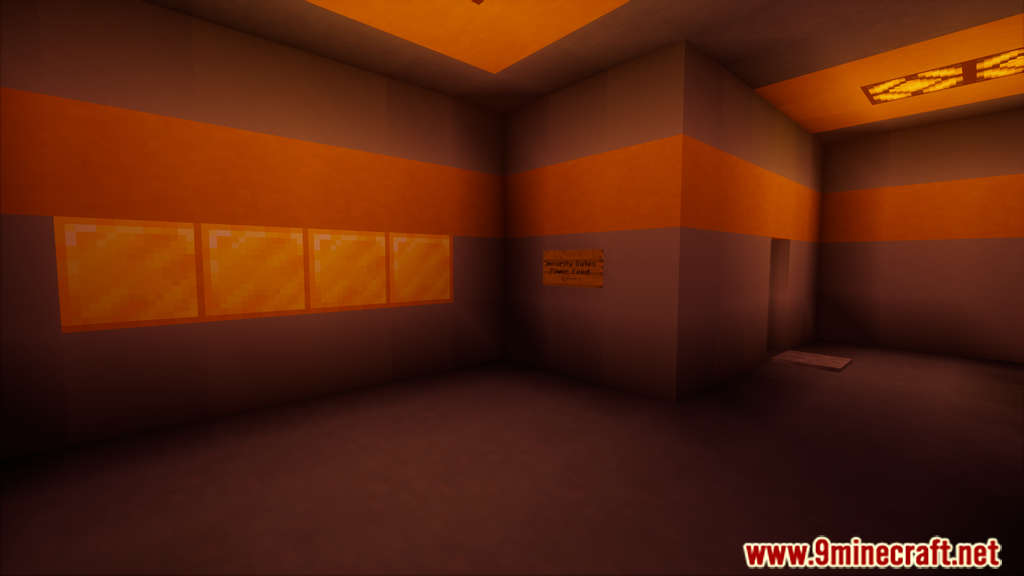
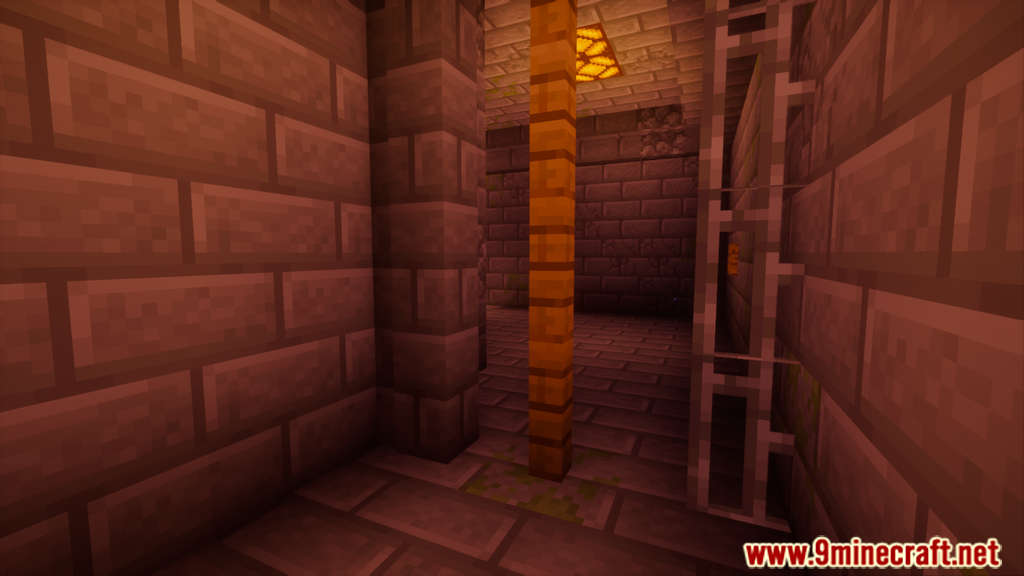
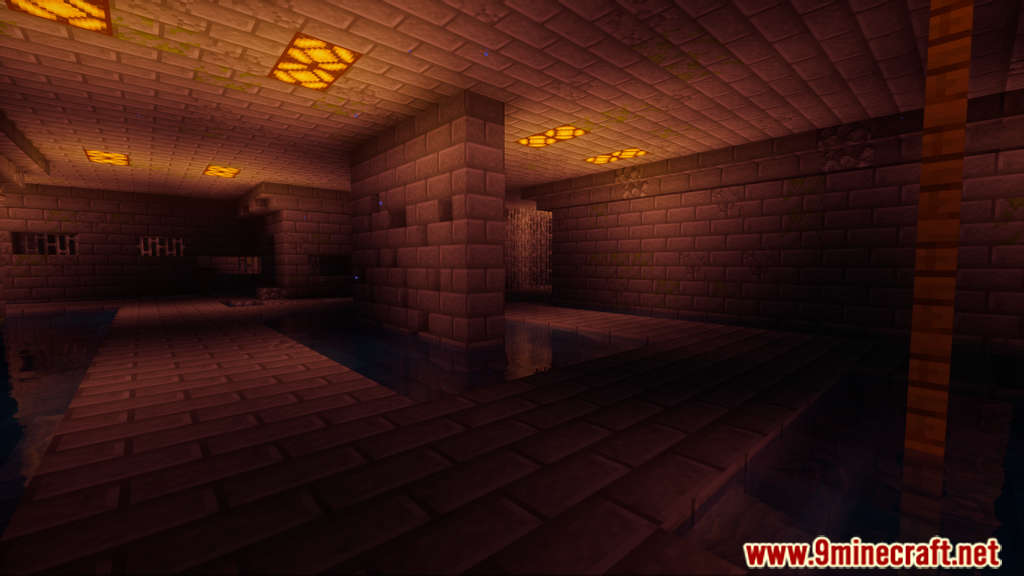
Screenshots:
Notes:
- Please do not play on any other version or it may not work!
- You should set Render Distance to 12 or upper.
Find Your Wallet: Remastered Map Download Links
- Edition: Minecraft Java
- File type: .zip (world save)
- Minecraft version listed: 1.20.1
- How to install: Download the .zip world. → Unzip it. → Move the folder into .minecraft/saves.
- Where to get it: In MC Java Mods, or directly above on this page.
Install steps are the general flow for this file type — How to install Minecraft Java maps & worlds walks through it step by step.
Find Your Wallet: Remastered Map (26.2, 1.20.1) for Minecraft is a free Minecraft Java map. Compatible with Minecraft 1.20.1. Download it and open it directly in the game.