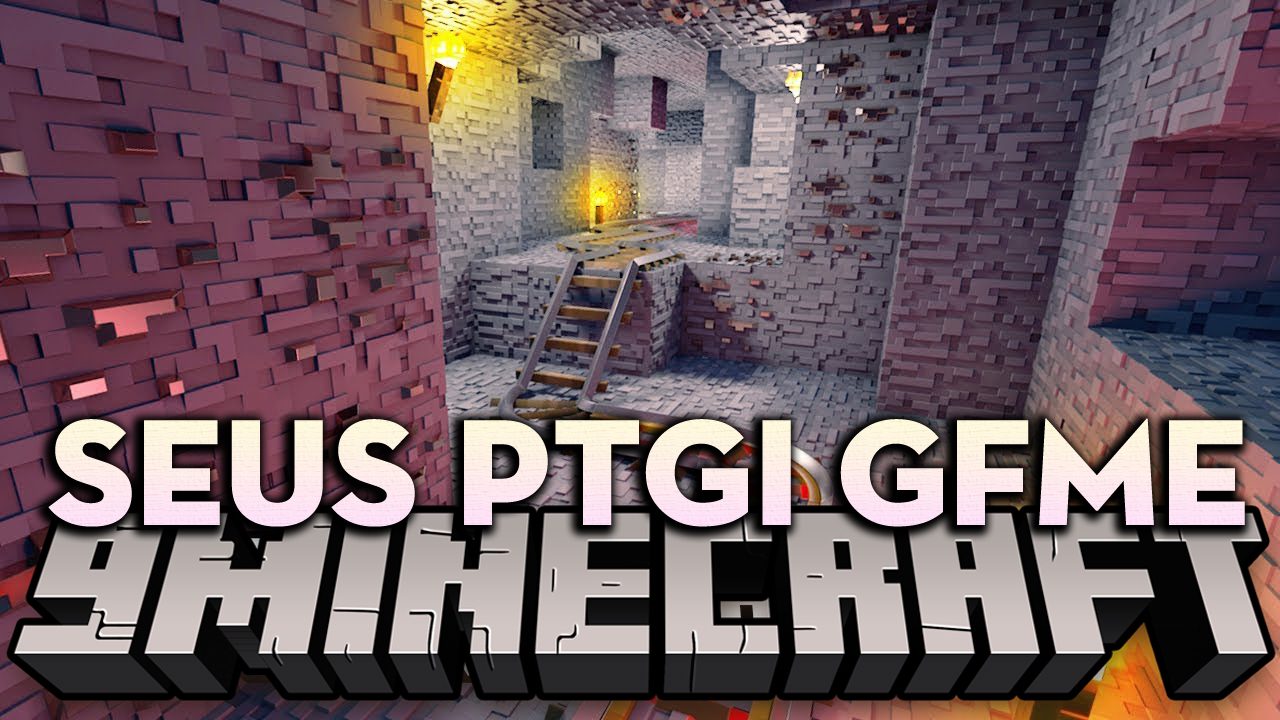
SEUS PTGI GFME Shaders (26.3, 1.20.1) – A Deeply Modified of SEUS PTGI
Java shader pack listed for Minecraft 1.20–26.x. File opened and checked on 26 Oct 2026; downloads from the MC Java Mods app on Android.
⬇ Download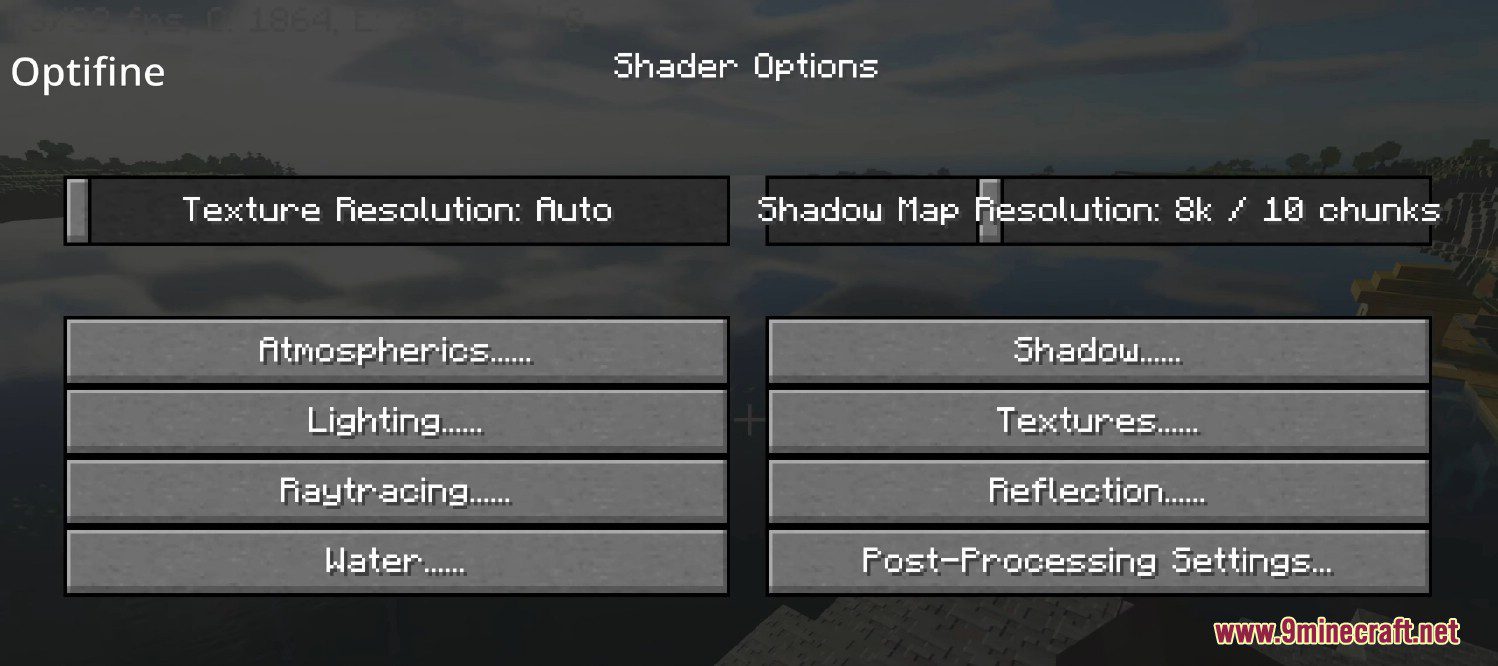
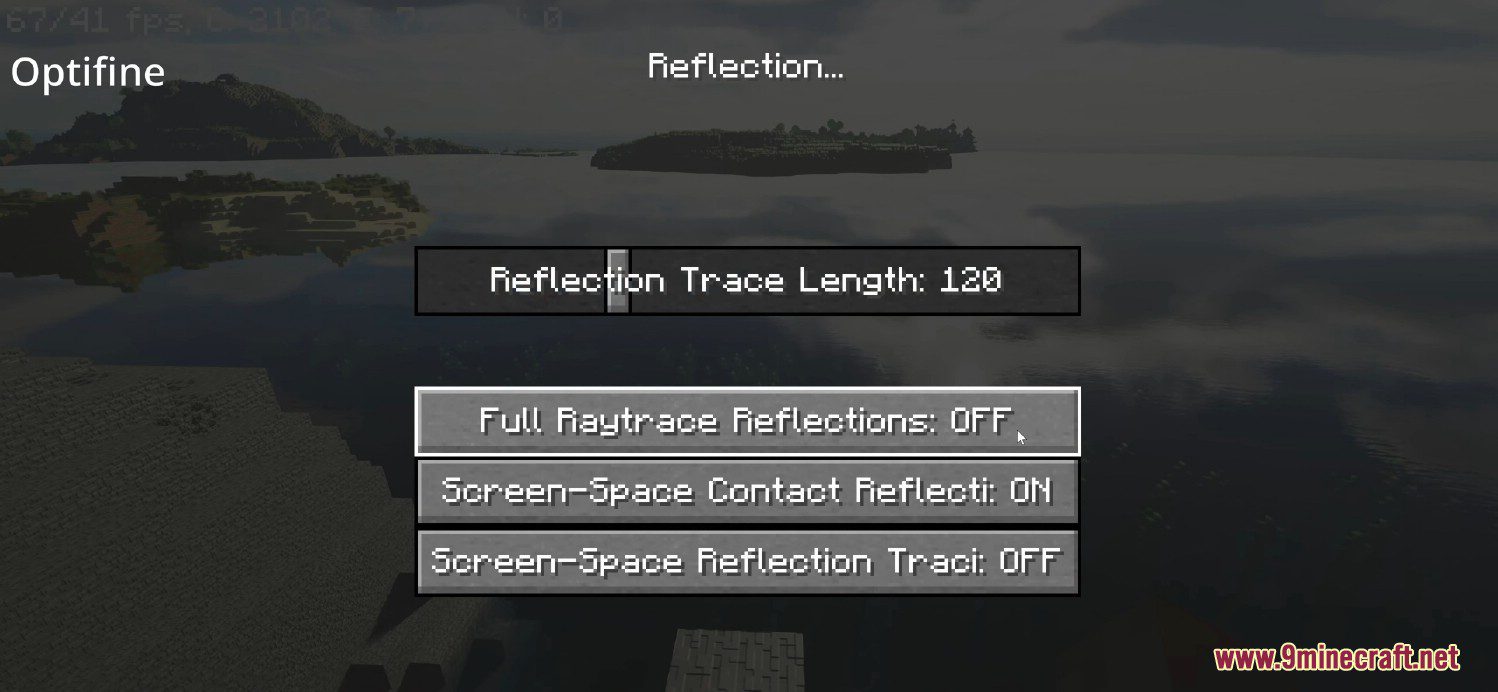
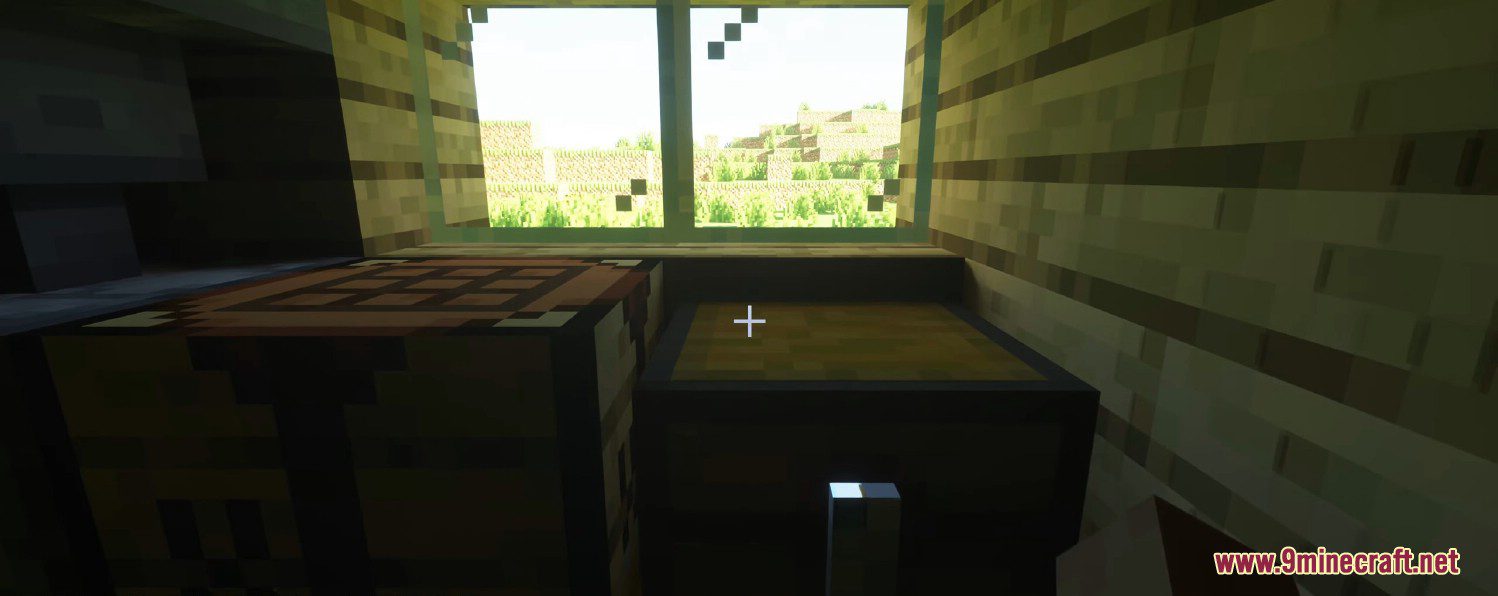
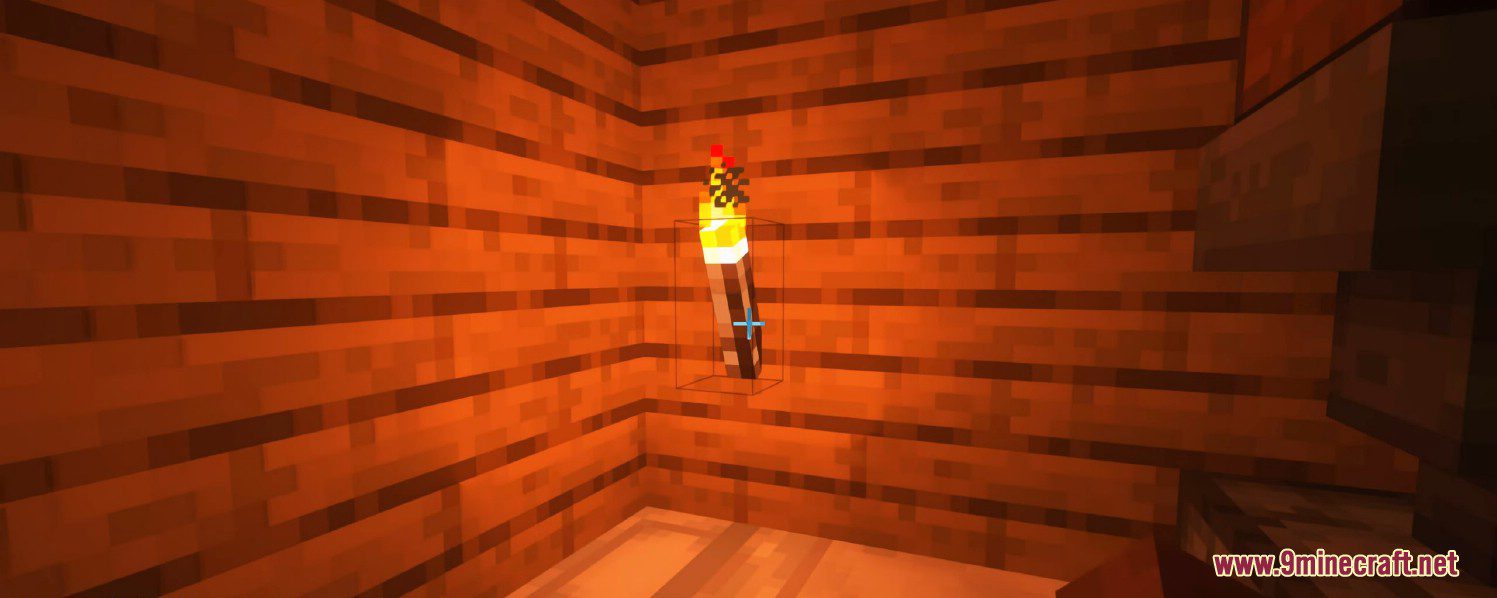
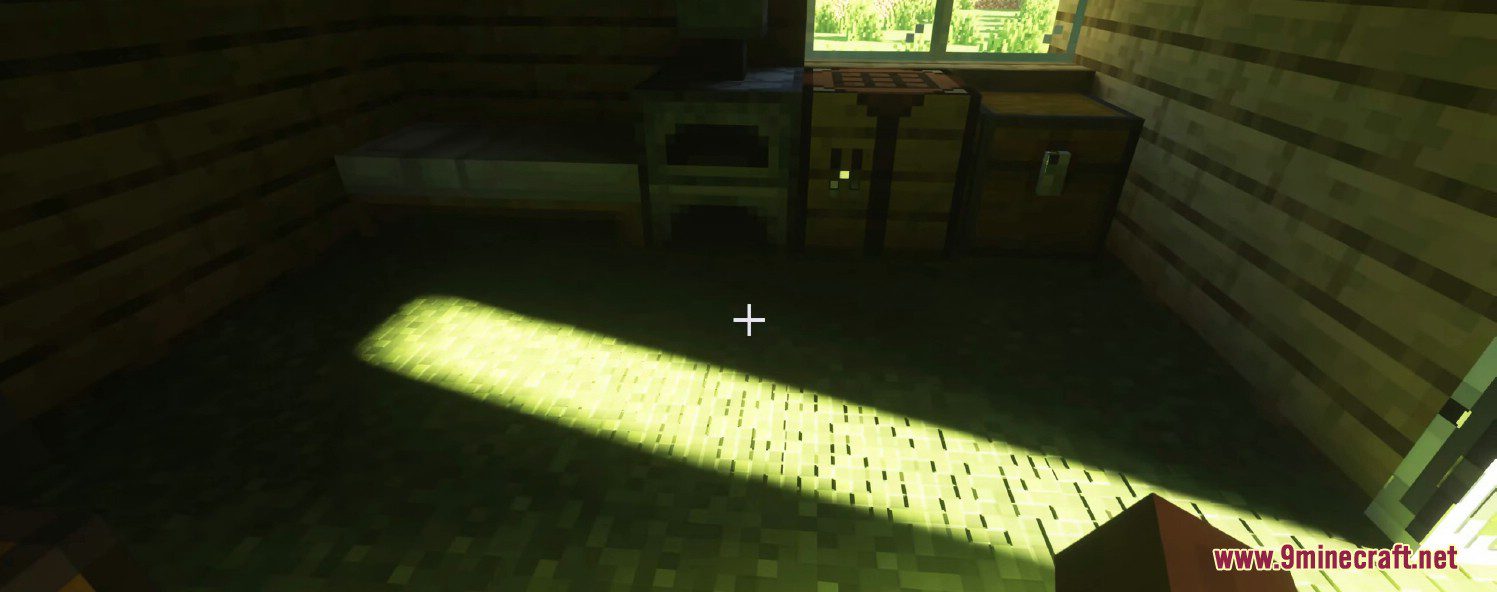
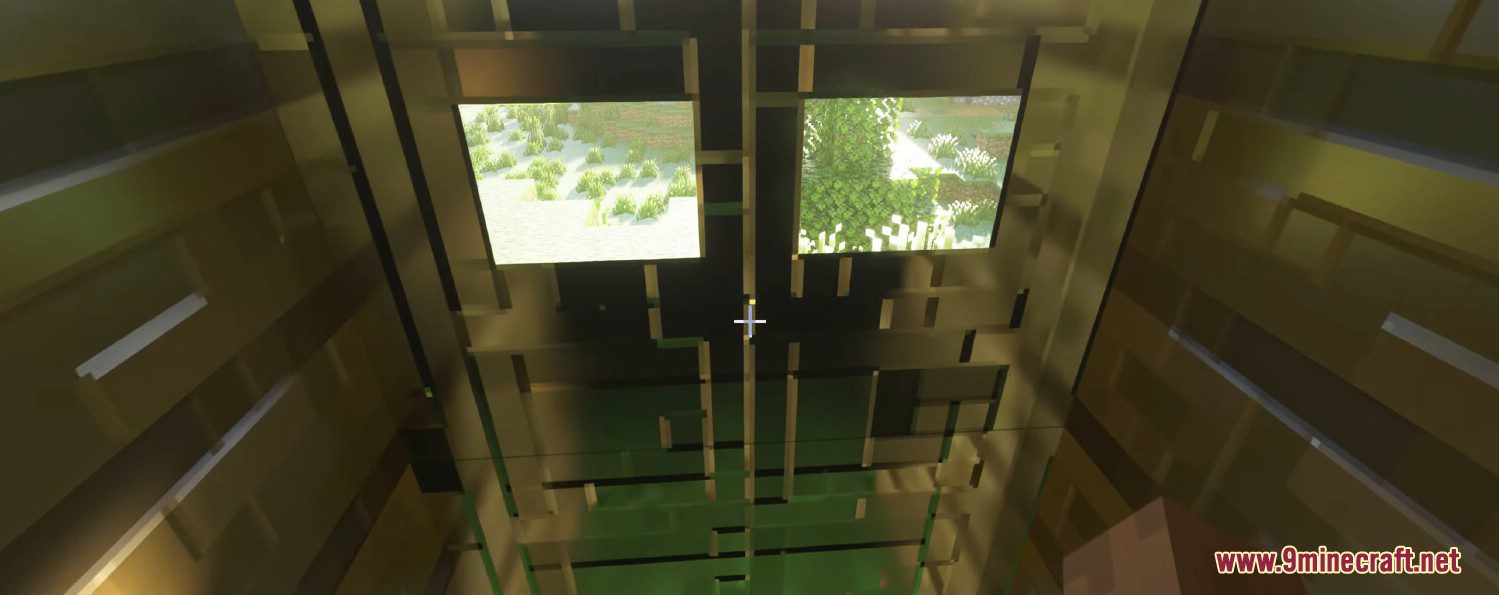
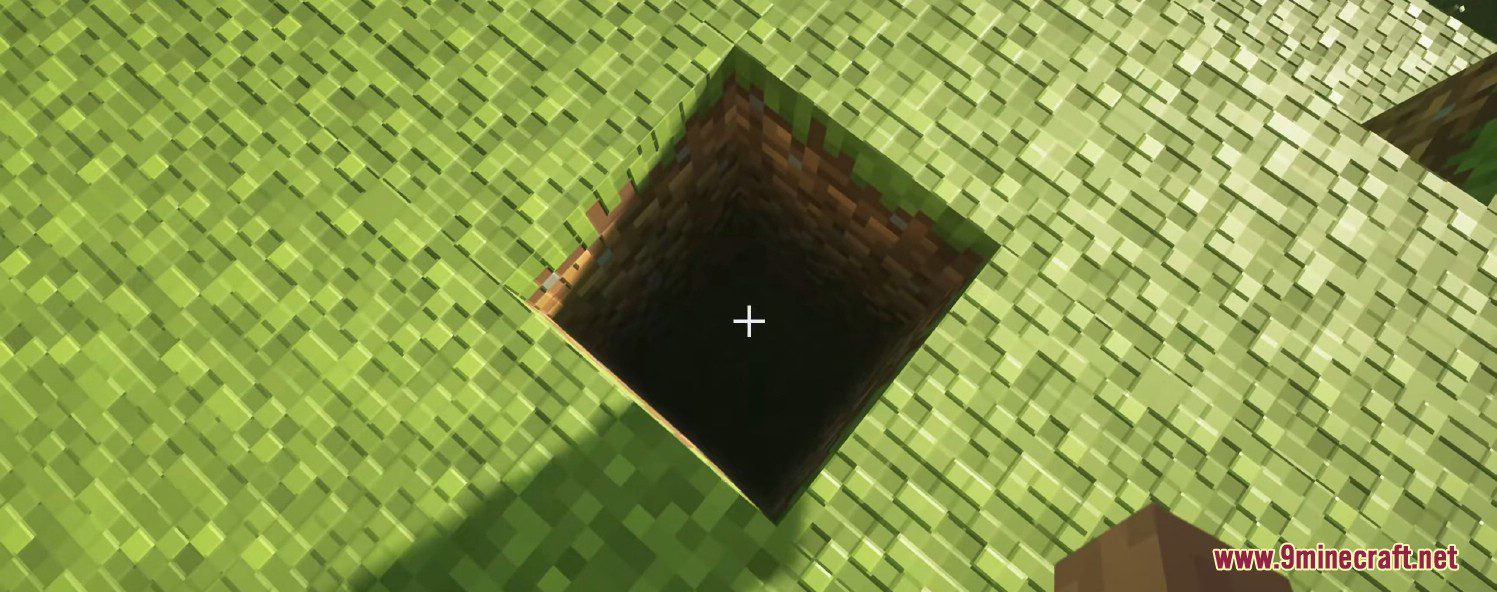
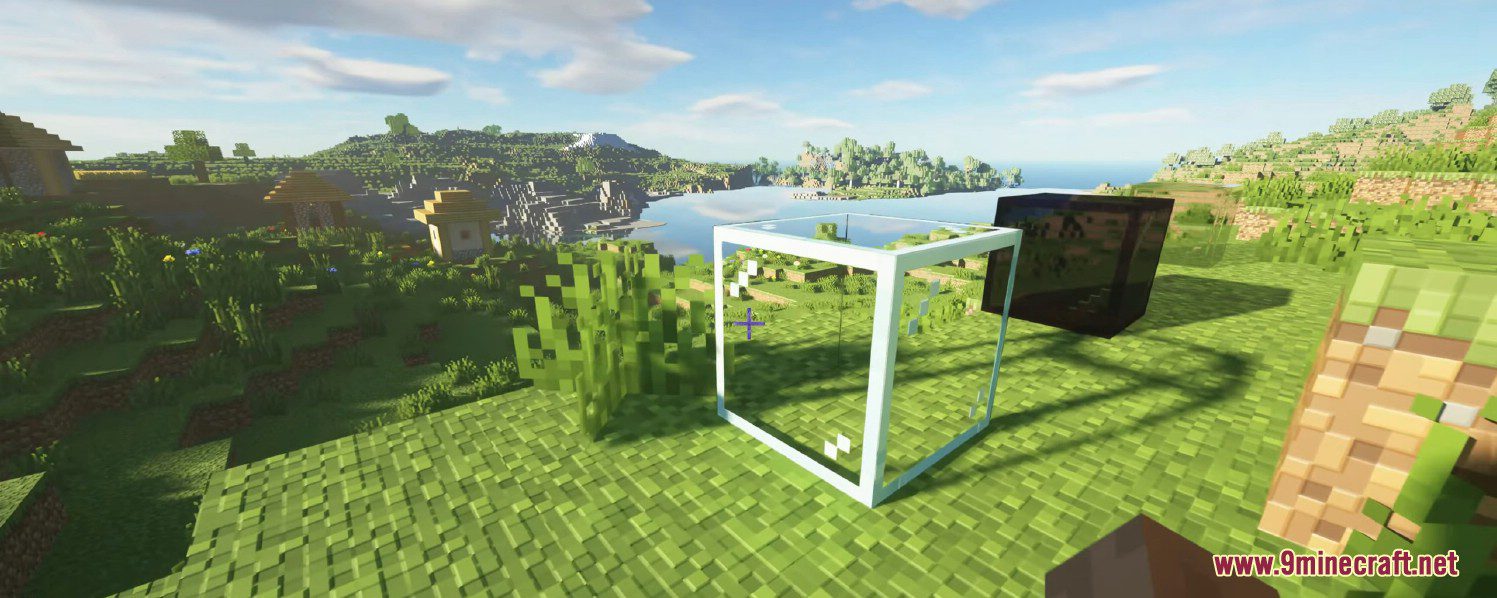
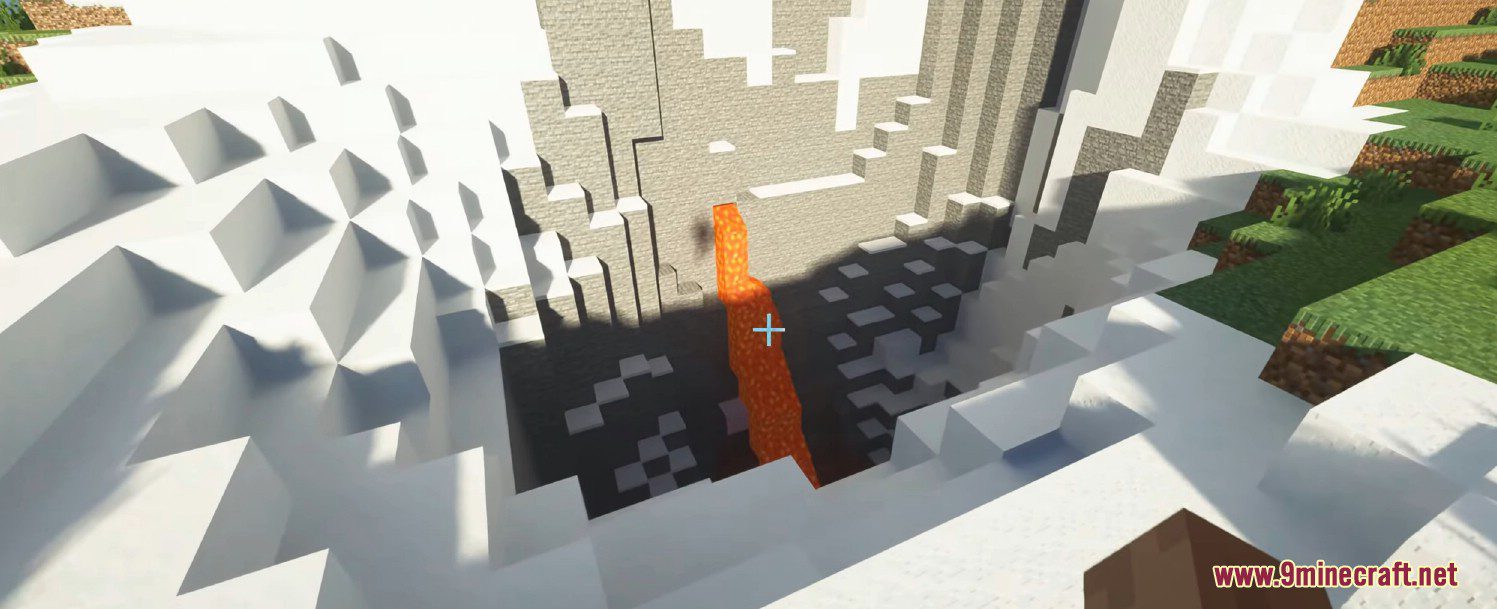
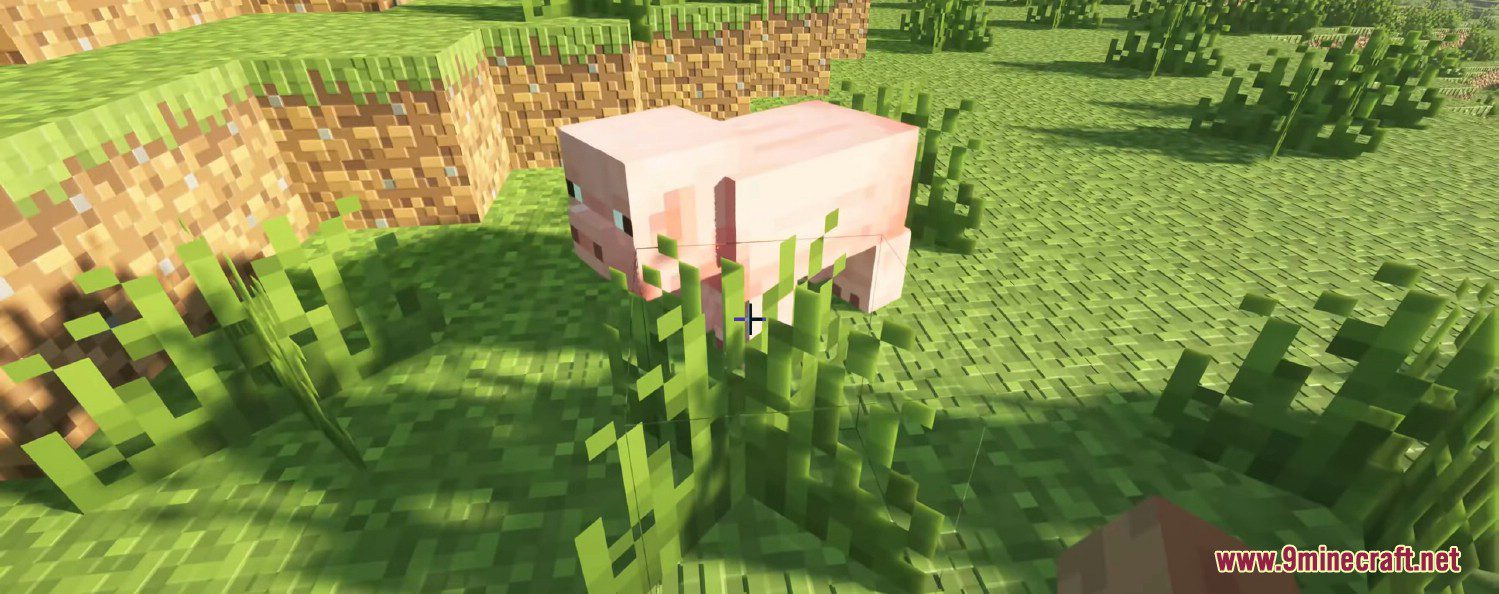
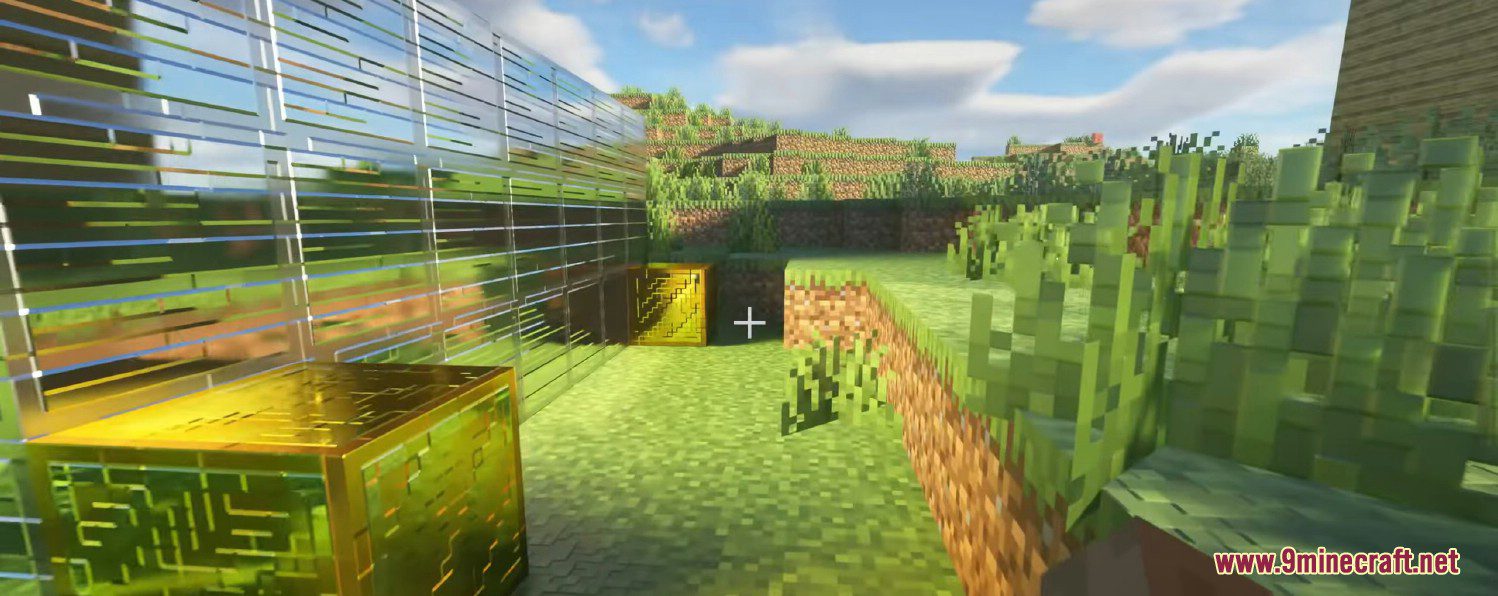
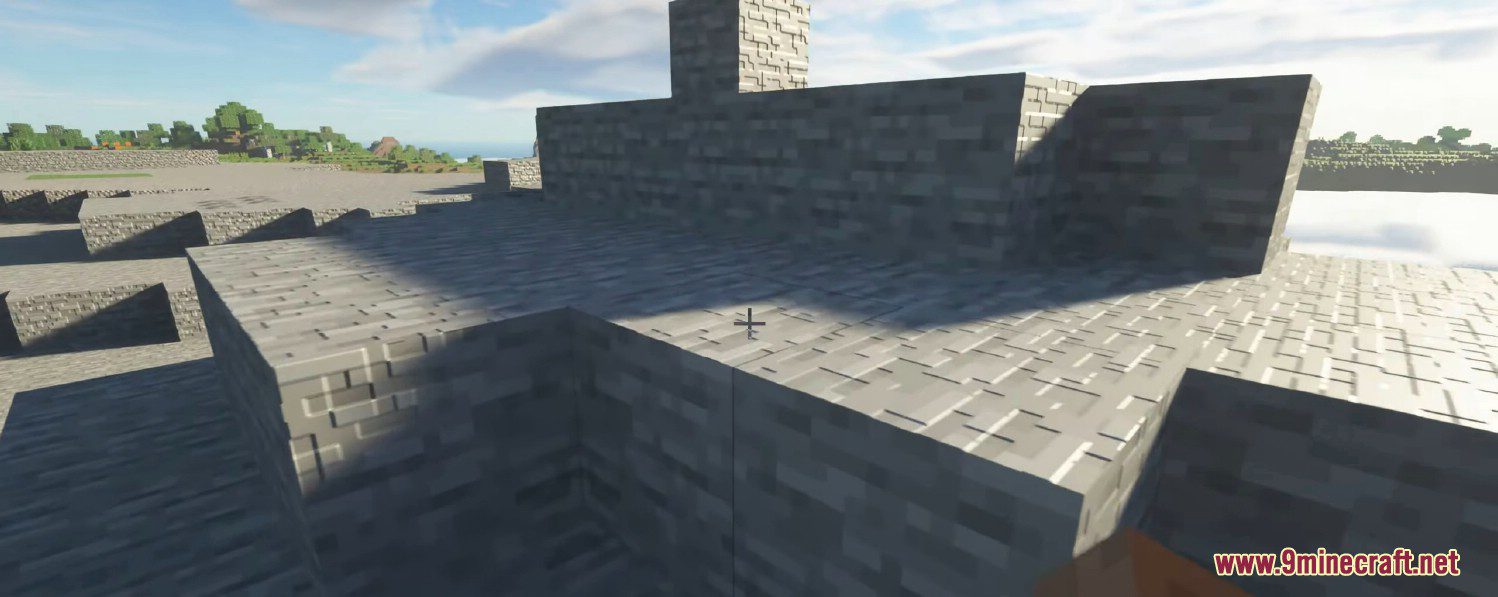
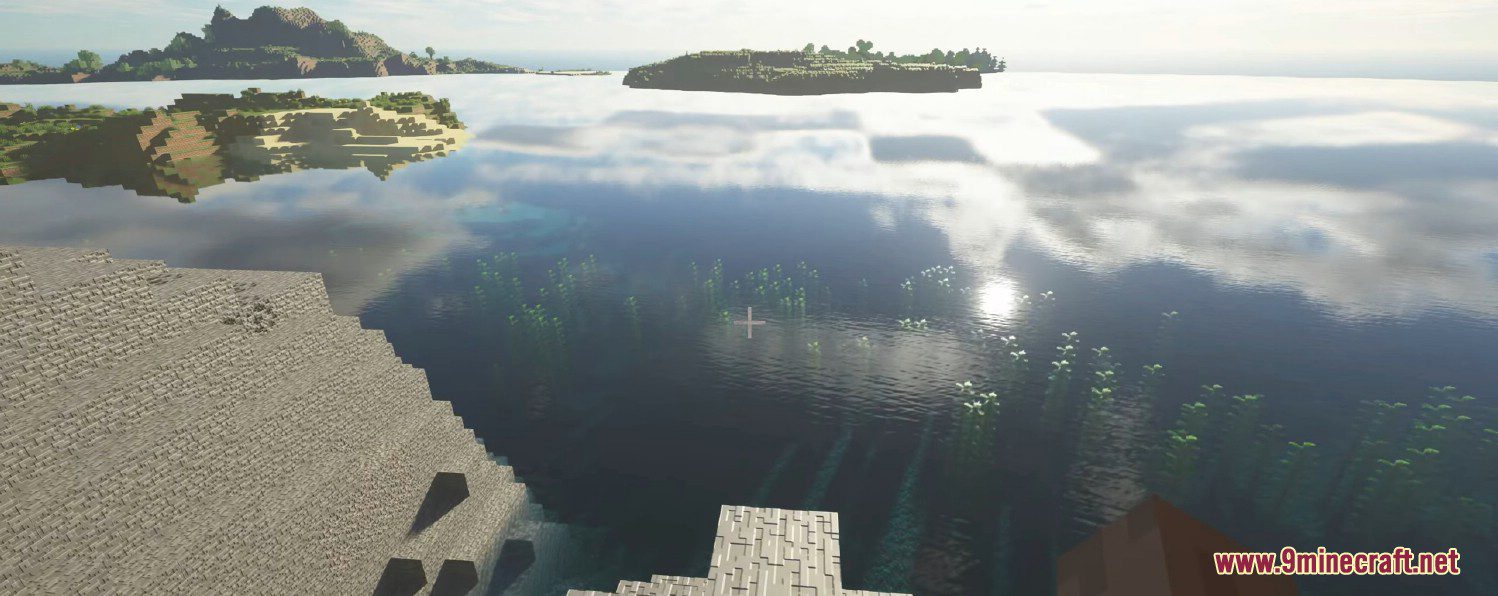
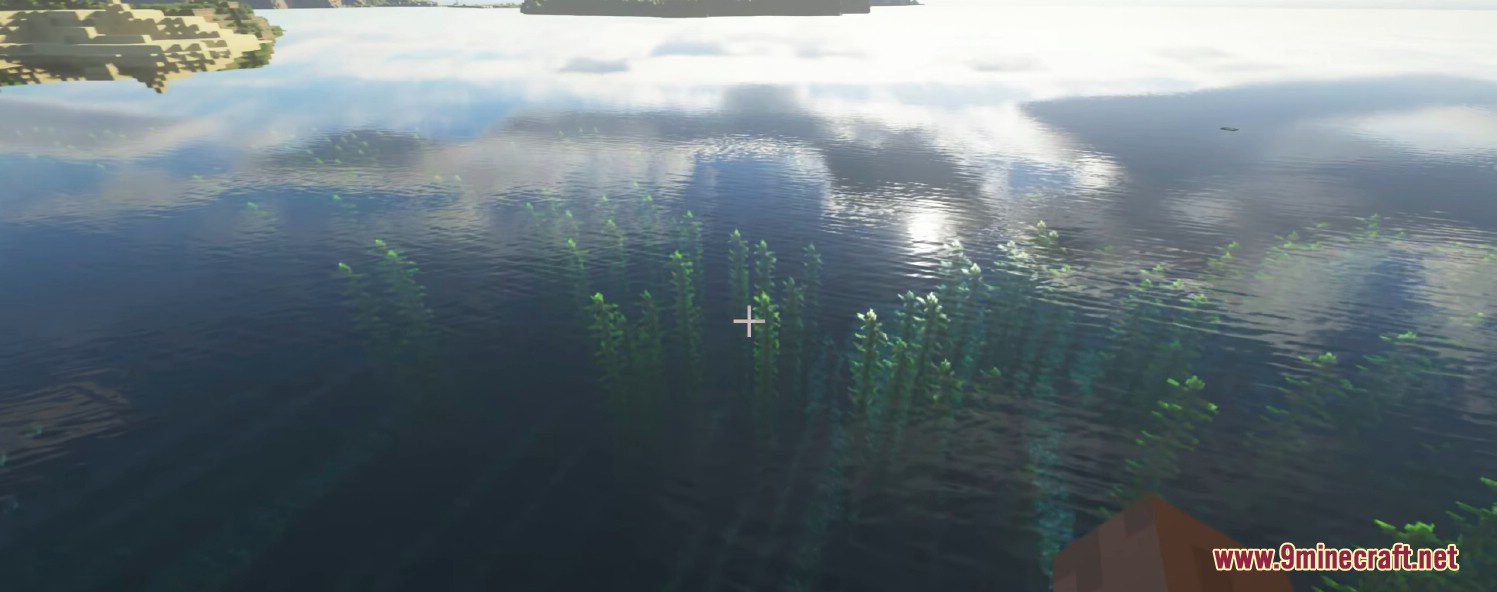
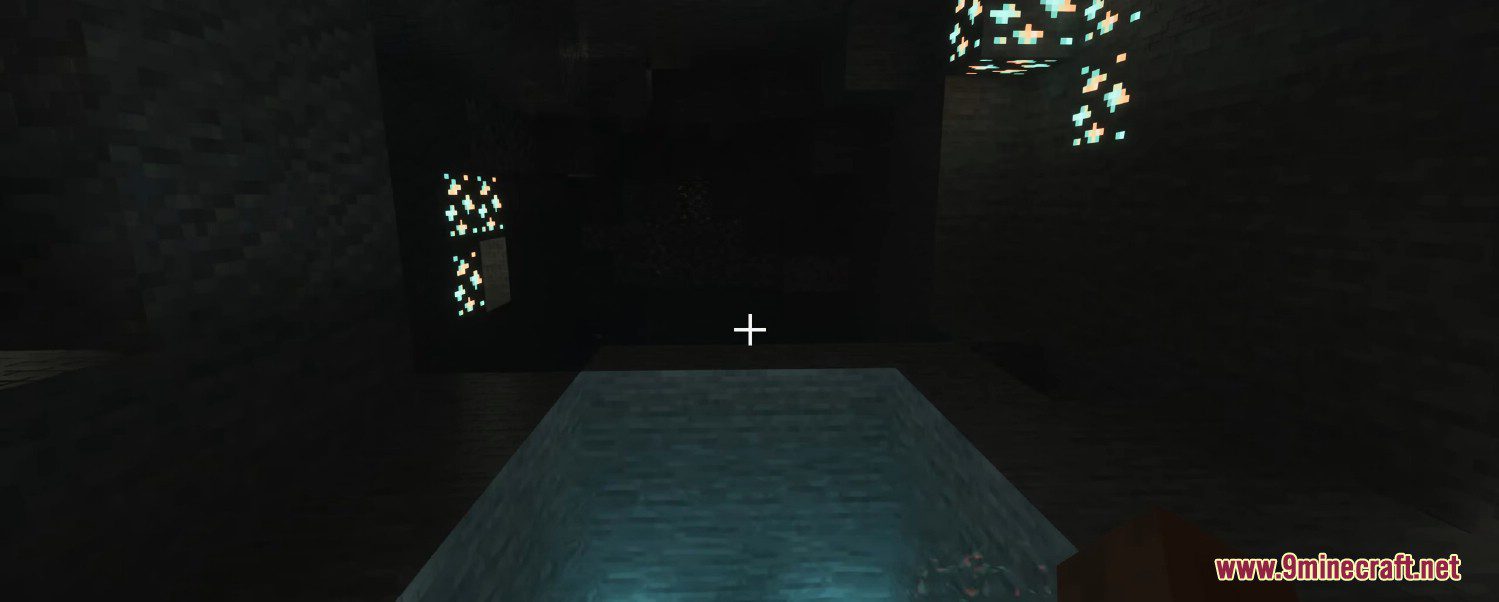
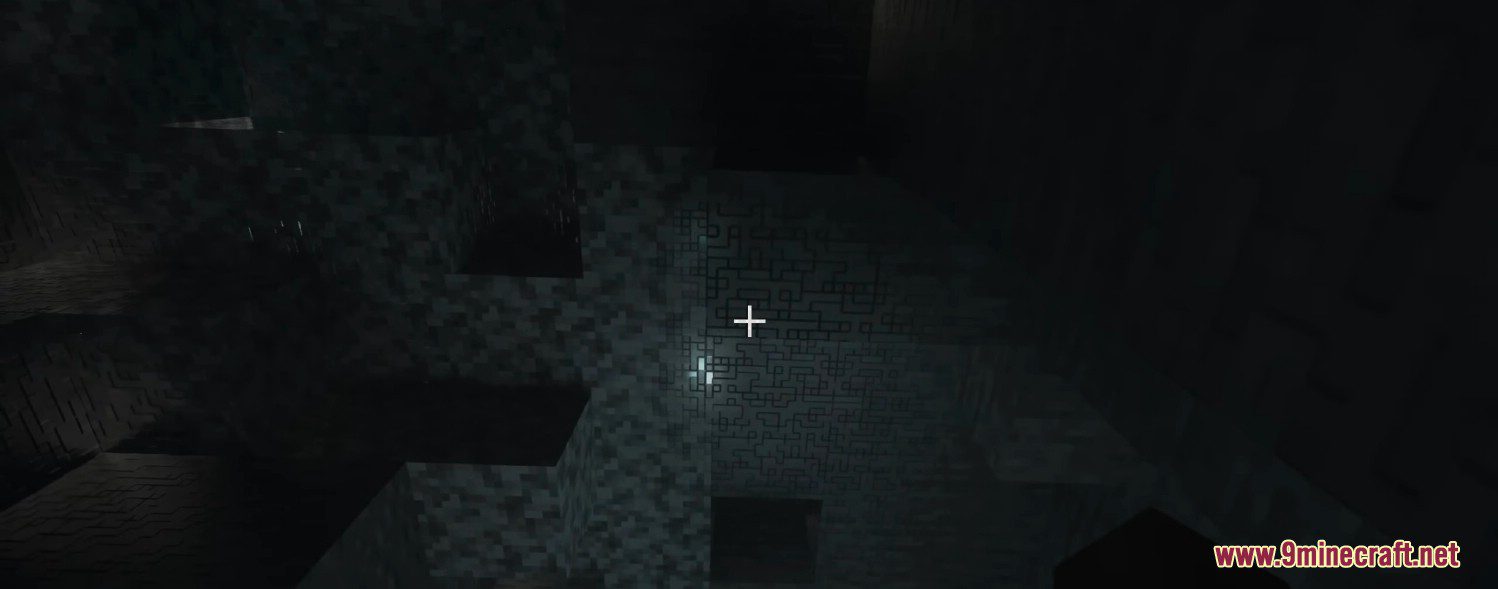
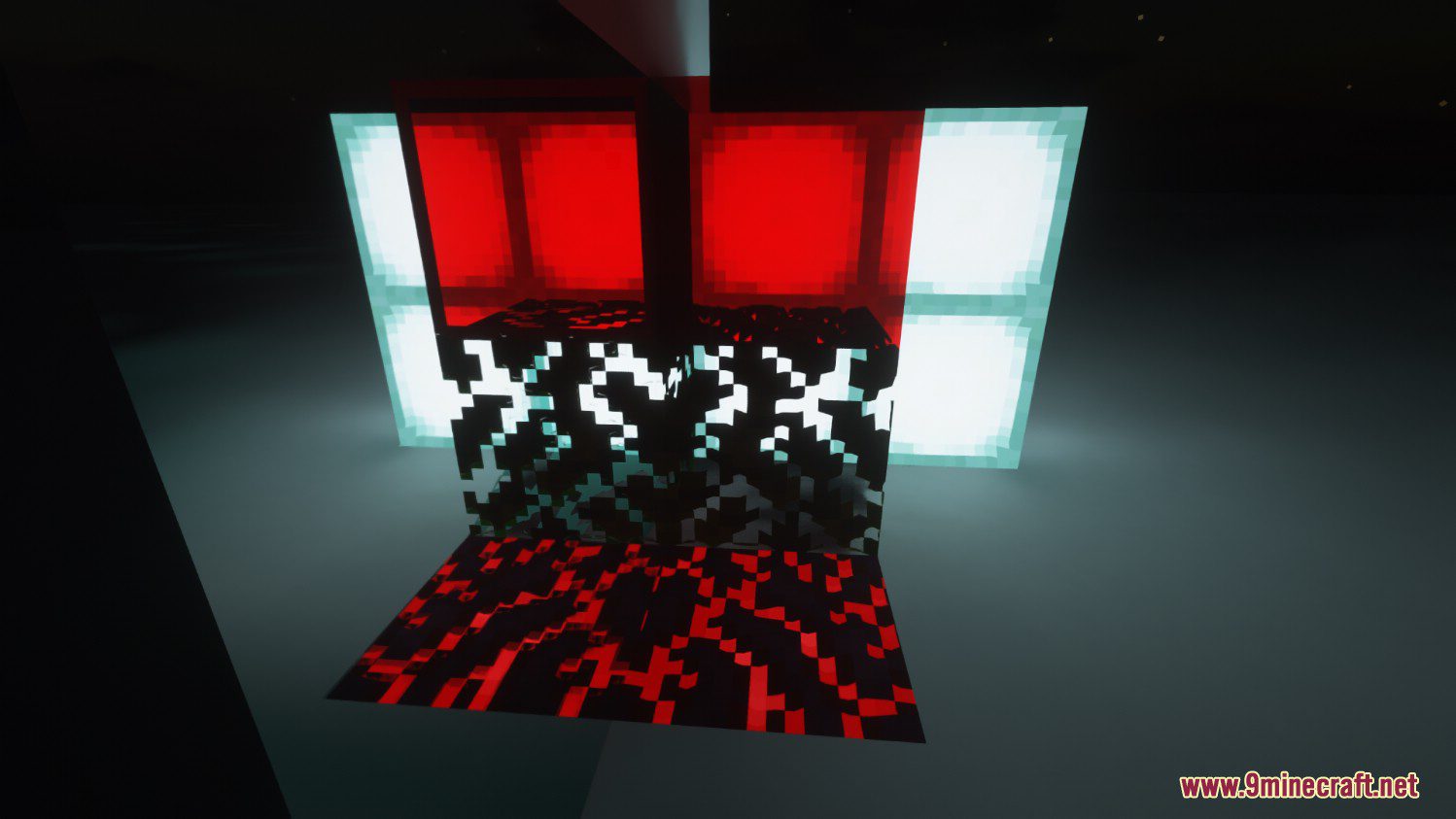
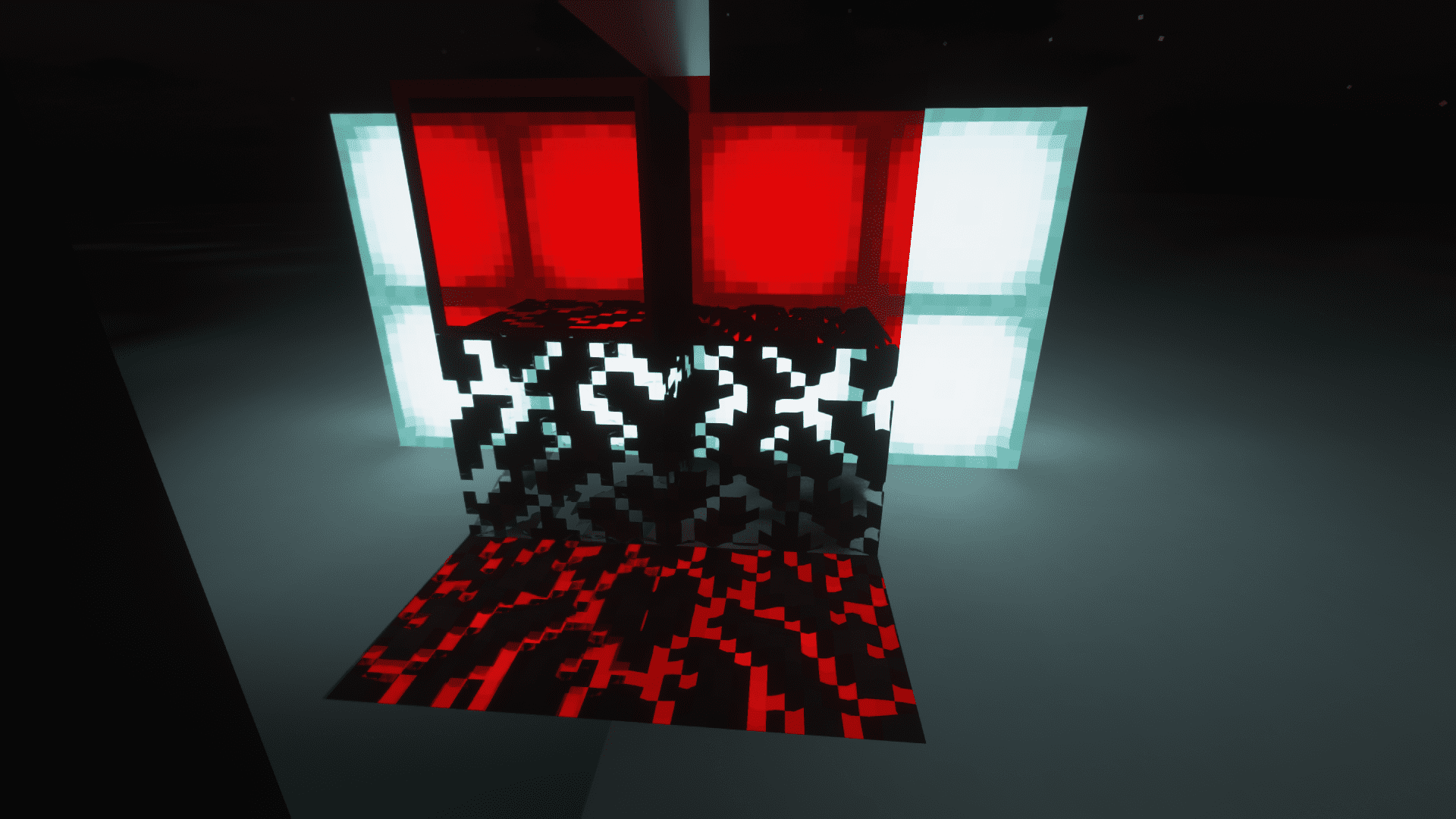
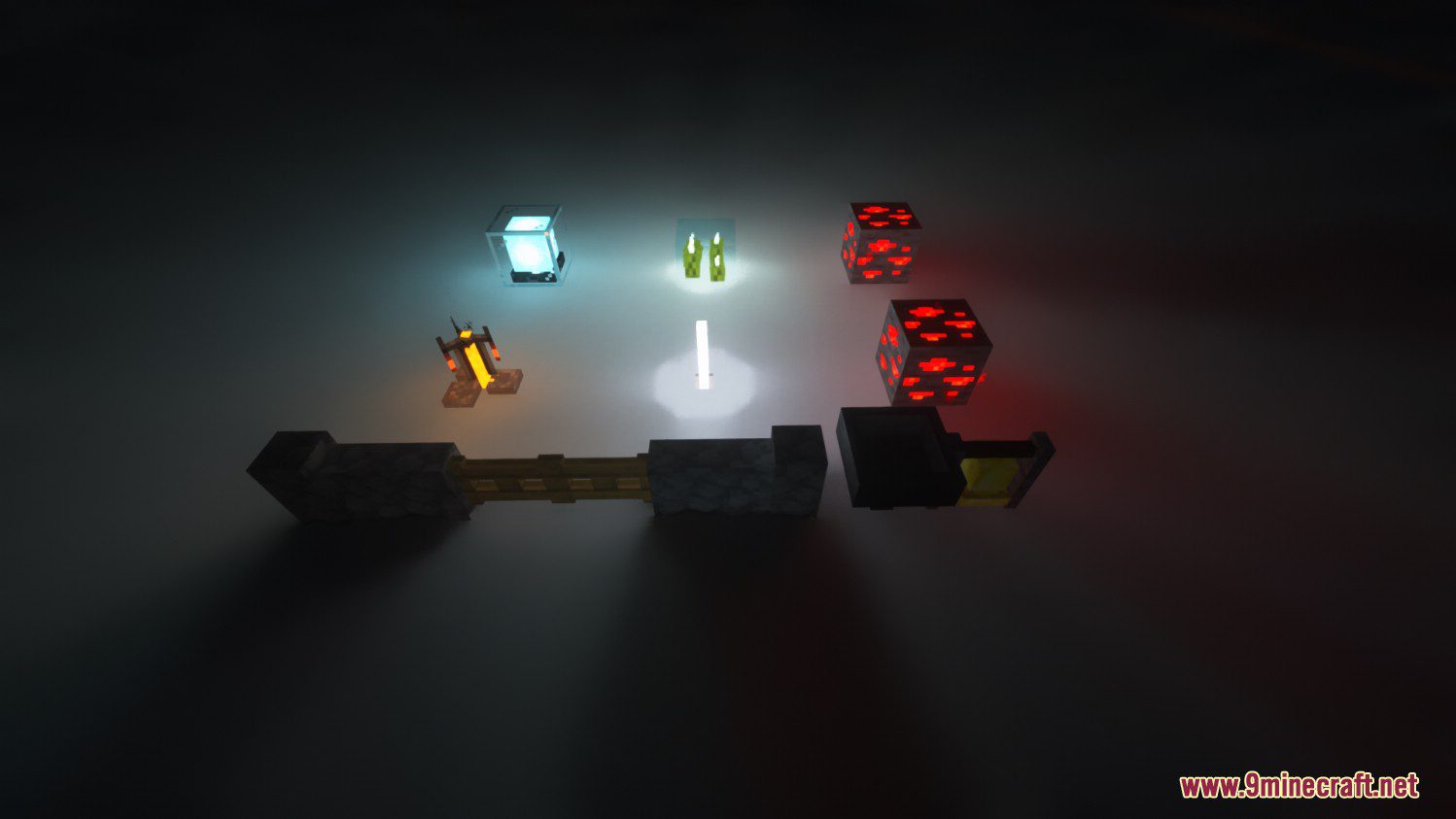
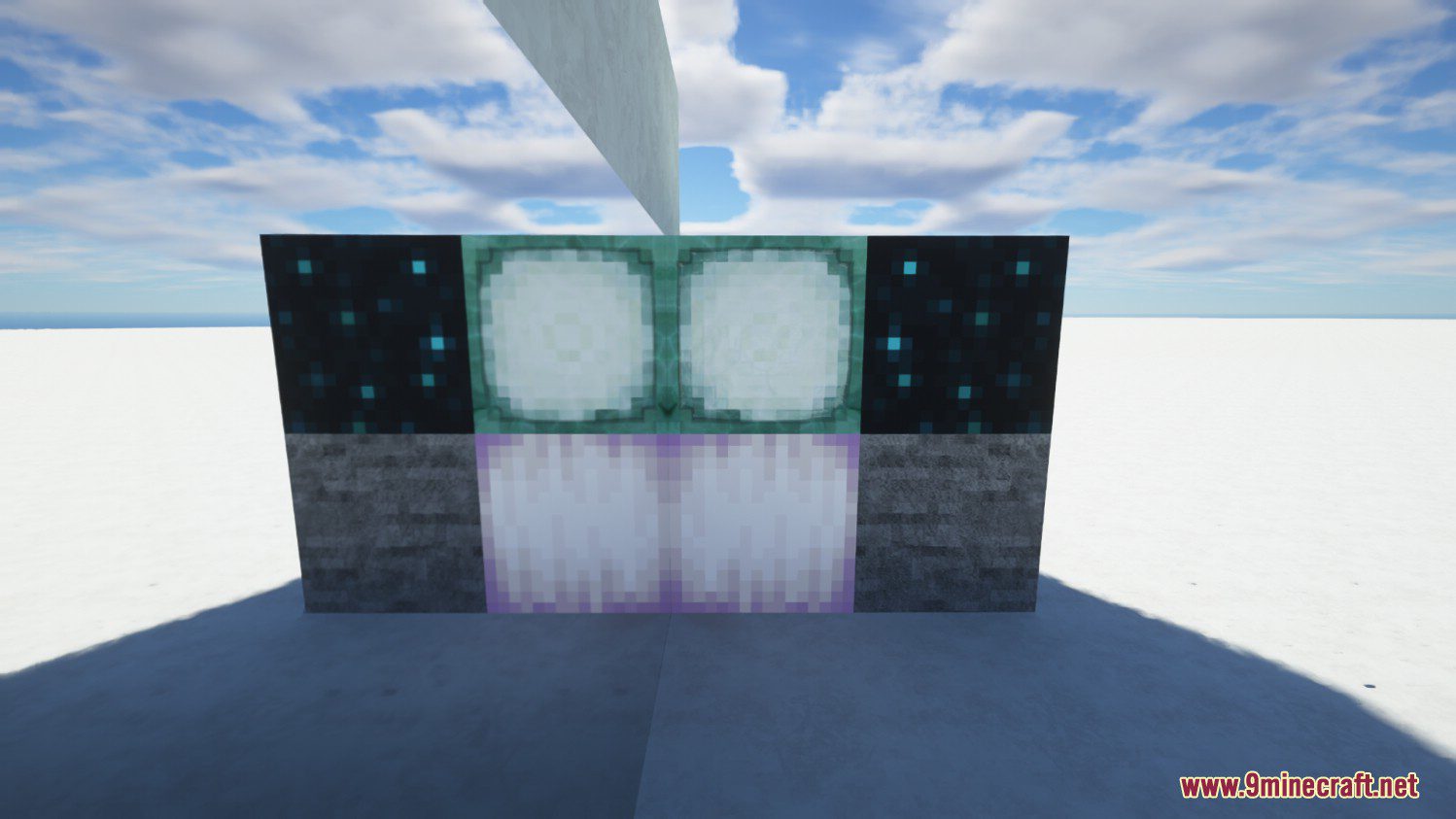
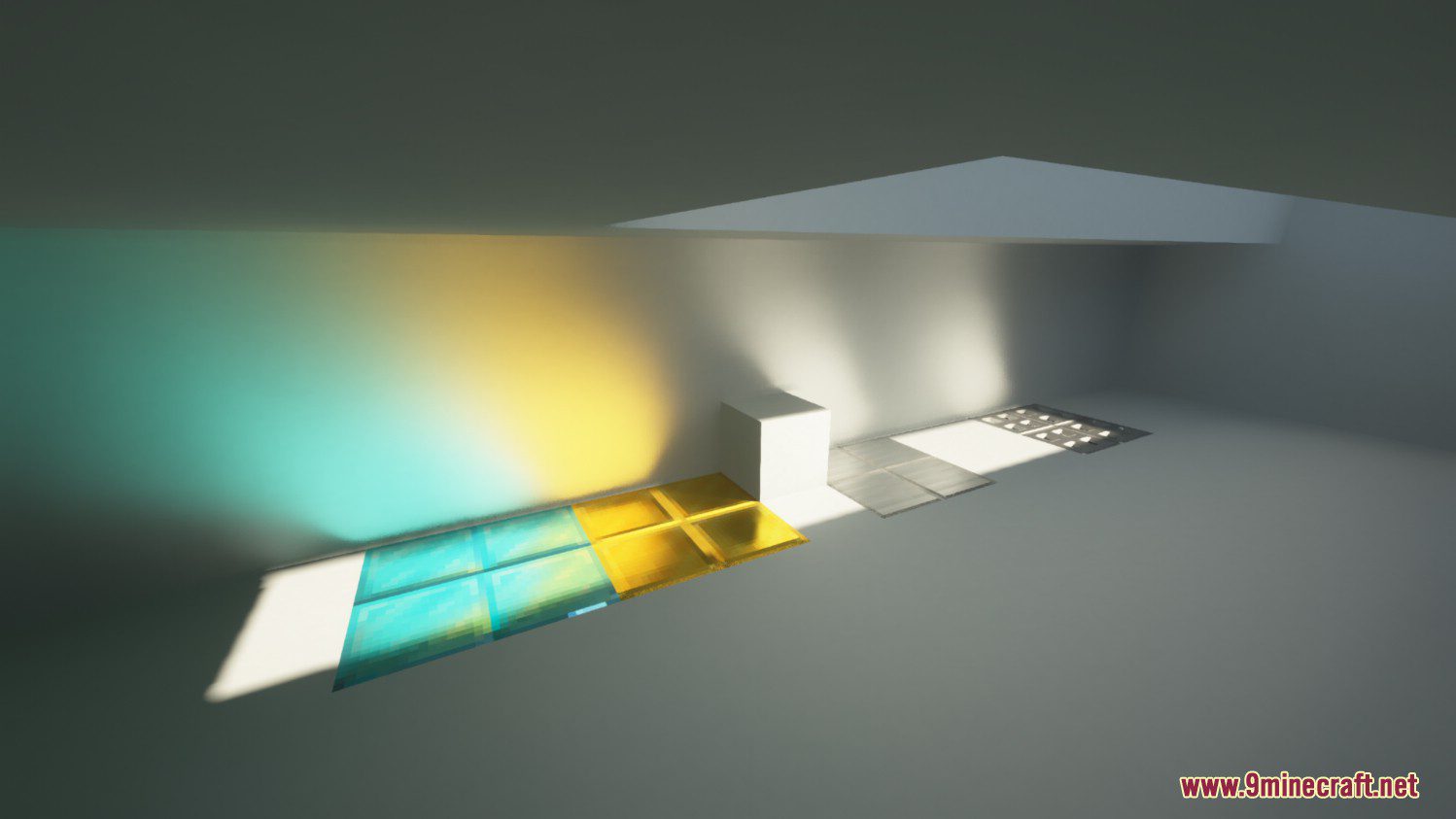
SEUS PTGI GFME Shaders is basically a community-made patch/mod for PTGI, it fixes some bugs and makes the shader more customizable. Per-pixel rendering in path tracing, including cutout, transparent, and even PBR support. More colored vanilla lighting sources and block shapes. Auto texture resolution, better support for incomplete texture packs. Metal sunlight caustics. Many more small fixes and improvements for vanilla PTGI.
Screenshots:
SEUS PTGI GFME Shaders Download Links
Legacy version: Download from Server 1 – Download from Server 2
HRR Test 2.1 version (Zip file): Download from Server 1 – Download from Server 2
HRR Test 2.1 version (Jar file): Download from Server 1 – Download from Server 2
- Edition: Minecraft Java
- File type: .zip (resource pack)
- Minecraft versions listed: 26.3, 1.20.1
- How to install: Download the .zip resource pack — do not unzip it. → Put it in .minecraft/resourcepacks. → Enable it in Options → Resource Packs.
- Where to get it: In MC Java Mods, or directly above on this page.
Install steps are the general flow for this file type — see the MC Java Mods guides for the full walkthrough.
SEUS PTGI GFME Shaders (26.3, 1.20.1) – A Deeply Modified of SEUS PTGI is a free Minecraft Java shader. Compatible with Minecraft 26.3, 1.20.1. Download it and open it directly in the game.