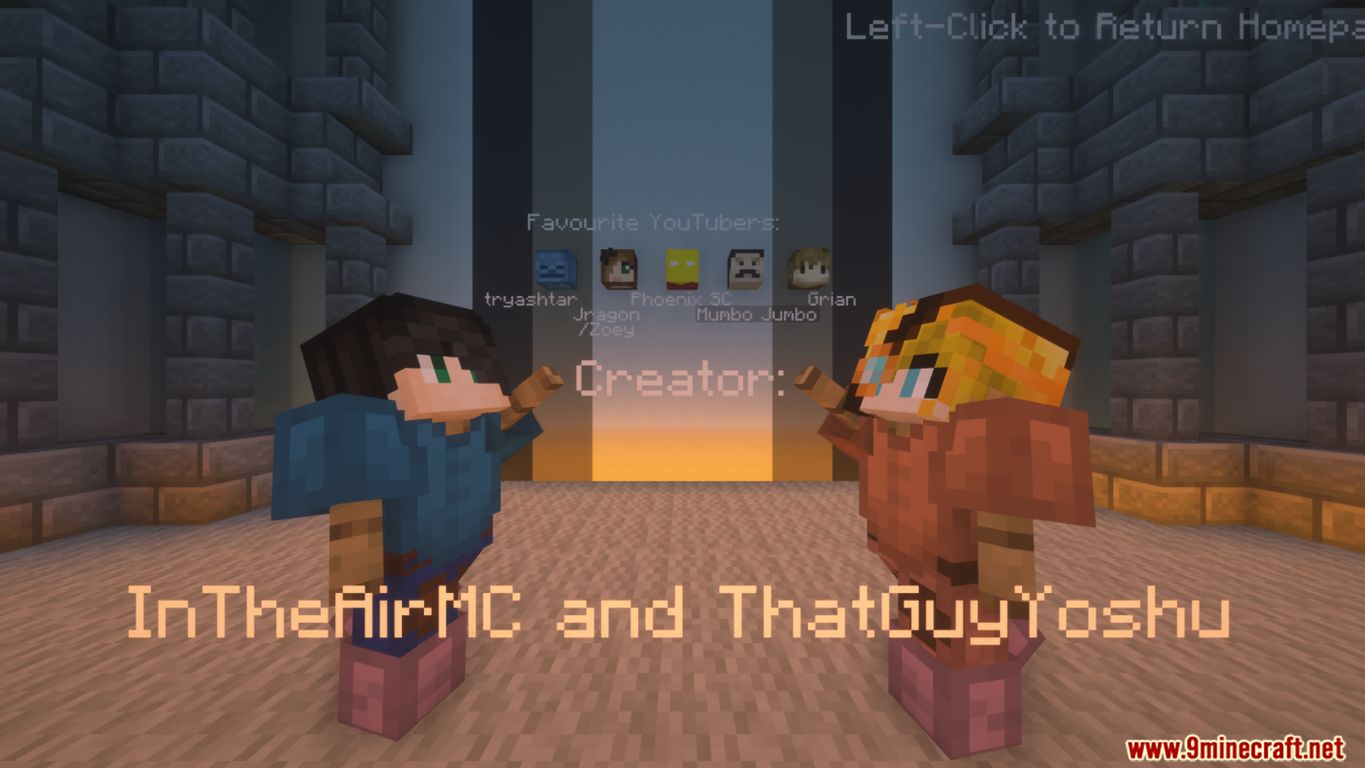
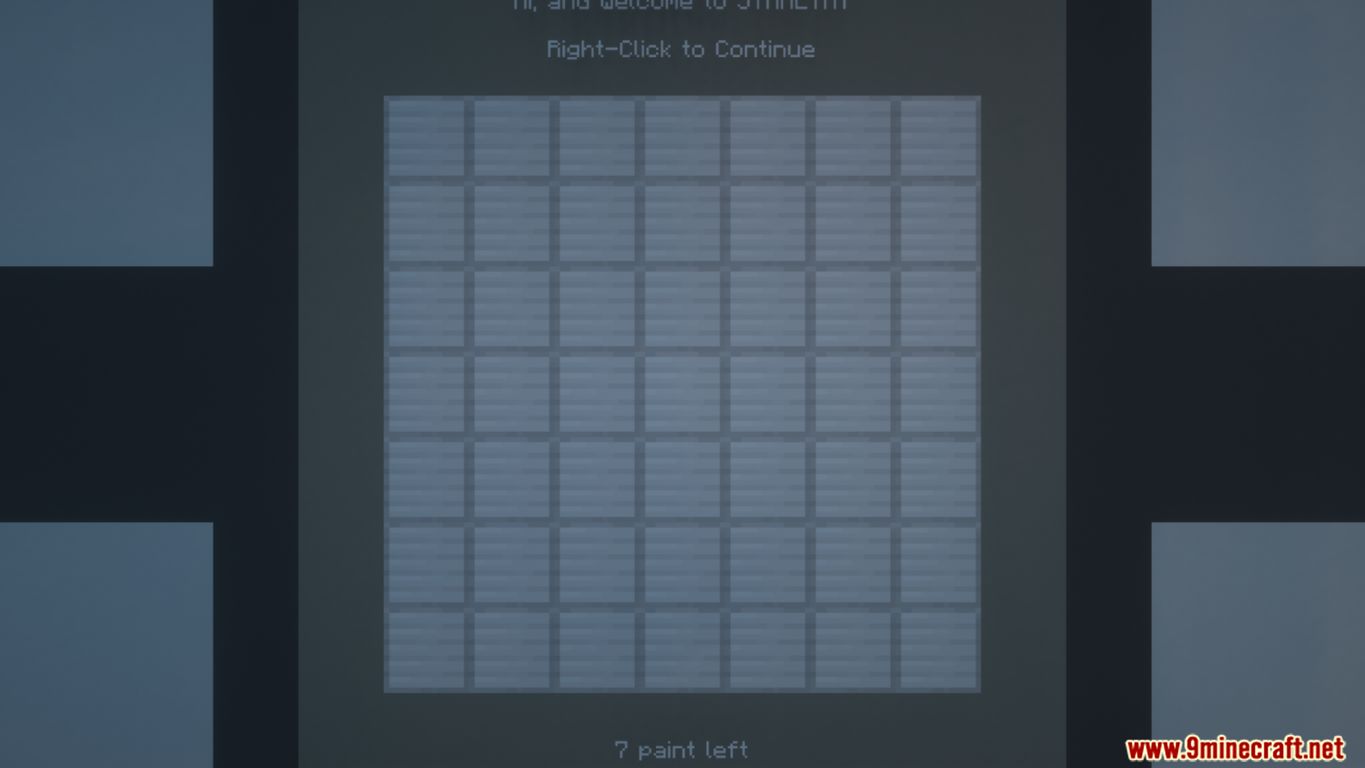
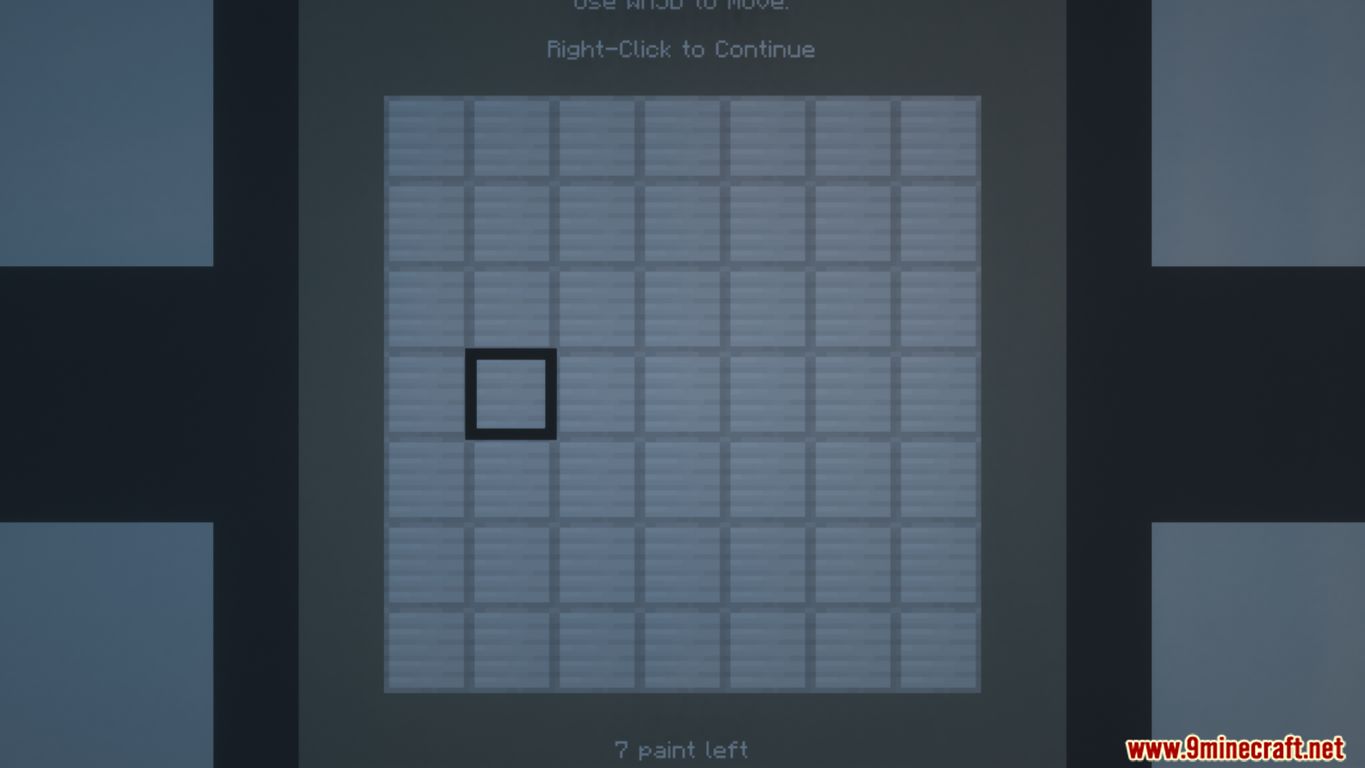
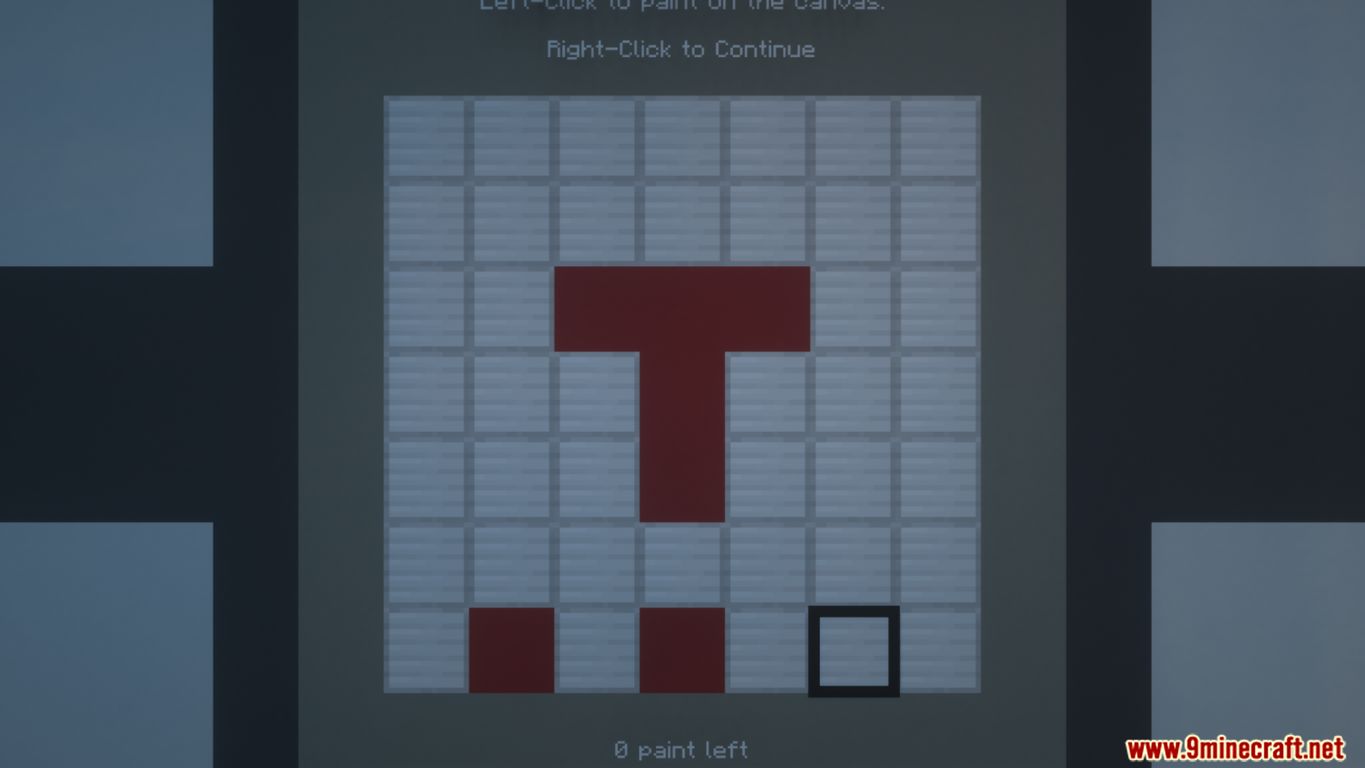
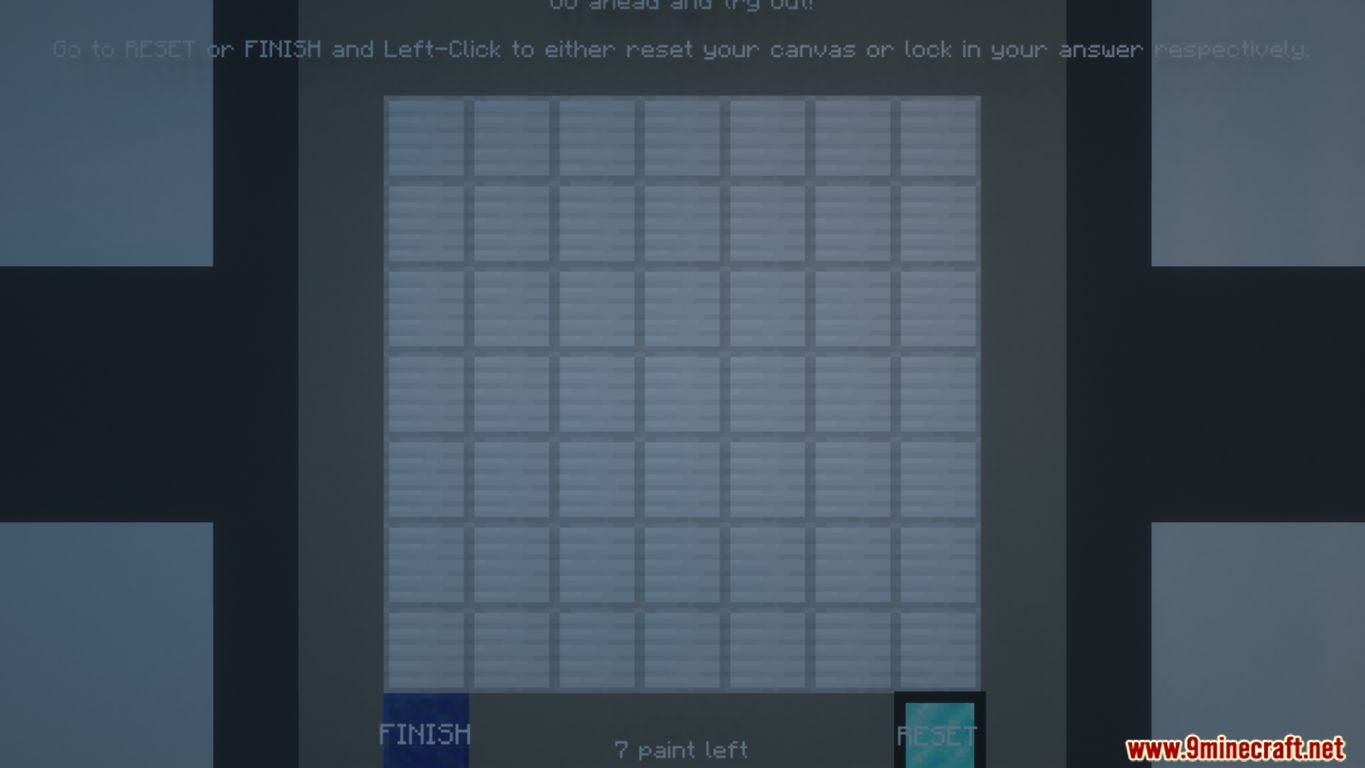
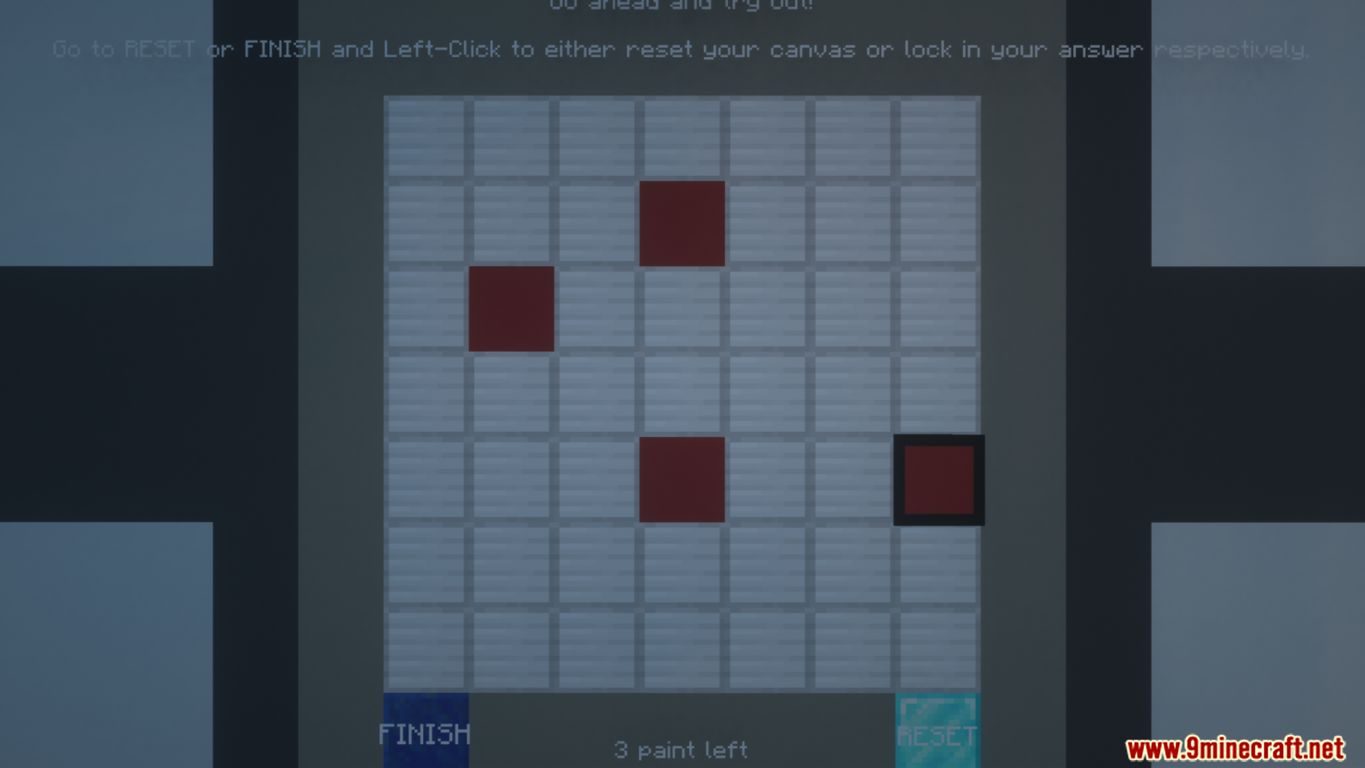
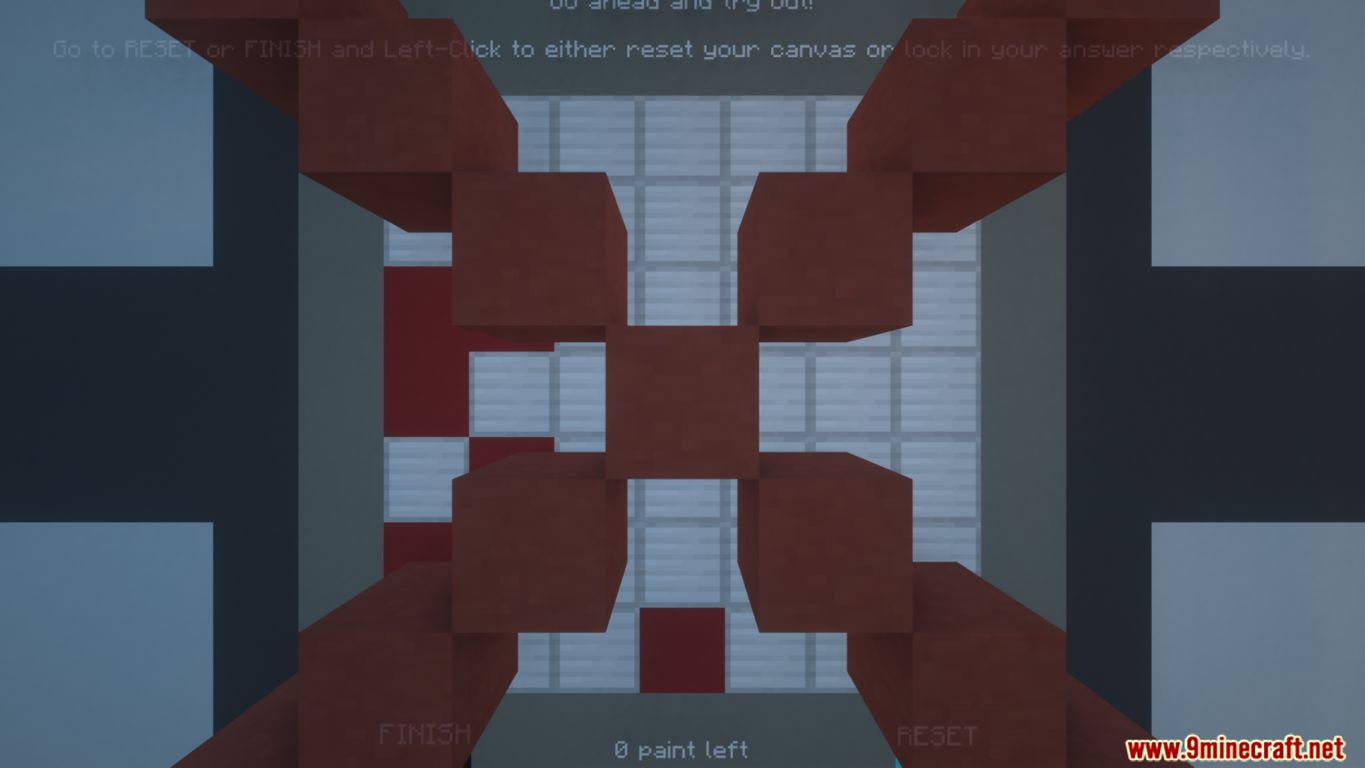
Symmetry is a puzzle map which was created by InTheAirMC. With dozens of challenges and puzzles to solve, making a canvas symmetrical is a lot harder than it seems. With dozens of levels and challenges to solve, Symmetry brings a unique and creative feel to the Puzzle genre. After entering Symmetry, you will see a blank canvas at front. Left-click to paint a pixel on the canvas. Your goal is to make the canvas symmetrical. This simple concept brings in challenging levels with creative solutions. So come and play Symmetry right now! The link for downloading the map can be found below.
Screenshots:
Trailer:
Notes:
- Please do not play on any other version or it may not work!
- You should set Render Distance to 12 or upper.
Symmetry Map Download Links
- Edition: Minecraft Java
- File type: .zip (world save)
- Minecraft version listed: 1.20.1
- How to install: Download the .zip world. → Unzip it. → Move the folder into .minecraft/saves.
- Where to get it: In MC Java Mods, or directly above on this page.
Install steps are the general flow for this file type — How to install Minecraft Java maps & worlds walks through it step by step.
Symmetry Map (26.2, 1.20.1) for Minecraft is a free Minecraft Java map. Compatible with Minecraft 1.20.1. Download it and open it directly in the game.