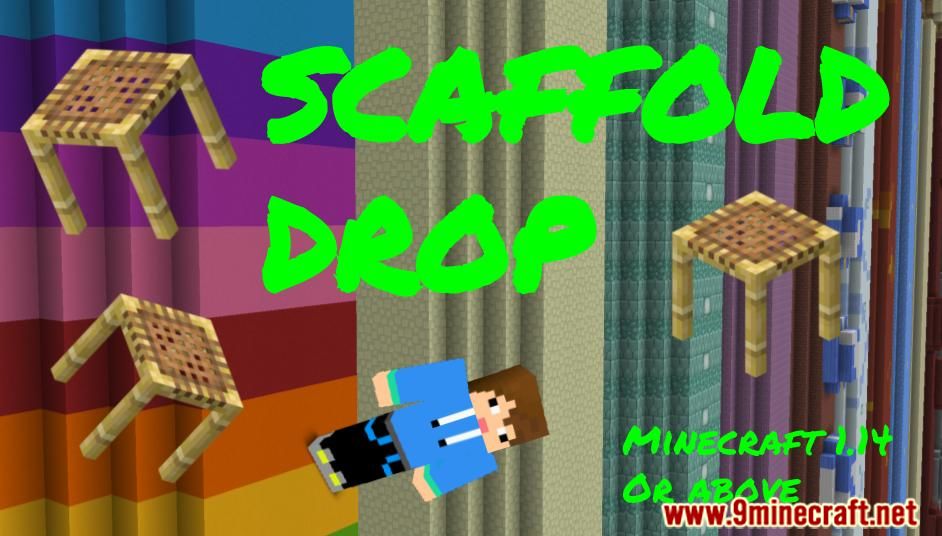
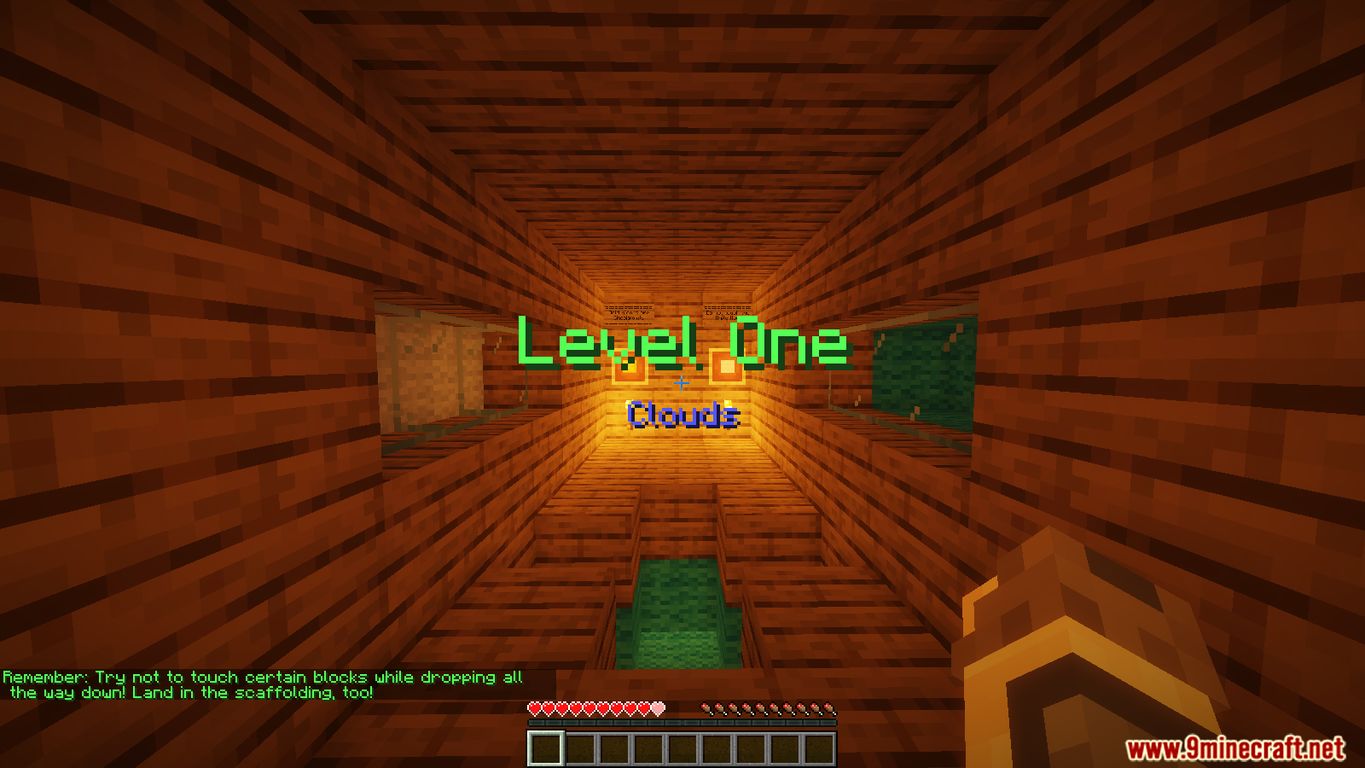
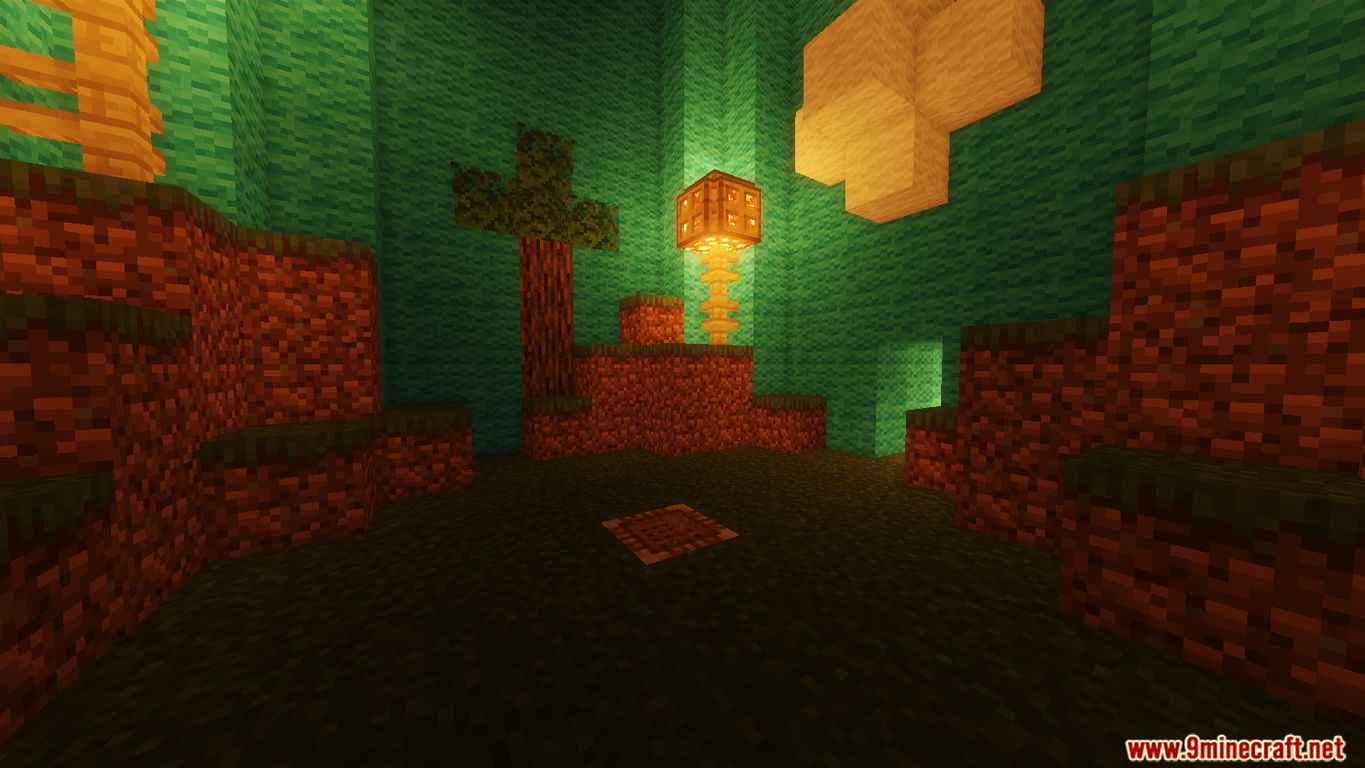
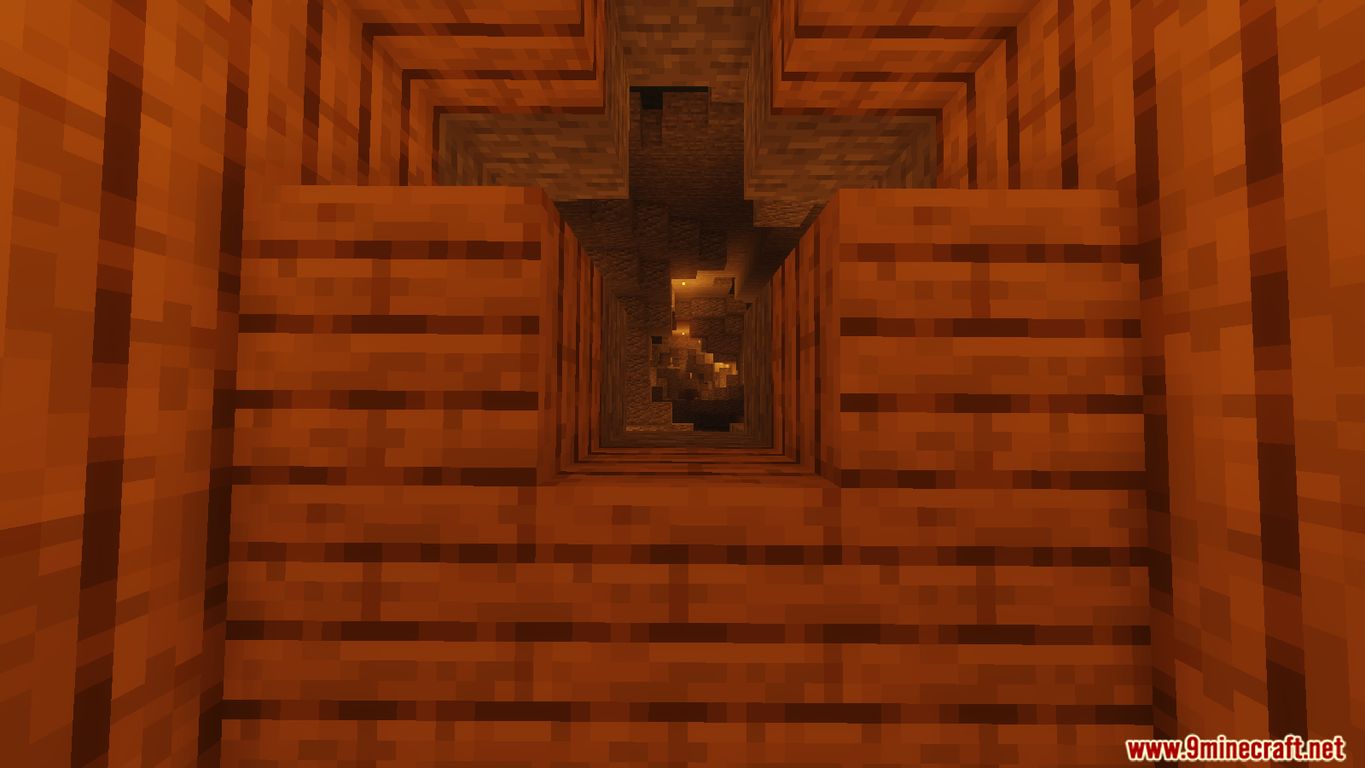
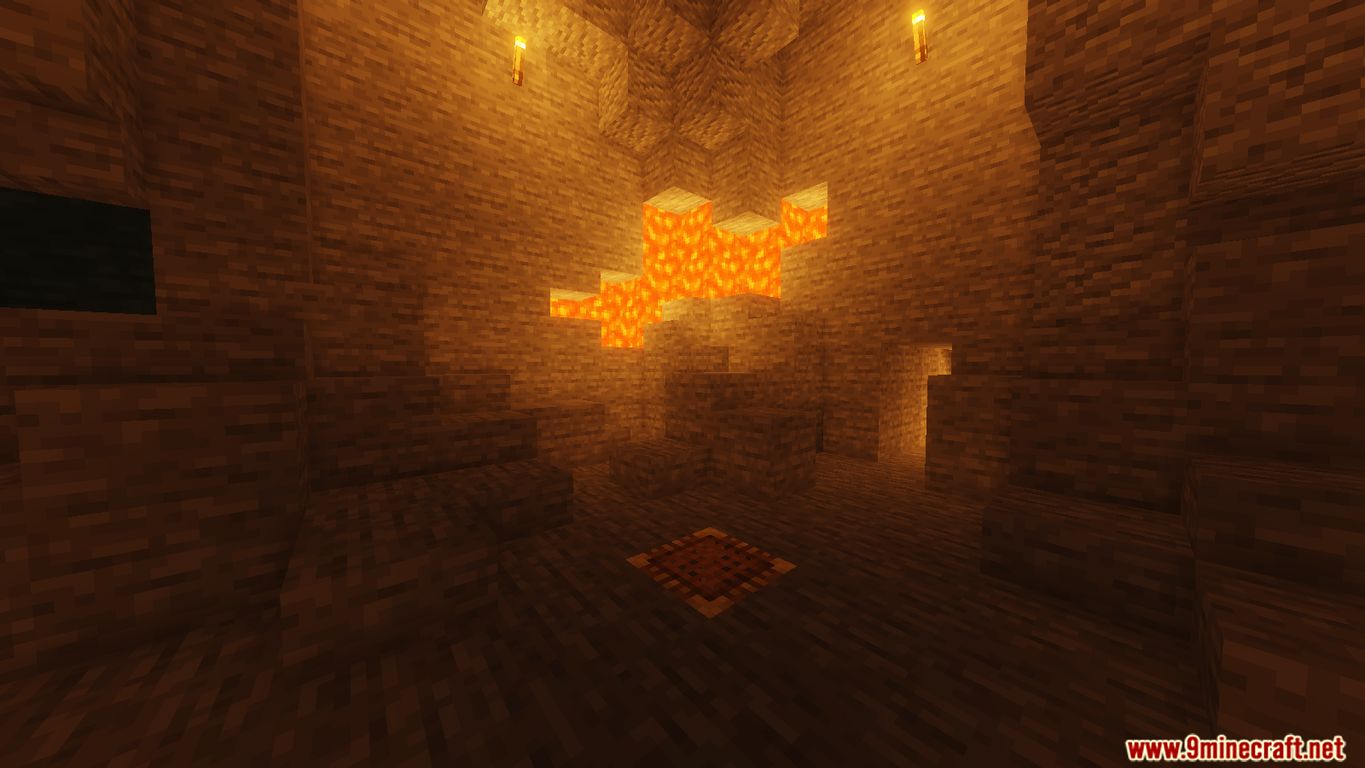
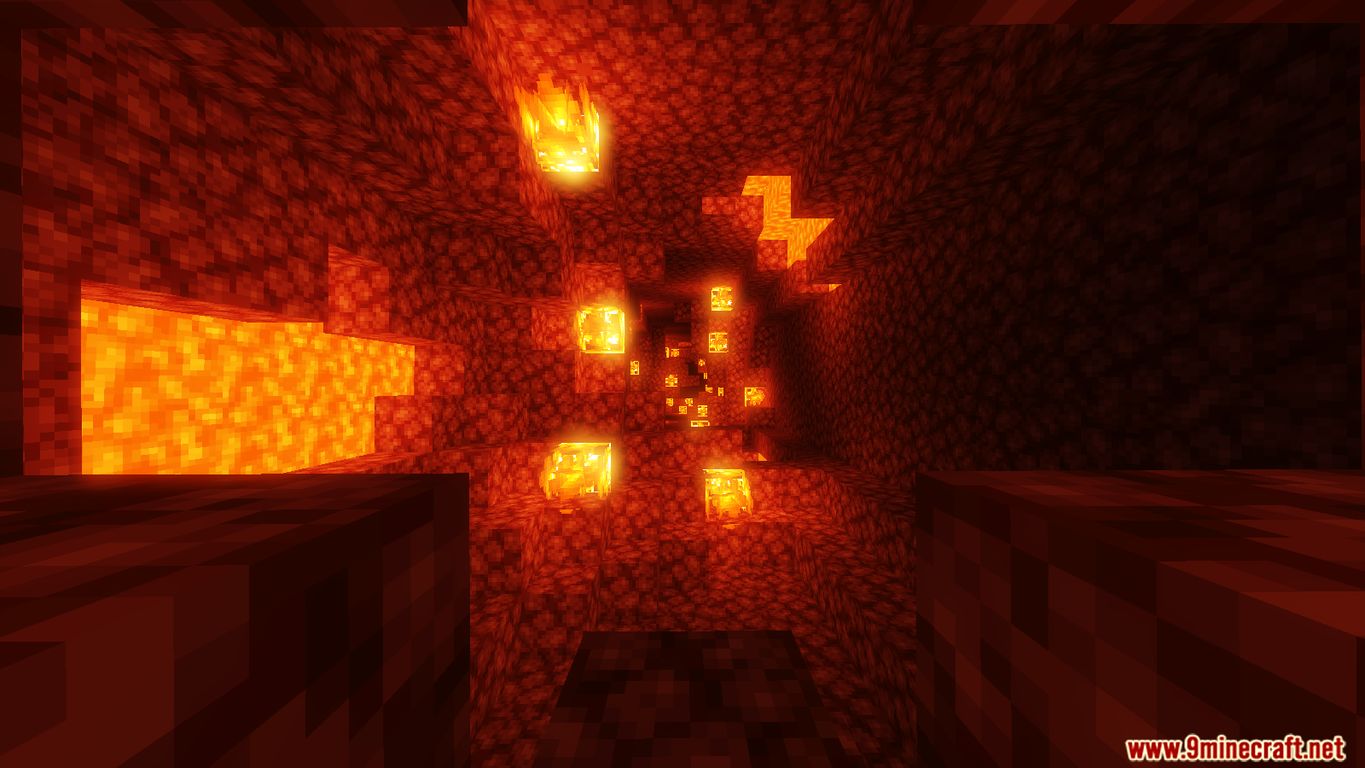
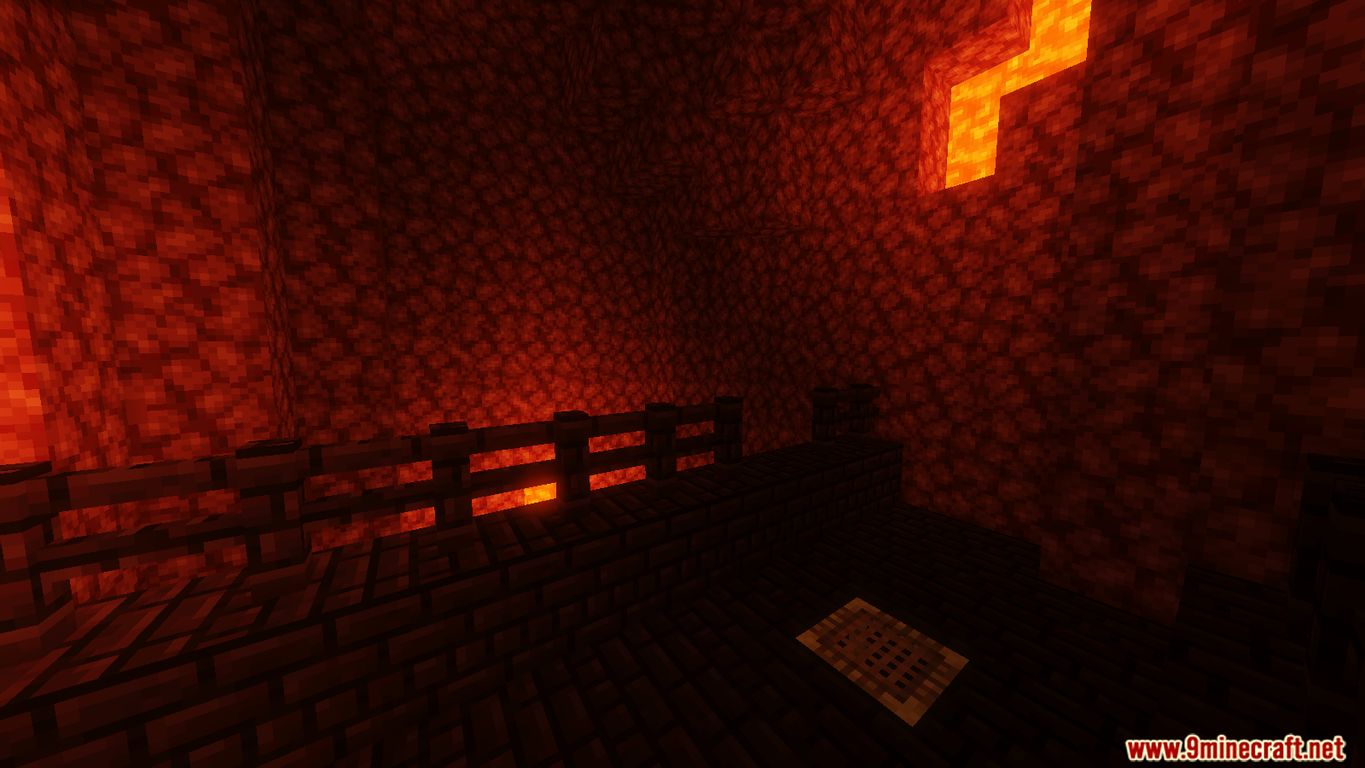
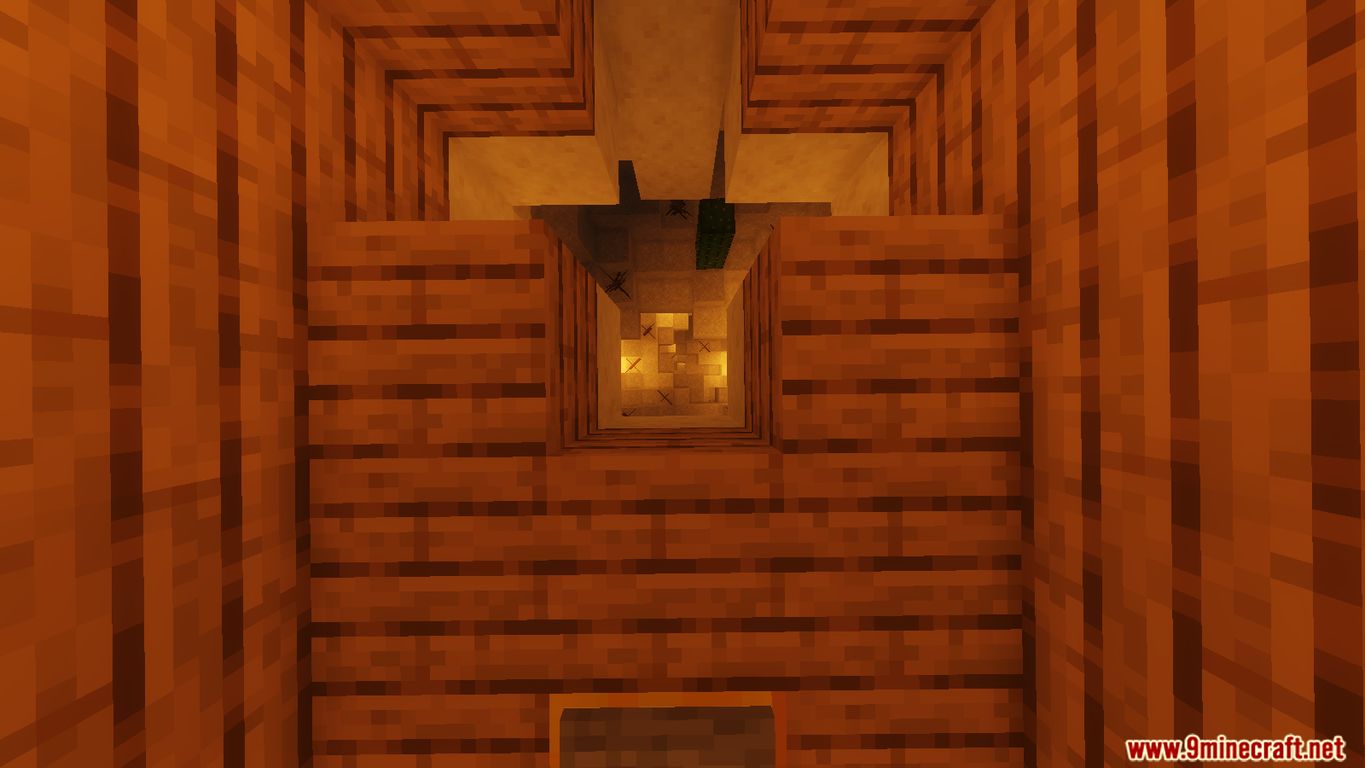
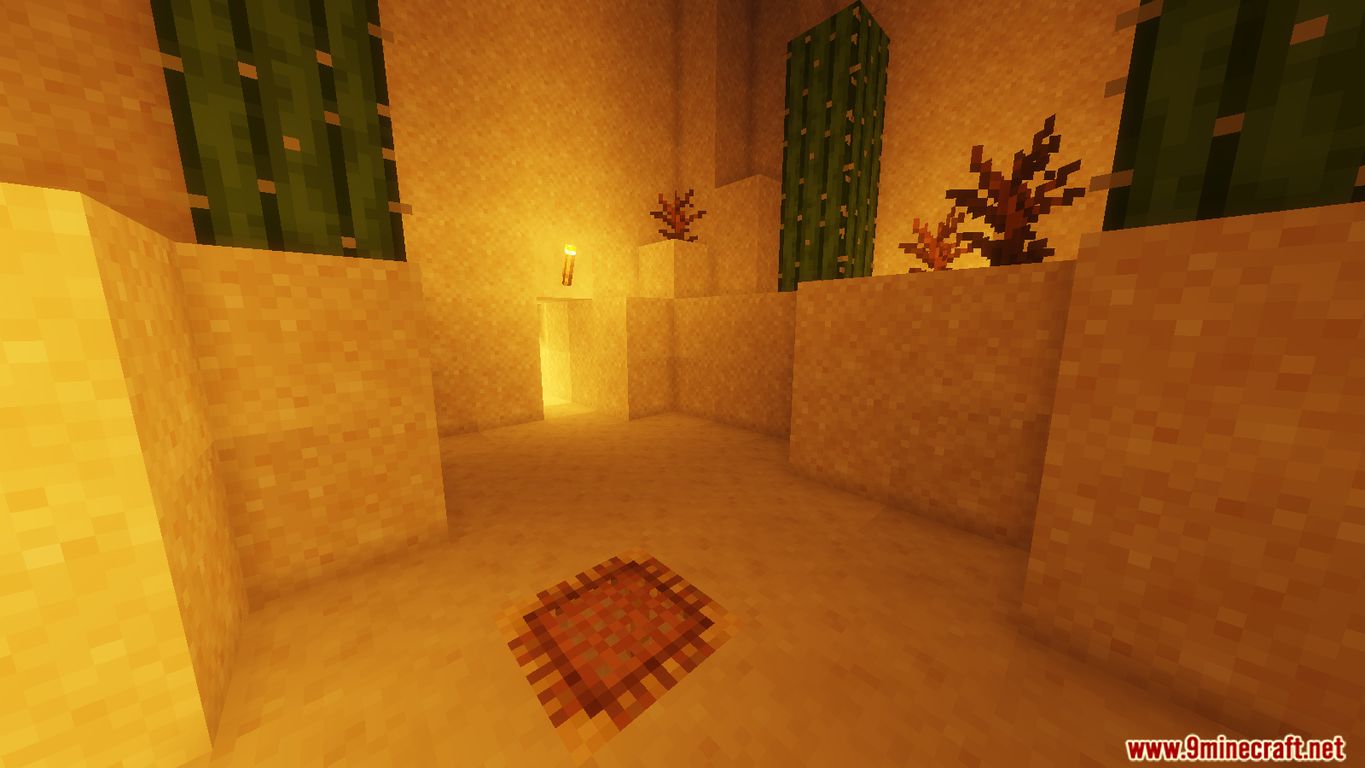
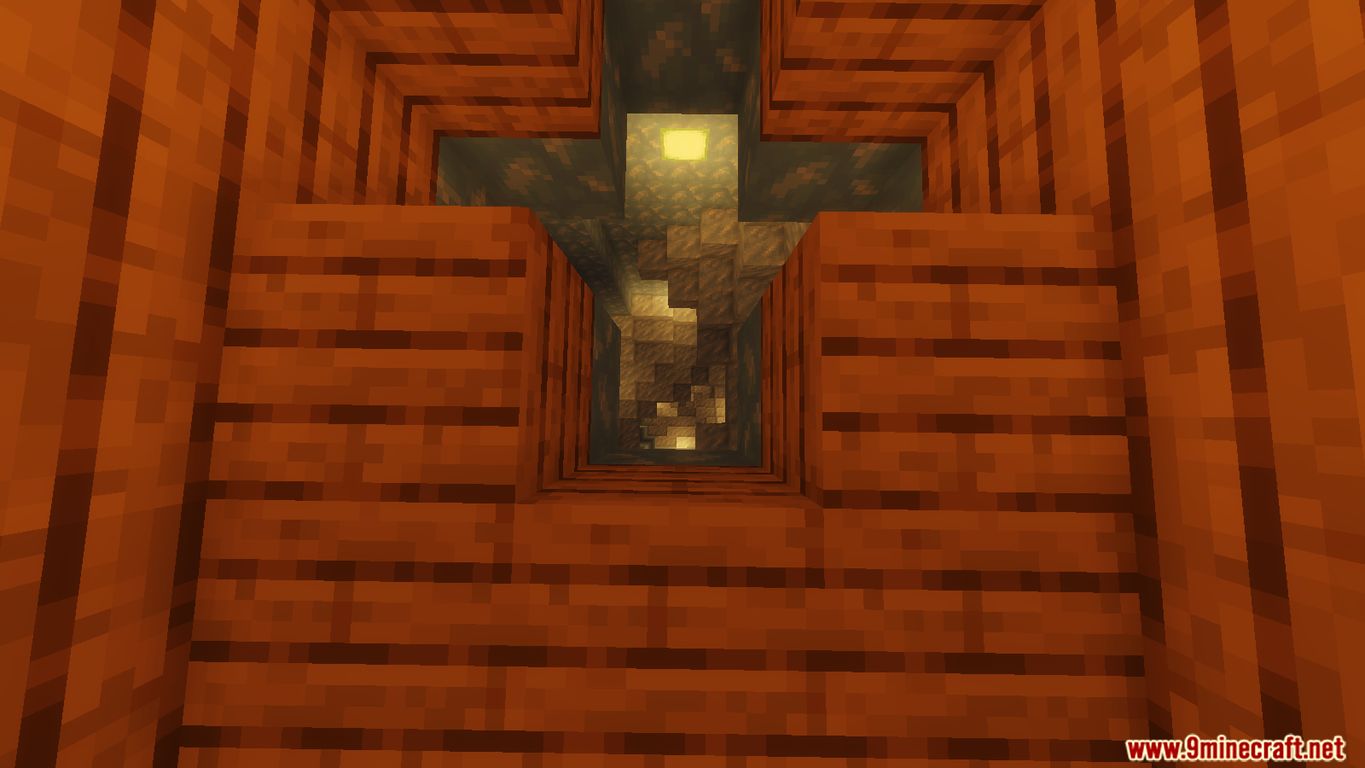
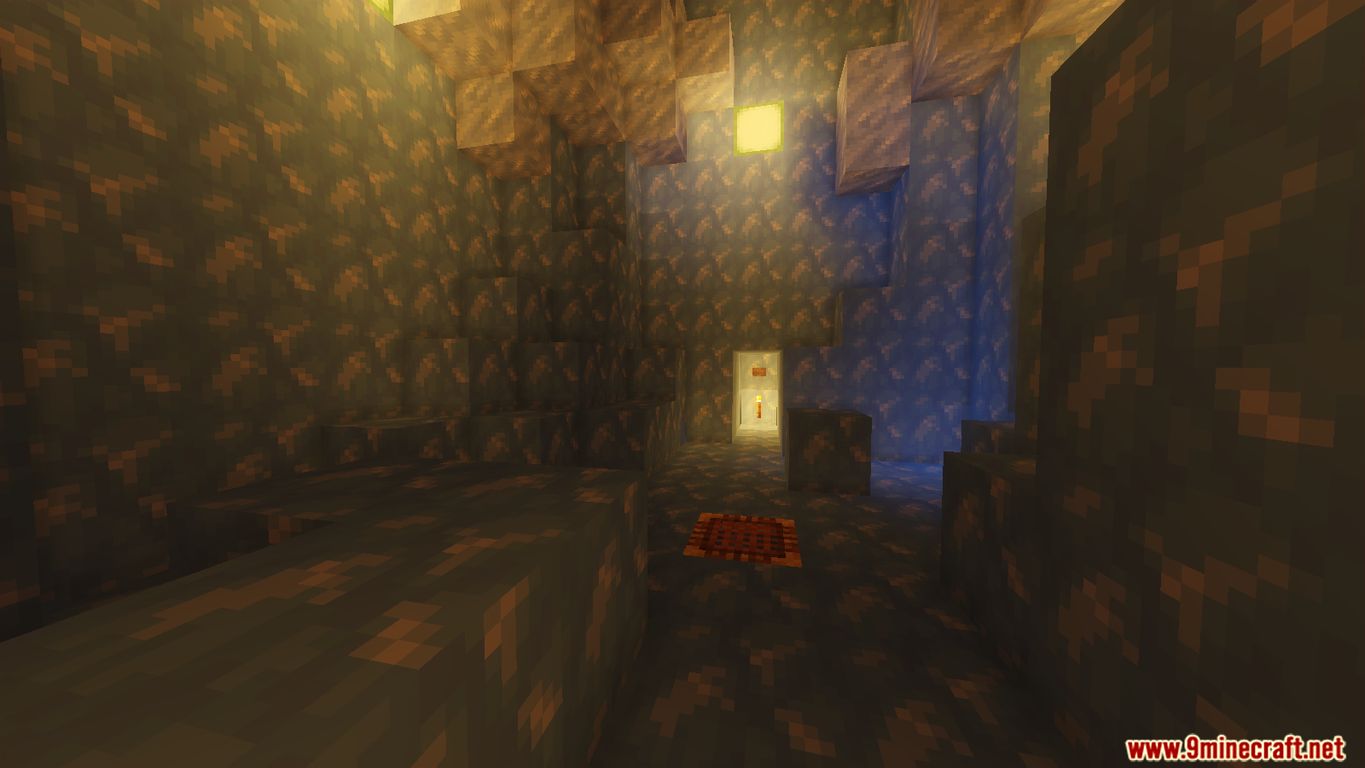
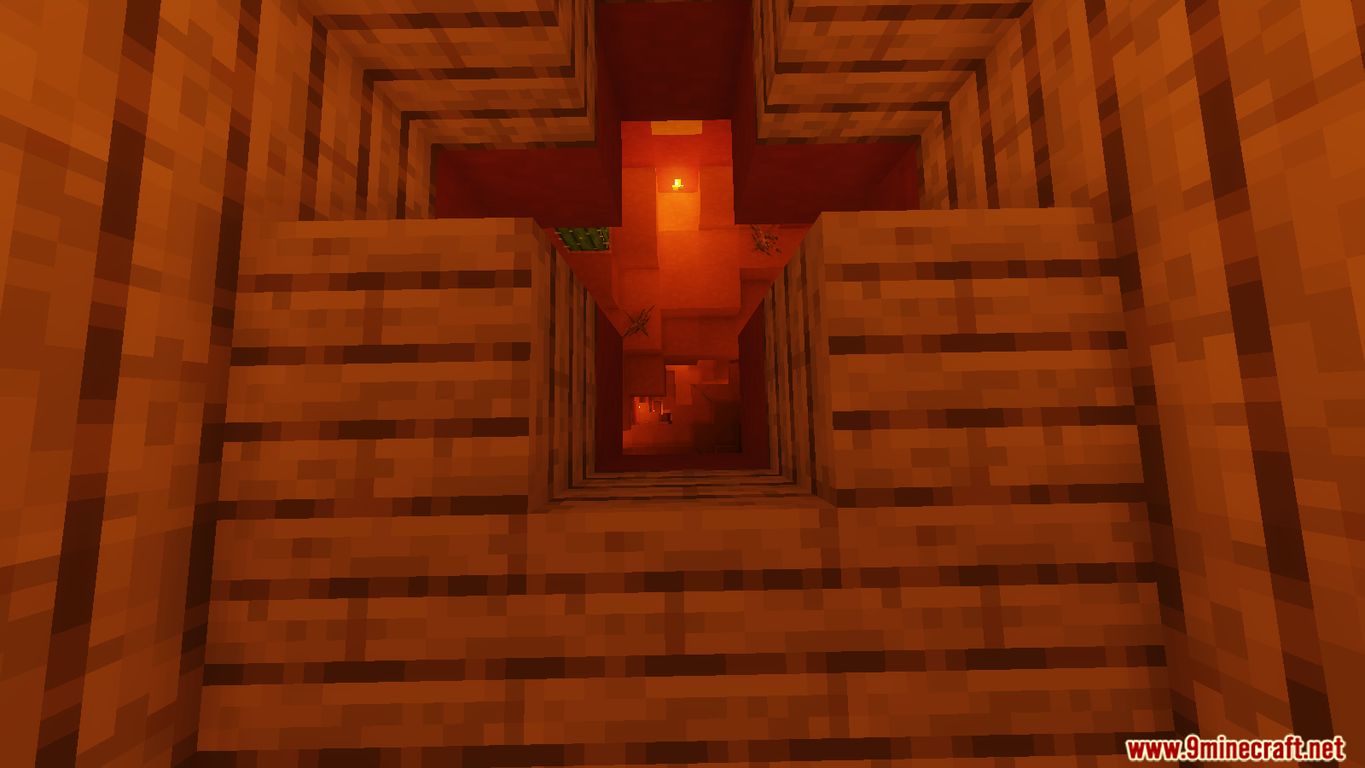
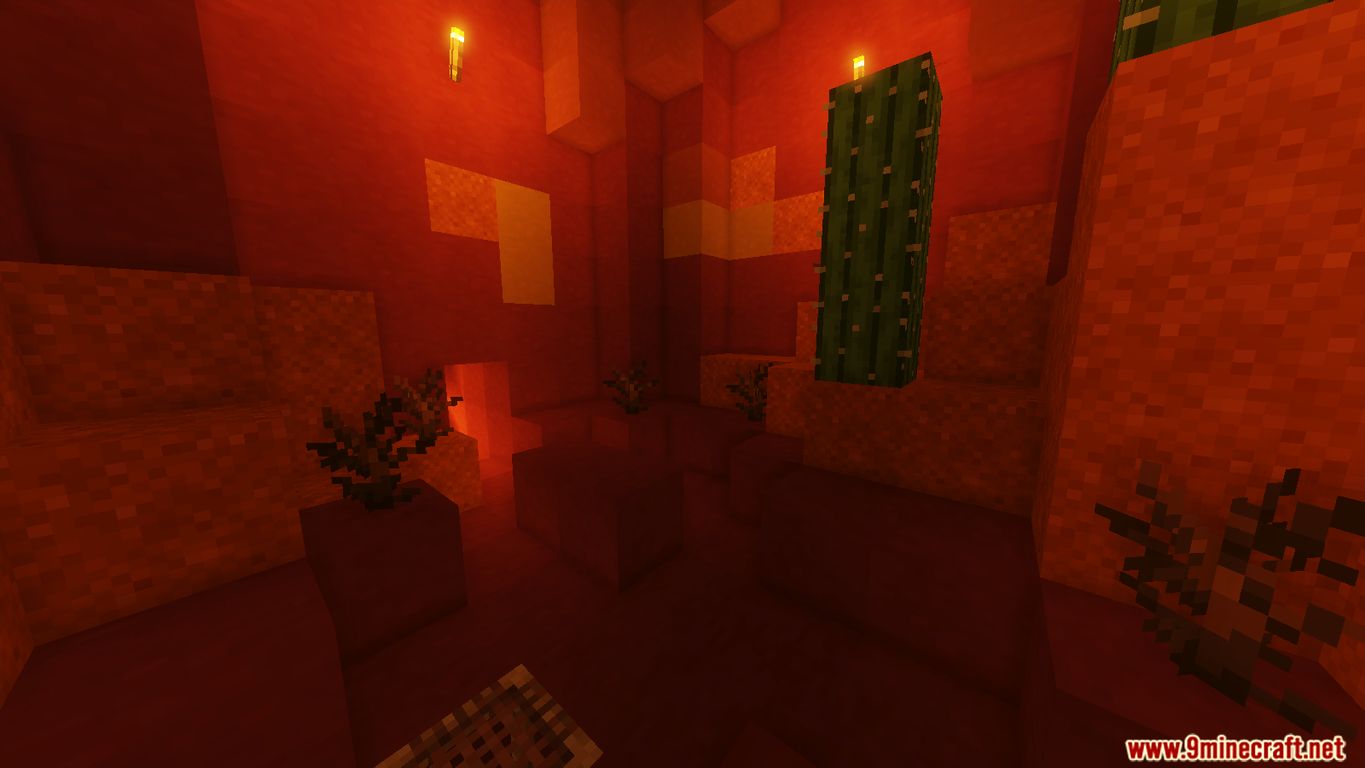
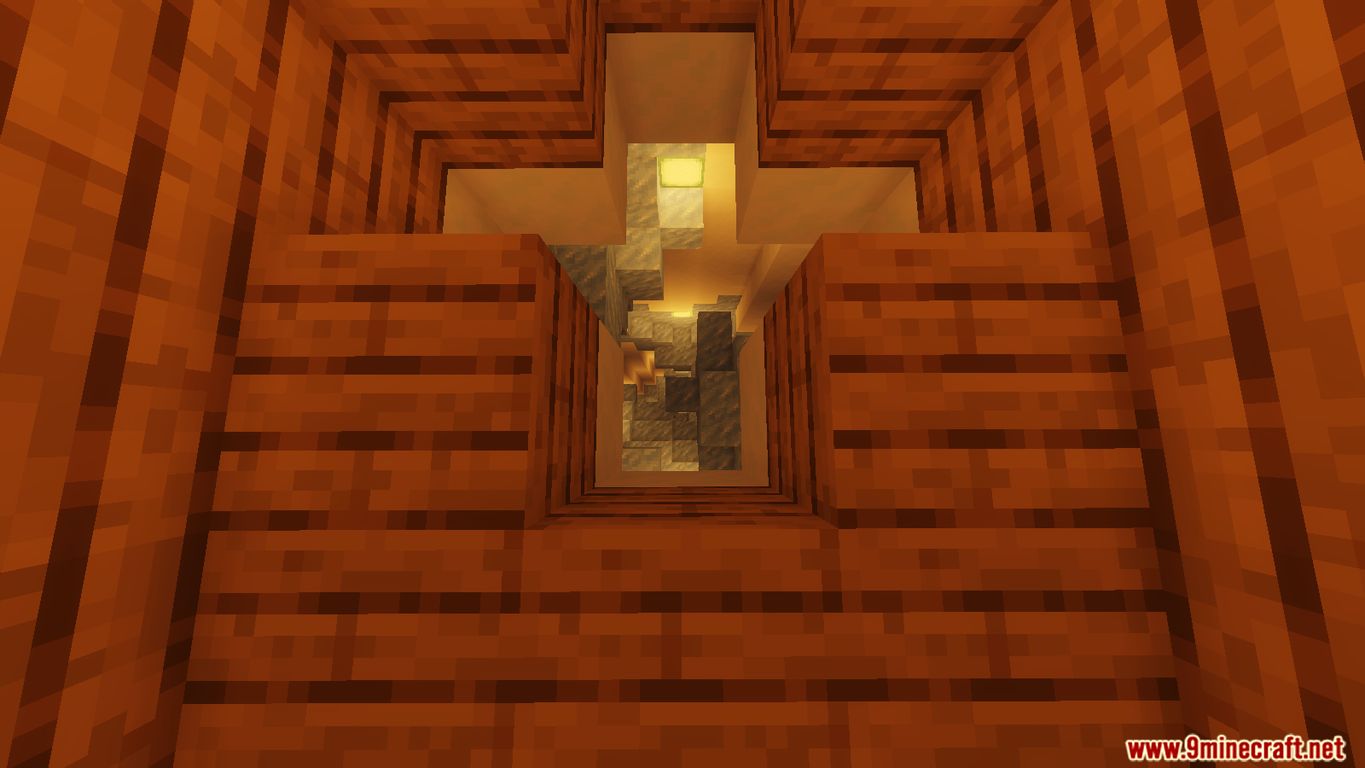
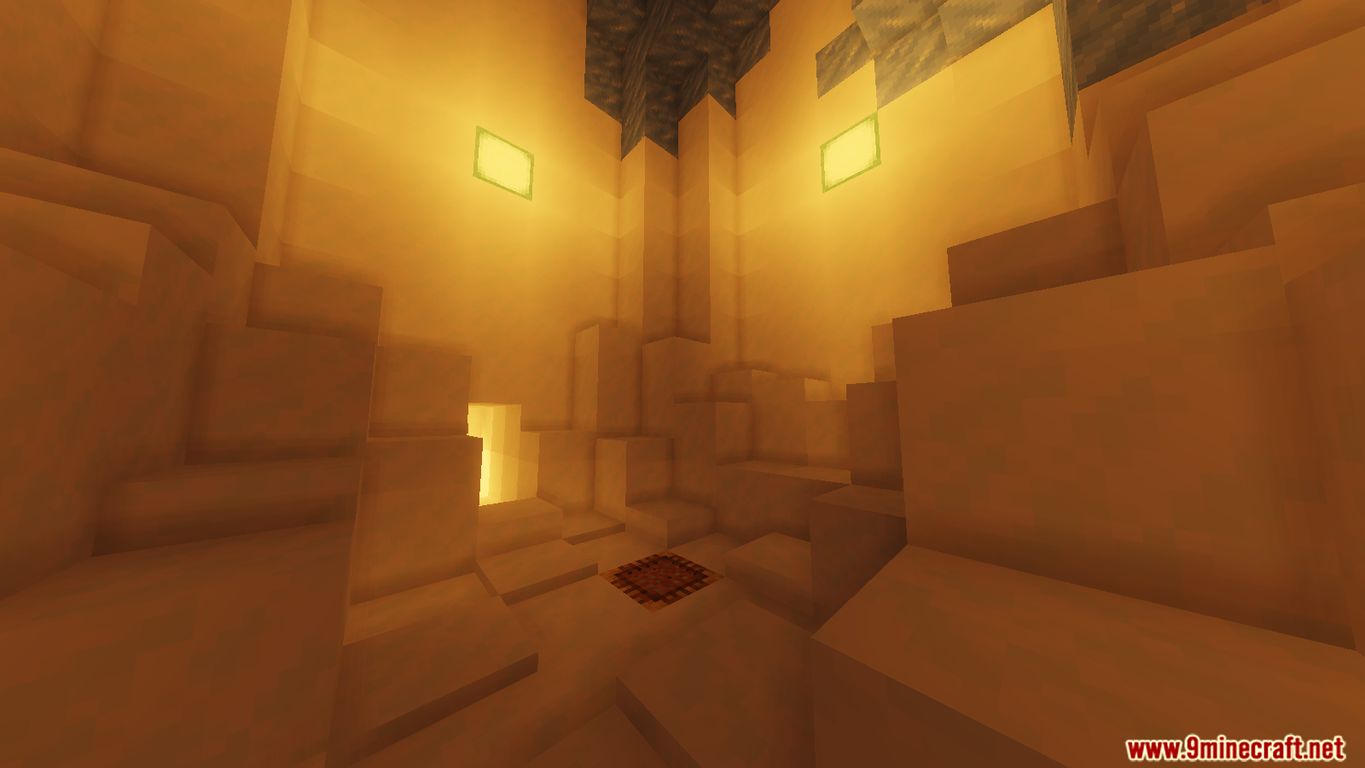
Scaffold Drop is a dropper map that was created by AsianPlaneBoi. This definitely isn’t your ordinary dropper map. Instead of landing in water, you will be landing in scaffolding blocks. But, how do you land in the scaffolding? You got to hold shift/crouch as you are landing in the scaffolding! Also, try not to touch certain blocks while dropping down each level! There are multiple levels in this map. Some of these levels include biomes, places, dimensions, and even special effects! Some of these levels may be difficult, but all of them are possible to complete! This map is made for Minecraft 1.14 or above and singleplayer only.
Screenshots:
Notes:
- Please do not play on any other version or it may not work!
- You should set Render Distance to 12 or upper.
Scaffold Drop Map Download Links
- Edition: Minecraft Java
- File type: .zip (world save)
- Minecraft version listed: 1.20.1
- How to install: Download the .zip world. → Unzip it. → Move the folder into .minecraft/saves.
- Where to get it: In MC Java Mods, or directly above on this page.
Install steps are the general flow for this file type — How to install Minecraft Java maps & worlds walks through it step by step.
Scaffold Drop Map (26.2, 1.20.1) for Minecraft is a free Minecraft Java map. Compatible with Minecraft 1.20.1. Download it and open it directly in the game.