Chocapic13 Shaders (26.3, 1.20.1) – Optimized for All Hardware
Java shader pack listed for Minecraft 1.20–26.x. Downloads from the MC Java Mods app on Android.
⬇ Download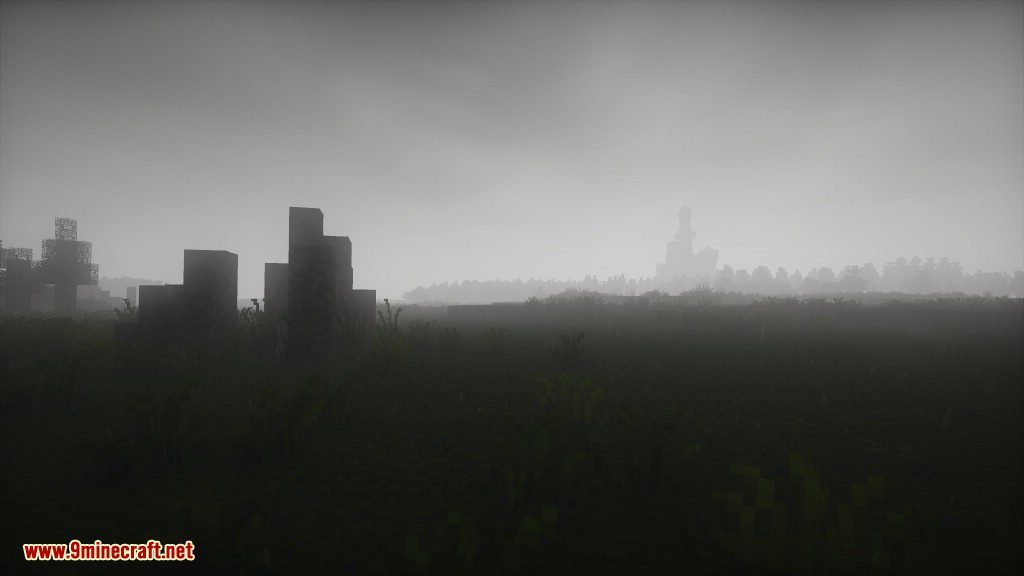
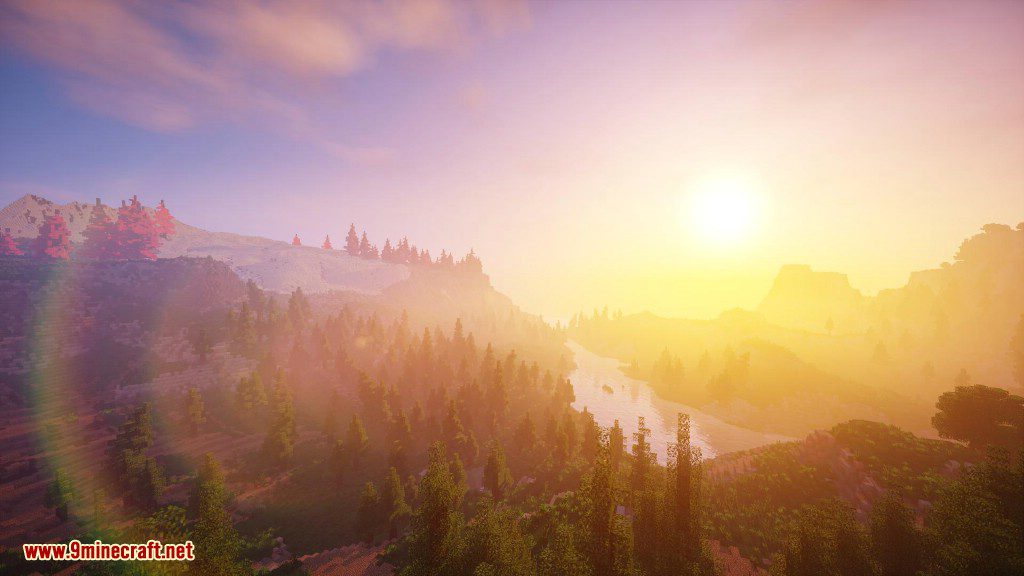
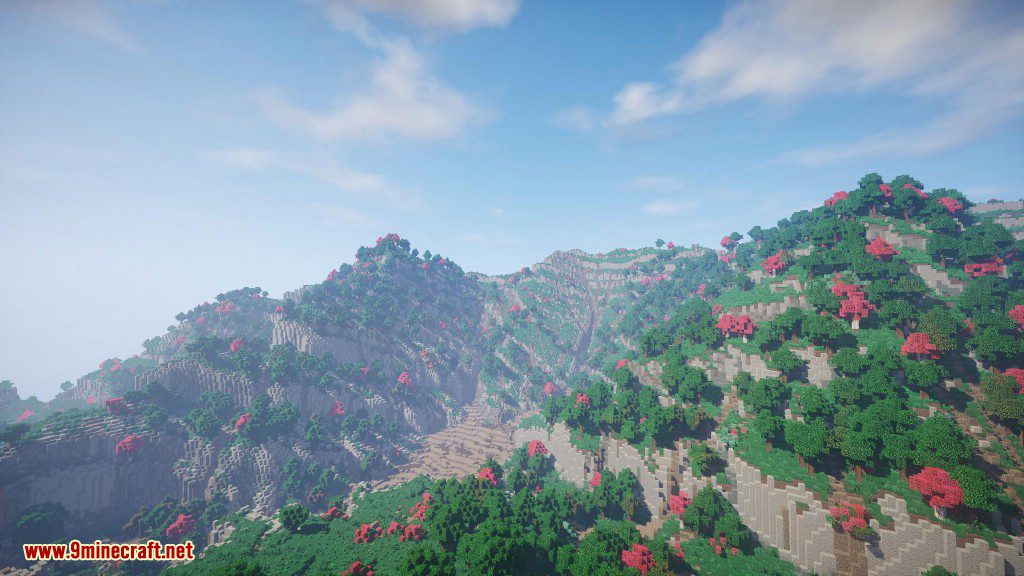
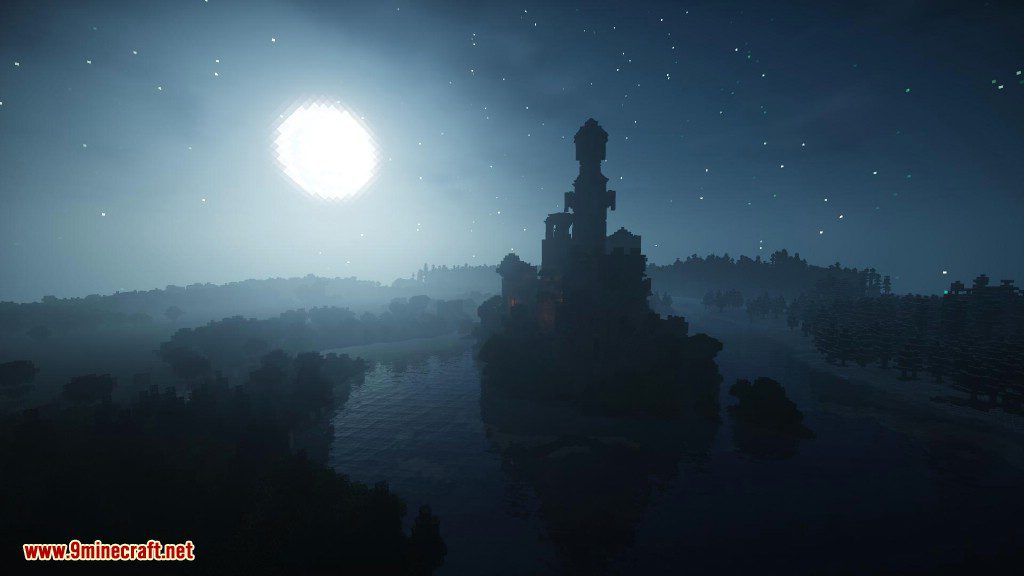
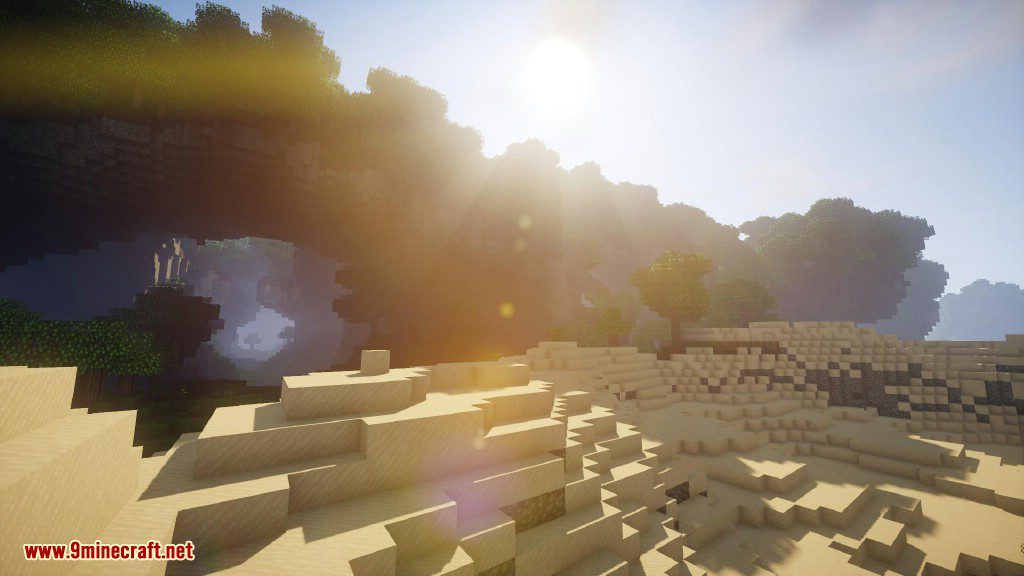
Chocapic1d13 Shaders improves the graphics in Minecraft by adding realistic effects. This shader pack introduces dynamic shadows, leaves that sway in the wind, bright sunshine, and better-looking water. It also comes in several different versions, so you can choose one that works best for your computer’s performance.
Chocapic13′ High Performance Shaders Version:
The goal of this shaderpack is to have the core features of a shaderpack while maintaining extremely high framerates. For example on the Toaster Preset at 8 render distance, a RX 480 is completely CPU-limited at around 300-400fps with a Ryzen 7, it can also run at around 50-60fps on an integrated Intel HD620. It features: Shadows, Dynamic Time of Day, Custom sky gradient, Sun/moon glow, Customized nether and end.
Features:
- Adds a full day and night cycle with realistic lighting changes.
- Includes an advanced High Dynamic Range (HDR) lighting system.
- Casts dynamic shadows that change in softness based on the light source.
- Generates volumetric fog with its own shadows, adding depth to the world.
- Fills the sky with realistic, three-dimensional clouds.
- Improves water with reflections, refractions, and underwater fog.
- Uses Screen Space Global Illumination (SSGI) for better light bouncing.
- Smooths out jagged edges on objects for a cleaner picture.
- Gives the Nether and End their own custom look, with support for different biomes.
- Makes light sources glow with a bloom effect.
- Adds a depth-of-field effect that blurs distant objects.
- Sharpens the visuals to make details stand out more.
- Makes plants and leaves wave gently, as if moved by wind.
How to Use:
You can further customize the shader with these advanced tips:
- Inside the shaderpack folders, you can open .fsh and .vsh files with any text editor to change settings yourself.
- You can increase the render resolution in the shaderpack settings for a sharper image, but this will significantly reduce performance.
- The shadow render resolution can also be increased in the settings for more detailed shadows.
Configuration:
For the best results, you may need to adjust some in-game settings:
- Old Lighting: Set to OFF or DEFAULT.
- Vignette: Set to Fast.
- Clear Water: Turn this off for Lite, Low, and Medium versions. Turn it on for High, Ultra, and Extreme versions.
- Smooth Lighting Level: Set between 55-75% for most versions. For Ultra and Extreme, set it between 0-20%.
- Clouds: Set to Default or turn them OFF.
This shader pack requires a powerful computer. If standard Minecraft does not run well for you, this pack might be too demanding.
Screenshots:
Amazing nights!
Real-time shadows,lens effects,volumetric lightning and reflections!
Surfaces become wet and reflective when raining!
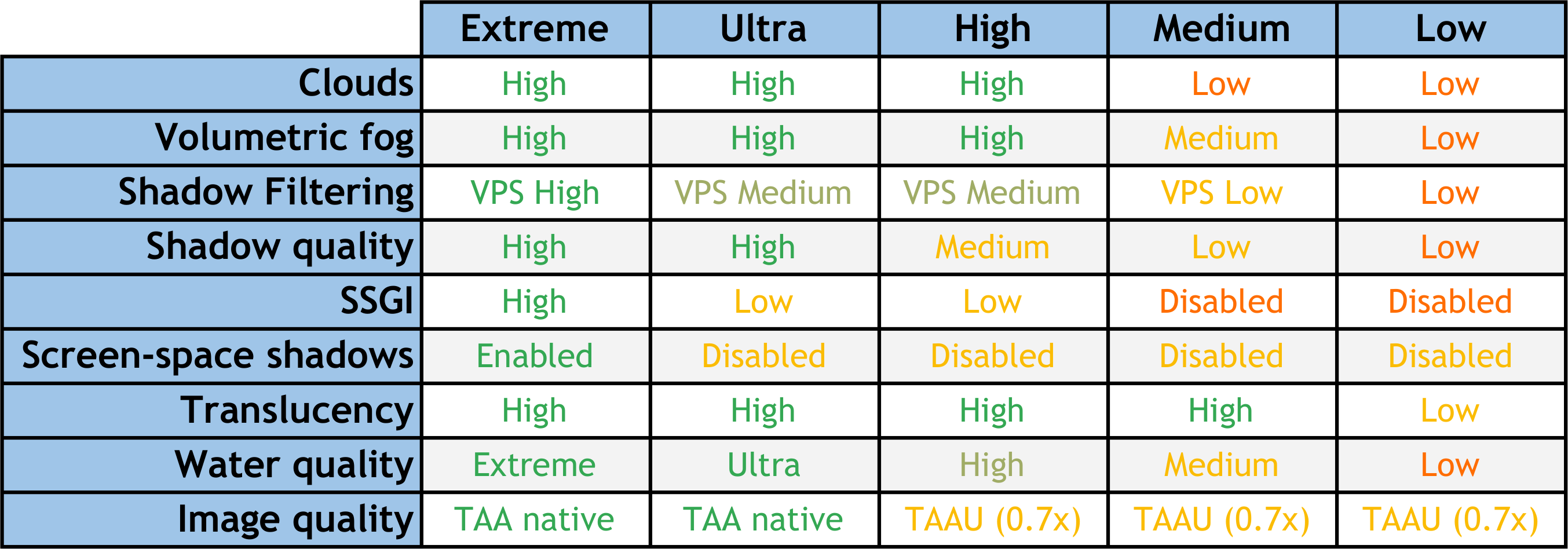
About the different versions:
Chocapic13 Shaders Download Links
Low version: Download from Server 1 – Download from Server 2
Toaster version: Download from Server 1 – Download from Server 2
v9.1
v9.1 Beta 5
Chocapic13 Shaders Download Links:
- Edition: Minecraft Java
- File type: .zip (resource pack)
- Minecraft versions listed: 26.3, 1.20.1
- How to install: Download the .zip resource pack — do not unzip it. → Put it in .minecraft/resourcepacks. → Enable it in Options → Resource Packs.
- Where to get it: In MC Java Mods, or directly above on this page.
Install steps are the general flow for this file type — see the MC Java Mods guides for the full walkthrough.
Chocapic13 Shaders (26.3, 1.20.1) – Optimized for All Hardware is a free Minecraft Java shader. Compatible with Minecraft 26.3, 1.20.1. Download it and open it directly in the game.