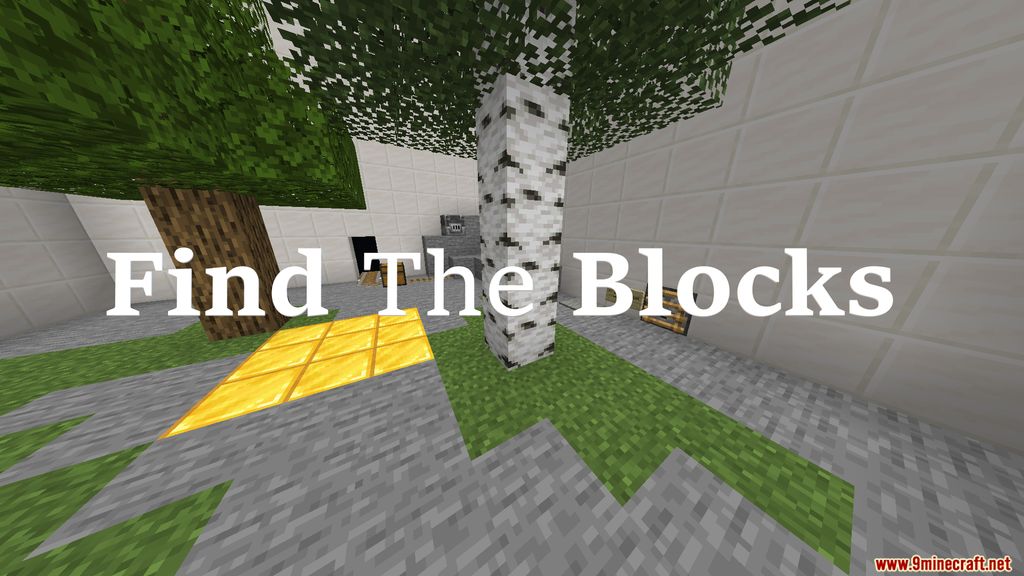
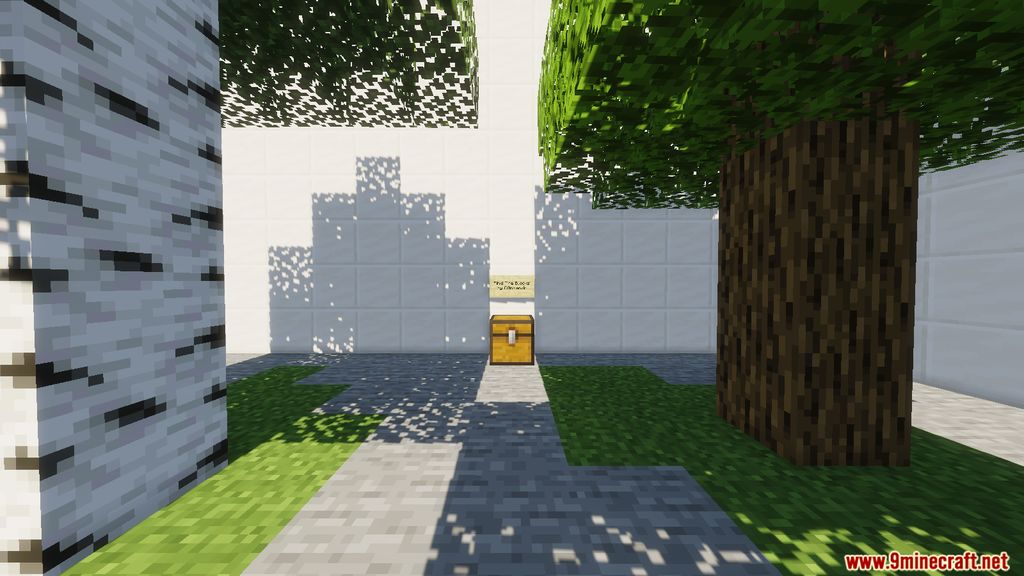
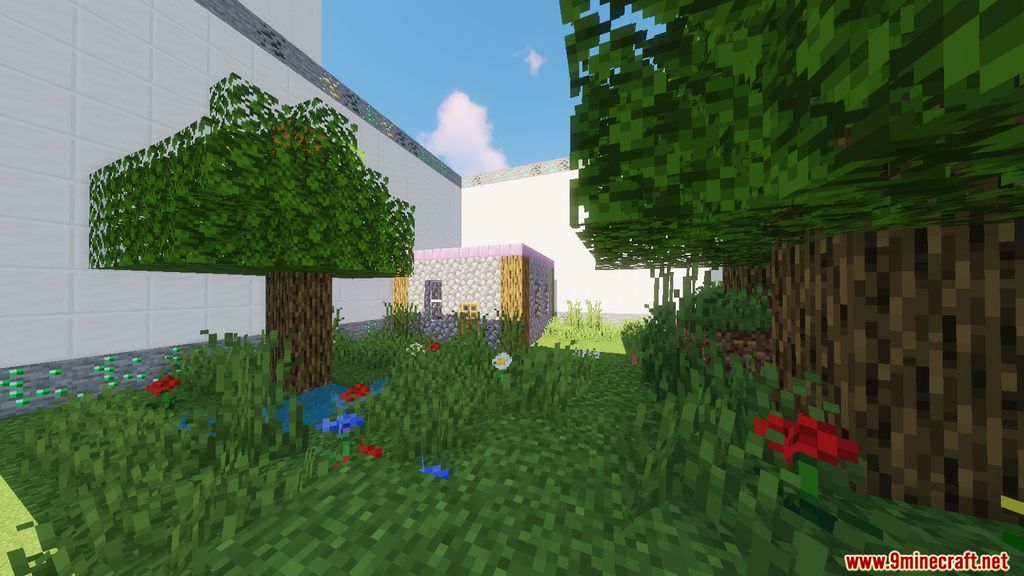
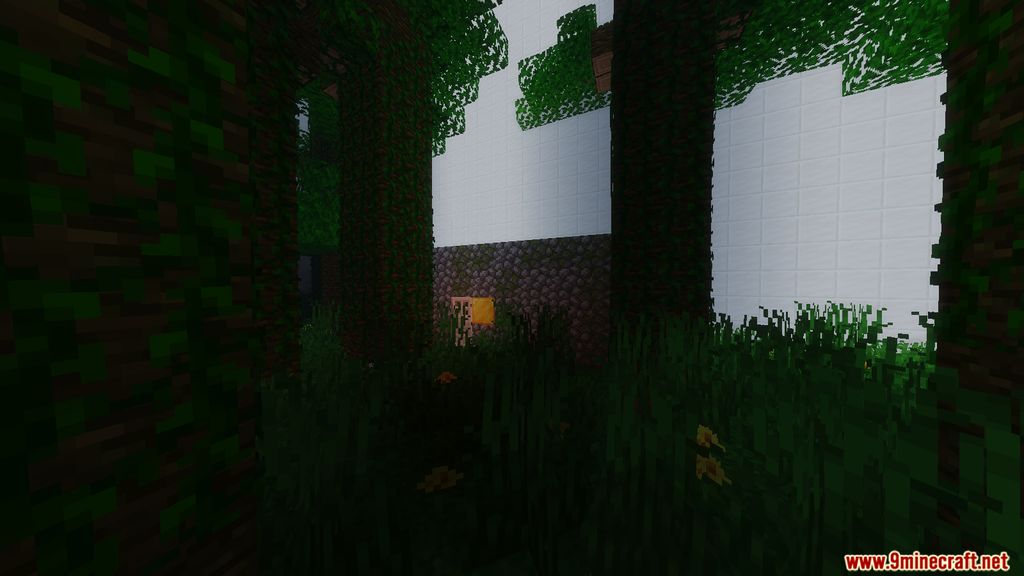
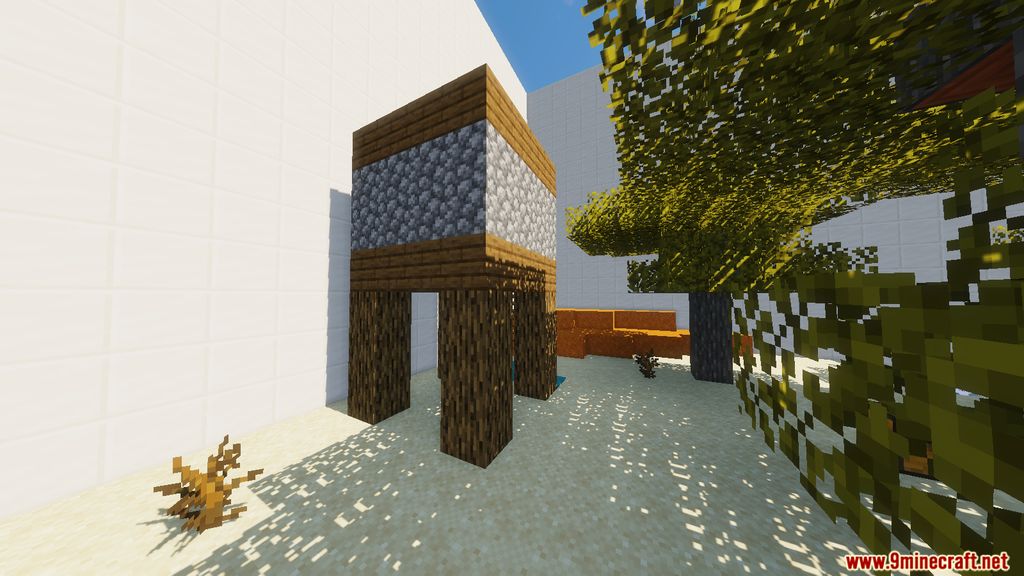
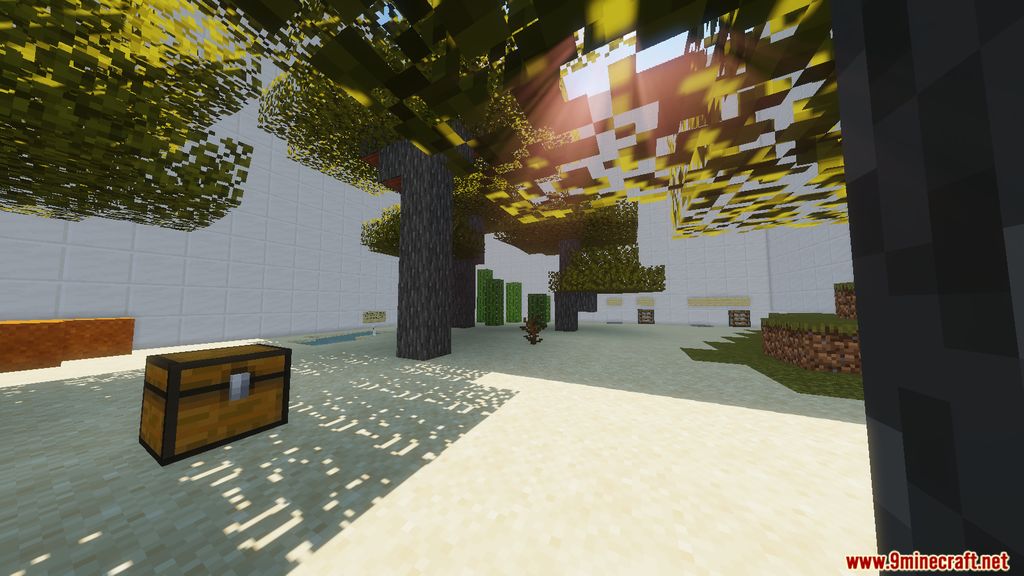
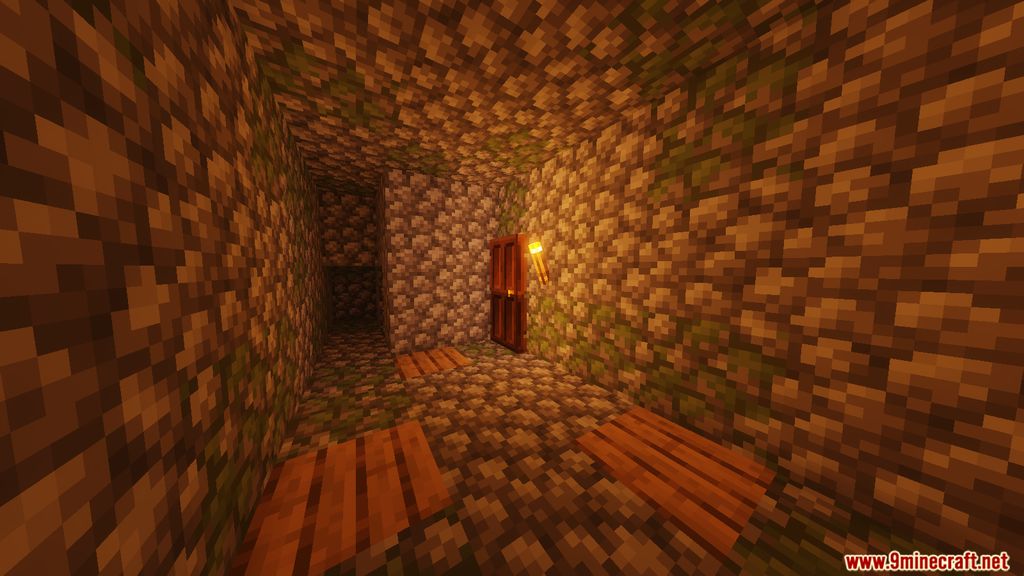
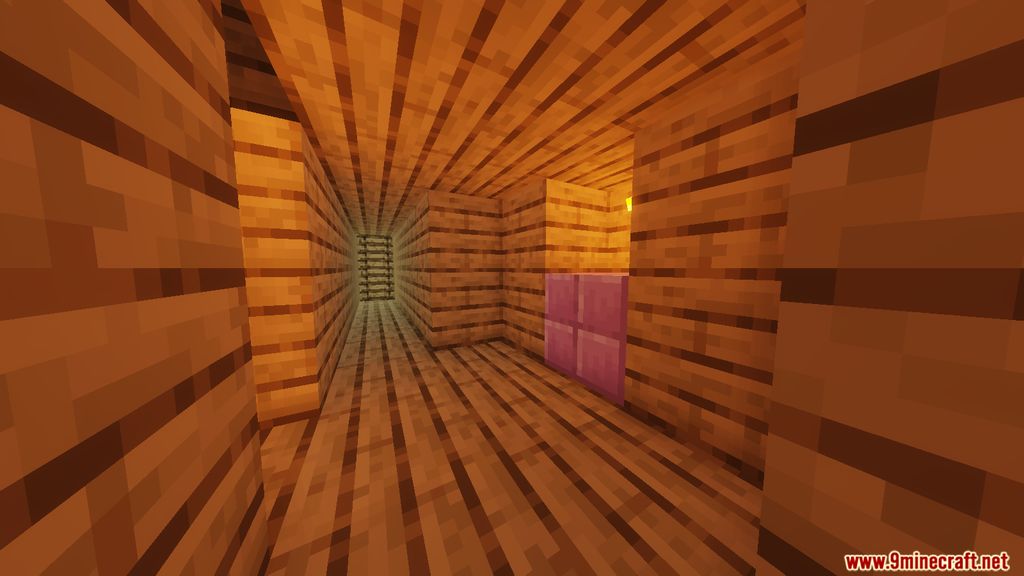
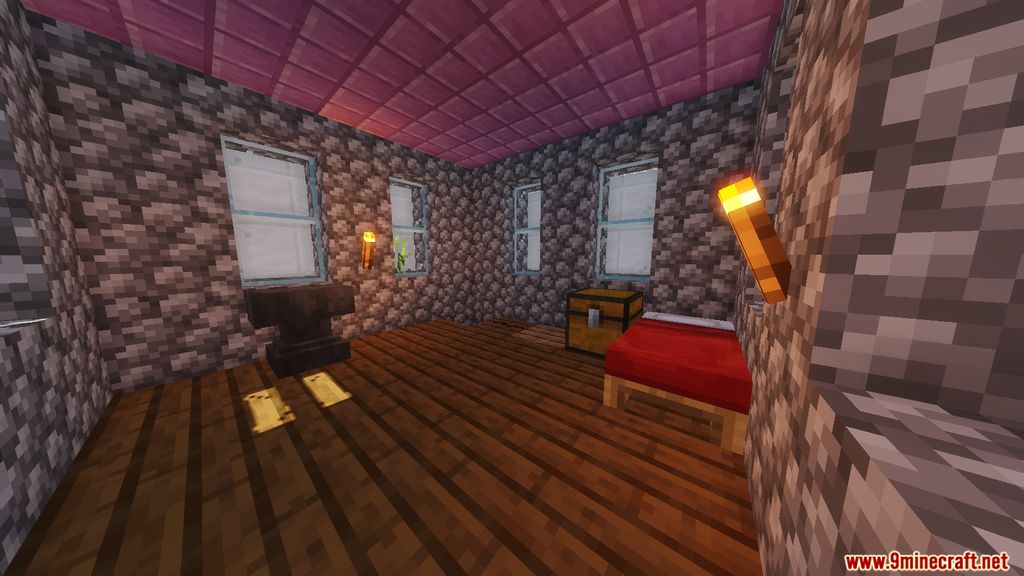
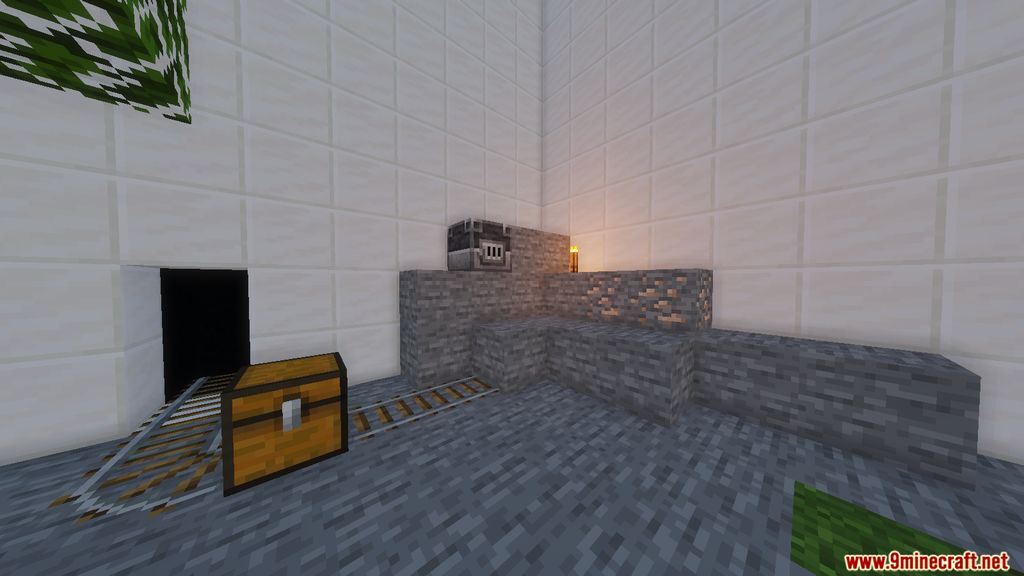
Find The Blocks is a finding map that was created by C0mmandr. Instead of finding buttons, you find blocks to place the buttons on! At the start of each level, you are given buttons to find the blocks they can be placed on. You must place and press each button to advance to the next level, which increases in difficulty as you progress. As you complete each level, you may find yourself double-checking chests to find items that you didn’t see before. Find The Blocks is a new and unique way of playing a puzzle map that has not been done before. The link for the map could be found below. Hope you enjoy this fun ride!
Screenshots:
Notes:
- Please do not play on any other version or it may not work!
- You should set Render Distance to 12 or upper.
Find The Blocks Map Download Links
- Edition: Minecraft Java
- File type: .zip (world save)
- Minecraft version listed: 1.20.1
- How to install: Download the .zip world. → Unzip it. → Move the folder into .minecraft/saves.
- Where to get it: In MC Java Mods, or directly above on this page.
Install steps are the general flow for this file type — How to install Minecraft Java maps & worlds walks through it step by step.
- Downloads as 85084.mcworld
- Download size: 330 KB
- Download link checked 20 Jun 2026 — working
- Mirrored on our own servers — the download does not depend on the original host
These come from our own check of the pack file, not from the source page.