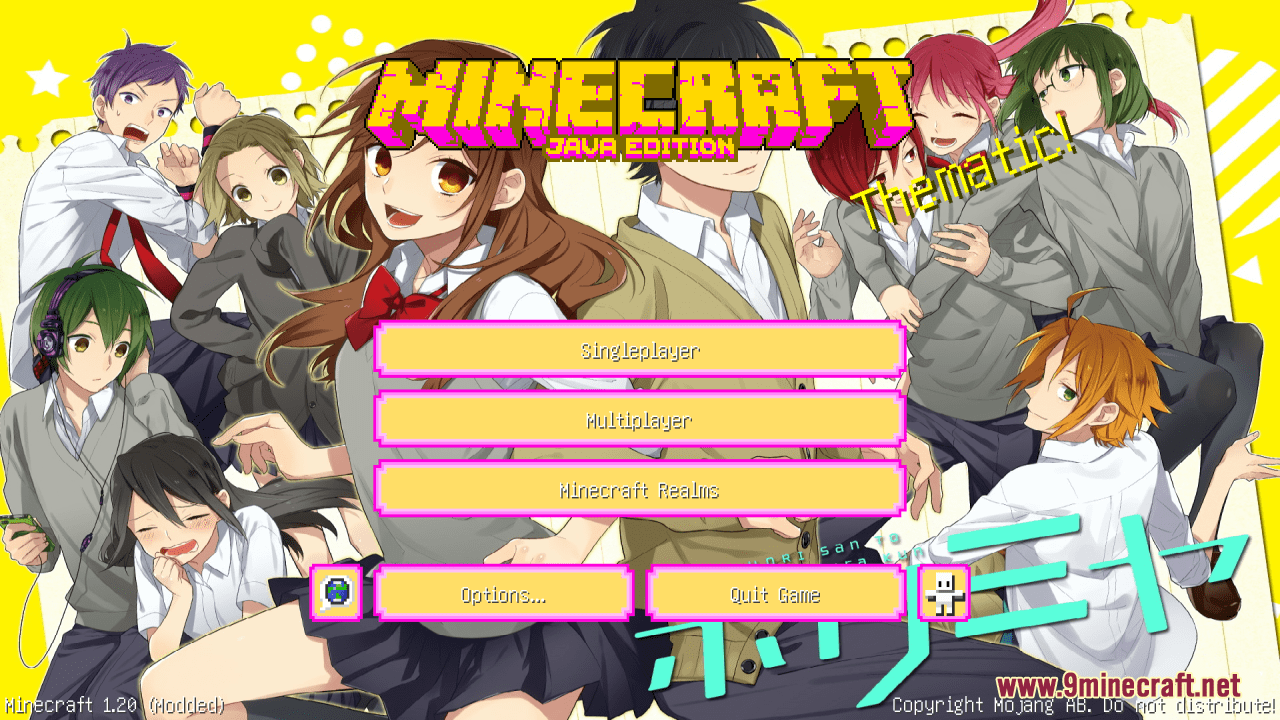
Horimiya Custom GUI Resource Pack (1.21.1, 1.20.1) – Texture Pack
Java resource pack listed for Minecraft 1.20–1.21. Downloads from the MC Java Mods app on Android.
⬇ Download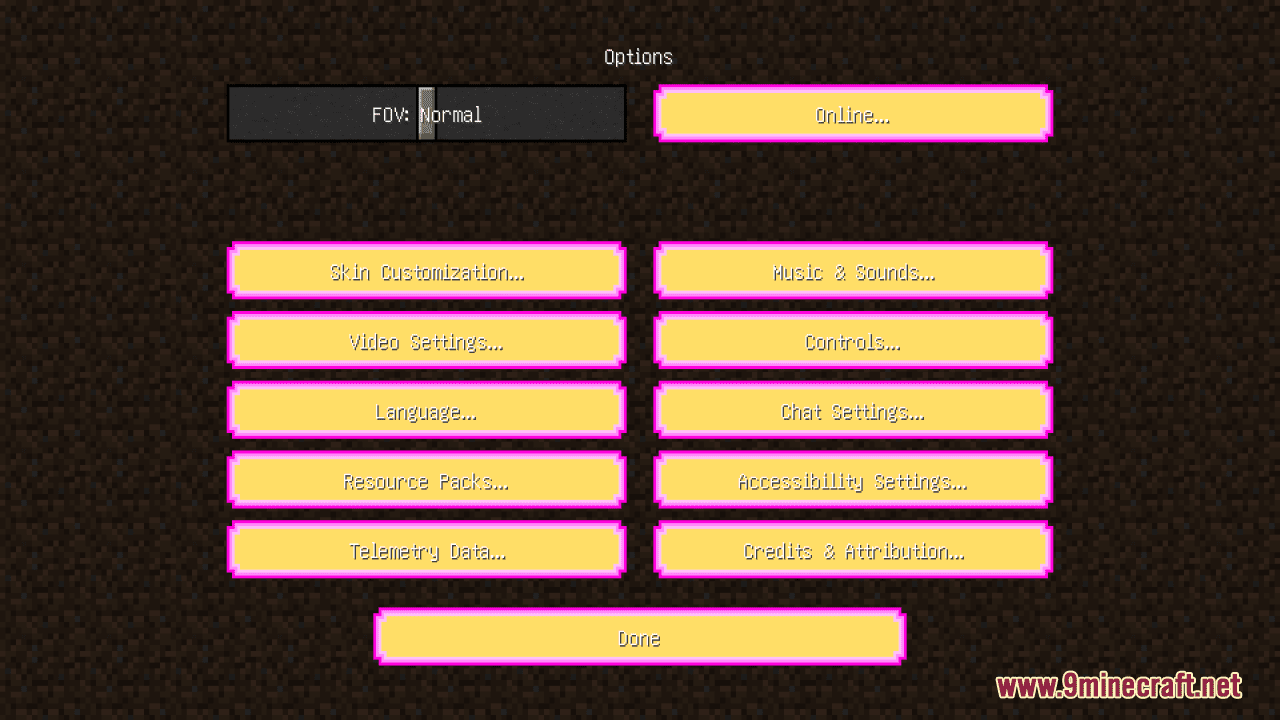
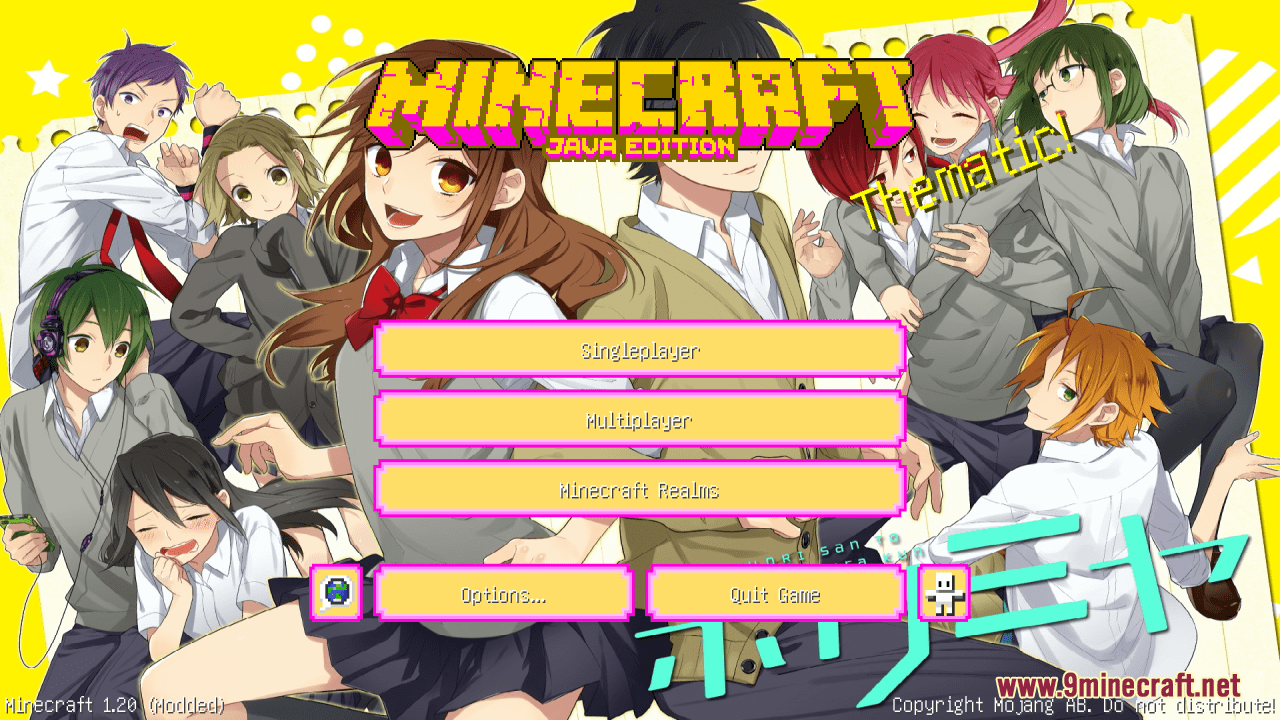
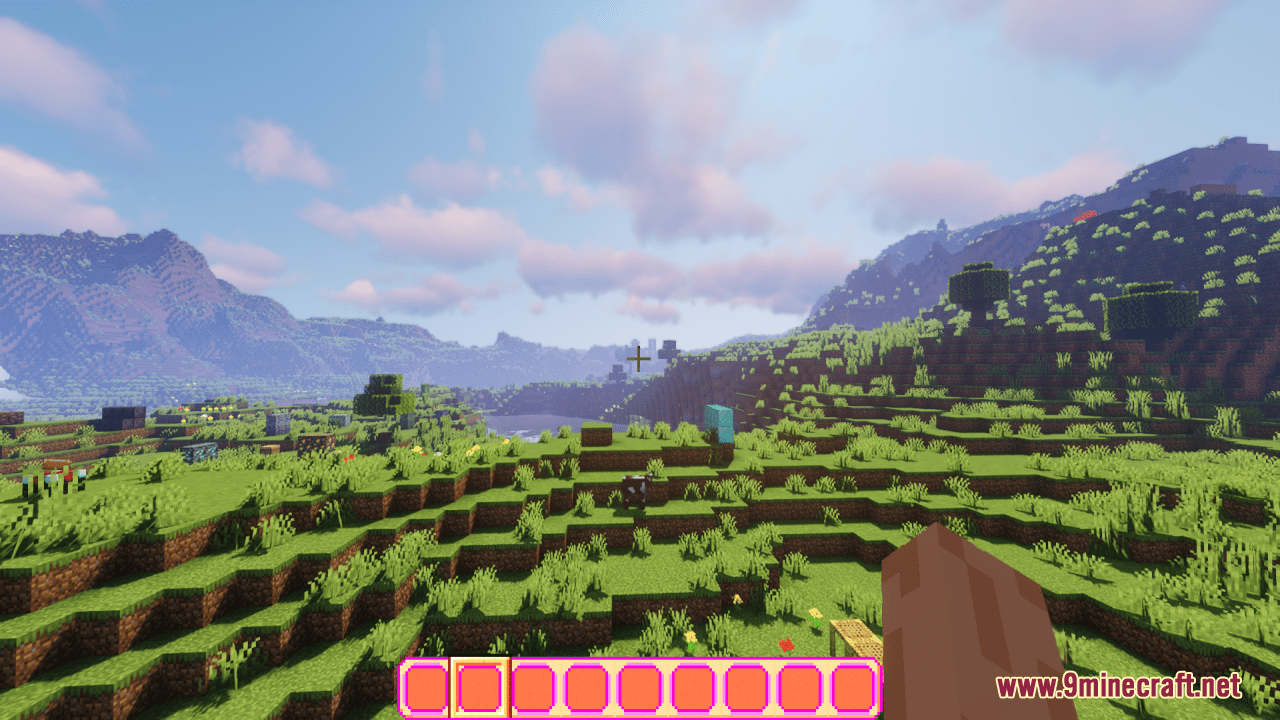
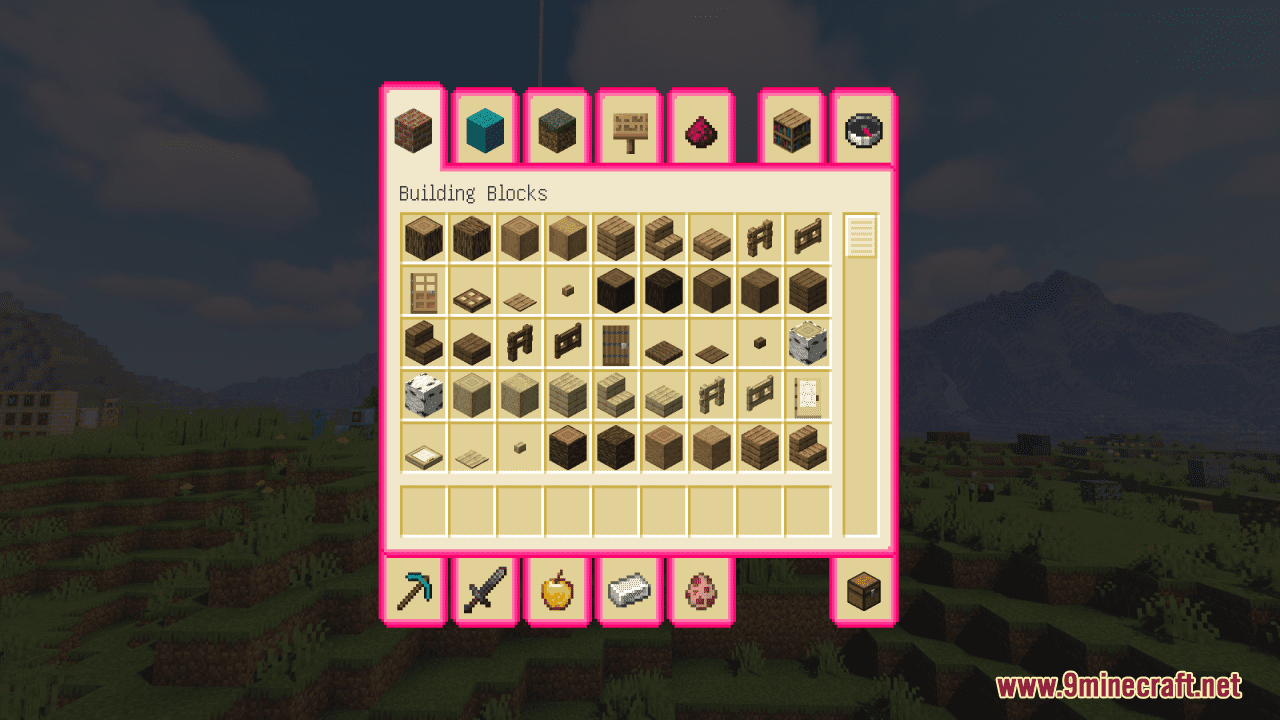
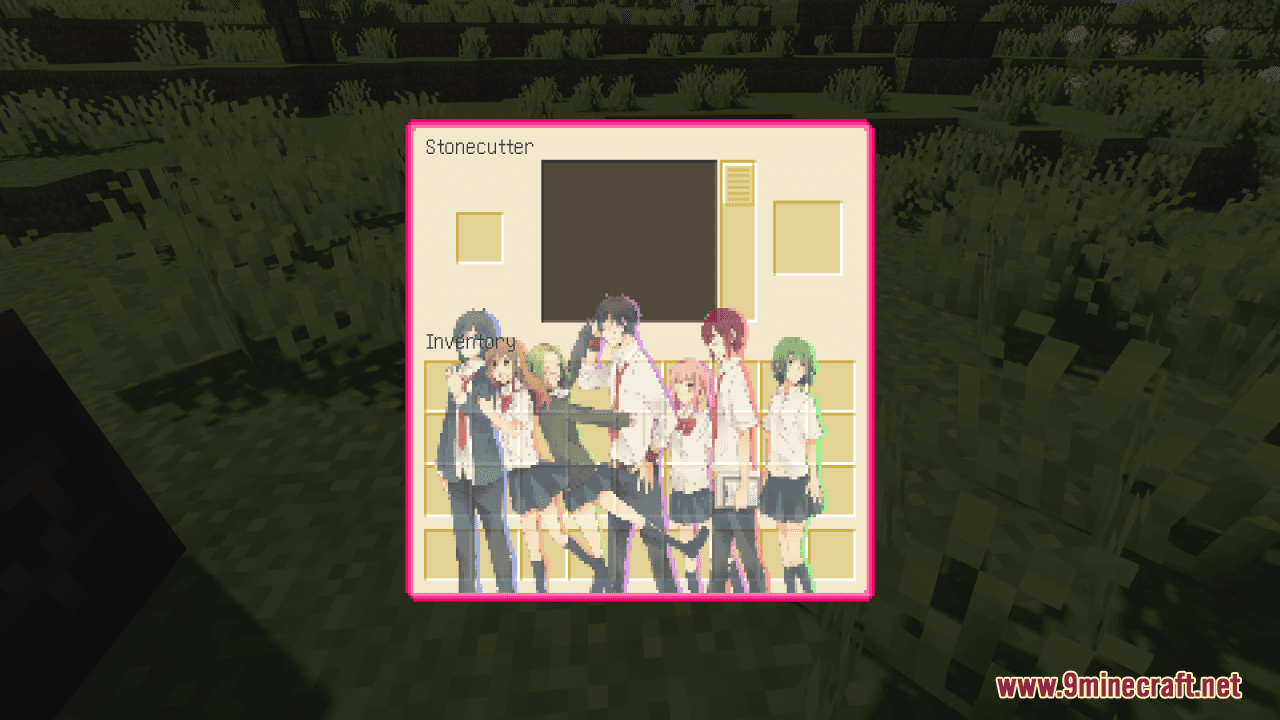
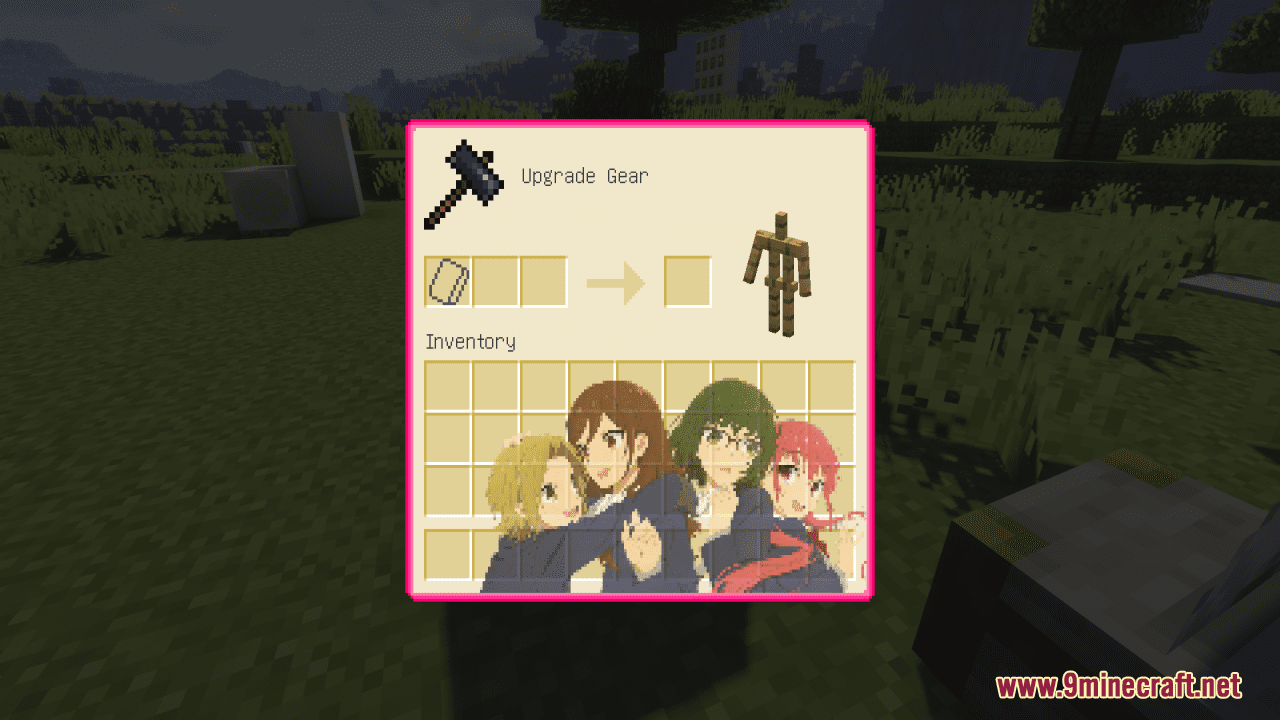
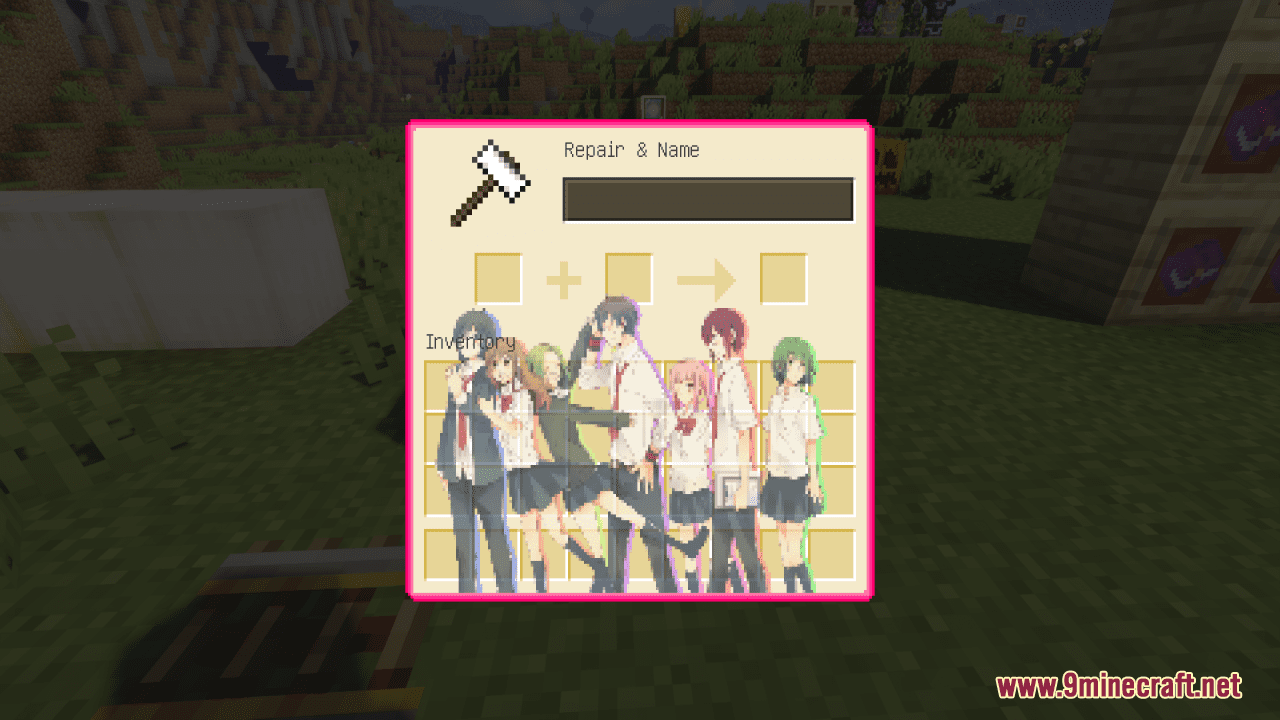
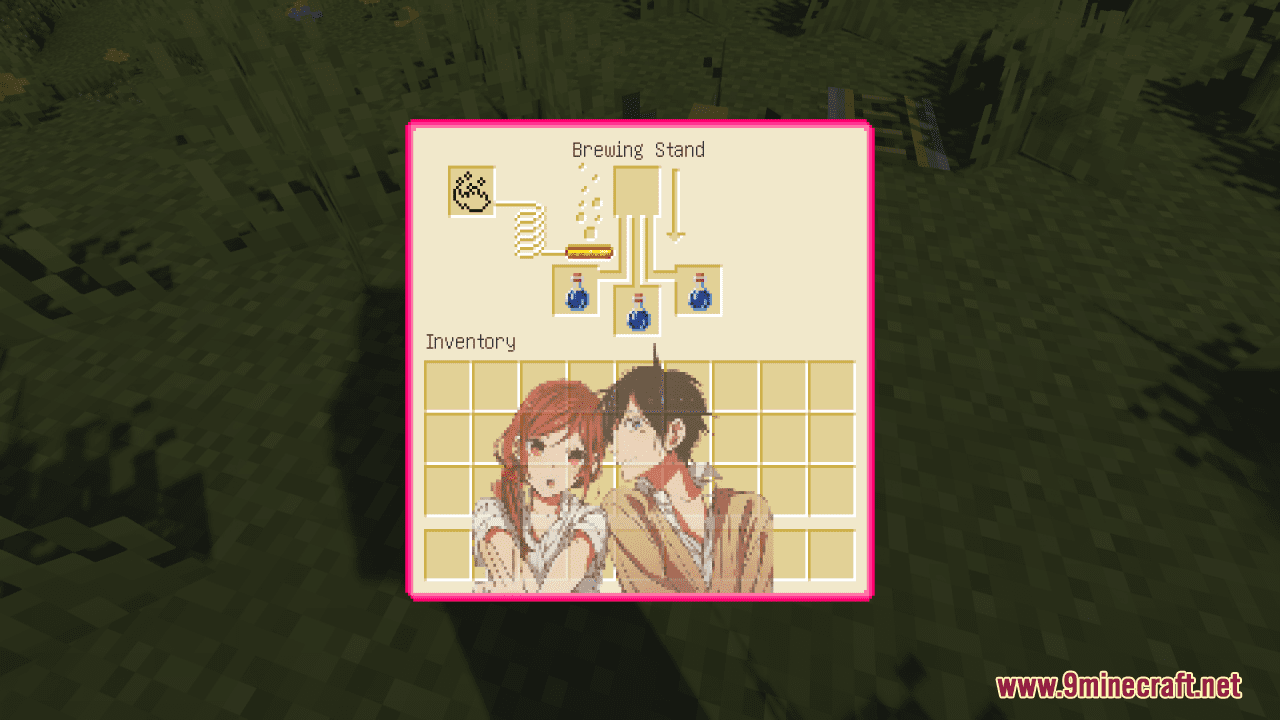
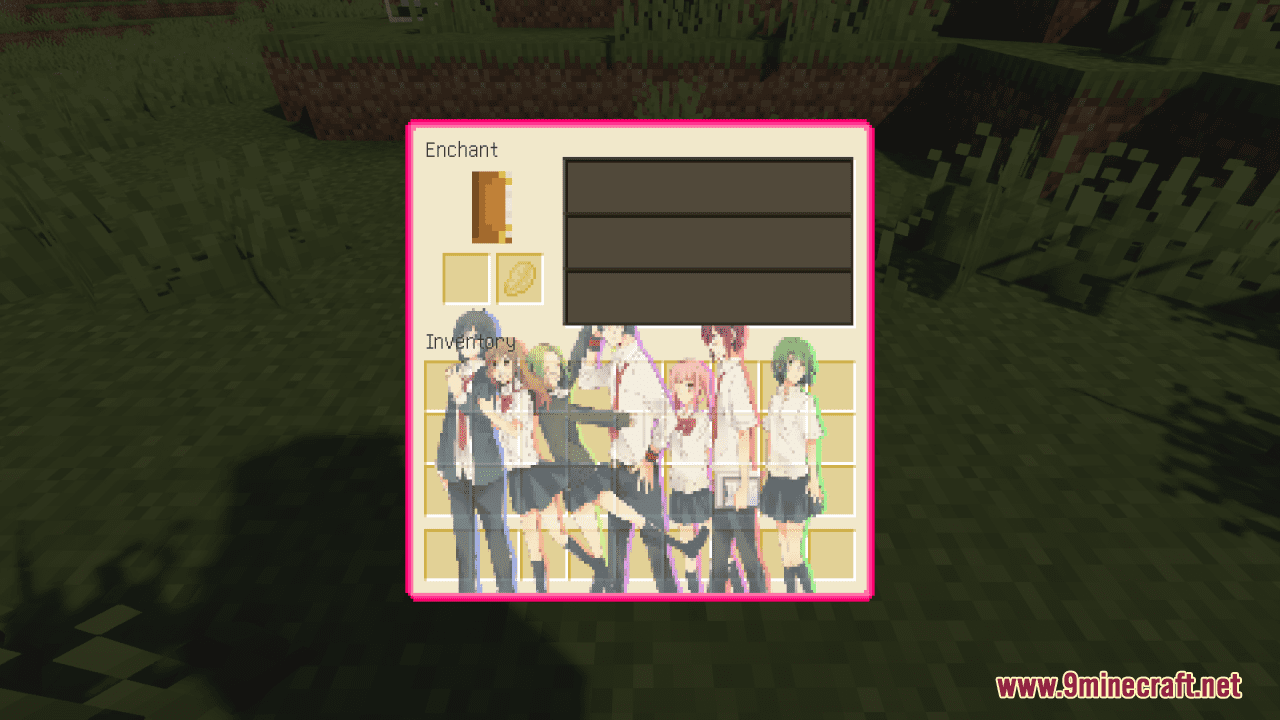
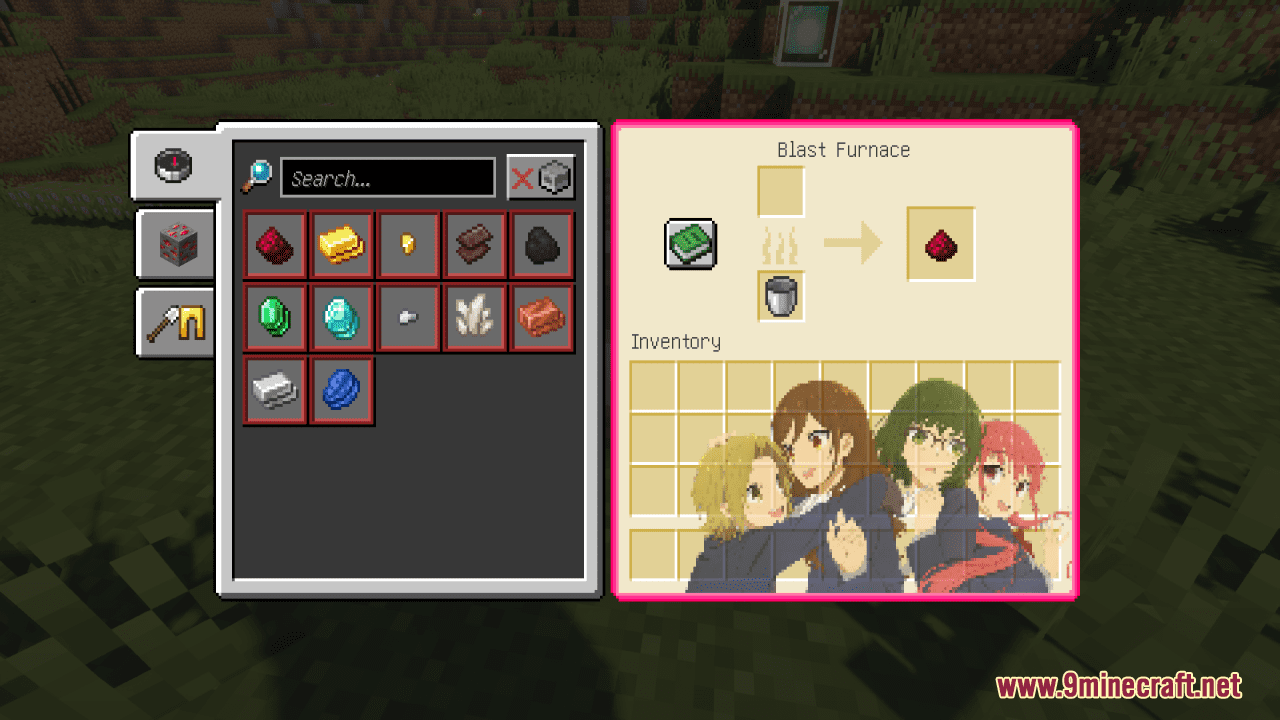
Horimiya Custom GUI Resource Pack simply brings the endearing characters and tender moments of the series to your Minecraft gameplay. From that, you have an opportunity to immerse yourself in a beautifully customized world where love, friendship, and emotions flourish. The user interface has been also carefully reimagined with the iconic artwork and colors from the “Horimiya” anime, creating a warm and inviting atmosphere. Moreover, each inventory item bears the essence of the beloved characters, adding a personal touch to your adventure. In general, with this simple and clean resource pack, your Minecraft will become a canvas for love and connection.
Screenshots:
Horimiya Custom GUI Resource Pack Download Links
For Minecraft 1.21.5, 1.21.1, 1.20.6, 1.20.4, 1.20.2, 1.20.1, 1.19.4
- Edition: Minecraft Java
- File type: .zip (resource pack)
- Minecraft versions listed: 1.21.1, 1.20.1
- How to install: Download the .zip resource pack — do not unzip it. → Put it in .minecraft/resourcepacks. → Enable it in Options → Resource Packs.
- Where to get it: In MC Java Mods, or directly above on this page.
Install steps are the general flow for this file type — How to install Minecraft Java resource packs walks through it step by step.
Horimiya Custom GUI Resource Pack (1.21.1, 1.20.1) – Texture Pack is a free Minecraft Java resourcepack. Compatible with Minecraft 1.21.1, 1.20.1. Download it and open it directly in the game.