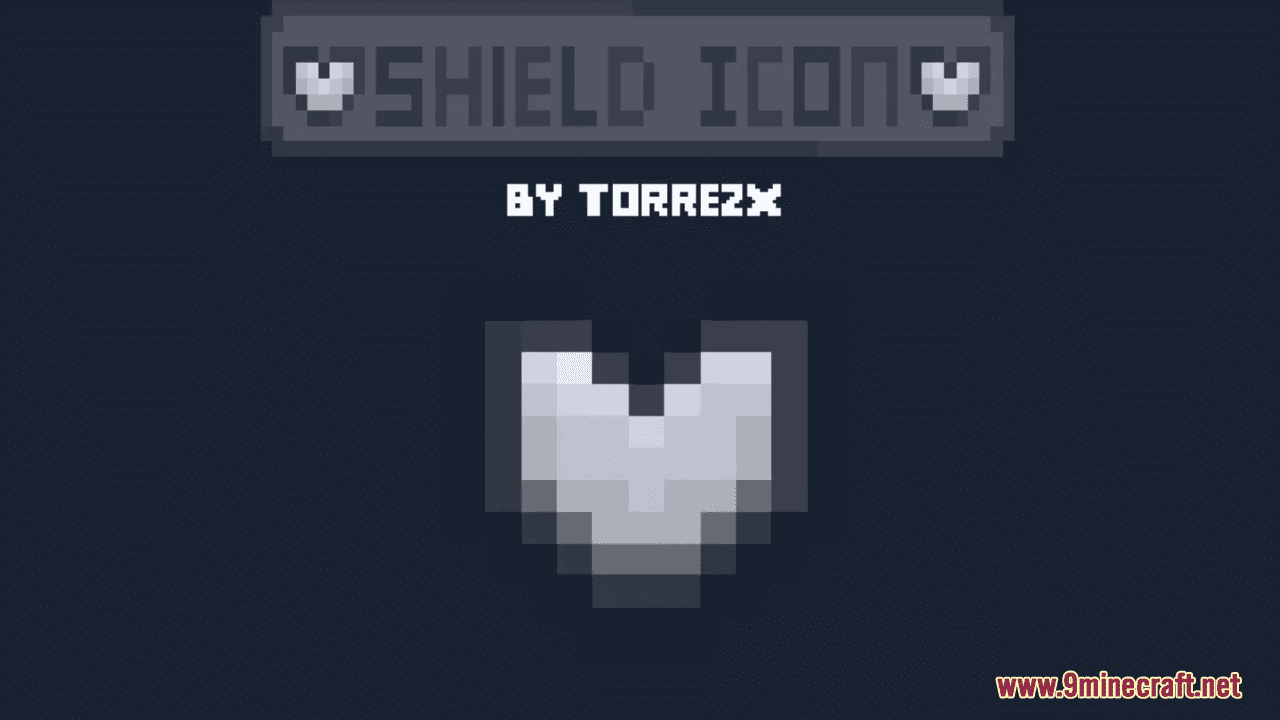
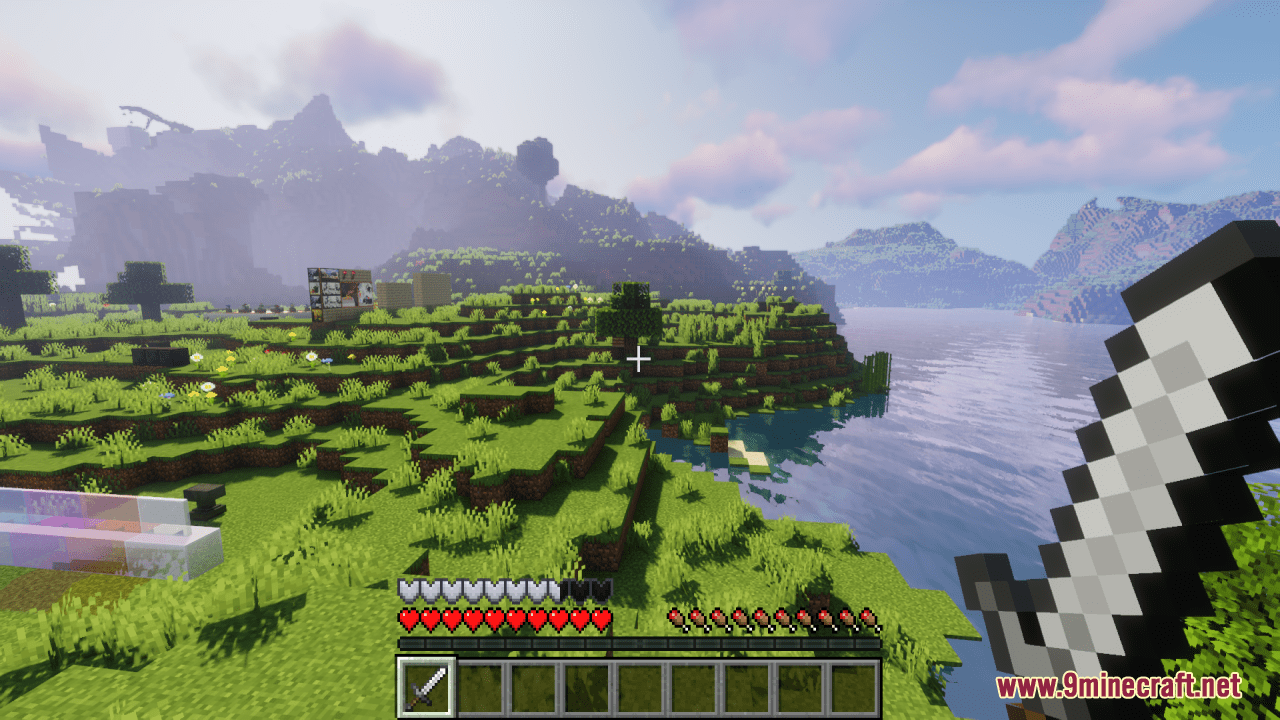
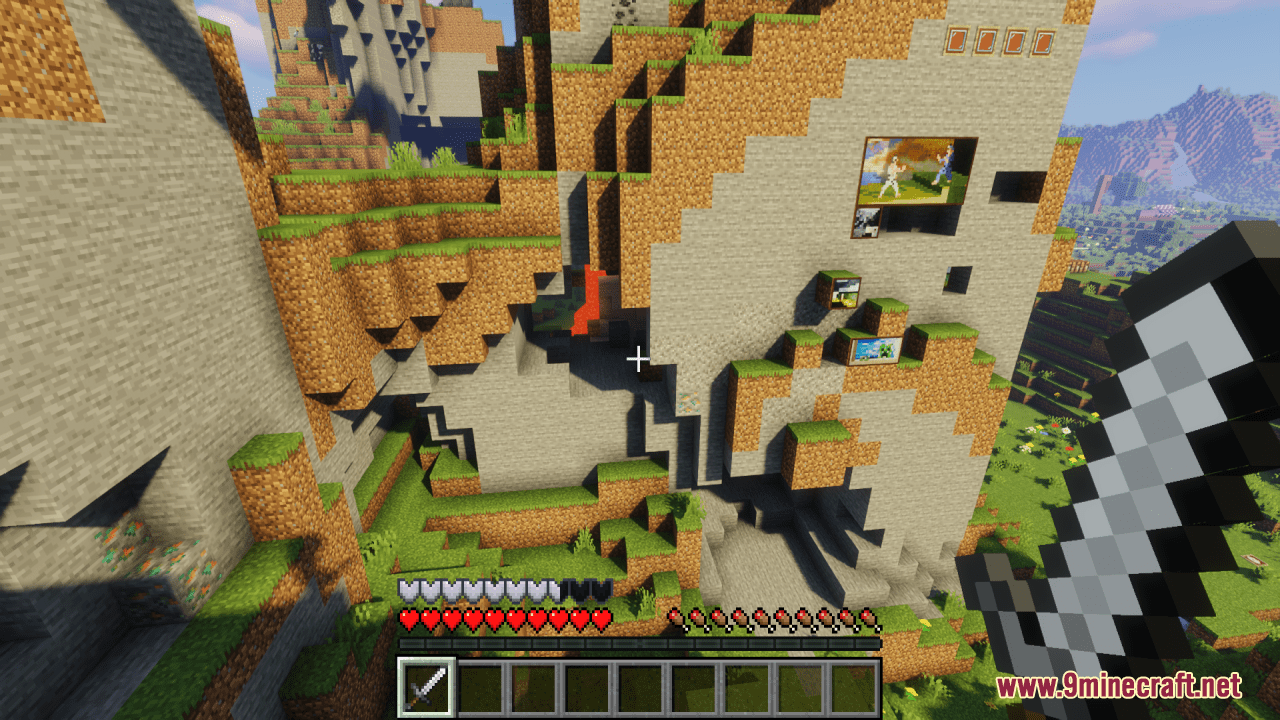
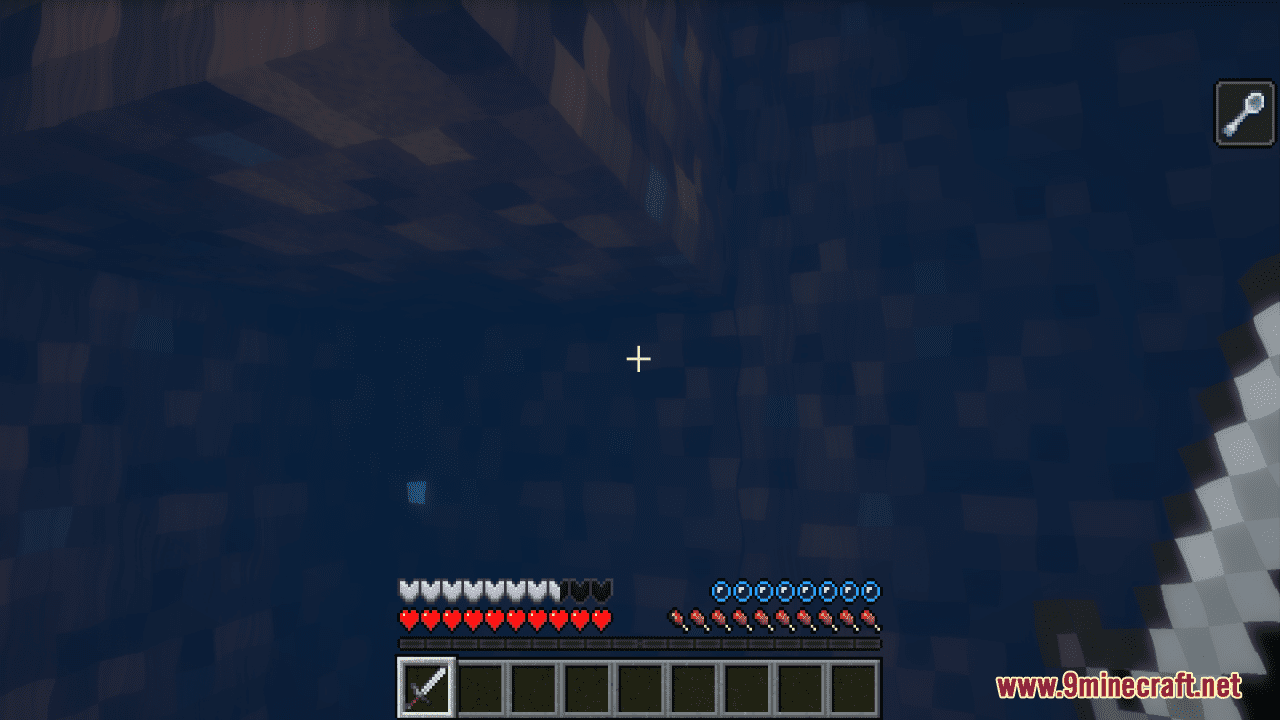
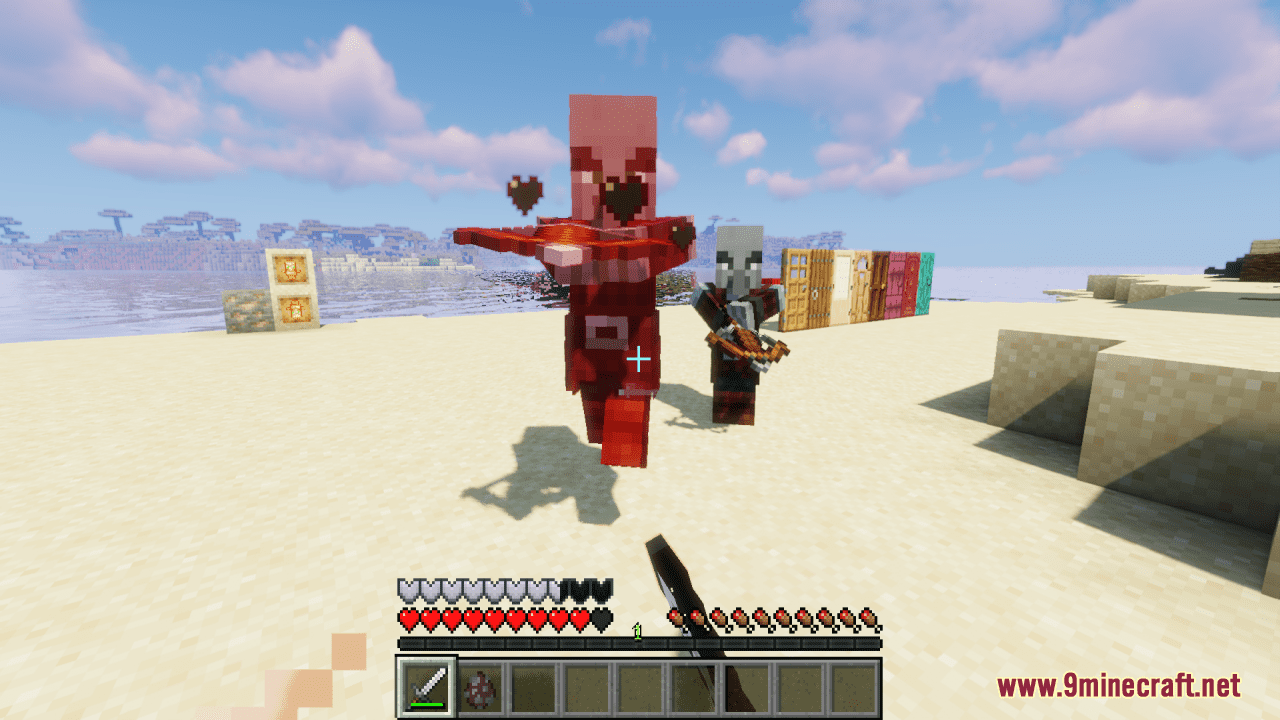
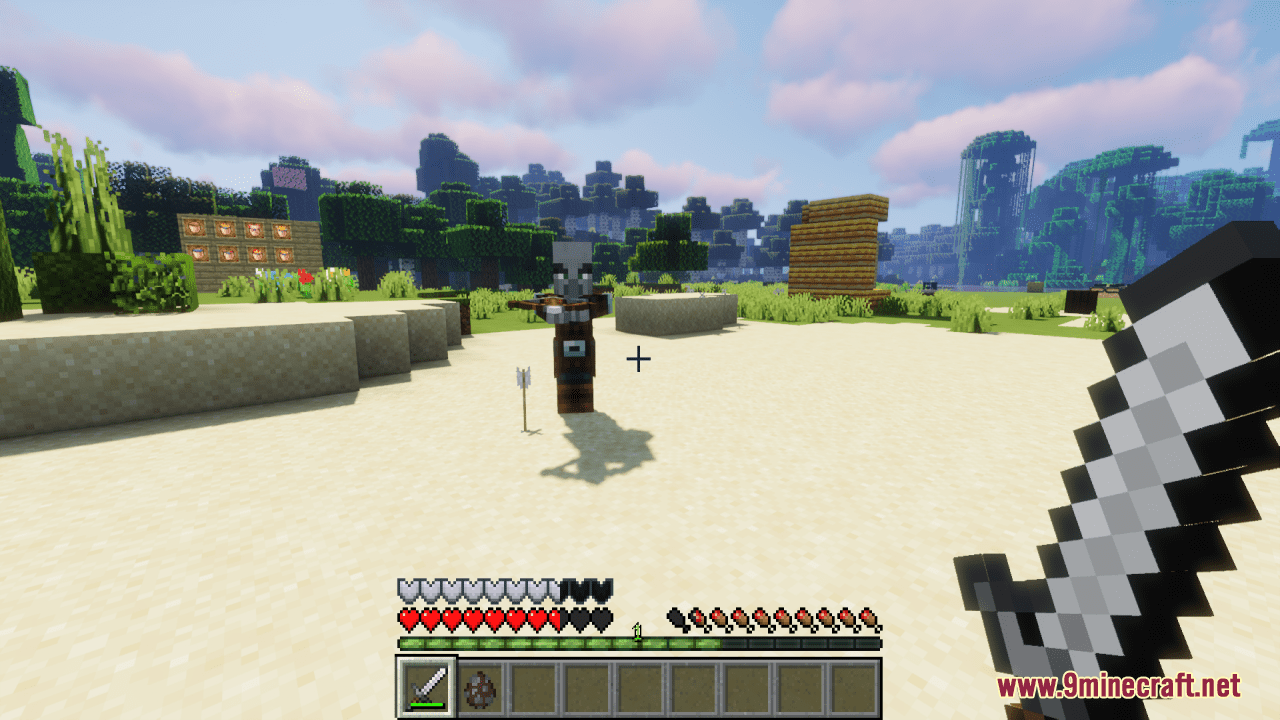
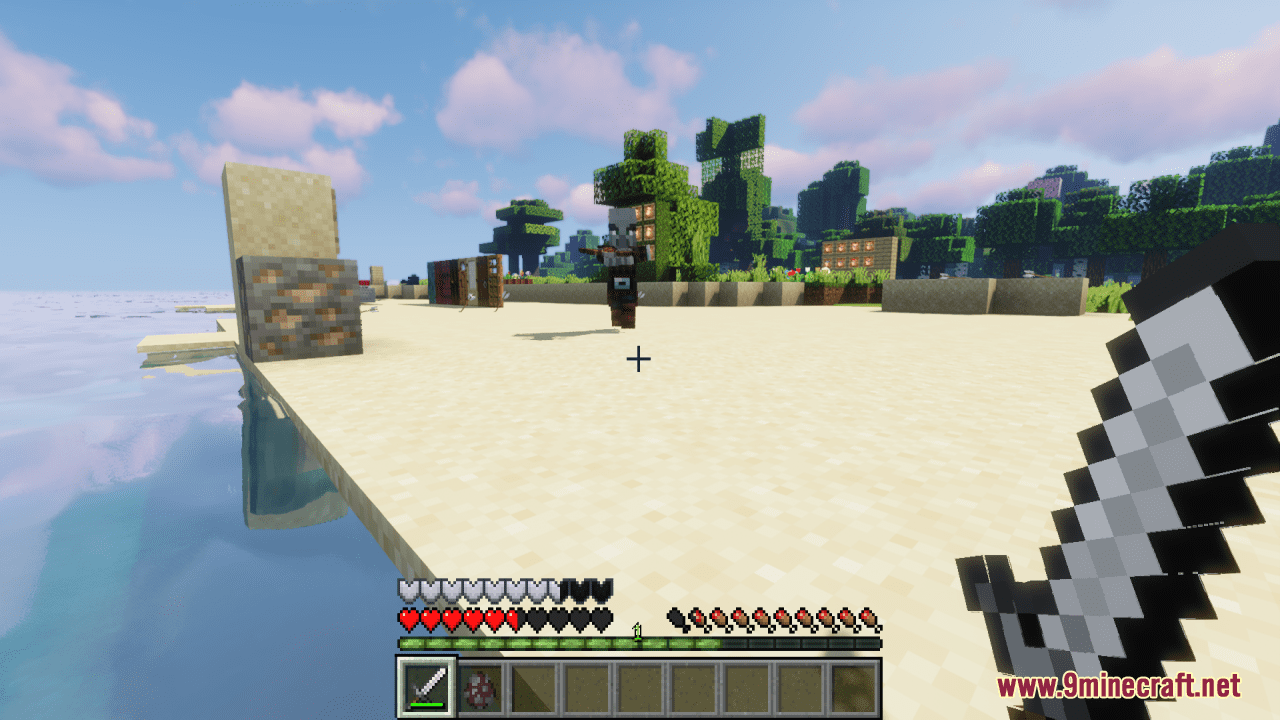
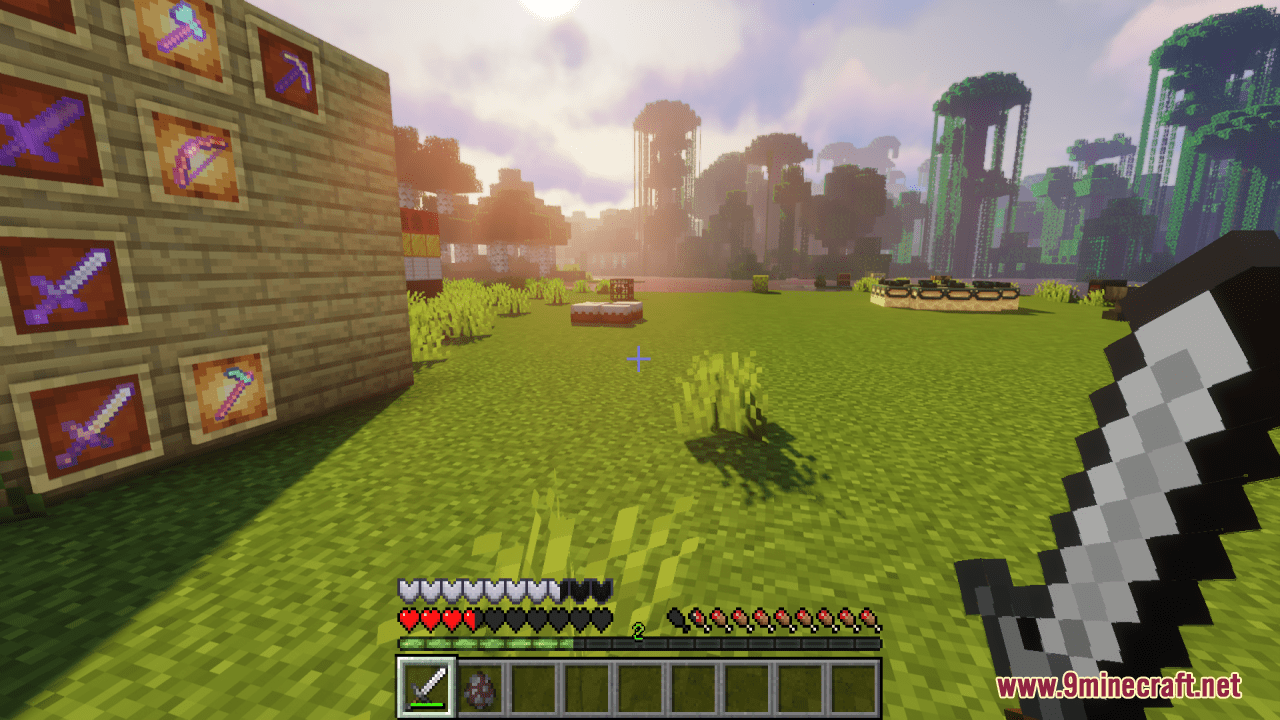
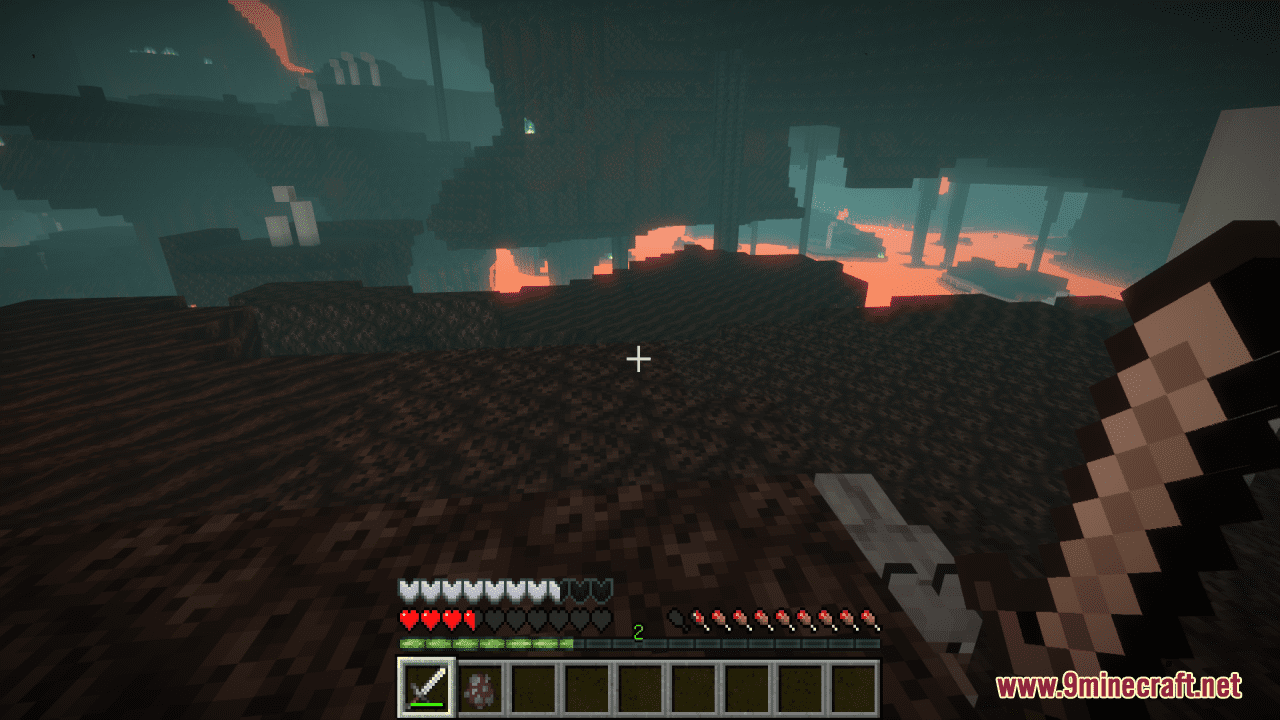
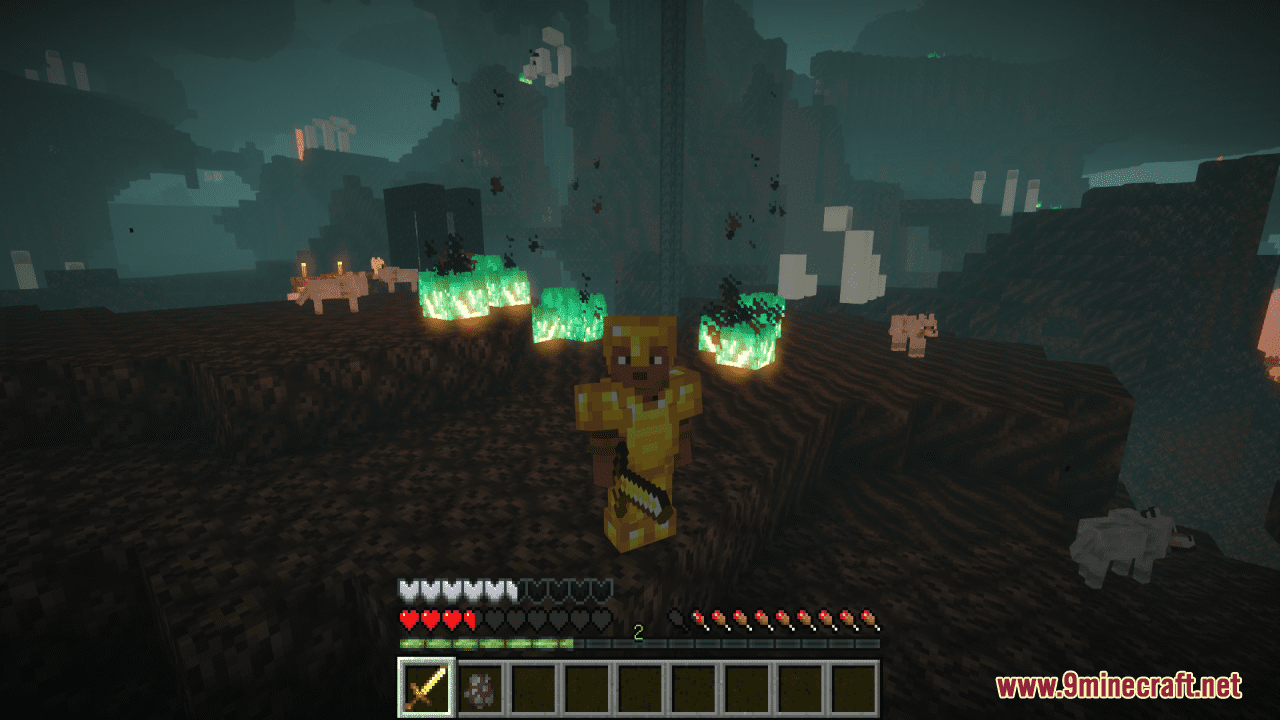
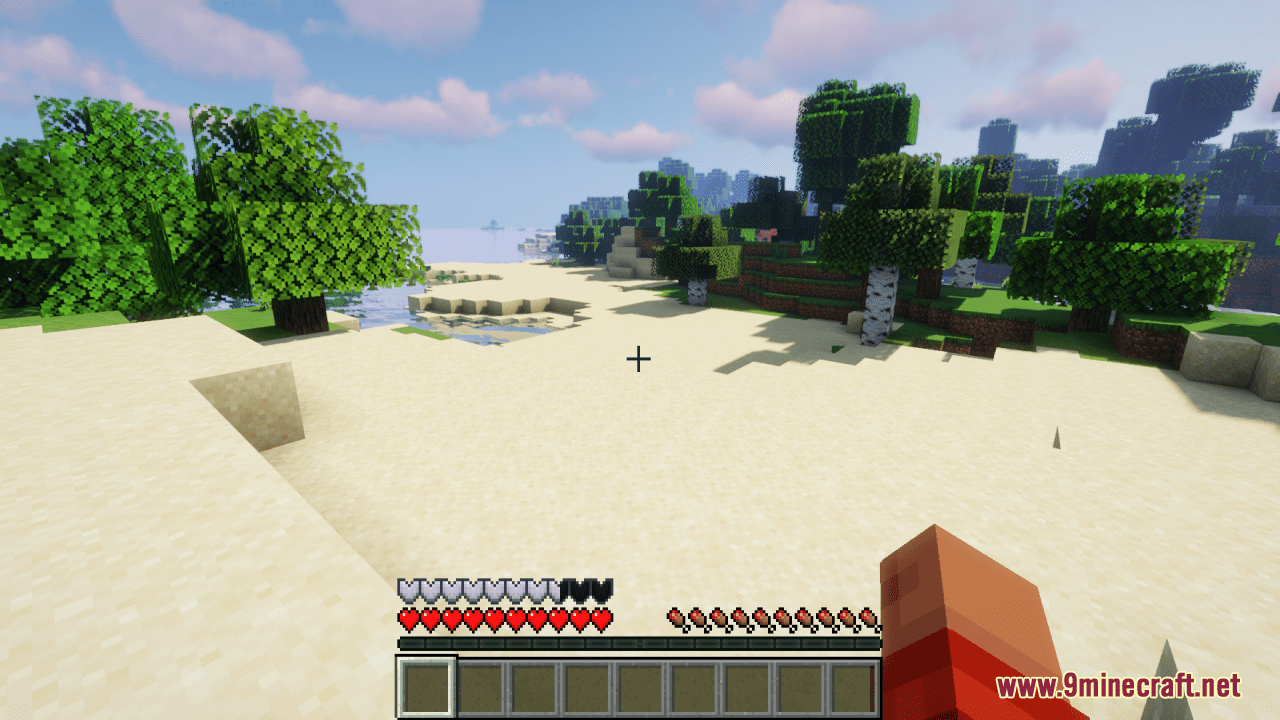
Shield Iron Armor Icon Resource Pack makes a simple but significant change: it transforms the default icon for iron armor into a much sleeker and polished design. Despite the update, the new icon preserves the essence of the original design, maintaining the unique Minecraft feel. In general, this slight and simple pack is super easy to install and doesn’t impact the game’s performance, making it accessible for all players, irrespective of their hardware capabilities.
Screenshots:
Shield Iron Armor Icon Resource Pack Download Links
For Minecraft 1.21.5, 1.21.1, 1.20.6, 1.20.1, 1.19.4
- Edition: Minecraft Java
- File type: .zip (resource pack)
- Minecraft versions listed: 1.21.1, 1.20.1
- How to install: Download the .zip resource pack — do not unzip it. → Put it in .minecraft/resourcepacks. → Enable it in Options → Resource Packs.
- Where to get it: In MC Java Mods, or directly above on this page.
Install steps are the general flow for this file type — How to install Minecraft Java resource packs walks through it step by step.
Shield Iron Armor Icon Resource Pack (1.21.1, 1.20.1) – Texture Pack is a free Minecraft Java resourcepack. Compatible with Minecraft 1.21.1, 1.20.1. Download it and open it directly in the game.