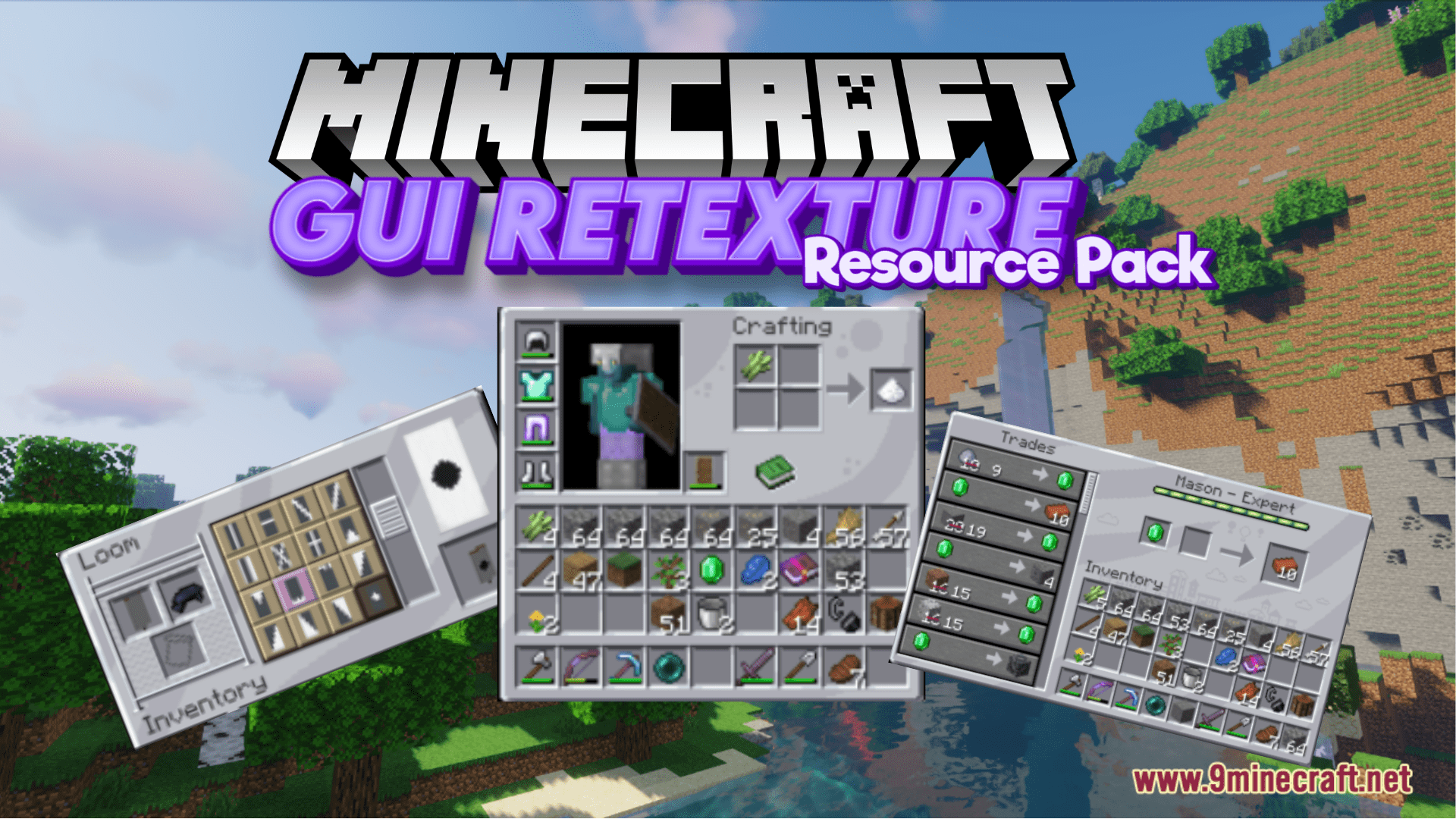
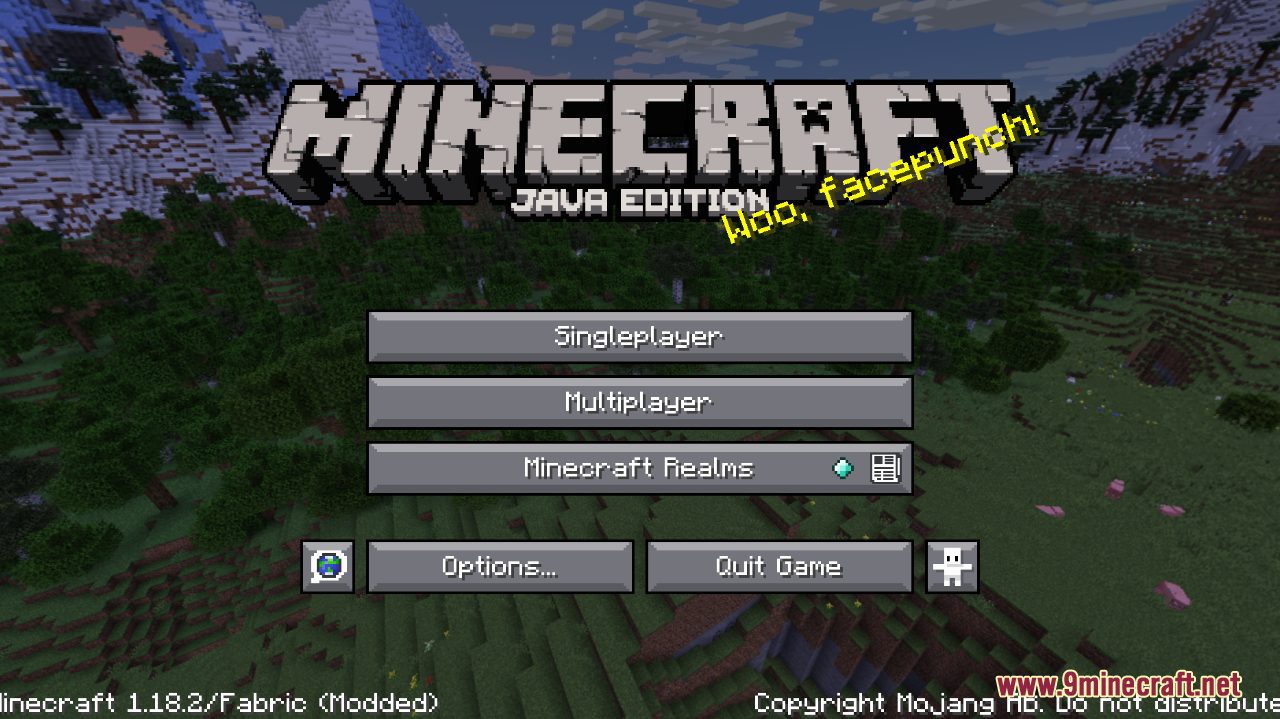
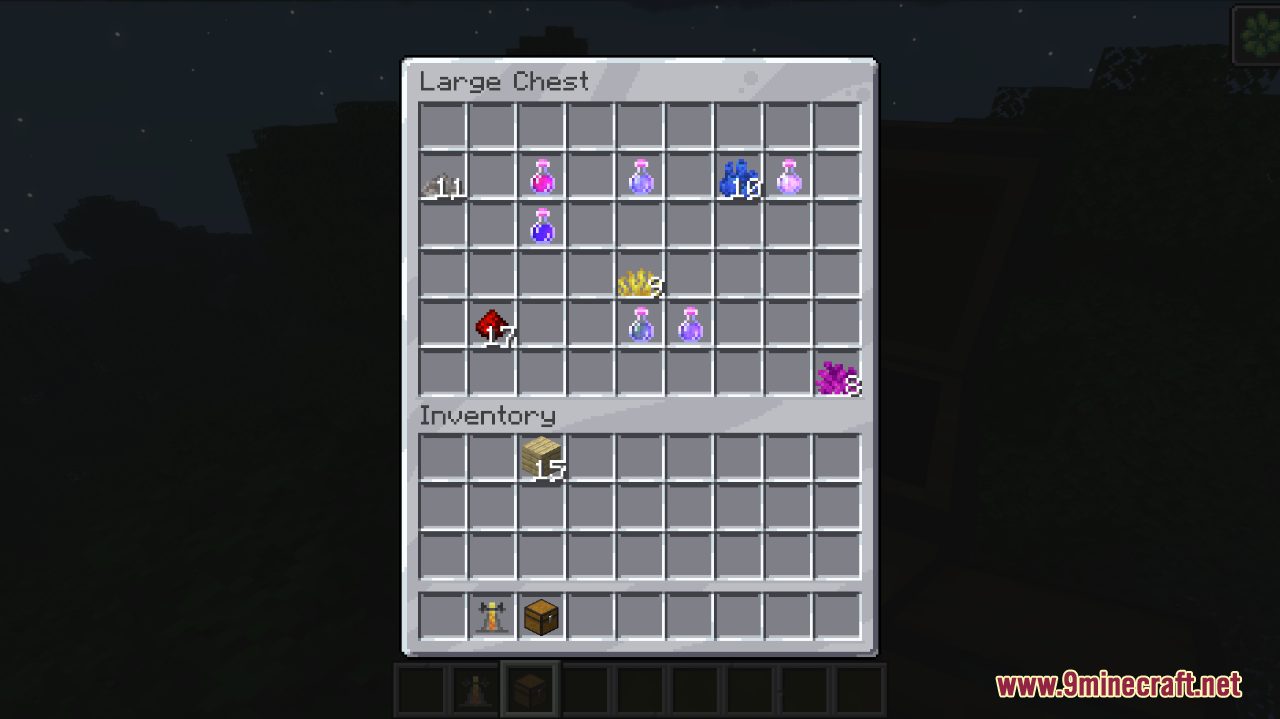
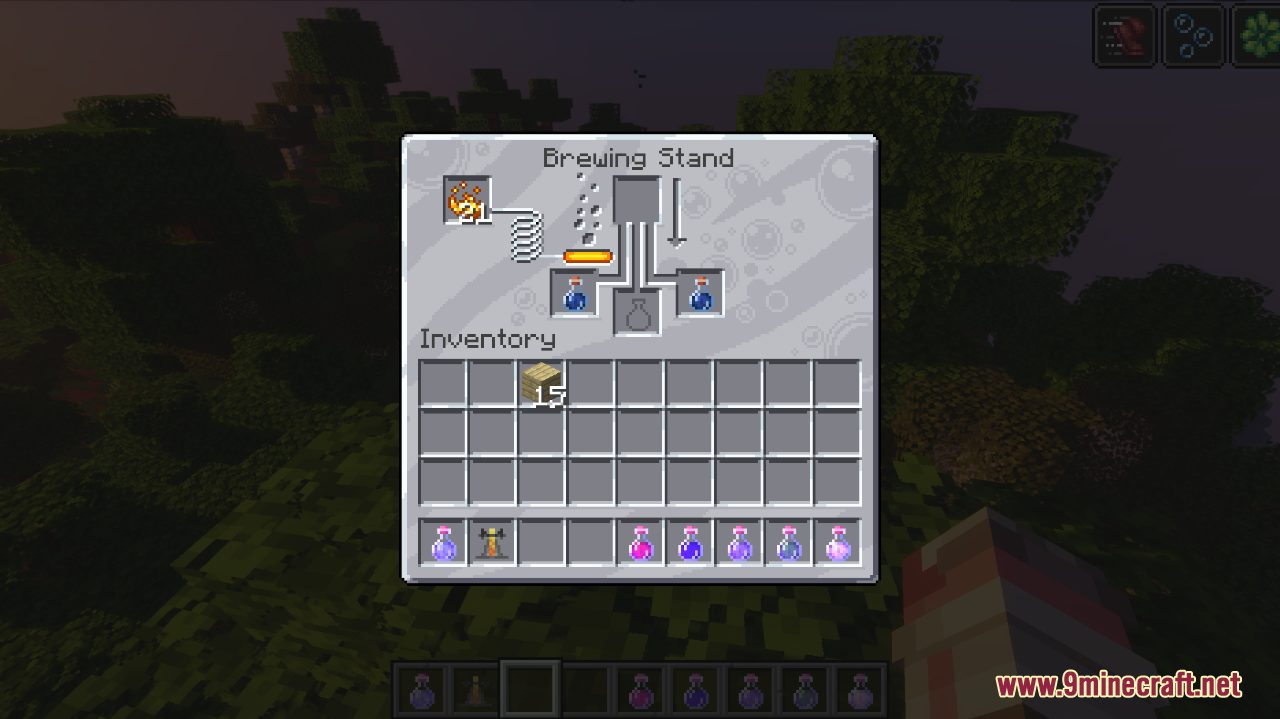
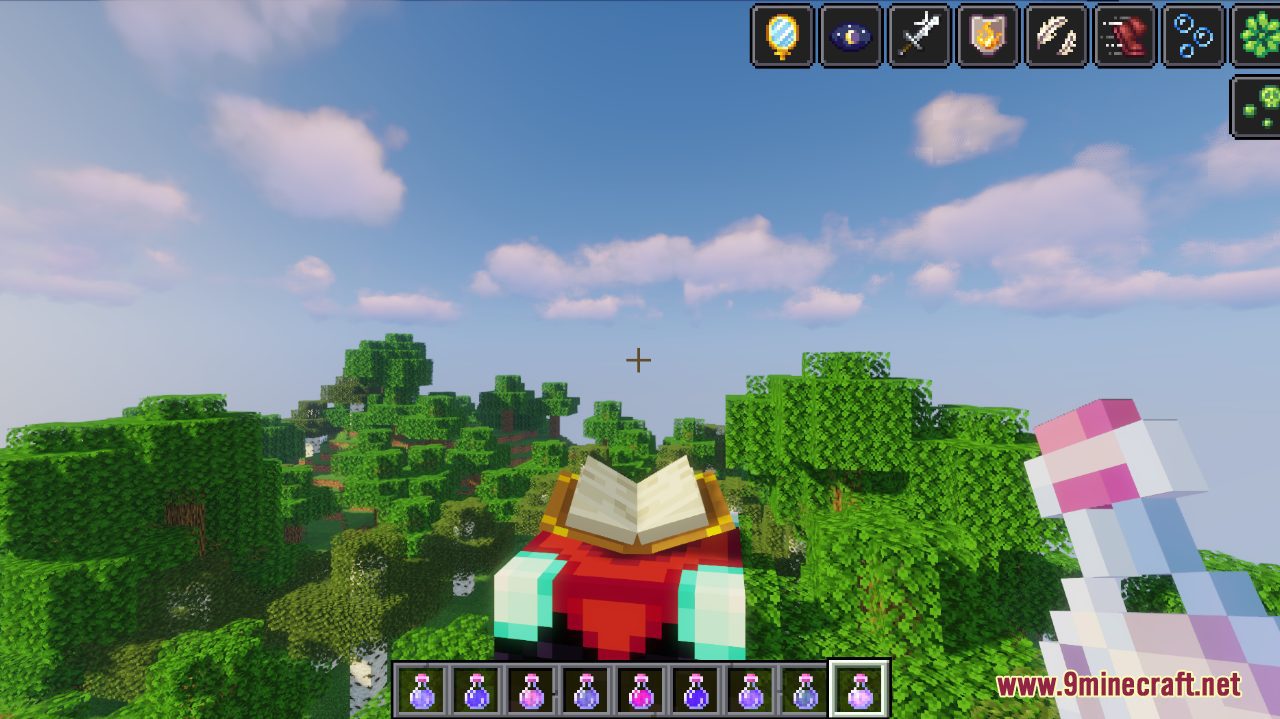
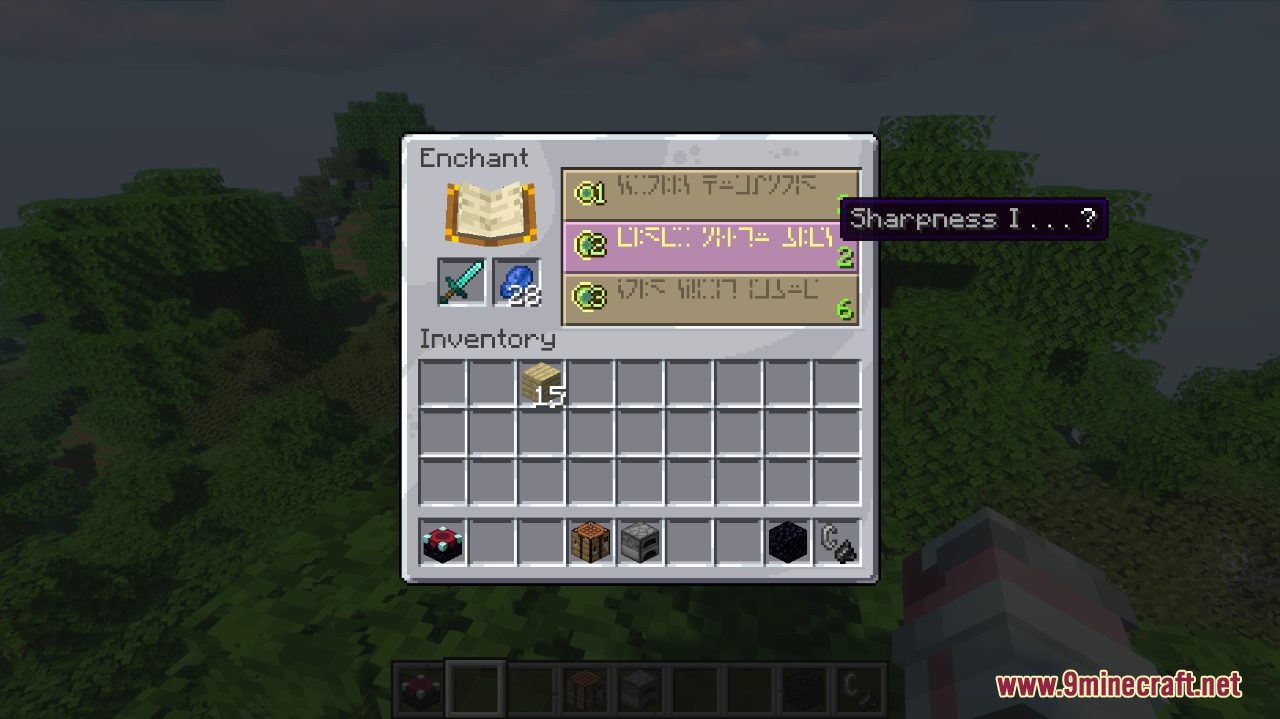
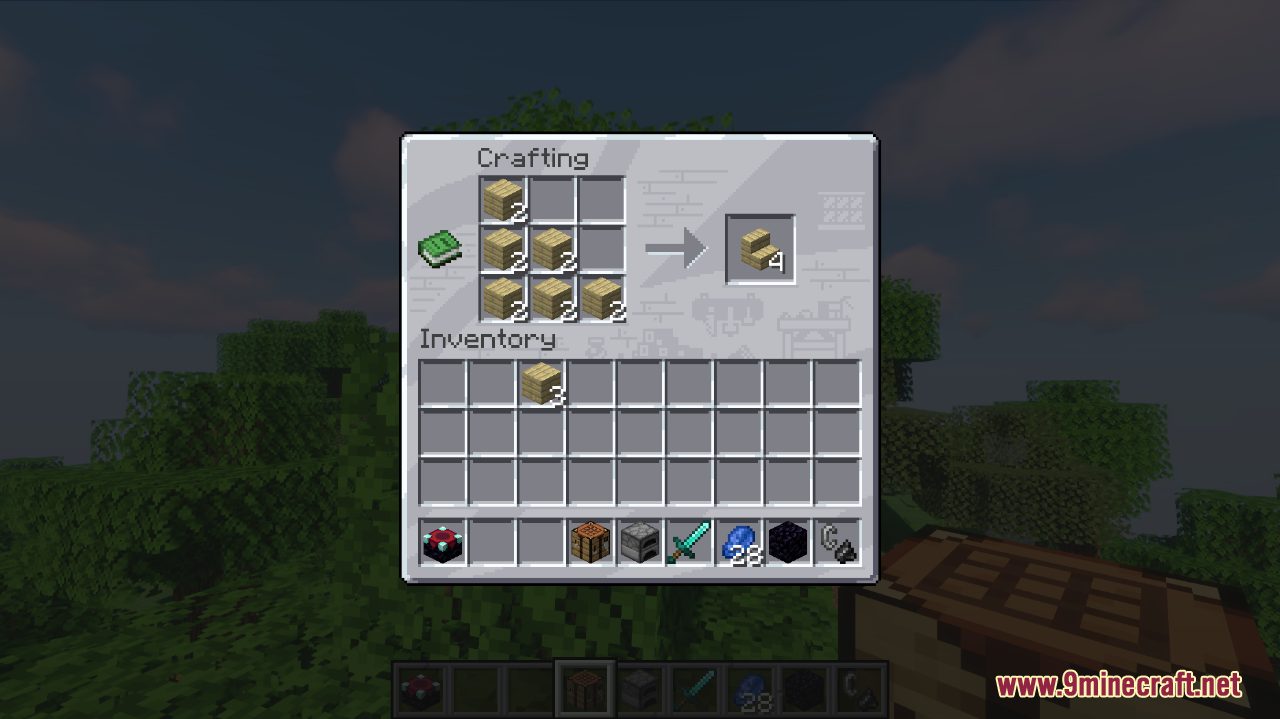
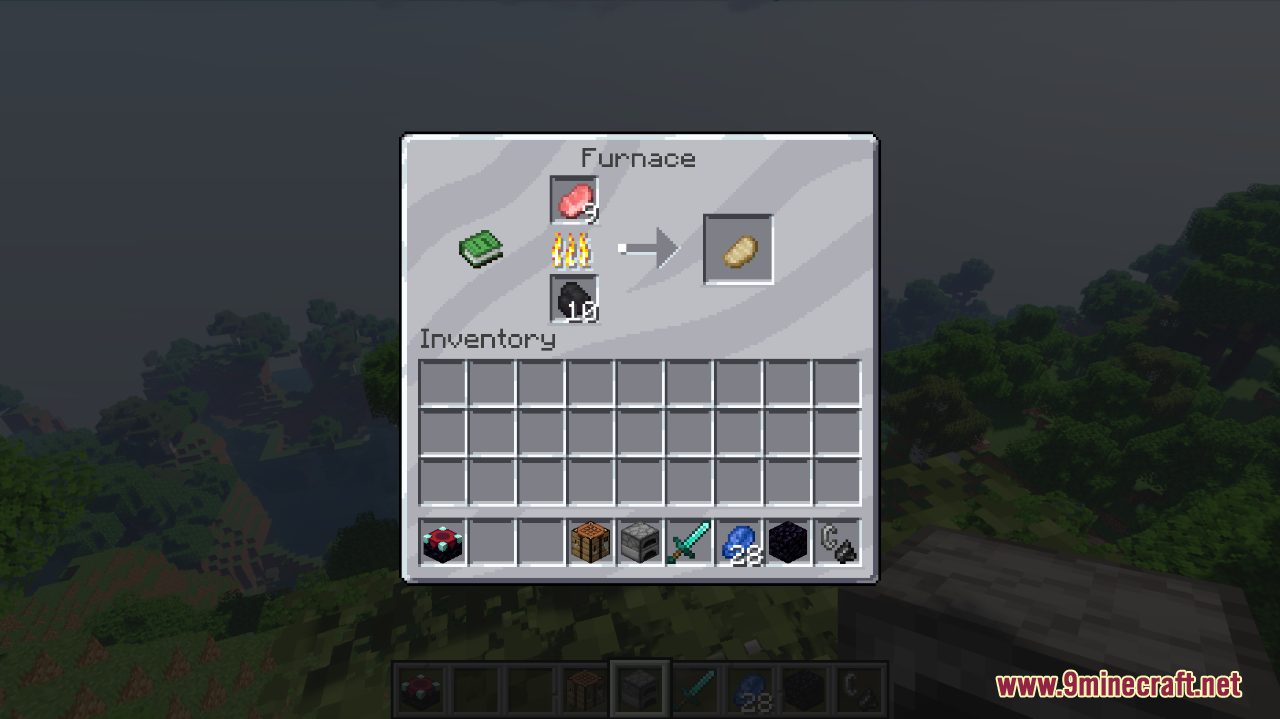
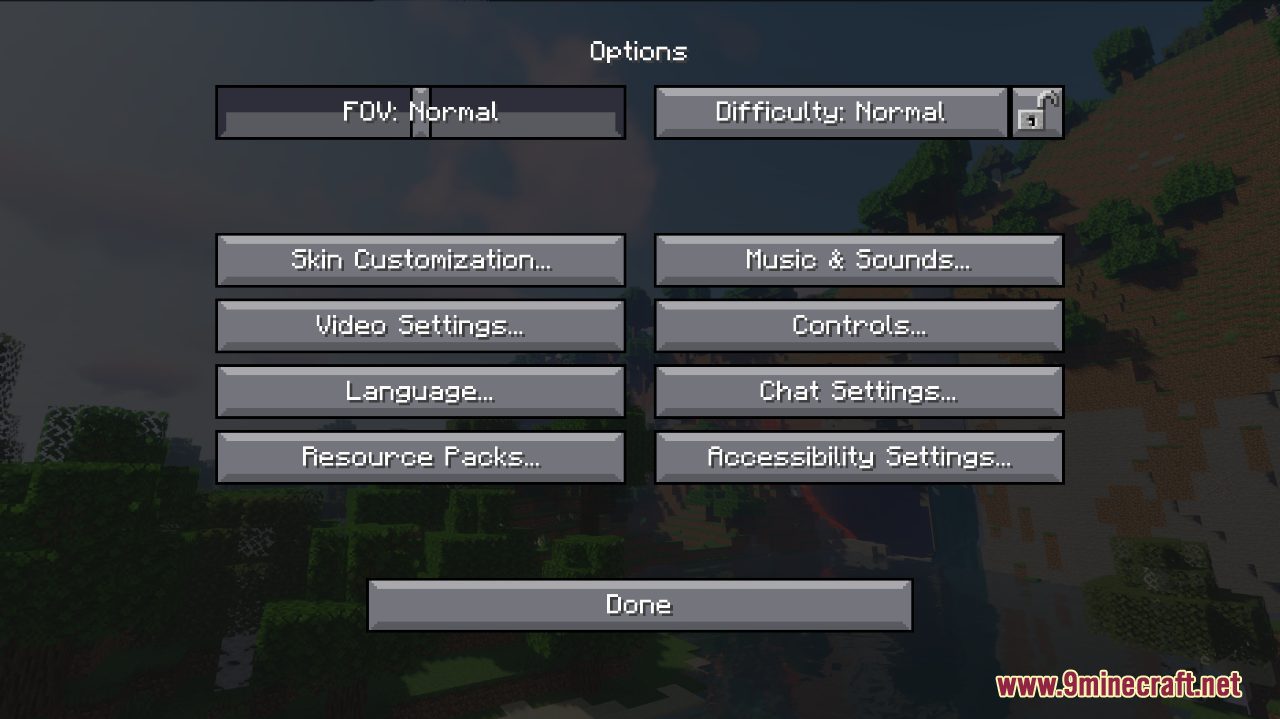
GUI Retexture Resource Pack gives you a more vibrant and interesting experience while enjoying the game. Usually, Minecraft’s original GUI looks rather dull for many players with its simple gray color. This aspect, however, can be improved with the application of this Resource Pack. GUI Retexture changes several visual aspects of the game, whether it is the loading screen, the inventory, or even the player’s effects. All in all, these nice subtle changes are certain to add an appealing factor to your game!
Screenshots:
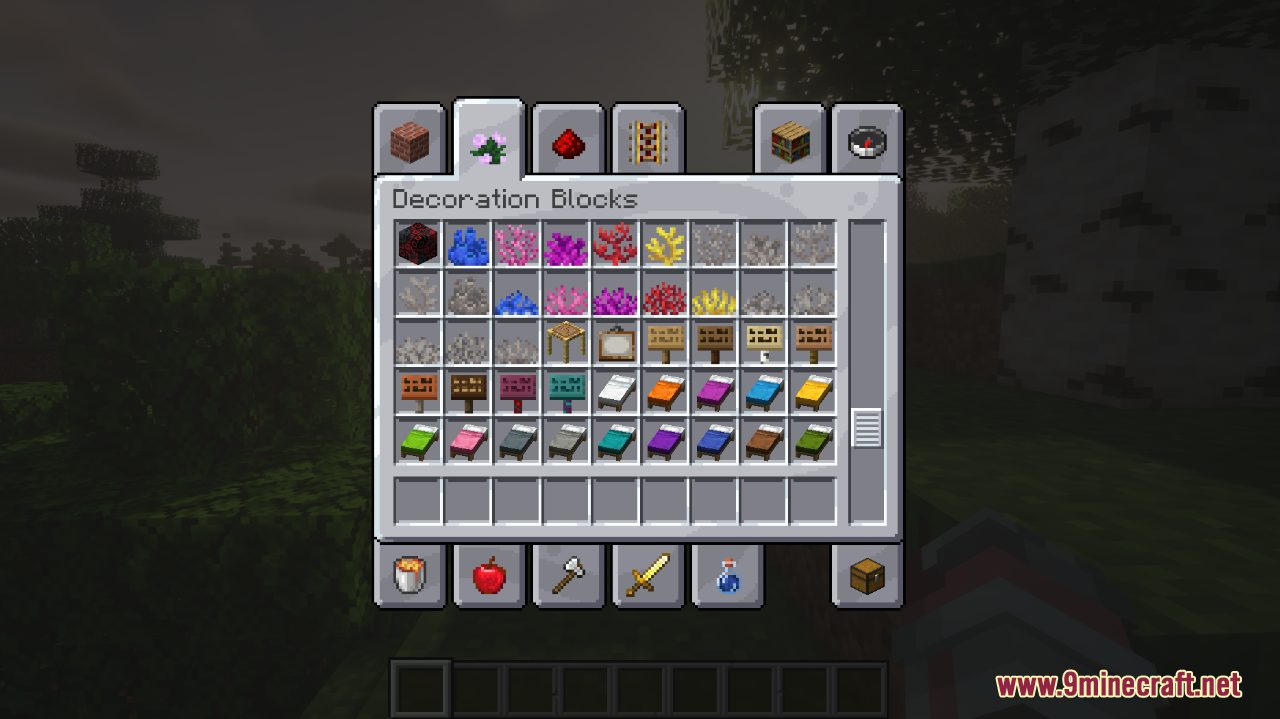
GUI Retexture Resource Pack Download Links
For Minecraft 1.21.5, 1.21.1, 1.20.6, 1.20.1, 1.19.4
For Minecraft 1.19.3, 1.19.2, 1.19.1, 1.19
For Minecraft 1.18.2
- Edition: Minecraft Java
- File type: .zip (resource pack)
- Minecraft versions listed: 1.21.1, 1.20.1
- How to install: Download the .zip resource pack — do not unzip it. → Put it in .minecraft/resourcepacks. → Enable it in Options → Resource Packs.
- Where to get it: In MC Java Mods, or directly above on this page.
Install steps are the general flow for this file type — How to install Minecraft Java resource packs walks through it step by step.
GUI Retexture Resource Pack (1.21.1, 1.20.1) – Texture Pack is a free Minecraft Java resourcepack. Compatible with Minecraft 1.21.1, 1.20.1. Download it and open it directly in the game.