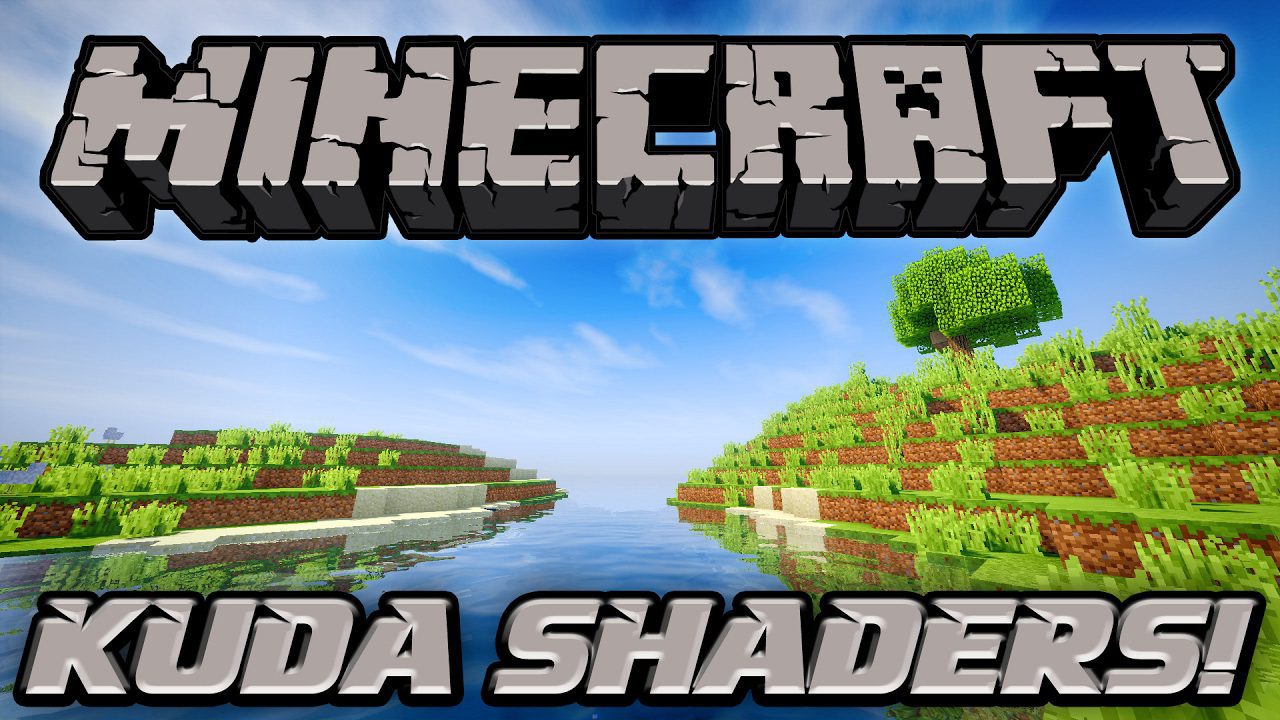
KUDA Shaders (26.3, 1.20.1) – Clean Visuals for All PCs
Java shader pack listed for Minecraft 1.20. File opened and checked on 26 Oct 2026; downloads from the MC Java Mods app on Android.
⬇ Download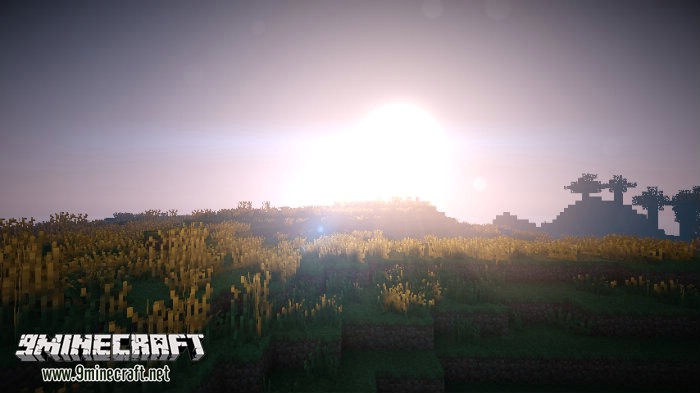
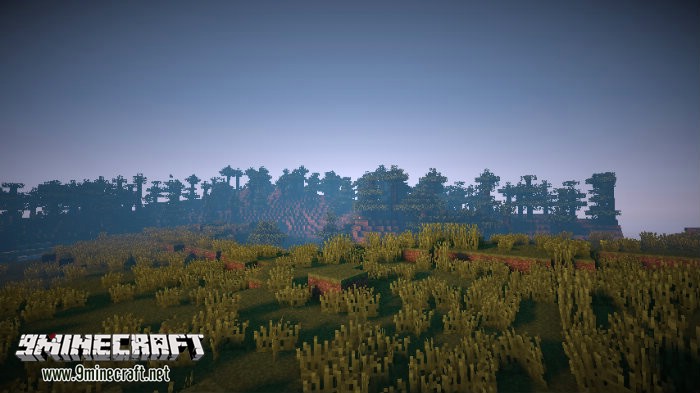
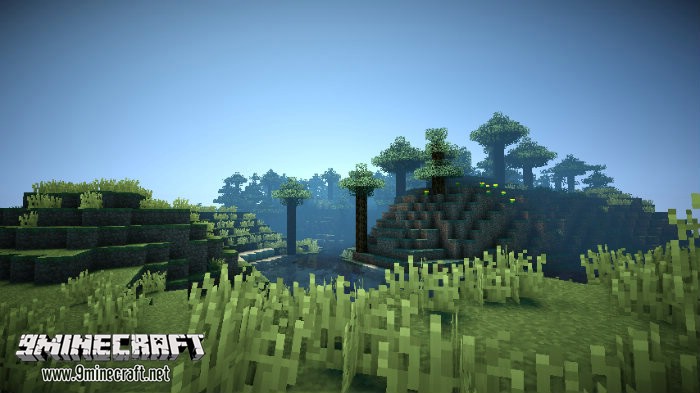
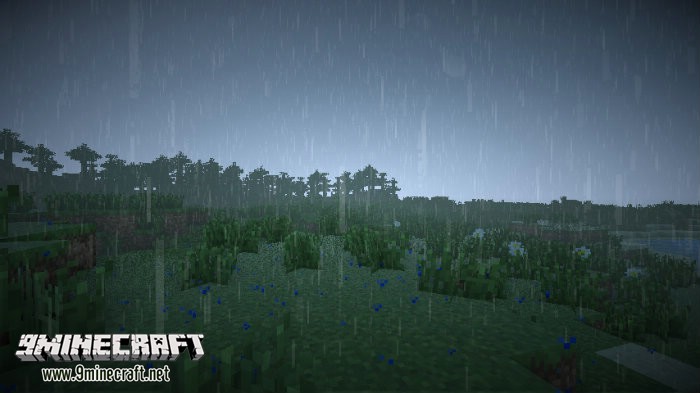
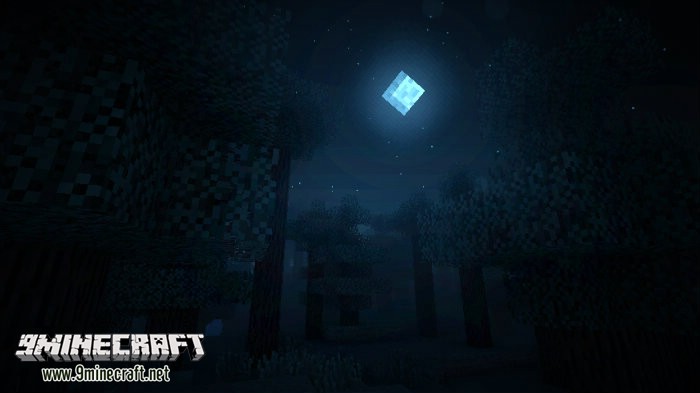
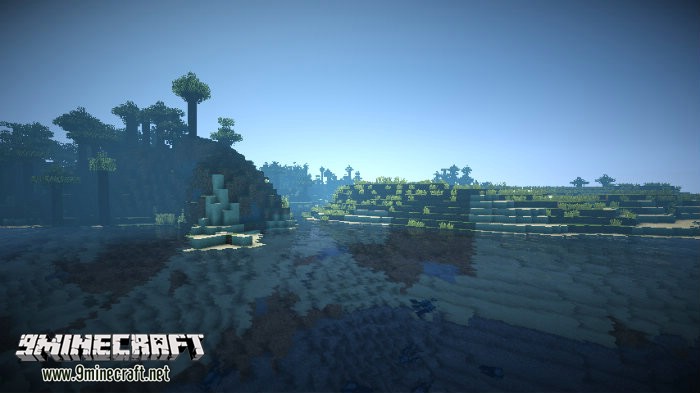
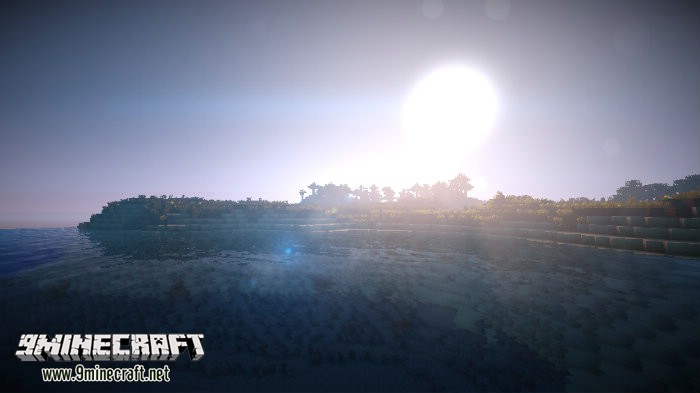
KUDA Shaders changes how Minecraft looks by adding a new lighting system, shadows, and godrays. This shader pack focuses on creating a clean and realistic experience without overwhelming effects. The sun shines beautifully over the landscape and reflects on the water’s surface, while soft clouds drift across the sky. It is designed to be customizable, allowing you to find a good balance between looks and performance.
Features:
- Adds a detailed and realistic lighting system to your world.
- Creates dynamic fog that enhances the atmosphere.
- Uses clean color grading for a balanced and immersive look.
- Casts beautiful shadows from objects and the landscape.
- Produces godrays that shine down from the sky.
- Improves water with detailed surfaces and light reflections.
- Offers multiple quality settings, from “Lowest” for low-end PCs to “Cinematic” for high-end PCs.
- Compatible with both Iris and OptiFine.
How to Use:
- To change settings, open the Iris shader pack options menu. The default key to open this menu is 0.
- Choose a shader pack quality level that is suitable for your computer.
- If you have an older computer, select a lower setting like “Low” or “Medium” to avoid lag. For powerful PCs, you can try “Ultra” or “Cinematic”.
Screenshots:
KUDA Shaders Download Links
KUDA Shaders Lite
KUDA Shaders Default
KUDA Shaders Ultra
KUDA Shaders Ultra Blur
KUDA Shaders Medium
KUDA Shaders v6.1 Legacy
- Edition: Minecraft Java
- File type: .zip (resource pack)
- Minecraft version listed: 1.20.1
- How to install: Download the .zip resource pack — do not unzip it. → Put it in .minecraft/resourcepacks. → Enable it in Options → Resource Packs.
- Where to get it: In MC Java Mods, or directly above on this page.
Install steps are the general flow for this file type — see the MC Java Mods guides for the full walkthrough.
KUDA Shaders (26.3, 1.20.1) – Clean Visuals for All PCs is a free Minecraft Java shader. Compatible with Minecraft 1.20.1. Download it and open it directly in the game.