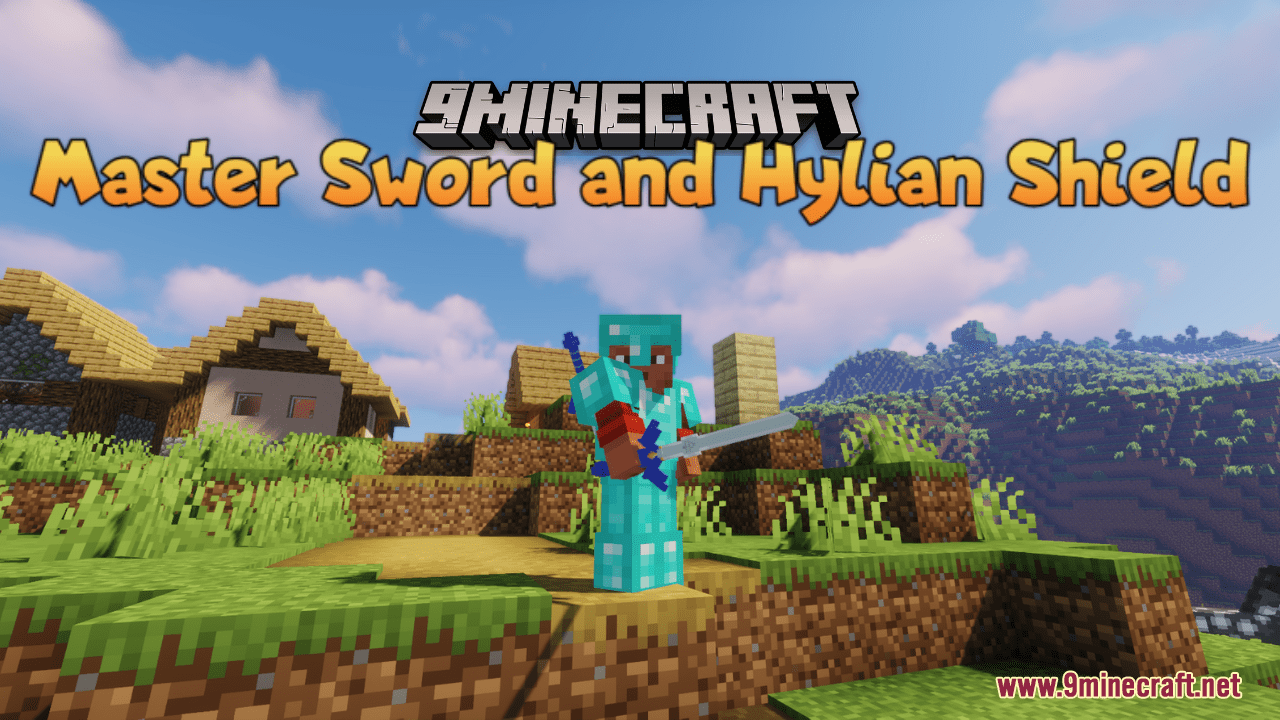
Master Sword And Hylian Shield Resource Pack (1.21.1, 1.20.1) – Texture Pack
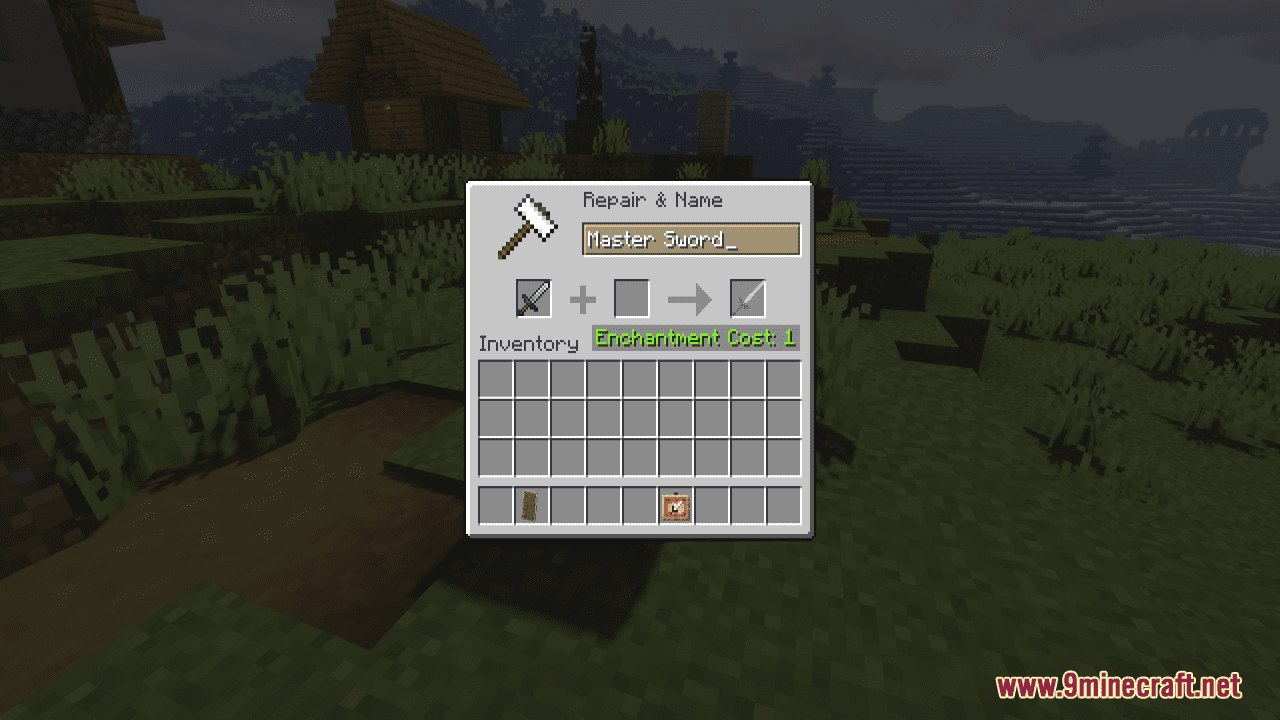
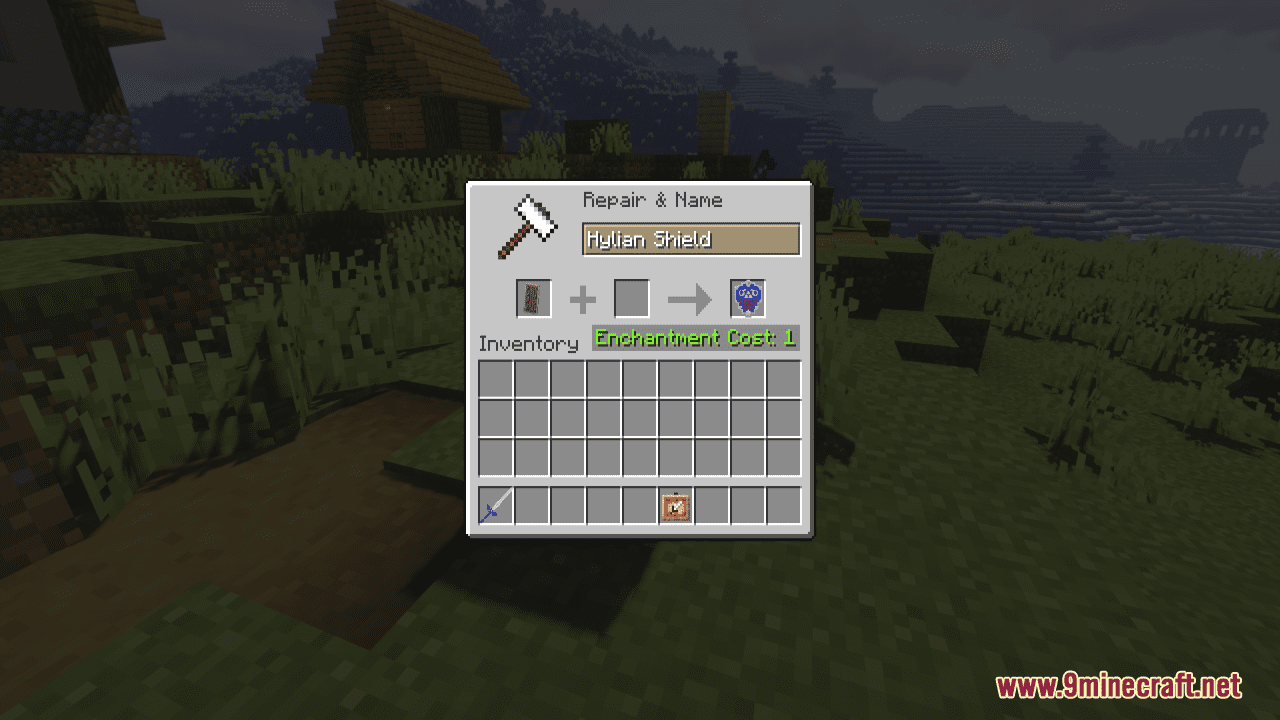
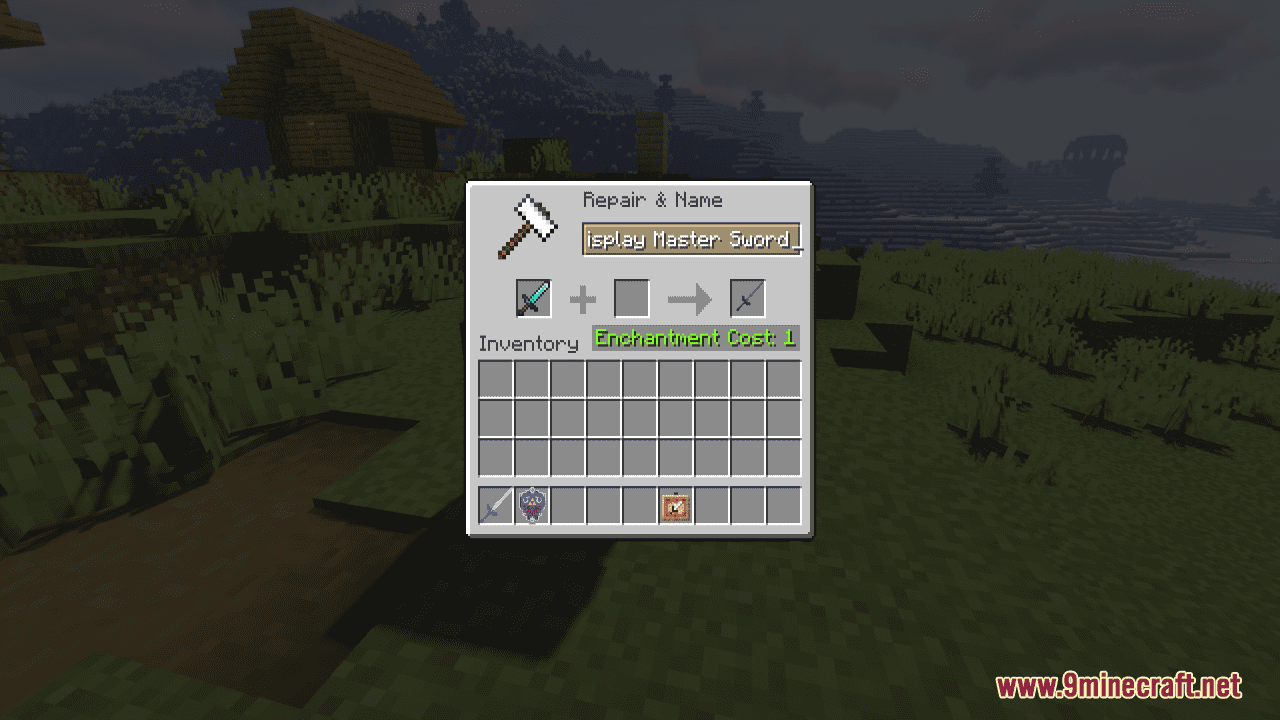
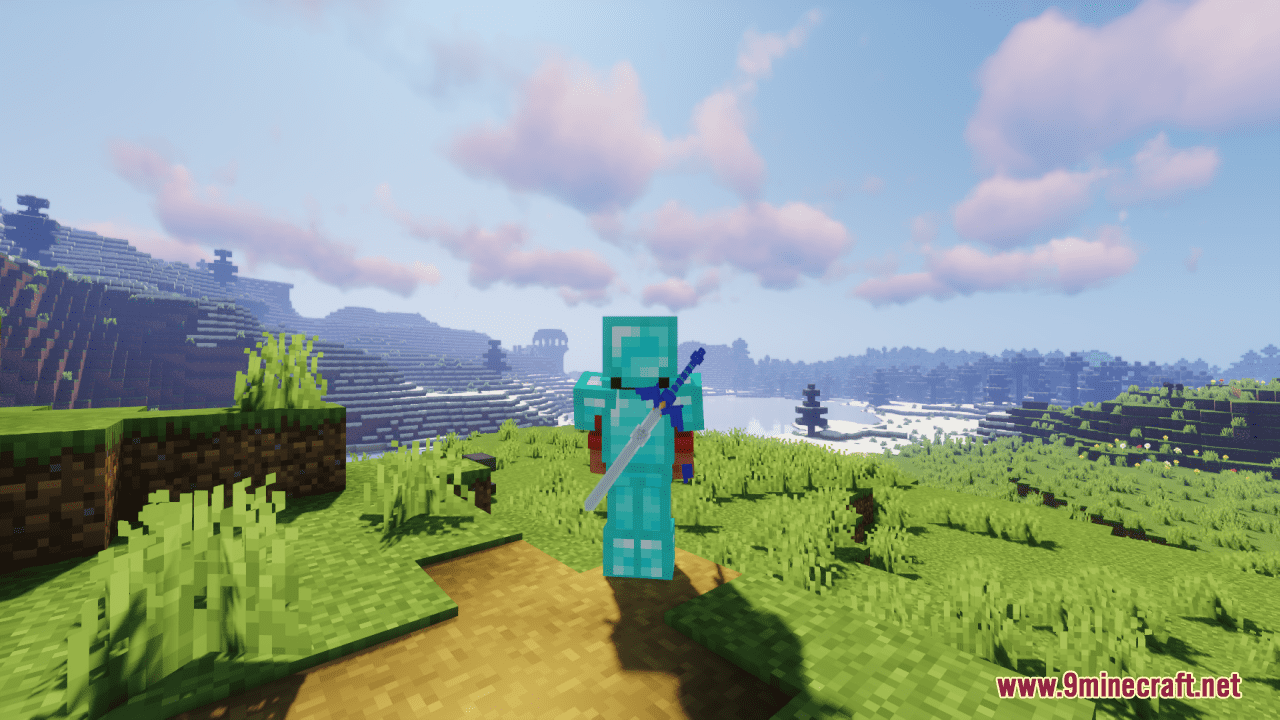
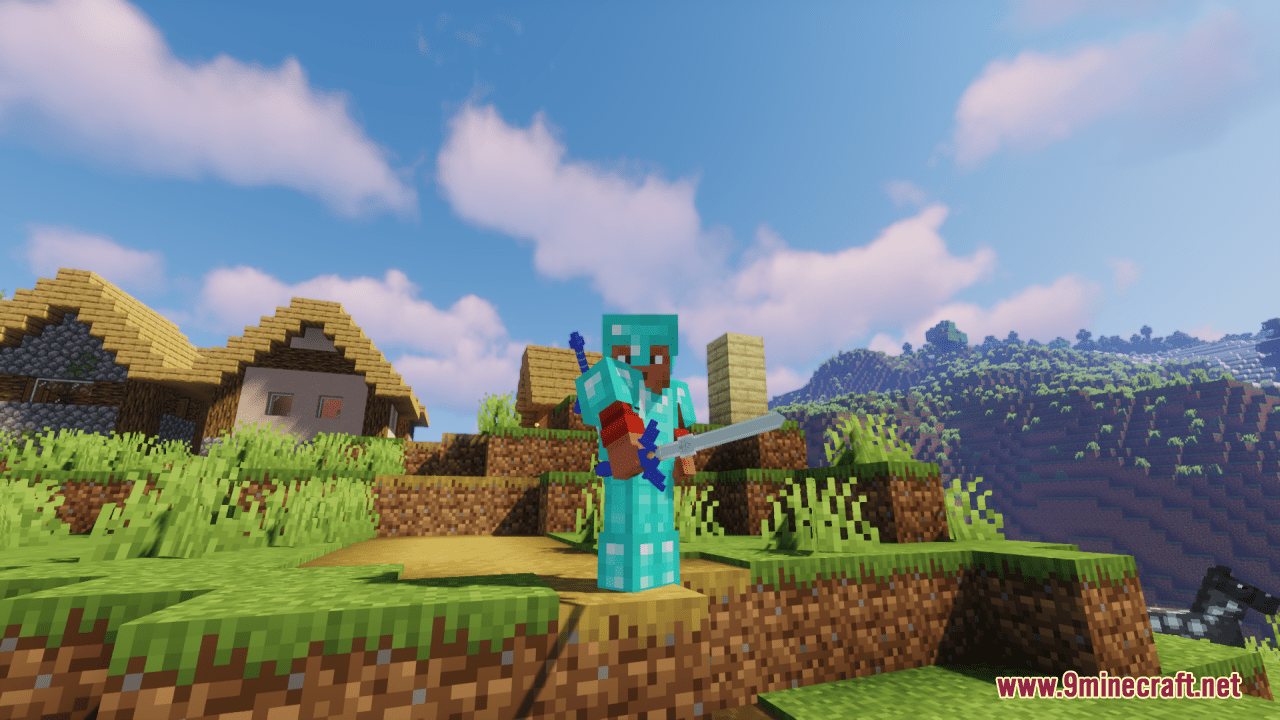
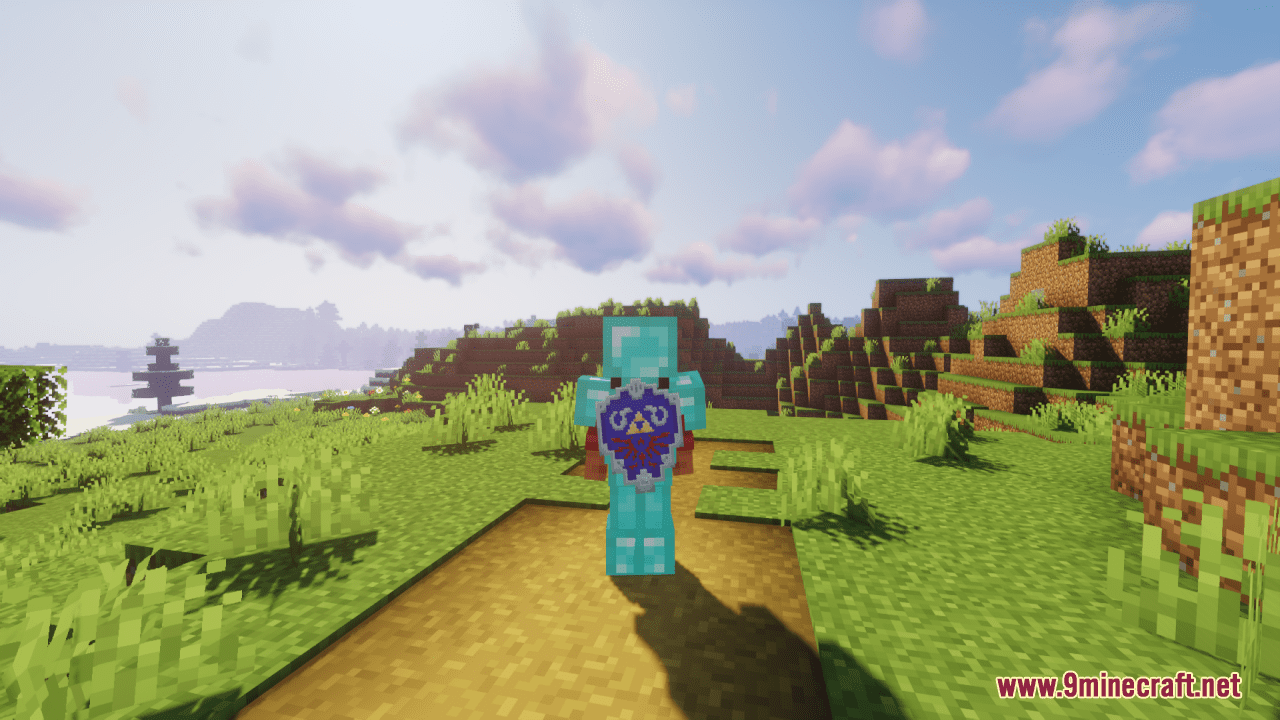
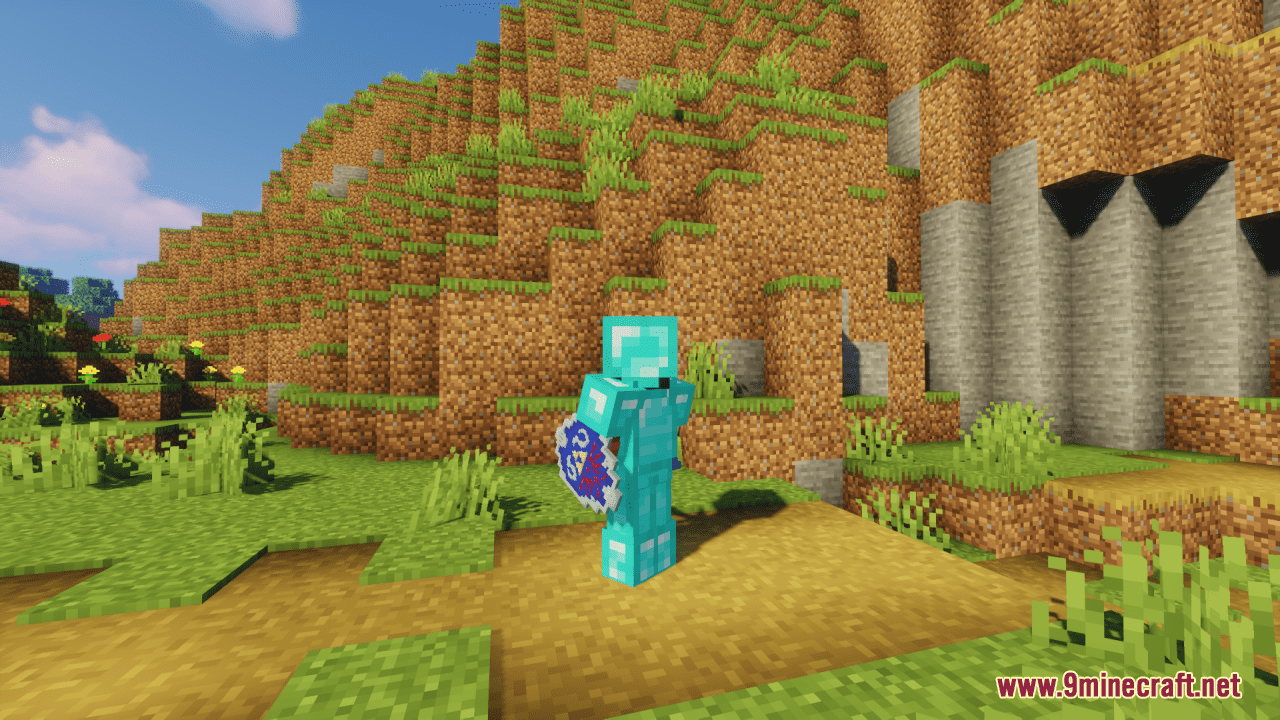
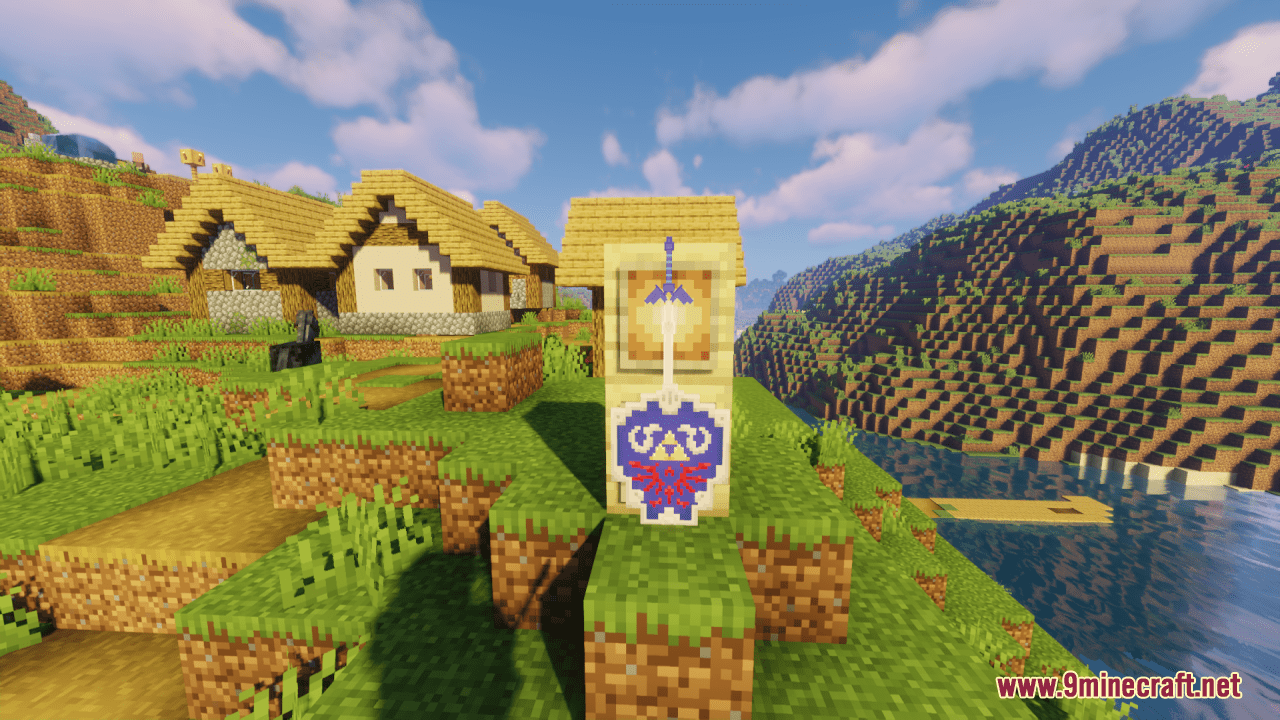
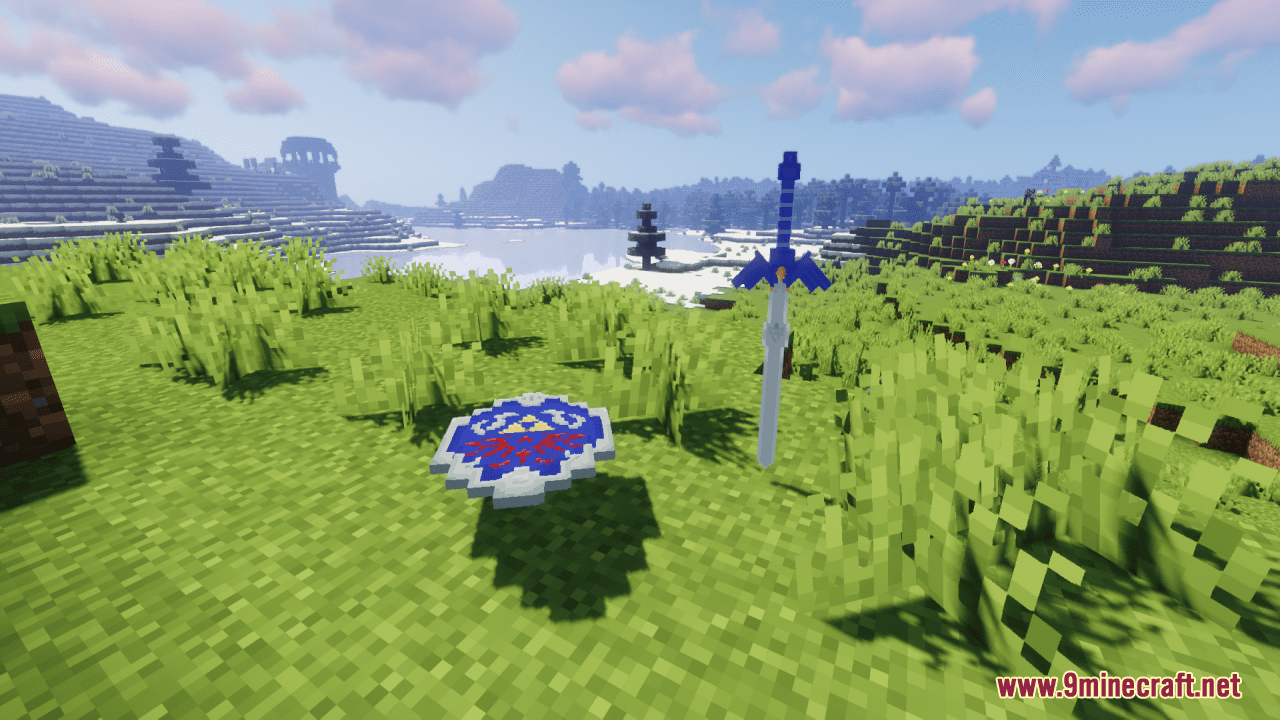
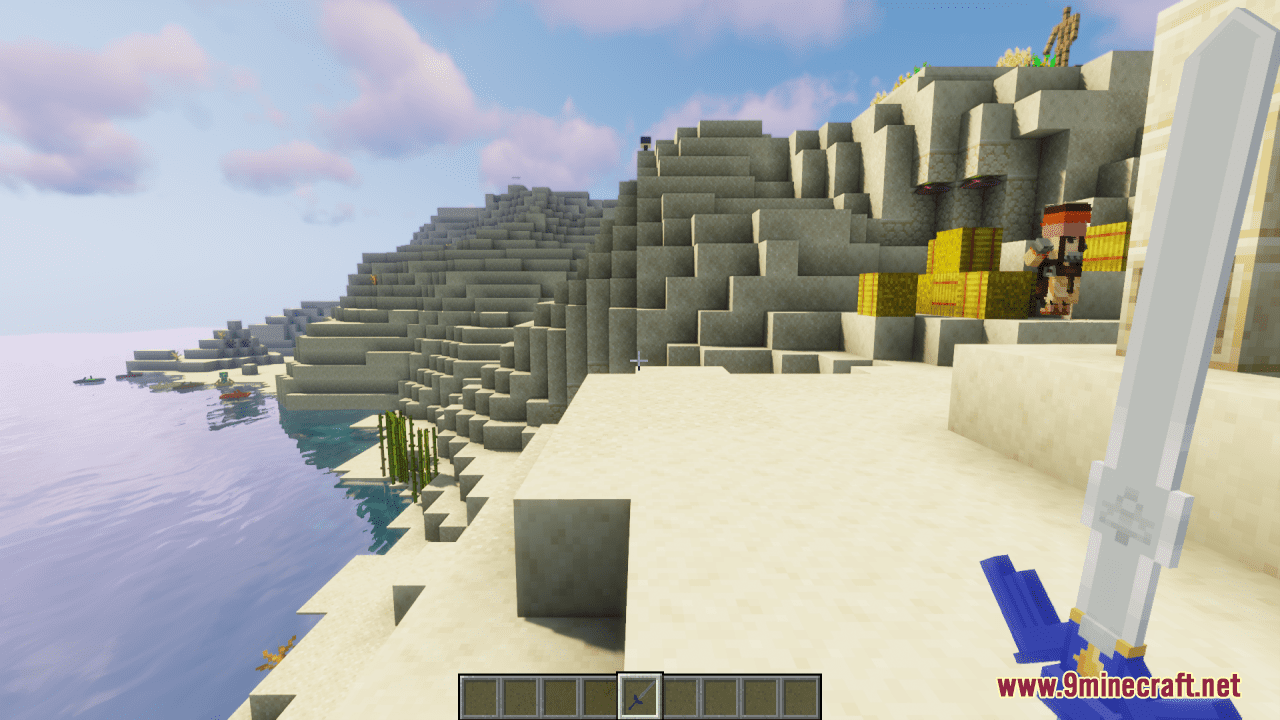
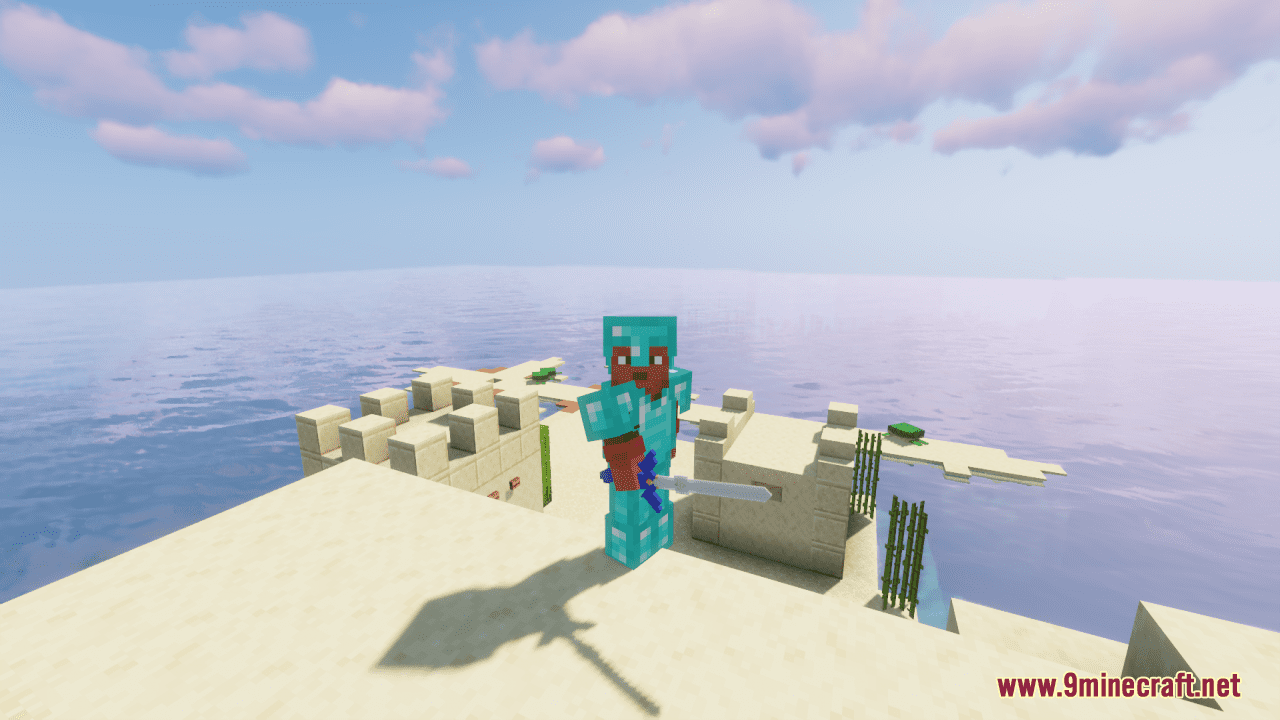
Master Sword And Hylian Shield Resource Pack, simple as its tittle, tries to add the Master Sword and Hylian Shield into Minecraft game. All you need to do is renaming Diamond Sword – “Master Sword” and Shield – “Hylian Shield”. To put the sword in the ground to display, rename Diamond Sword – “Display Master Sword”. Put the item frame on the bottom of the block and put a torch under the item frame underground. Noted that when the sword becomes Netherite, the blade will turn blue.
Screenshots:
Master Sword And Hylian Shield Resource Pack Download Links
For Minecraft 1.21.5, 1.20.6, 1.20.1, 1.19.4, 1.19.2
- Edition: Minecraft Java
- File type: .zip (resource pack)
- Minecraft versions listed: 1.21.1, 1.20.1
- How to install: Download the .zip resource pack — do not unzip it. → Put it in .minecraft/resourcepacks. → Enable it in Options → Resource Packs.
- Where to get it: In MC Java Mods, or directly above on this page.
Install steps are the general flow for this file type — How to install Minecraft Java resource packs walks through it step by step.
Master Sword And Hylian Shield Resource Pack (1.21.1, 1.20.1) – Texture Pack is a free Minecraft Java resourcepack. Compatible with Minecraft 1.21.1, 1.20.1. Download it and open it directly in the game.