Cyber's Stingrays Resource Pack (1.21.1, 1.20.1) – Texture Pack
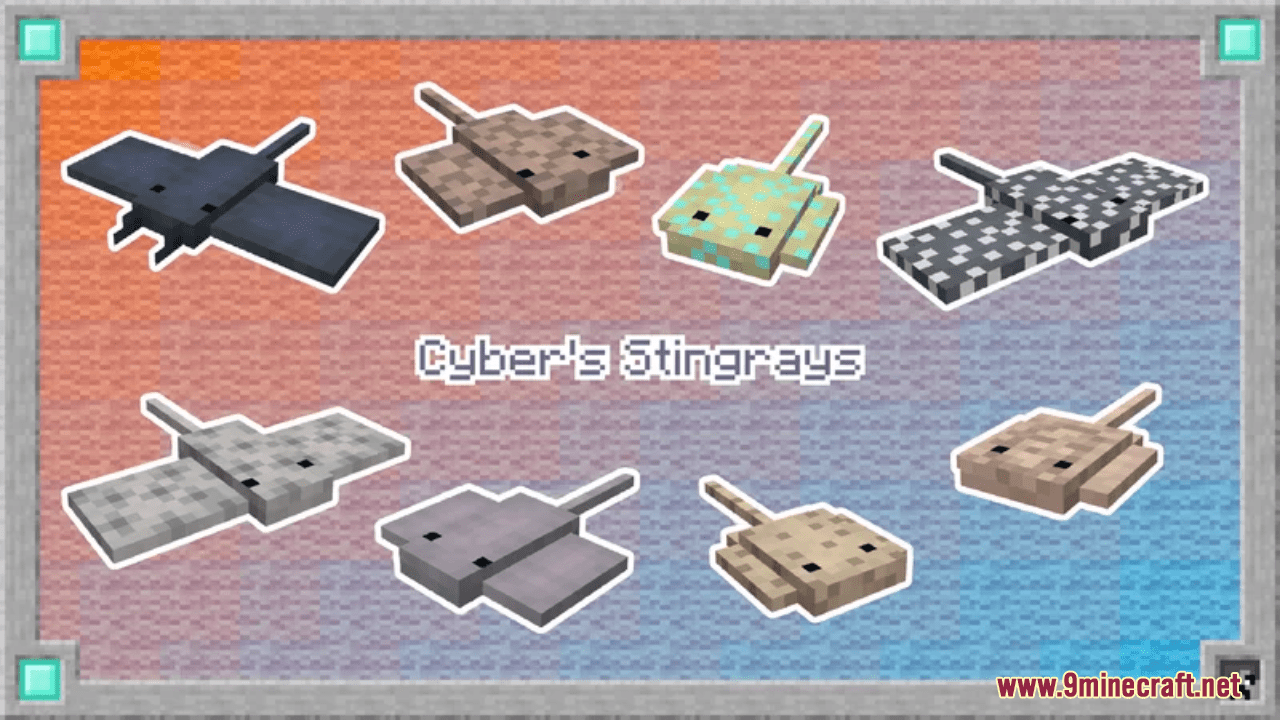
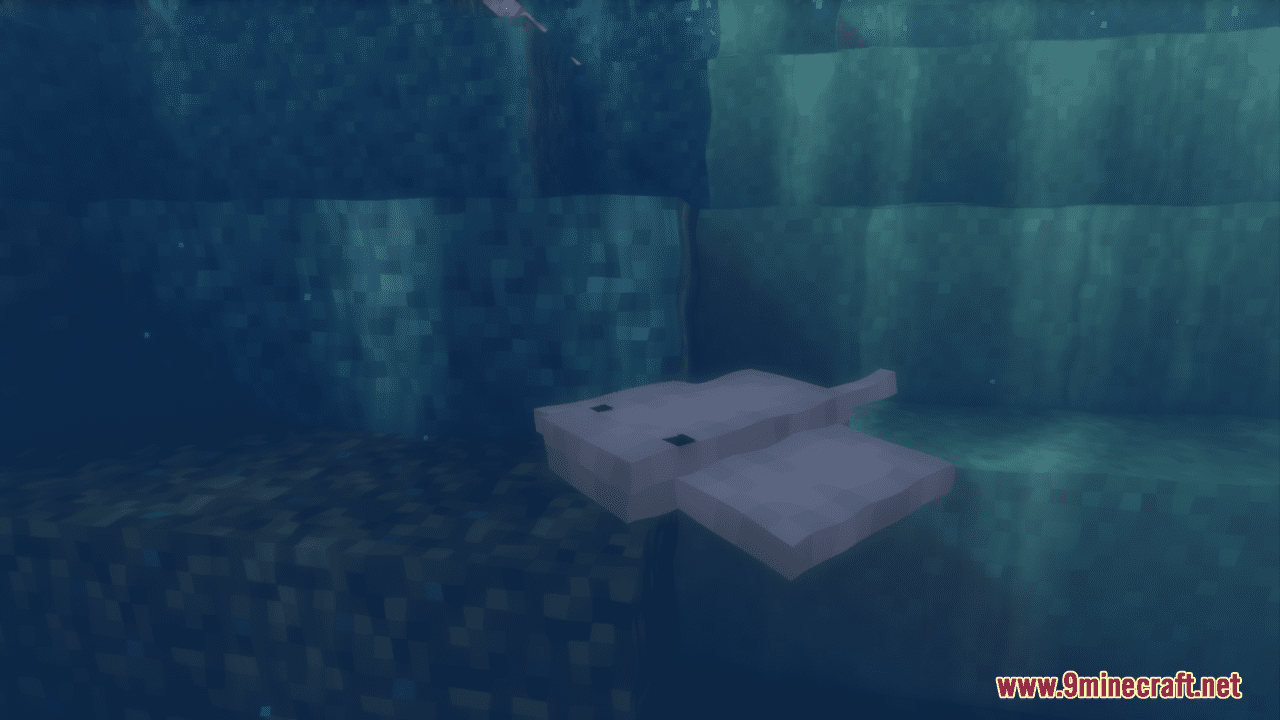
Cyber's Stingrays Resource Pack simply adds 15 types of real stingrays for you to find in game! Stingrays will replace dolphins and can be found naturally…
⬇ Download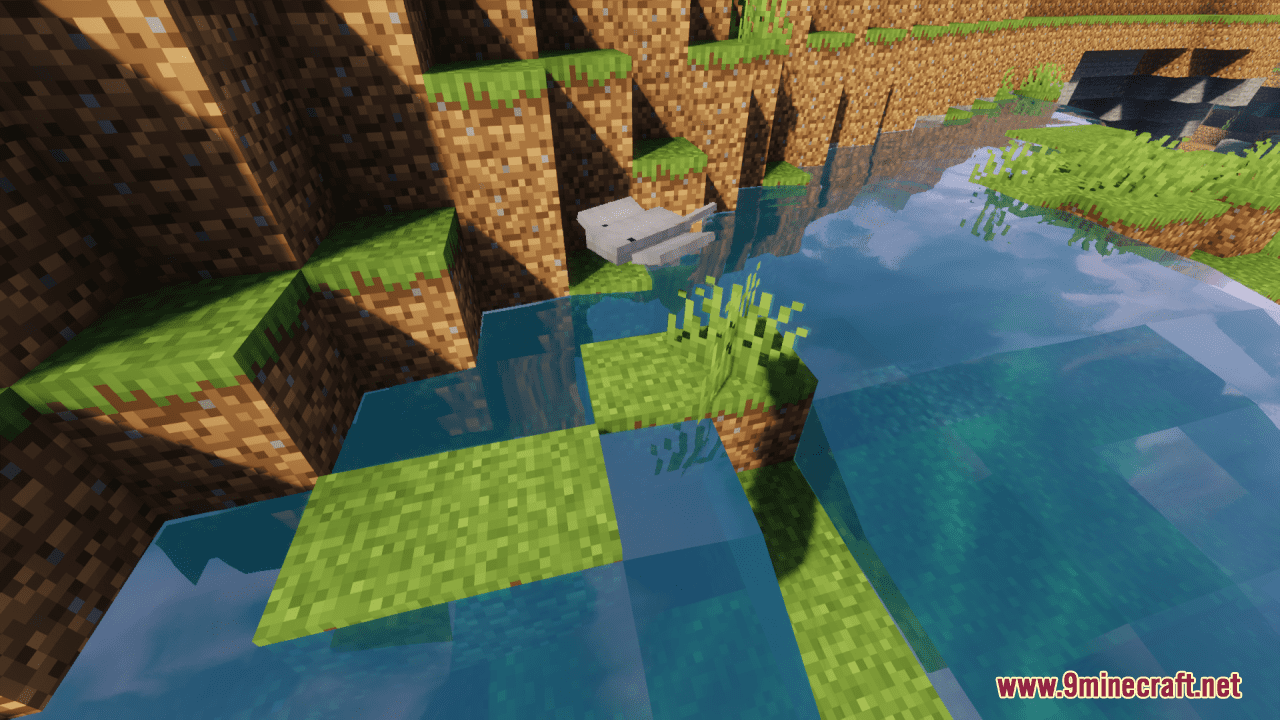
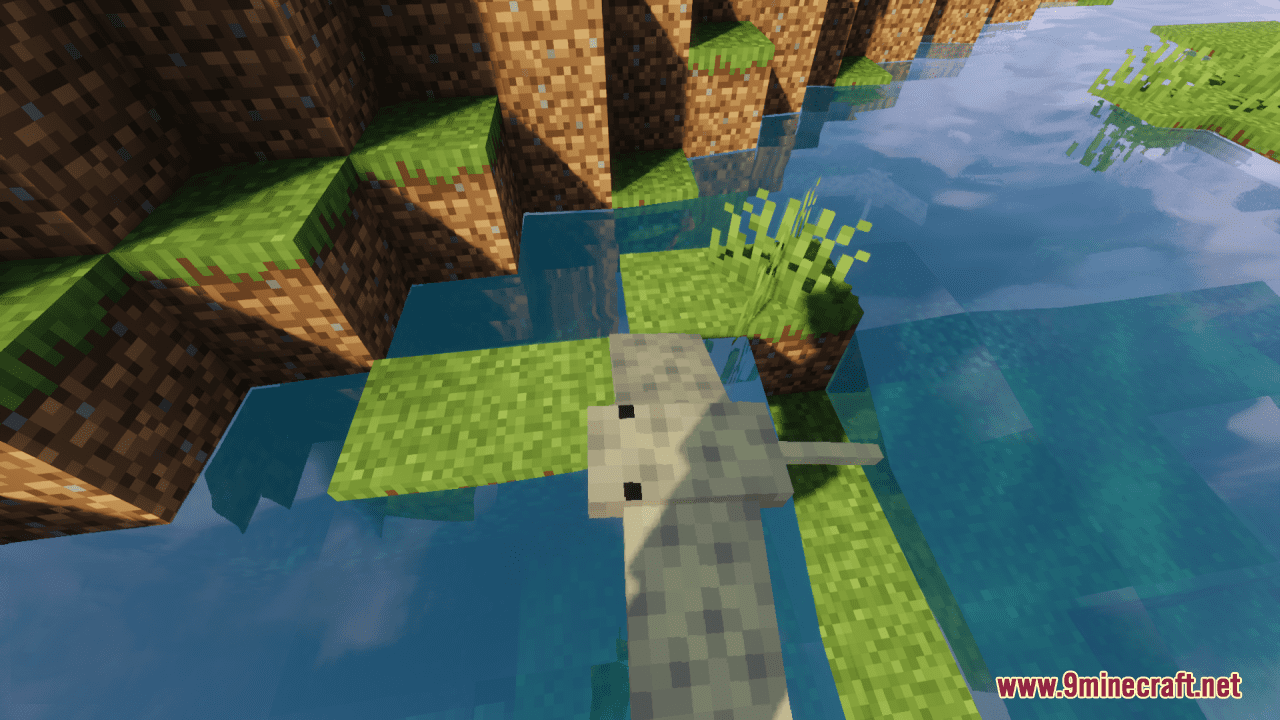
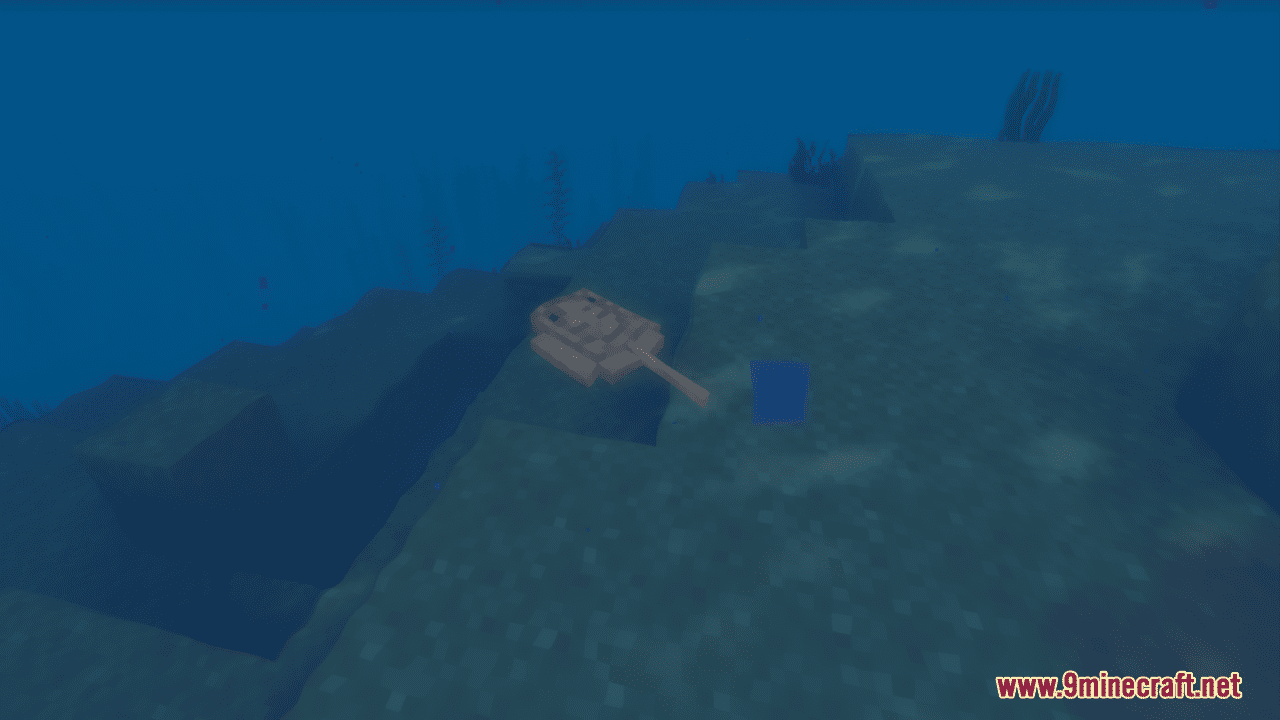
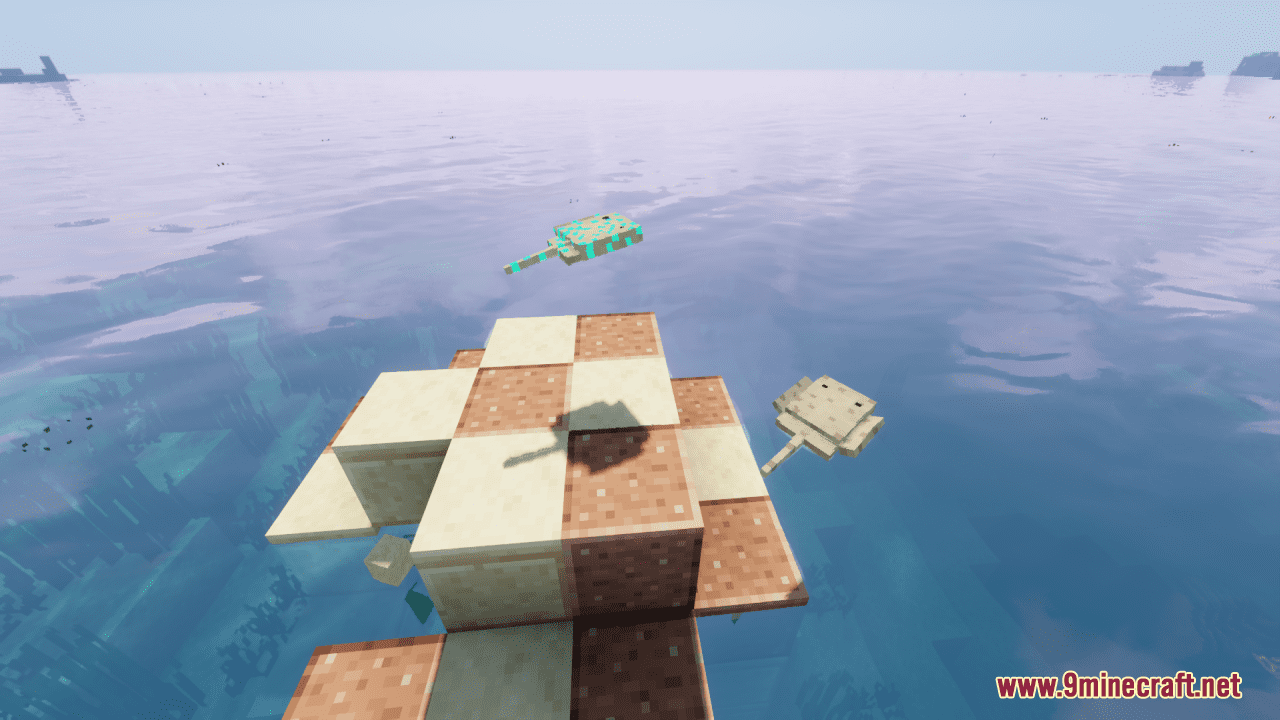
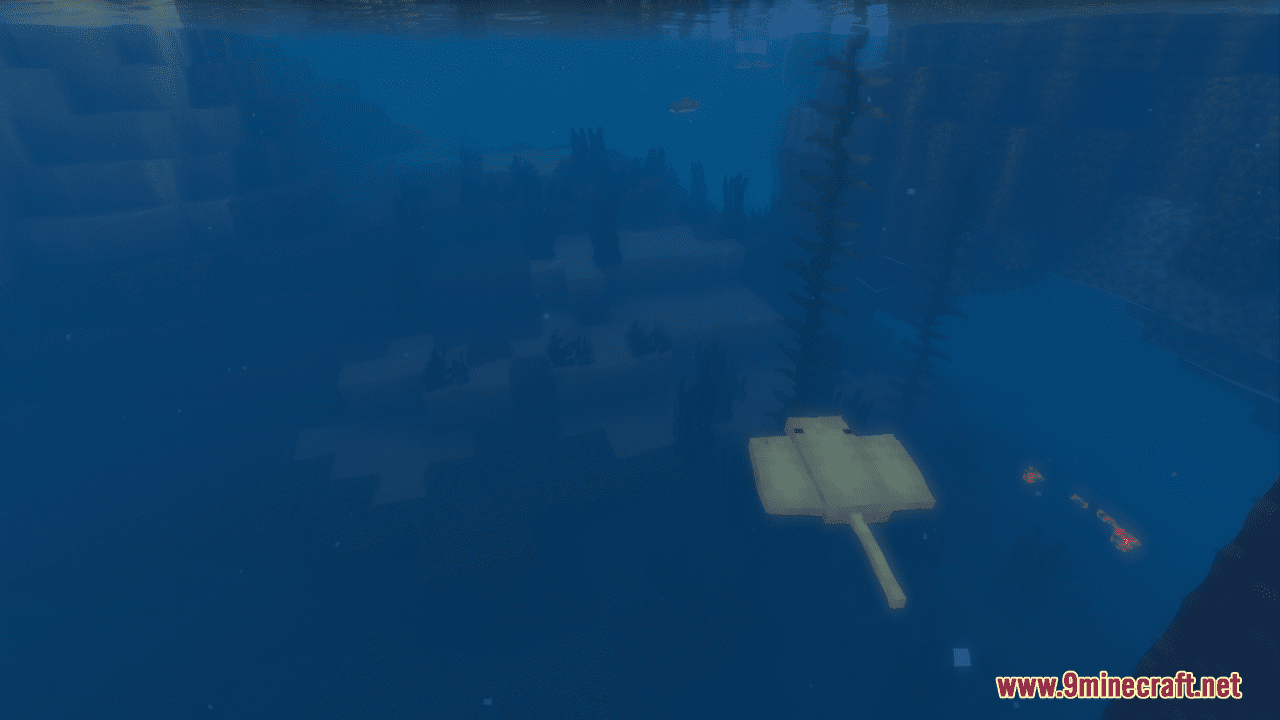
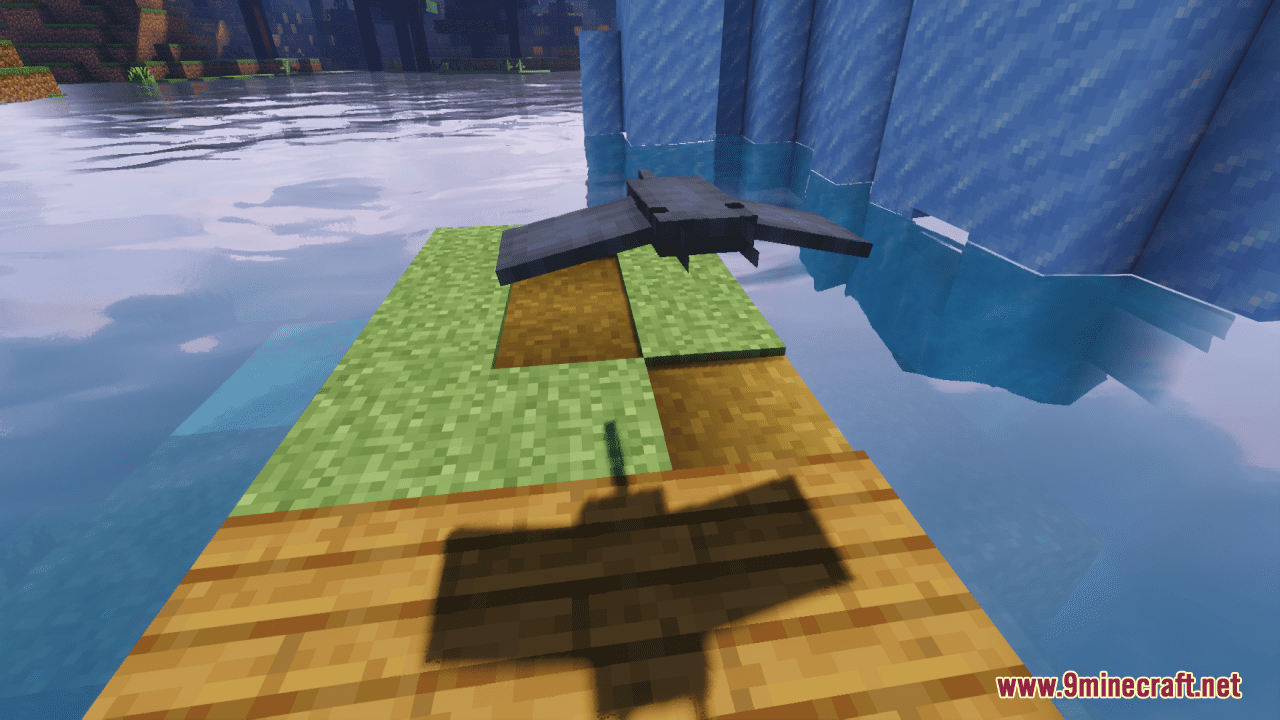
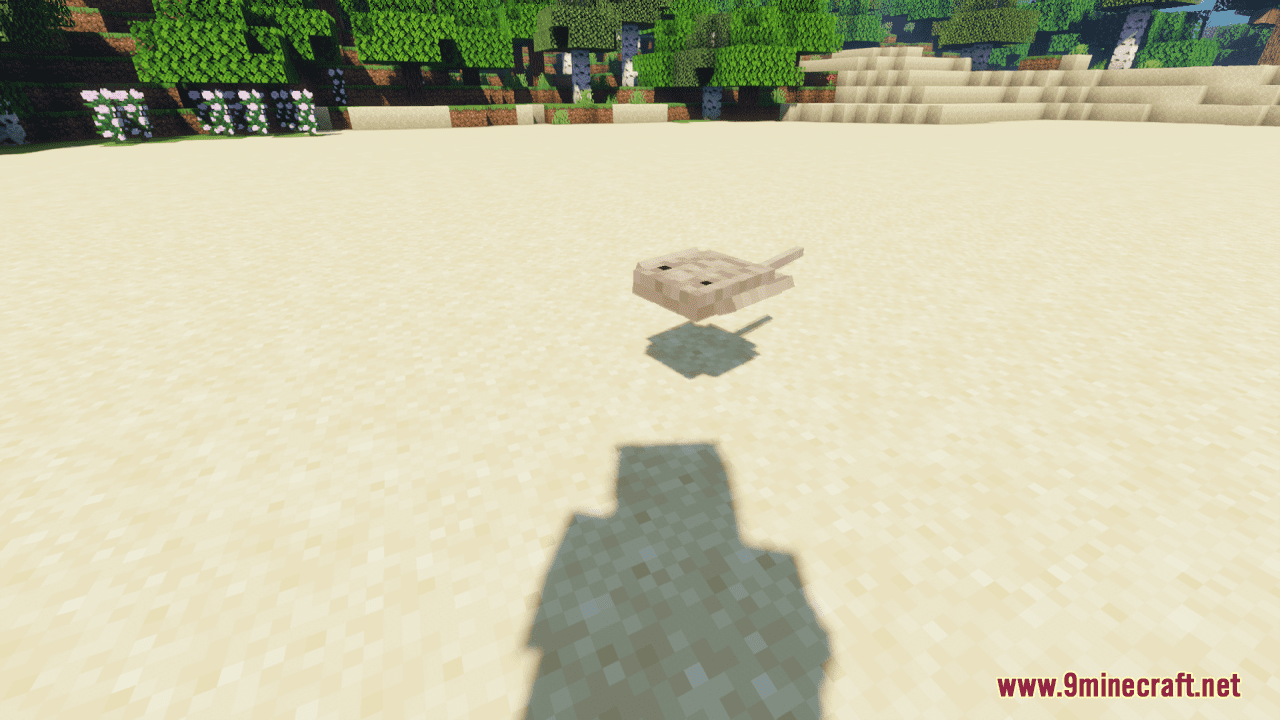
Cyber’s Stingrays Resource Pack simply adds 15 types of real stingrays for you to find in game! Stingrays will replace dolphins and can be found naturally in any ocean biome. Different biomes have different types of stingrays living in them (matching real life) All stingray variants can also be gotten by naming a stingray. A list of the biomes the stingrays can be found in and the name that needs to be given to get a stingray will be listed below:
1- Common Stingray, Spawns in Regular Biomes, name: “common stingray”
2- Atlantic Stingray, Spawns in Cold Biomes, name: “atlantic stingray”
3- Southern Stingray, Spawns in Cold Biomes, name: “southern stingray”
4- Roughback Stingray, Spawns in Regular Biomes, name: “roughback stingray”
5- Leopard Stingray, Spawns in Hot Biomes, name: “leopard stingray”
6- Whiptail Ray, Spawns in Regular Biomes, name: “whiptail ray”
7- Cownose Ray, Spawns in Regular Biomes, name: “cownose ray”
8- Spotted Eagle Ray, Spawns in Cold Biomes, name: “spotted eagle ray”
9- Smooth Butterfly Ray, Spawns in Regular Biomes, name: “smooth butterfly ray”
10- Spiny Butterfly Ray, Spawns in Regular Biomes, name: “spiny butterfly ray”
11- Devil Ray, Spawns in Cold Biomes, name: “devil ray”
12- Round Stingray, Spawns in Regular Biomes, name: “round stingray”
13- Yellow Stingray, Spawns in Hot Biomes, name: “yellow stingray”
14- Bullsye Stingray, Spawns in Hot Biomes, name: “bullsye stingray”
15- Bluespotted Stingray, Spawns in Hot Biomes, name: “bluespotted stingray”
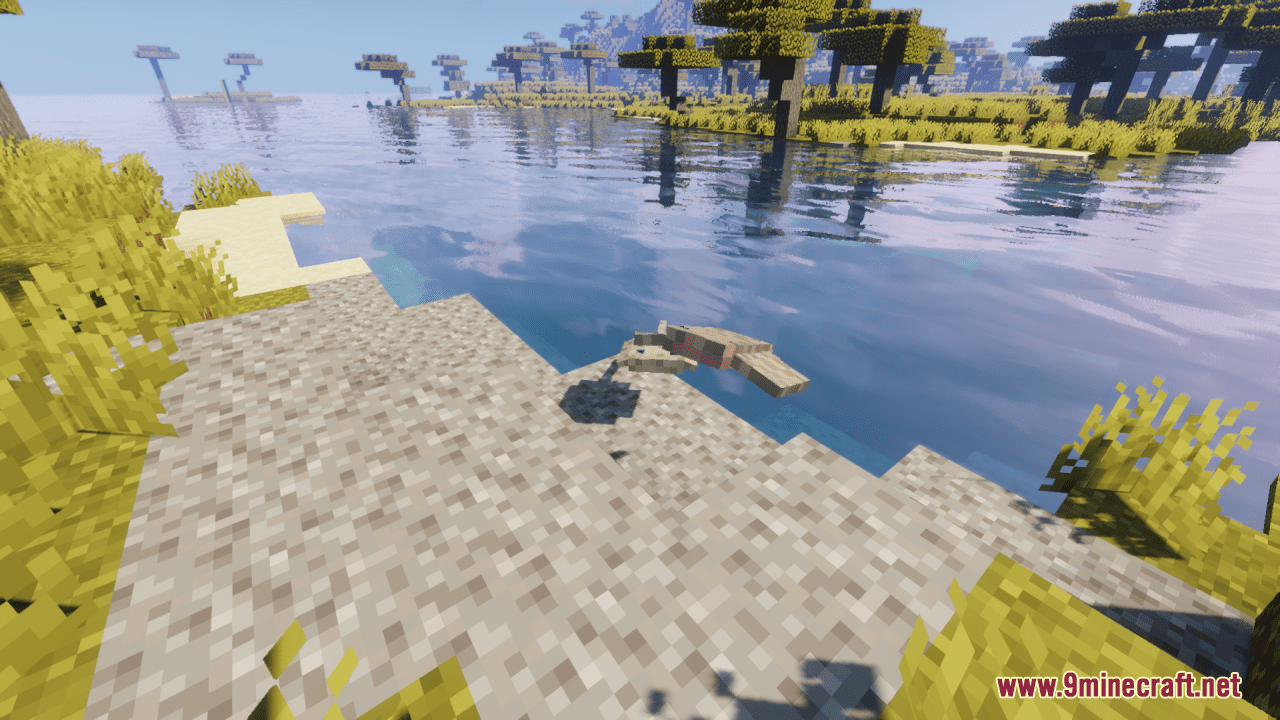
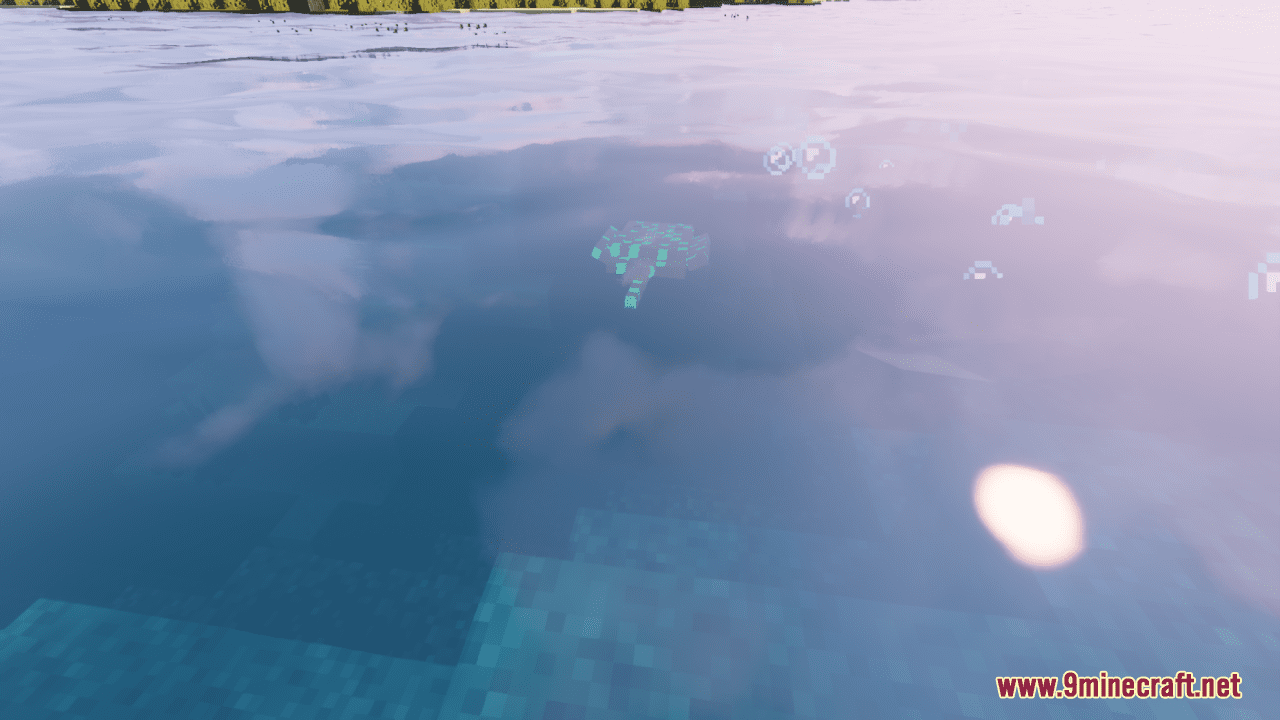
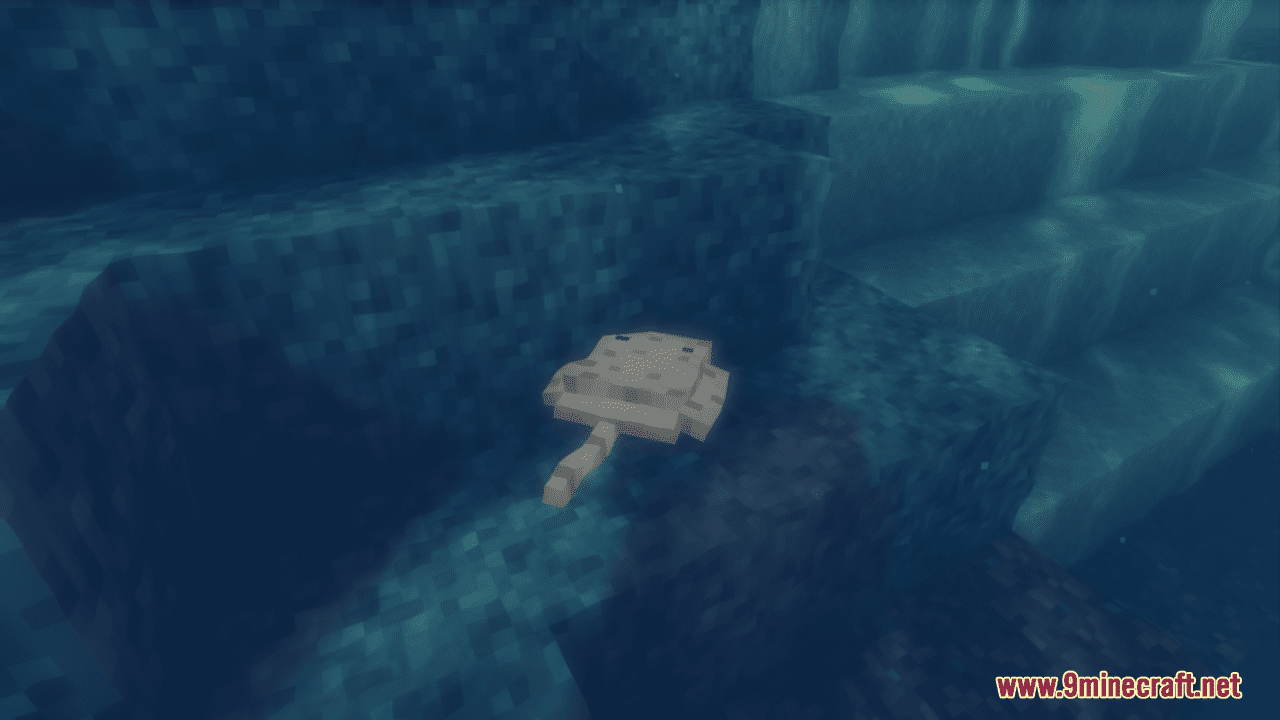
Screenshots:
Cyber’s Stingrays Resource Pack Download Links
For Minecraft 1.21.5, 1.21.1, 1.20.6, 1.20.1, 1.19.4, 1.19.2
- Edition: Minecraft Java
- File type: .zip (resource pack)
- Minecraft versions listed: 1.21.1, 1.20.1
- How to install: Download the .zip resource pack — do not unzip it. → Put it in .minecraft/resourcepacks. → Enable it in Options → Resource Packs.
- Where to get it: In MC Java Mods, or directly above on this page.
Install steps are the general flow for this file type — How to install Minecraft Java resource packs walks through it step by step.
Cyber's Stingrays Resource Pack (1.21.1, 1.20.1) – Texture Pack is a free Minecraft Java resourcepack. Compatible with Minecraft 1.21.1, 1.20.1. Download it and open it directly in the game.