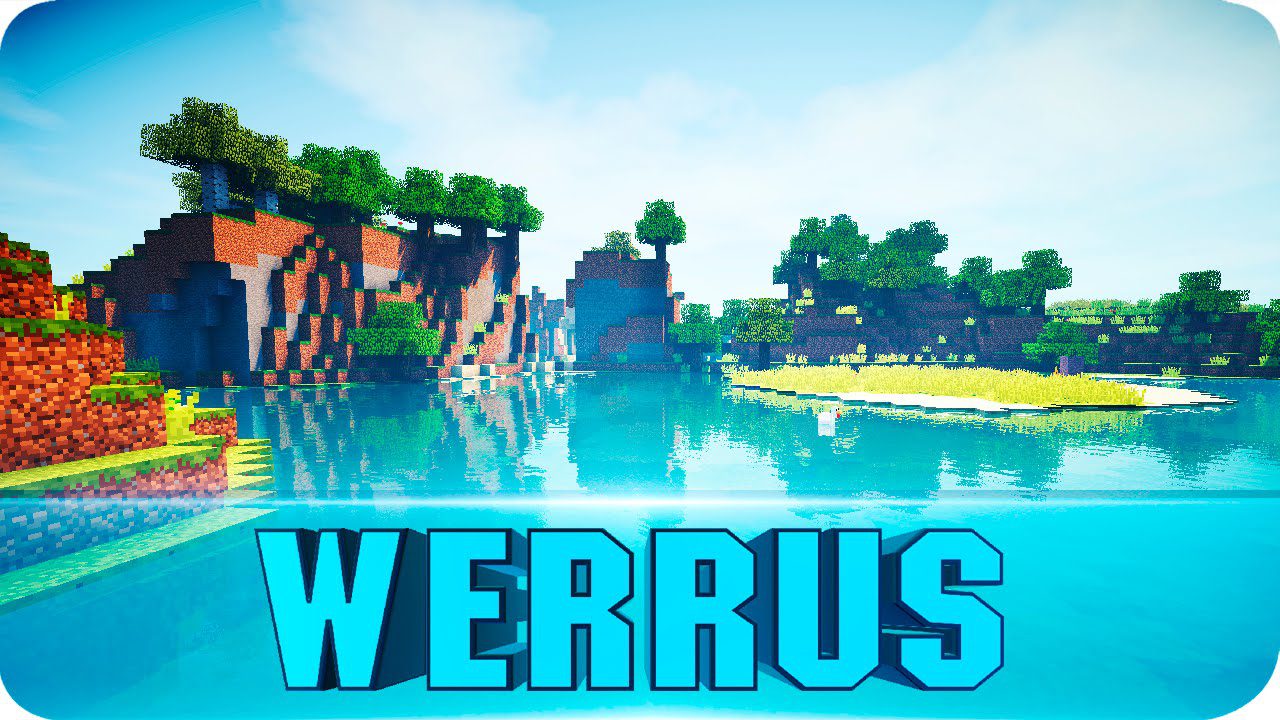
Werrus Shaders (26.2, 1.20.1) – Realistic Skies, Clouds
Java shader pack listed for Minecraft 1.20. Downloads from the MC Java Mods app on Android.
⬇ Download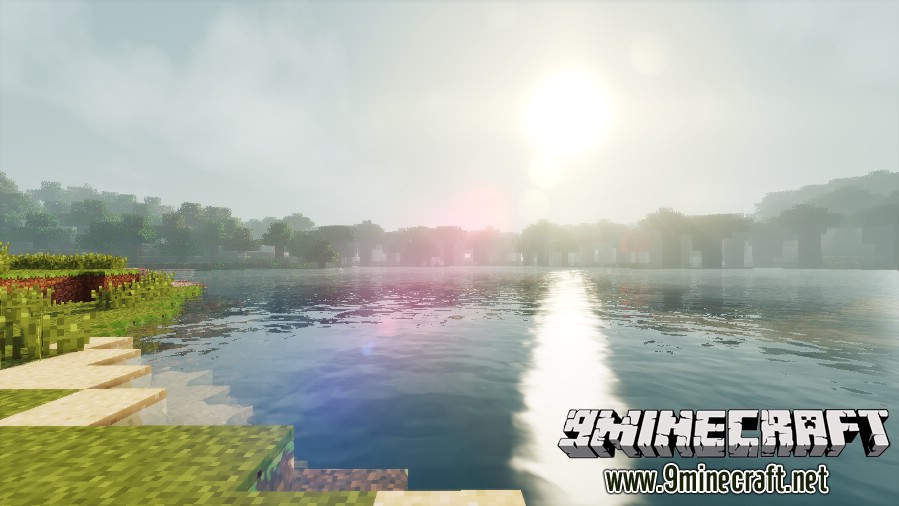
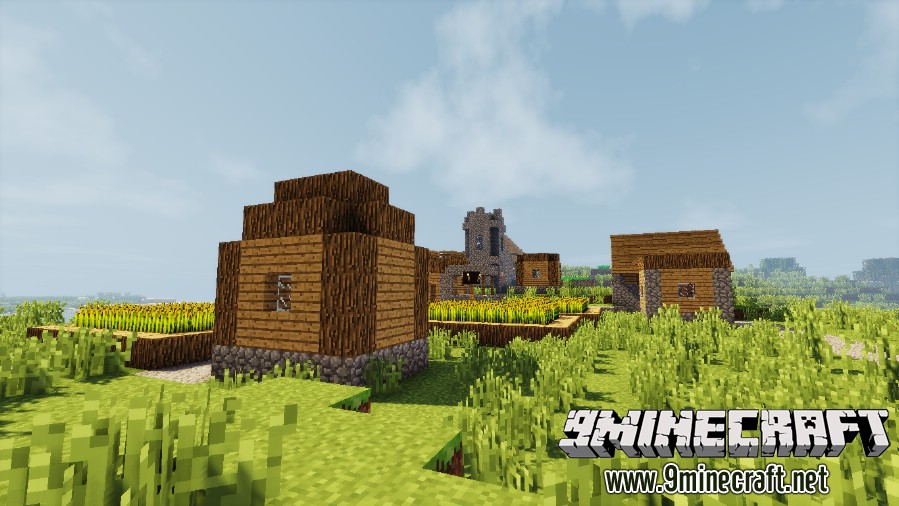
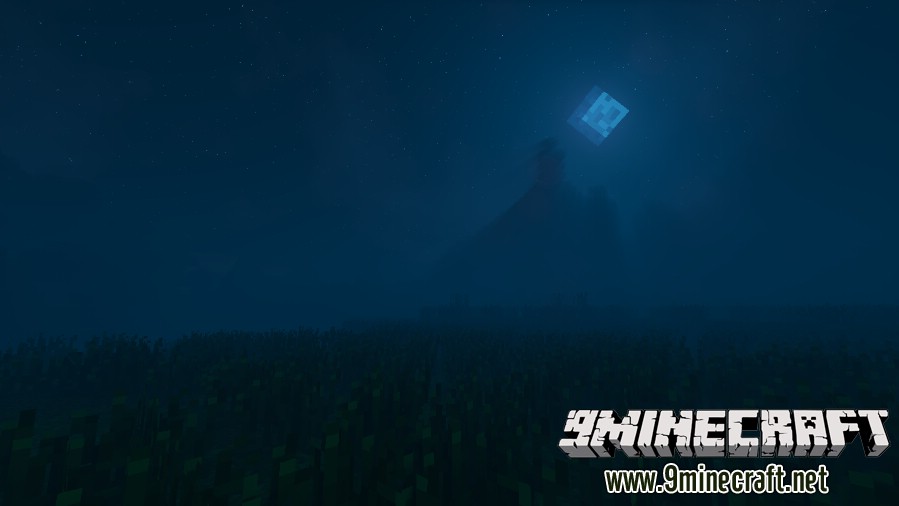
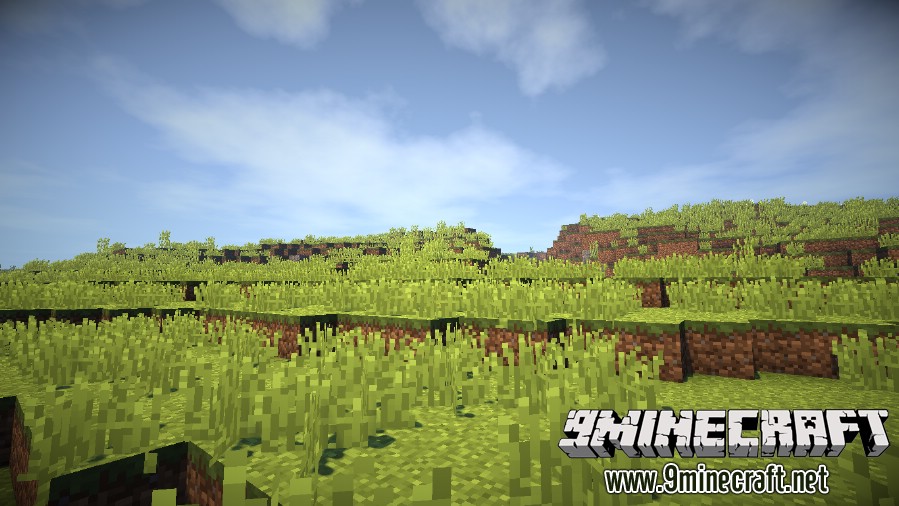
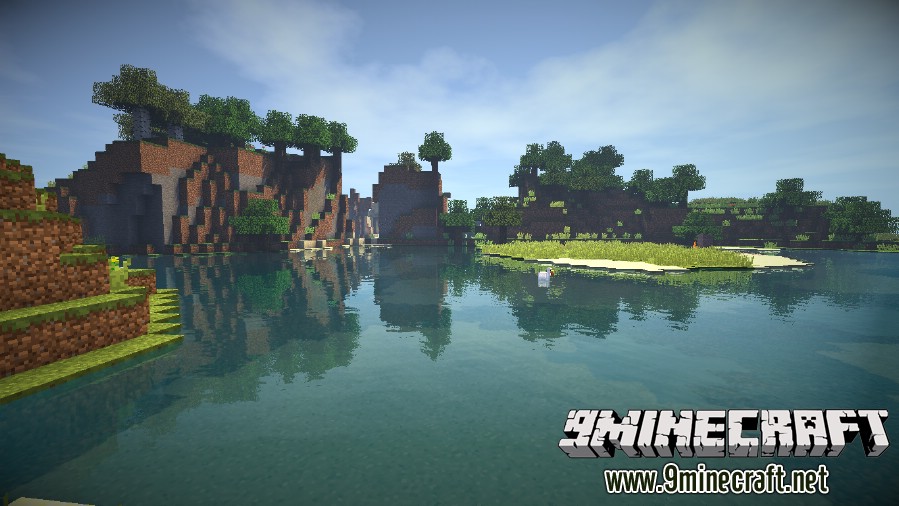
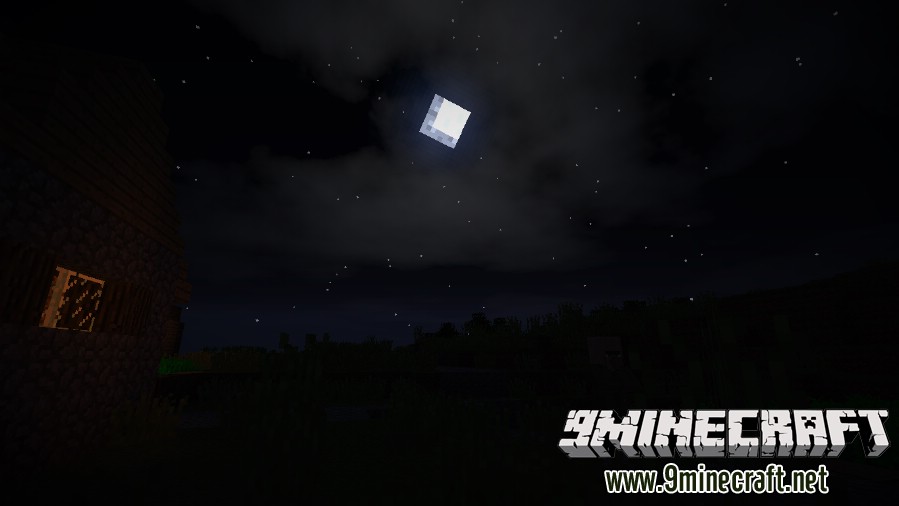
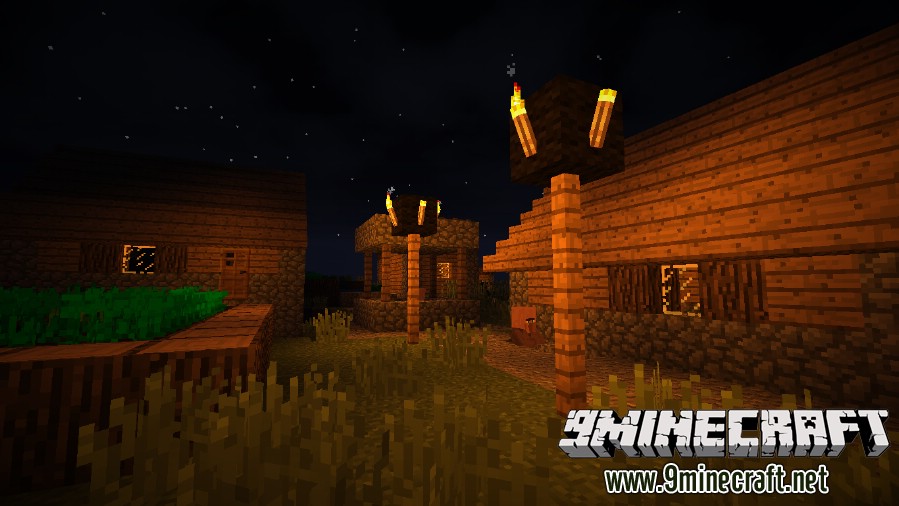
Werrus Shaders brings realistic skies, clouds, lights, and shadows into the world of Minecraft. Those lights and shadows are actually highly affected by the clouds in the sky, and those floating bits of fluff can cause streaks of darkness to roll across the land down below. You don’t get shadows like this in vanilla Minecraft. Realistic lighting effects like these are why most players download and install a shader pack in the first place, but not all shader packs have lighting like Werrus Shaders.
This shader is based on Chocapic13’s Shaders and developed with AMD Radeon HD 6320 Graphics card. There are 2 versions:
- Original: Realistic + Fantasy Like.
- HFPS (High FPS): Realistic.
Screenshots:
Original
HFPS (High FPS)
Werrus Shaders Download Links
For All Versions of Minecraft
Original
Werrus Shaders Default – Backup Link
Werrus Shaders Lite – Backup Link
Werrus Shaders Medium – Backup Link
Werrus Shaders Ultra – Backup Link
HFPS (High FPS)
Werrus HFPS Shaders Extreme – Backup Link
Werrus HFPS Shaders Ultra DOF – Backup Link
Werrus HFPS Shaders Ultra – Backup Link
Werrus HFPS Shaders Standard – Backup Link
- Edition: Minecraft Java
- File type: .zip (resource pack)
- Minecraft version listed: 1.20.1
- How to install: Download the .zip resource pack — do not unzip it. → Put it in .minecraft/resourcepacks. → Enable it in Options → Resource Packs.
- Where to get it: In MC Java Mods, or directly above on this page.
Install steps are the general flow for this file type — see the MC Java Mods guides for the full walkthrough.
- Download size: 56 KB
- Download link checked 17 Jun 2026 — working
- Mirrored on our own servers — the download does not depend on the original host
These come from our own check of the pack file, not from the source page.