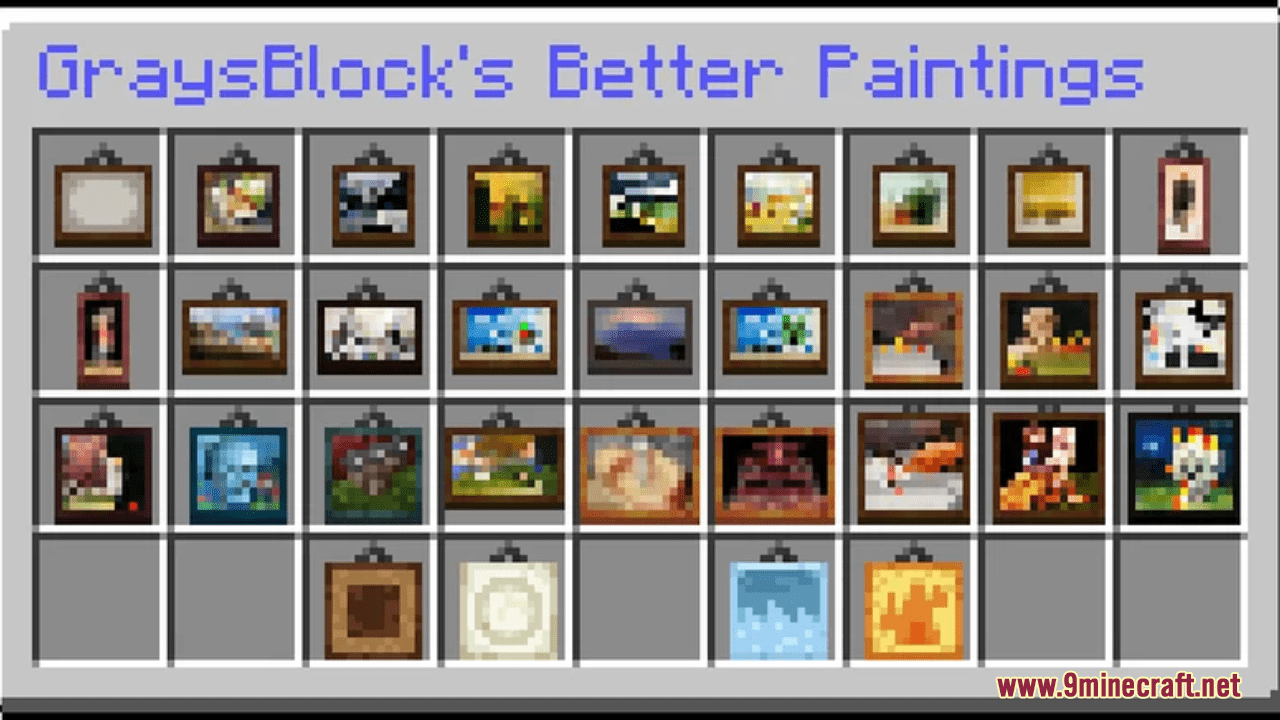
GraysBlock's Better Paintings Resource Pack (1.21.1, 1.20.1) – Texture Pack
GraysBlock's Better Paintings Resource Pack will simply add custom textures to the painting variants. These small textures look fancy and unique which…
⬇ Download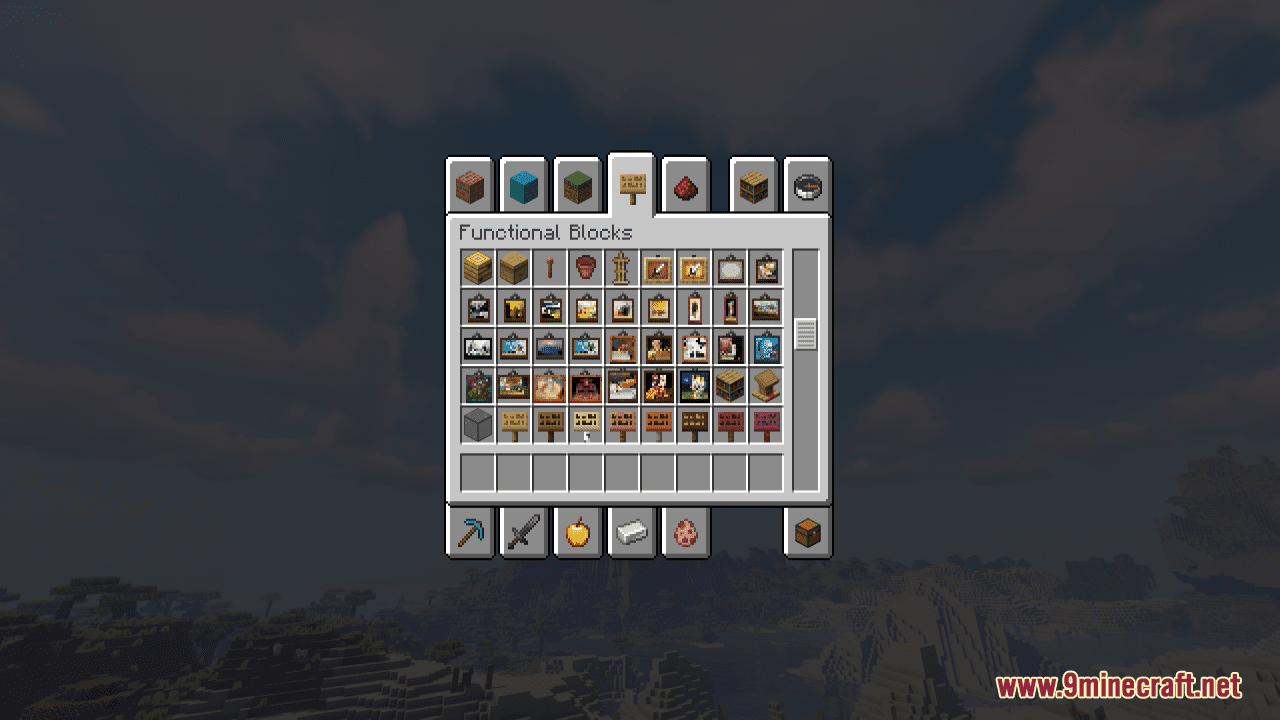
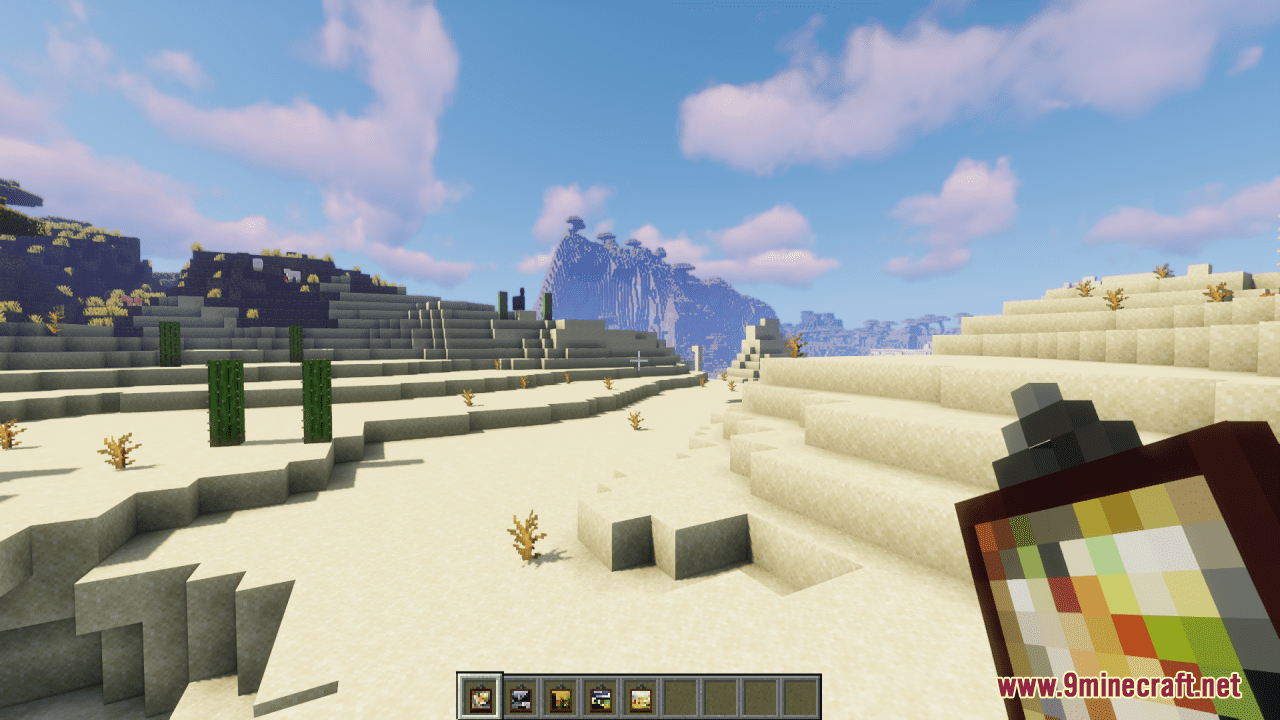
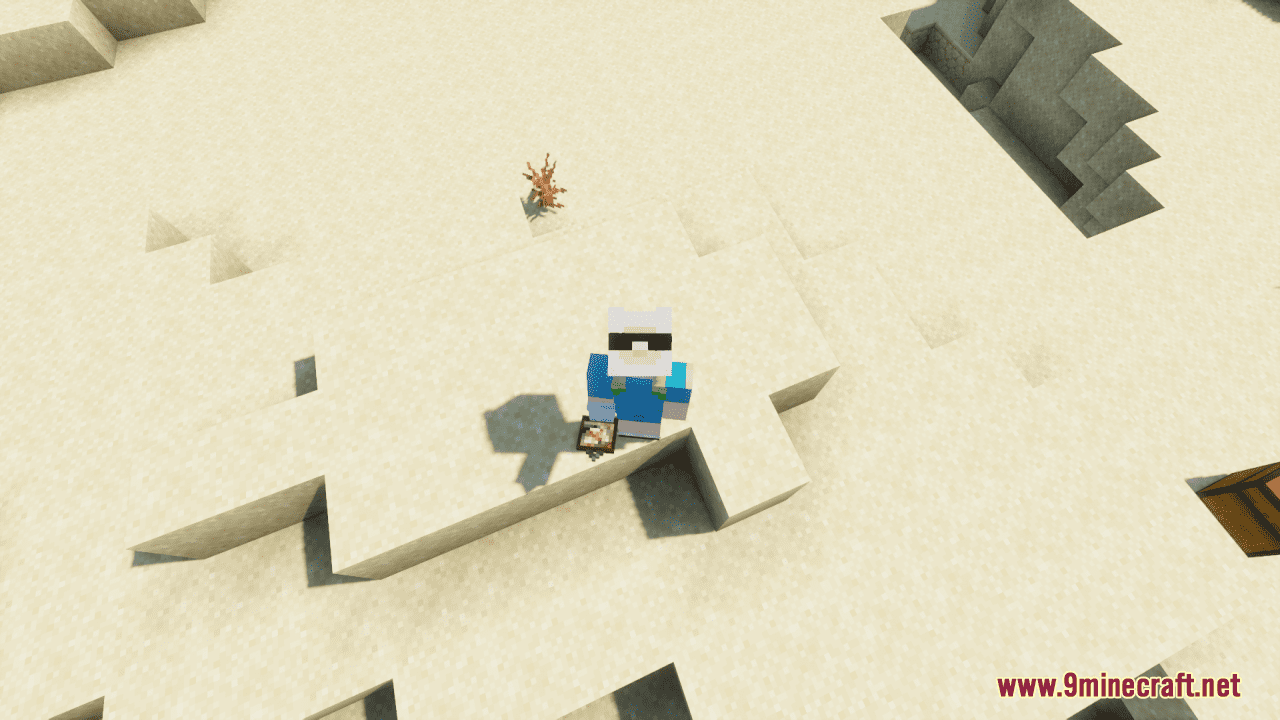
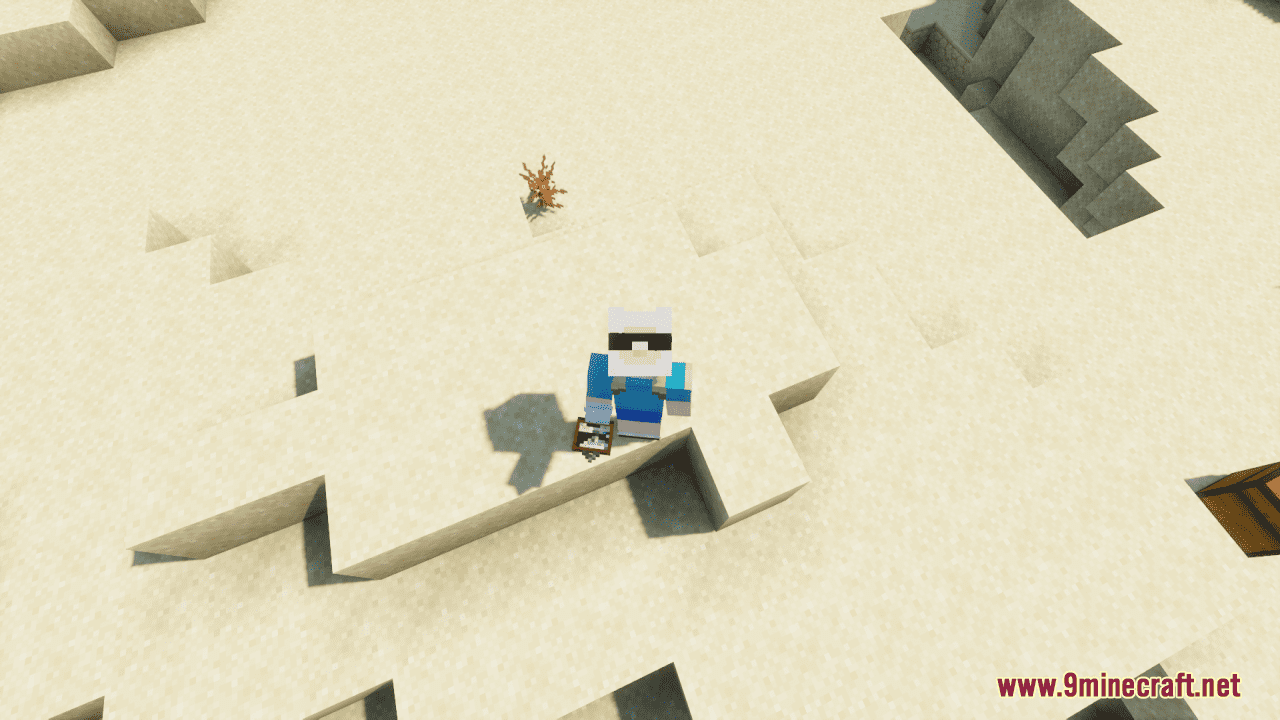
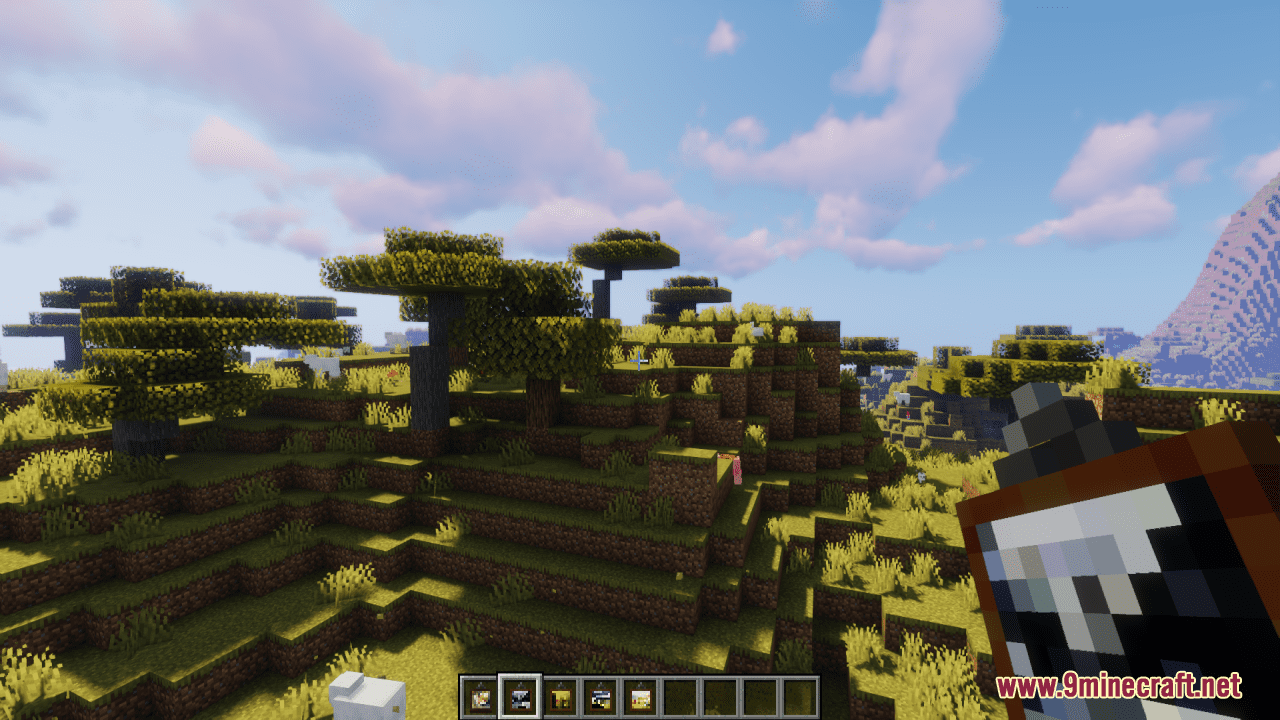
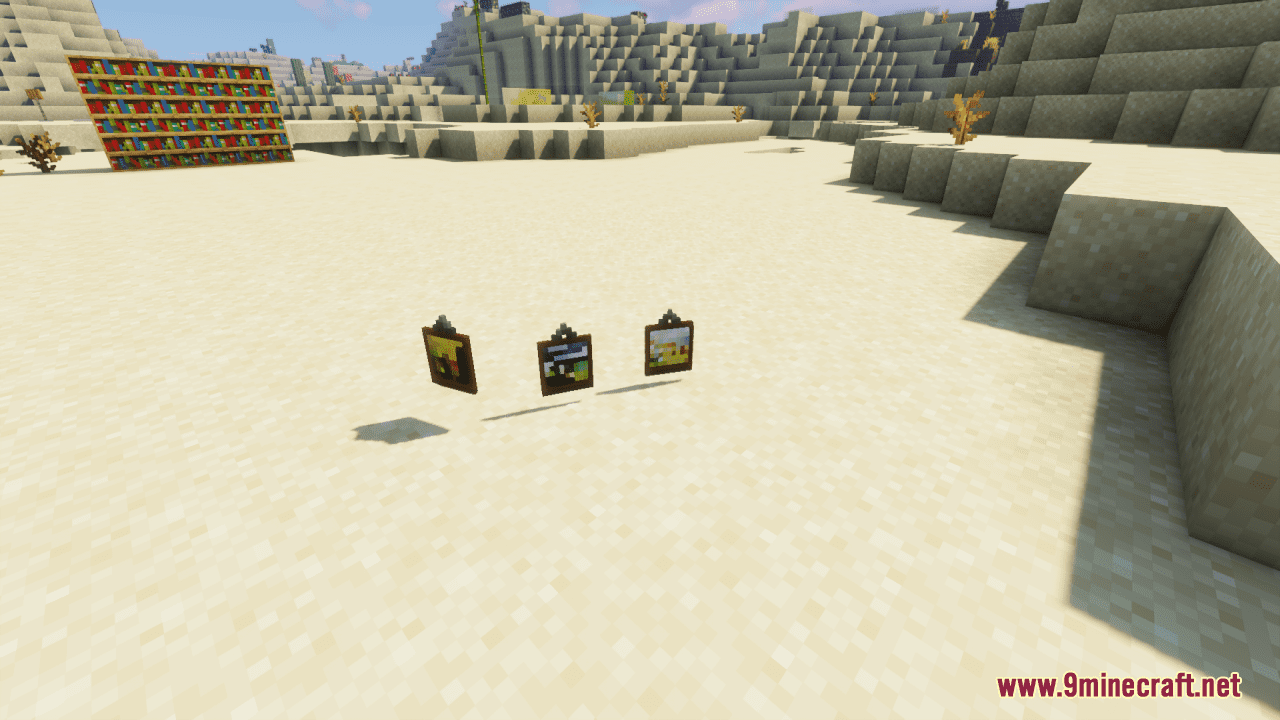
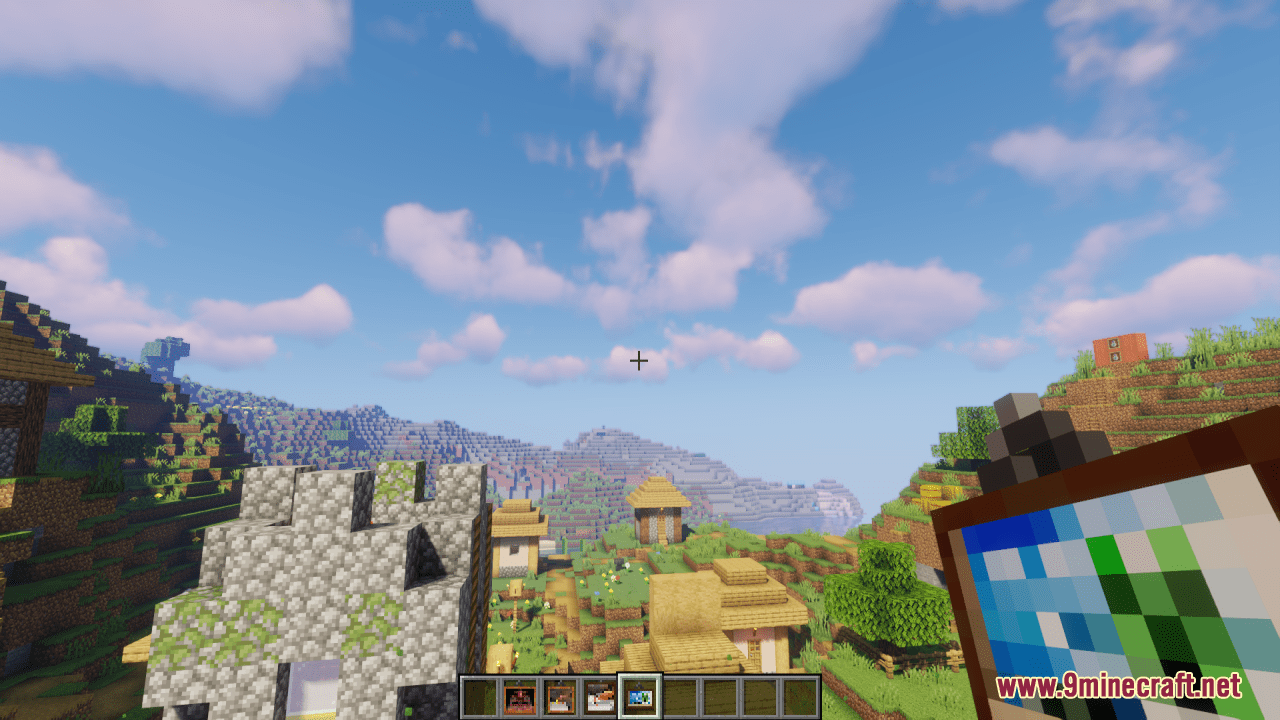
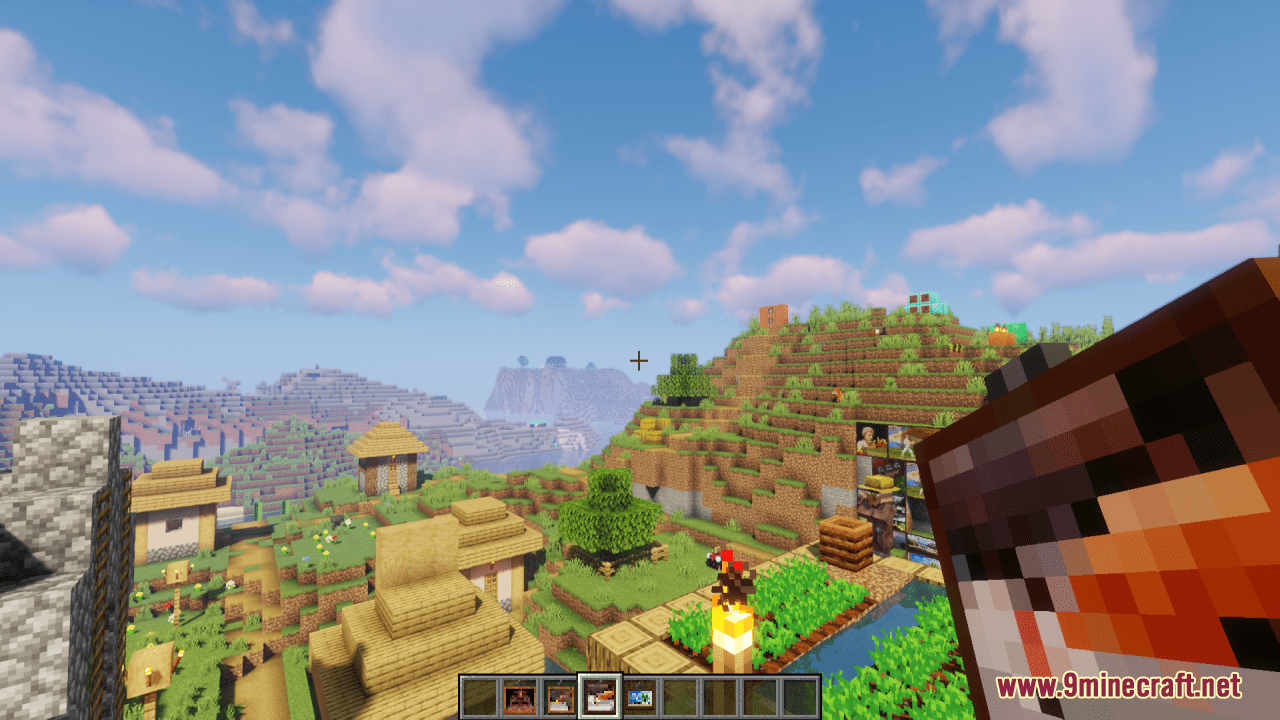
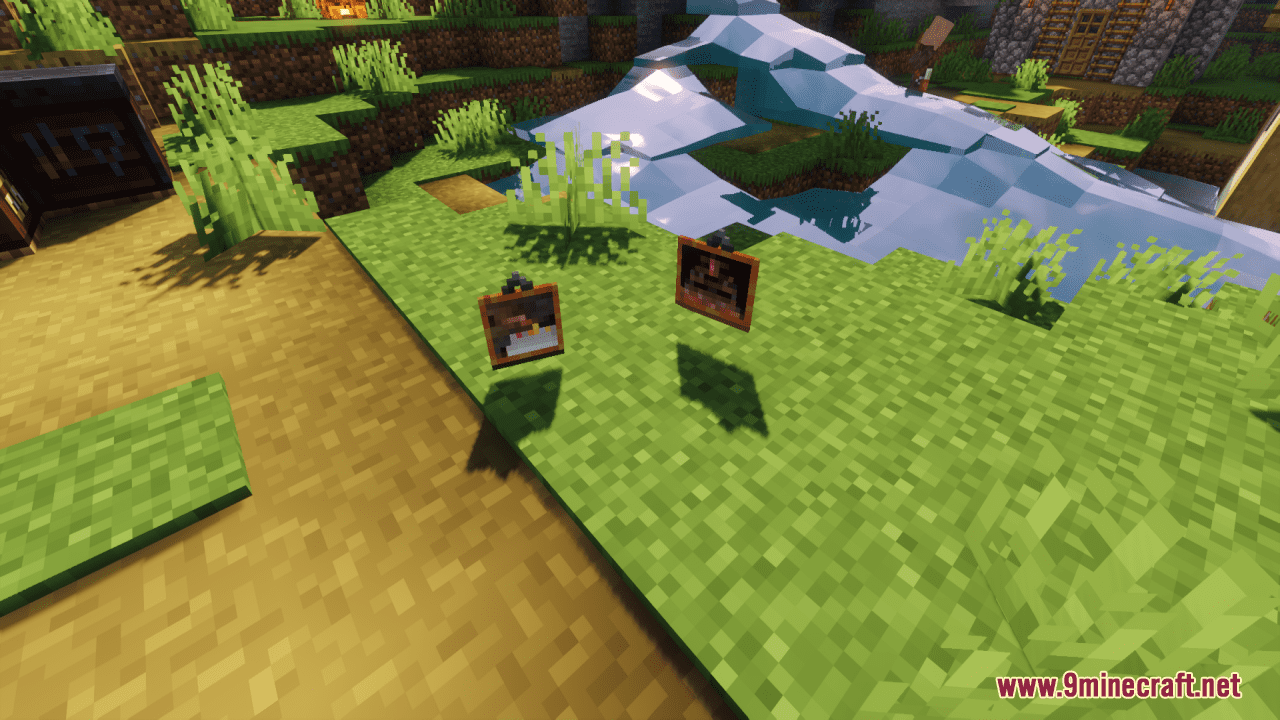
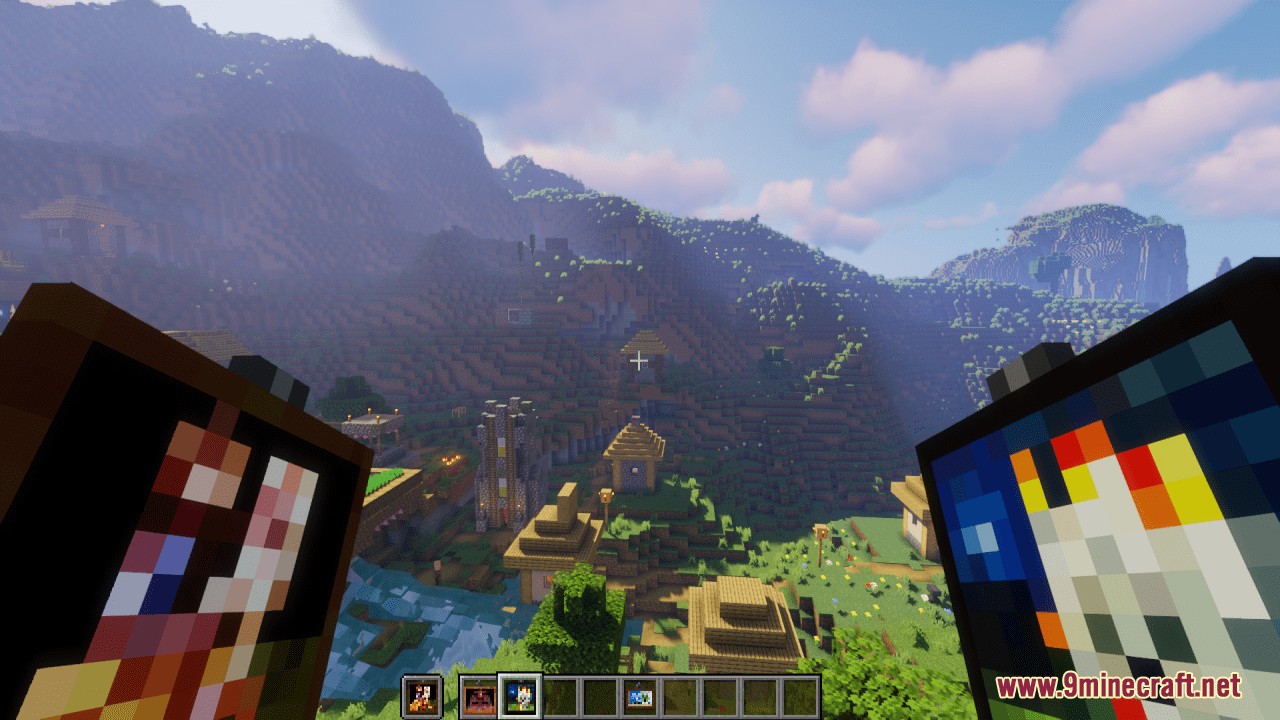
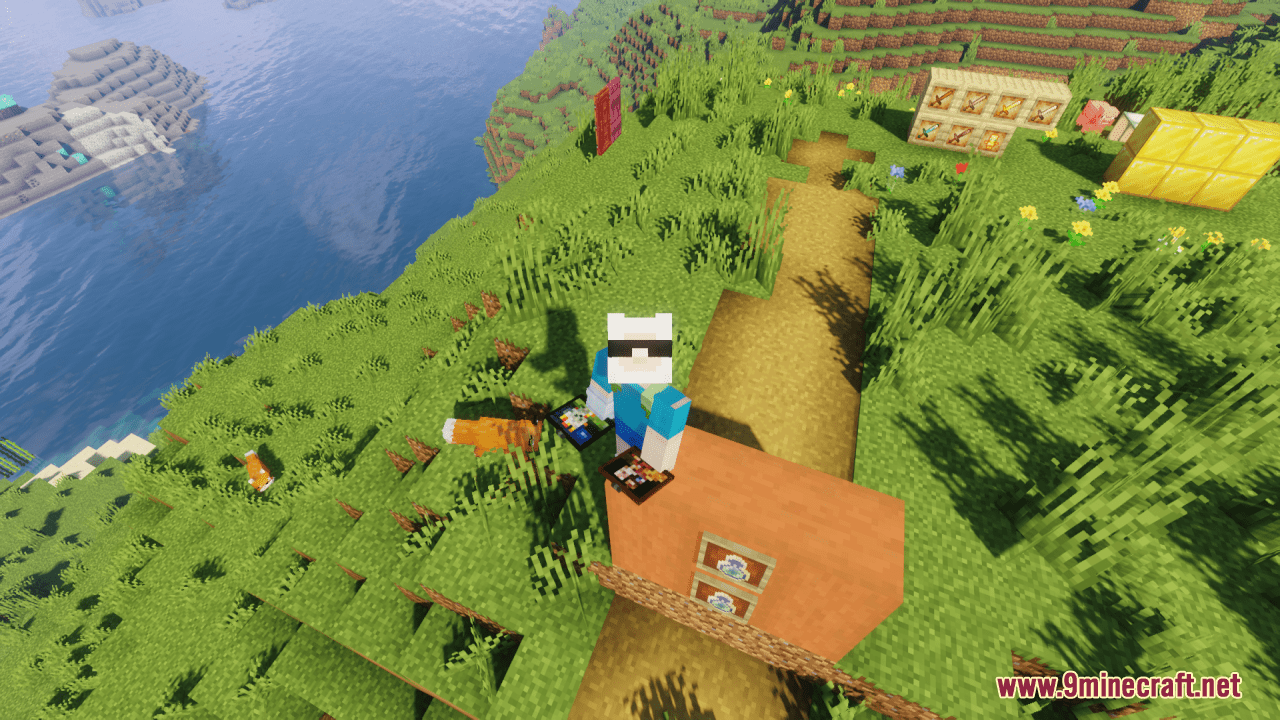
GraysBlock’s Better Paintings Resource Pack will simply add custom textures to the painting variants. These small textures look fancy and unique which somehow contributes to your overall visual impression in the game. In general, it’s a great pack to have if you’re annoyed with searching for a painting in the Creative Inventory based off of just the name.
Screenshots:
GraysBlock’s Better Paintings Resource Pack Download Links
For Minecraft 1.21.5, 1.21.1, 1.20.6, 1.20.1, 1.19.4, 1.19.2
- Edition: Minecraft Java
- File type: .zip (resource pack)
- Minecraft versions listed: 1.21.1, 1.20.1
- How to install: Download the .zip resource pack — do not unzip it. → Put it in .minecraft/resourcepacks. → Enable it in Options → Resource Packs.
- Where to get it: In MC Java Mods, or directly above on this page.
Install steps are the general flow for this file type — How to install Minecraft Java resource packs walks through it step by step.
GraysBlock's Better Paintings Resource Pack (1.21.1, 1.20.1) – Texture Pack is a free Minecraft Java resourcepack. Compatible with Minecraft 1.21.1, 1.20.1. Download it and open it directly in the game.