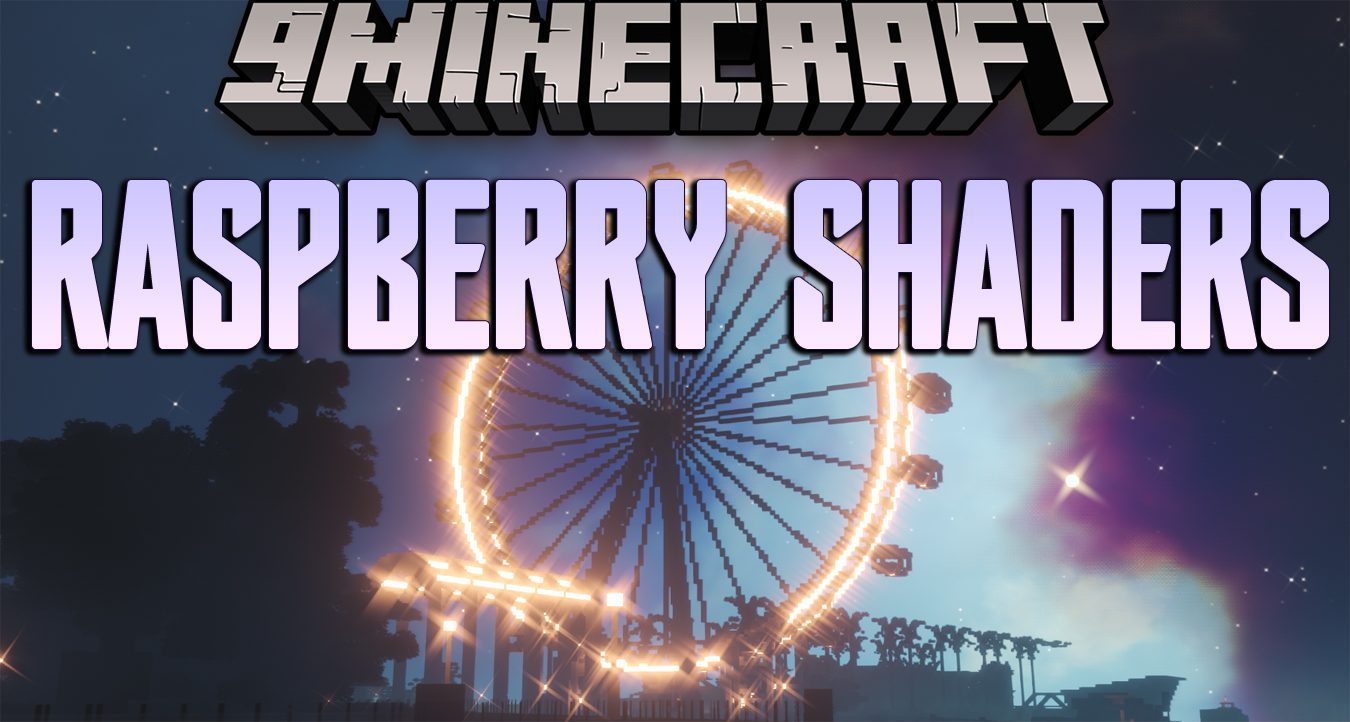
Raspberry Shaders (26.3, 1.20.1) – Free version of MollyVX
Java shader pack listed for Minecraft 1.20–26.x. Downloads from the MC Java Mods app on Android.
⬇ Download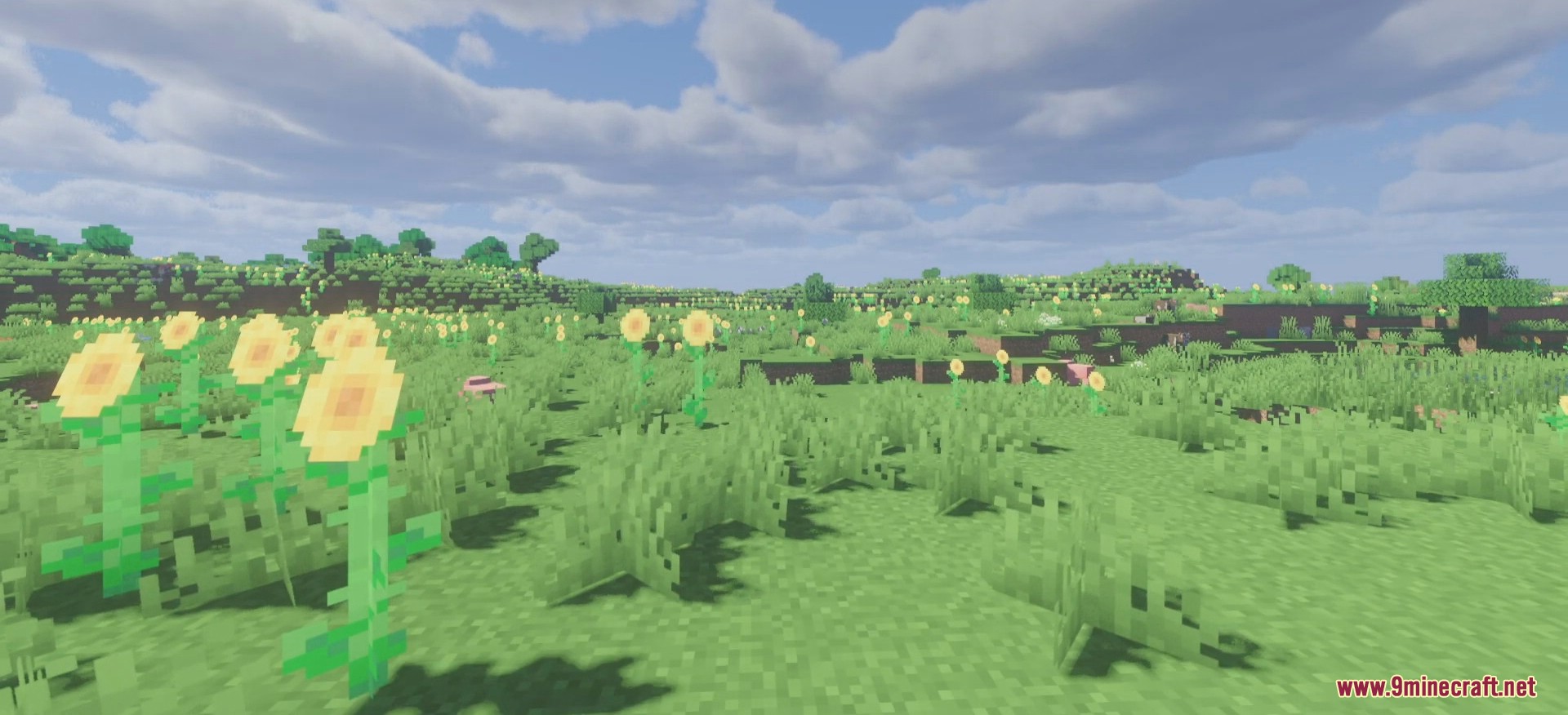
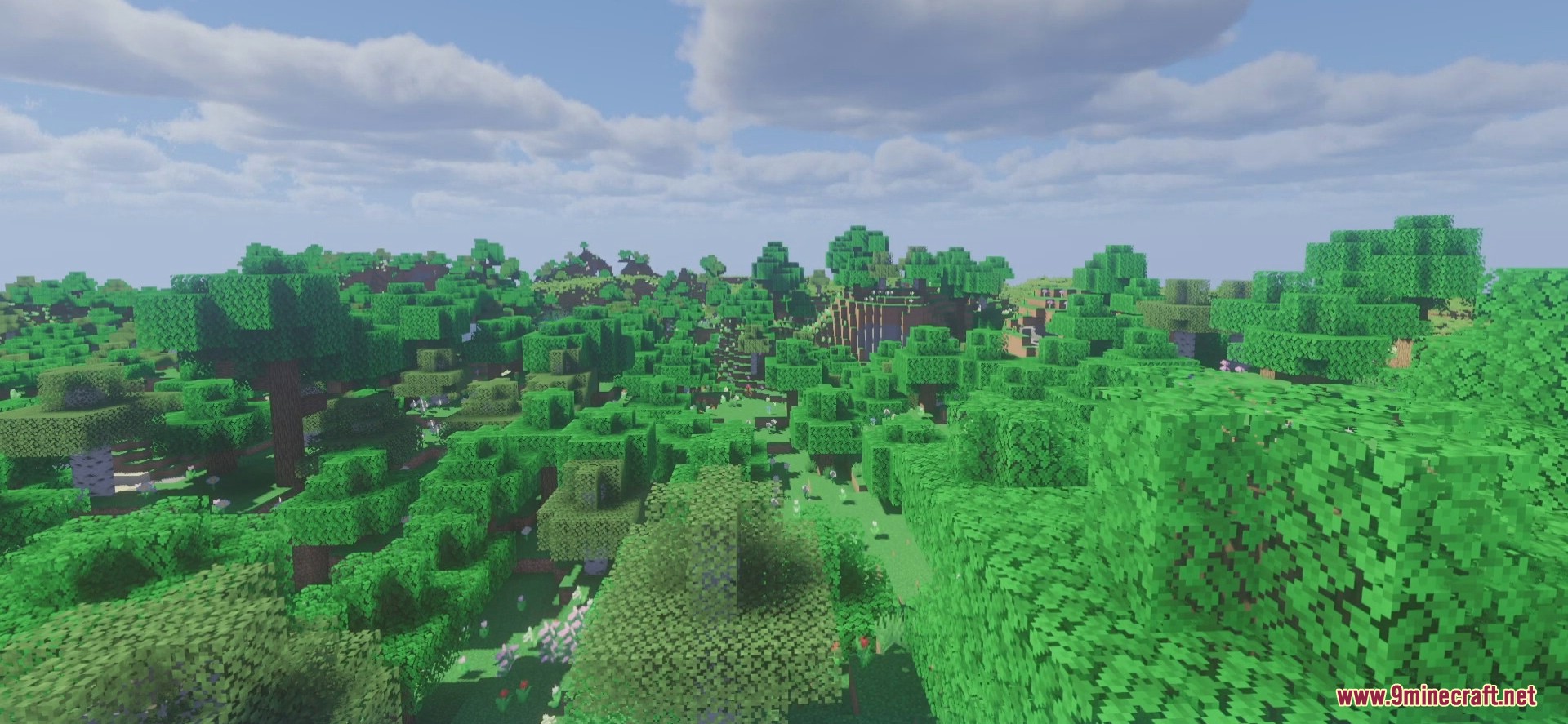
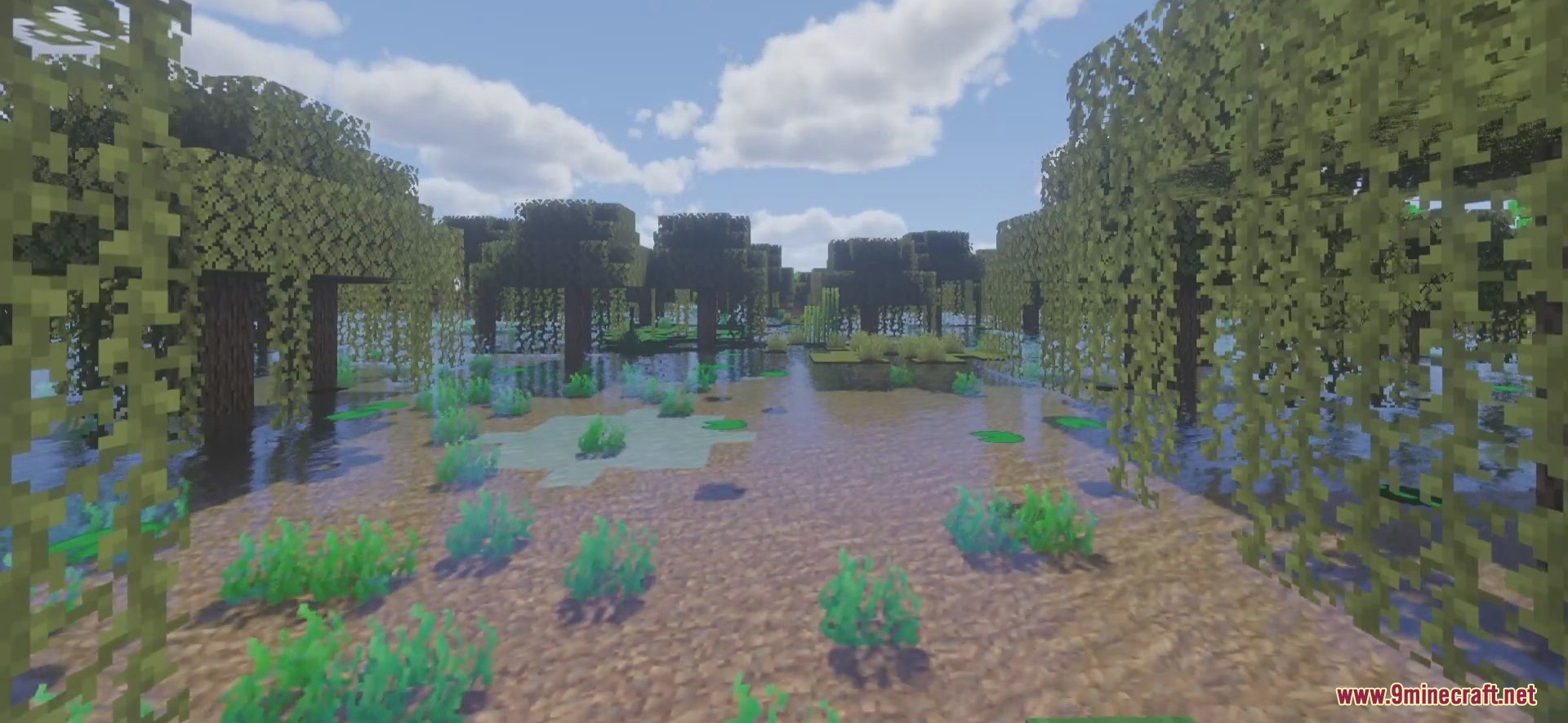
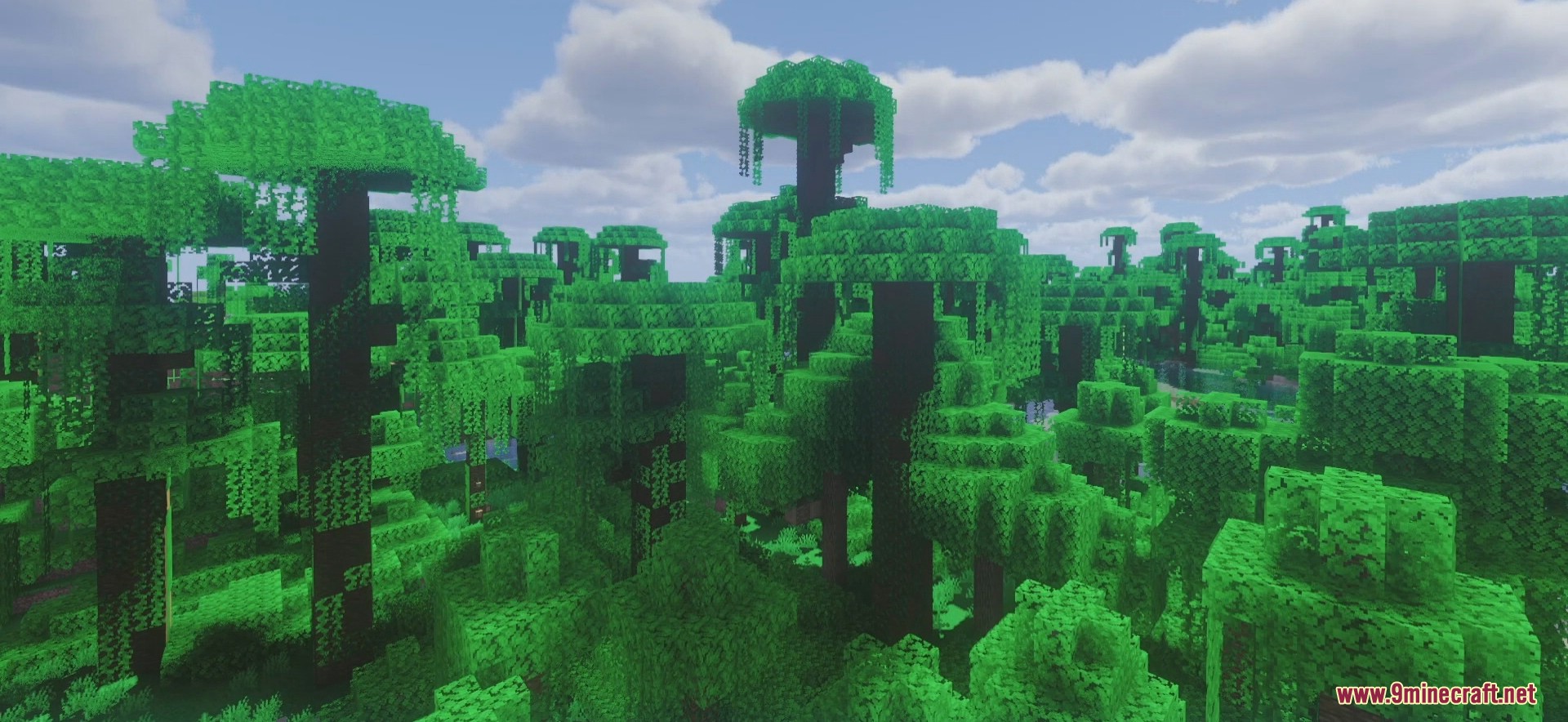
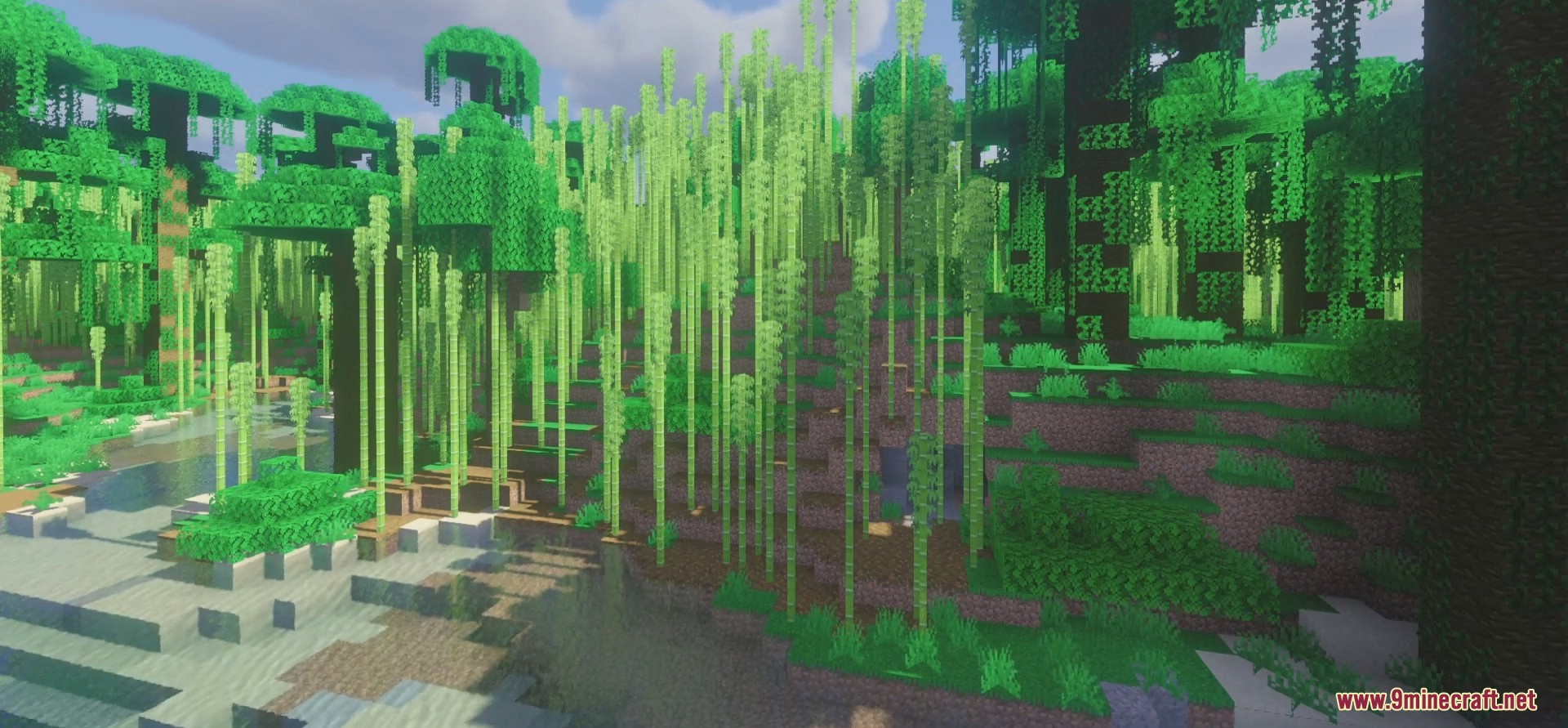
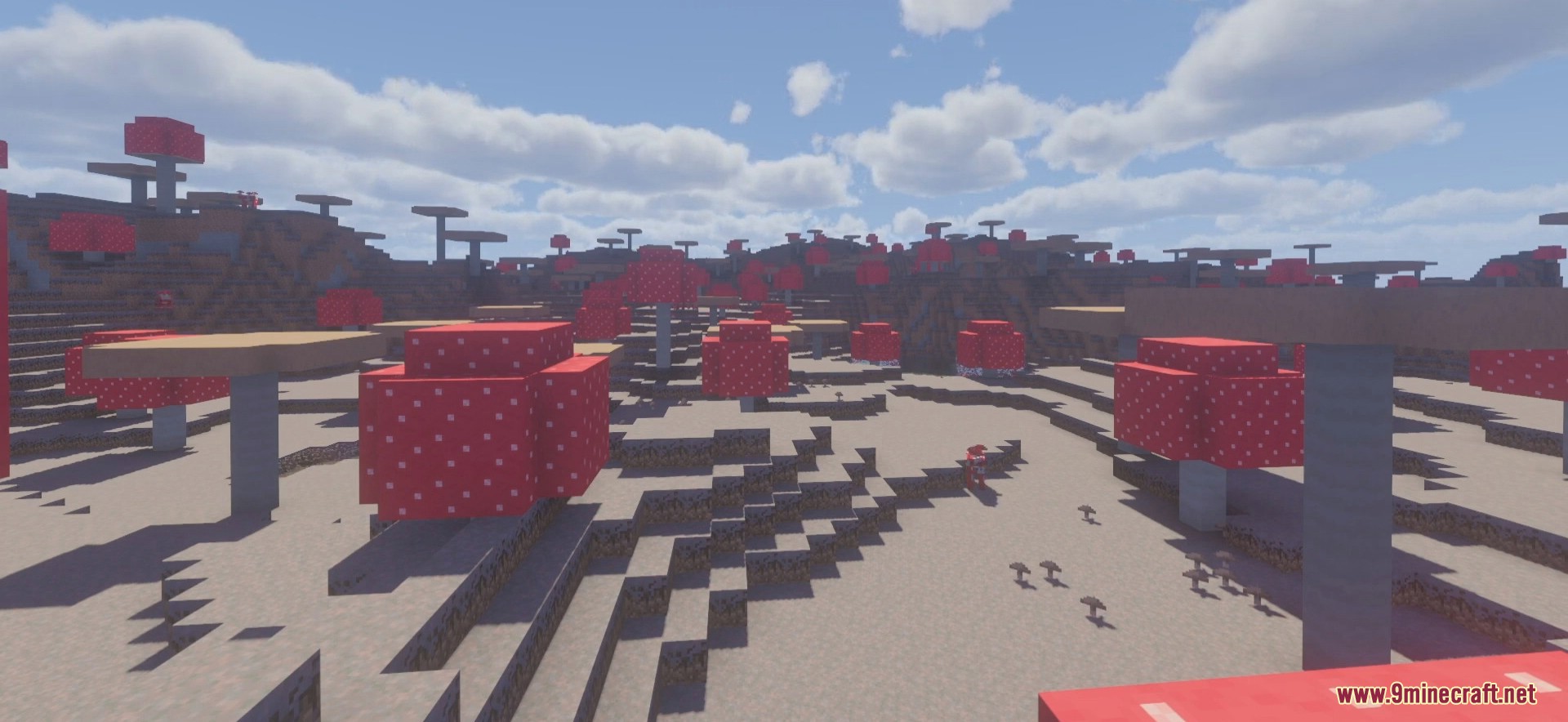
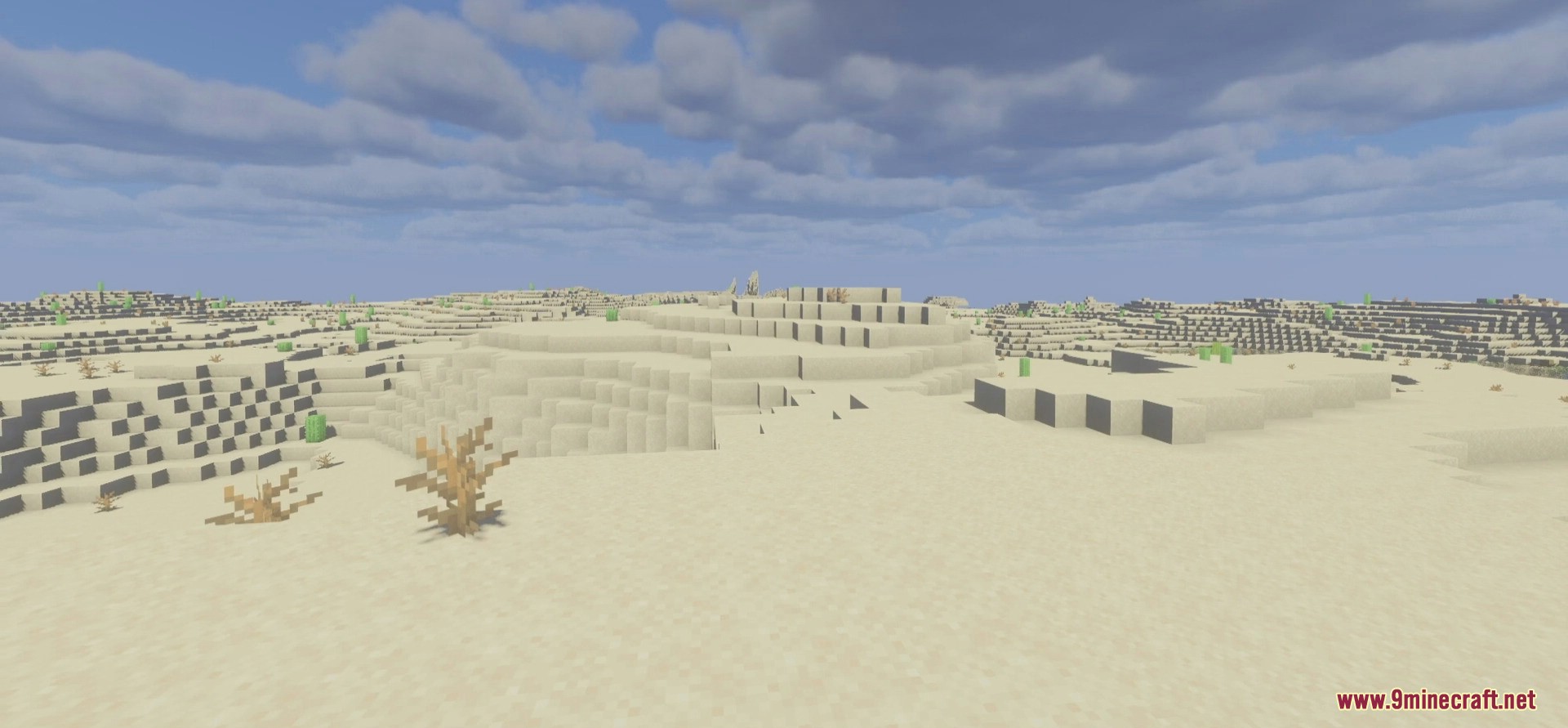
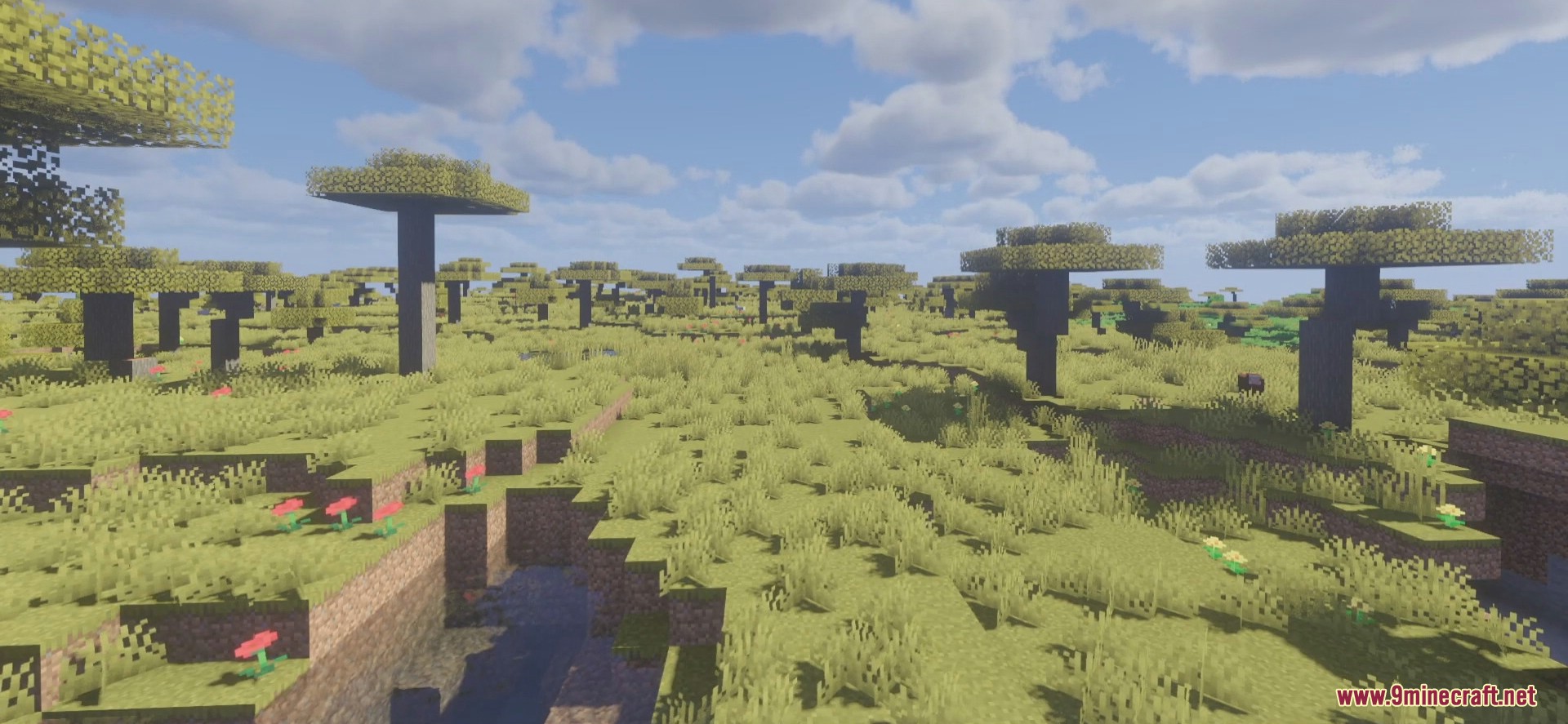
Raspberry Shaders is a top Shader that will make all the difference in your world. With this one, you will be impressed by what it brings after being installed. However, unless you are a novice in the game of Minecraft, you would notice one fact straightaway. This is how the game’s default graphics are looking primitive.
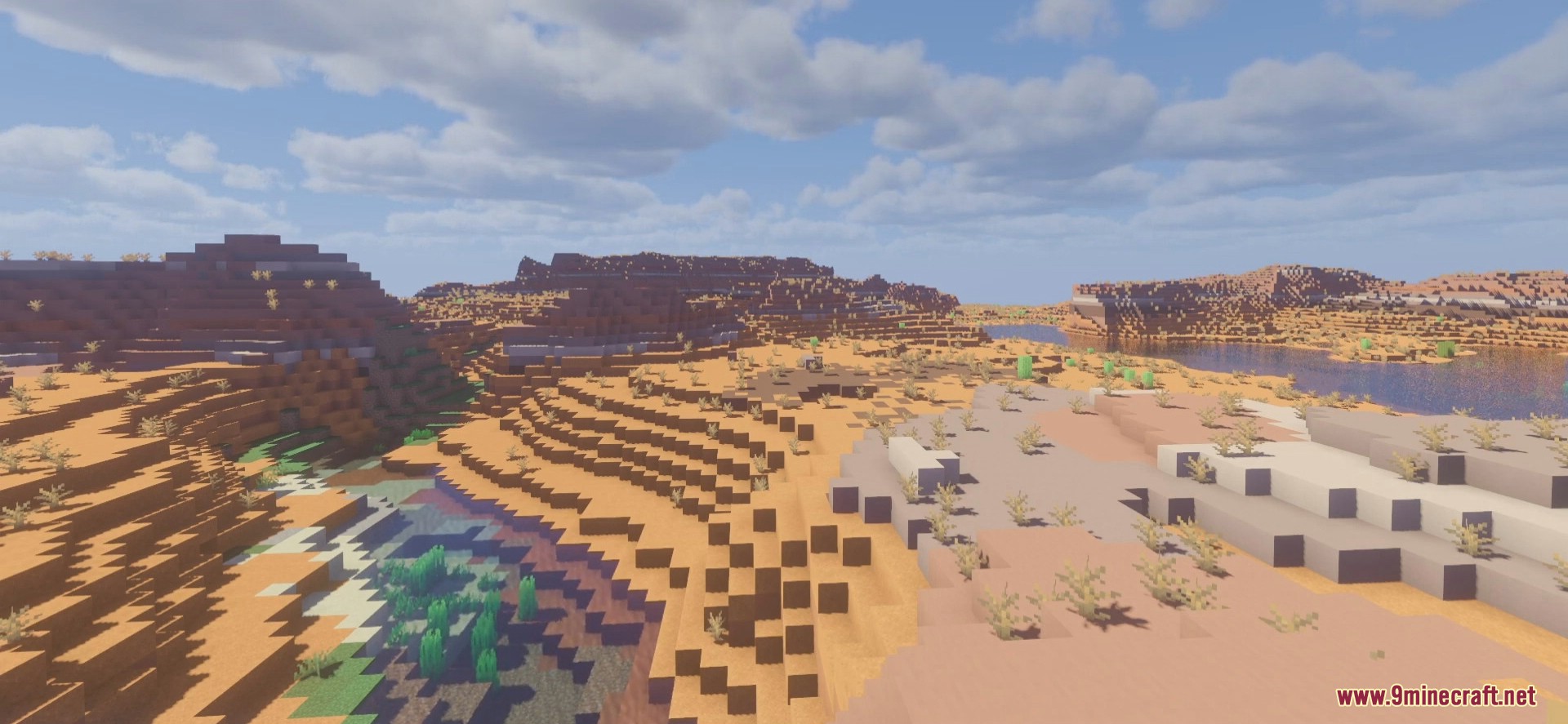
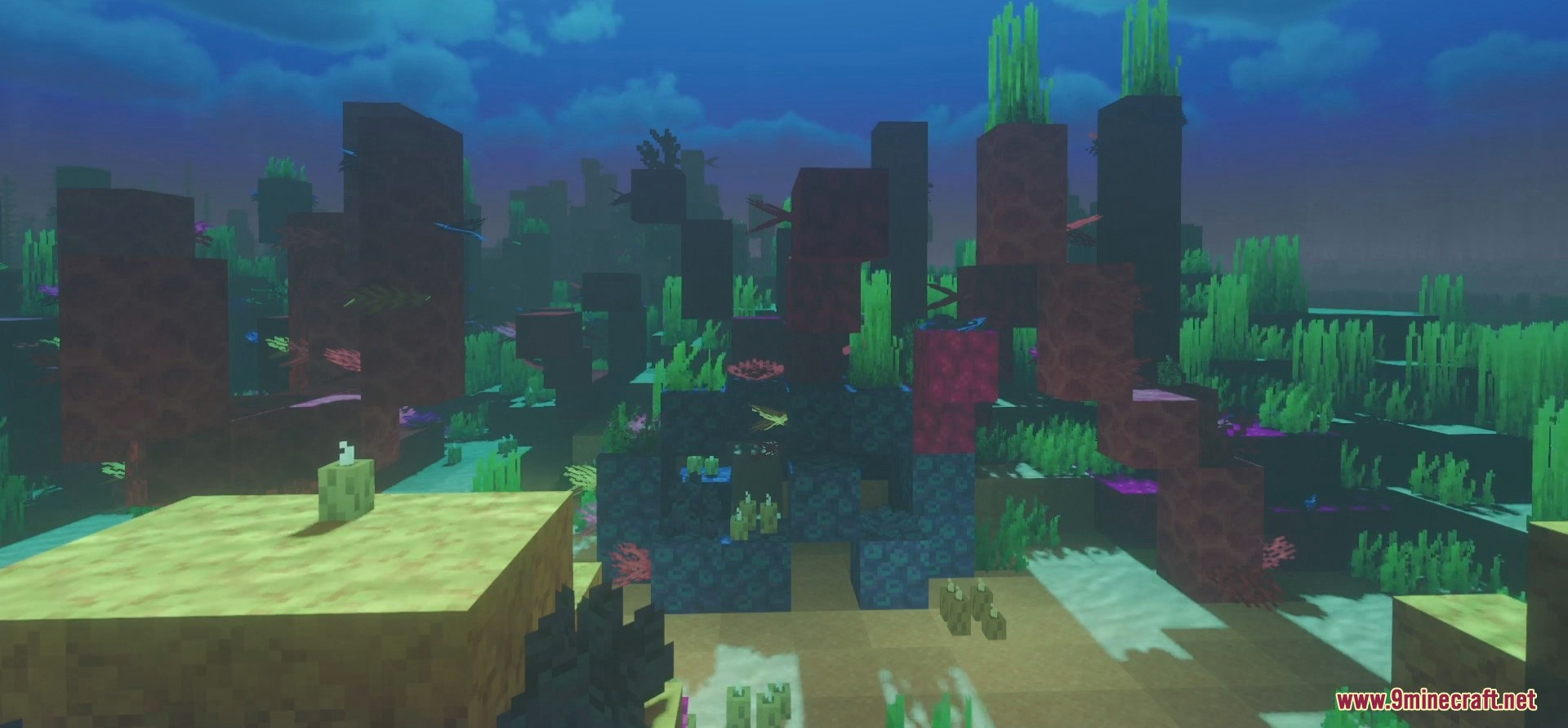
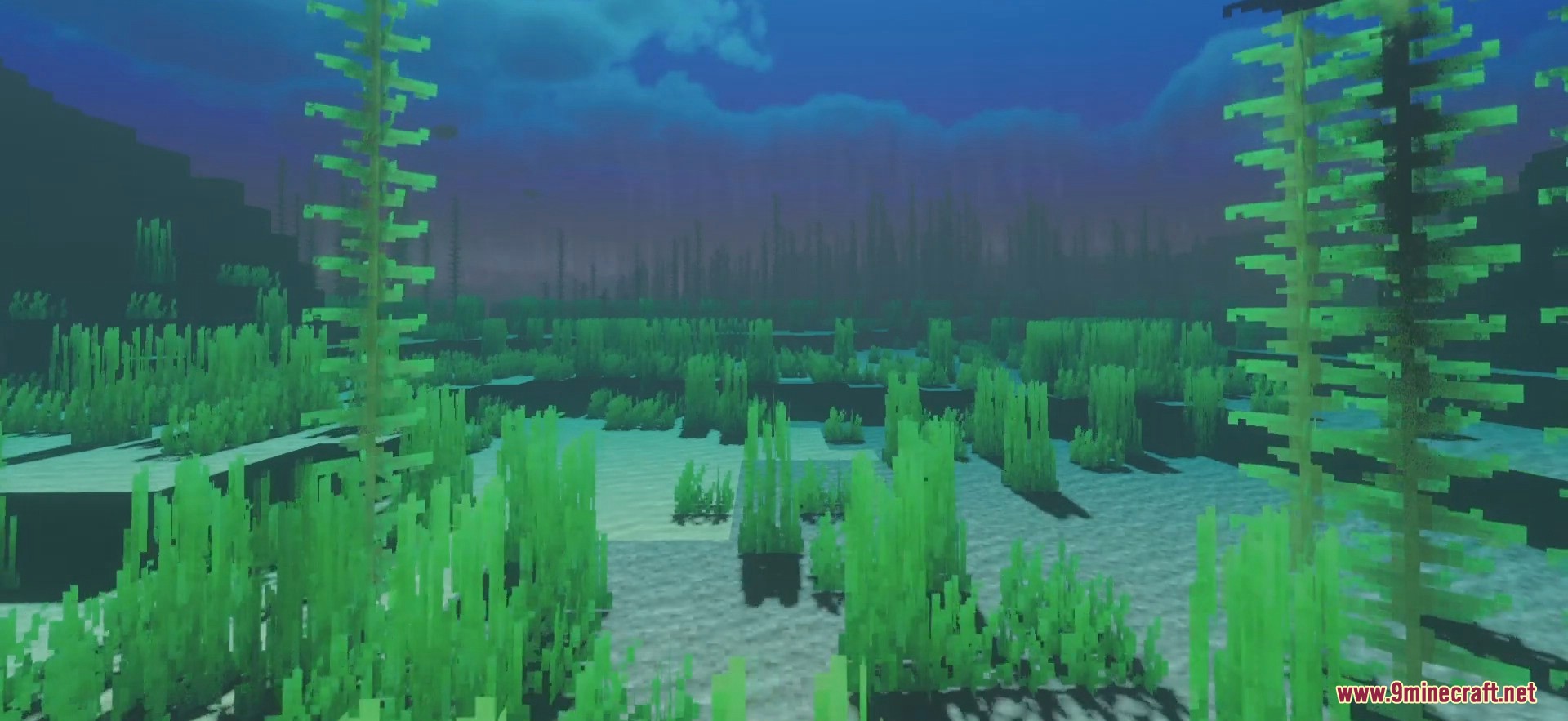
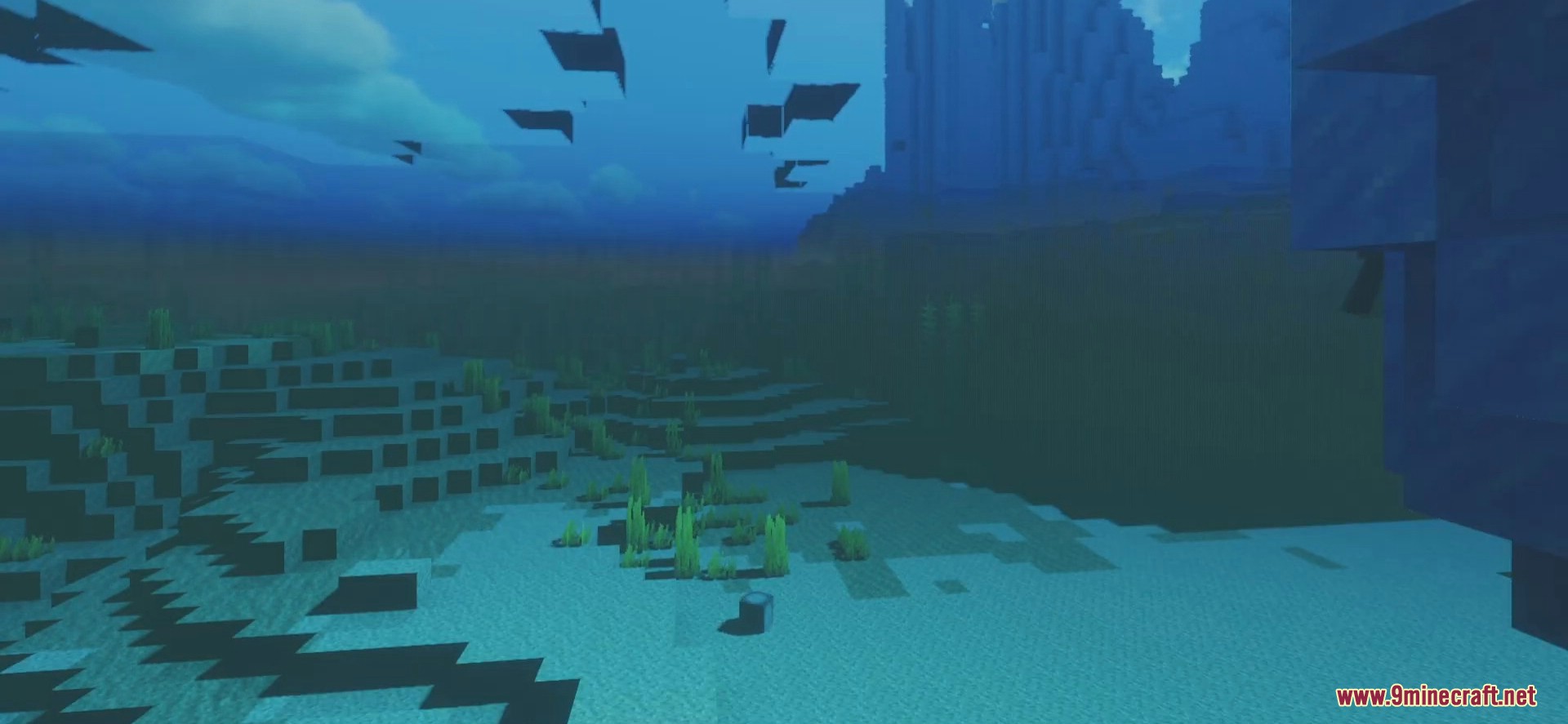
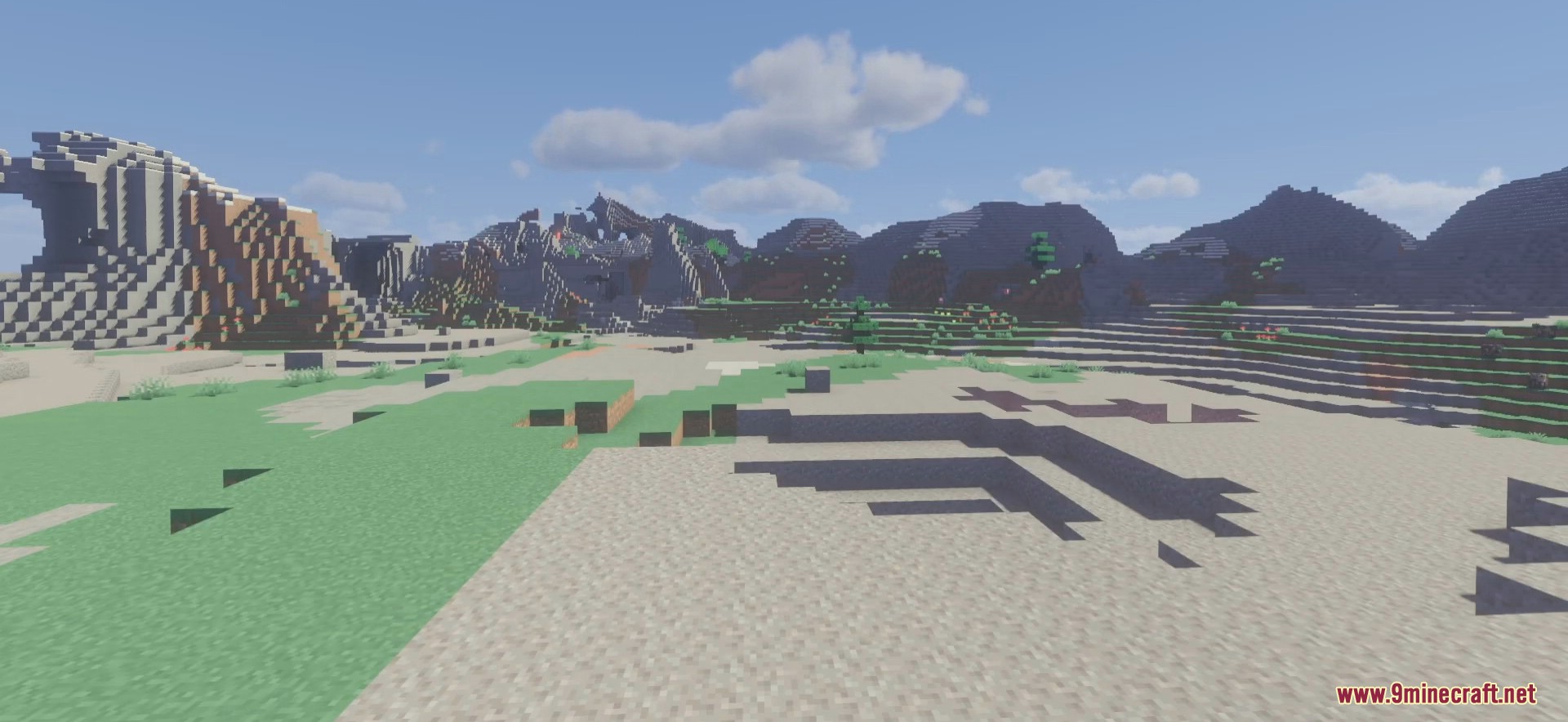
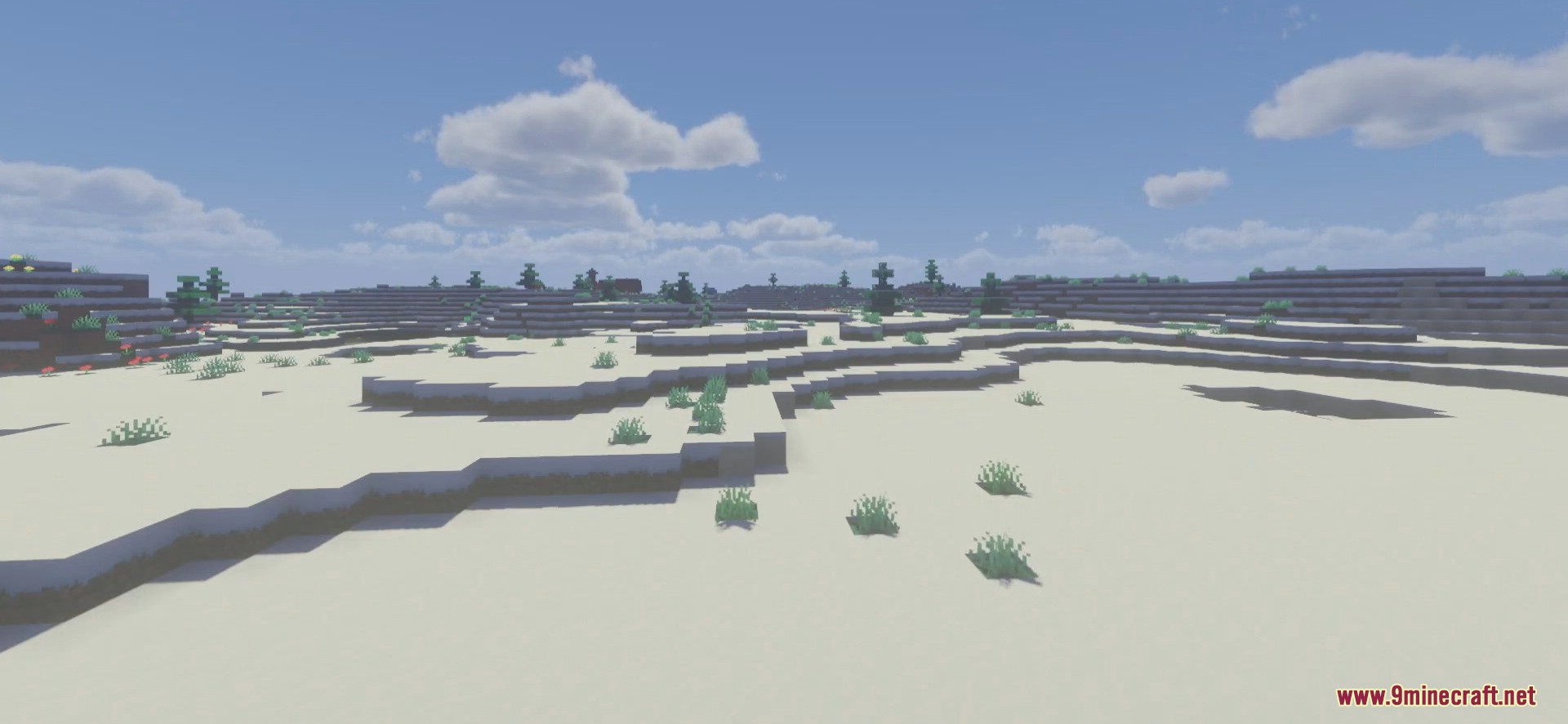
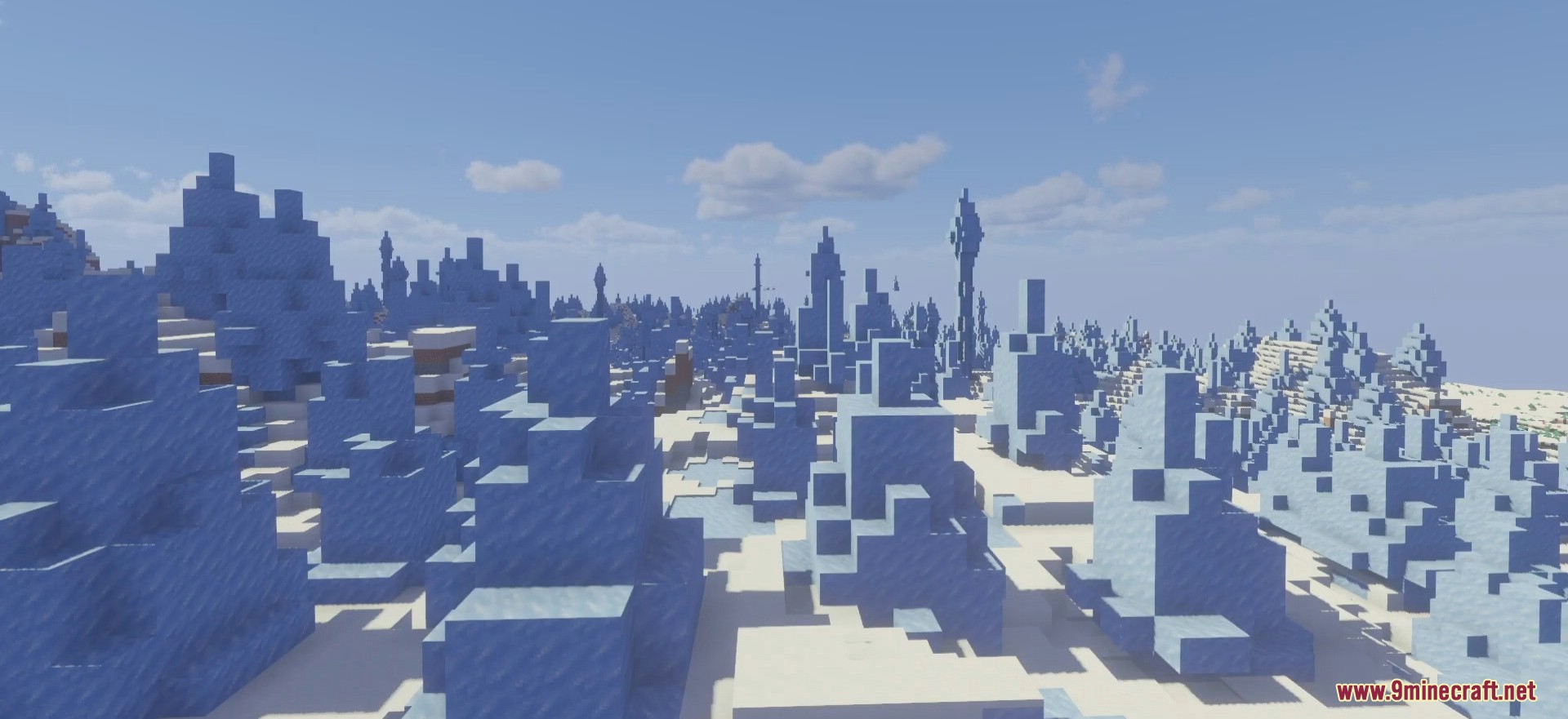
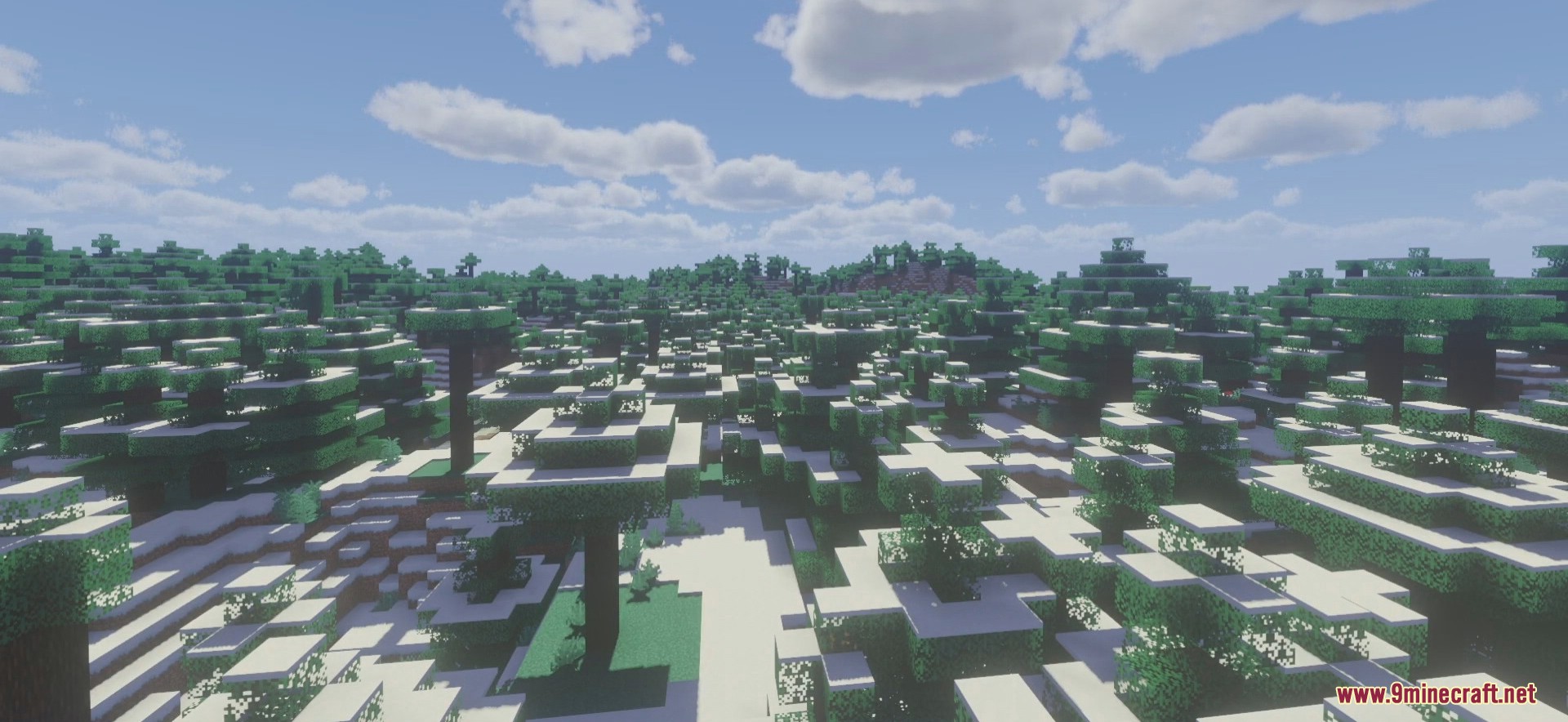
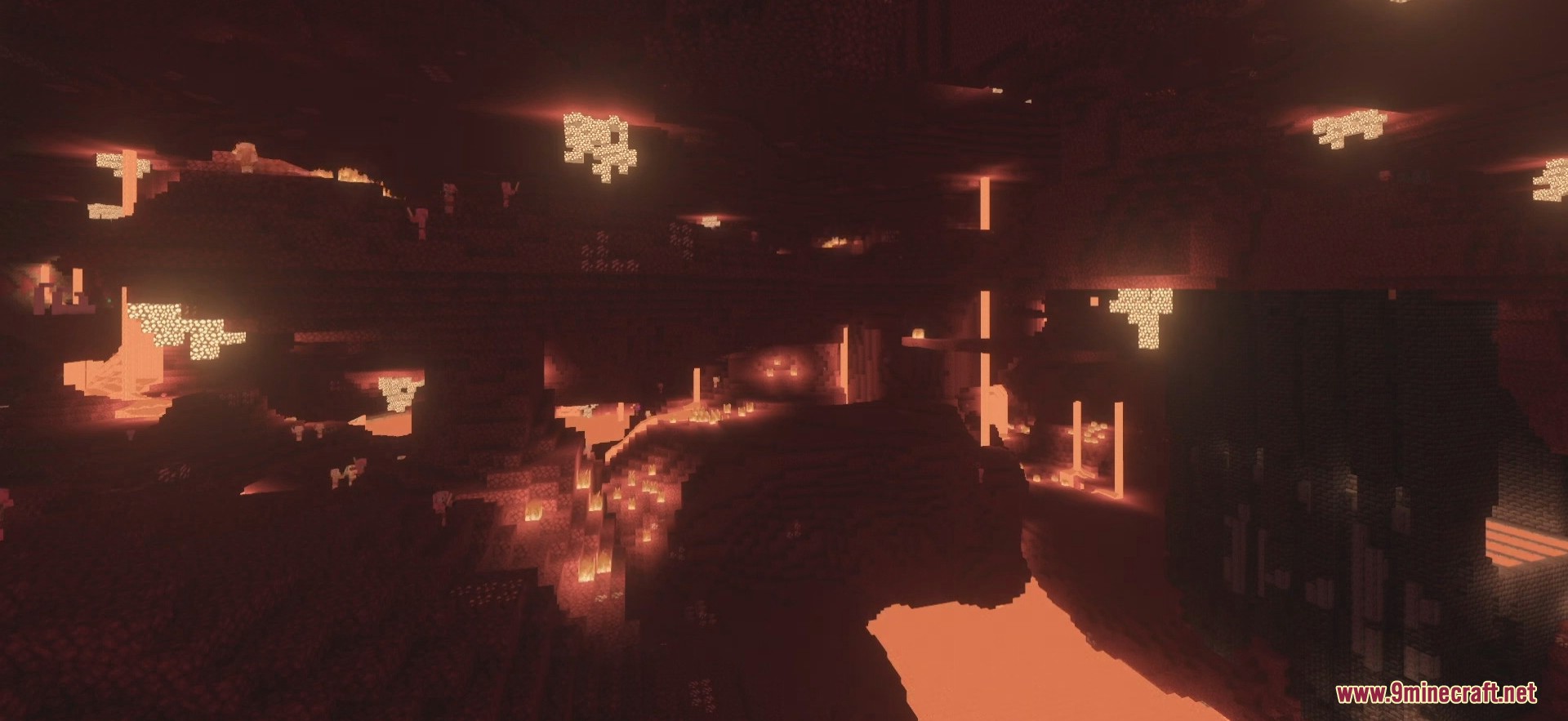
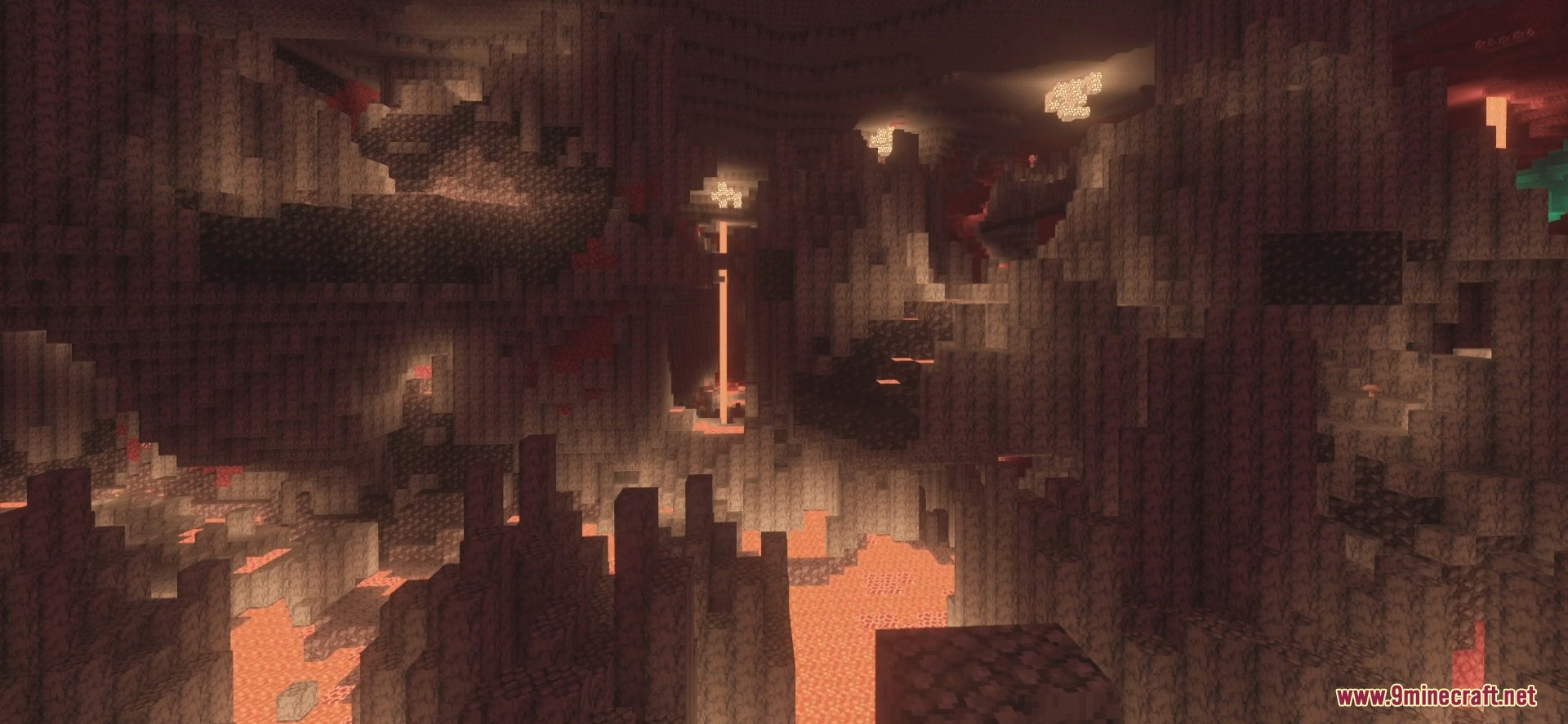
This is a mod that has been created to change everything you know about graphics enhancement in the world of Minecraft. The first thing you will notice about this mod is how bright your world looks with some impressive lightings. The colors are looking more accurate than what vanilla Minecraft and other mods can offer. Raspberry Shaders improves them and ensure they are looking stunning. Also, you will notice the clouds have been revamped.
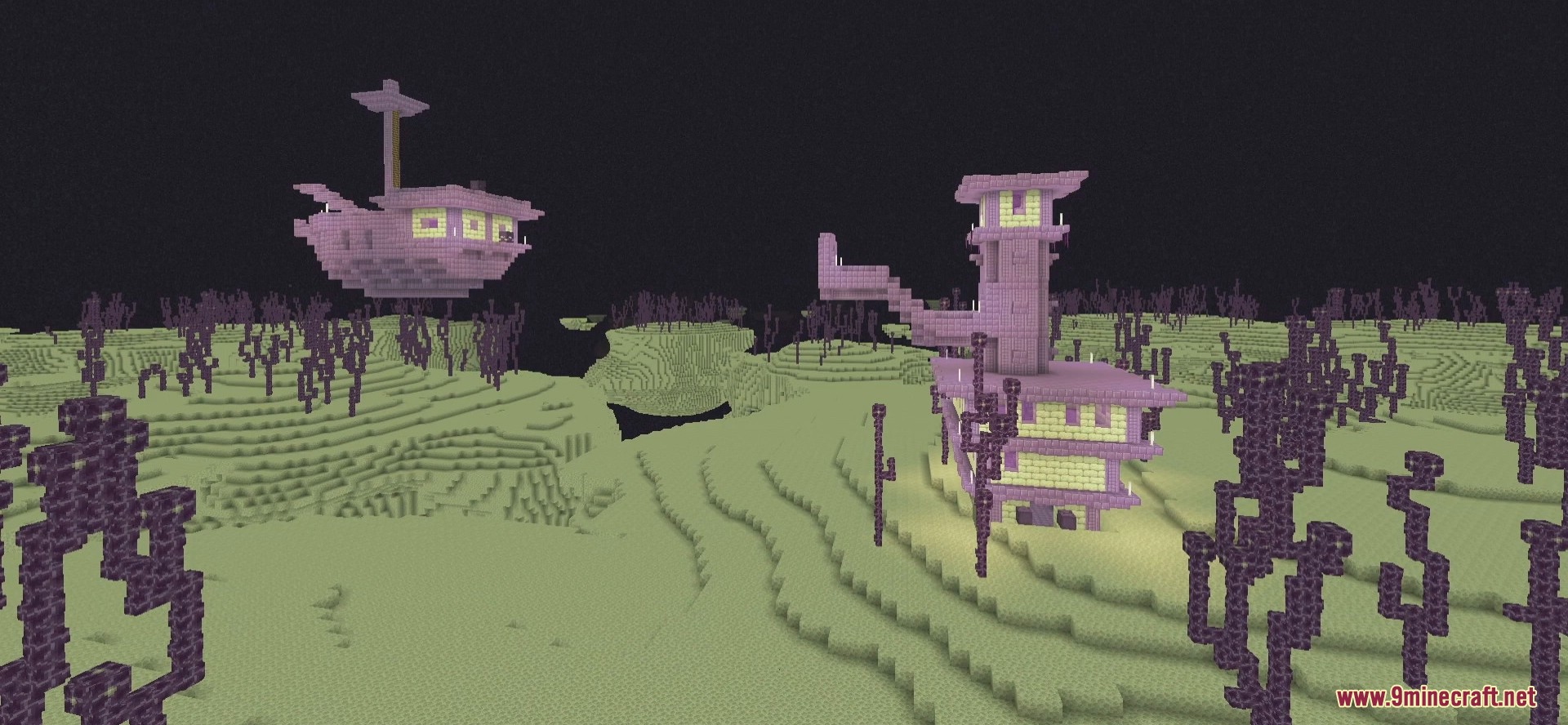
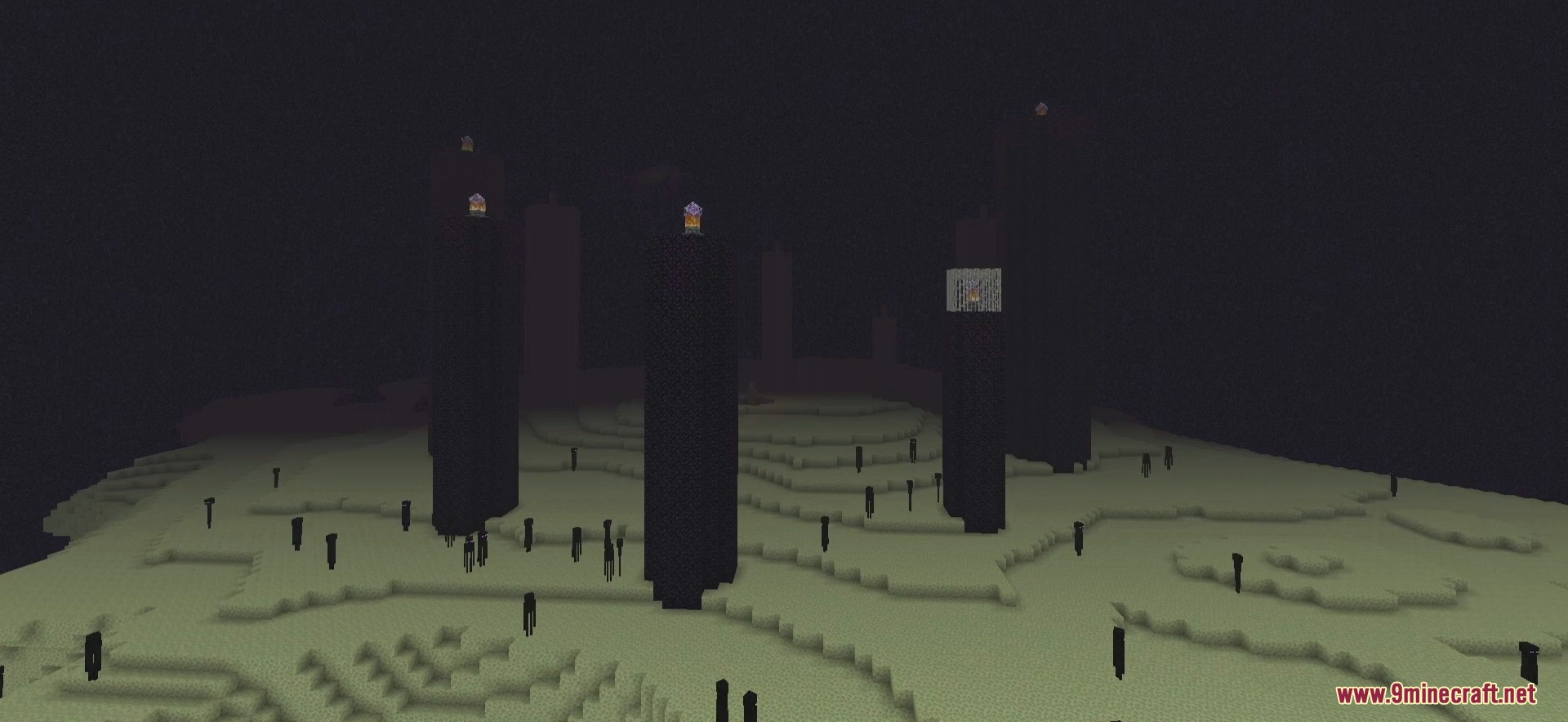
Screenshots:
Raspberry Shaders Download Links
- Edition: Minecraft Java
- File type: .zip (resource pack)
- Minecraft versions listed: 26.3, 1.20.1
- How to install: Download the .zip resource pack — do not unzip it. → Put it in .minecraft/resourcepacks. → Enable it in Options → Resource Packs.
- Where to get it: In MC Java Mods, or directly above on this page.
Install steps are the general flow for this file type — see the MC Java Mods guides for the full walkthrough.
Raspberry Shaders (26.3, 1.20.1) – Free version of MollyVX is a free Minecraft Java shader. Compatible with Minecraft 26.3, 1.20.1. Download it and open it directly in the game.