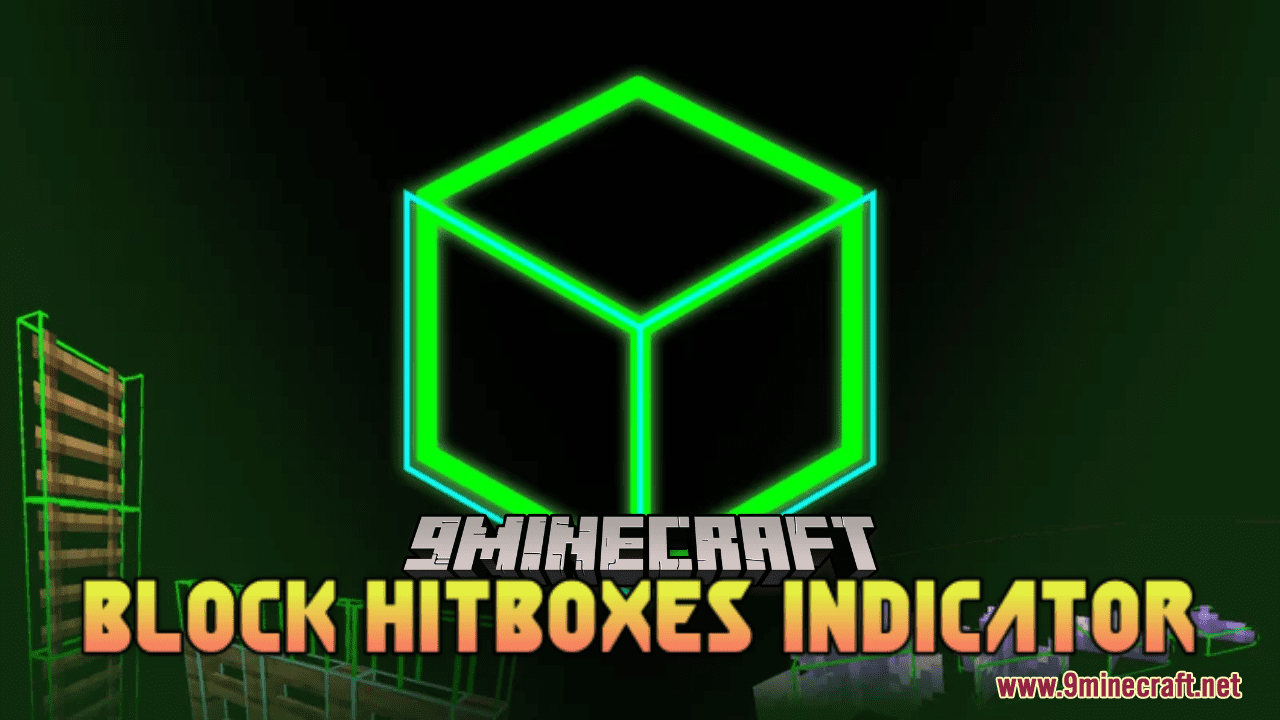
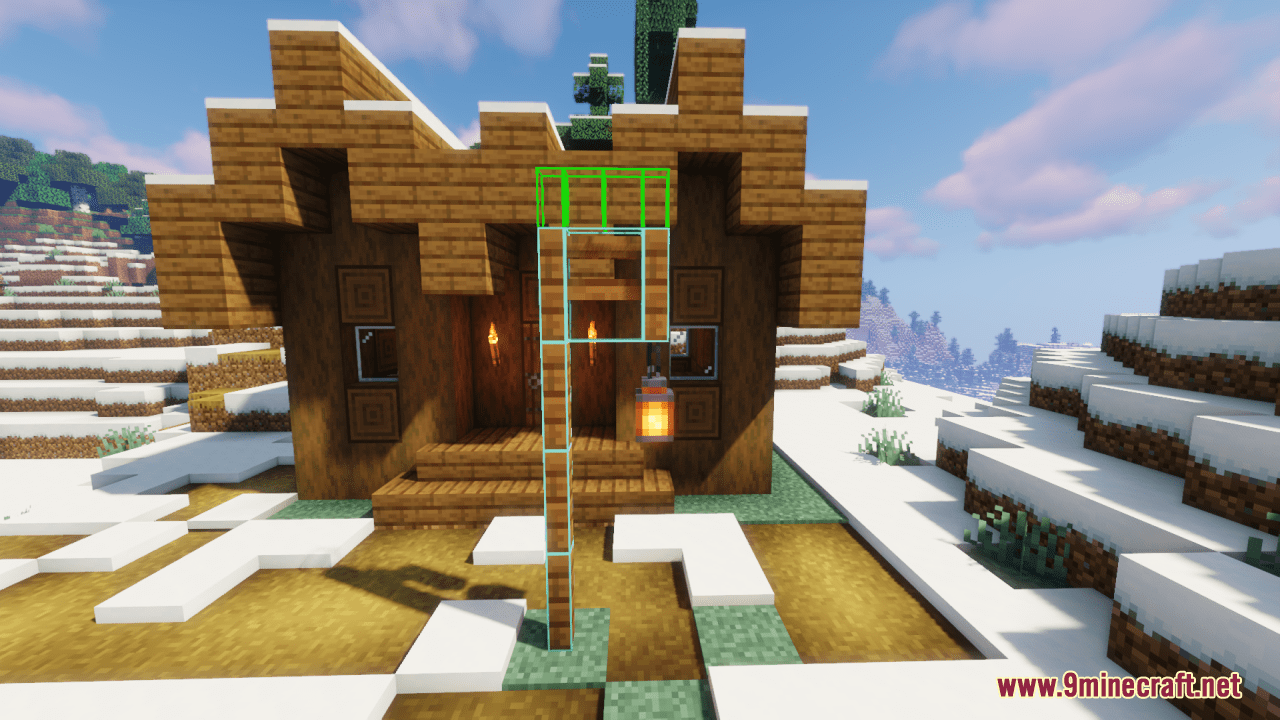
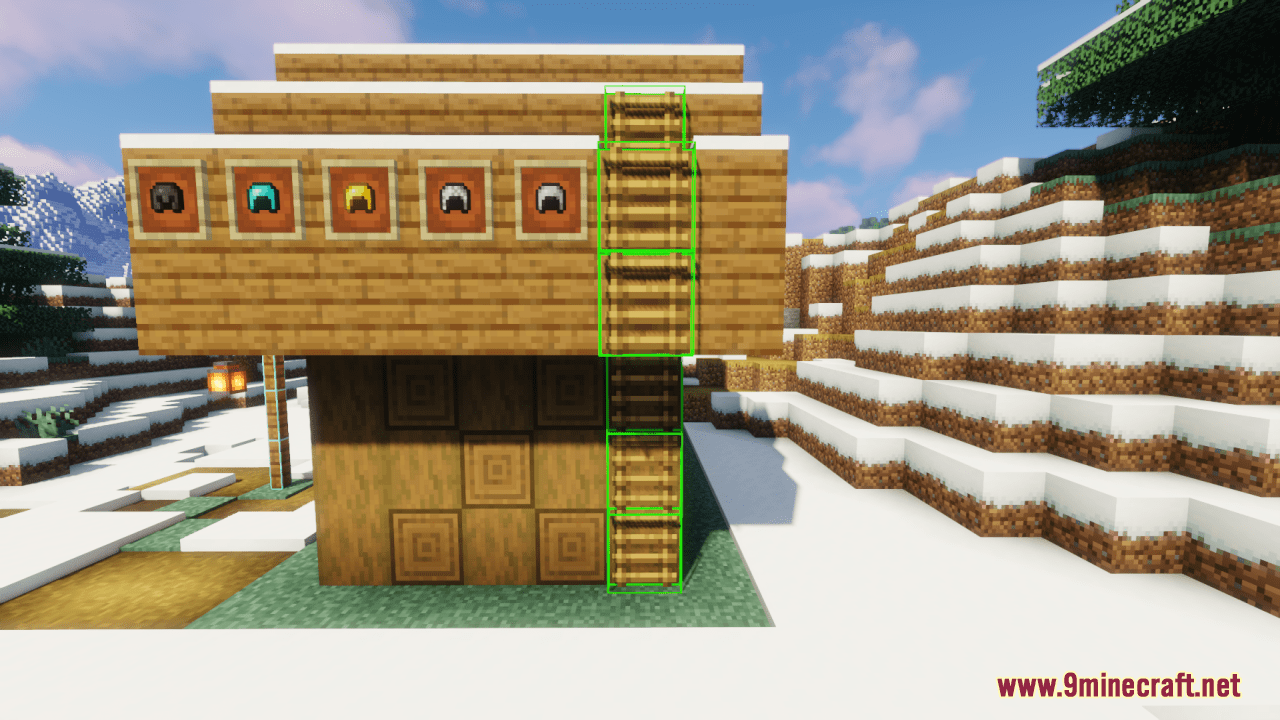
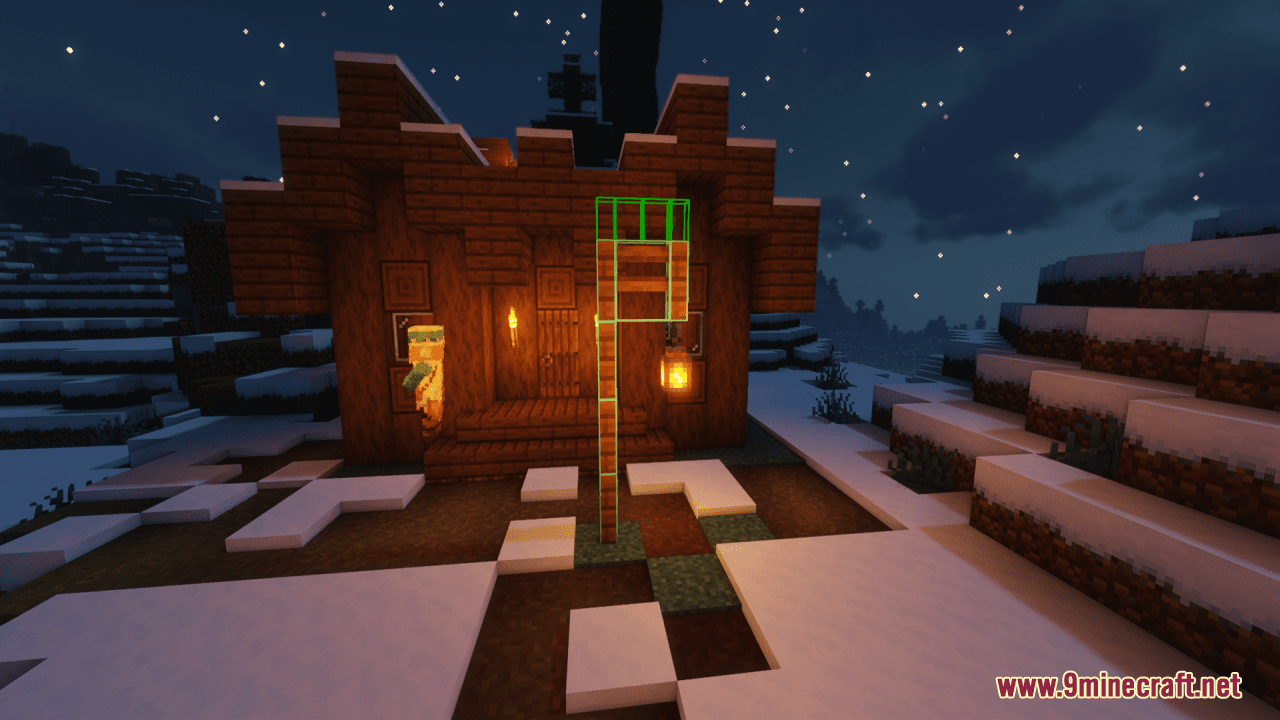
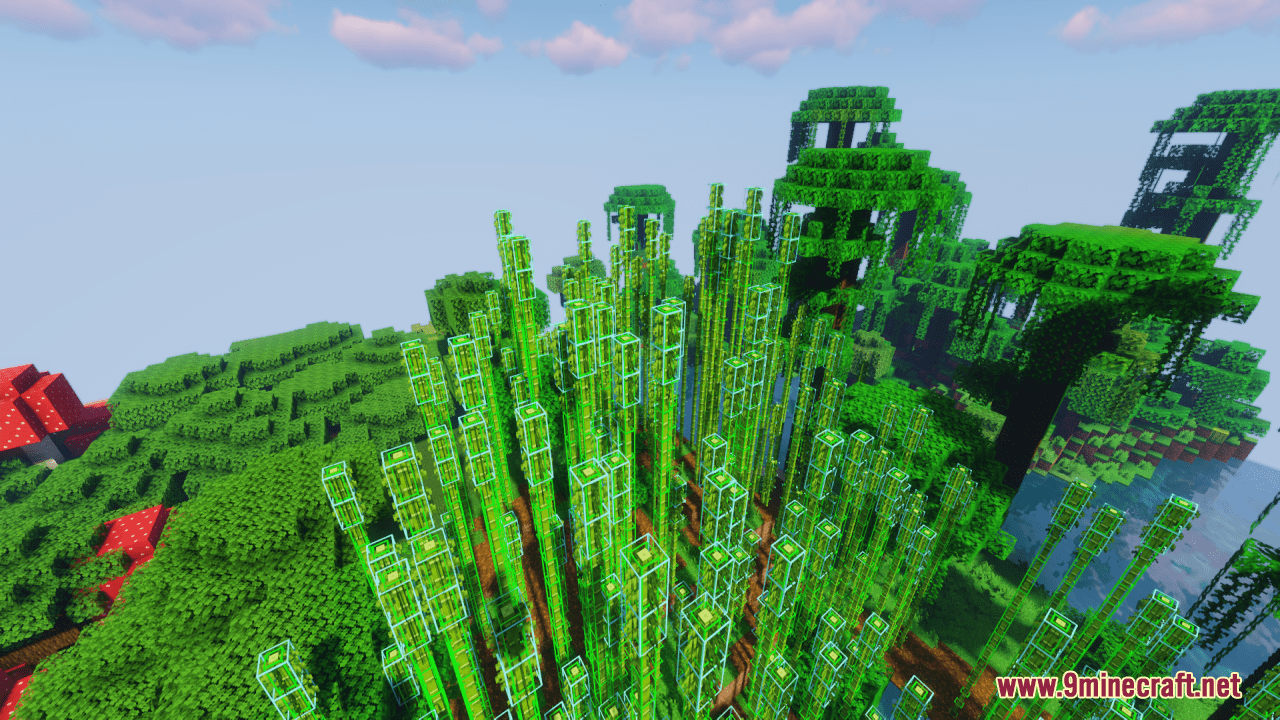
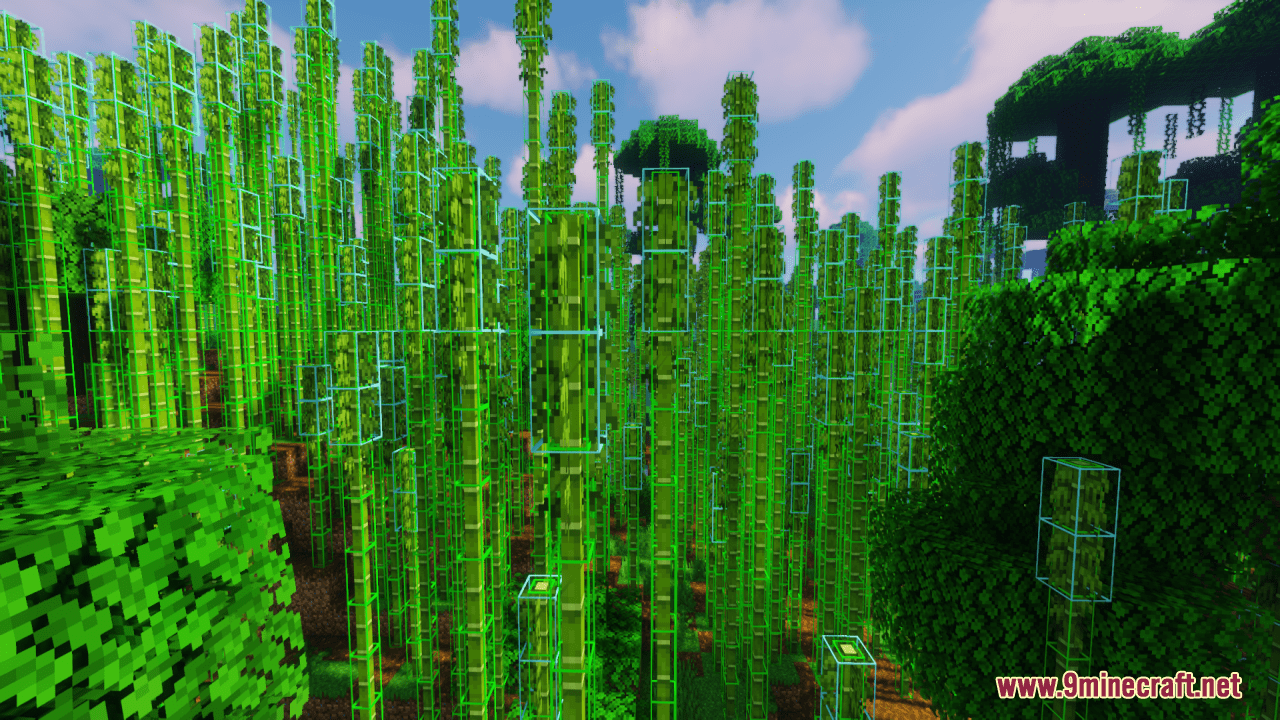
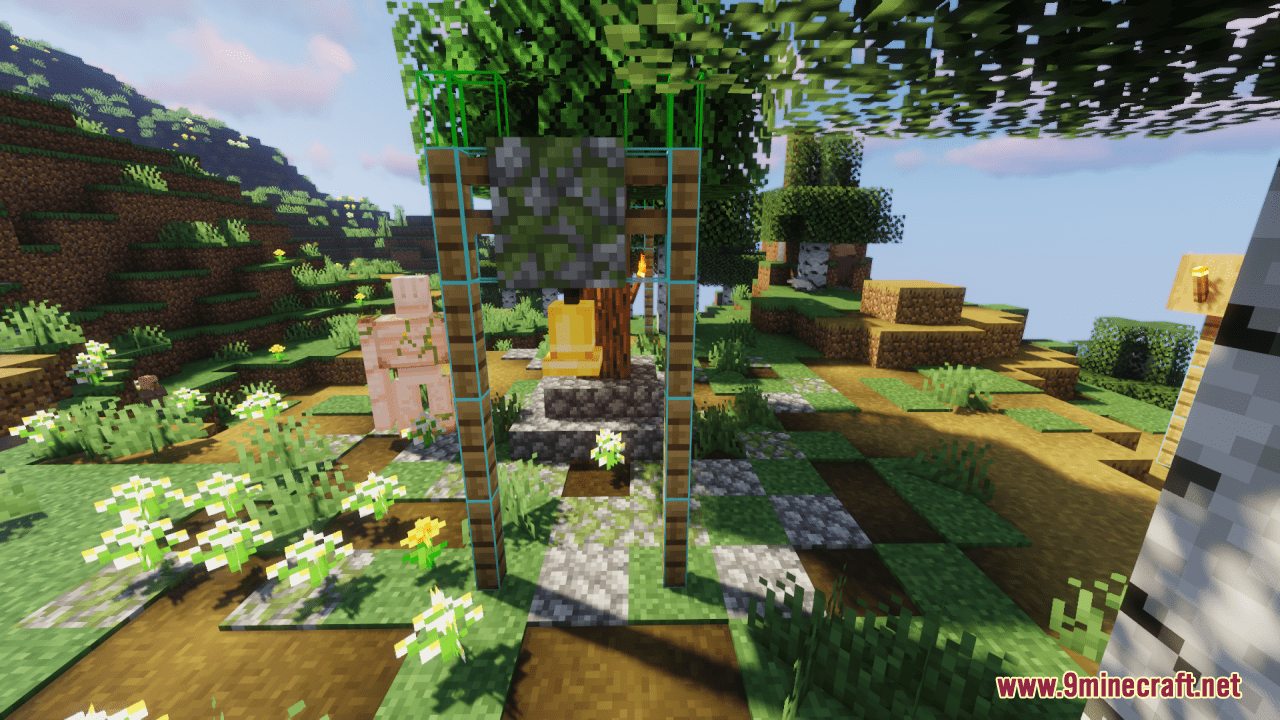
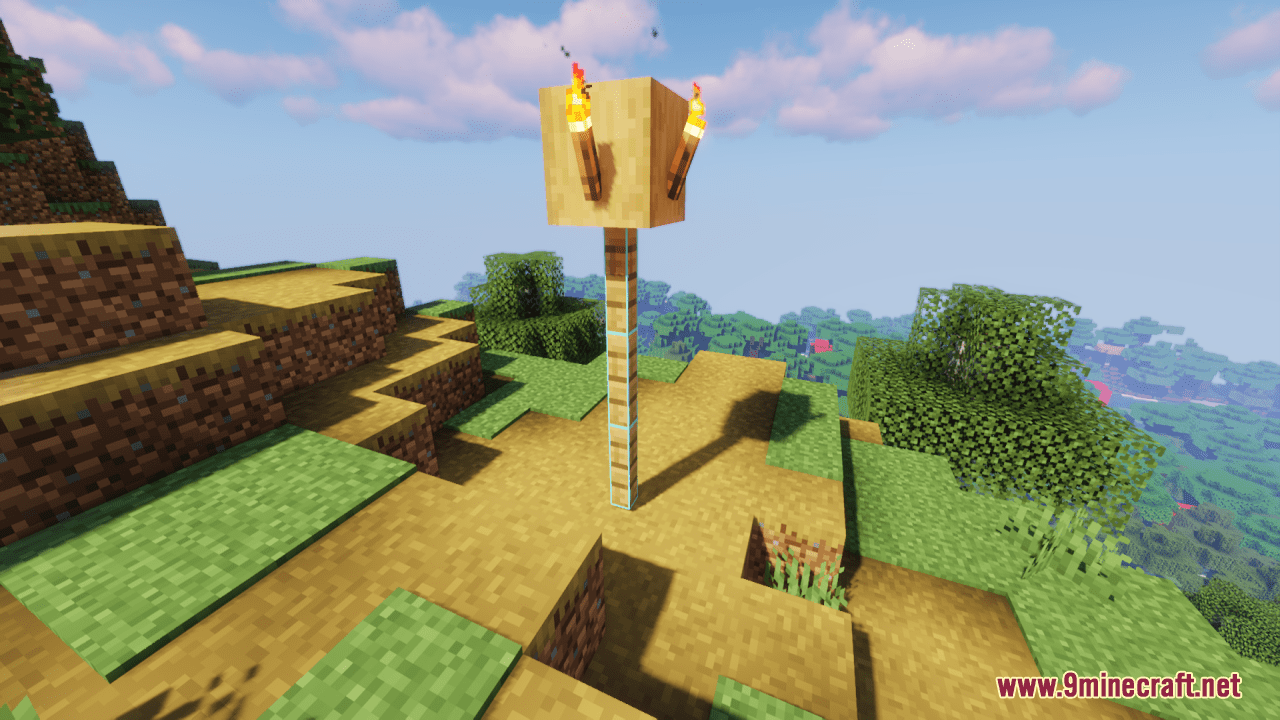
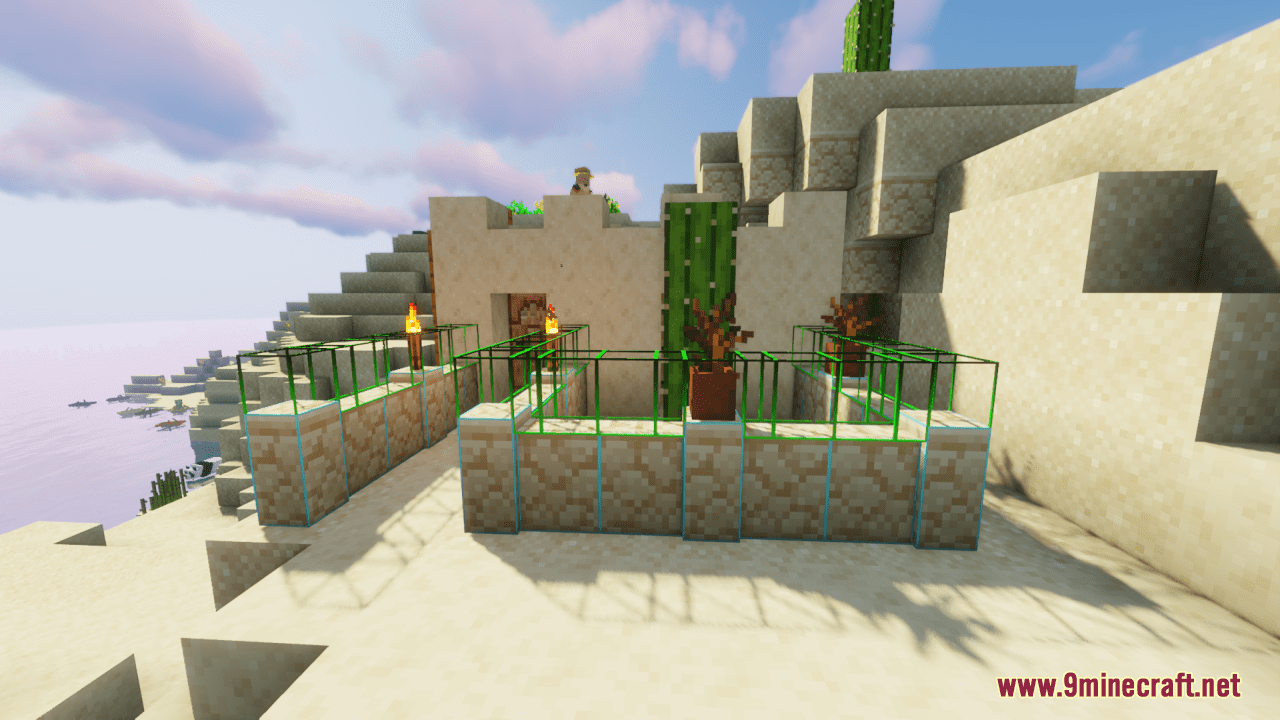
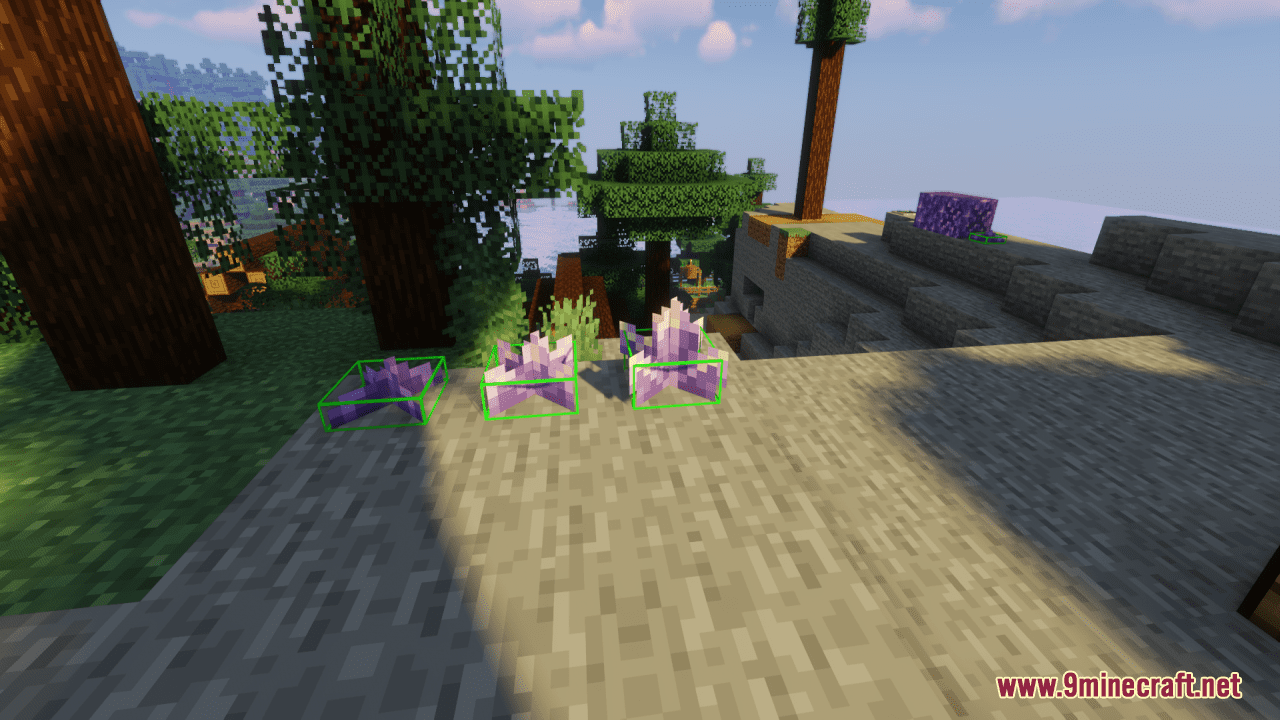
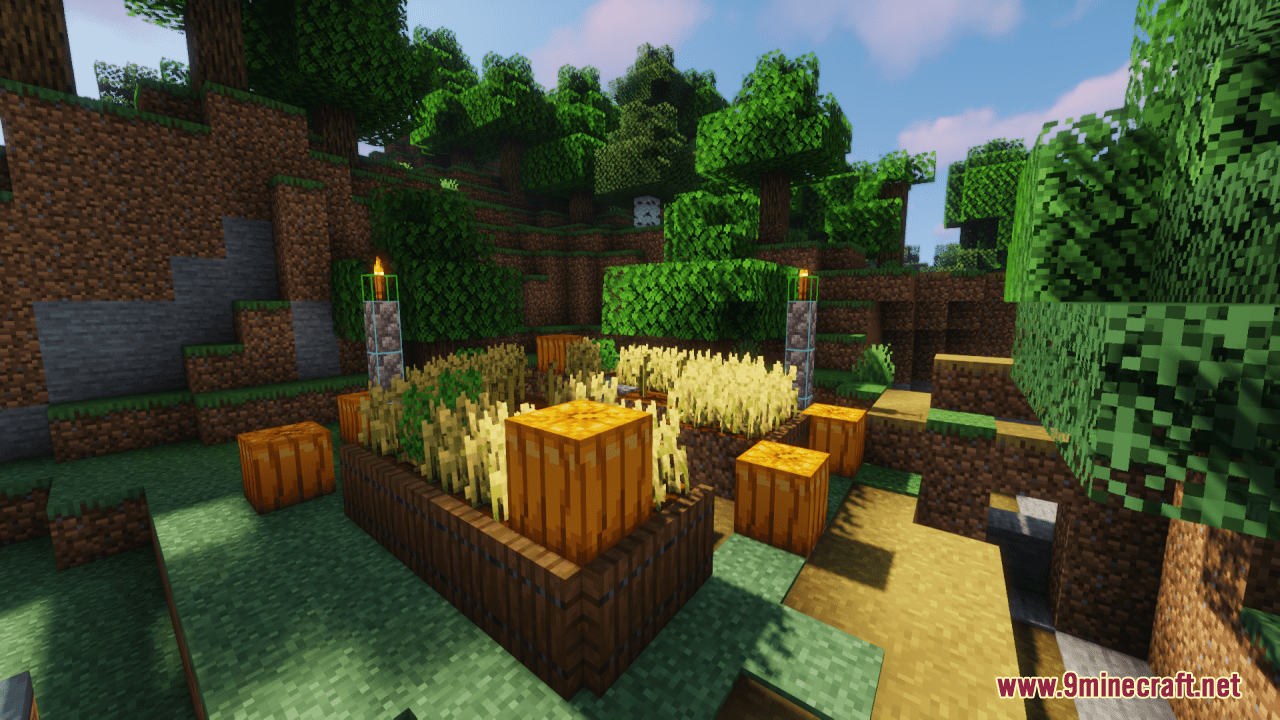
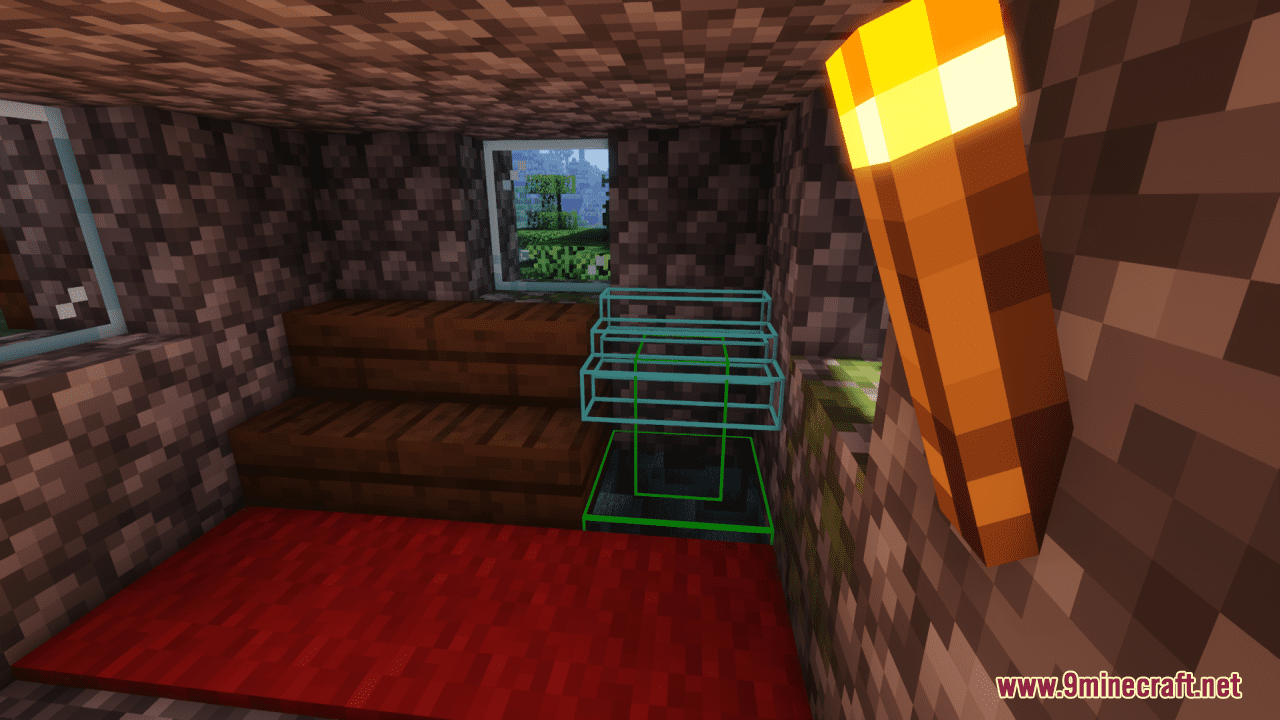
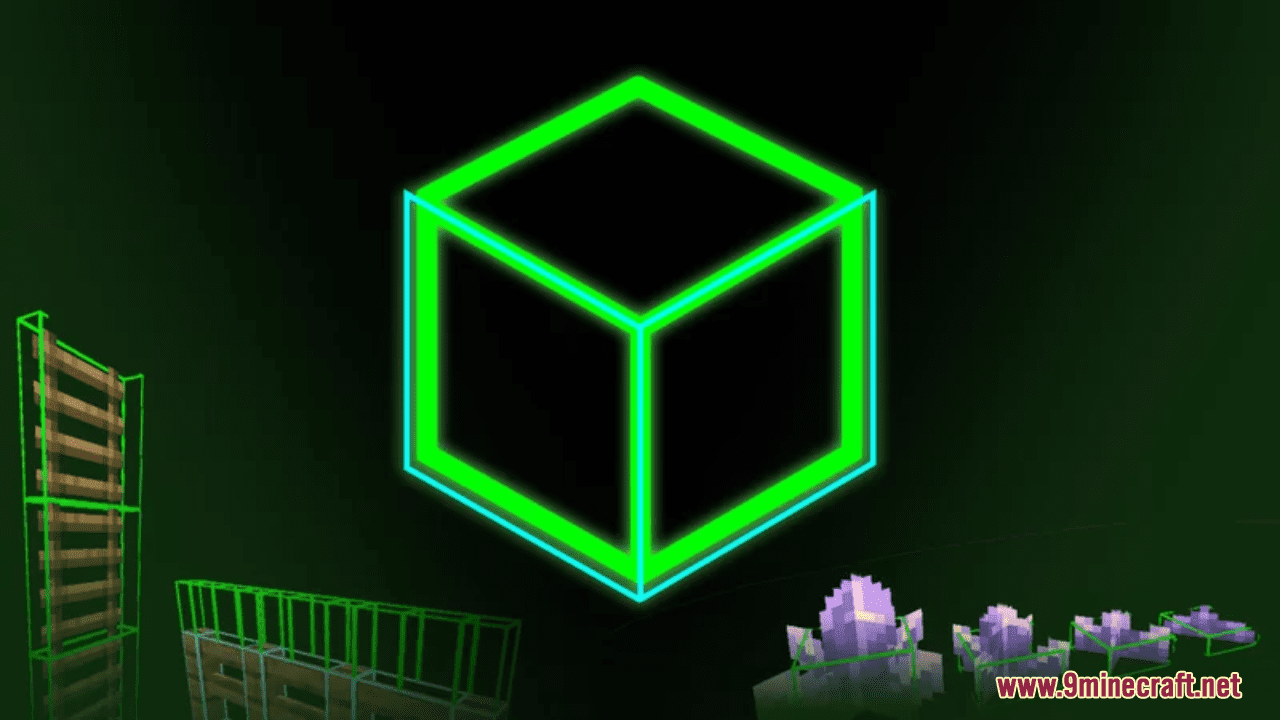
Block Hitboxes Indicator Resource Pack aims to reveal the actual hitbox of the block so that you can do things without a jam; it shows the part where you can interact with them (through mining or placing next to them) and the part where their collision is present. For your information, this table shows what hitbox color shows:
| Color | Shows Collision | Shows Interaction |
| Green | True | True |
| Cyan | True | False |
Screenshots:
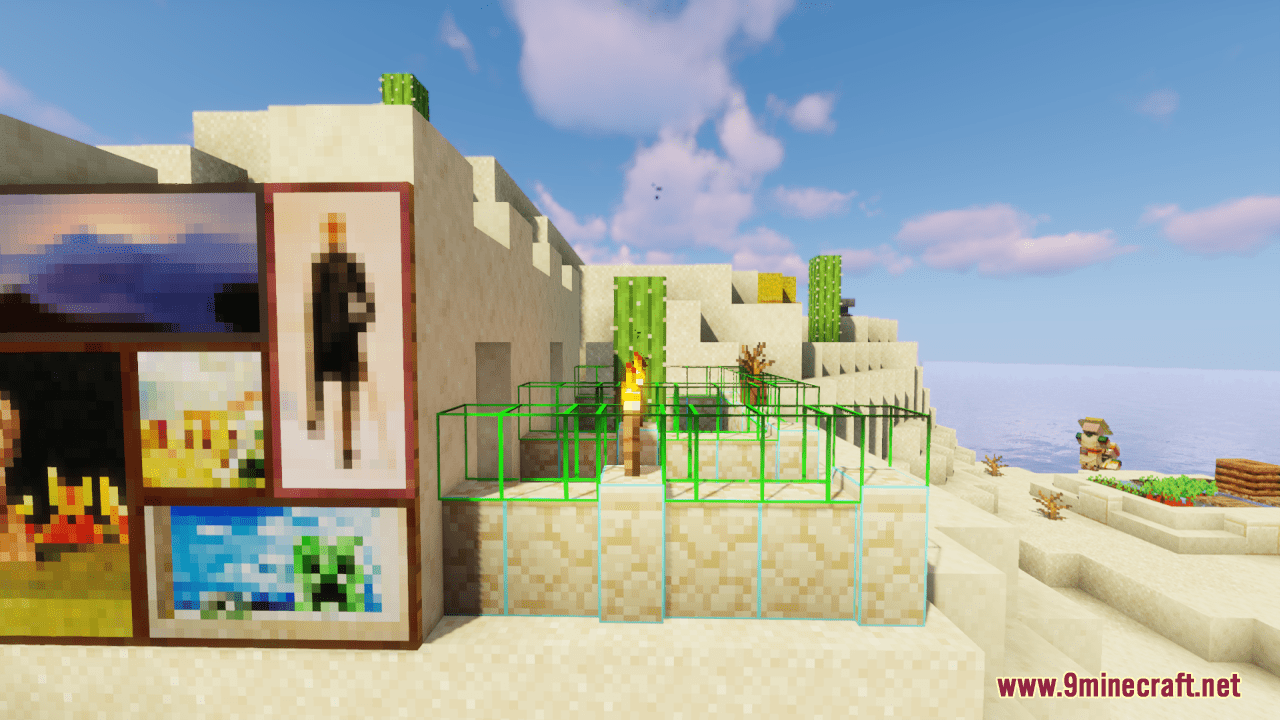
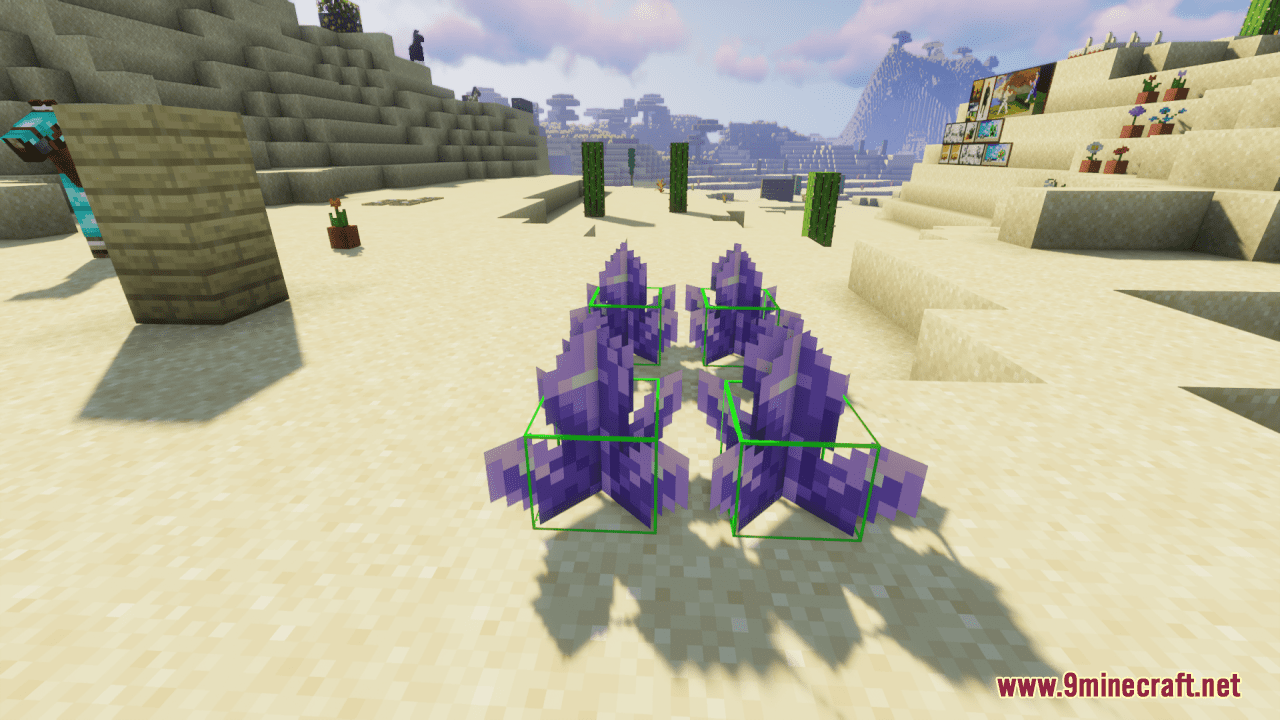
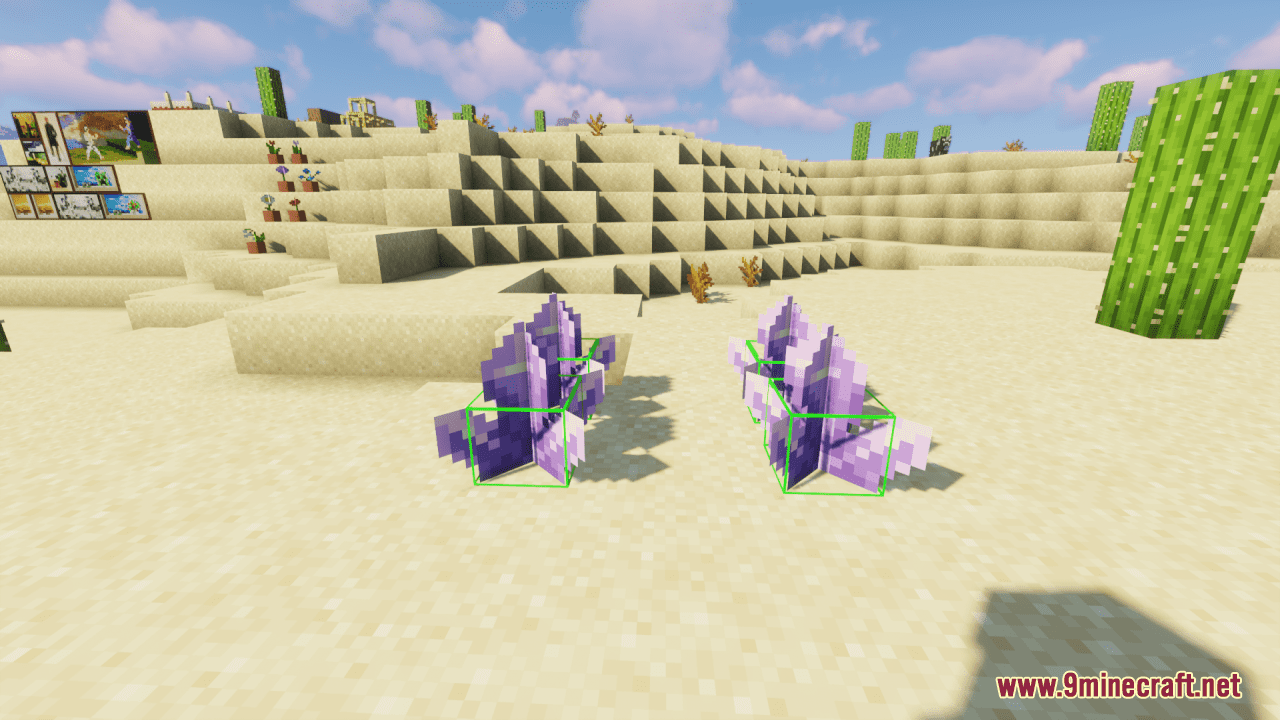
Block Hitboxes Indicator Resource Pack Download Links
For Minecraft from 1.17.1 to 1.21.5, 1.21.1, 1.20.6, 1.20.1, 1.19.4
Quick facts
- Edition: Minecraft Java
- File type: .zip (resource pack)
- Minecraft versions listed: 1.21.1, 1.20.1
- How to install: Download the .zip resource pack — do not unzip it. → Put it in .minecraft/resourcepacks. → Enable it in Options → Resource Packs.
- Where to get it: In MC Java Mods, or directly above on this page.
Install steps are the general flow for this file type — How to install Minecraft Java resource packs walks through it step by step.
Block Hitboxes Indicator Resource Pack (1.21.1, 1.20.1) – Texture Pack is a free Minecraft Java resourcepack. Compatible with Minecraft 1.21.1, 1.20.1. Download it and open it directly in the game.