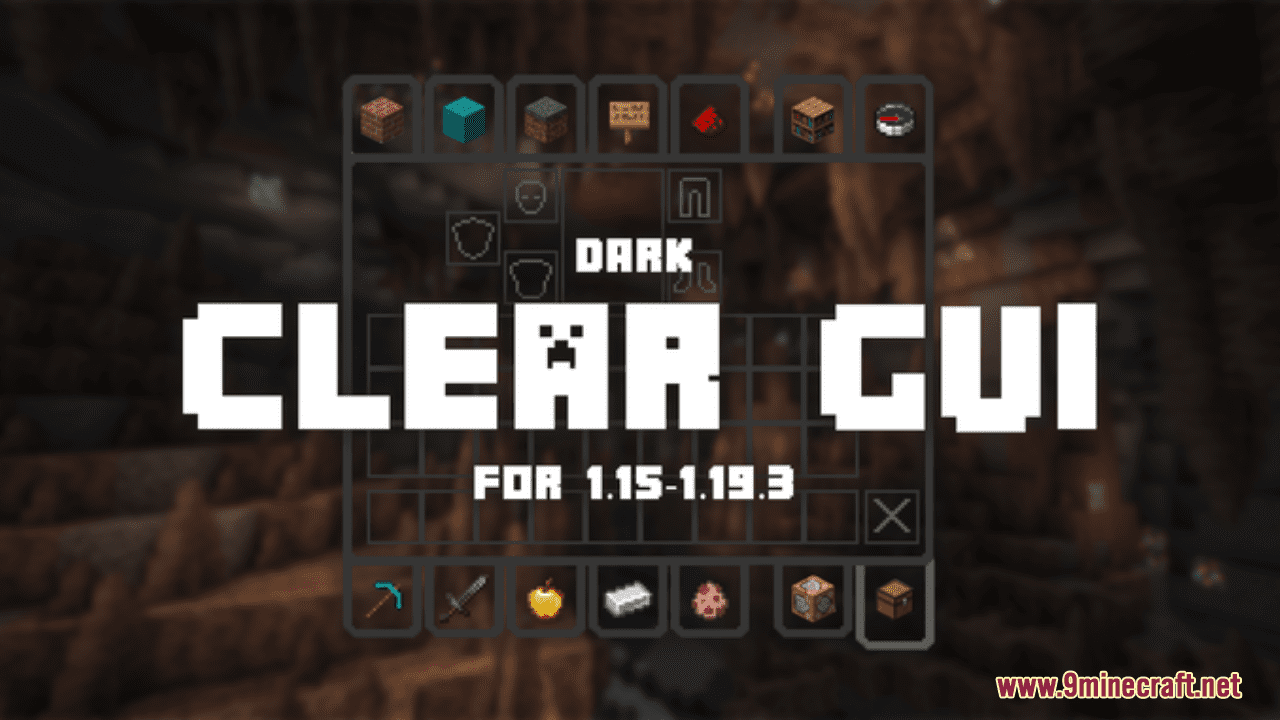
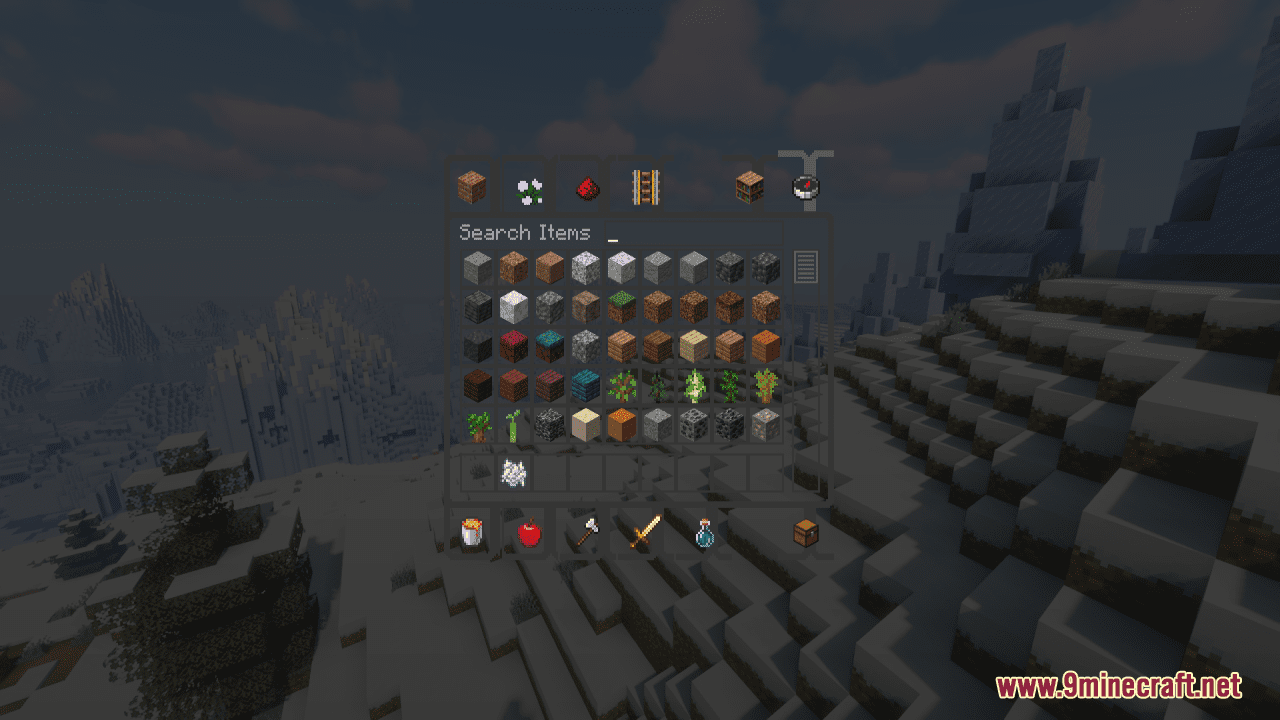
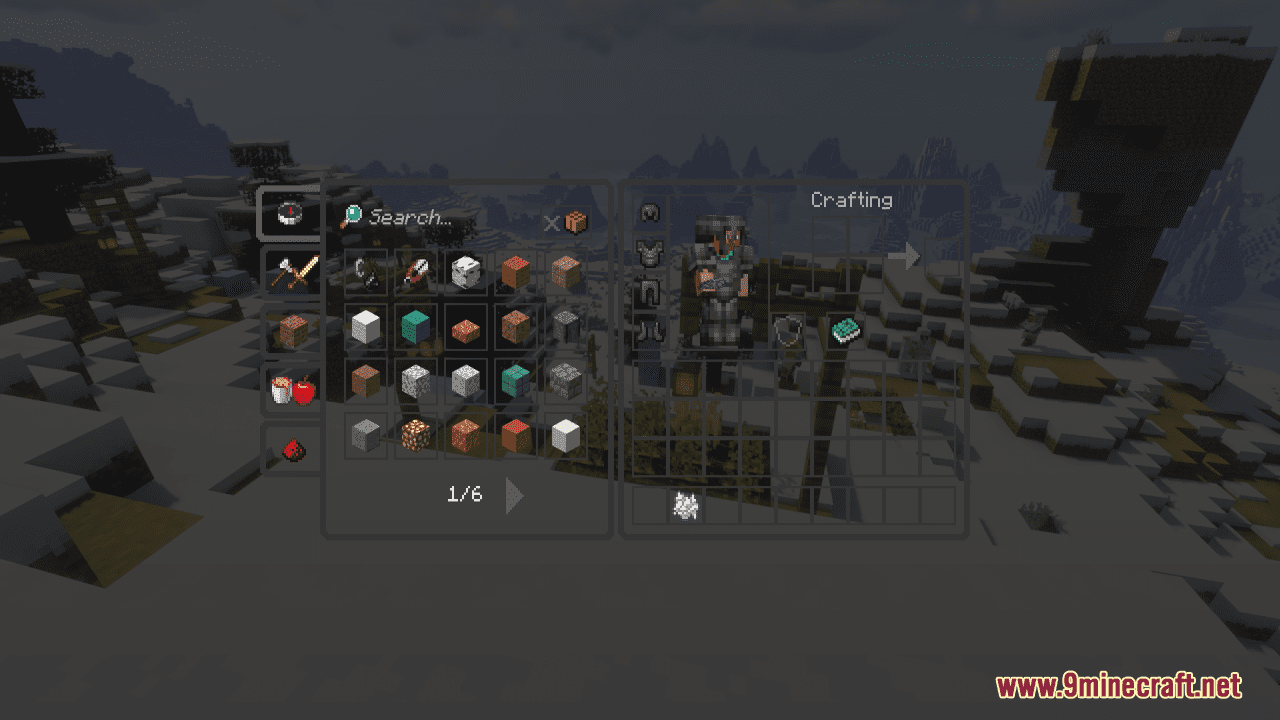
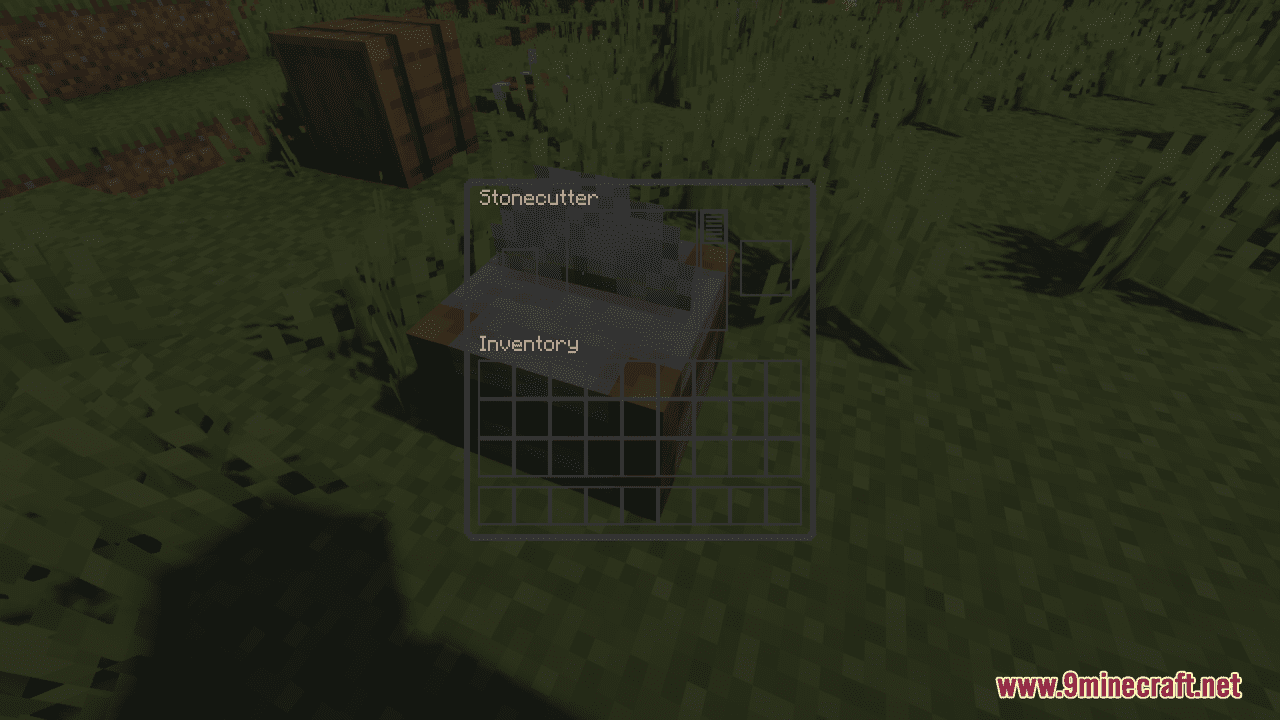
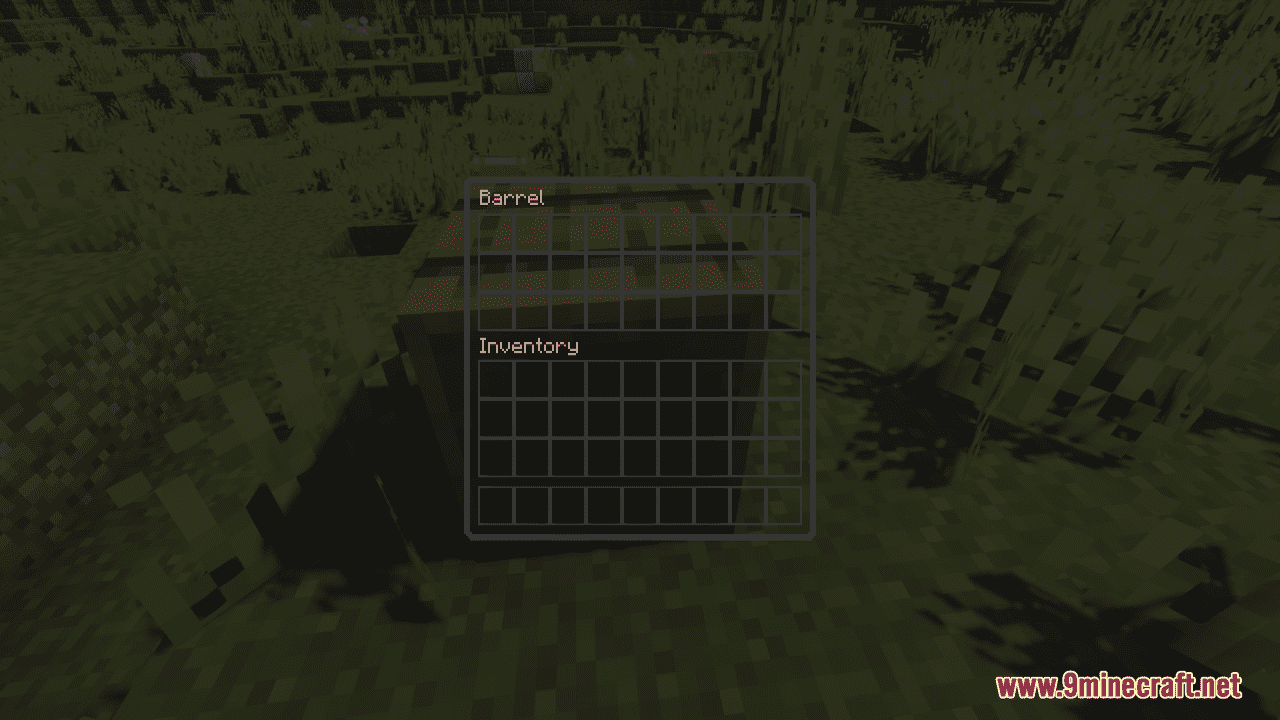
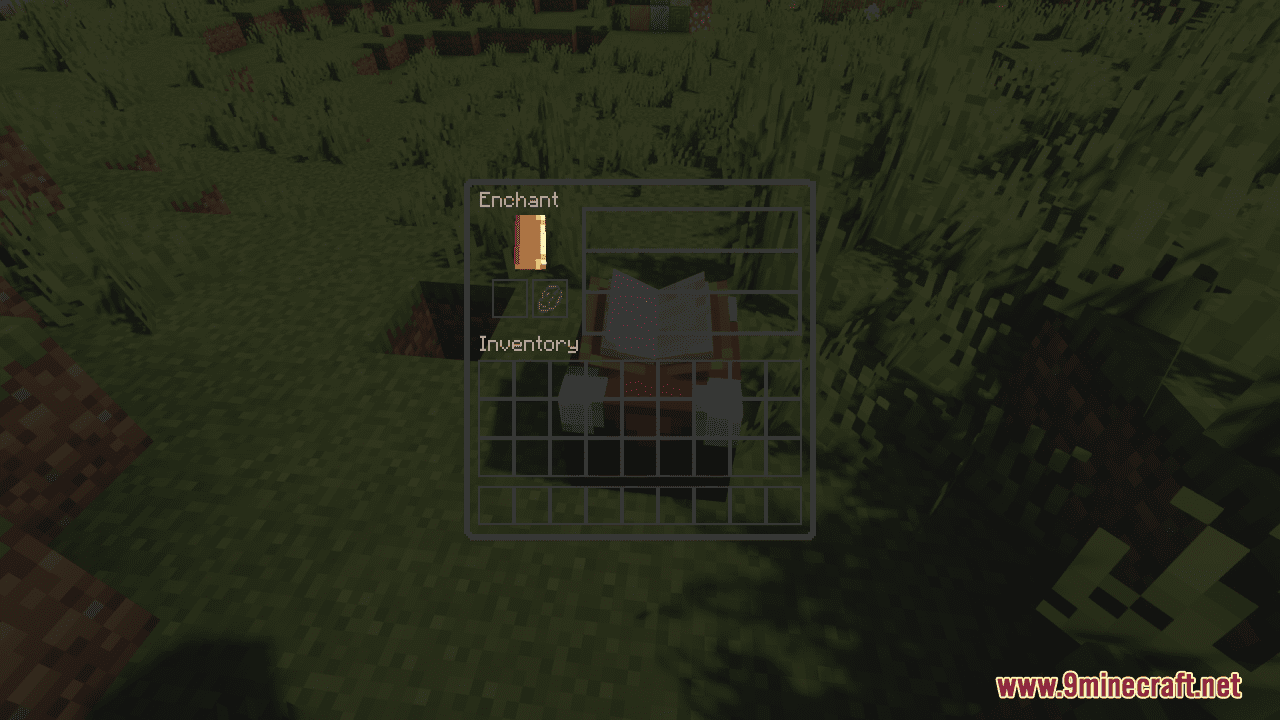
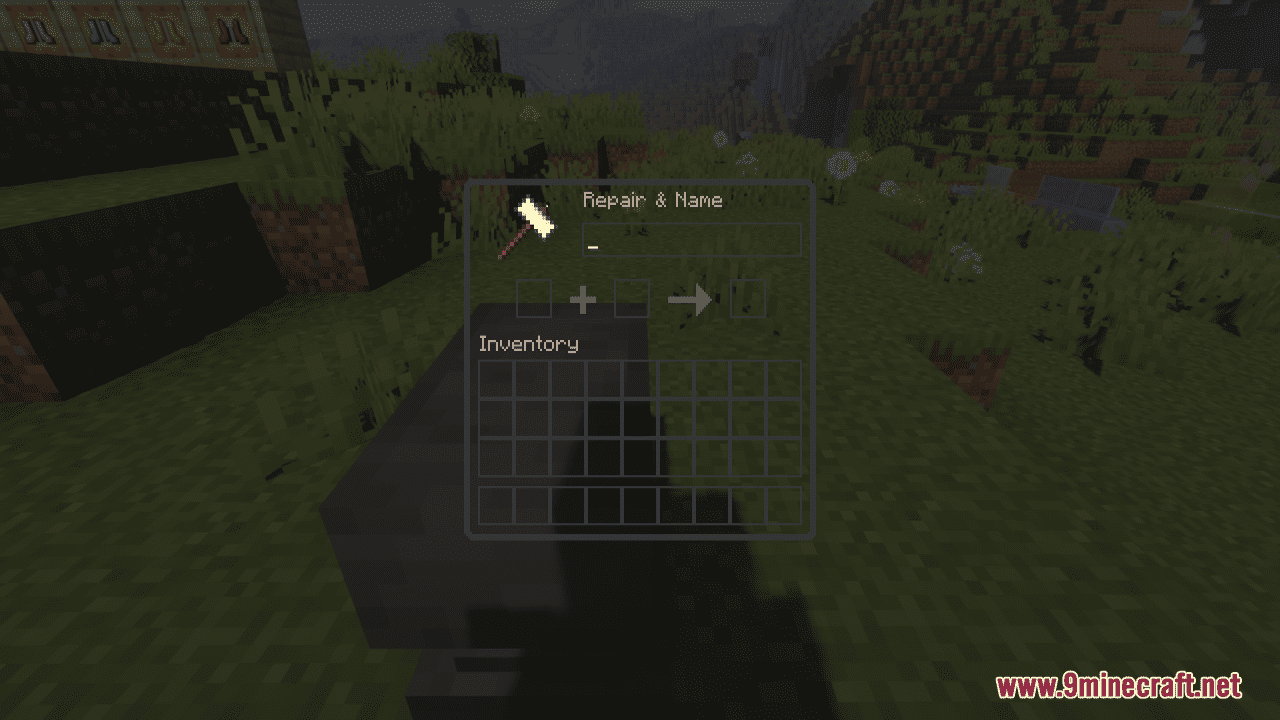
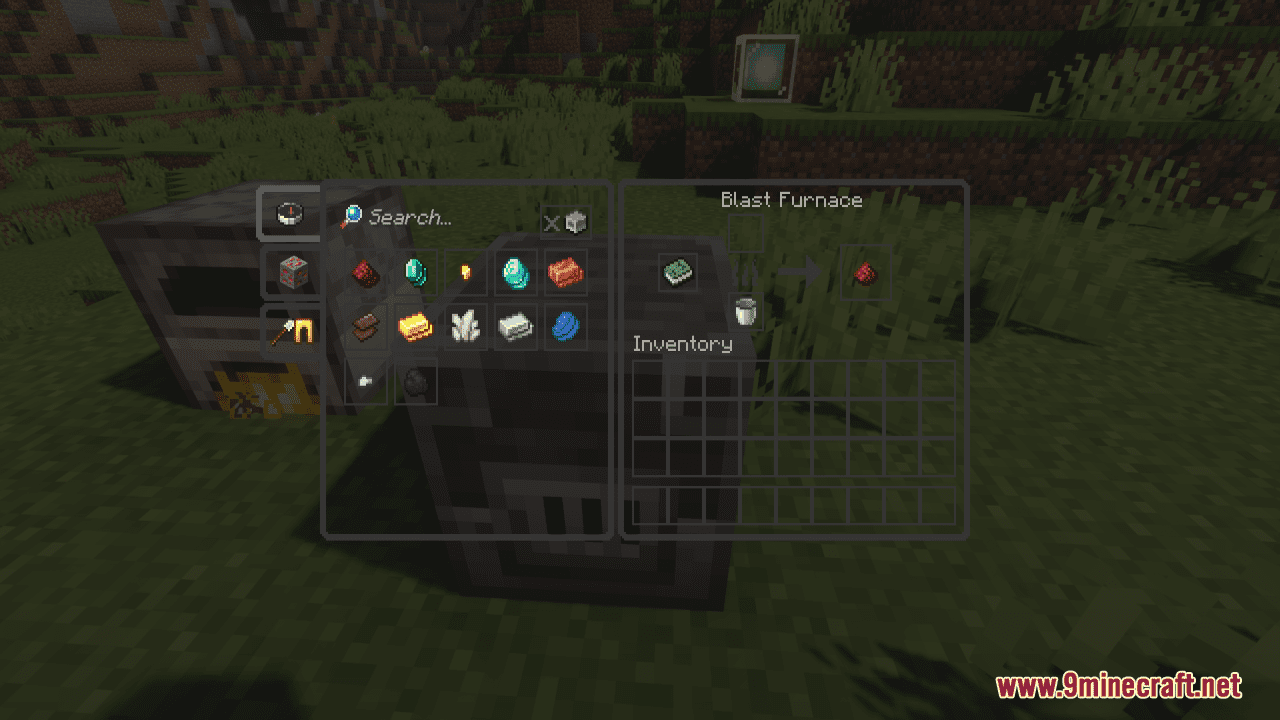
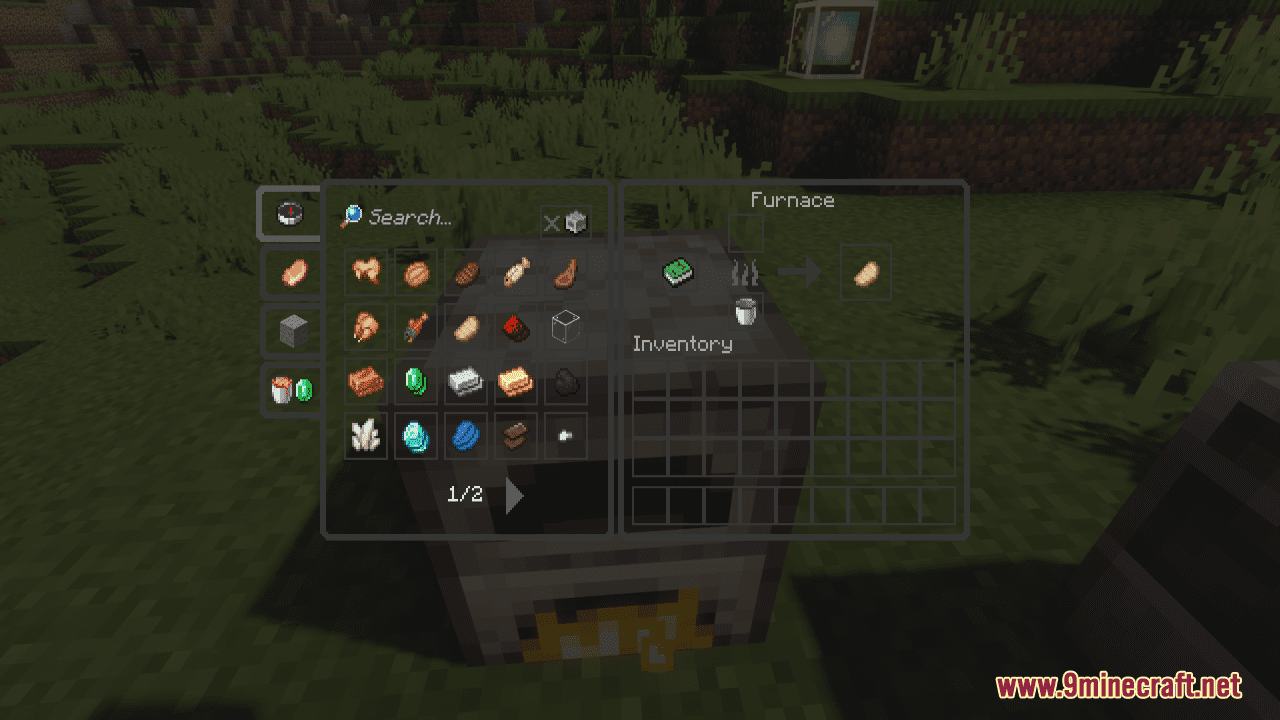
Dark Clear GUI Resource Pack will supply Minecrafters with a dark, clear GUI for all their minimalistic needs. Within this super slight pack, you will have:
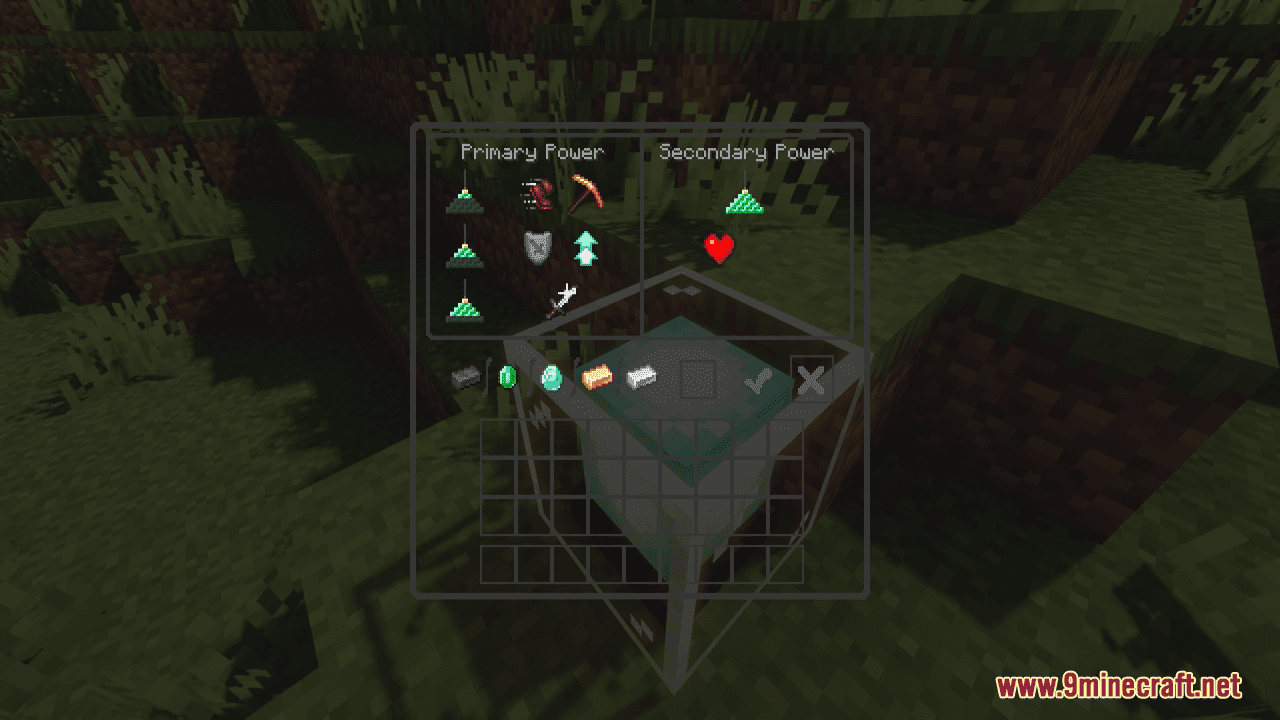
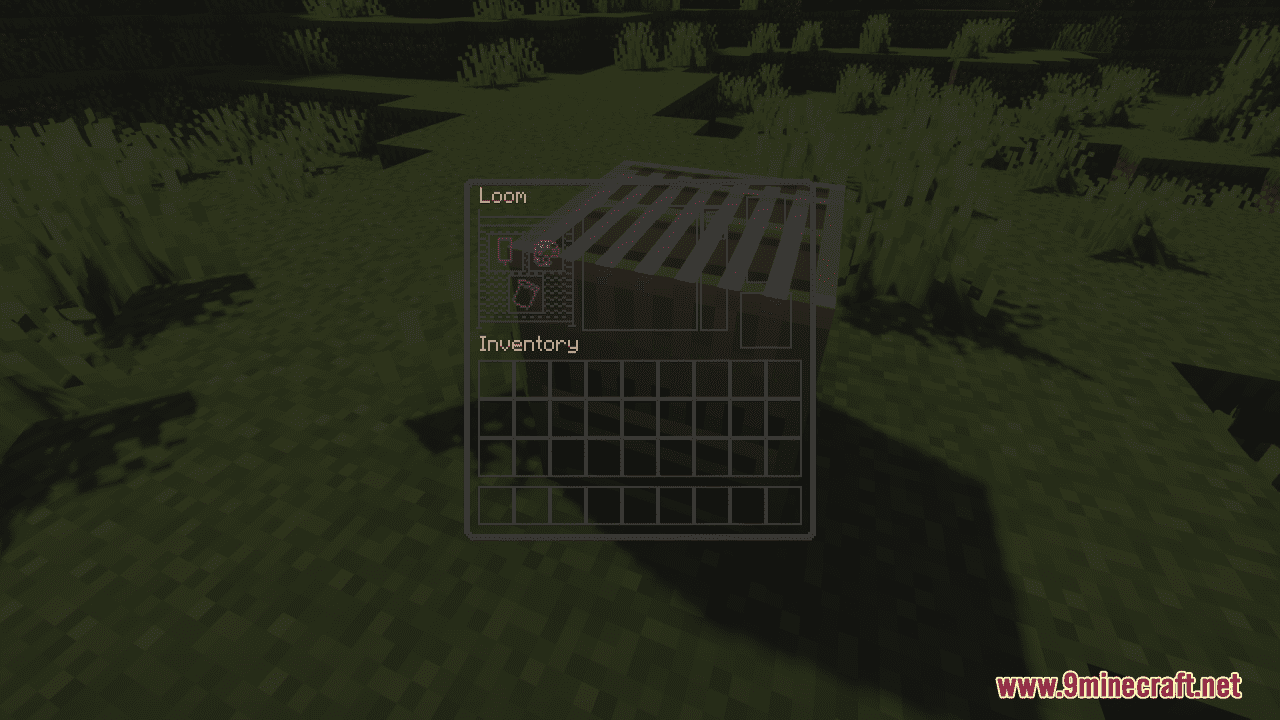
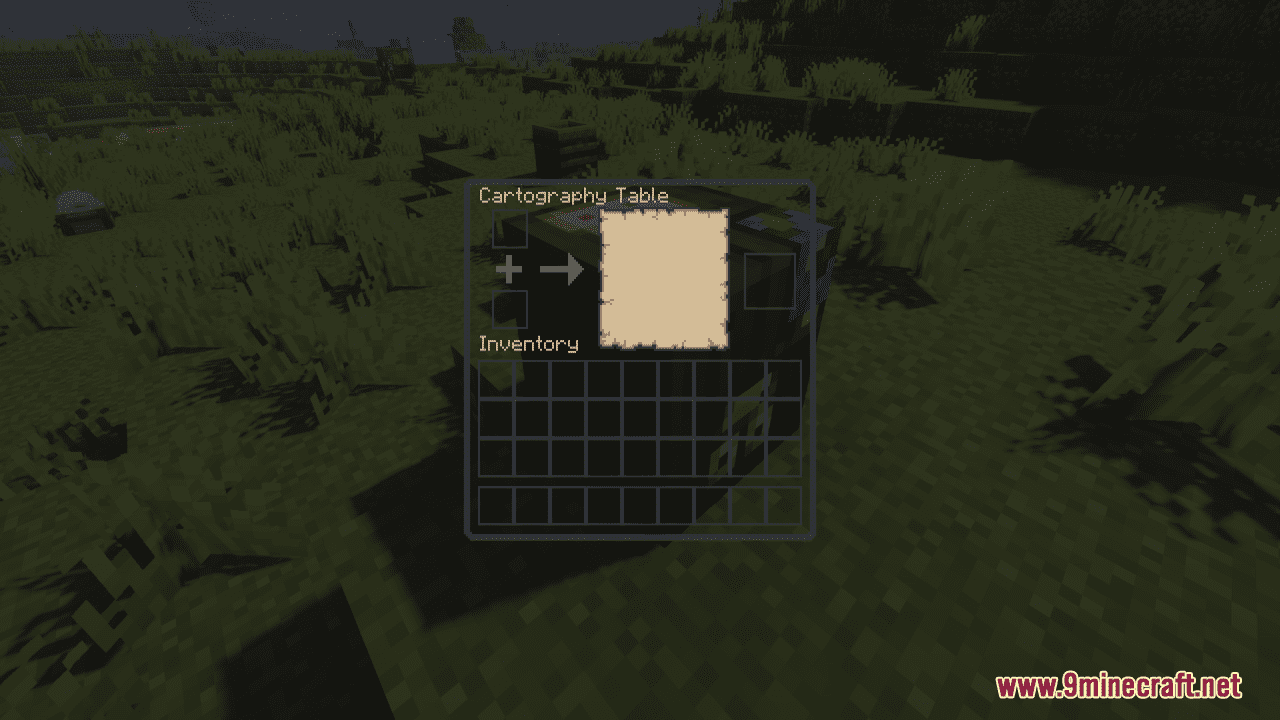
- Every GUI has been made crystal clear with subtle gray outlines to define space and shape
- All GUIs stay true to the original textures (spacing/outlines/shapes/symbols/icons
- Symbols (arrows/crosses/checks/flames) from original textures are included but grayed out to match the rest of the pack
- Icons (e.g. hammer in anvil GUI) included in full color to aid in identifying the purpose of each interface
In addition to the dark theme, a light version of this pack can be found here. In general, if you wish to have a cooler appearance for the GUI in Minecraft game, it is done for you.
Screenshots:
Dark Clear GUI Resource Pack Download Links
For Minecraft 1.21.5, 1.21.1, 1.20.6, 1.20.1, 1.19.4, 1.19.2
Quick facts
- Edition: Minecraft Java
- File type: .zip (resource pack)
- Minecraft versions listed: 1.21.1, 1.20.1
- How to install: Download the .zip resource pack — do not unzip it. → Put it in .minecraft/resourcepacks. → Enable it in Options → Resource Packs.
- Where to get it: In MC Java Mods, or directly above on this page.
Install steps are the general flow for this file type — How to install Minecraft Java resource packs walks through it step by step.
Dark Clear GUI Resource Pack (1.21.1, 1.20.1) – Texture Pack is a free Minecraft Java resourcepack. Compatible with Minecraft 1.21.1, 1.20.1. Download it and open it directly in the game.