Cel Shaders (26.2, 1.20.1) – Cartoon Like Effect
Java shader pack listed for Minecraft 1.20. Downloads from the MC Java Mods app on Android.
⬇ Download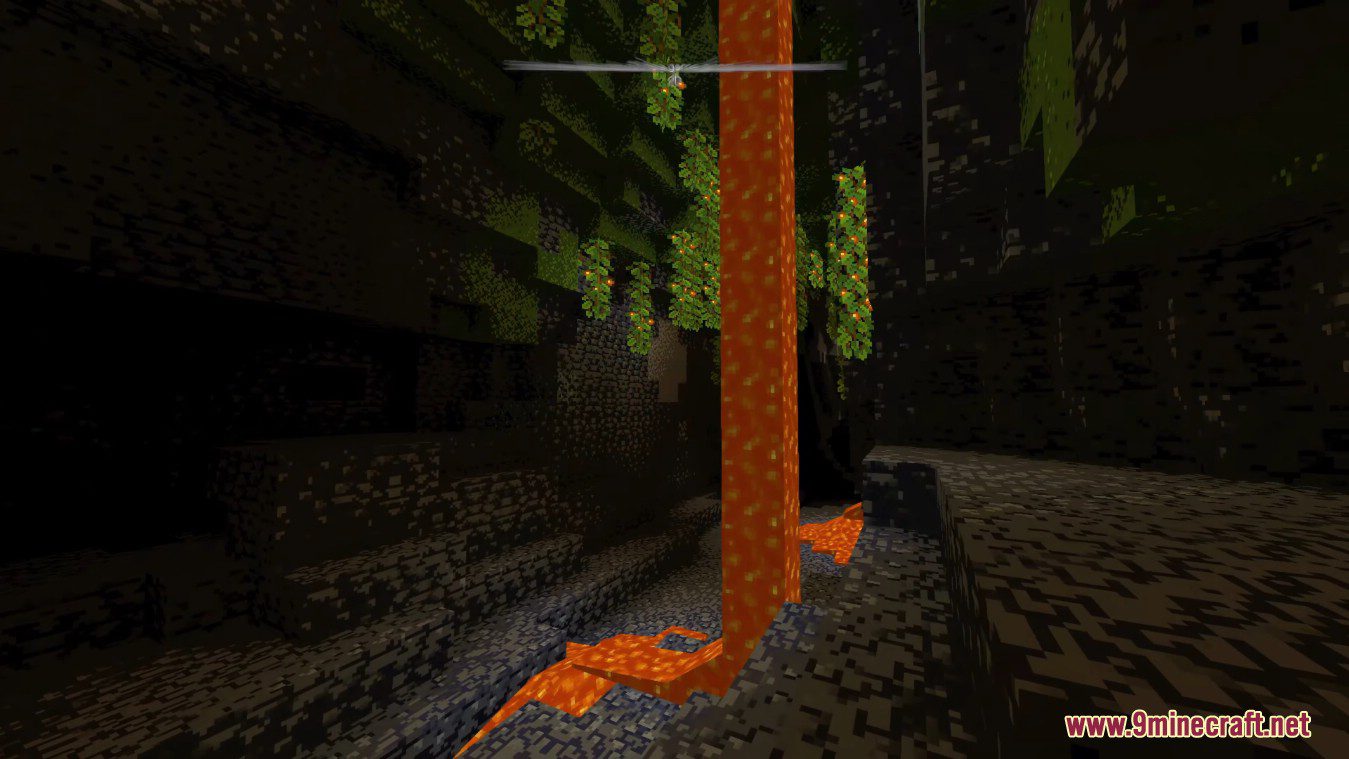
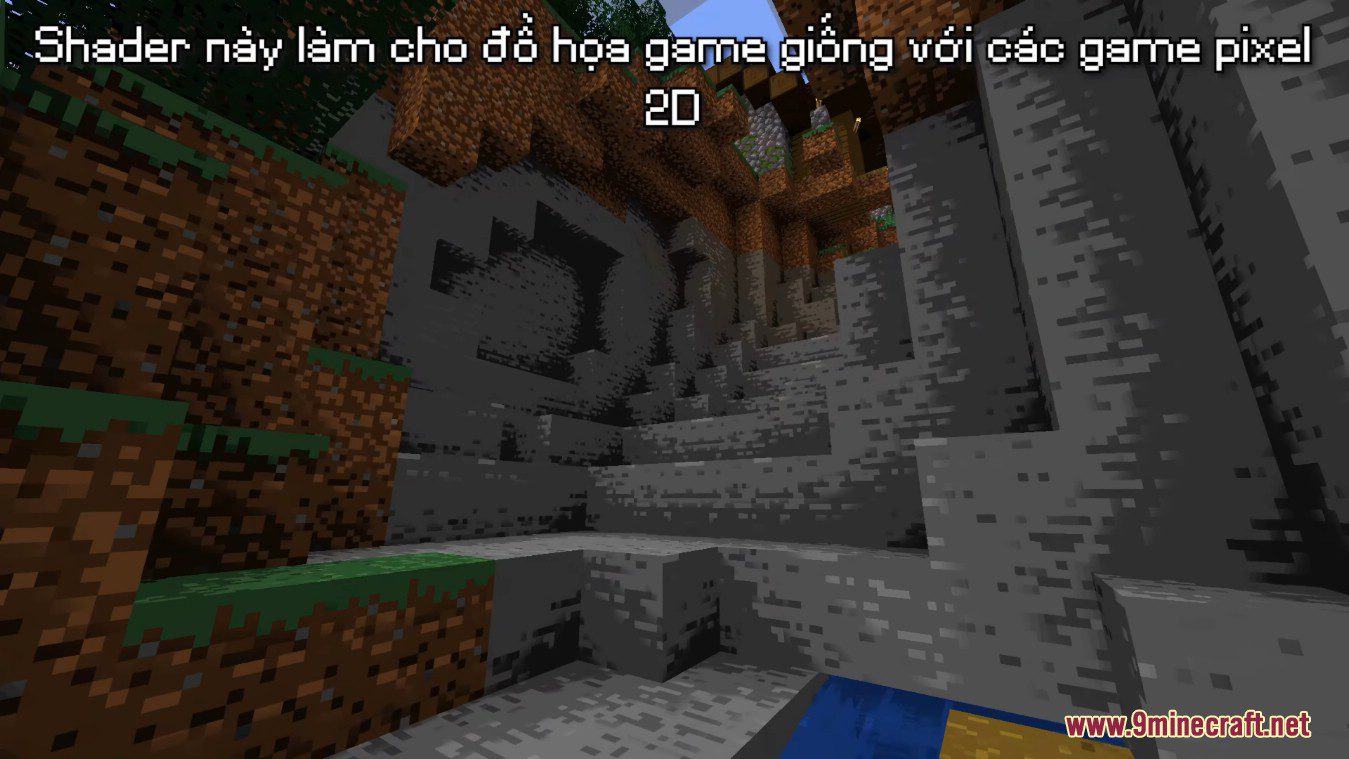
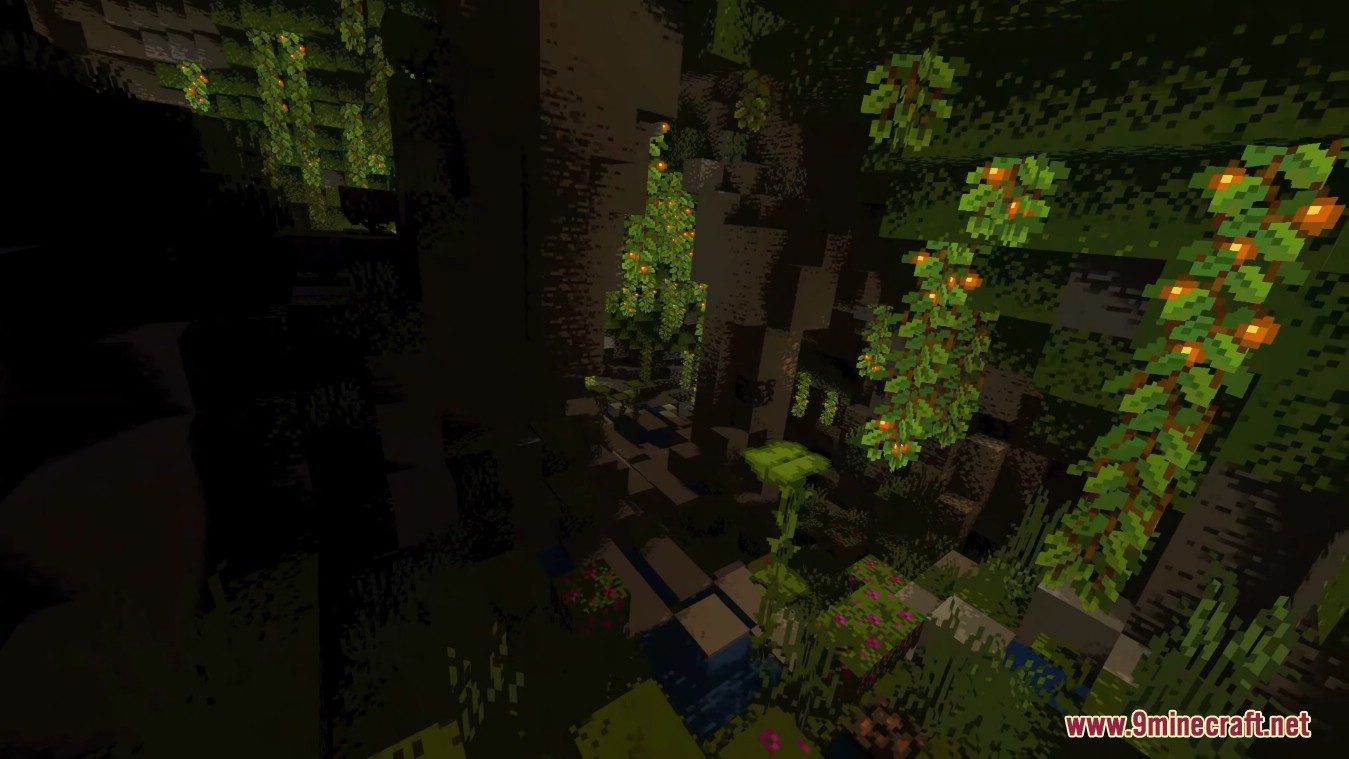
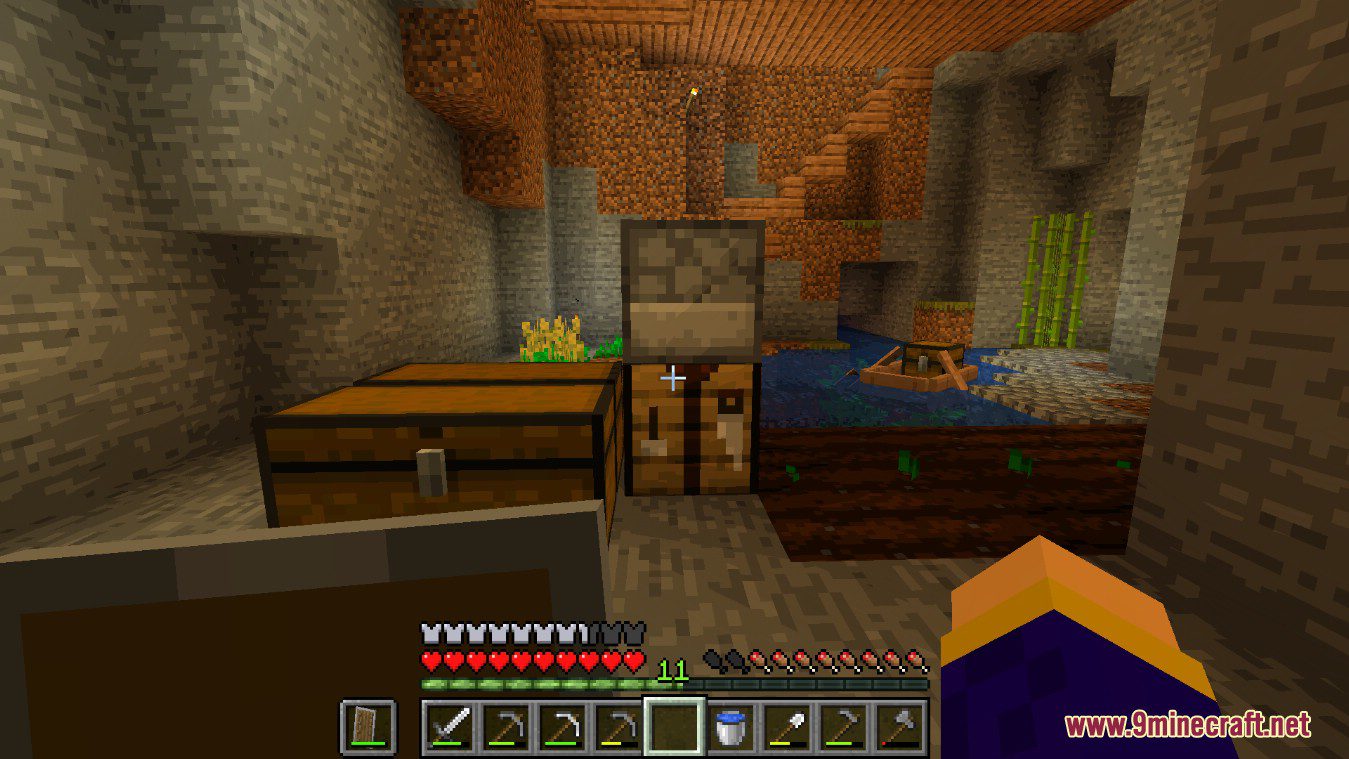
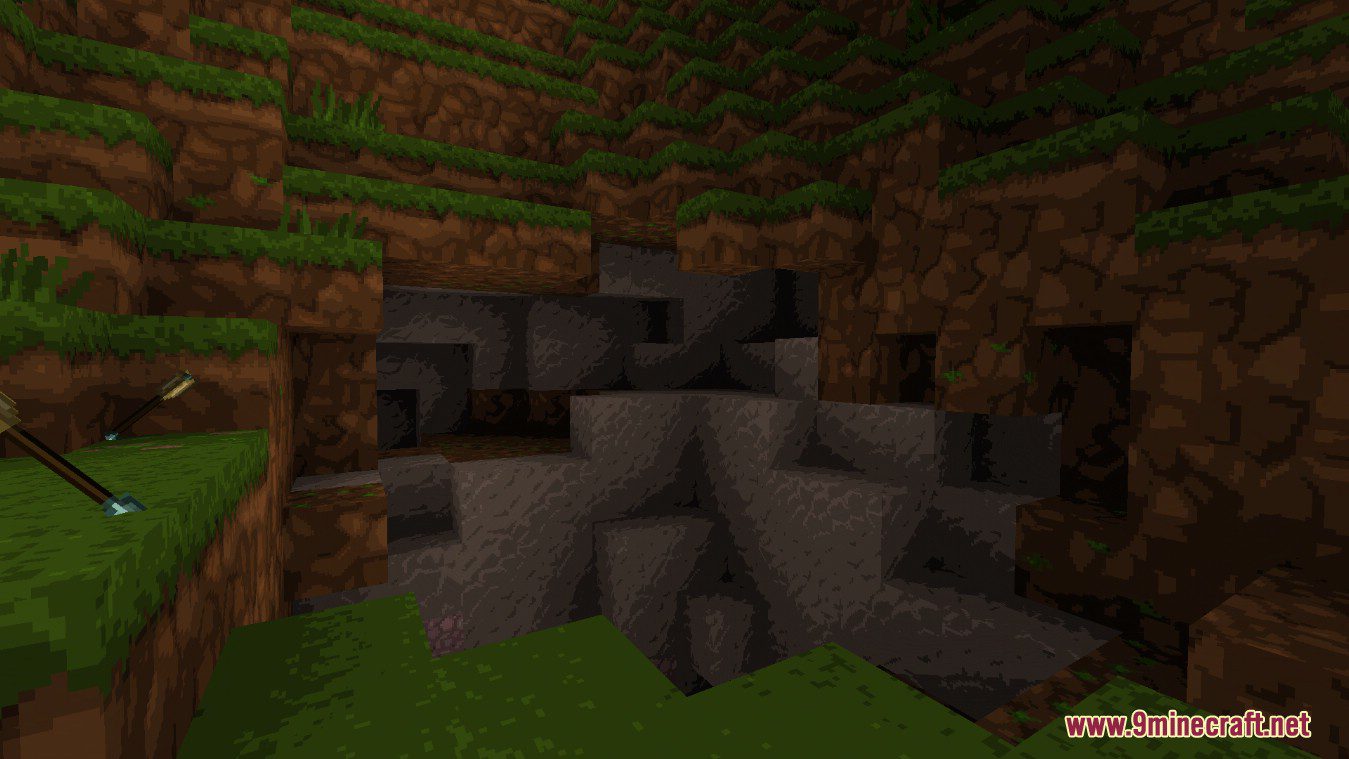
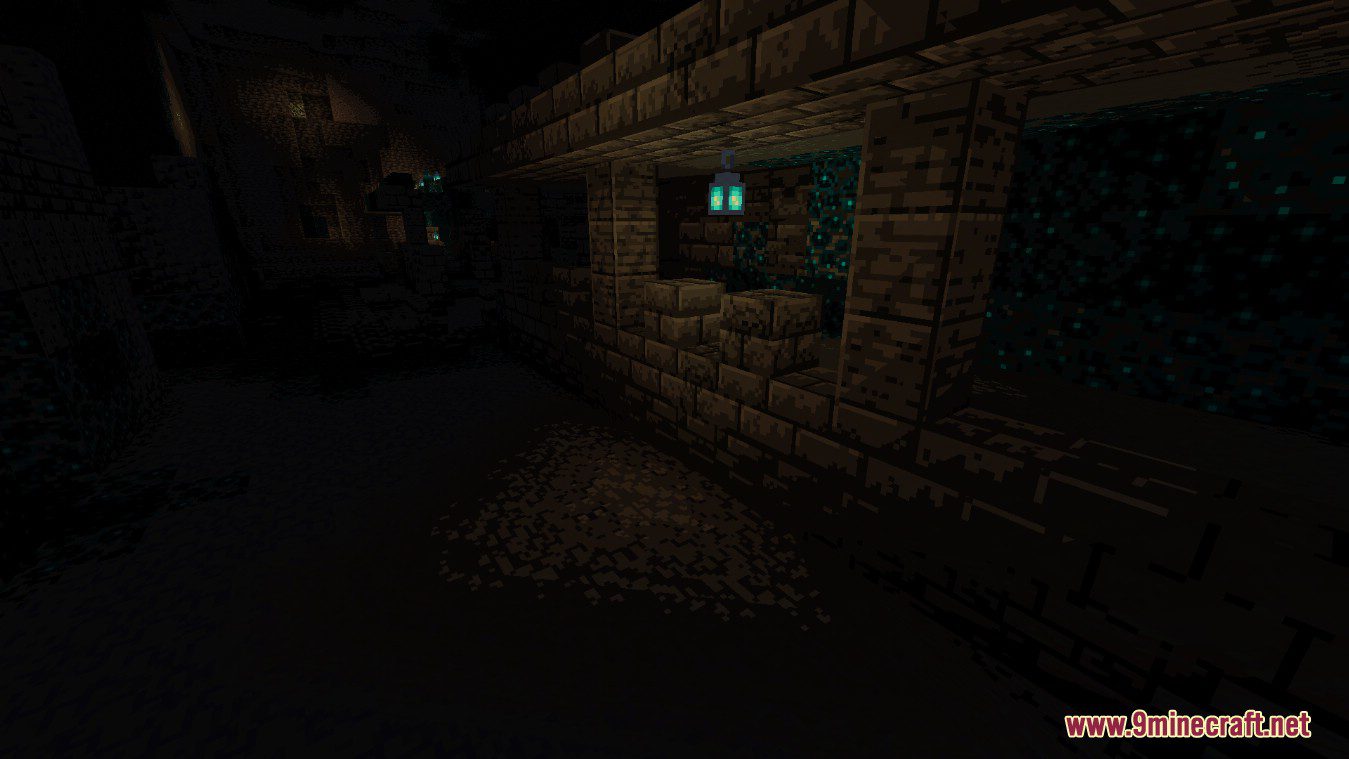
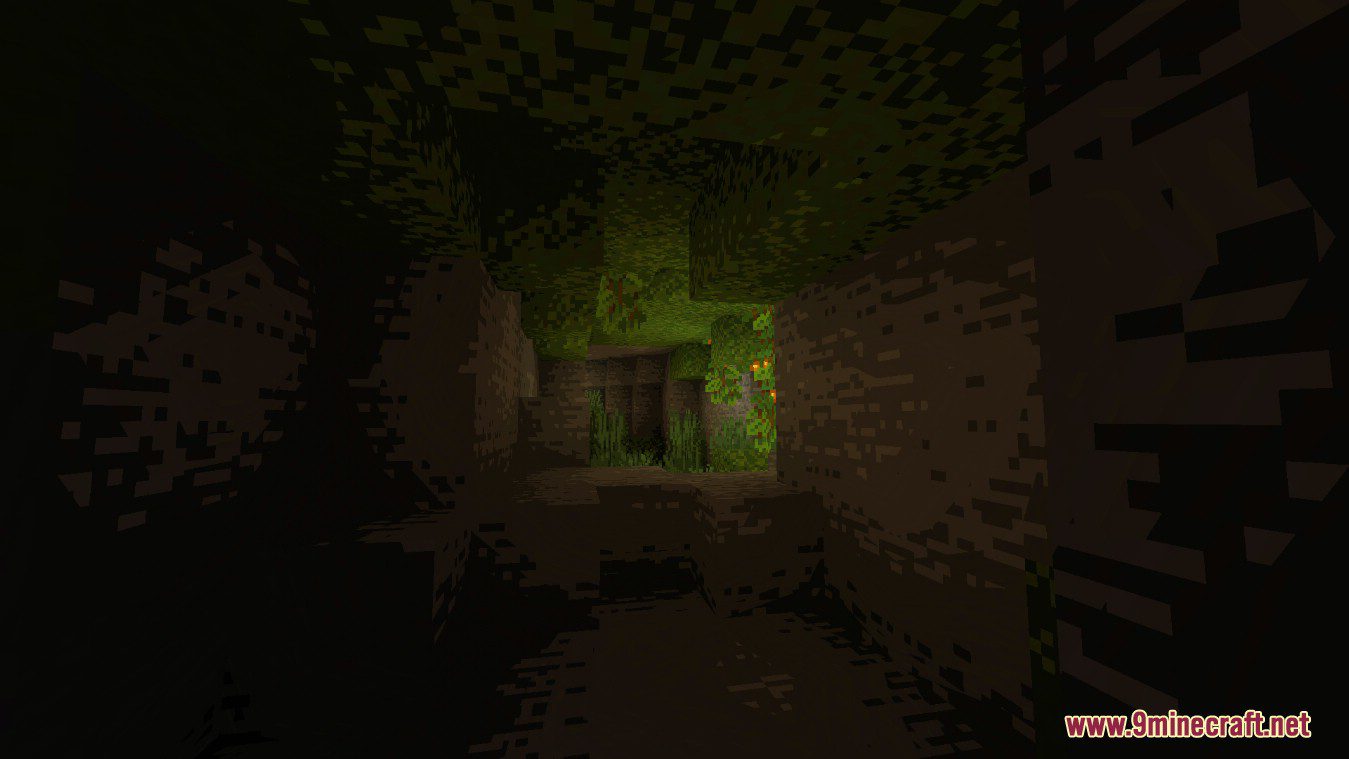
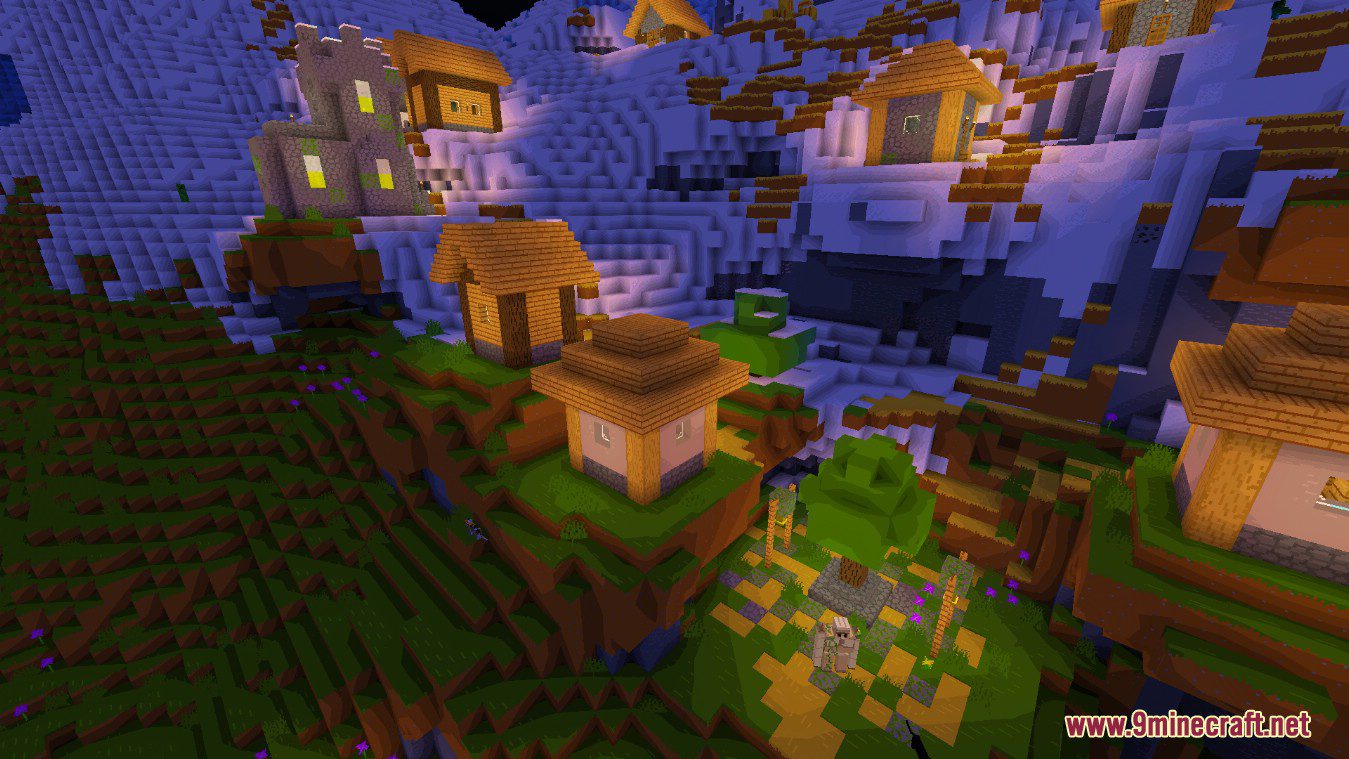
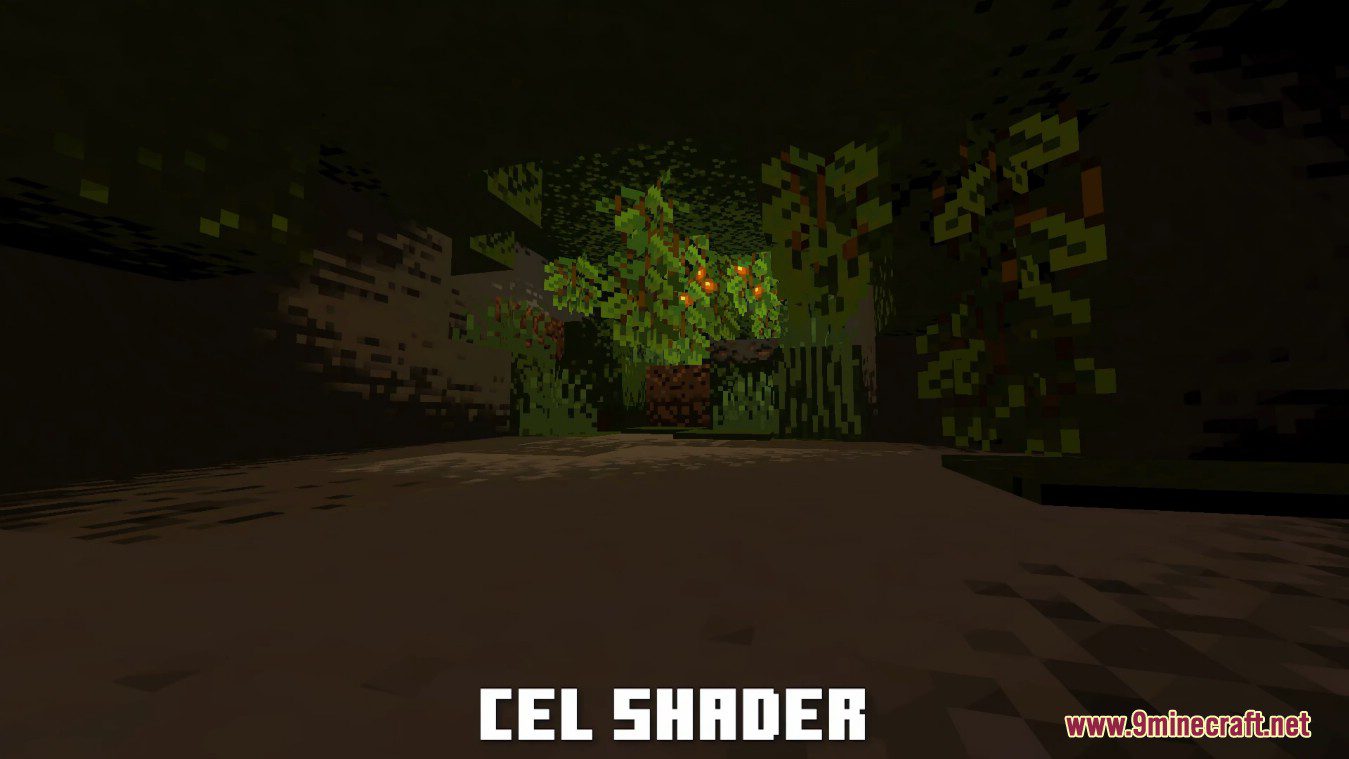
Cel Shaders is a simple post-processing cel shader with 16 (configurable) brightness steps. It also increases saturation by 20%, but that can be changed. In a normal rendering process, the brightness continues. With cell shaders this is different. As here the calculated brightness is put through a filter that results in a few steps of brightness instead of a continuum. This results in a cartoon-like effect. To get the most out of this shader is recommended you use a texture pack with as few colors per texture as possible or one that already has a cartoon-like style.
This shader pack makes the game graphics look like 2d pixel games. You should use cartoon-style resource packs, with less detail to get better quality.
Screenshots:
Cel Shaders Download Links
For All Versions of Minecraft
- Edition: Minecraft Java
- File type: .zip (resource pack)
- Minecraft version listed: 1.20.1
- How to install: Download the .zip resource pack — do not unzip it. → Put it in .minecraft/resourcepacks. → Enable it in Options → Resource Packs.
- Where to get it: In MC Java Mods, or directly above on this page.
Install steps are the general flow for this file type — see the MC Java Mods guides for the full walkthrough.
- Download size: 3 KB
- Download link checked 19 Jun 2026 — working
- Mirrored on our own servers — the download does not depend on the original host
These come from our own check of the pack file, not from the source page.