Note-Block Displays Resource Pack (1.21.1, 1.20.1) – Texture Pack
Java resource pack listed for Minecraft 1.20–1.21. Download on the author's site.
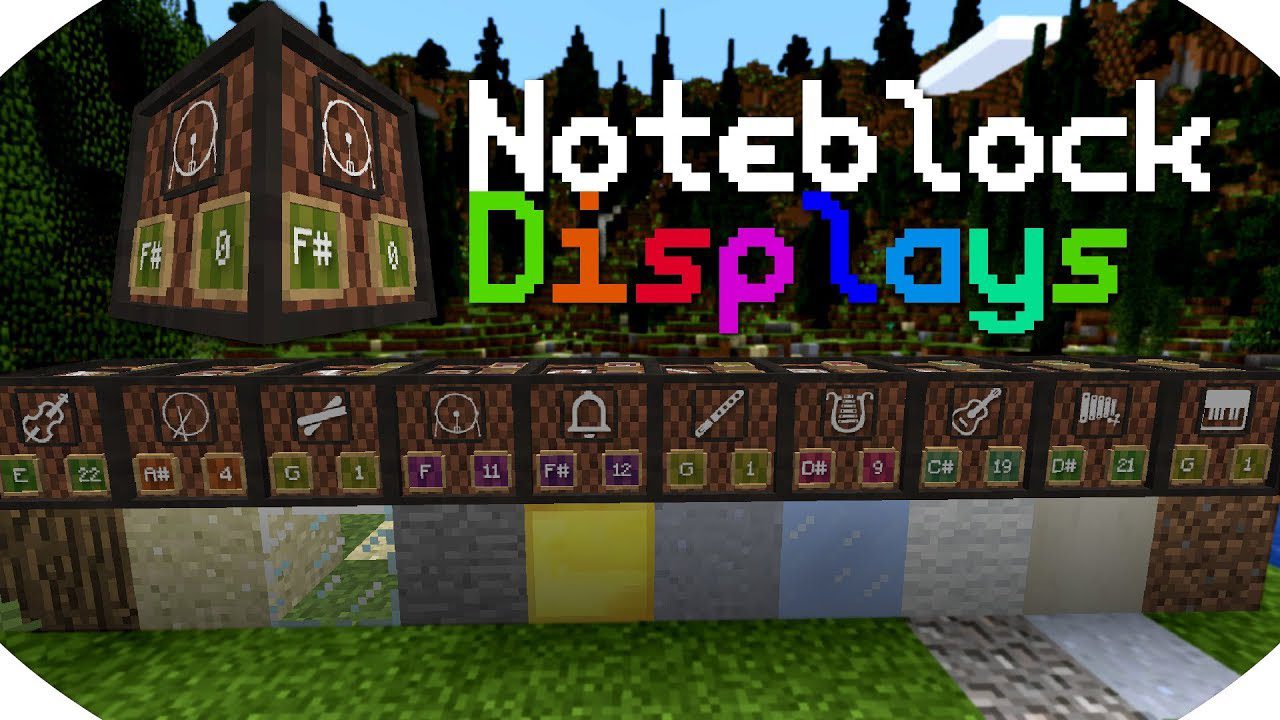
Note-Block Displays Resource Pack for Minecraft adds a "Display" to every Note Block. On that Display, you can see which instrument and which note the…
⬇ Download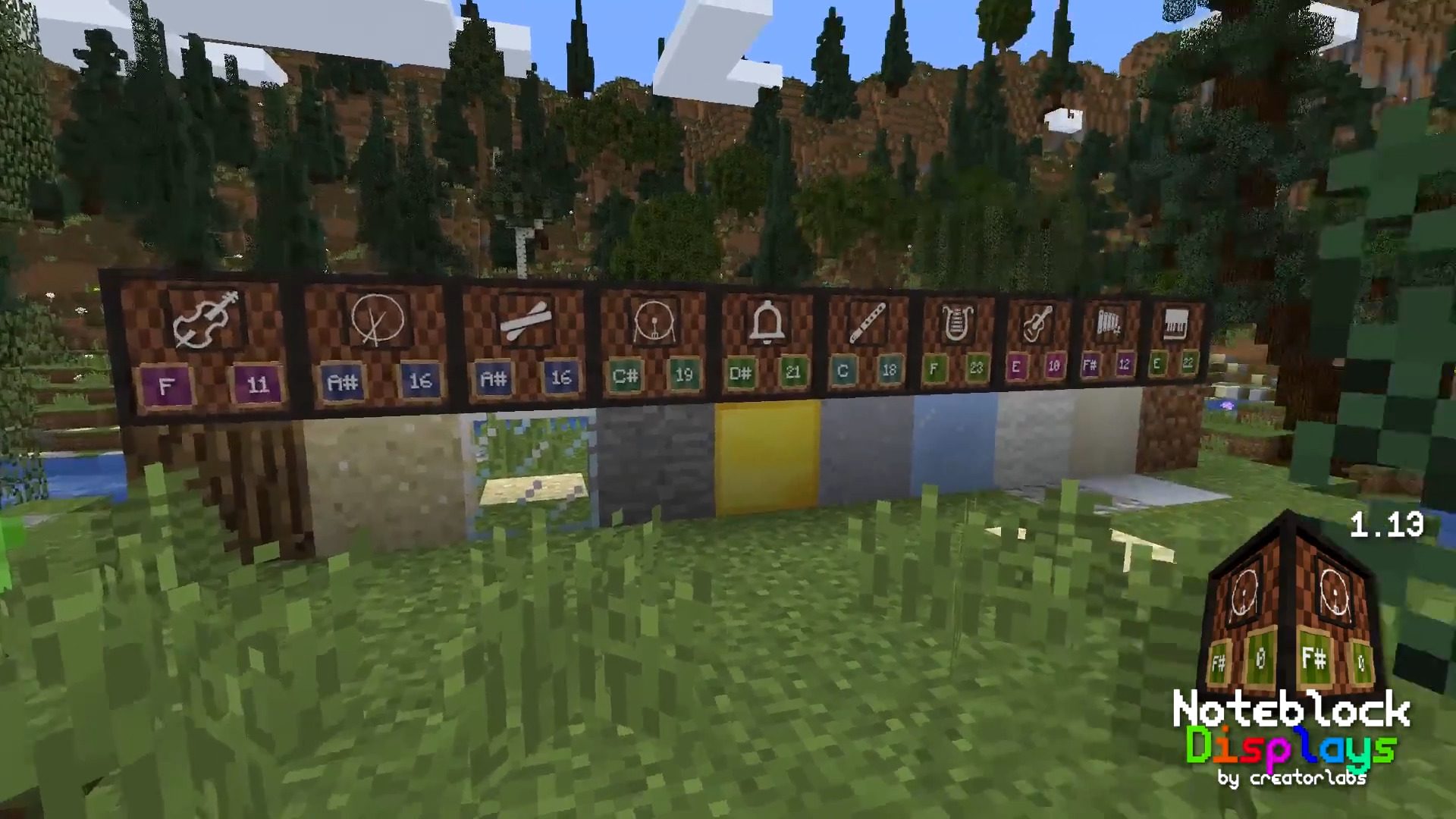
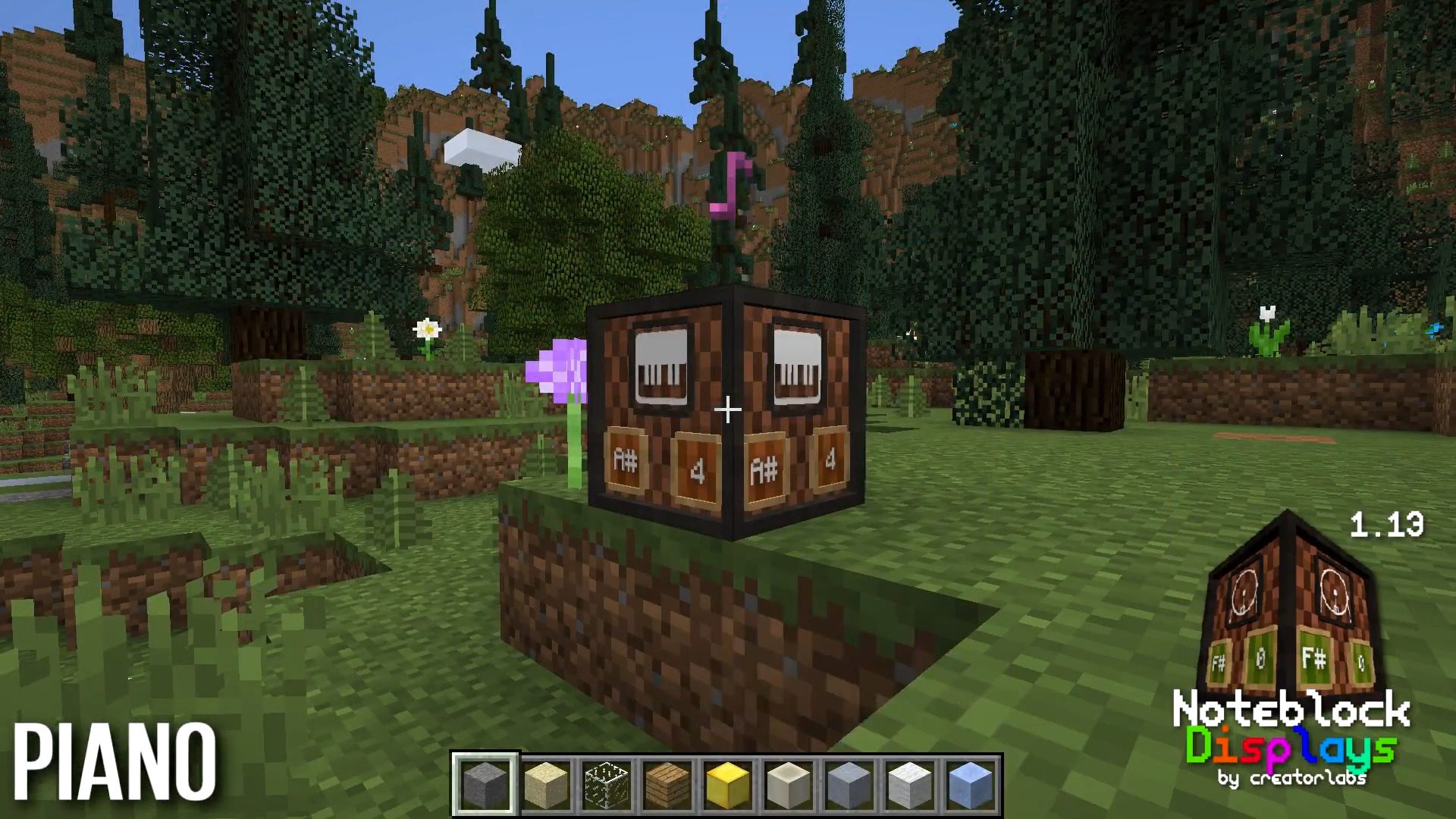
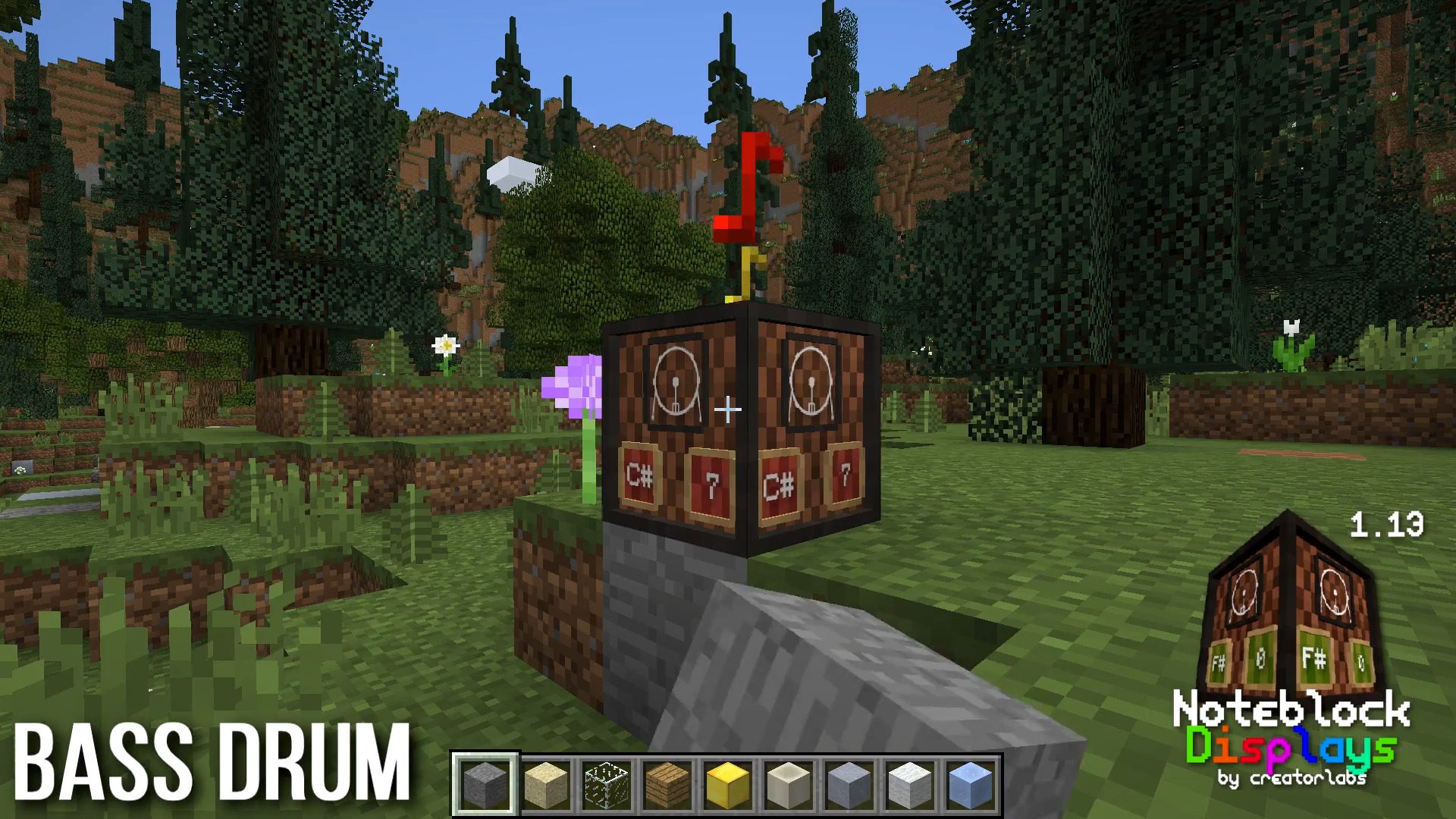
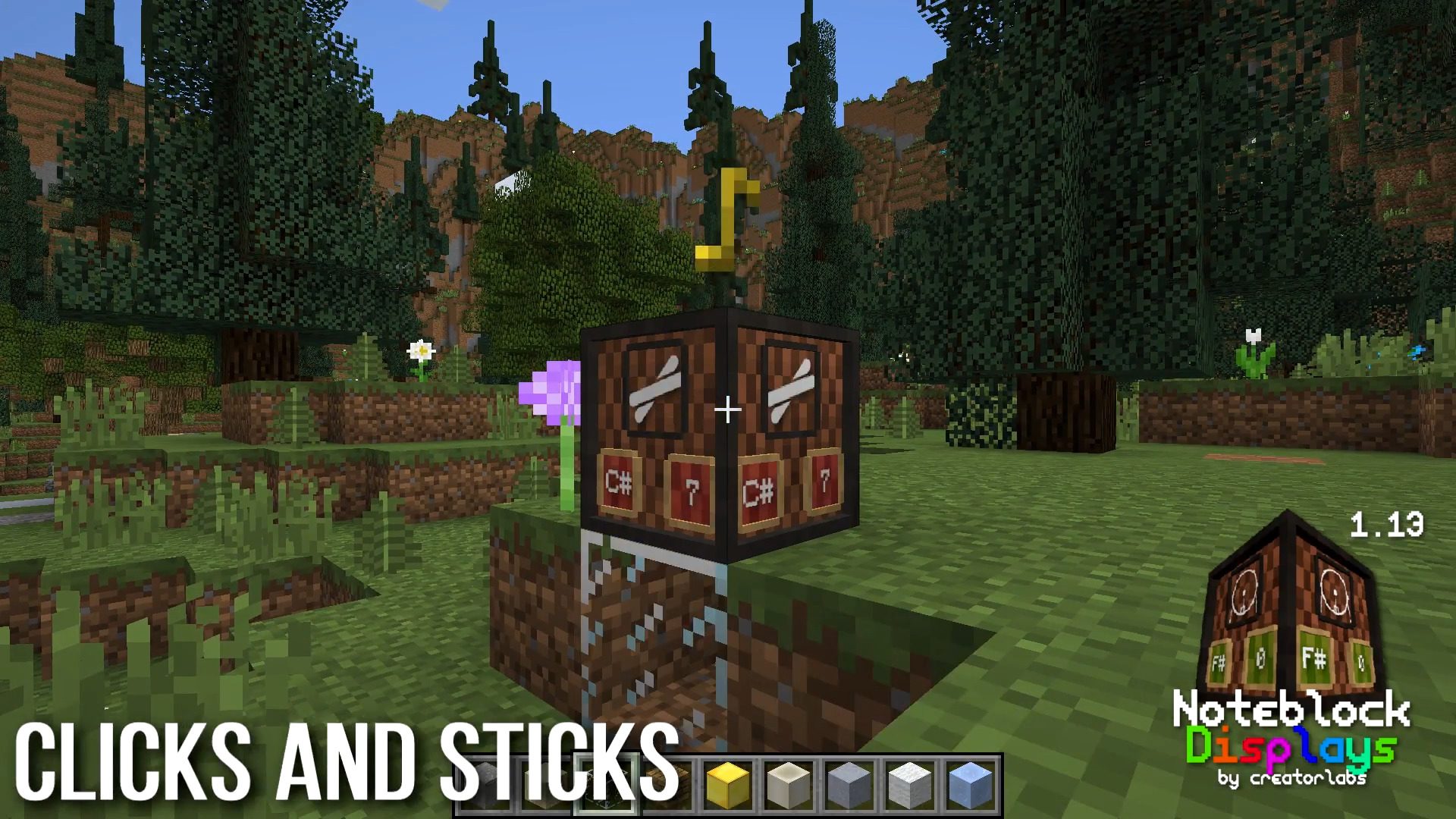
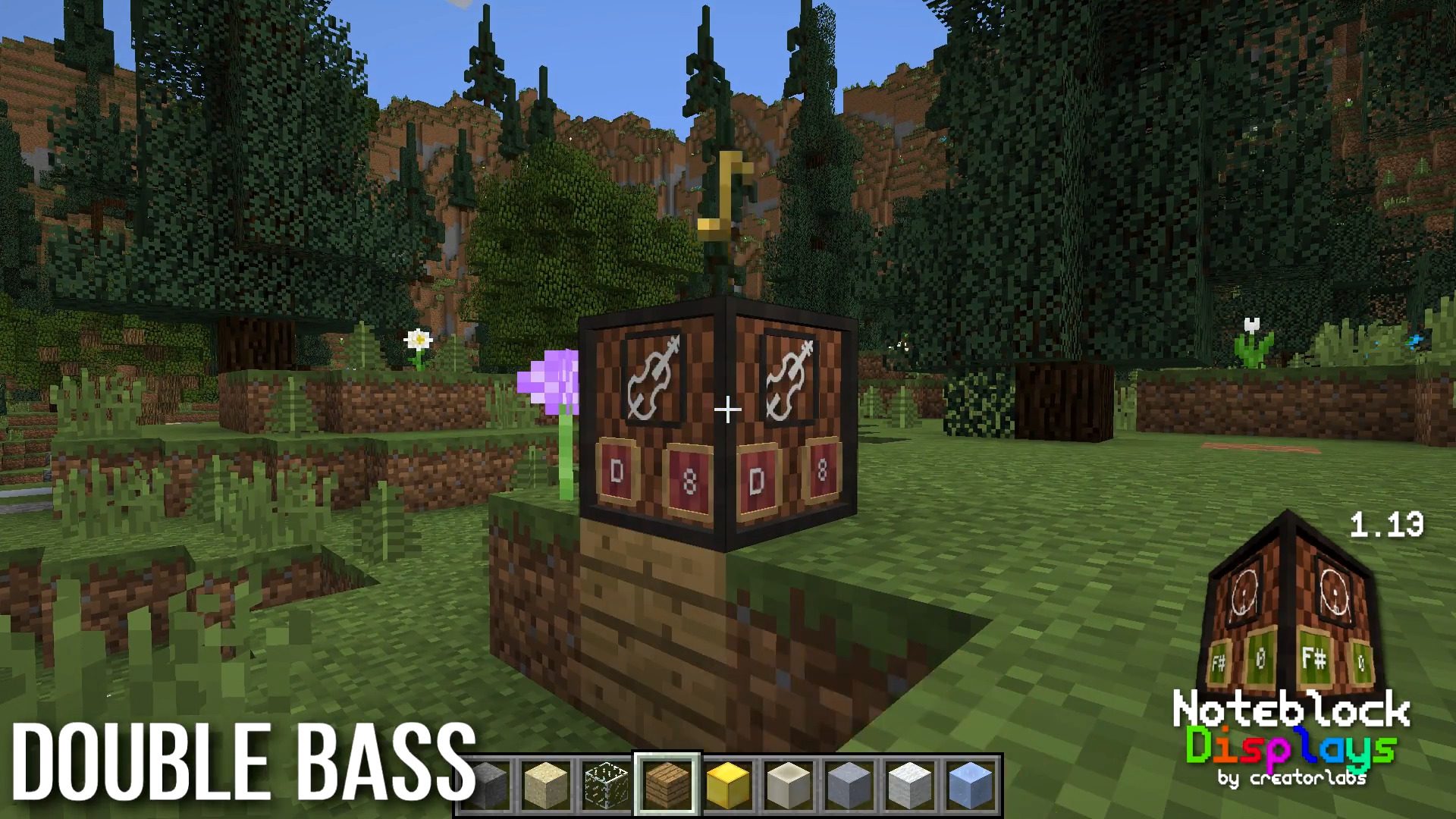
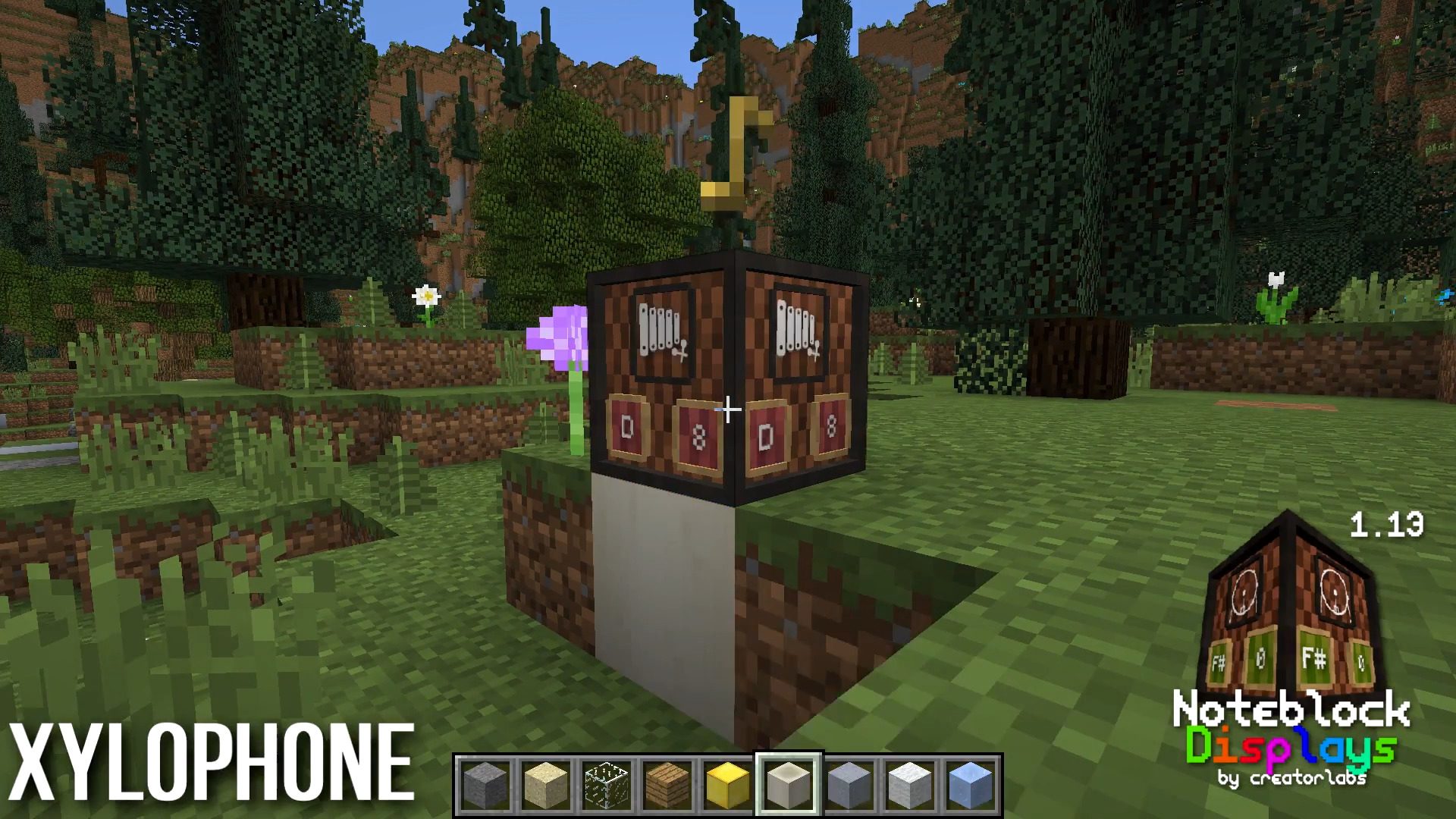
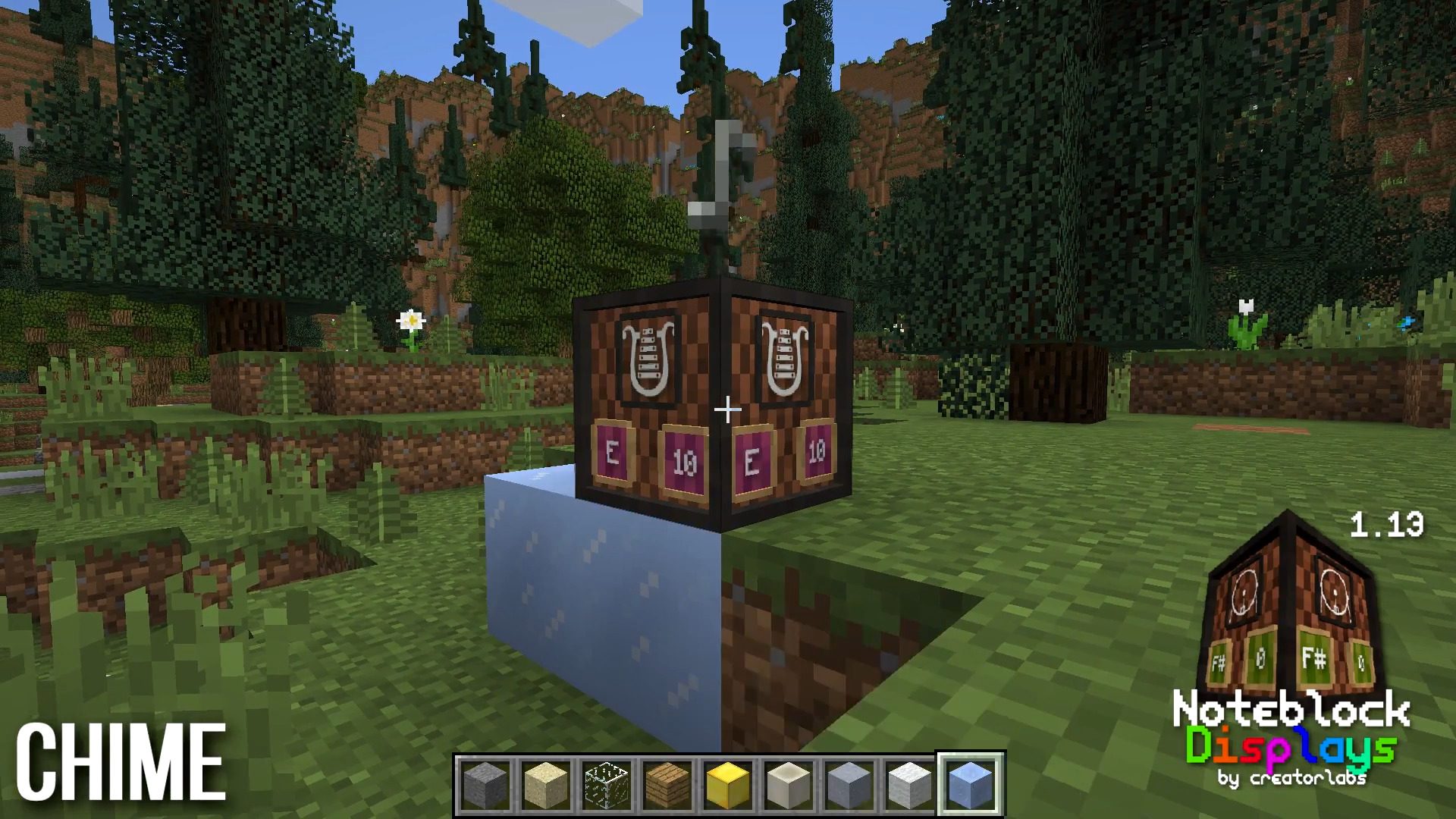
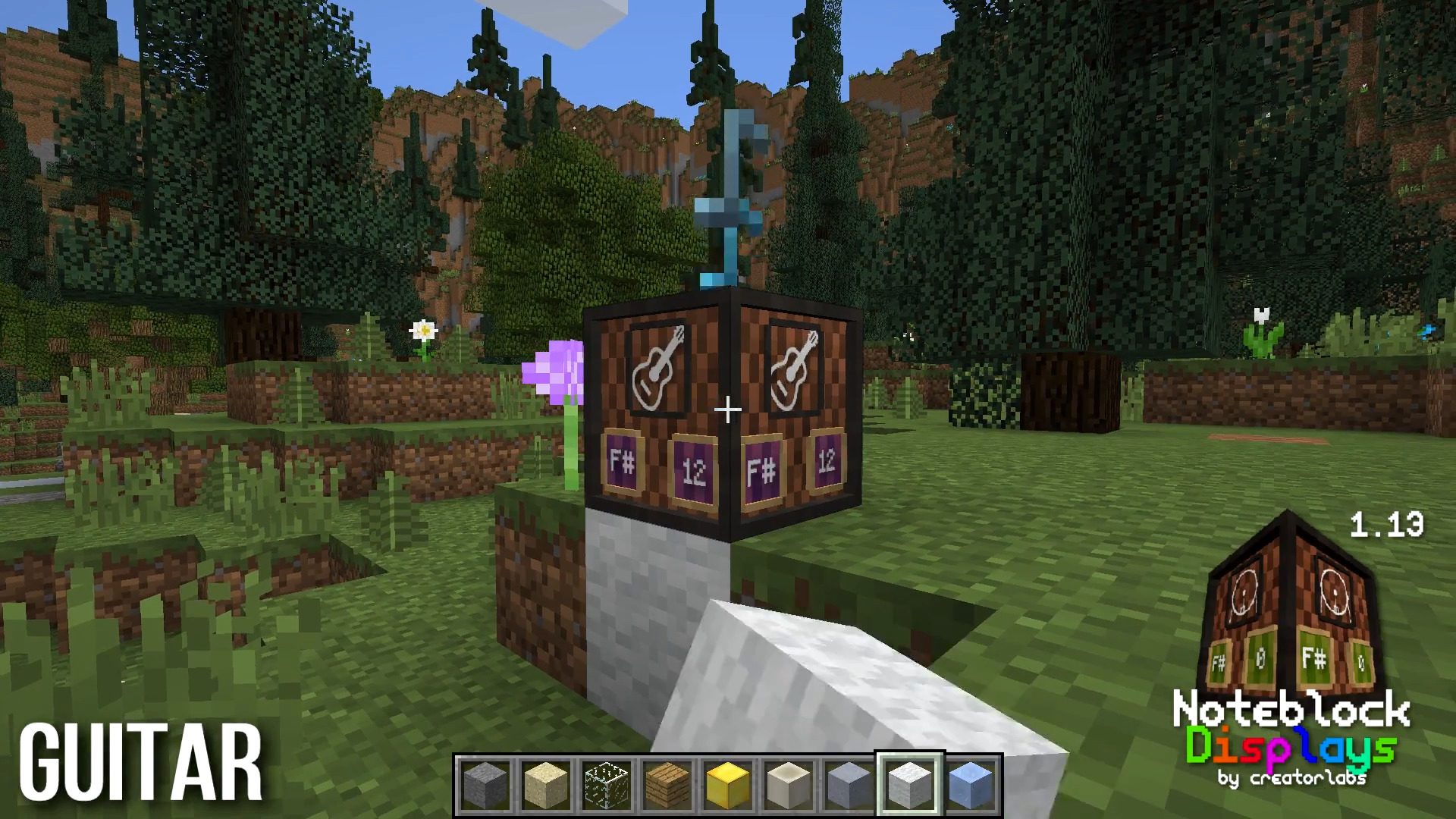
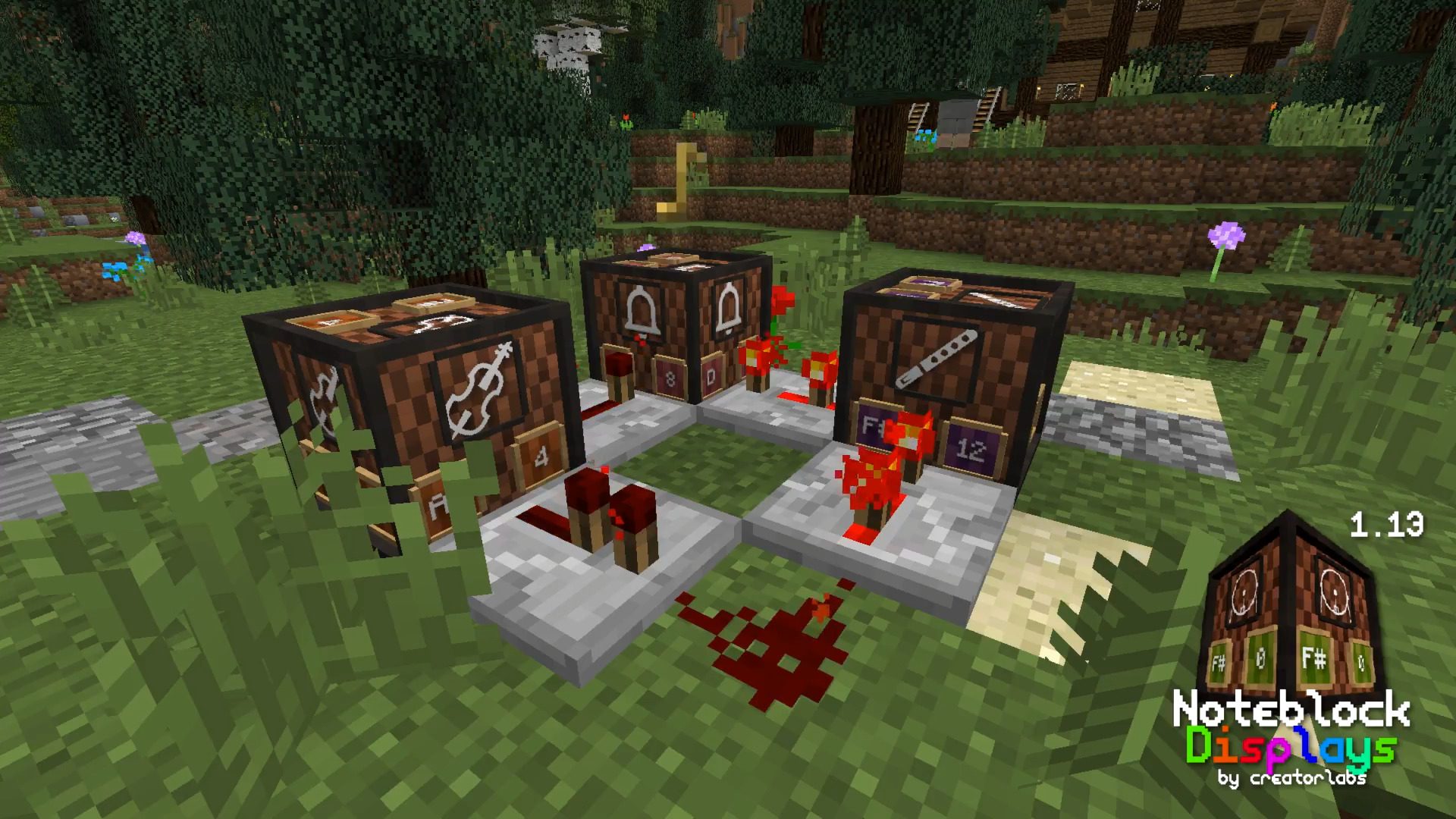
Note-Block Displays Resource Pack for Minecraft adds a “Display” to every Note Block. On that Display, you can see which instrument and which note the Note Block is using. This is the first resource pack that allows you to see that. And you do not even need to install any mod to use this resource pack. The feature to create a Block Model for every note was added in the Minecraft 1.13 snapshots. So this resource pack is only available for Minecraft 1.13.
Screenshots:
Note-Block Displays Resource Pack Download Links
Note Block Displays Resource Pack Official Website
- Edition: Minecraft Java
- File type: .zip (resource pack)
- Minecraft versions listed: 1.21.1, 1.20.1
- How to install: Download the .zip resource pack — do not unzip it. → Put it in .minecraft/resourcepacks. → Enable it in Options → Resource Packs.
- Where to get it: Opens on the file's original source — not every file is mirrored on our own servers.
Install steps are the general flow for this file type — How to install Minecraft Java resource packs walks through it step by step.
Note-Block Displays Resource Pack (1.21.1, 1.20.1) – Texture Pack is a free Minecraft Java resourcepack. Compatible with Minecraft 1.21.1, 1.20.1. Download it and open it directly in the game.