ShadersJava
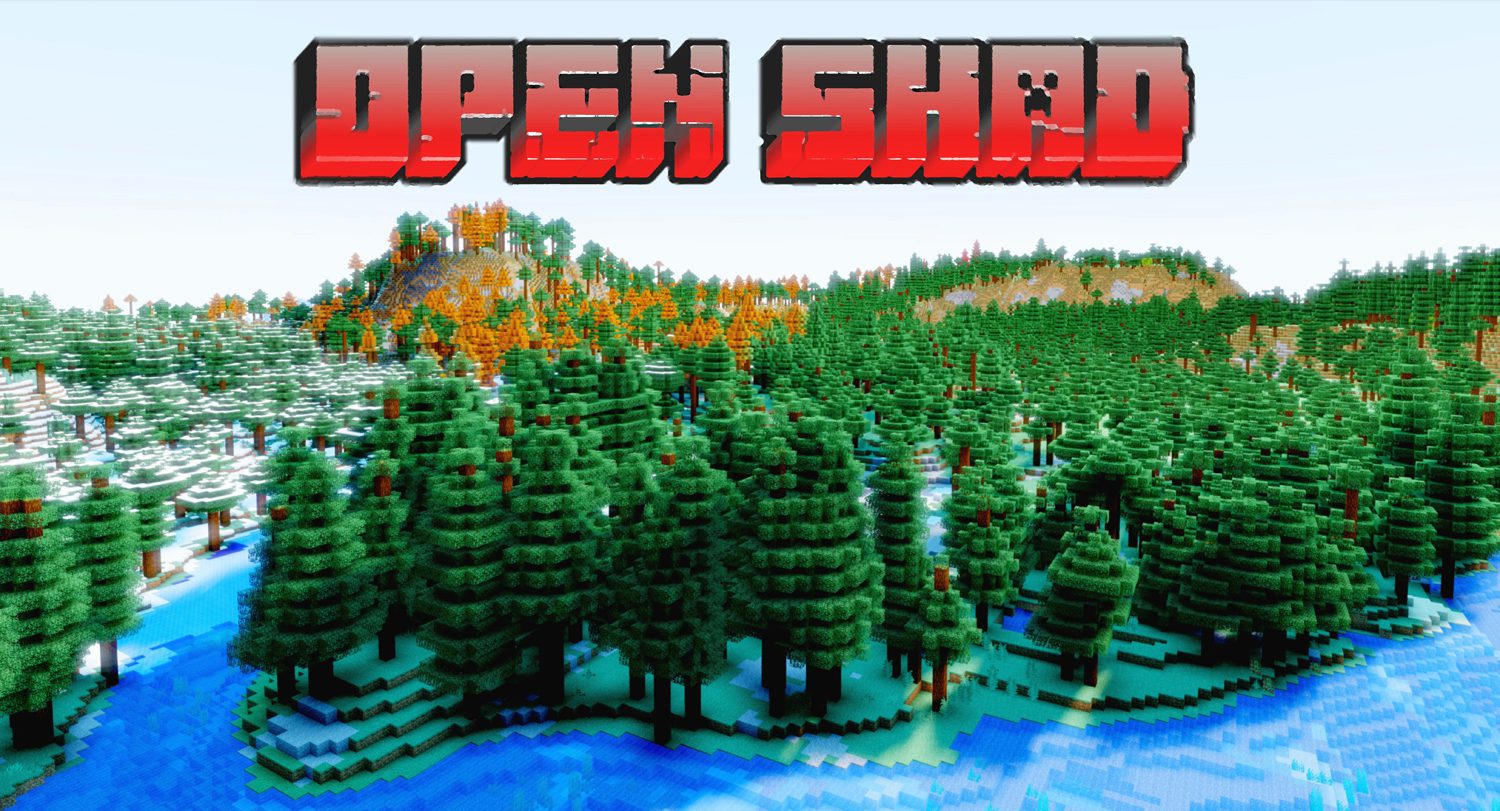
OpenShad Shaders (26.2, 1.20.1) – Shader Pack is Customizable
Java shader pack listed for Minecraft 1.20. Downloads from the MC Java Mods app on Android.
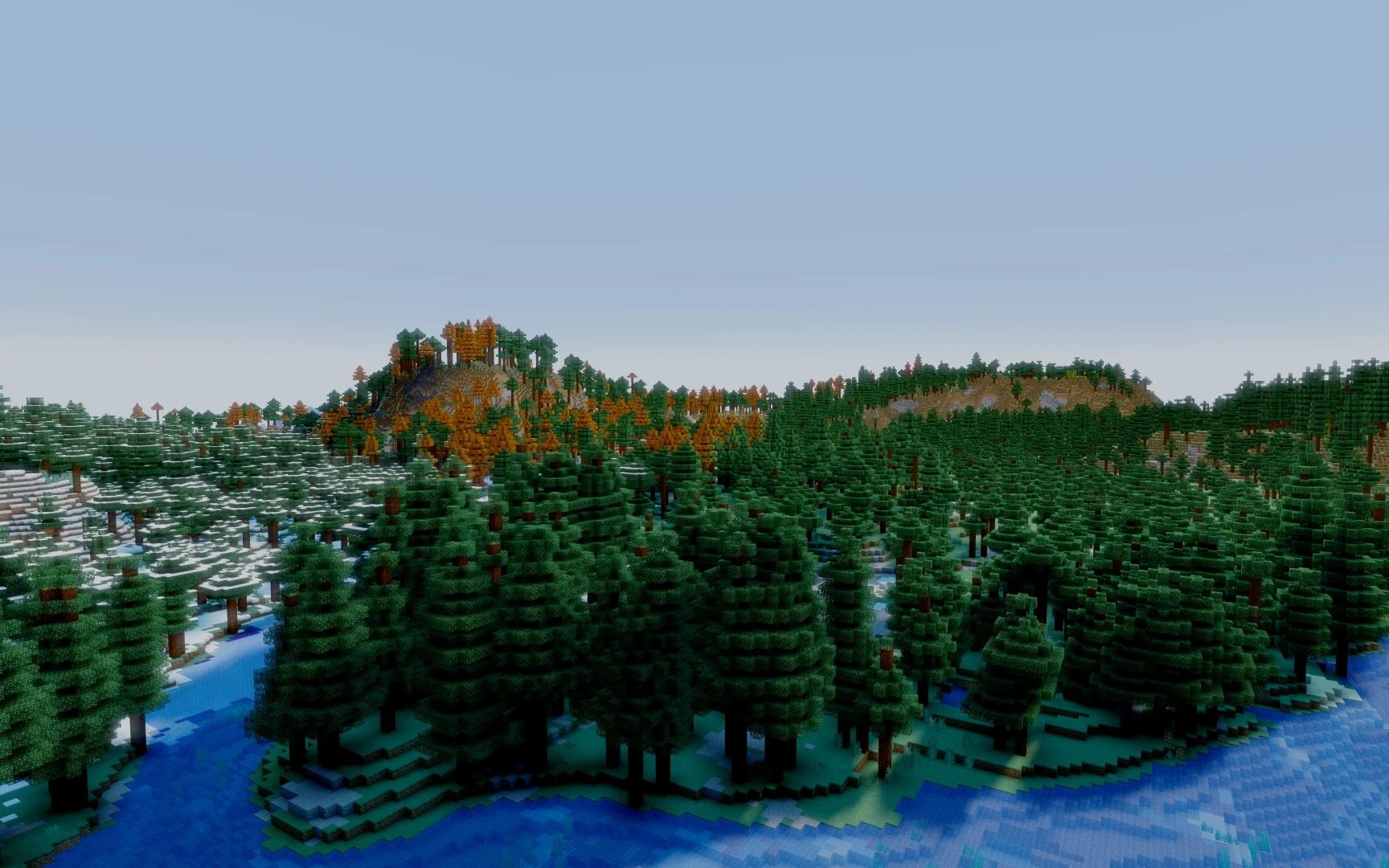
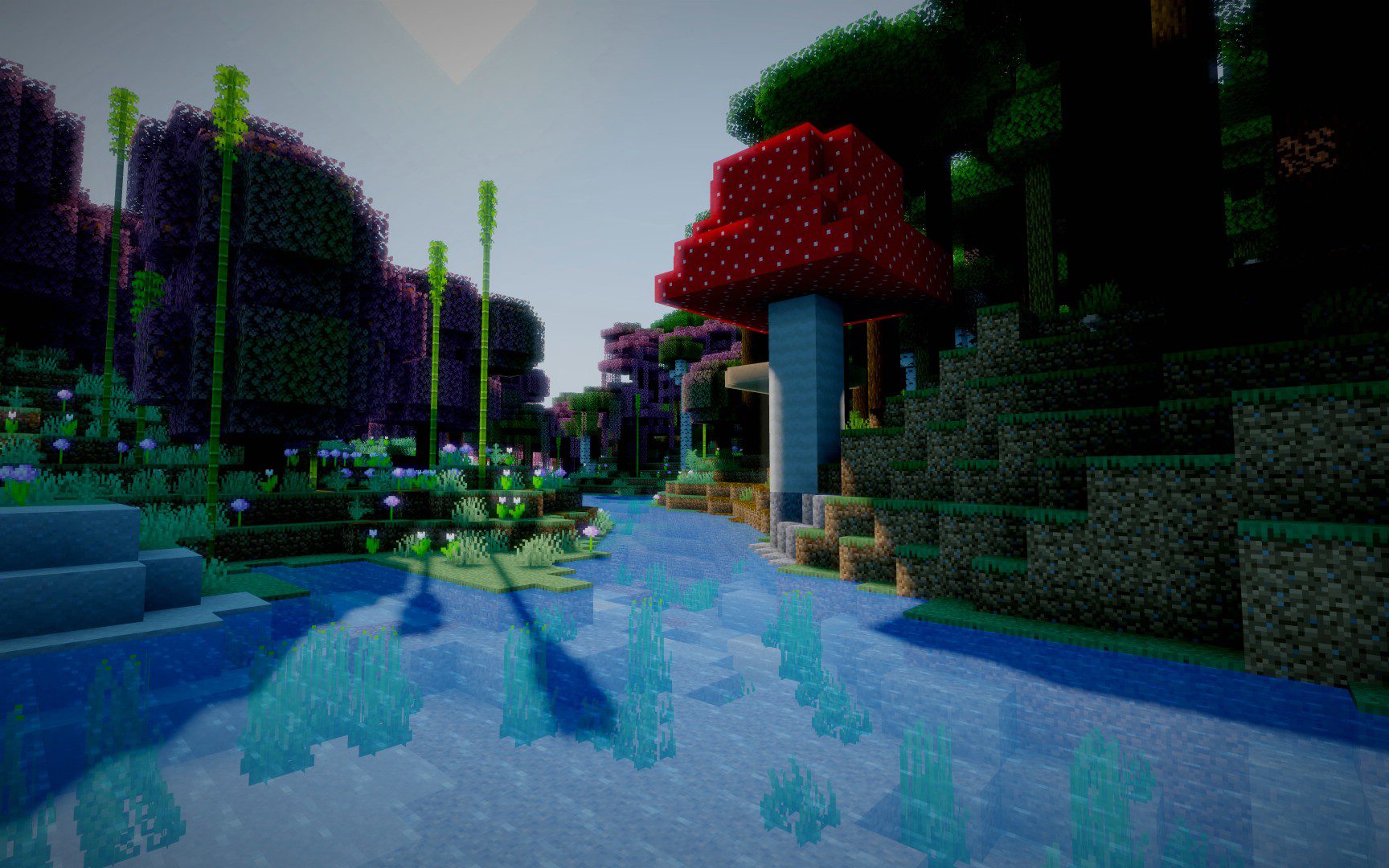
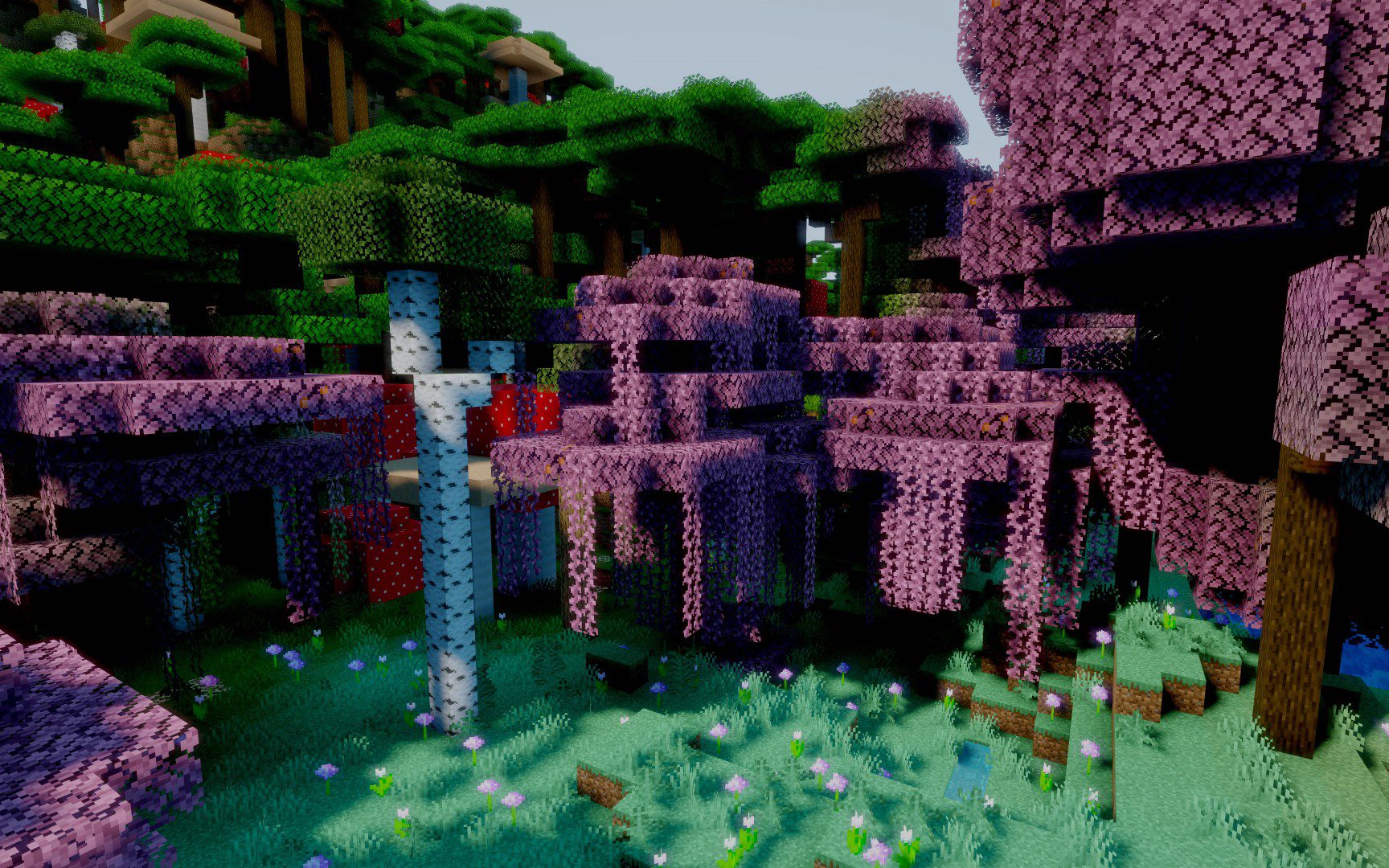
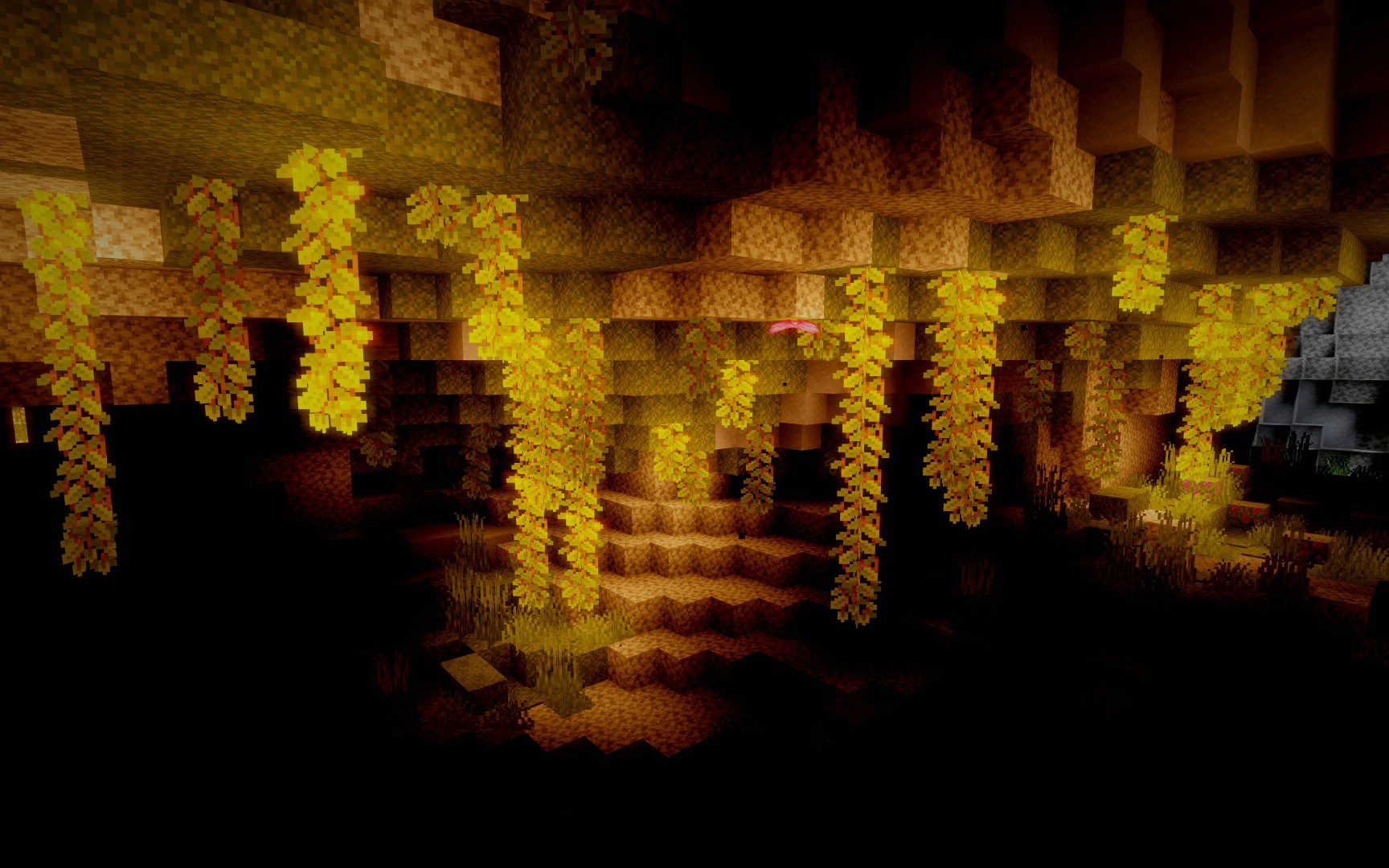
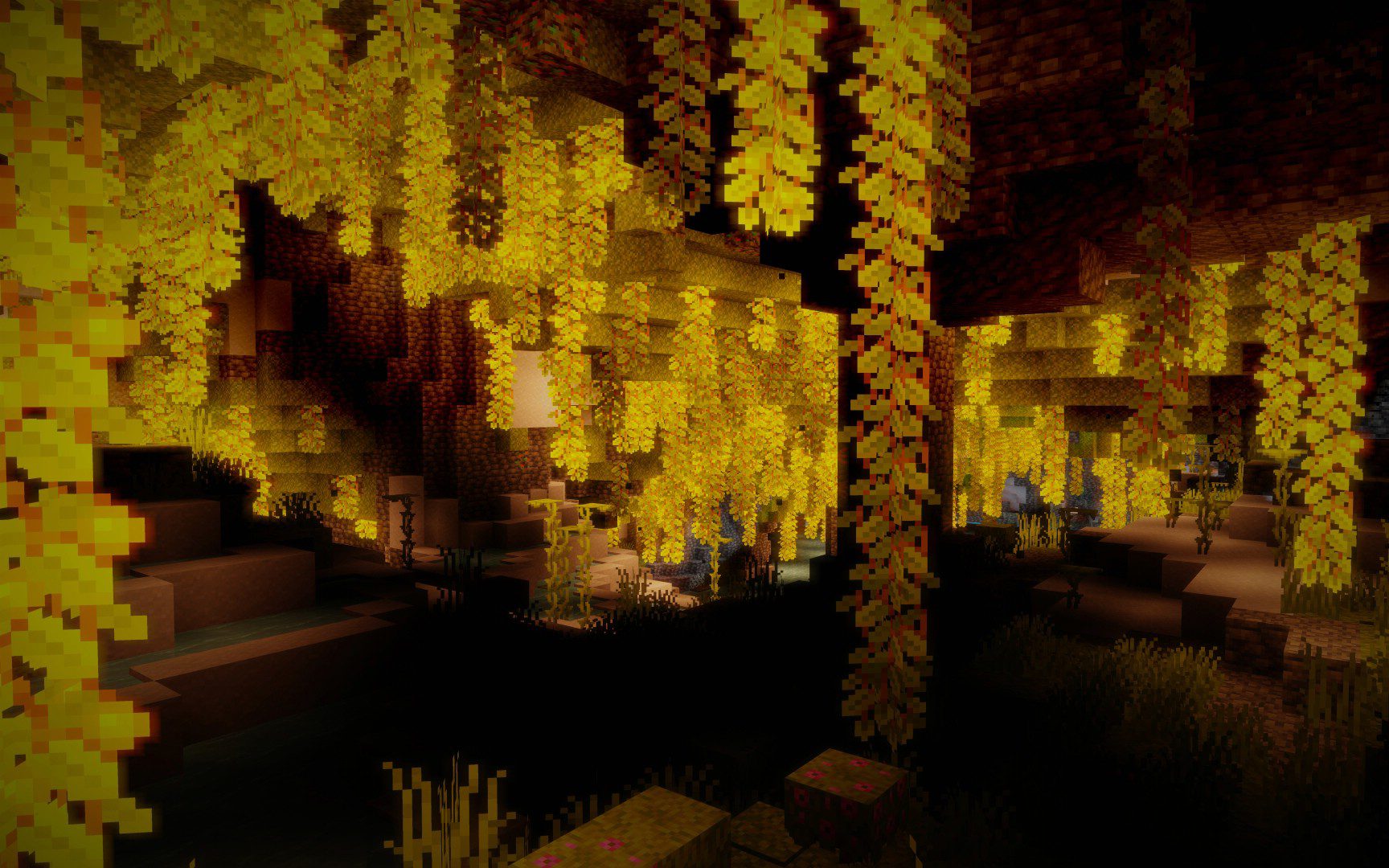
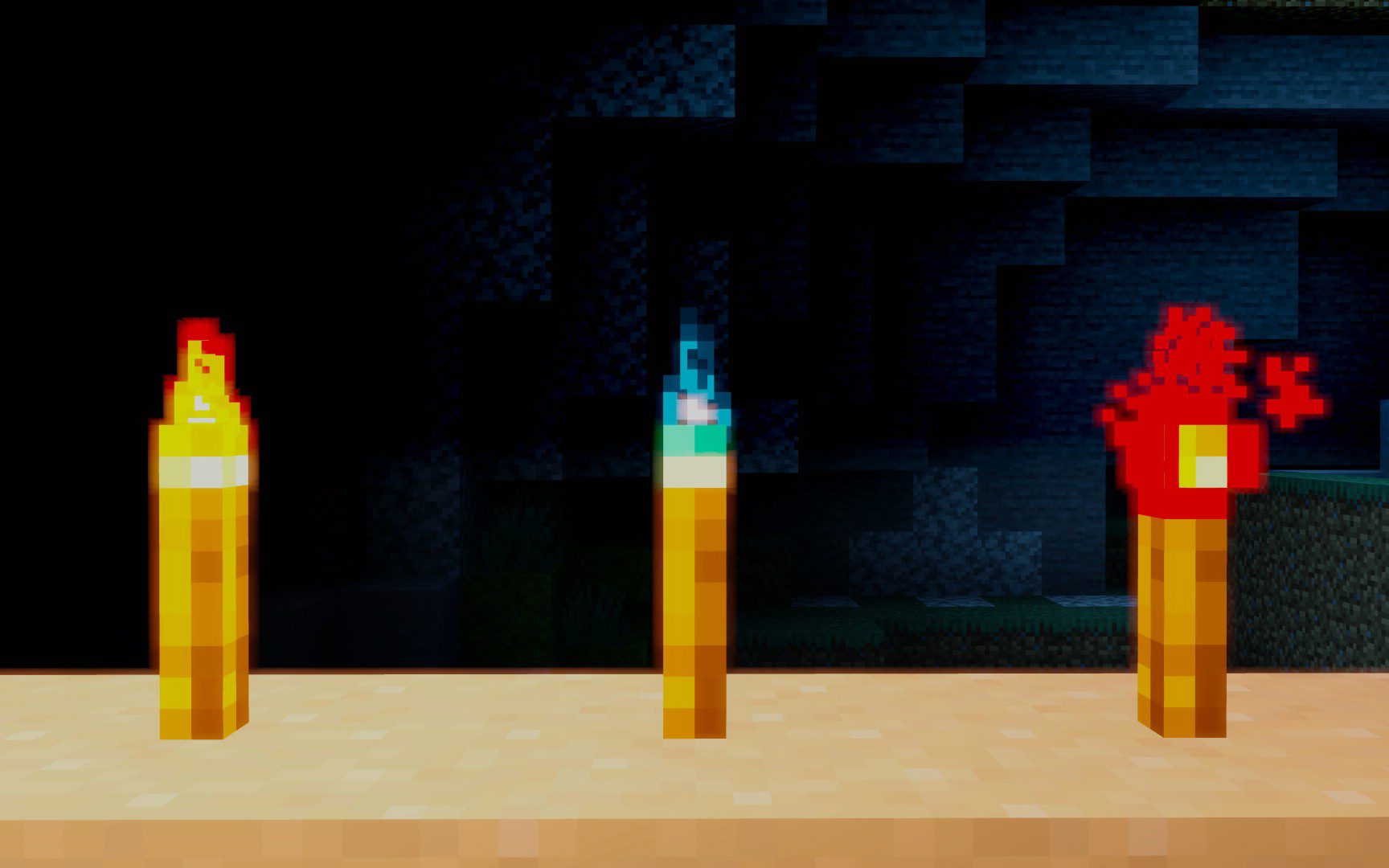
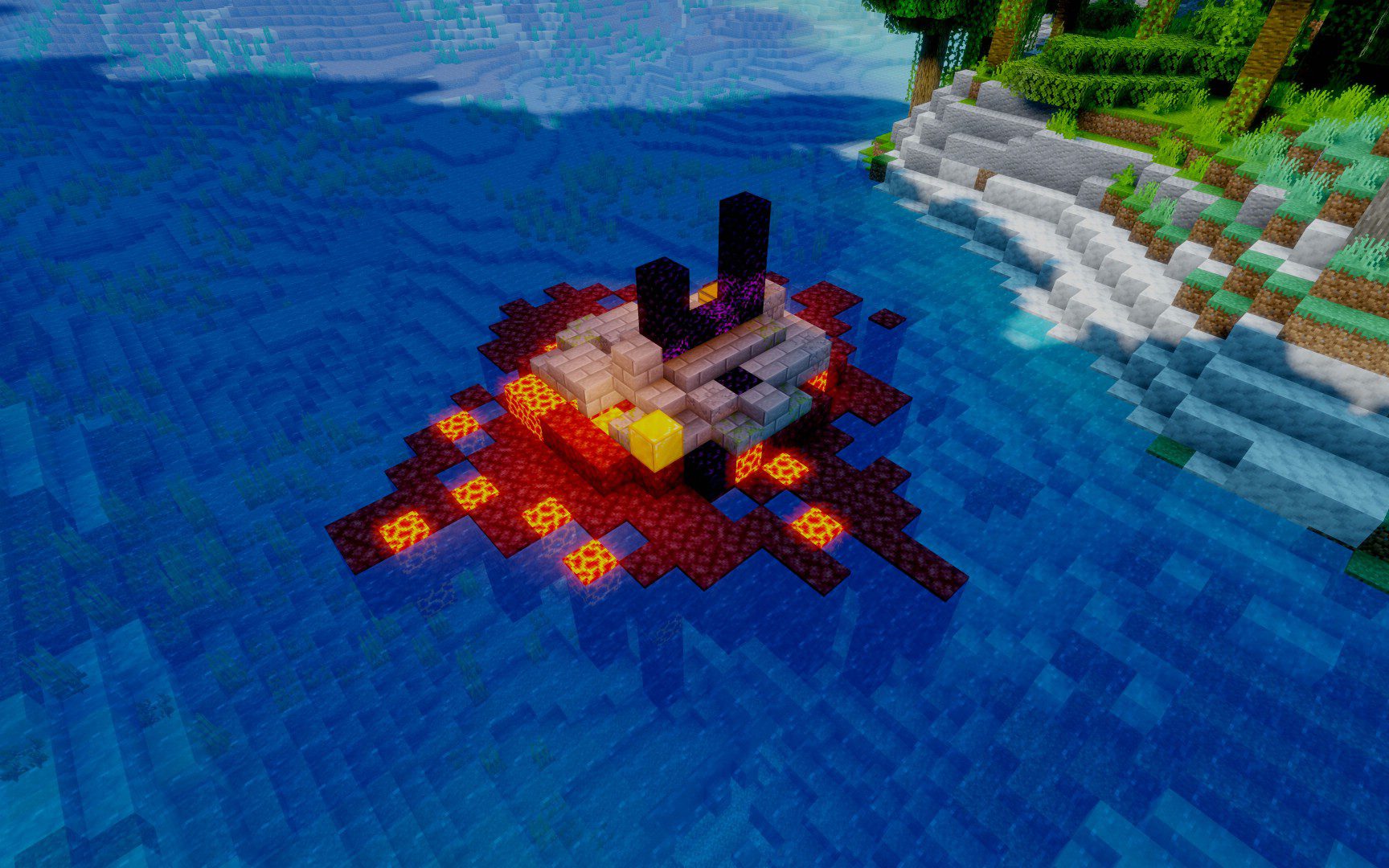
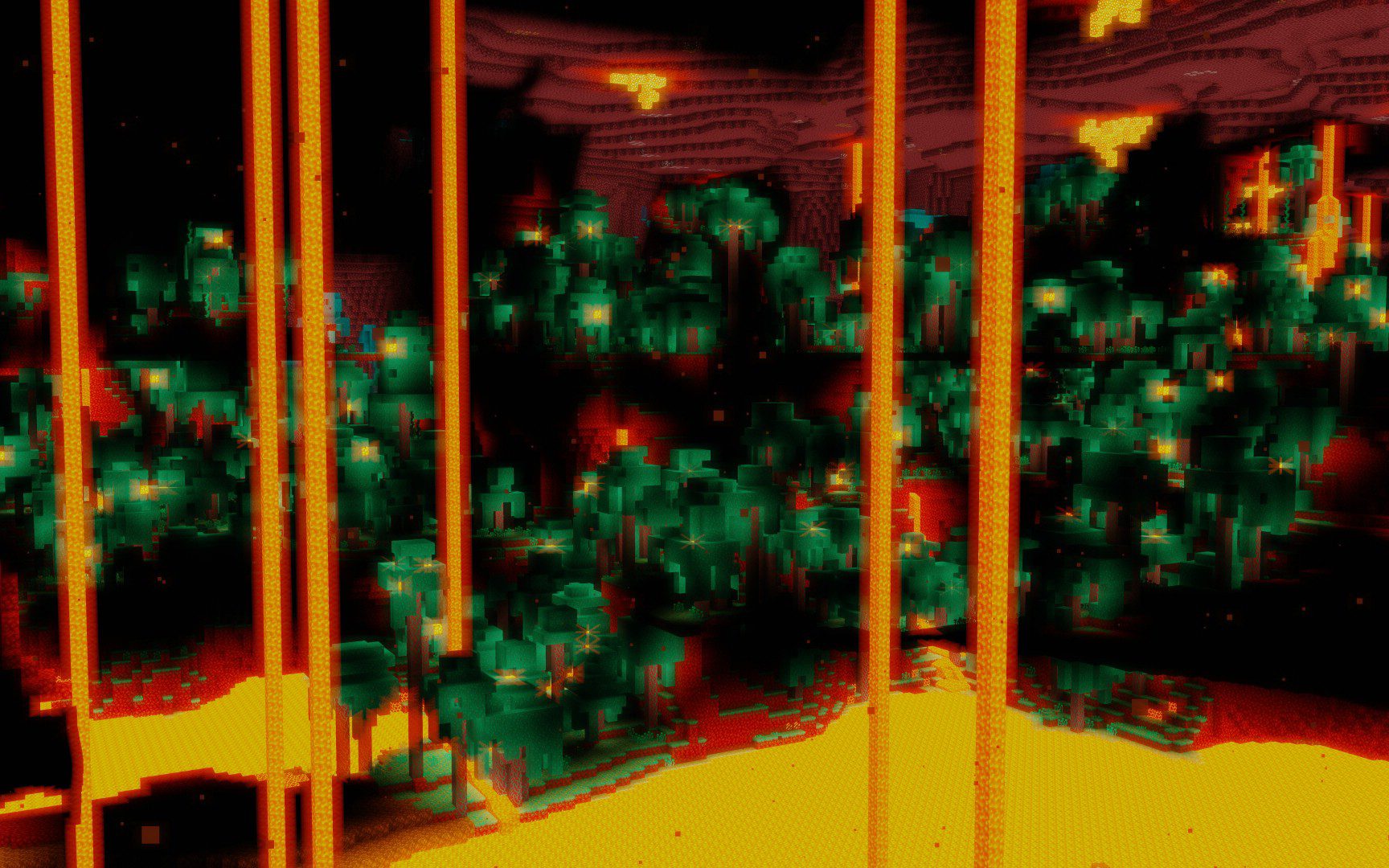
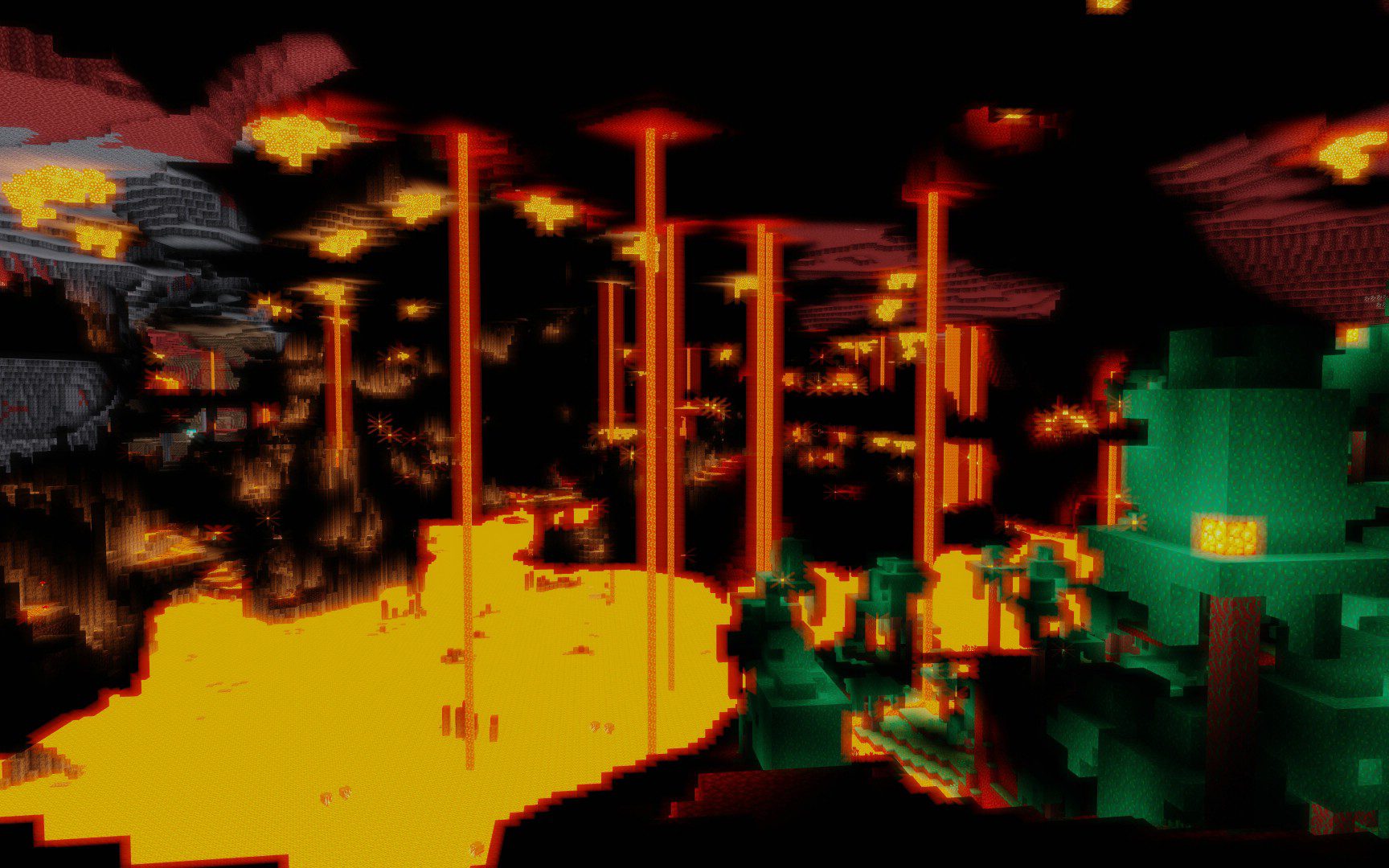
⬇ DownloadOpenShad Shaders has lots of functions included and customizable without giving it a theme. The user or creator can use it to create their own shader or use it and enjoy the features as a player. The code isn’t very well written and it misses a lot of things that today’s shaders have.
Features:
- Dynamic shadow
- Bloom
- Contrast
- Saturation
- ACES Tonmaping
Screenshots:
OpenShad Shaders Download Links
For All Versions of Minecraft
Quick facts
- Edition: Minecraft Java
- File type: .zip (resource pack)
- Minecraft version listed: 1.20.1
- How to install: Download the .zip resource pack — do not unzip it. → Put it in .minecraft/resourcepacks. → Enable it in Options → Resource Packs.
- Where to get it: In MC Java Mods, or directly above on this page.
Install steps are the general flow for this file type — see the MC Java Mods guides for the full walkthrough.
File checked by MCModsHub
- Download size: 10 KB
- Download link checked 30 Jun 2026 — working
- Mirrored on our own servers — the download does not depend on the original host
These come from our own check of the pack file, not from the source page.