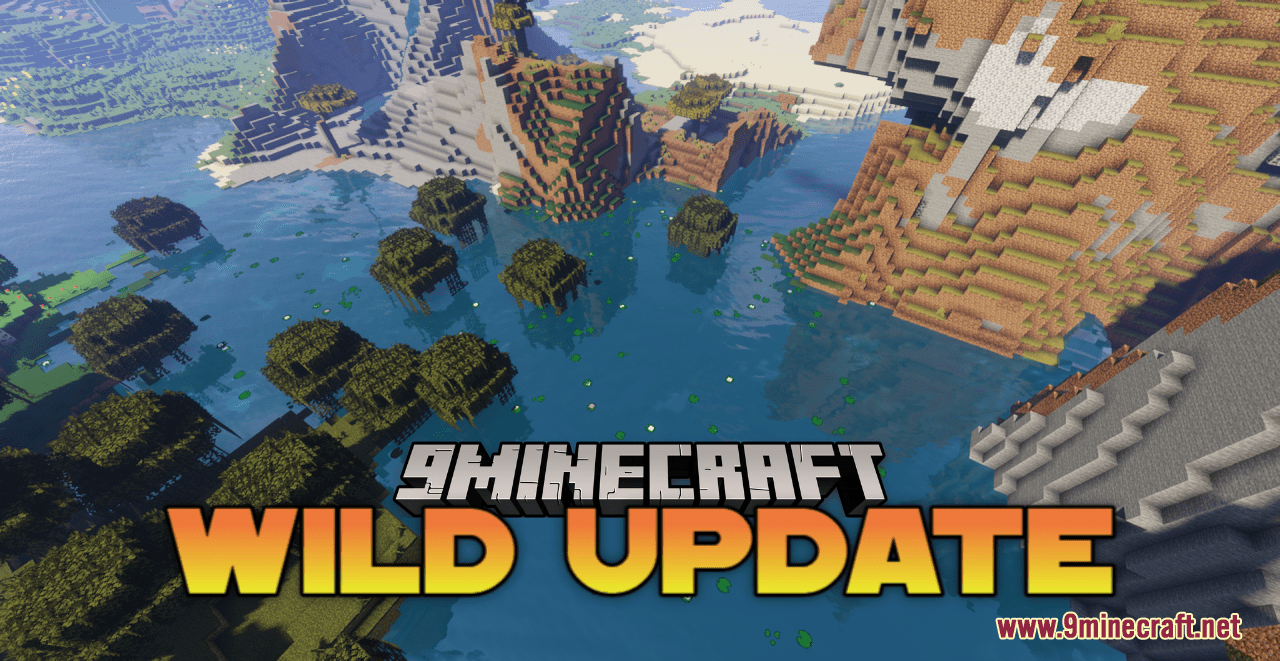
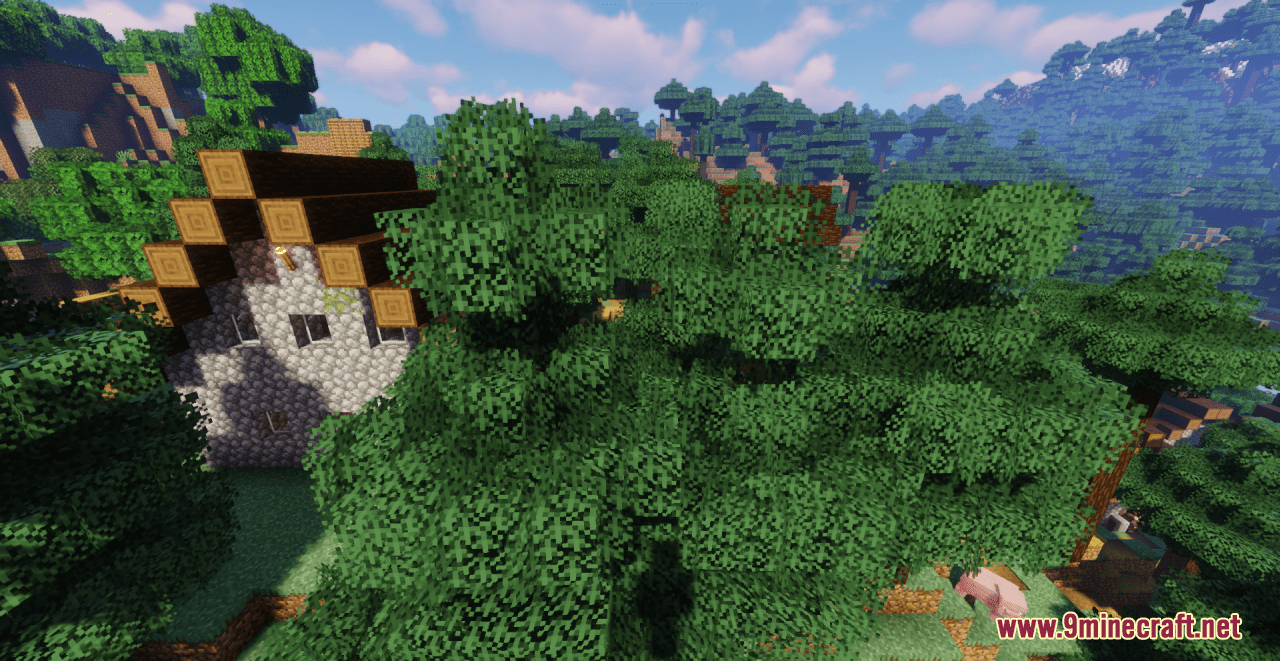
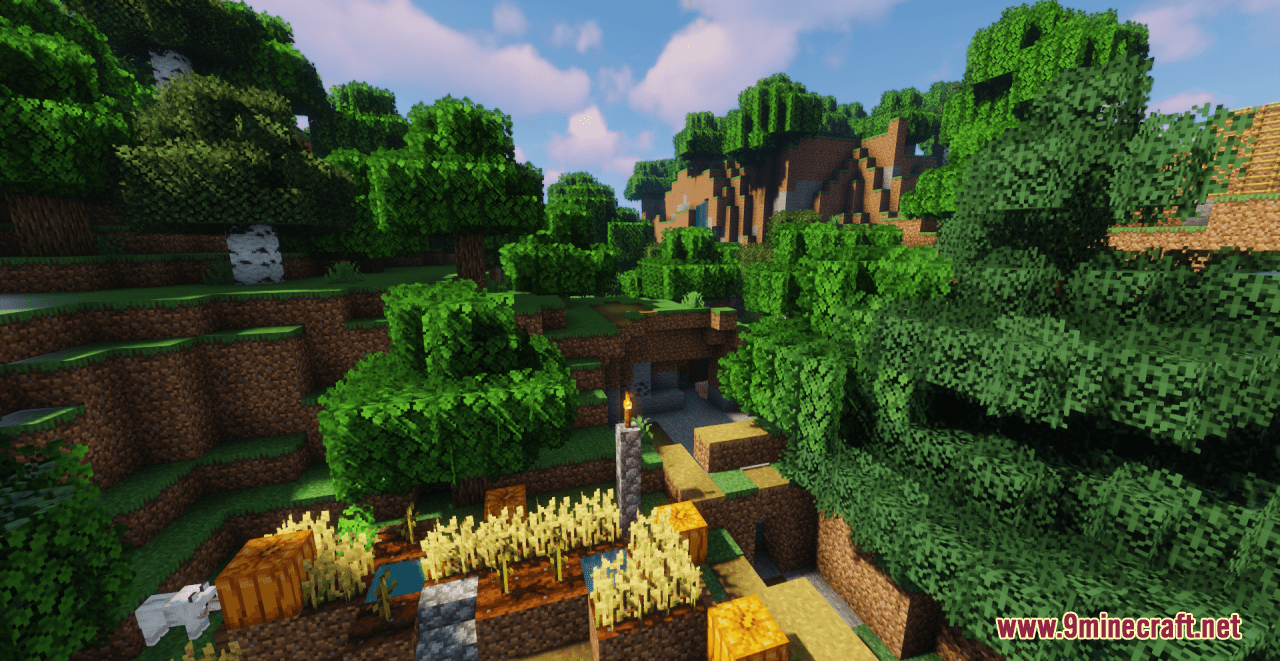
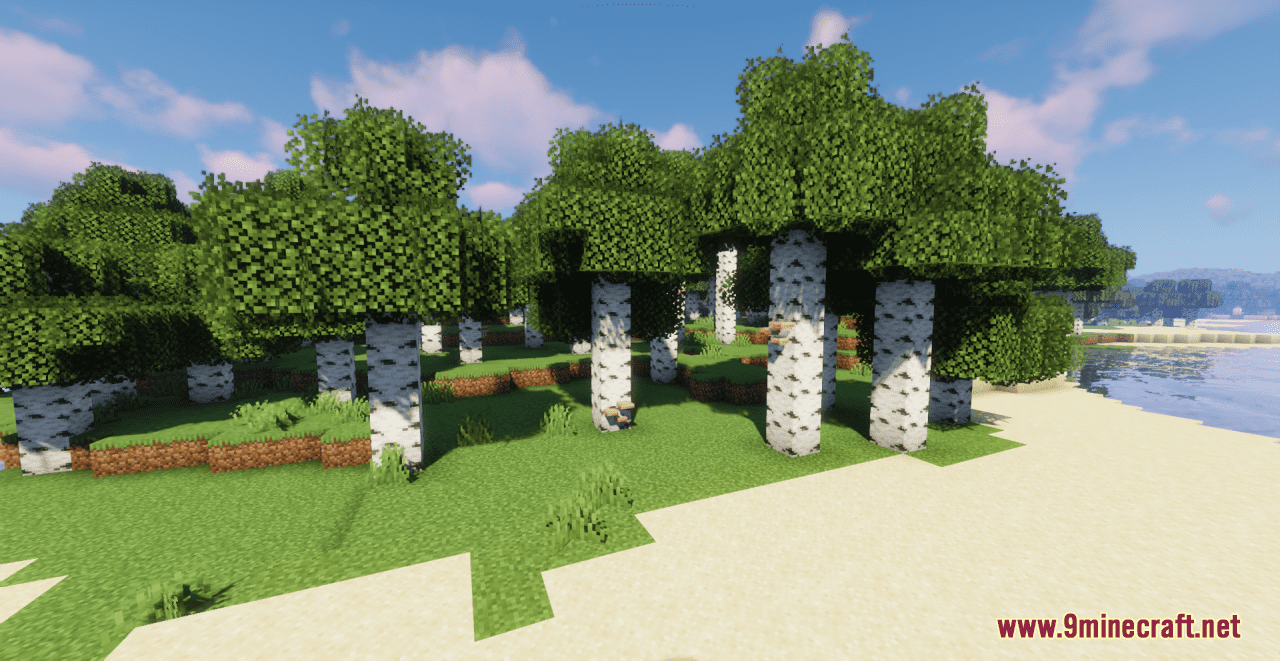
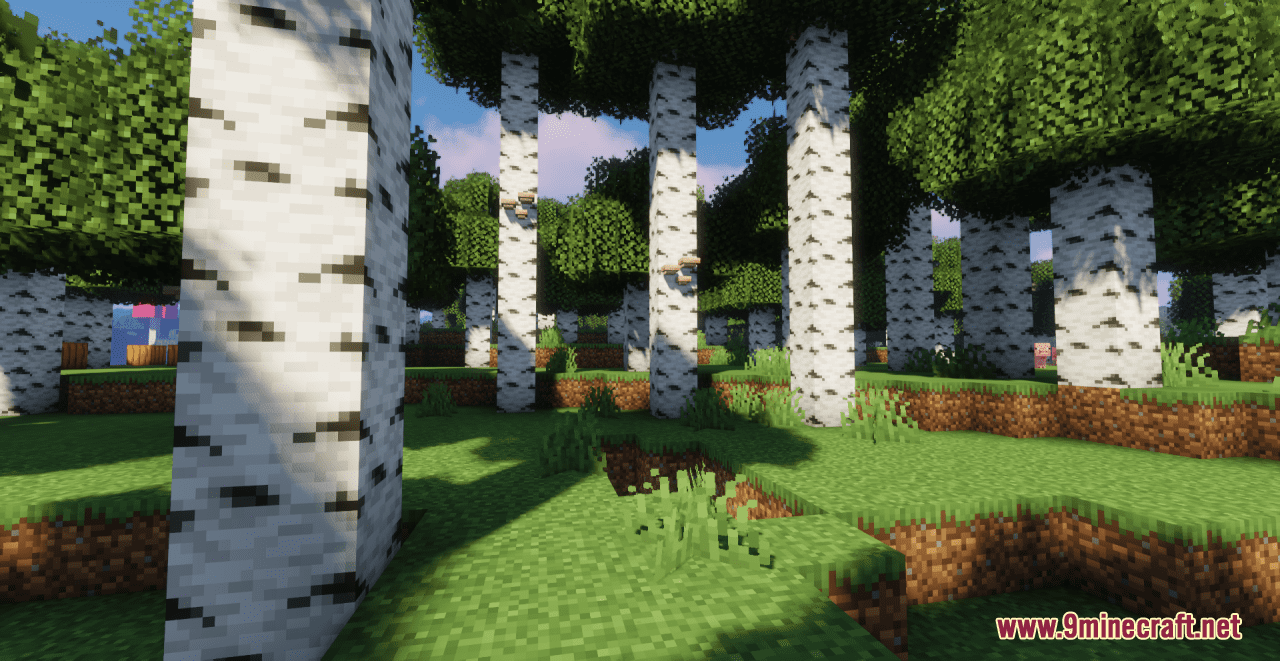
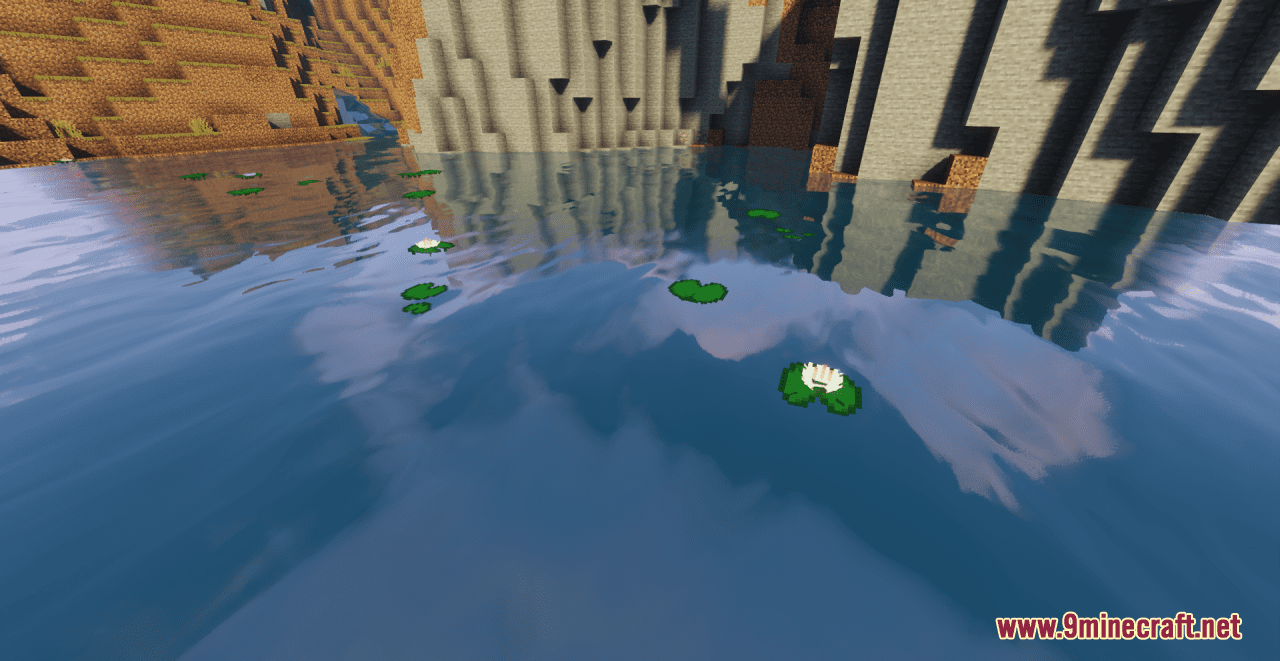
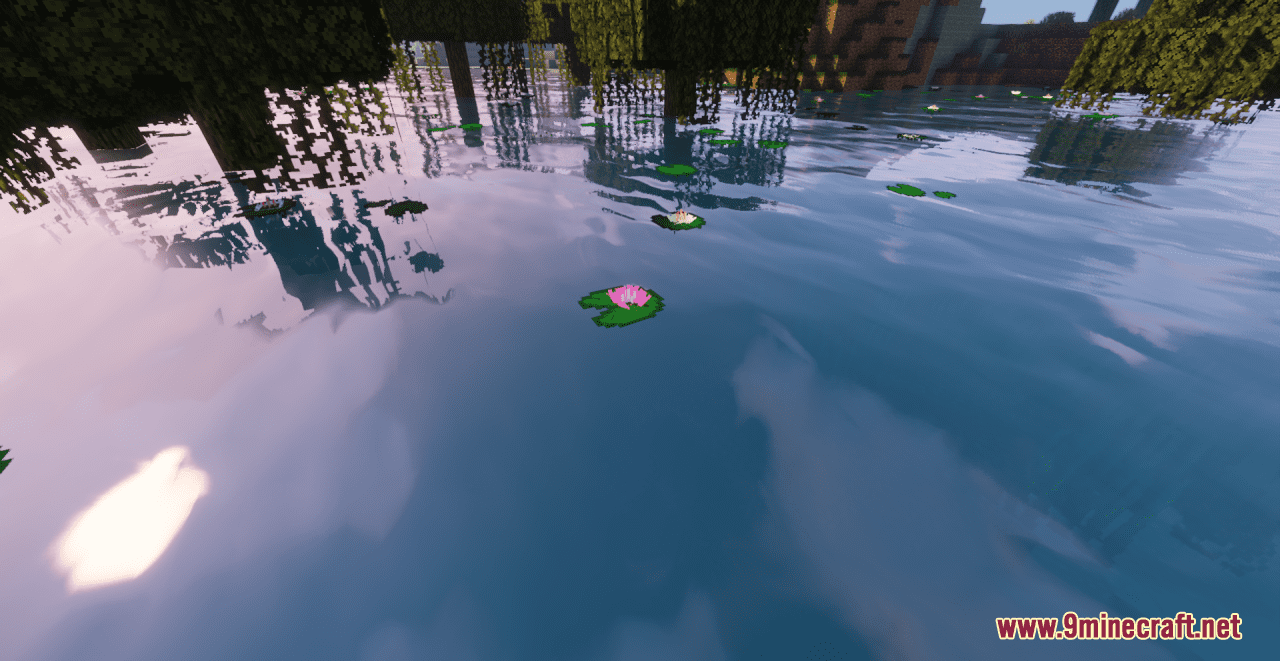
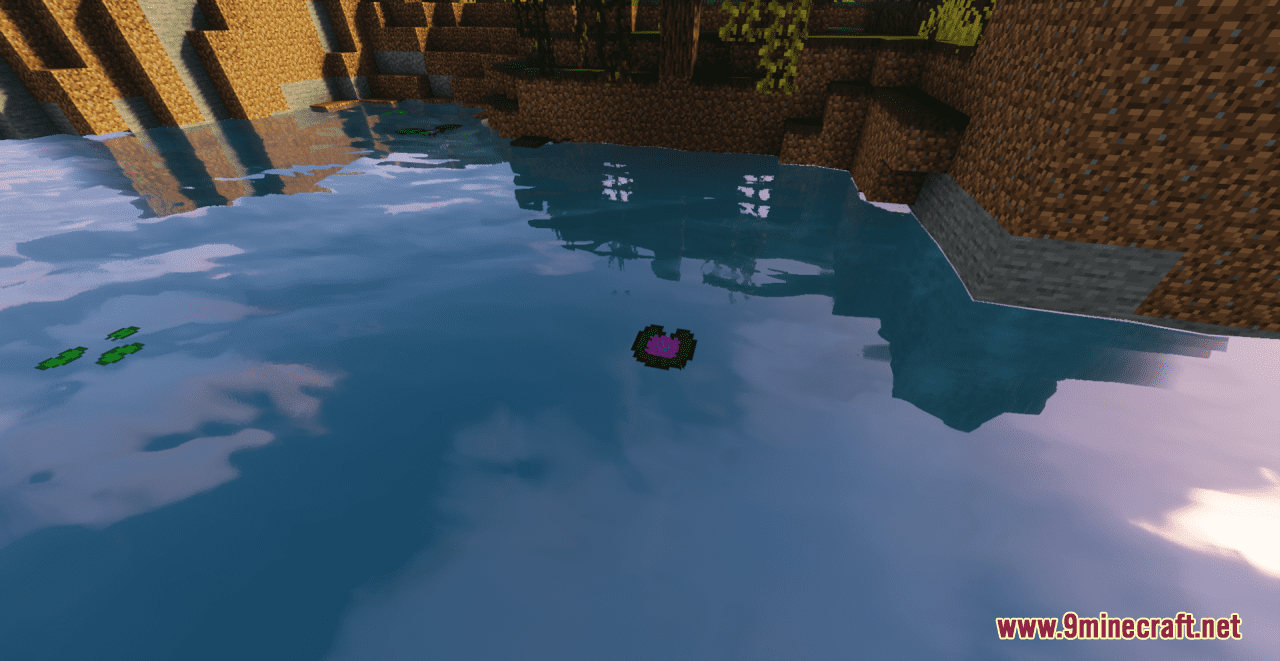
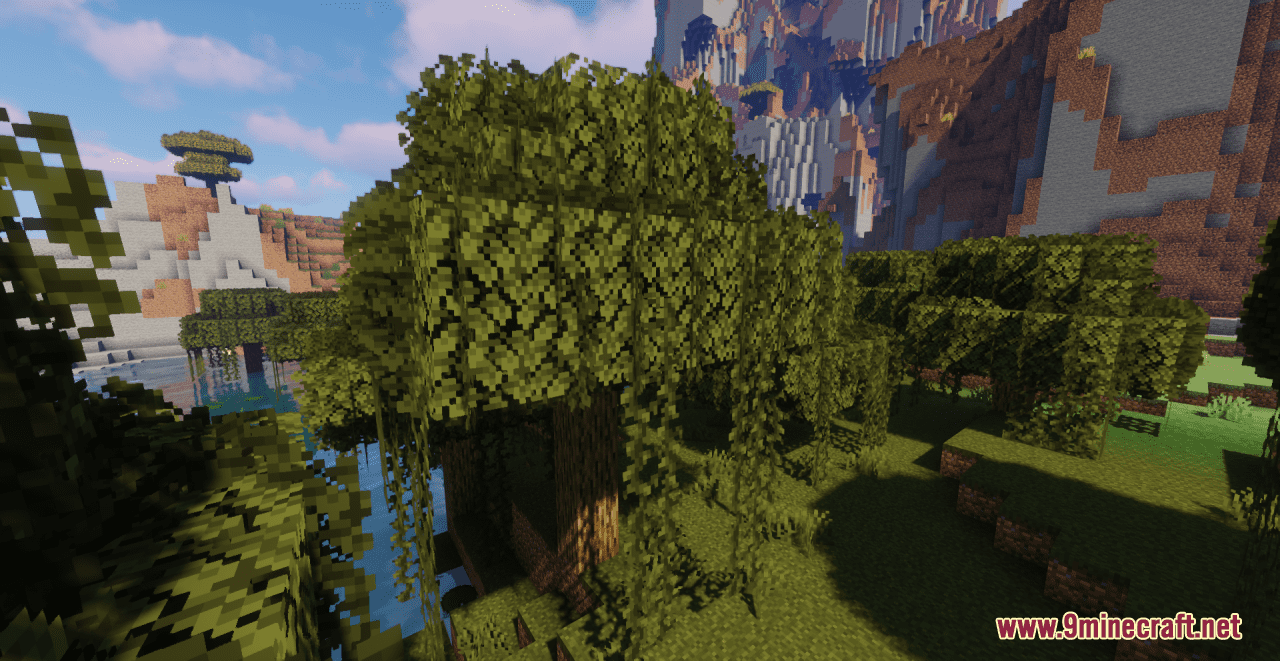
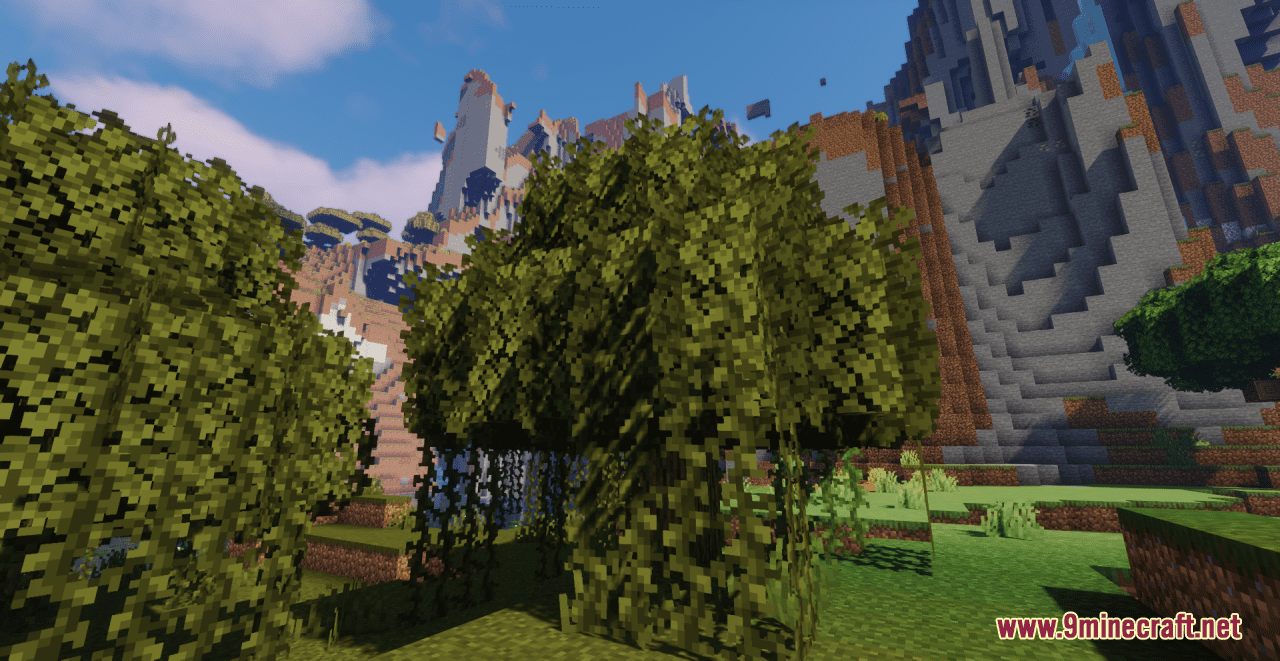
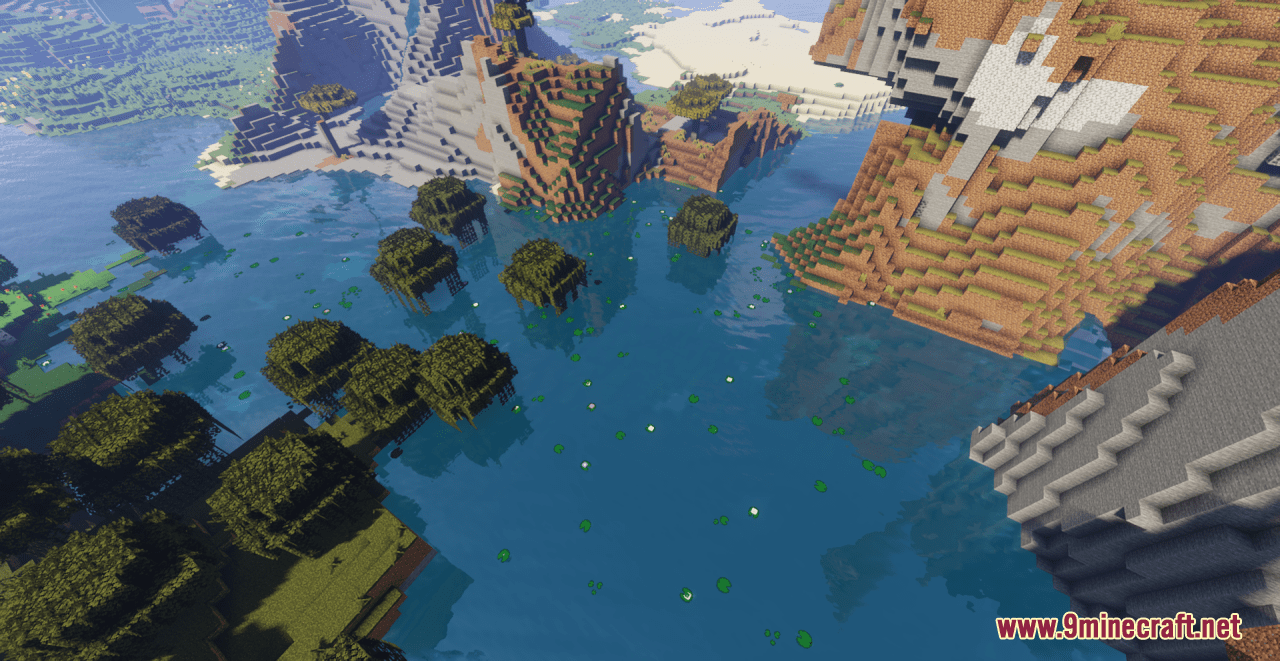
Wild Update Resource Pack tries to create many changes relating to the wild environment in Minecraft game. For example, the moss carpet will now hang from the blocks, default and trimmed (with scissors) plants has different textures. The textures of all mangrove items and blocks have also been changed (the color of the wood has been replaced with the one that was shown on Minecraft Live); mud; froglights; frogspawn; frog; lily pads; sweet berry bush and nether wart. All leaves of the trees is now lush, the roots of mangroves have been changed, and mushrooms appear on the birch (they were demonstrated on the concept art on Minecraft Live). In general, it is a great option for players to try and explore many enhancements in the game without much effort.
Screenshots:
Requires:
Optifine
Wild Update Resource Pack Download Links
For Minecraft 1.21.5, 1.21.1, 1.20.6, 1.20.1, 1.19.4, 1.19.2
- Edition: Minecraft Java
- File type: .zip (resource pack)
- Minecraft versions listed: 1.21.1, 1.20.1
- How to install: Download the .zip resource pack — do not unzip it. → Put it in .minecraft/resourcepacks. → Enable it in Options → Resource Packs.
- Where to get it: In MC Java Mods, or directly above on this page.
Install steps are the general flow for this file type — see the MC Java Mods guides for the full walkthrough.
Wild Update Resource Pack (1.21.1, 1.20.1) – Texture Pack is a free Minecraft Java resourcepack. Compatible with Minecraft 1.21.1, 1.20.1. Download it and open it directly in the game.