PlunderPixel's Shaders (26.2, 1.20.1) – True Color for Low-End PC
Java shader pack listed for Minecraft 1.20. Downloads from the MC Java Mods app on Android.
PlunderPixel's Shaders is a light shader pack that is designed for realism and to make the game even more exciting. It is not shy about providing…
⬇ Download


PlunderPixel’s Shaders is a light shader pack that is designed for realism and to make the game even more exciting. It is not shy about providing wonderful effects and features and uses all the advanced Shader effects it can without sacrificing performance. Because of the quality of the pack, it is considered on par with many popular ShaderPacks like SEUS.
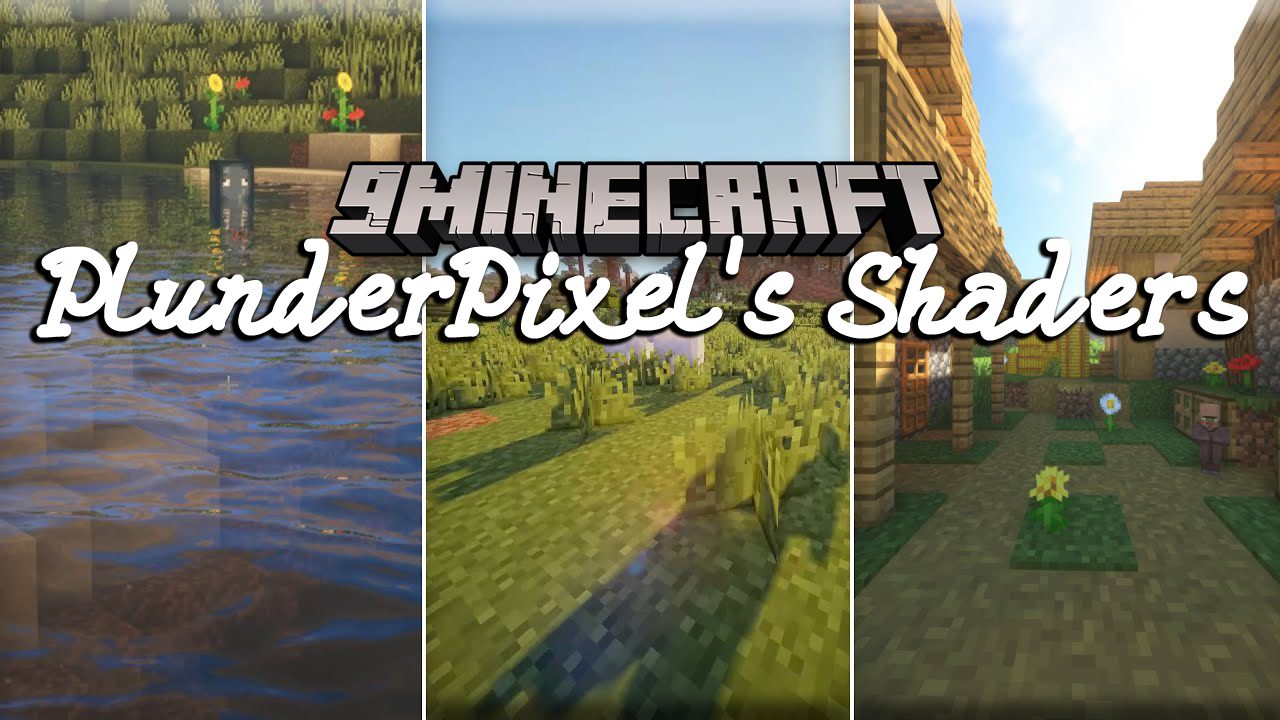
This shaderpack is absolutely beautiful. Graphics-wise, it makes the game a lot more realistic and immersive. The pack’s highlights are the excellent reflective and refractive water, gorgeous looking sky, and immersive Shadows and lighting effects. Although the pack requires a lot of resources and might drop your framerate, it is still worth using. If you have a high-end PC with beast specs, then it is more reason to use this beautiful pack.
Features:
- Realistic Sky: One of the most beautiful features of this Shader pack is its ultra-realistic skybox and textures. On top of that, it also features beautiful lighting and bloom effects that make the day and the night absolutely gorgeous.
- Dynamic Lights: A key feature that makes the Shader pack beautiful is its wonderful dynamic lighting effect and Shadows.
- Jaw-Dropping Water: The physics-based water looks absolutely gorgeous with the addition of reflection and refraction effects. With this pack installed, water will reflect the sky and the landscape while refracting light sources. Shiny objects and blocks will also have similar effects on them!
- Waving Foliage and Flora: As with most Shader packs, this wonderful pack also features waving grass, flowers, leaves, and more for a more dynamic and immersive world.
- Realistic Vibe: The wonderful PlunderPixel’s Shaders aims to provide quality realism in the game, and it is delivered greatly. By installing this shaderpack, your Minecraft world will become much more realistic than you started, and it won’t look the same.
Screenshots:


PlunderPixel’s Shaders Download Links
For All Versions of Minecraft
- Edition: Minecraft Java
- File type: .zip (resource pack)
- Minecraft version listed: 1.20.1
- How to install: Download the .zip resource pack — do not unzip it. → Put it in .minecraft/resourcepacks. → Enable it in Options → Resource Packs.
- Where to get it: In MC Java Mods, or directly above on this page.
Install steps are the general flow for this file type — see the MC Java Mods guides for the full walkthrough.
- Download size: 36 KB
- Download link checked 17 Jun 2026 — working
- Mirrored on our own servers — the download does not depend on the original host
These come from our own check of the pack file, not from the source page.