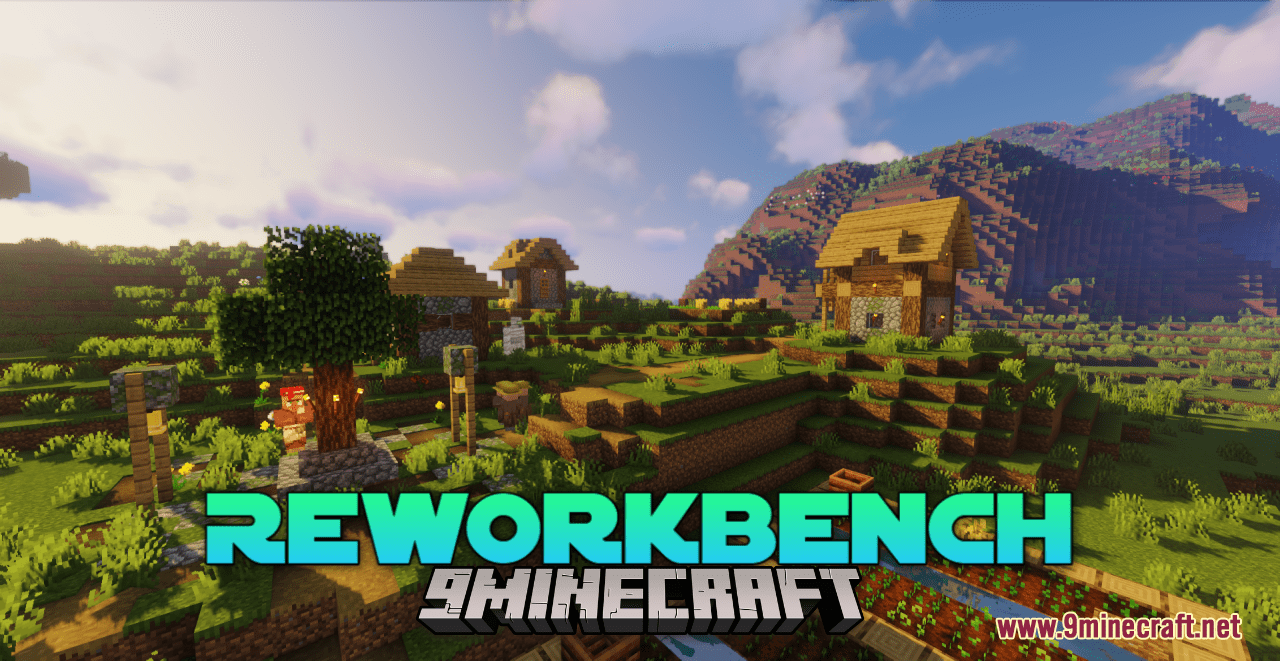
Reworkbench Resource Pack (1.21.1, 1.20.1) – Texture Pack
Java resource pack listed for Minecraft 1.20–1.21. Downloads from the MC Java Mods app on Android.
⬇ Download
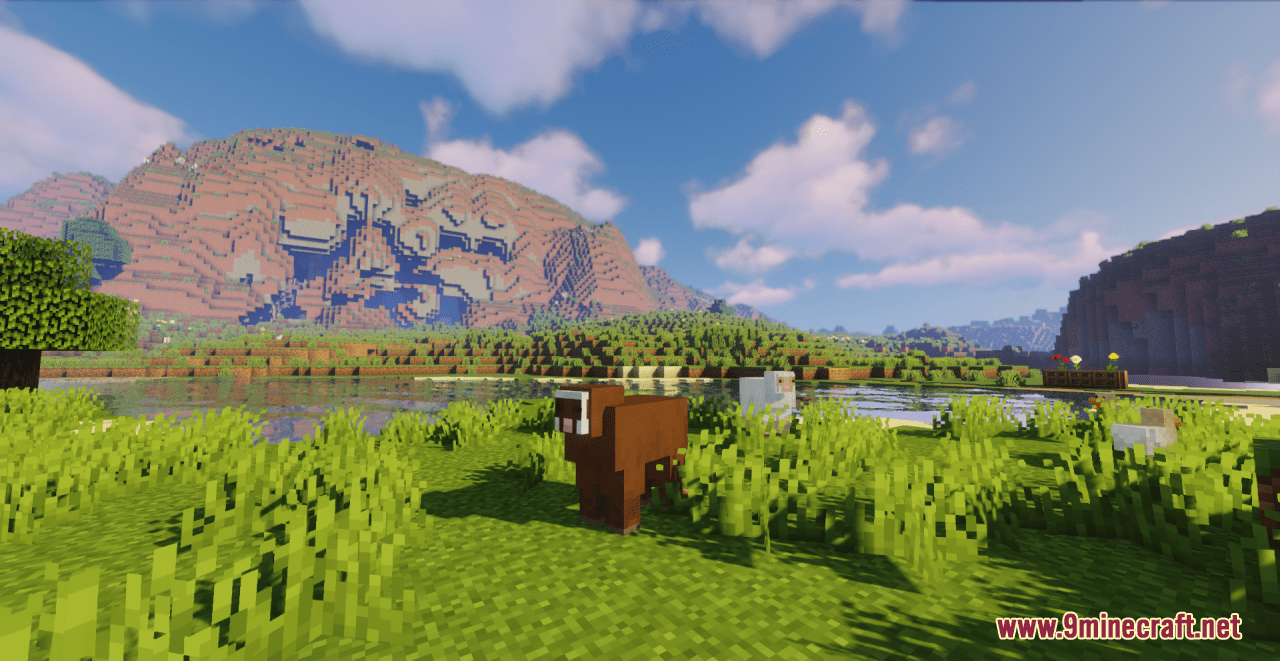
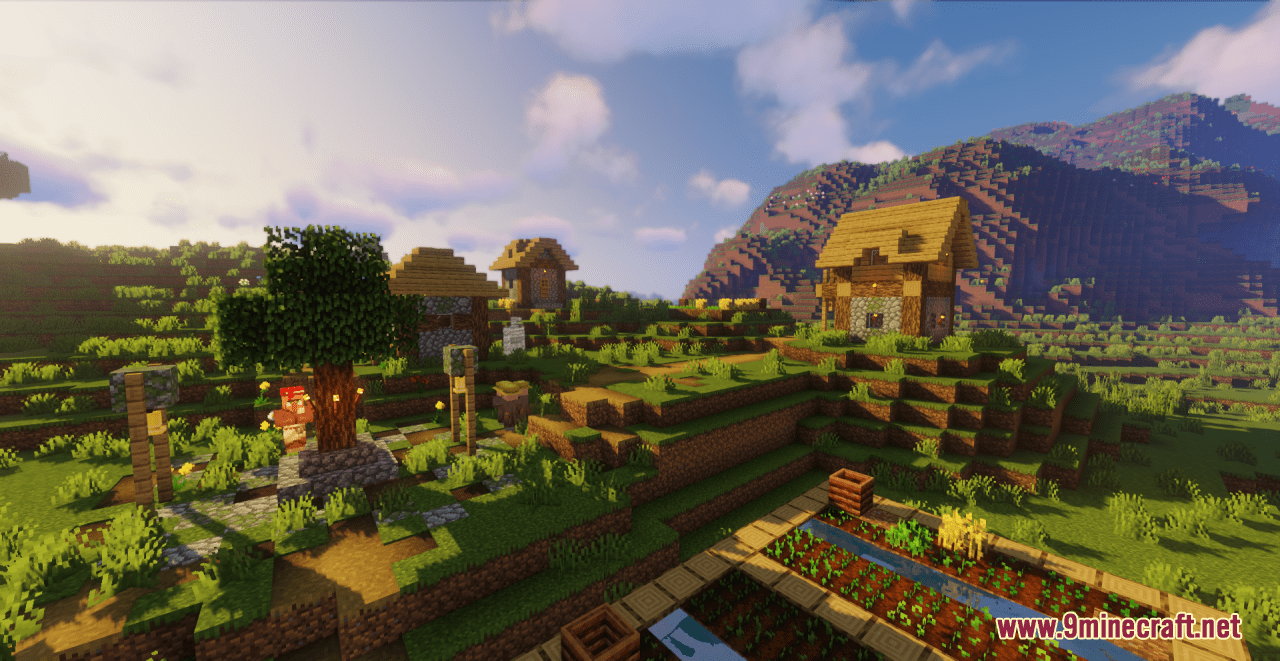
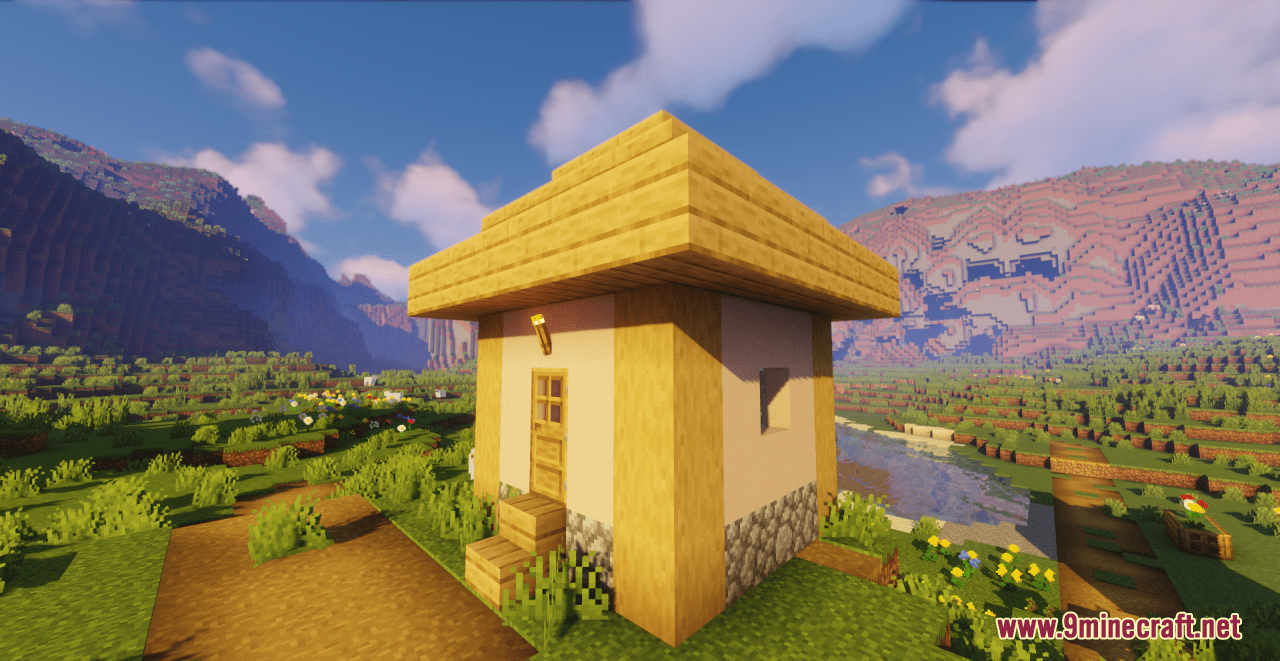
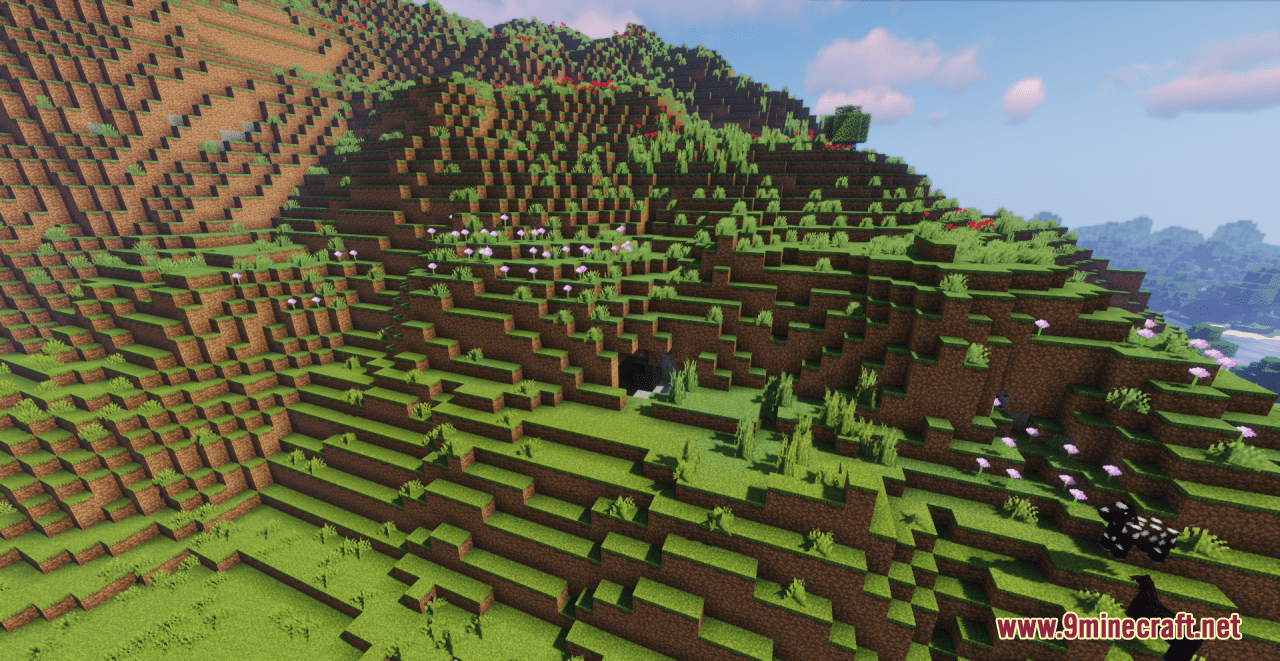
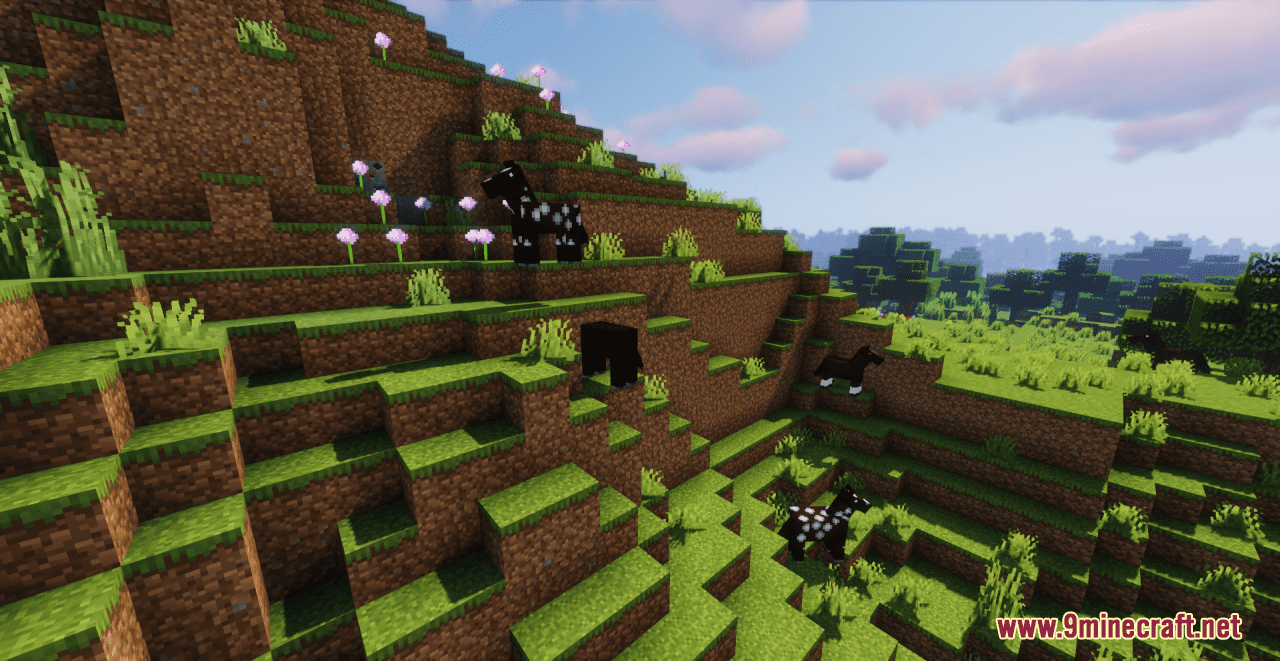
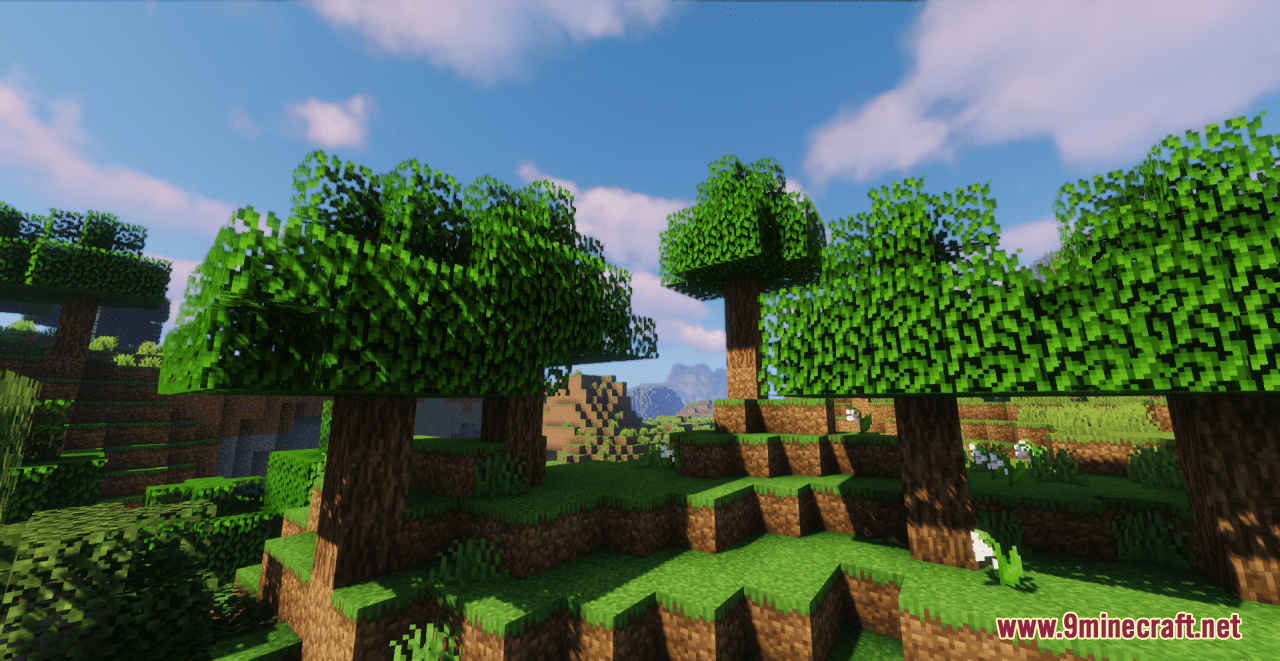
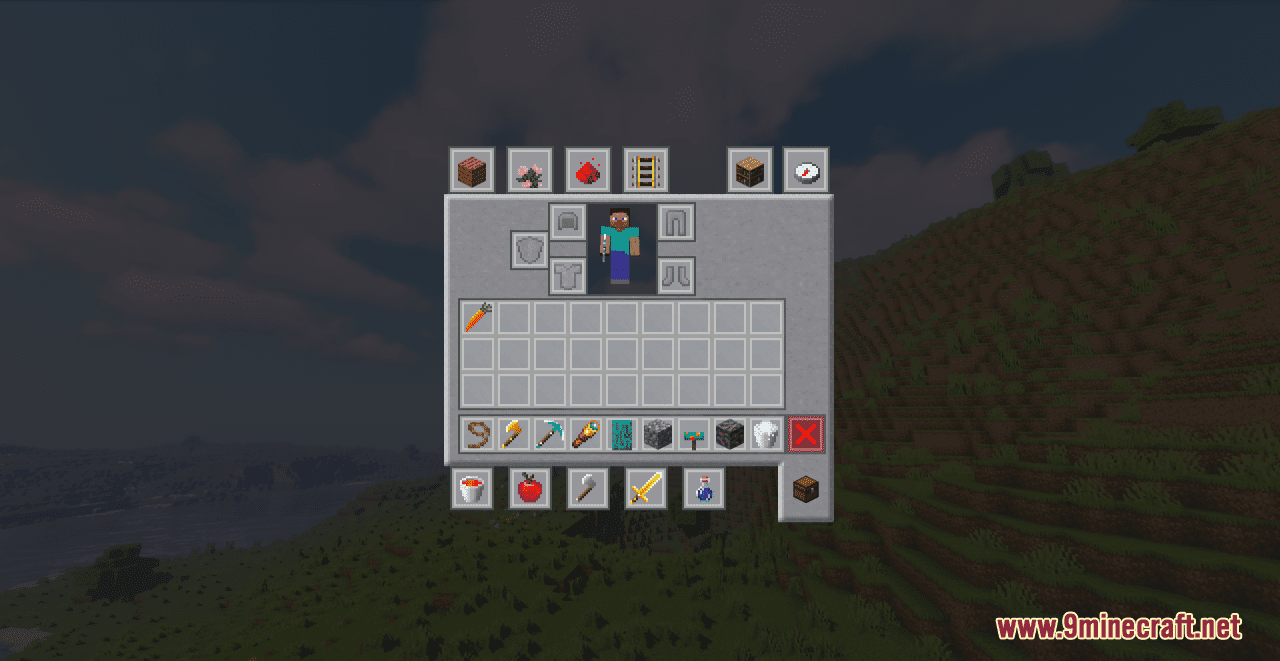
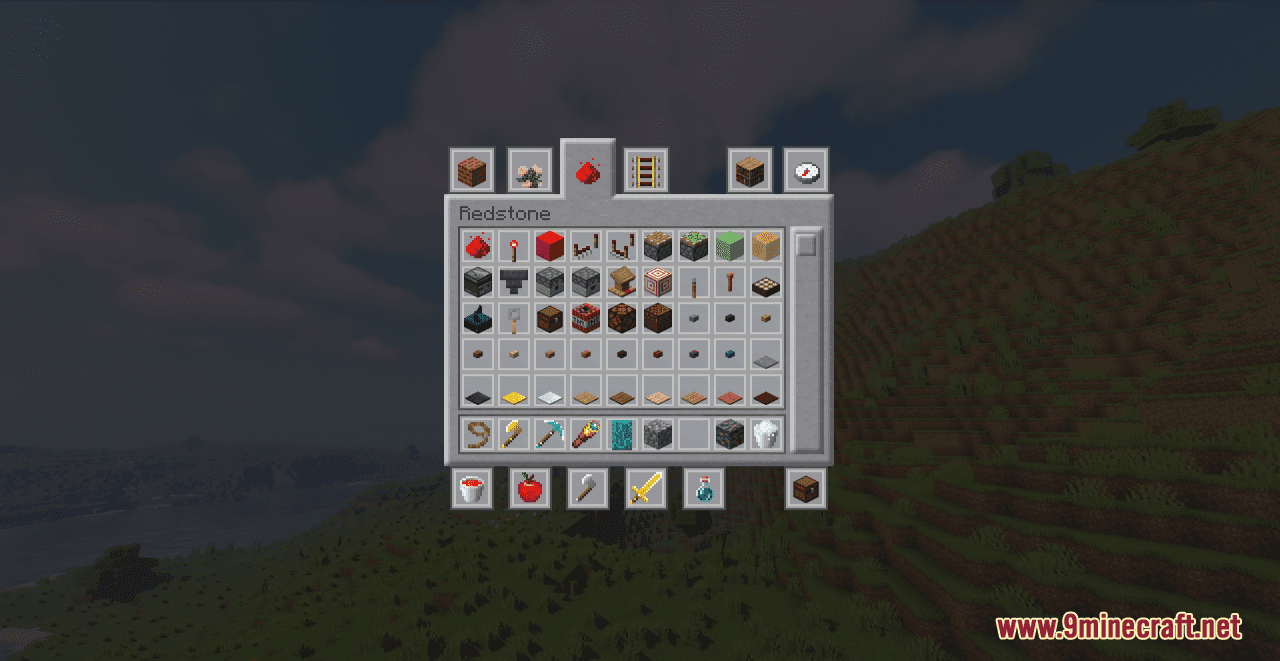
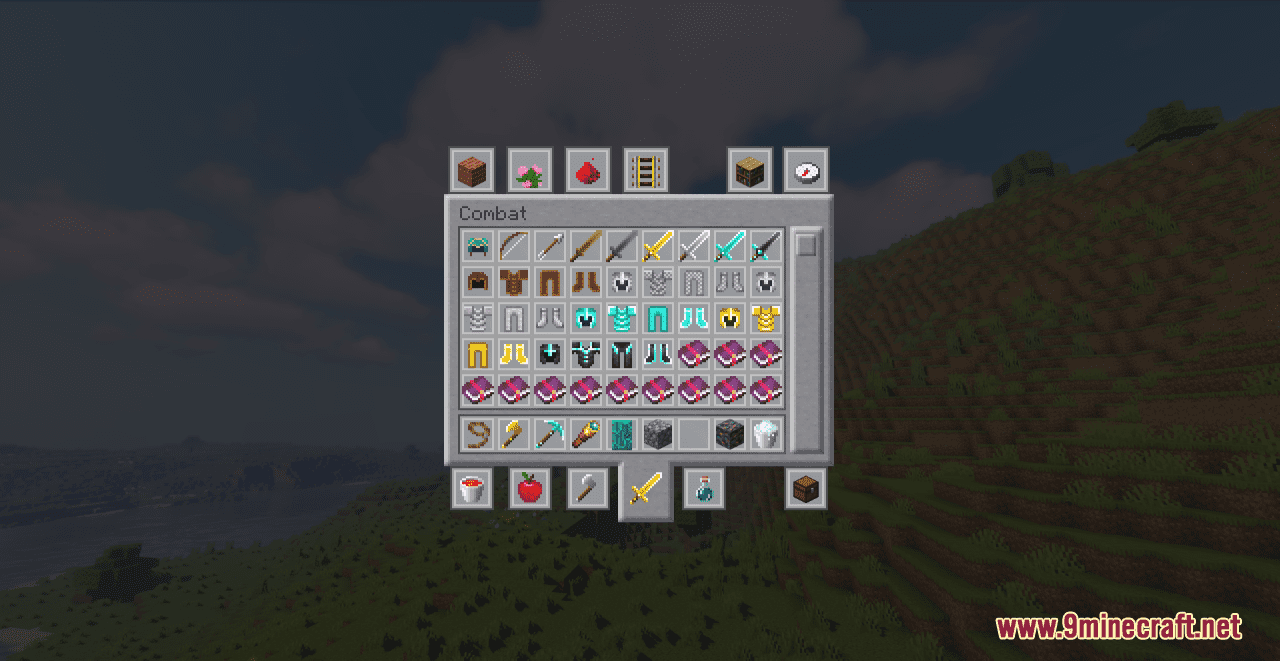
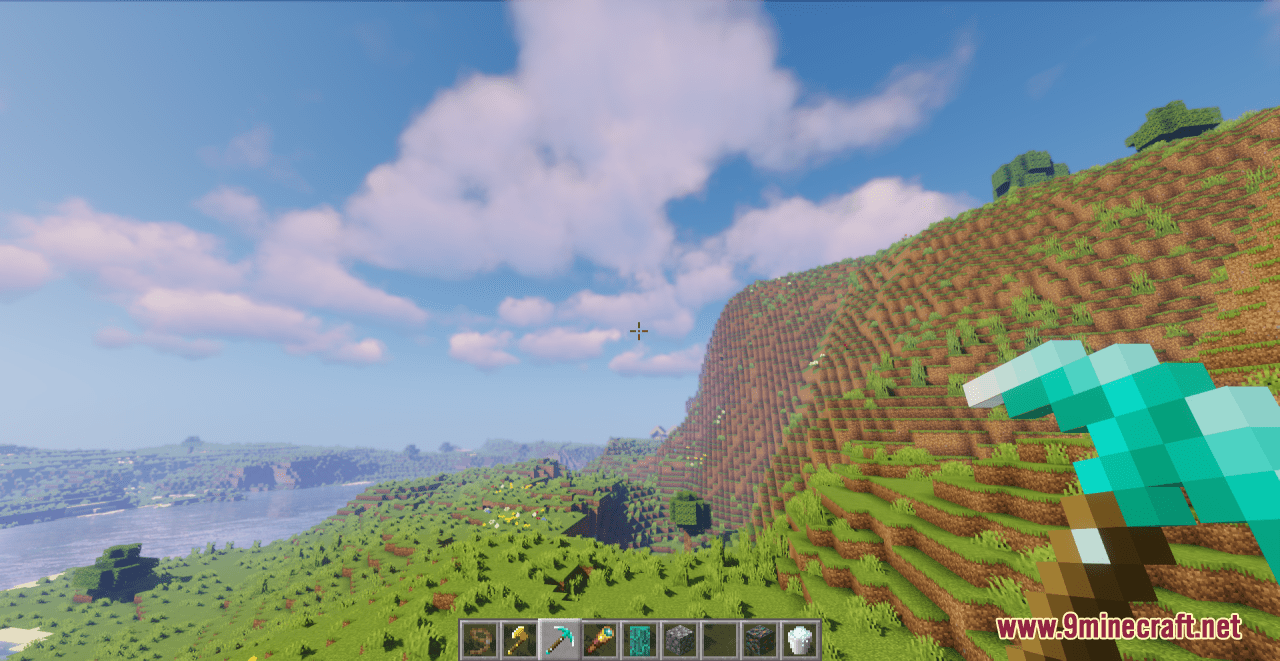
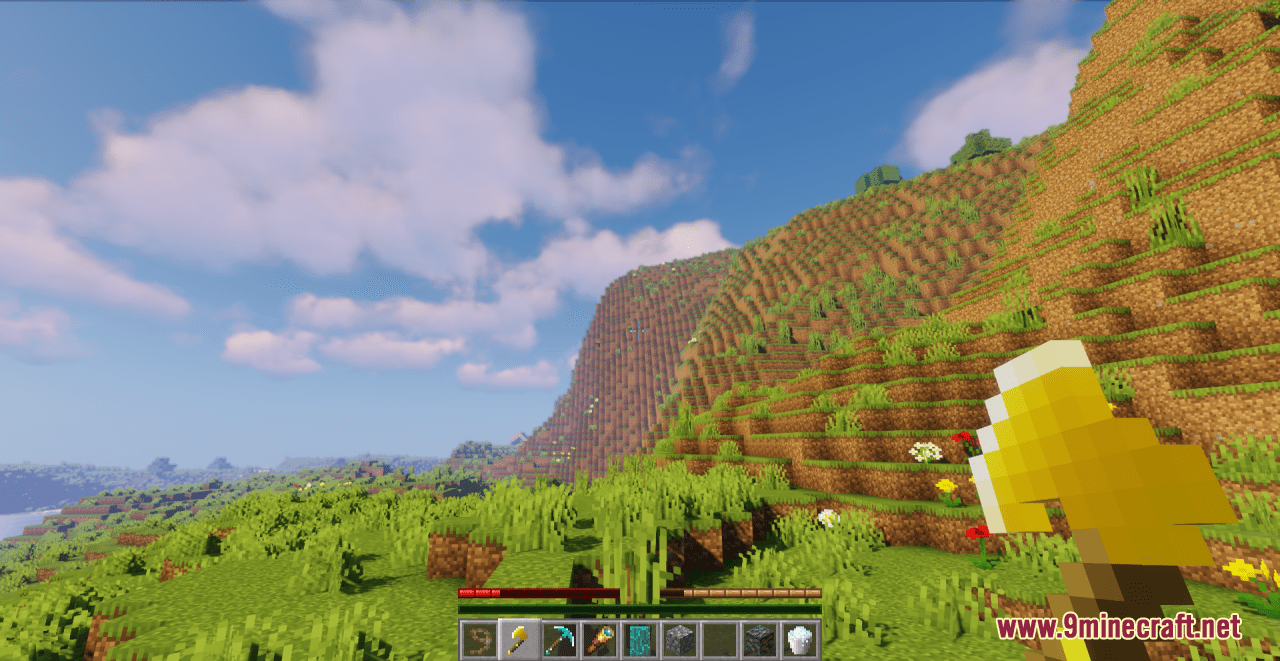
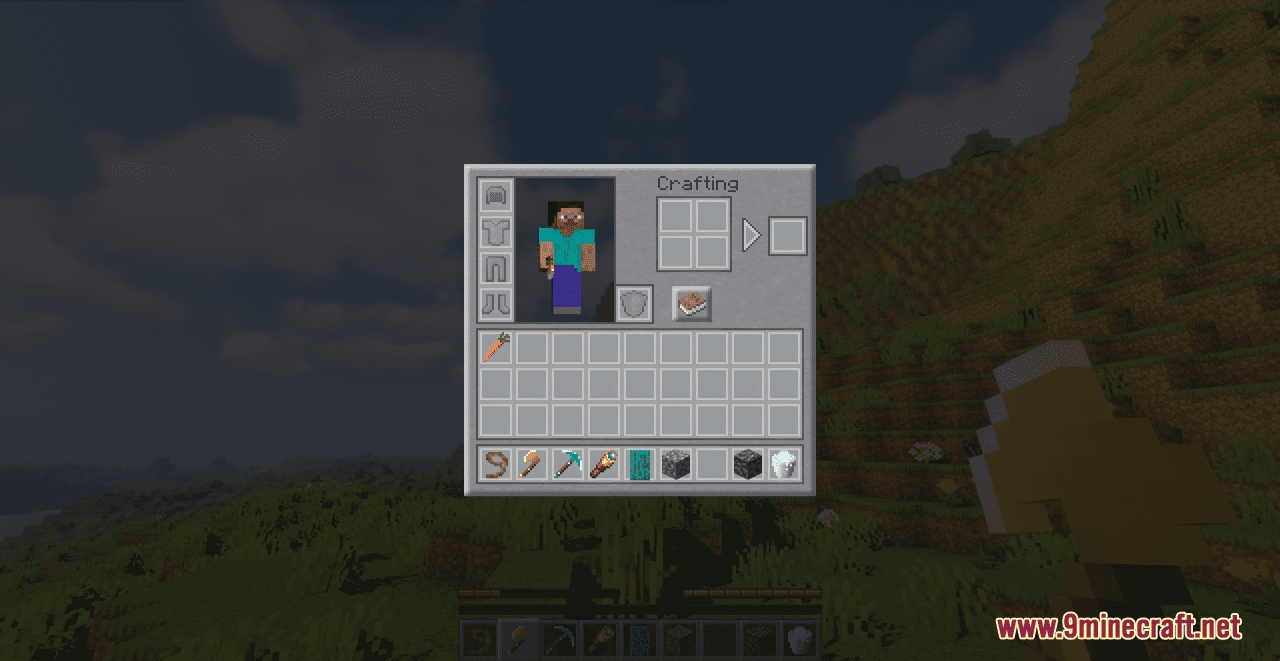
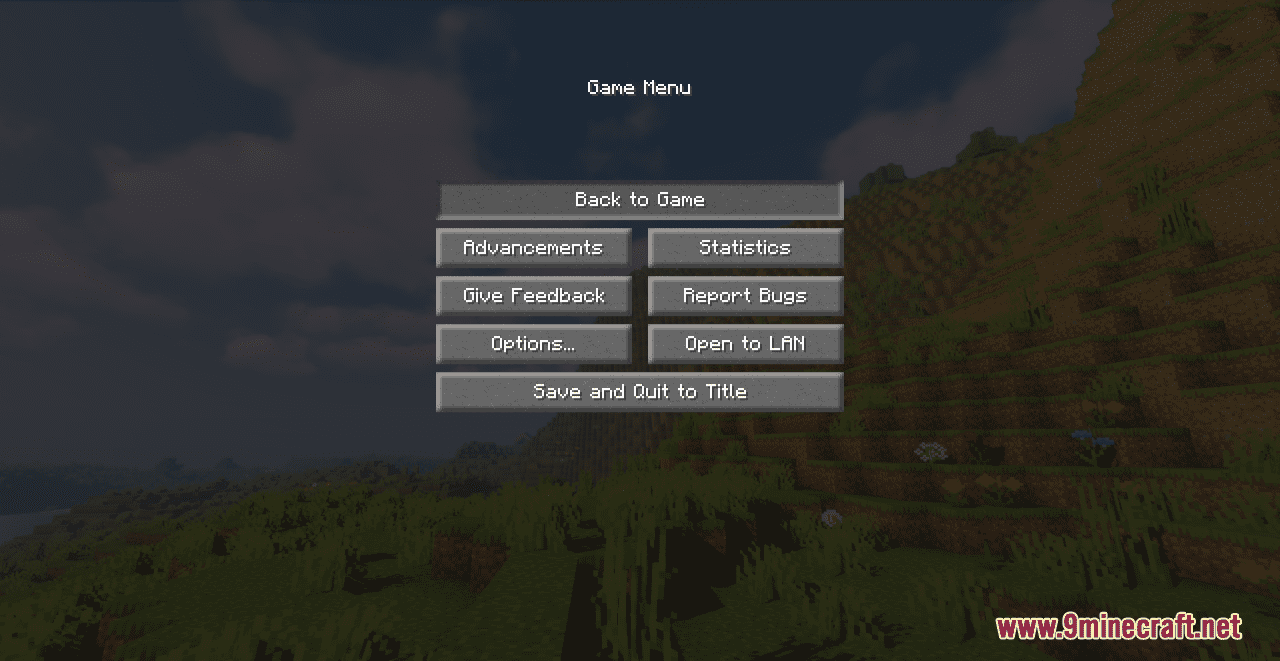
Reworkbench Resource Pack is simply a 16×16 pack for Minecraft game. It aims to enhance the base look of the game while keeping the same spirit, the same atmosphere. What this slight pack changes compared to default textures mainly :
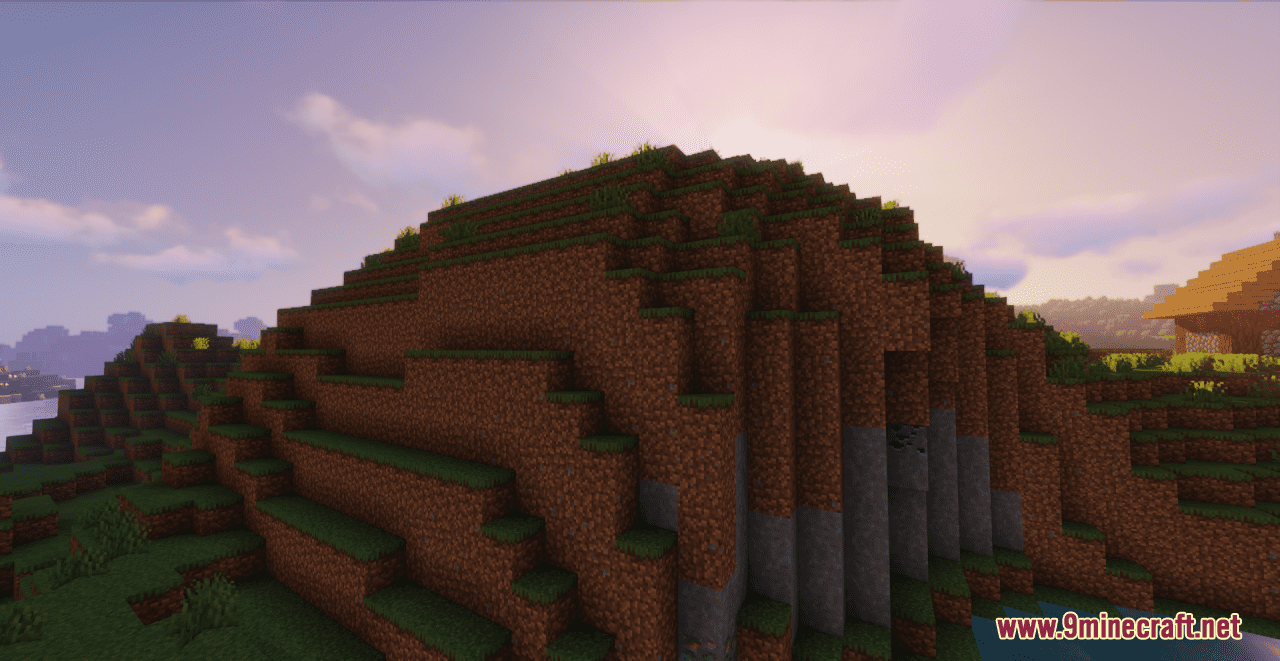
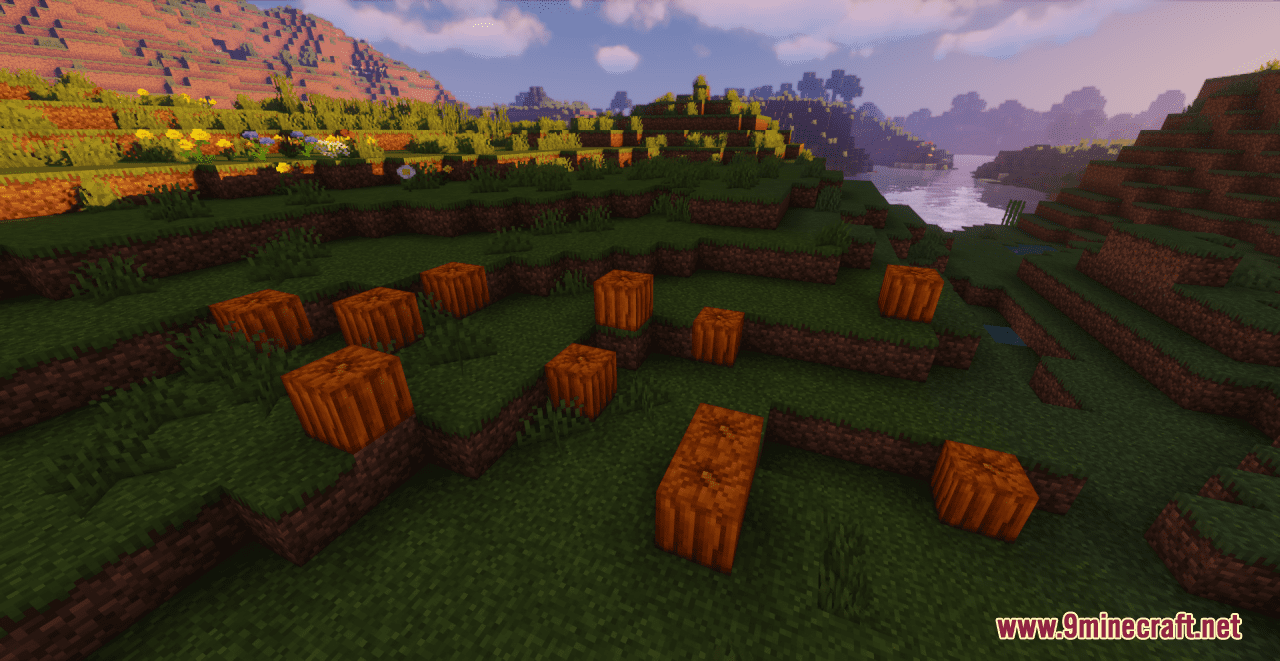
- Many block textures redesigned
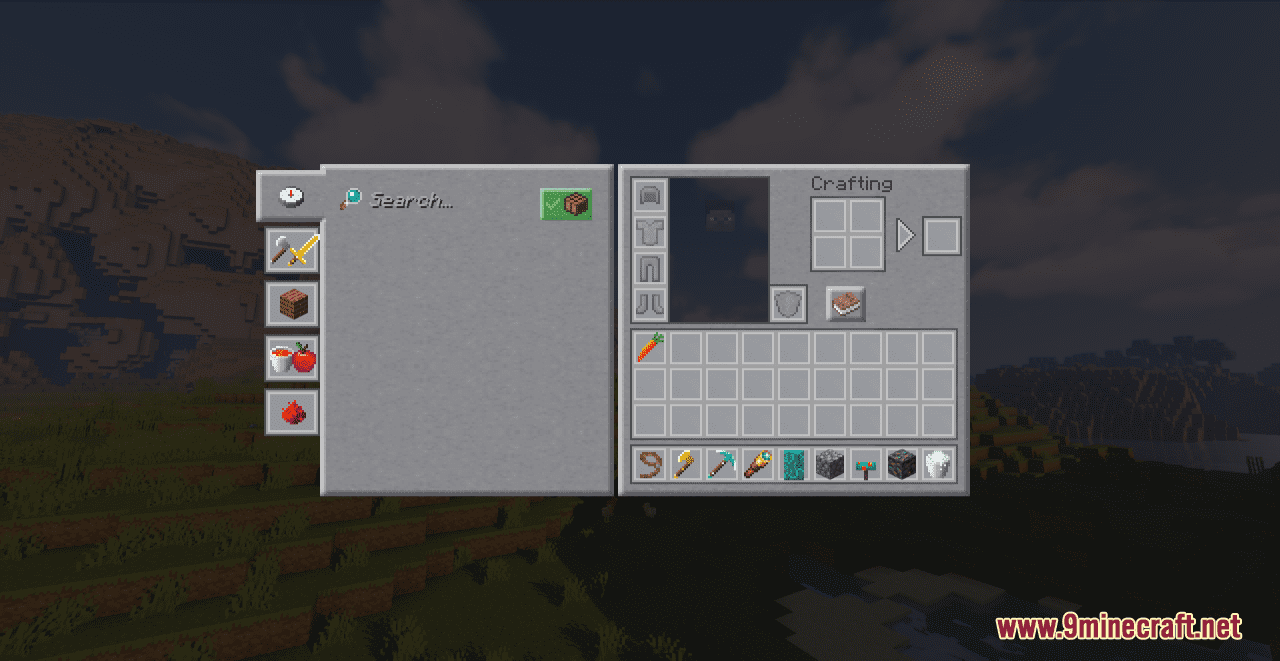
- Smoother look for items (no thick border) and GUI
- Alternative textures for many blocks, entities and so on to make the game look more realistic/alive while still sticking to 16×16 textures
- Darker caves
- New armor models
Moreover, there are many other changes for you to explore. With a reasonable resolution of 16×16, it is a great pack for everyone to refresh their game world.
Screenshots:

Requires:
Optifine
Reworkbench Resource Pack Download Links
For Minecraft 1.21.5, 1.21.1, 1.20.6, 1.20.1, 1.19.4, 1.19.2, 1.19
- Edition: Minecraft Java
- File type: .zip (resource pack)
- Minecraft versions listed: 1.21.1, 1.20.1
- How to install: Download the .zip resource pack — do not unzip it. → Put it in .minecraft/resourcepacks. → Enable it in Options → Resource Packs.
- Where to get it: In MC Java Mods, or directly above on this page.
Install steps are the general flow for this file type — How to install Minecraft Java resource packs walks through it step by step.
Reworkbench Resource Pack (1.21.1, 1.20.1) – Texture Pack is a free Minecraft Java resourcepack. Compatible with Minecraft 1.21.1, 1.20.1. Download it and open it directly in the game.