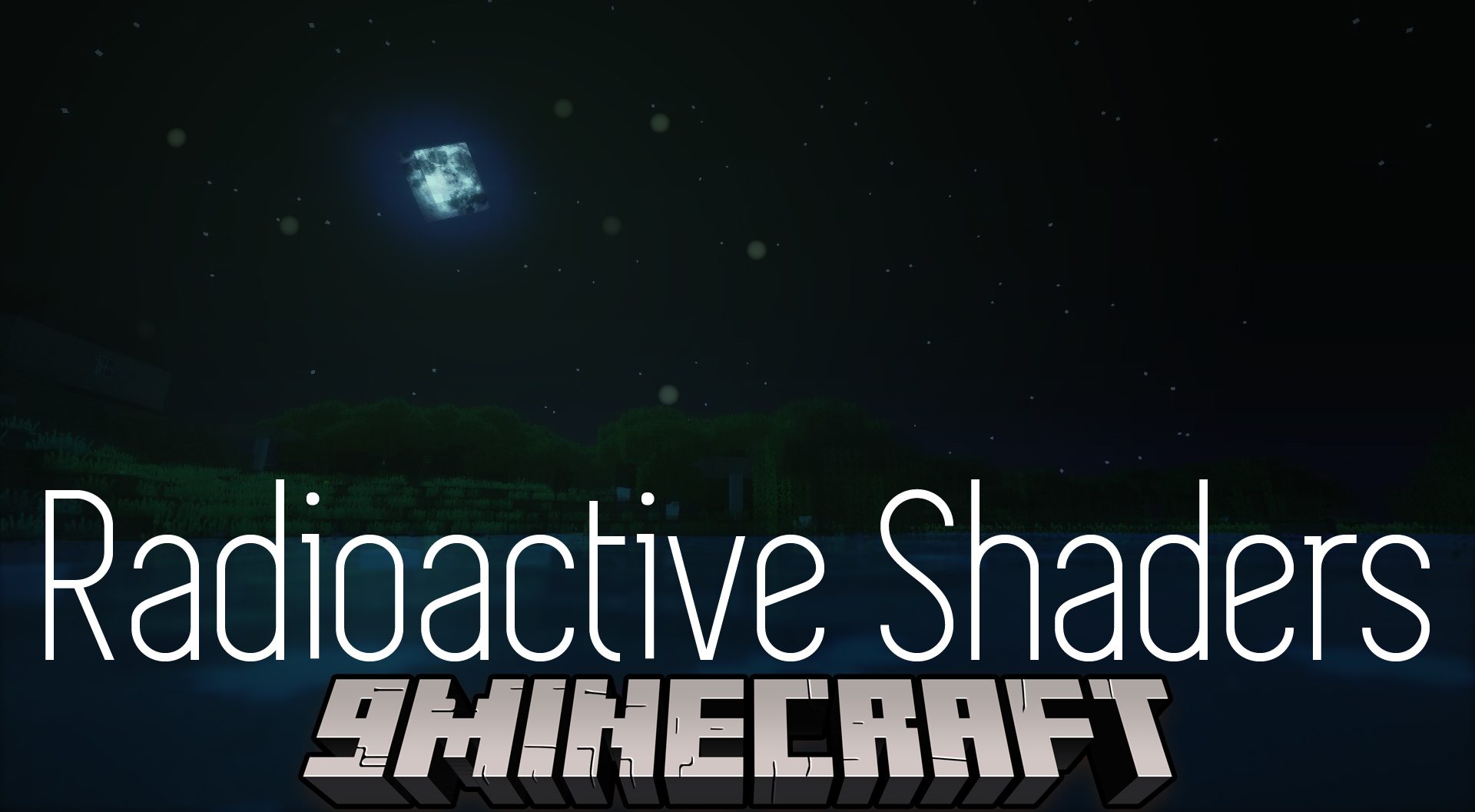
Radioactive Shaders (26.3, 1.20.1) – Rainbow, Glare, Dynamic Shadows
Java shader pack listed for Minecraft 1.20. Downloads from the MC Java Mods app on Android.
⬇ Download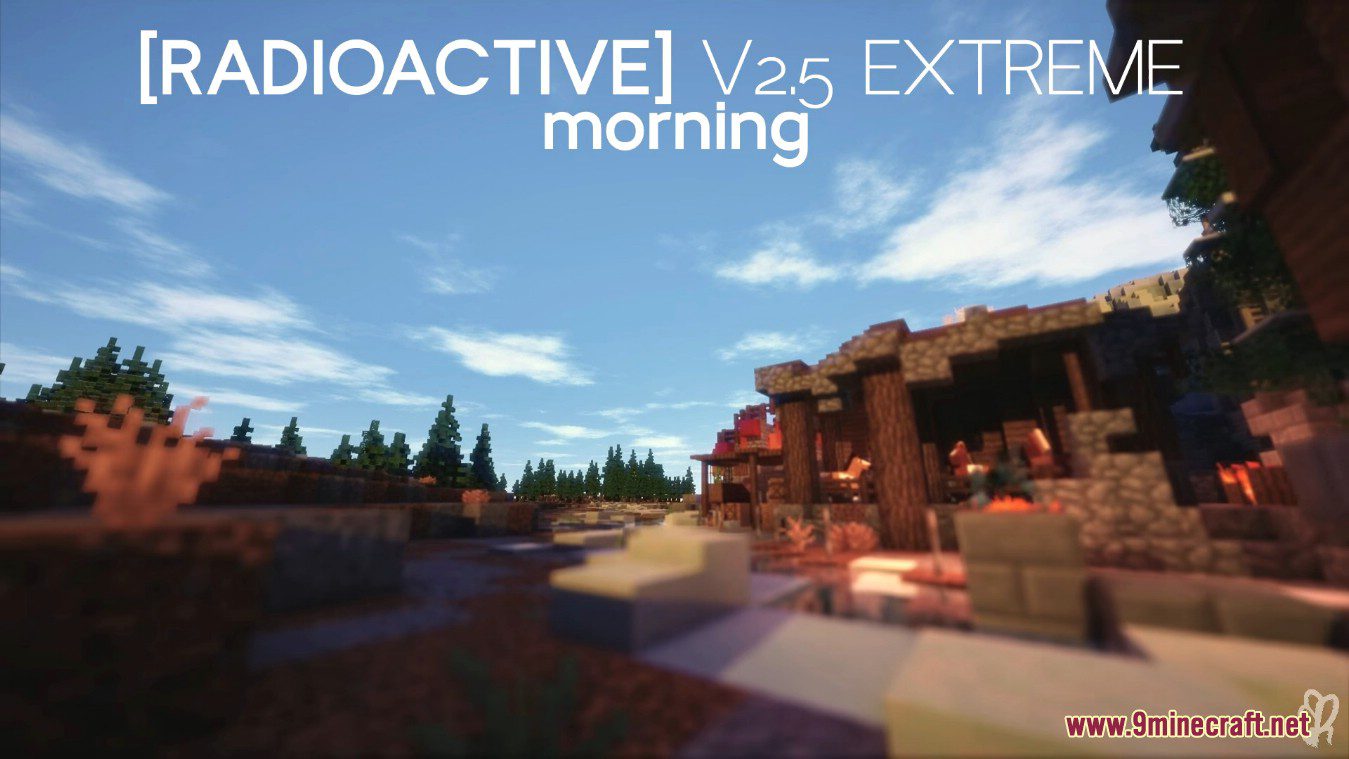
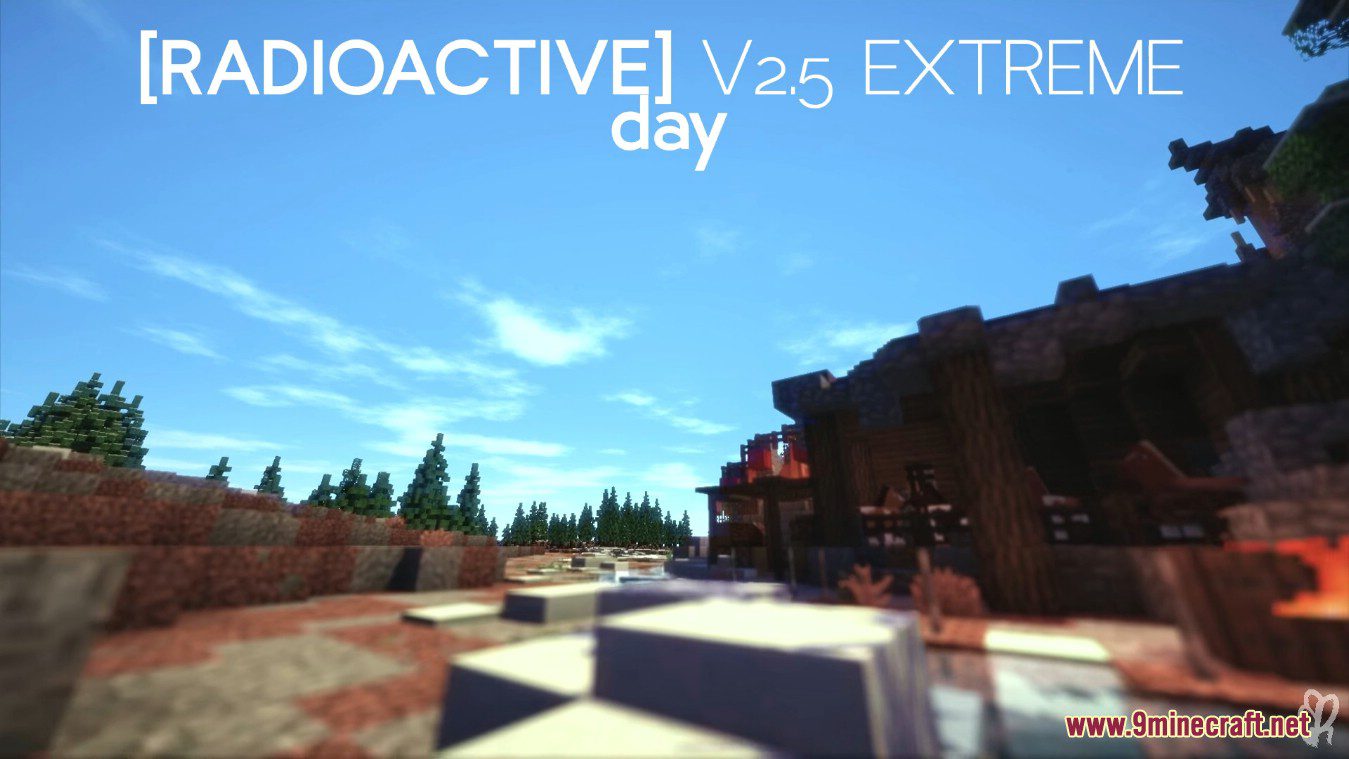
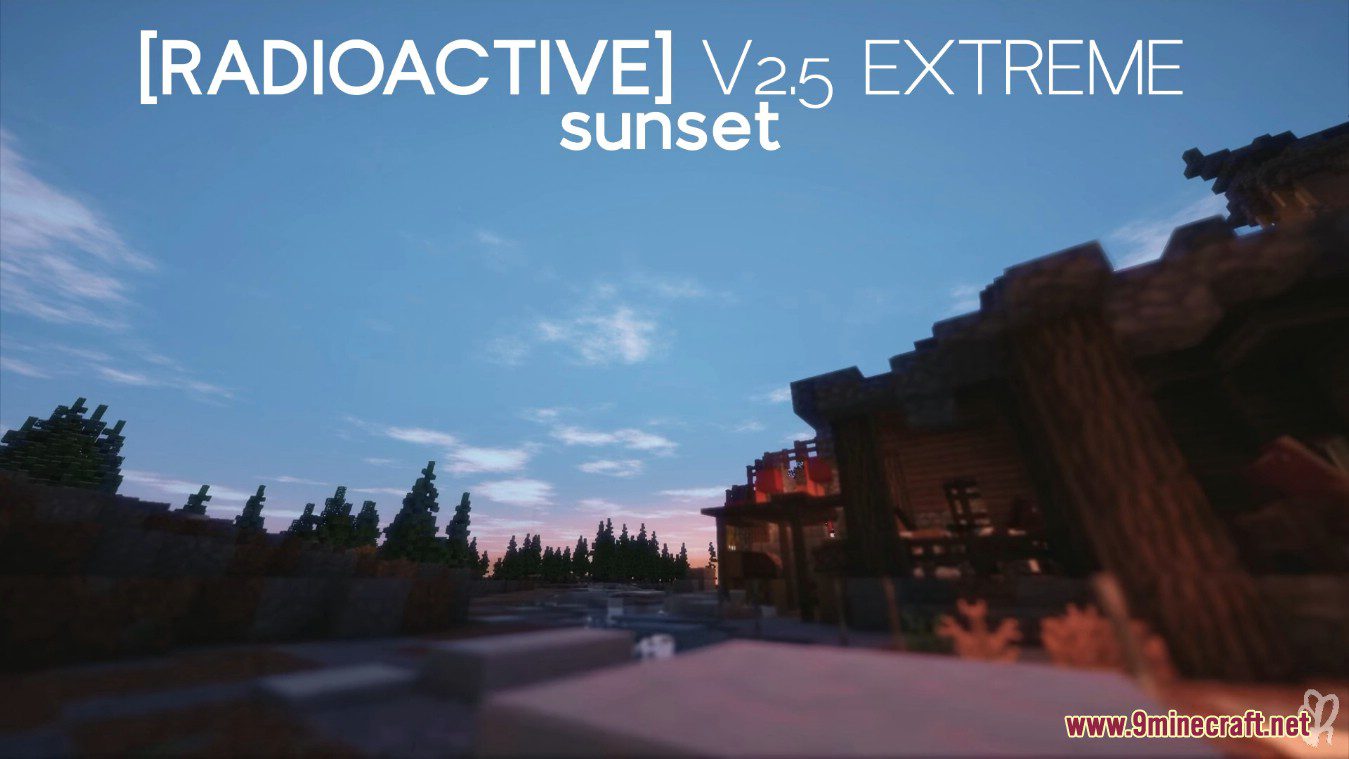
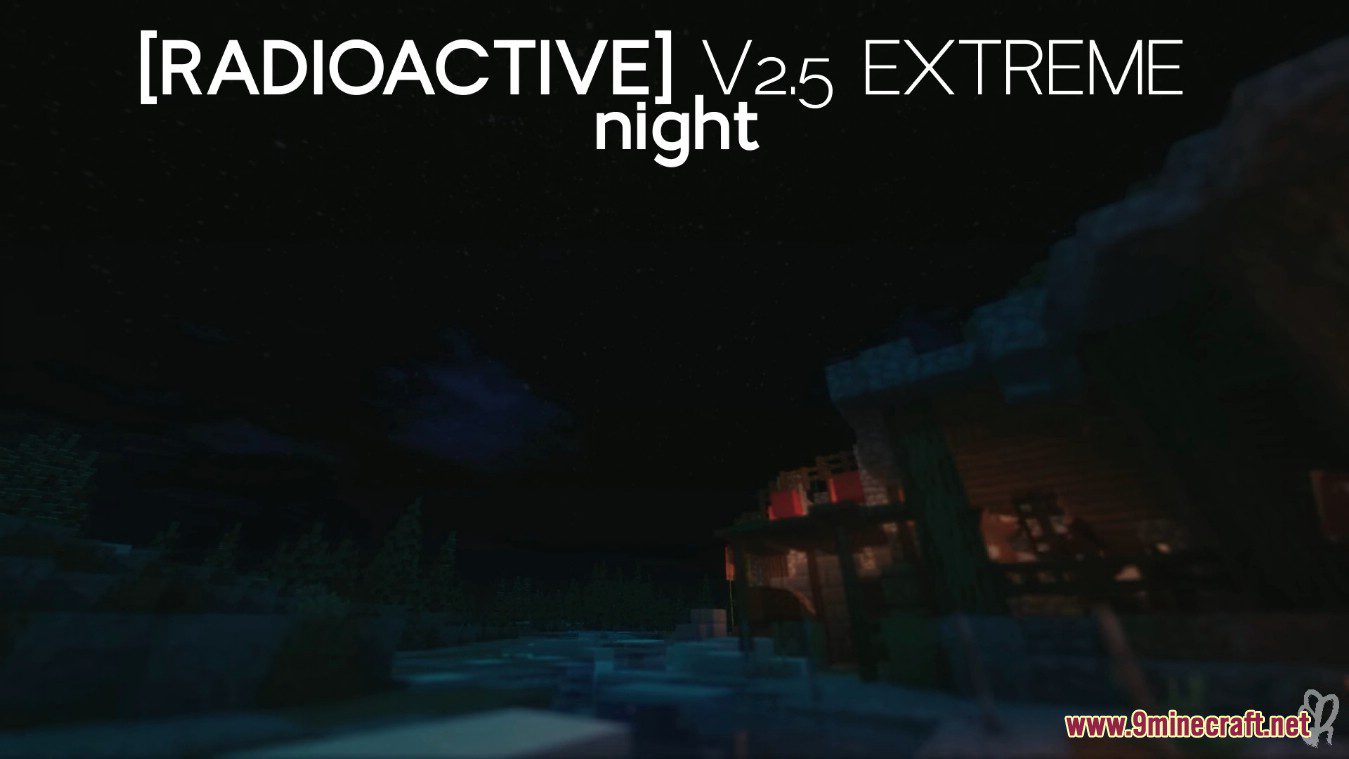
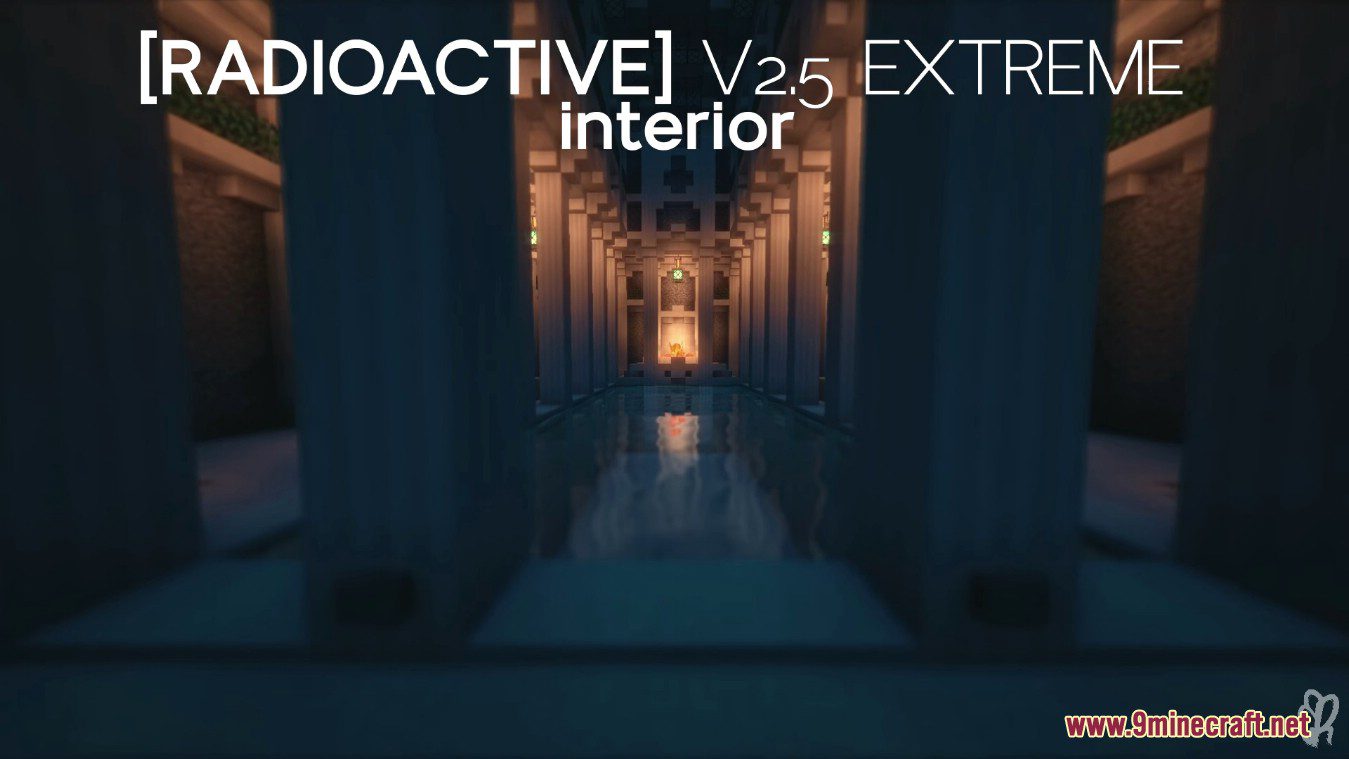
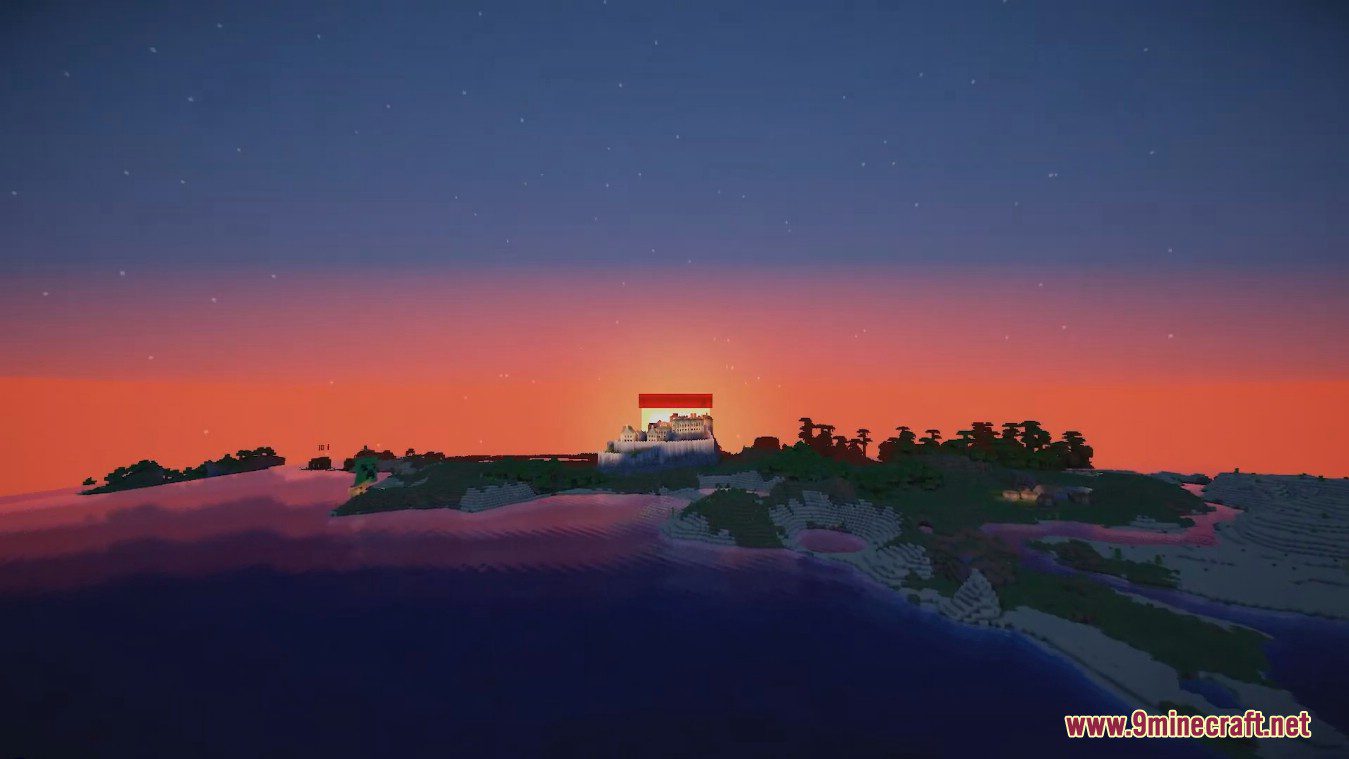
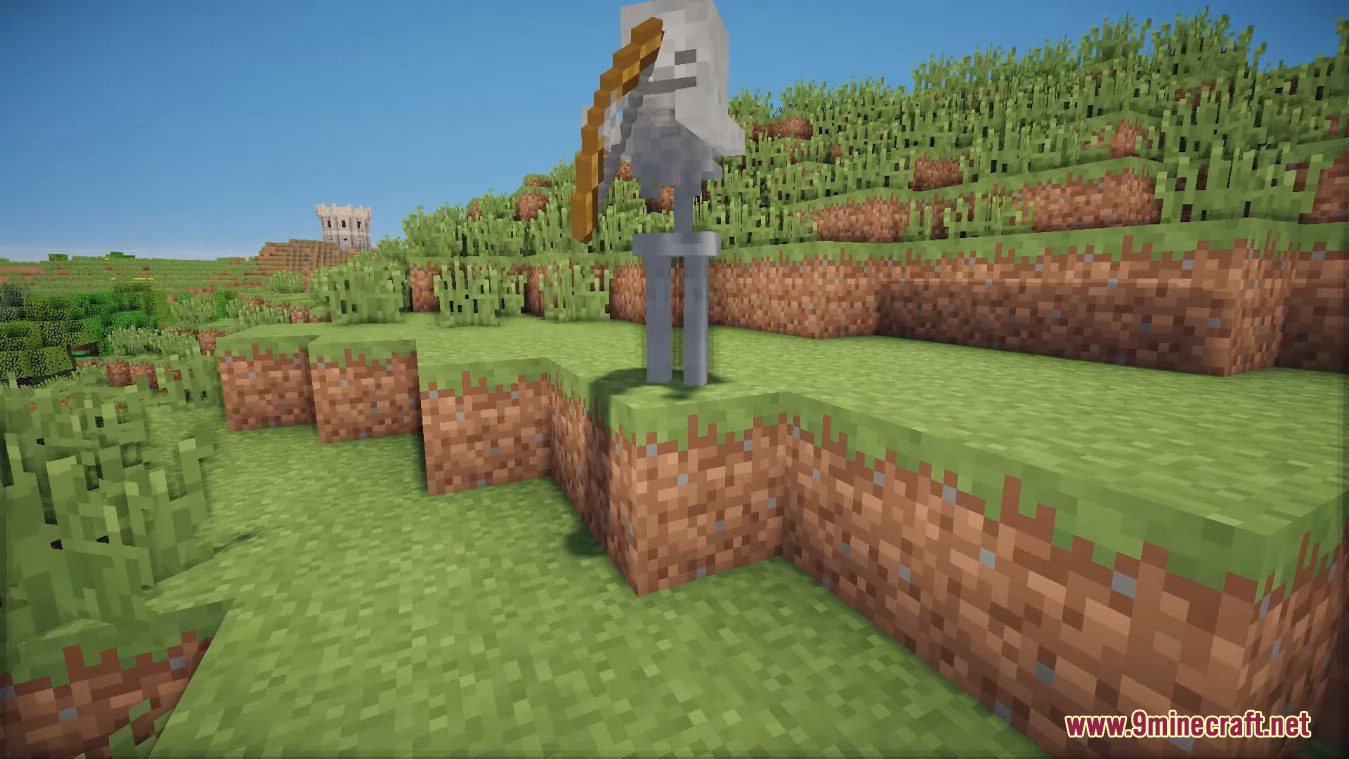
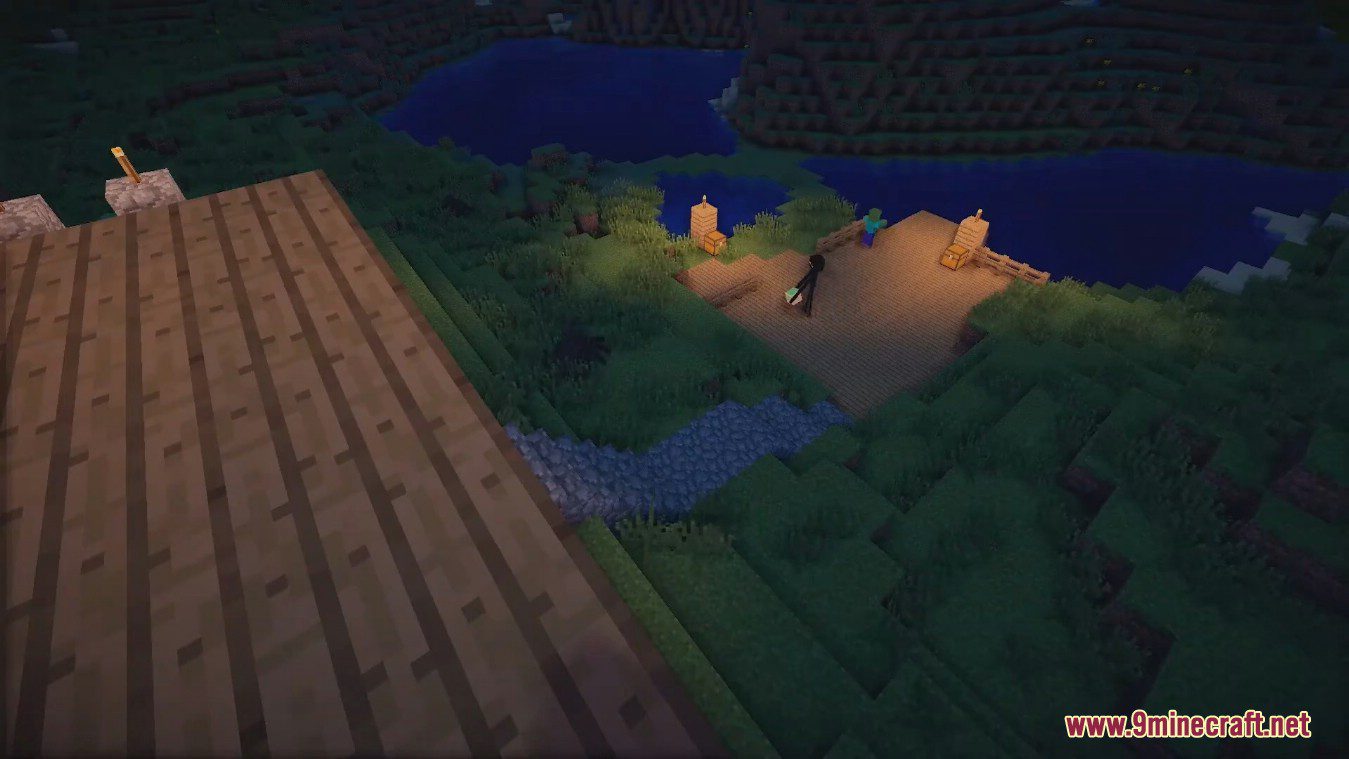
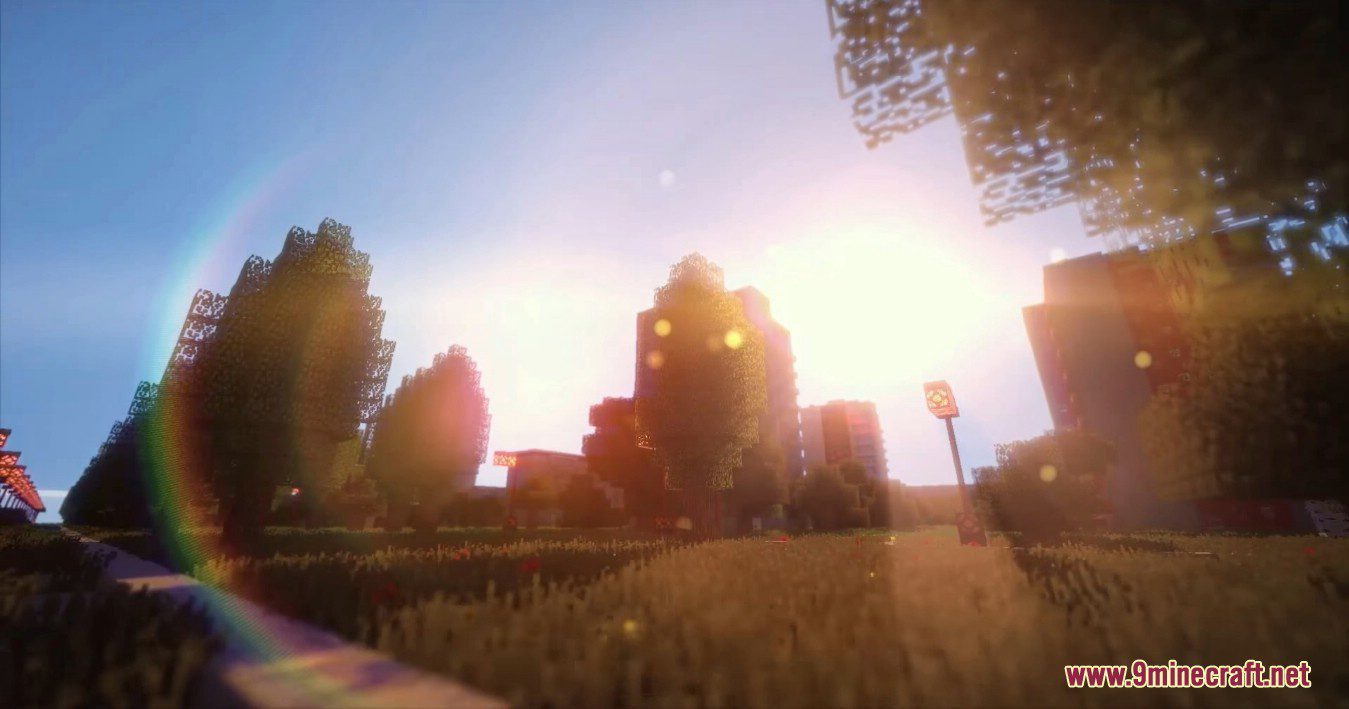
Radioactive Shaders is distinguished by excellent sophistication and attention to detail. They implemented many interesting lighting effects, including rainbow, glare, dynamic shadows and much more. Added options to modify the effect of the lenses, added the ability to disable some glare, deleted, HQ bloom.
Screenshots:
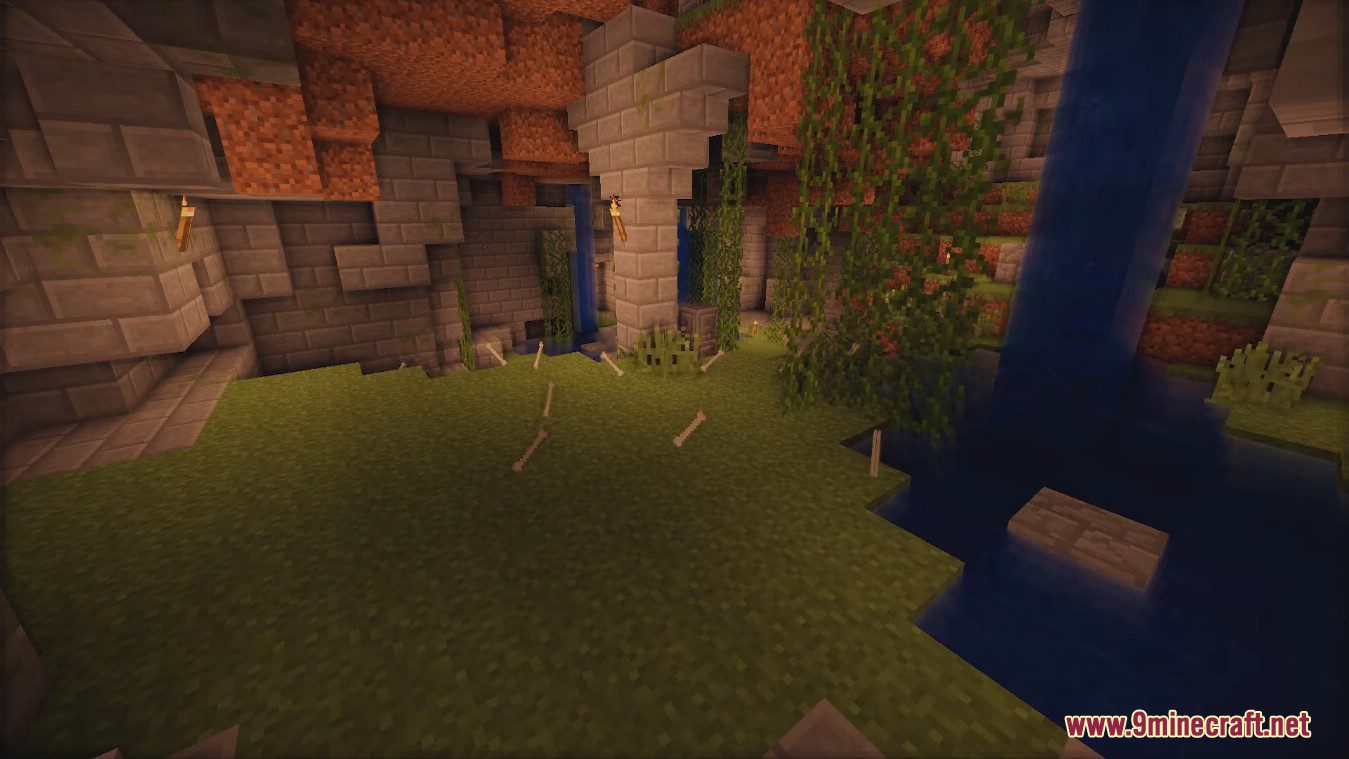
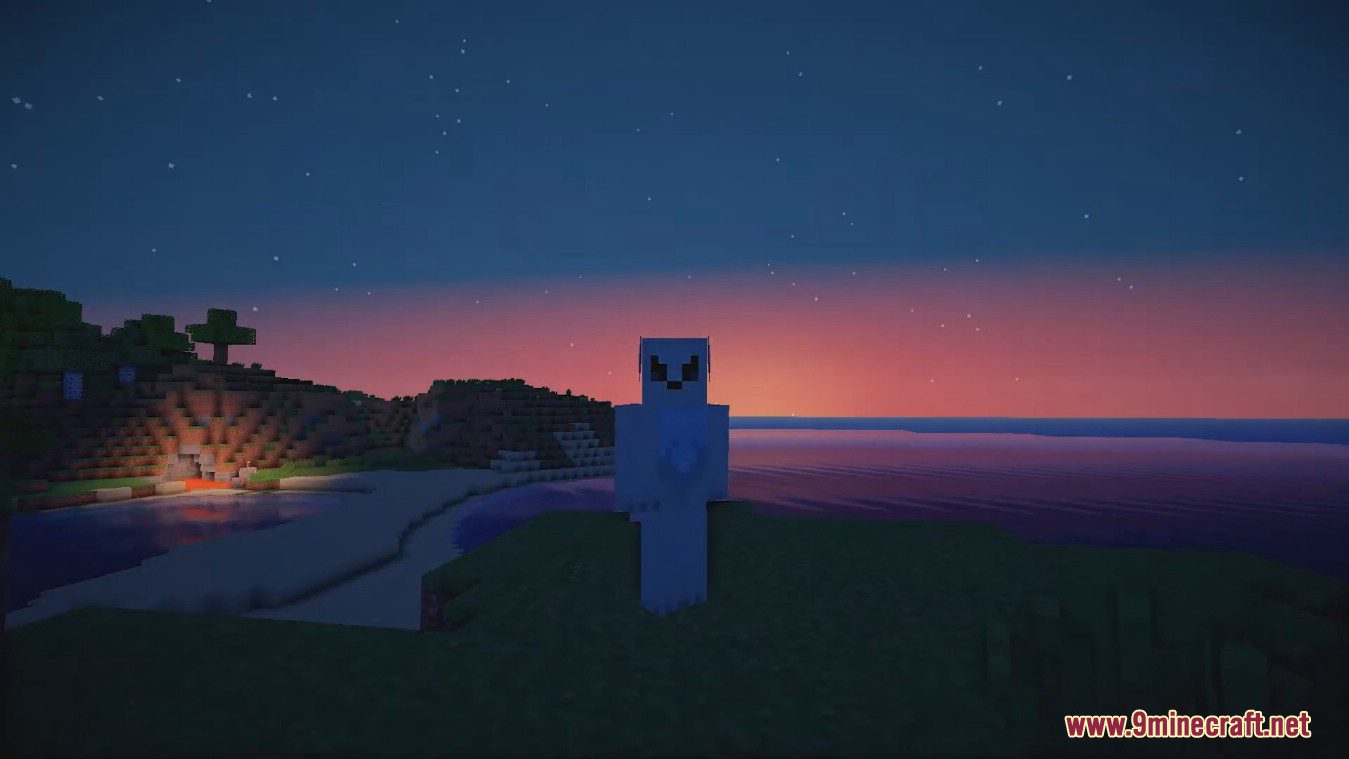
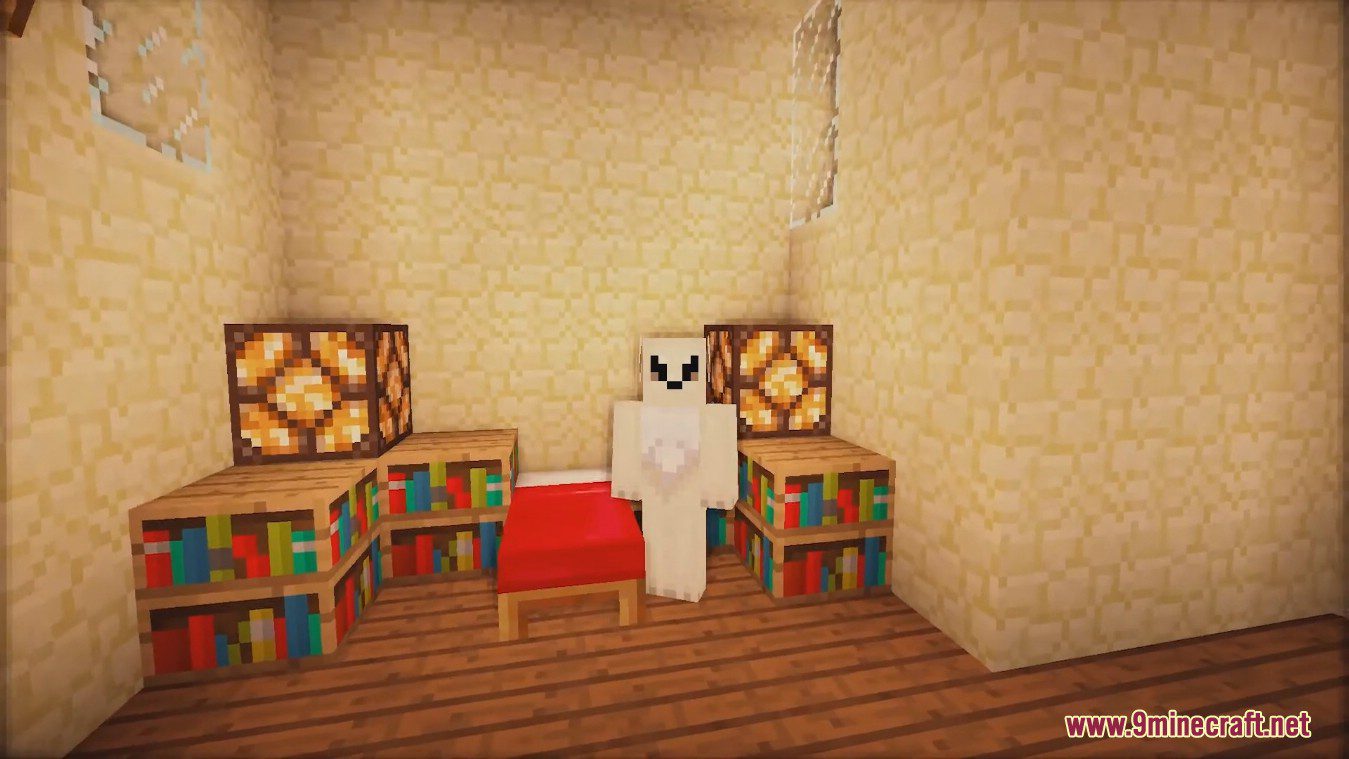
Radioactive Shaders Download Links
Low: Download from Server 1 – Download from Server 2
Medium: Download from Server 1 – Download from Server 2
High: Download from Server 1 – Download from Server 2
Ultra: Download from Server 1 – Download from Server 2
Ultra DoF: Download from Server 1 – Download from Server 2
Ultra Motion Blur: Download from Server 1 – Download from Server 2
Ultra Motion Blur DoF: Download from Server 1 – Download from Server 2
Extreme: Download from Server 1 – Download from Server 2
- Edition: Minecraft Java
- File type: .zip (resource pack)
- Minecraft version listed: 1.20.1
- How to install: Download the .zip resource pack — do not unzip it. → Put it in .minecraft/resourcepacks. → Enable it in Options → Resource Packs.
- Where to get it: In MC Java Mods, or directly above on this page.
Install steps are the general flow for this file type — see the MC Java Mods guides for the full walkthrough.
Radioactive Shaders (26.3, 1.20.1) – Rainbow, Glare, Dynamic Shadows is a free Minecraft Java shader. Compatible with Minecraft 1.20.1. Download it and open it directly in the game.