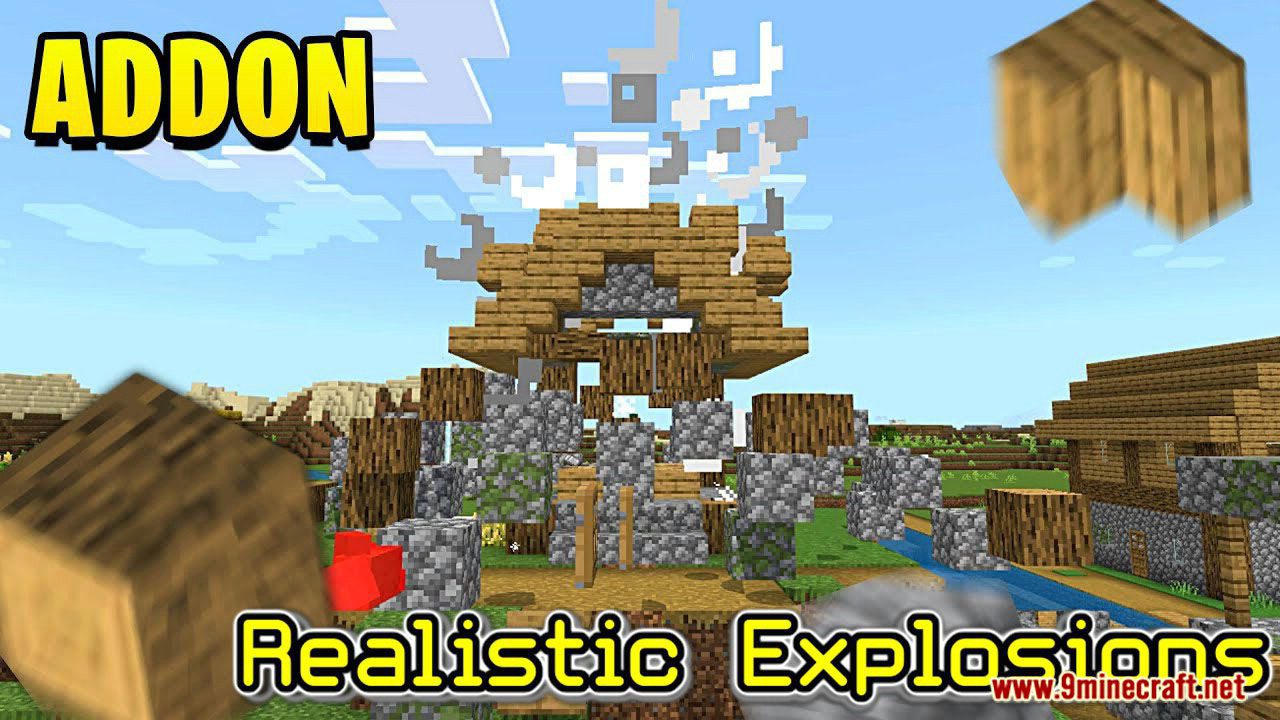
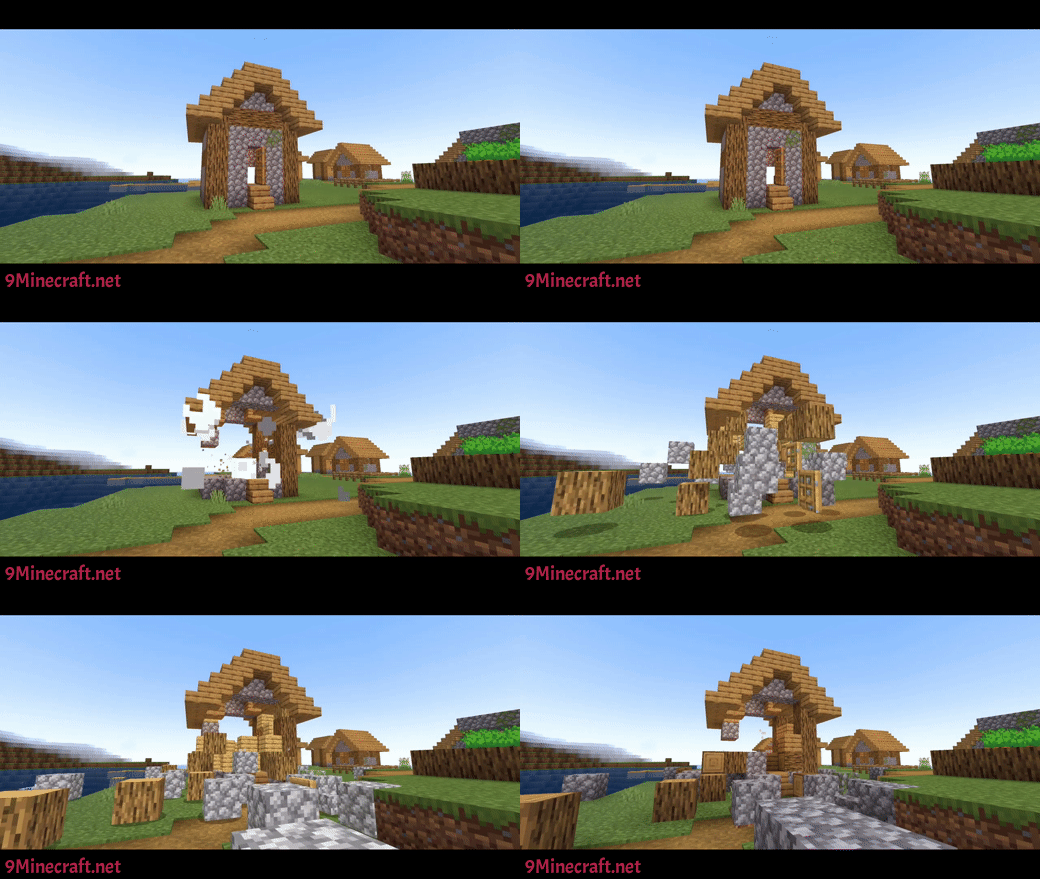
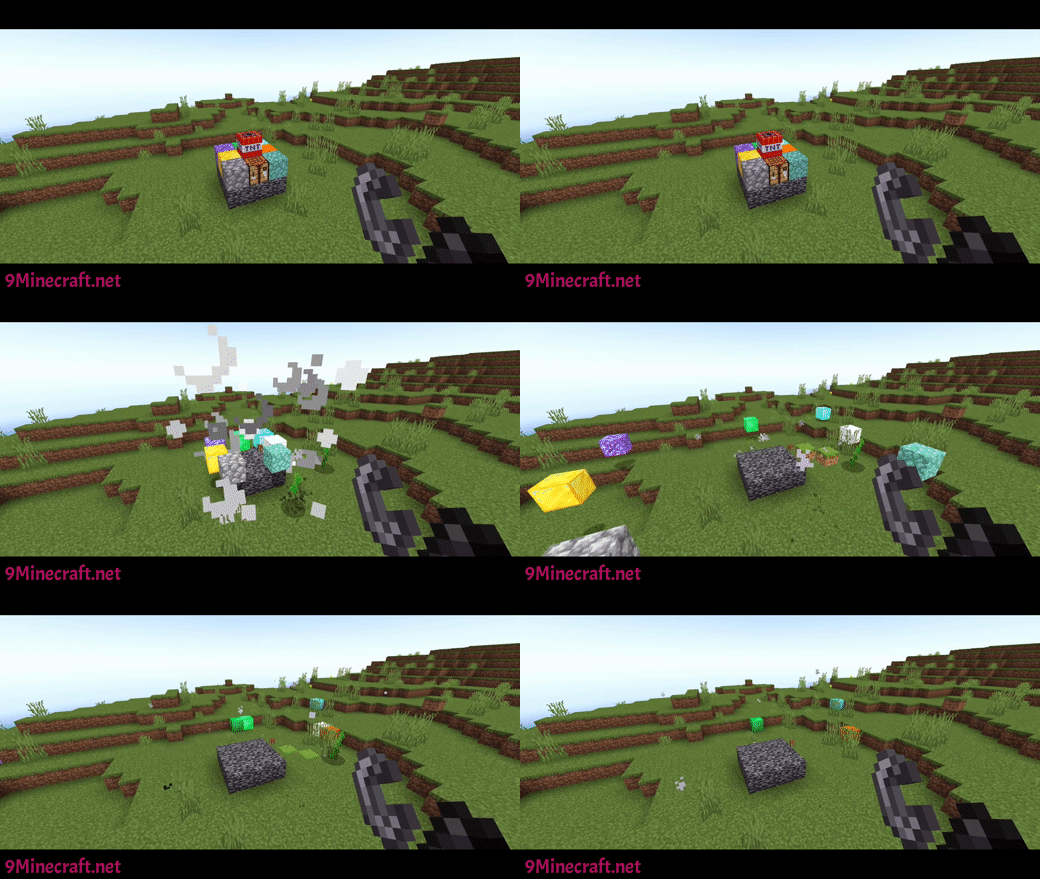
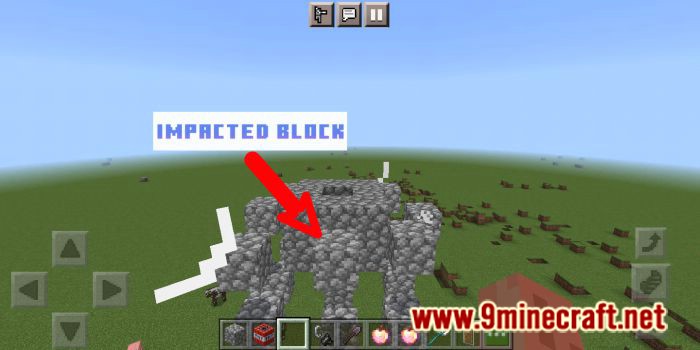
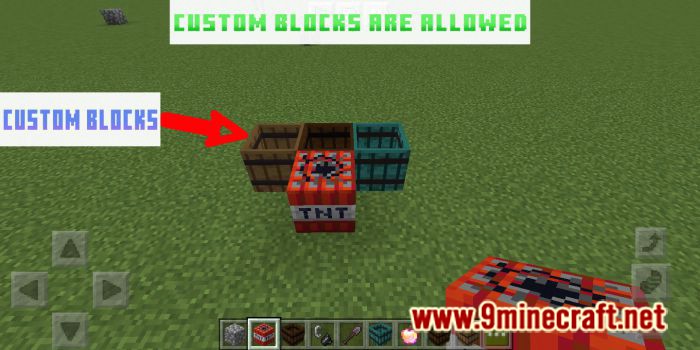
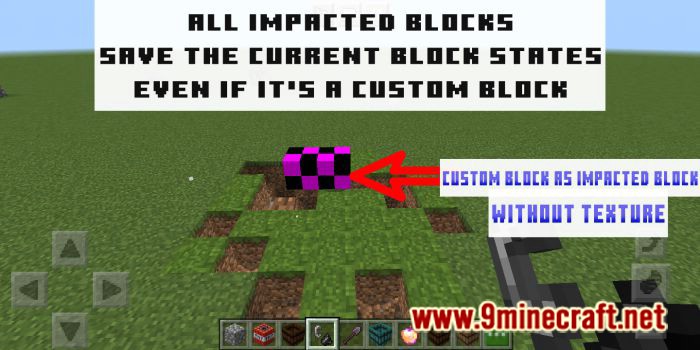
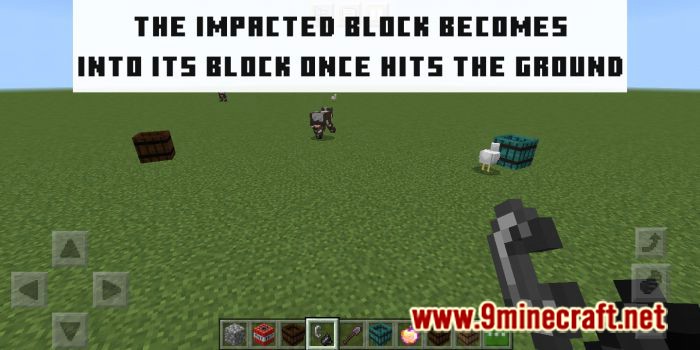
Realistic Explosions Addon makes the explosions in your world more realistic changing the physics of them. Custom blocks are allowed but their will not get textures as “IMPACTED BLOCK”.
Features:
An impacted block is the entity that will be thrown once an explosion success. They save the current block states even if it’s a custom block
Once an impacted block hits the ground it’ll become into its respective block again (With the same block states)
- The explosion needs to cause 2 impacted blocks as minimum to work.
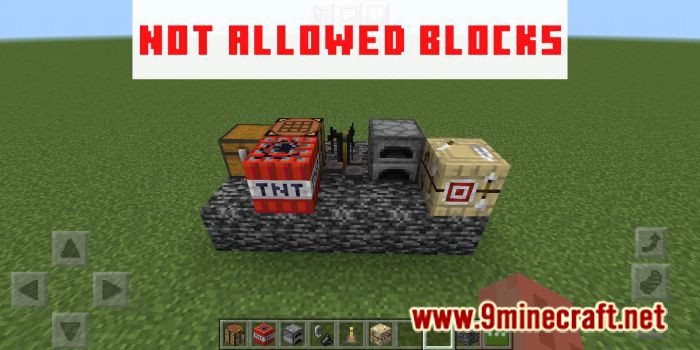
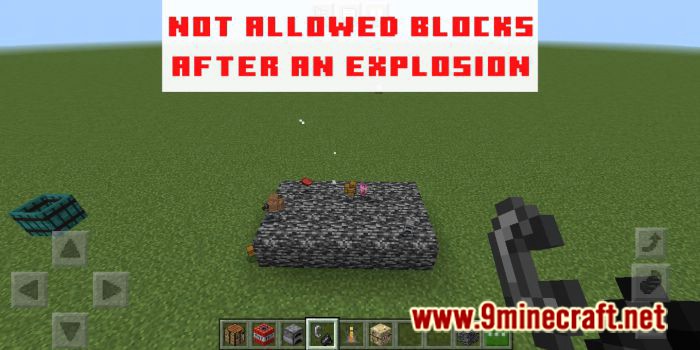
If a block is not allowed (see the black list) the explosion doesn’t generate an Impacted block. It’ll simply be destroyed as usual (This also applies if the explosion doesn’t impact more than 1 block)
- There are Vanilla blocks that aren’t allowed in this add-on
Black list:
Show More[“composter”, “snow_layer”, “crafting_table”, “loom”, “cactus”, “sand”, “unpowered_comparator”, “end_rod”, “lightning_rod”, “unpowered_repeater”, “powered_comparator”, “powered_comparator”, “monster_egg”, “undyed_shulker_box”, “trapped_chest”, “tnt”, “stonecutter_block”, “stonecutter”, “soul_campfire”, “smoker”, “dropper”, “dispenser”, “skull”, “chest”, “barrel”, “shulker_box”, “furnace”, “lit_blast_furnace”, “lit_smoker”, “bed”, “blast_furnace”, “anvil”, “beacon”, “bell”, “brewing_stand”, “camera”, “campfire”, “ender_chest”, “hopper”, “jukebox”, “redstone_wire”, “mob_spawner”, “glow_frame”, “frame”, “netherite_block”, “gravel”, “cauldron”, “scaffolding”, “lantern”, “soul_lantern”, “lectern”, “torch”, “soul_torch”, “sea_pickle”, “lever”, “cartography_table”, “fletching_table”, “smithing_table”, “tripwire_hook”, “wall_banner”, “redstone_torch”, “standing_banner”]
- Custom blocks are allowed but will not have a texture as an impacted block
- Works with any source of explosion even if it is from another addon (Creepers, TNT,TNT MINECART, FIREBALLS, WITHER SKULLS,ETC)
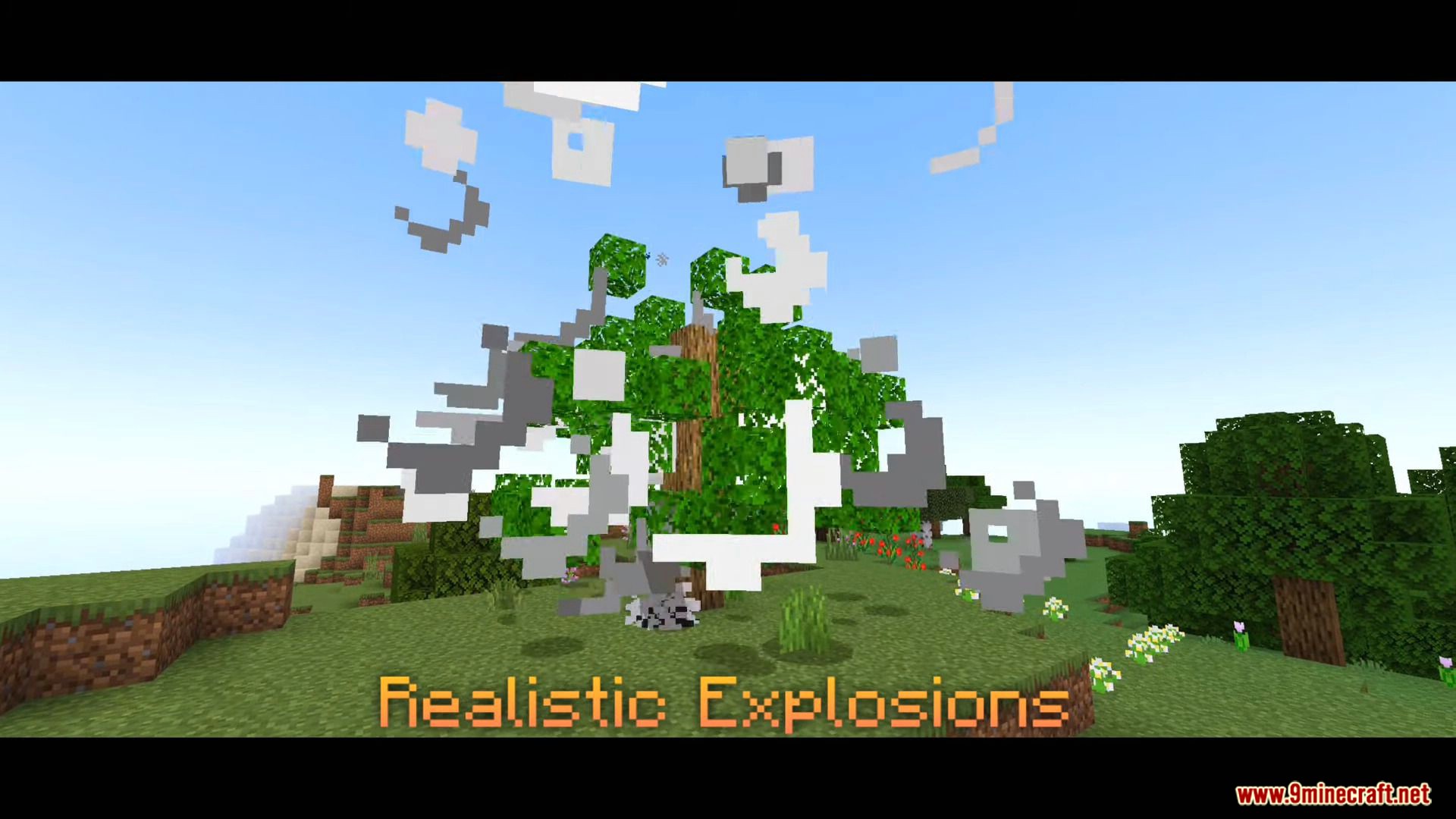
Once you turn on this addon the explosions in your world will change
Installation Note:
Turn on these Experiments:
- Gametest Framework [Turn On]
- Holiday Creator Features [Turn On]
- Experimental Molang Features [Turn On]
Realistic Explosions Addon Download Links
For MCPE/Bedrock 1.18
- Edition: Minecraft Bedrock
- File type: .mcpack or .mcaddon
- Minecraft version listed: 1.18
- How to install: Download the .mcpack or .mcaddon file. → Open it — Minecraft imports it. → In your world: Behavior Packs → Available → Activate, then the same under Resource Packs.
- Where to get it: In MCModsHub, or directly above on this page.
Install steps are the general flow for this file type — How to install Minecraft Bedrock addons & mods walks through it step by step.
- Pack type: .mcaddon — behaviour and resource pack in one file
- Complete pack — everything it depends on is inside the file
- Download size: 107 KB
- Download link checked 18 Jun 2026 — working
- Mirrored on our own servers — the download does not depend on the original host
These come from our own check of the pack file, not from the source page.