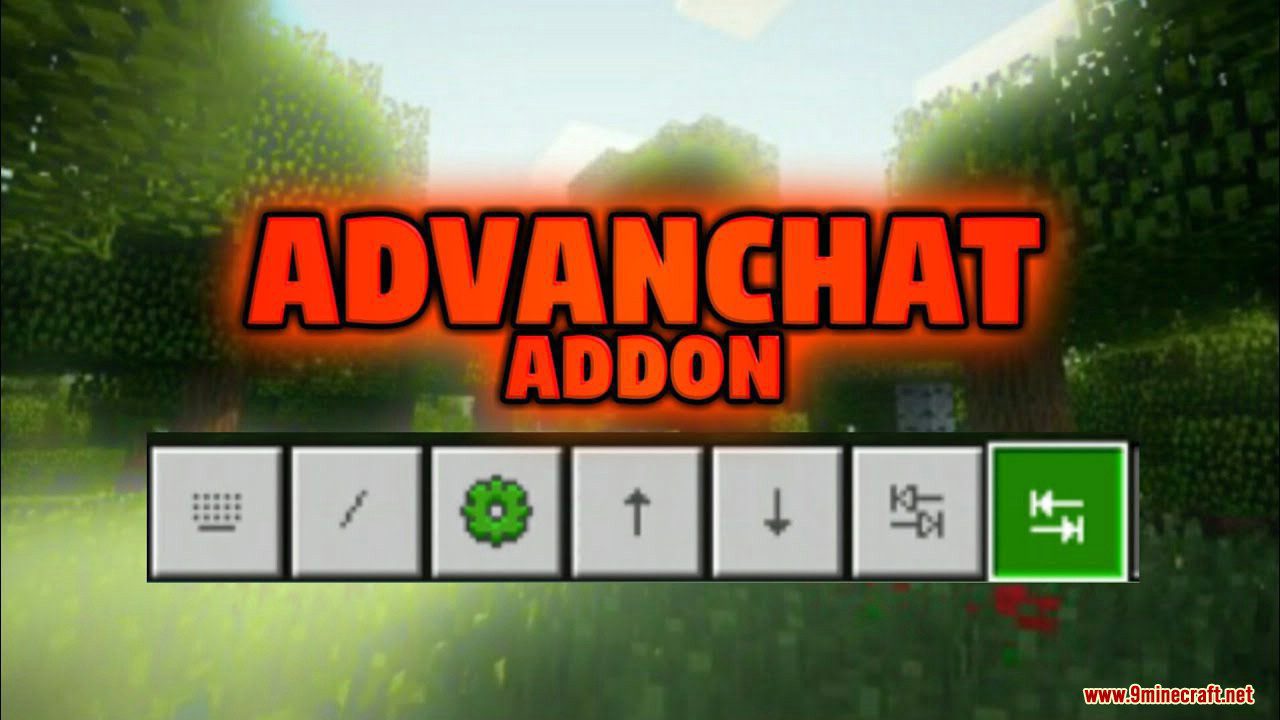
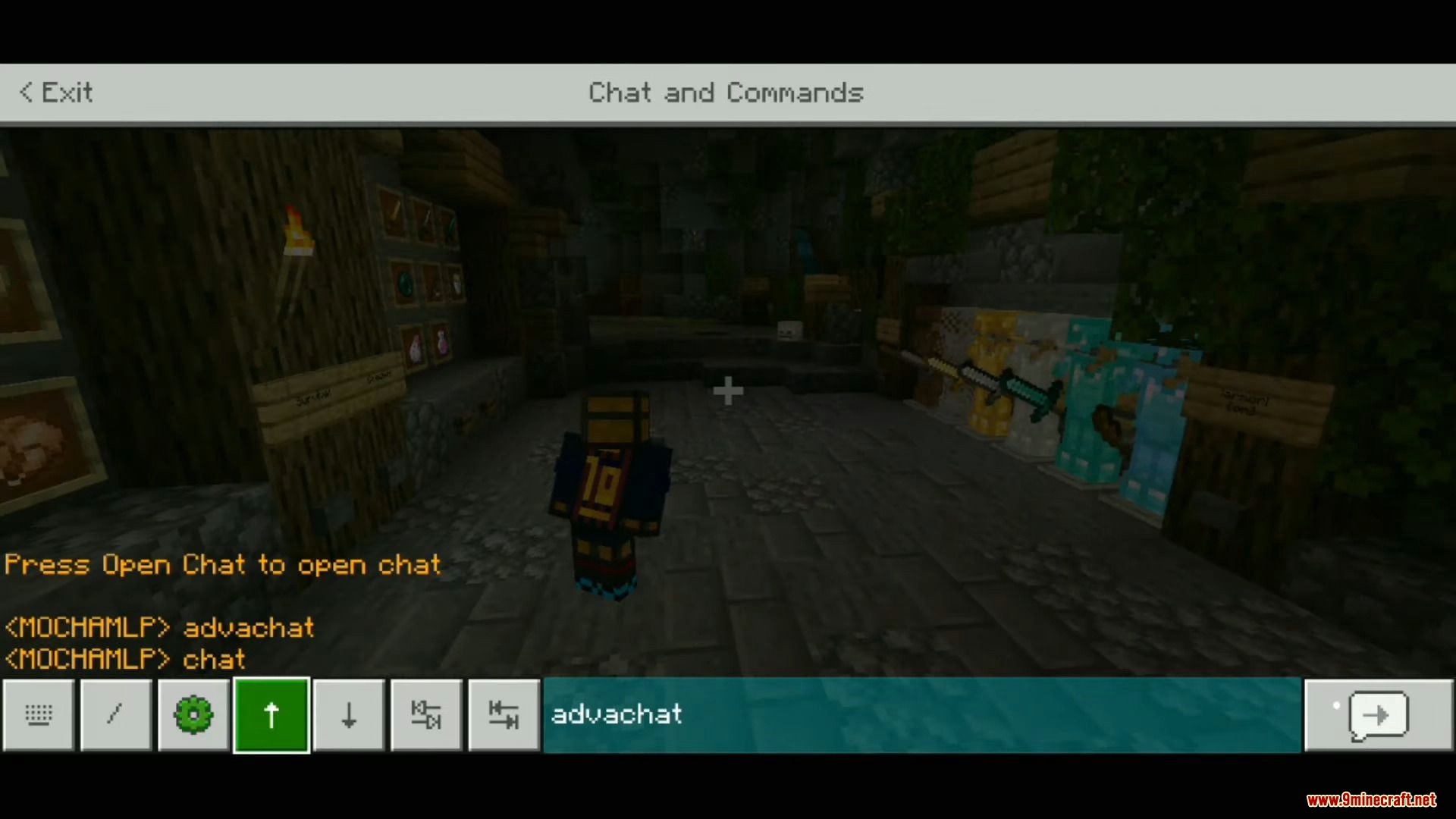
Advanchat Addon aims to improve the experience of mobile players when using the chat screen by implementing useful features such as autocompletion abilities only available to keyboard players up until now.
Features:
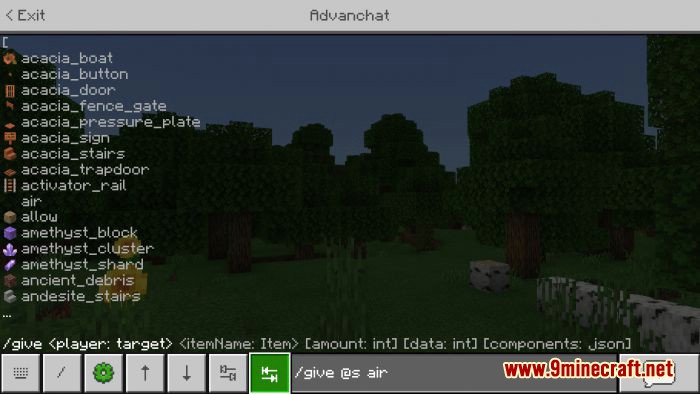
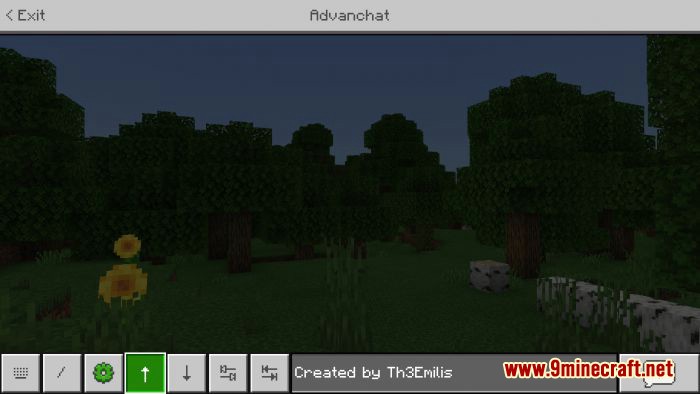
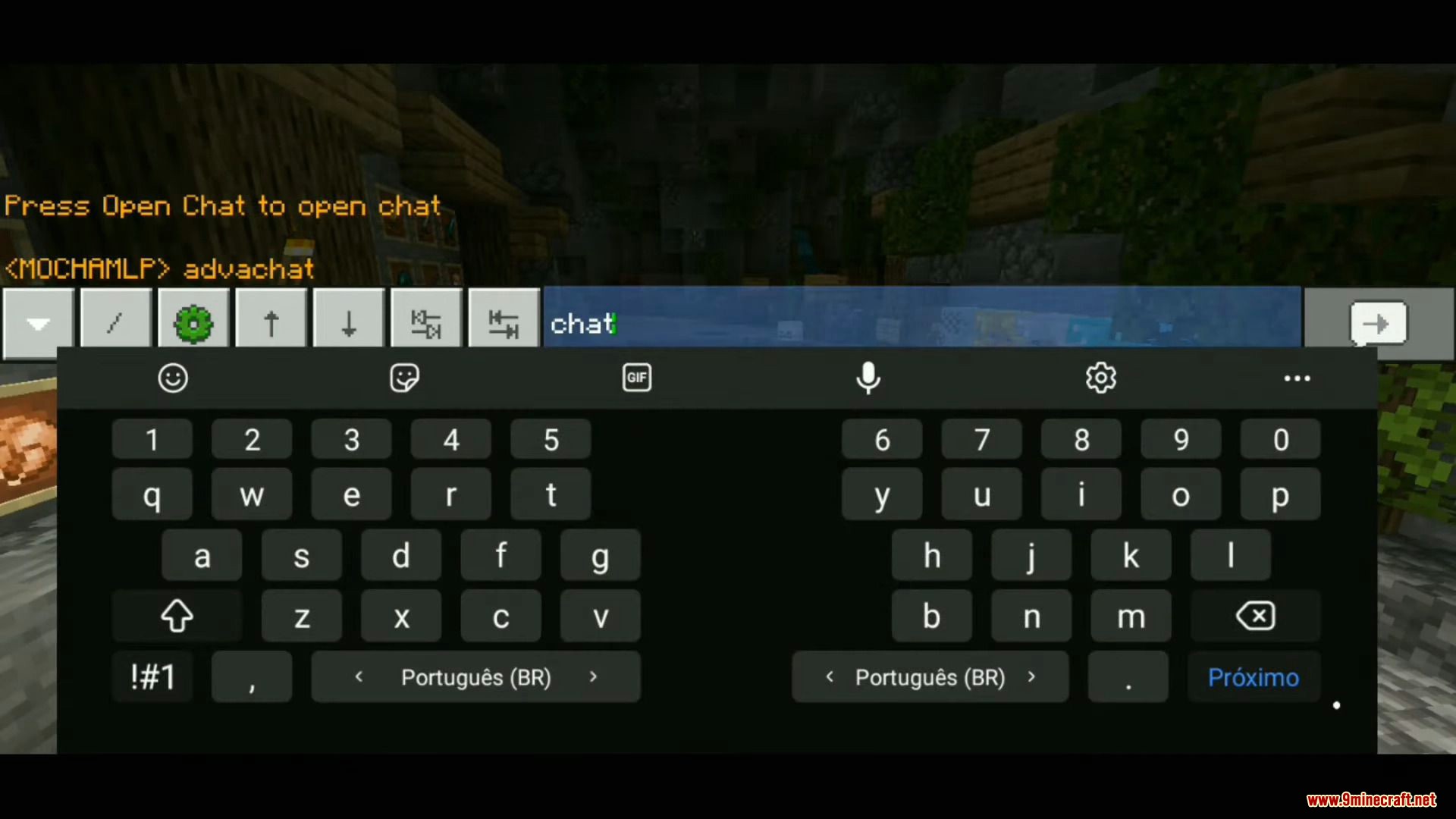
Advanchat simplifies the chat screen experience of mobile players with small but useful features, like tab buttons to autocomplete your commands or arrow buttons to let you navigate between your previous messages and send them again.
Other features include UI fixes, such as proper focus state effect for buttons, and the ability to prevent the chat screen from closing when taking damage.
Some features are only available by enabling the extension packs bundled with the base add-on. If you do not plan to use any of the additional features, simply delete the extension packs. If you change your mind, reinstall the add-on to recover them.
Screenshots:
Advanchat Addon Download Links
For MCPE/Bedrock Edition 1.19
- Edition: Minecraft Bedrock
- File type: .mcpack or .mcaddon
- Minecraft version listed: 1.19
- How to install: Download the .mcpack or .mcaddon file. → Open it — Minecraft imports it. → In your world: Behavior Packs → Available → Activate, then the same under Resource Packs.
- Where to get it: In MCModsHub, or directly above on this page.
Install steps are the general flow for this file type — How to install Minecraft Bedrock addons & mods walks through it step by step.
- Pack type: .mcaddon — behaviour and resource pack in one file
- Manifest requires Minecraft 1.19.10 or newer
- Complete pack — everything it depends on is inside the file
- Download size: 133 KB
- Download link checked 18 Jun 2026 — working
- Mirrored on our own servers — the download does not depend on the original host
These come from our own check of the pack file, not from the source page.