AddonsBedrock
Smartphone Addon (1.18) – iPhone, Android
Bedrock add-on listed for Minecraft 1.18 (behavior + resource pack). File opened and checked on 16 Oct 2026; installs from the MC Bedrock Mods app on Android.
⬇ Download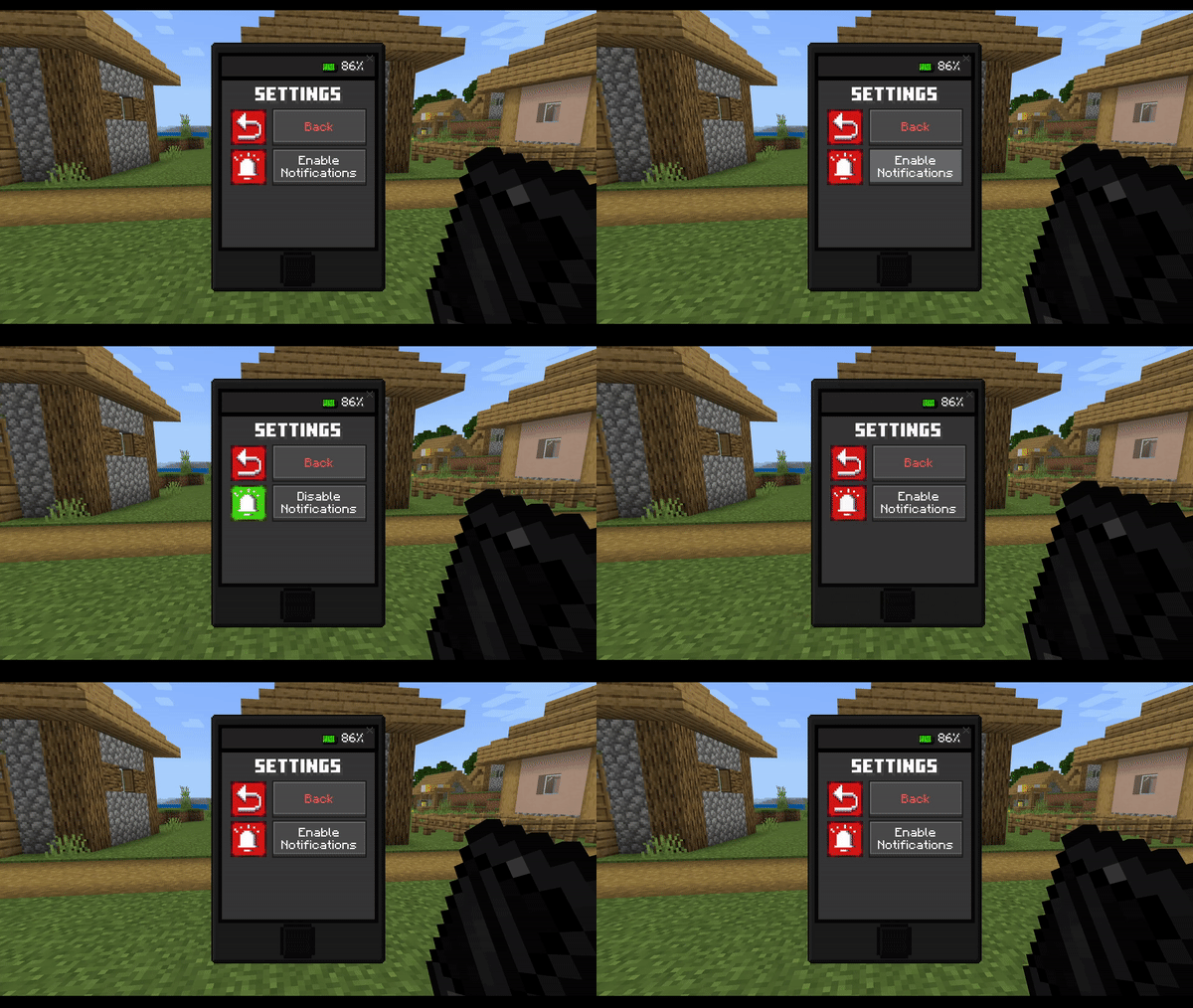
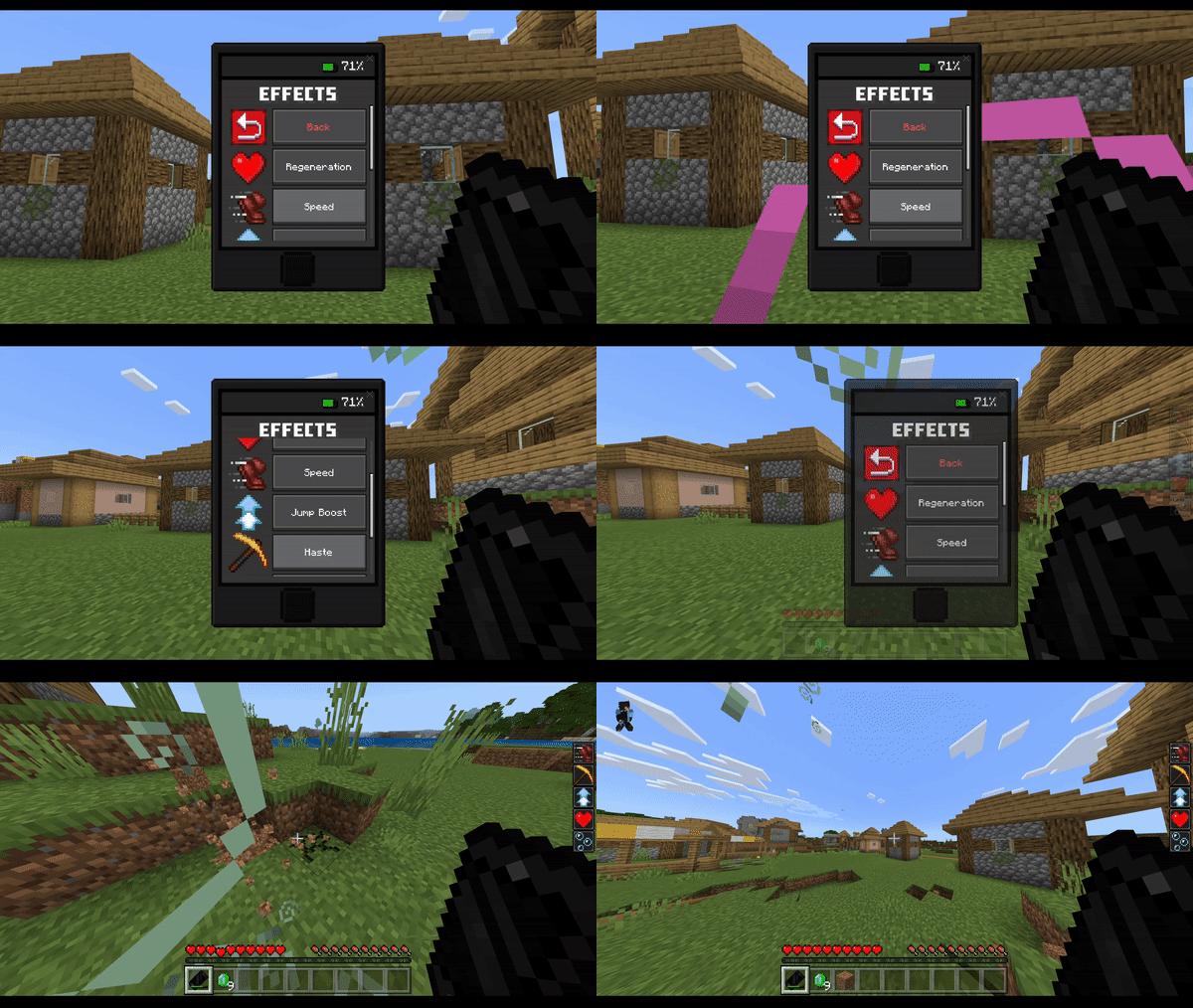
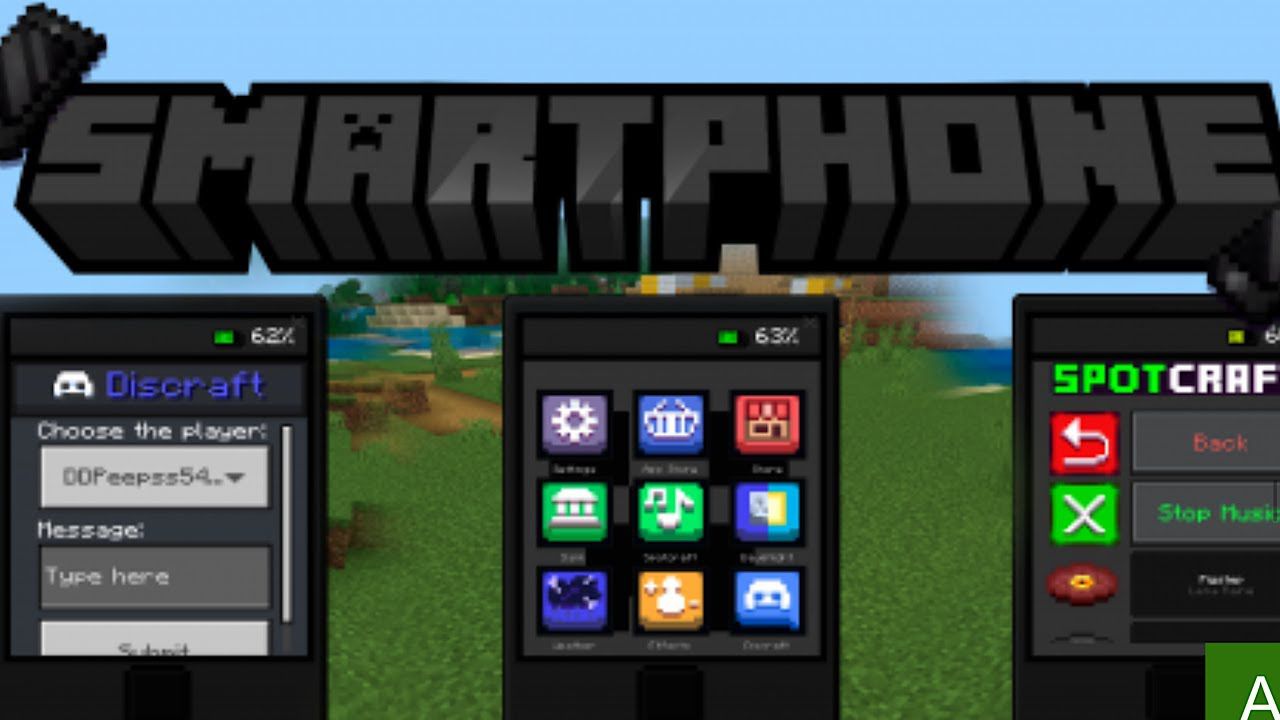
Smartphone Addon change the weather, day, night, play music and apply effects to improve your game and have fun with your friends! An add-on made for you and your friends to have fun, maybe even troll each other!
Features:
Apps:
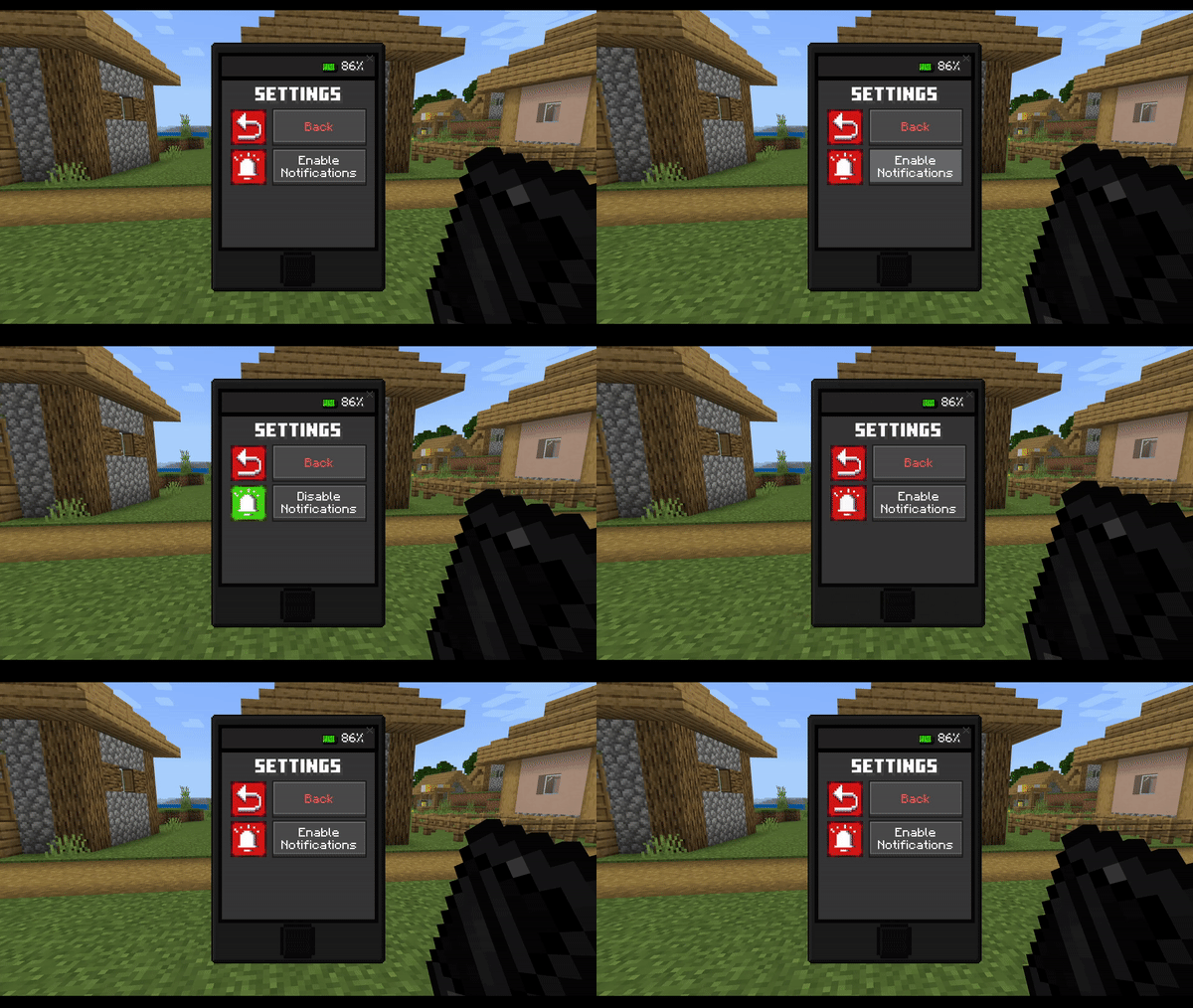
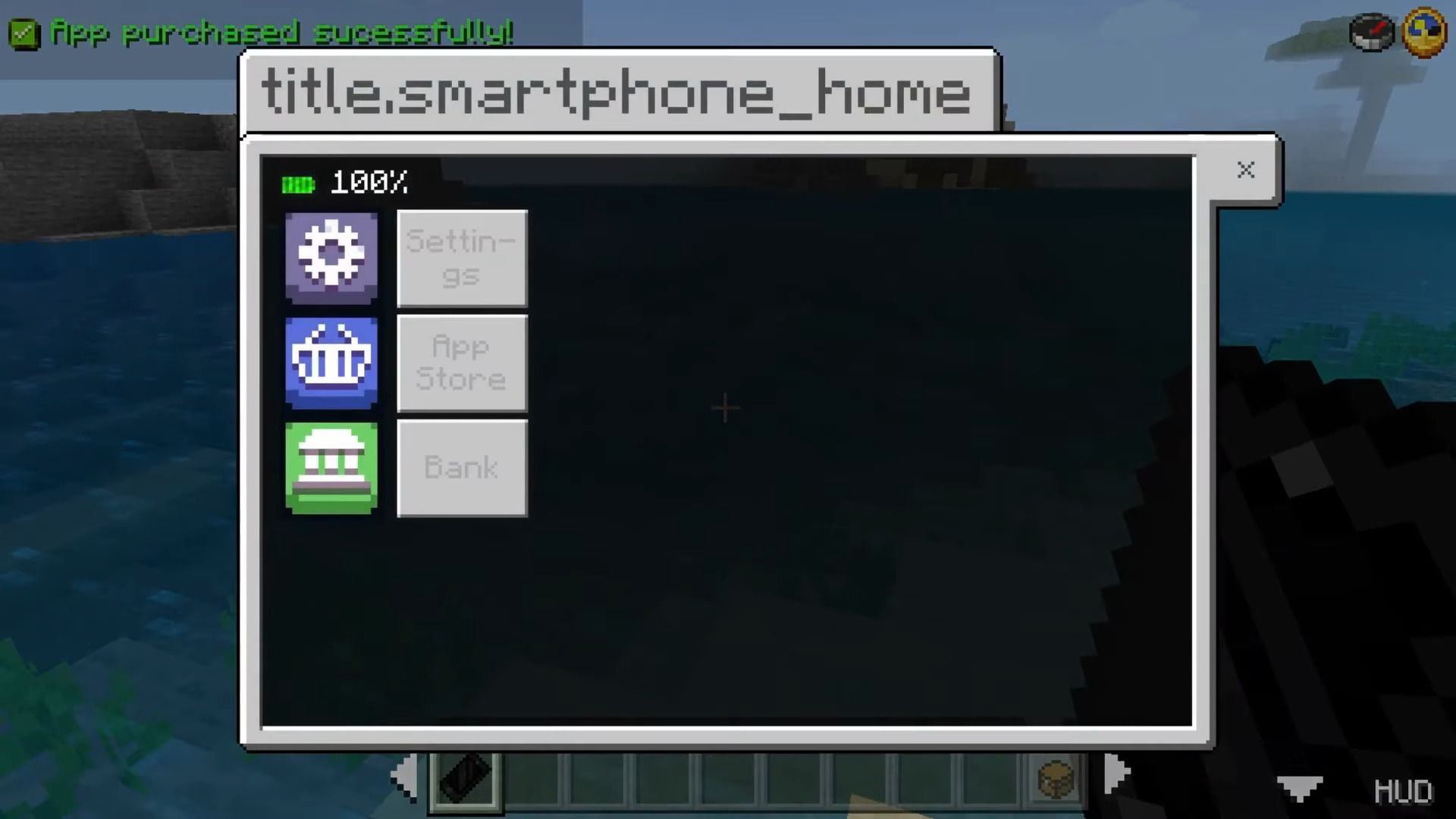
Settings:
- The settings app currently only has one function, which is to disable and enable add-on notifications.
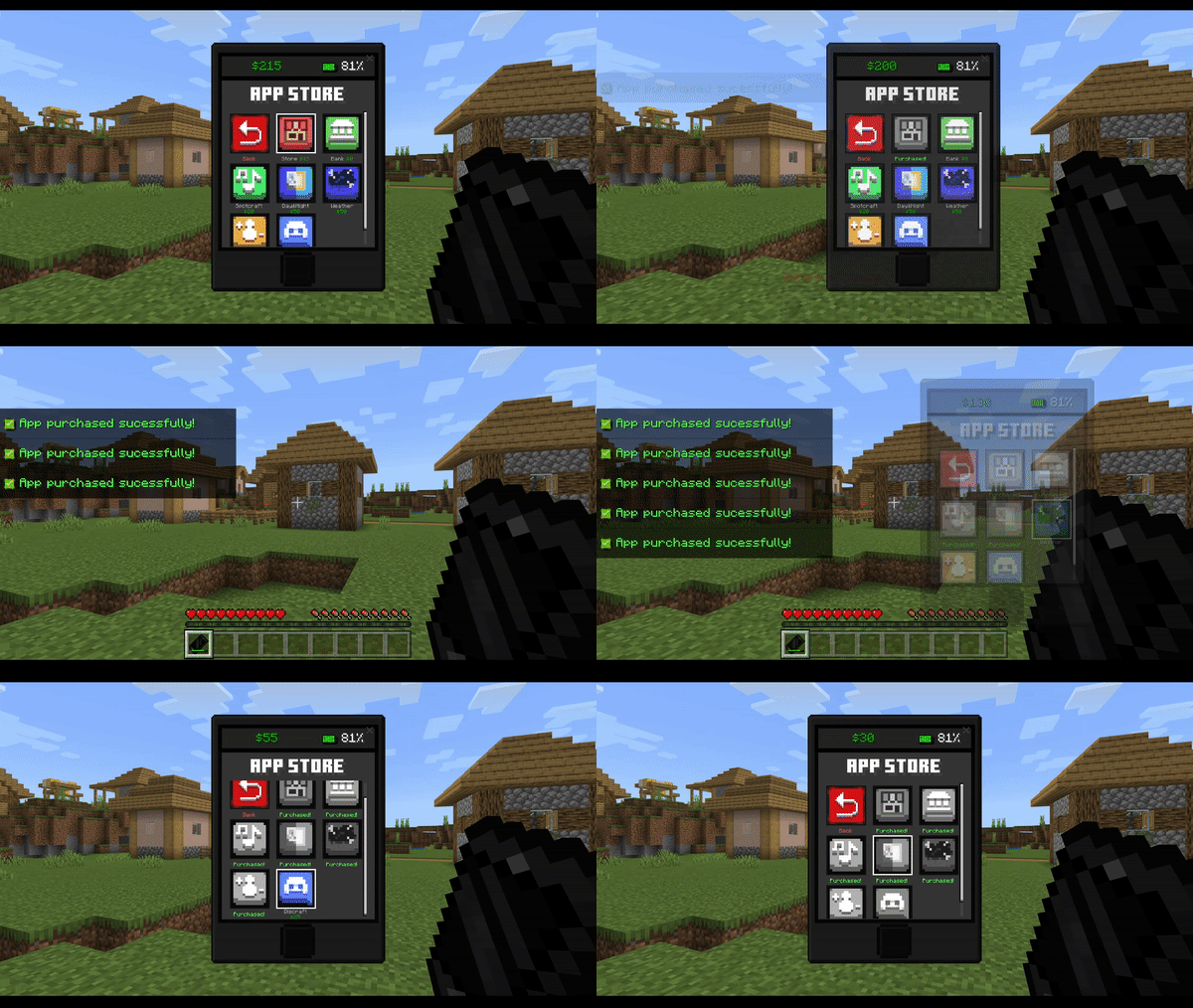
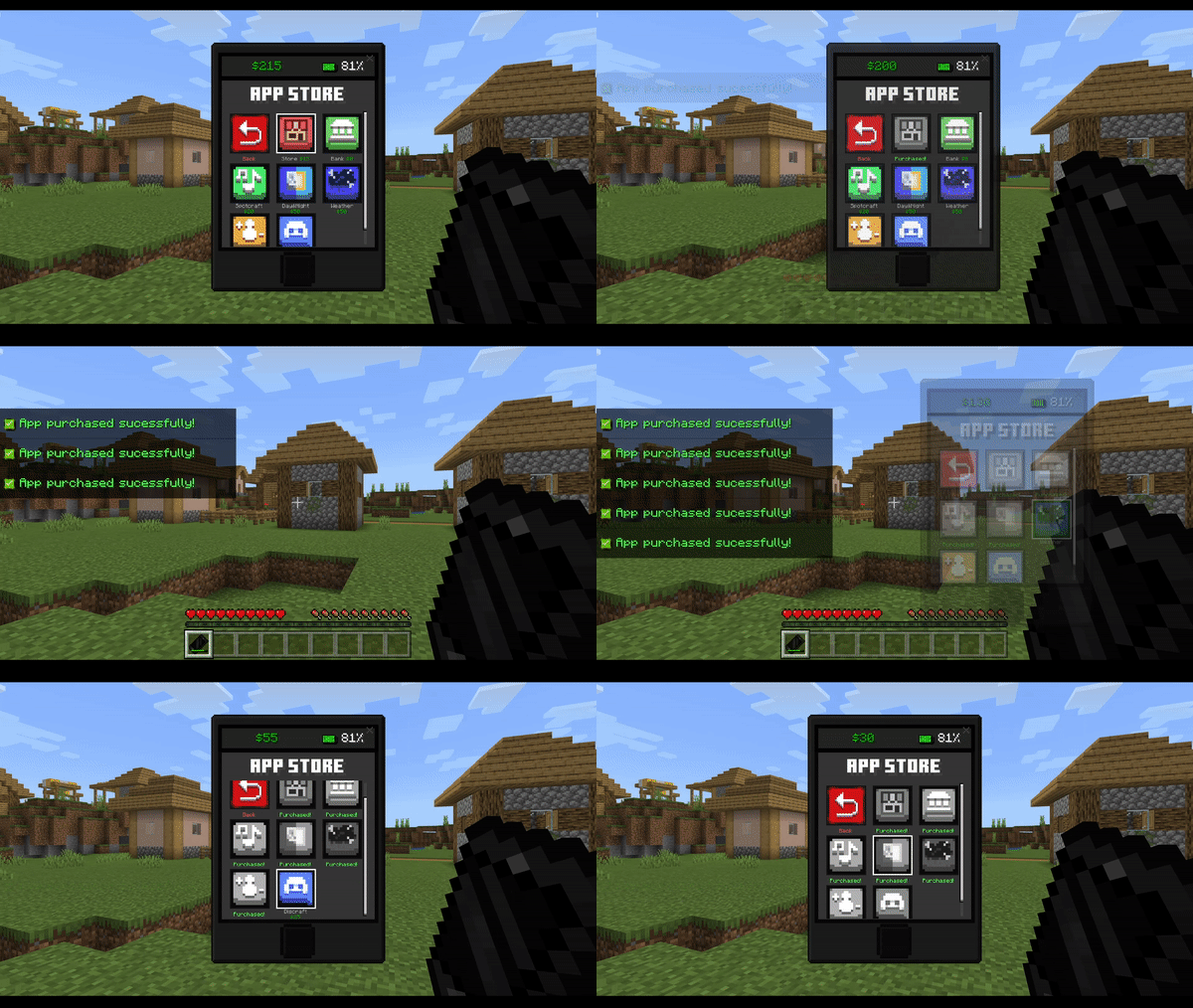
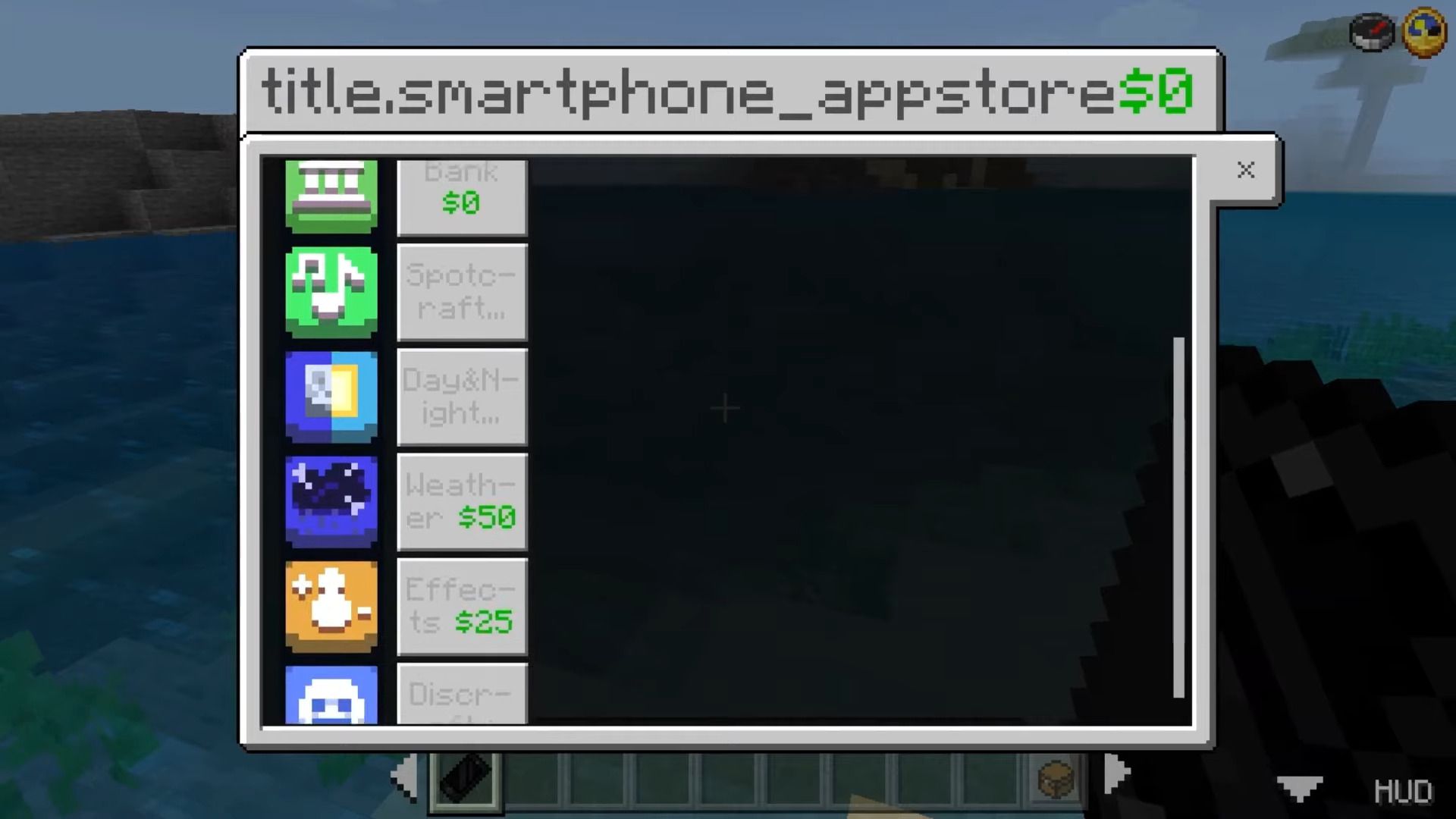
App Store:
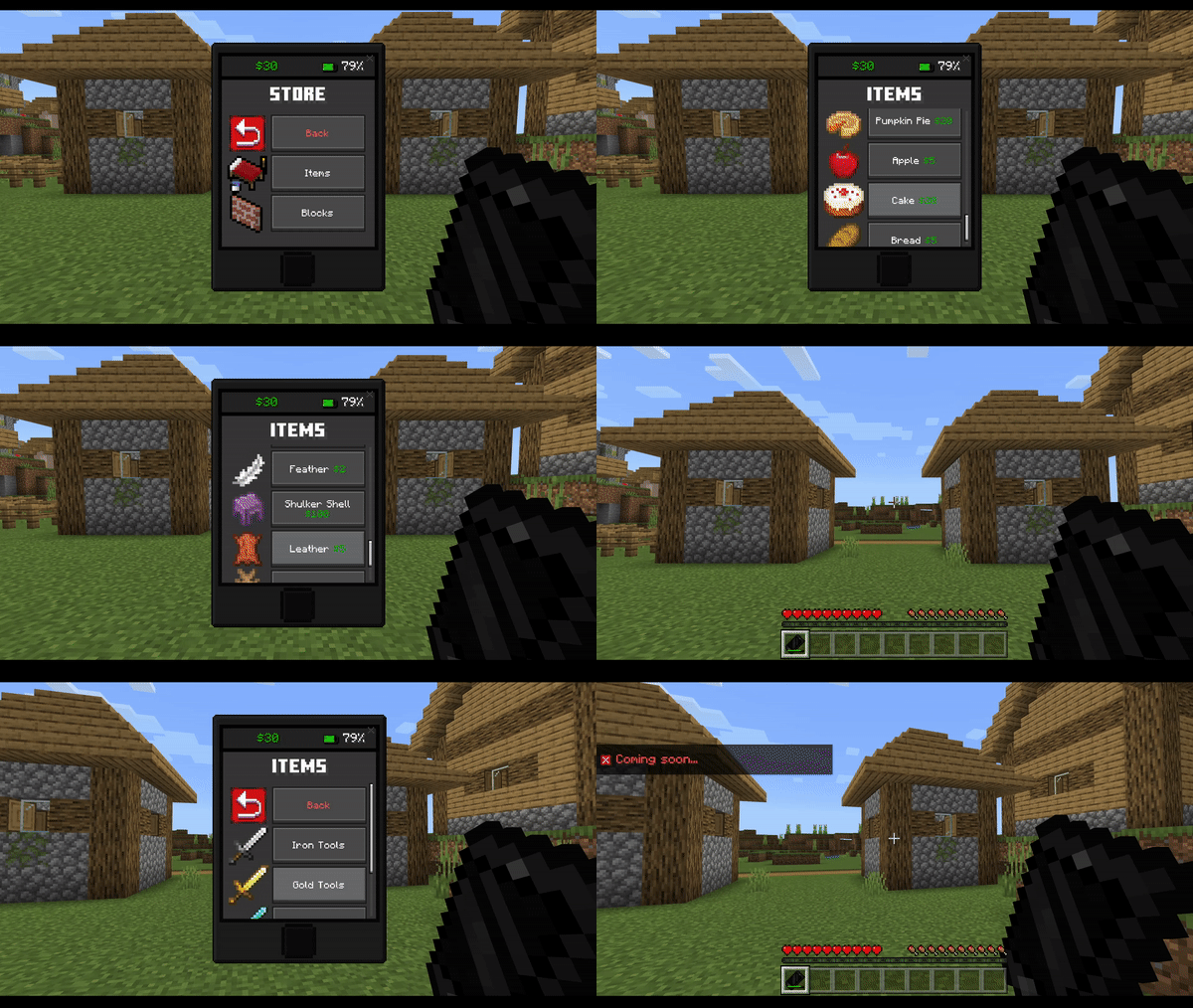
- The App Store app is used to purchase the other apps available from the add-on using the money in the add-on. Only the Bank App is free.
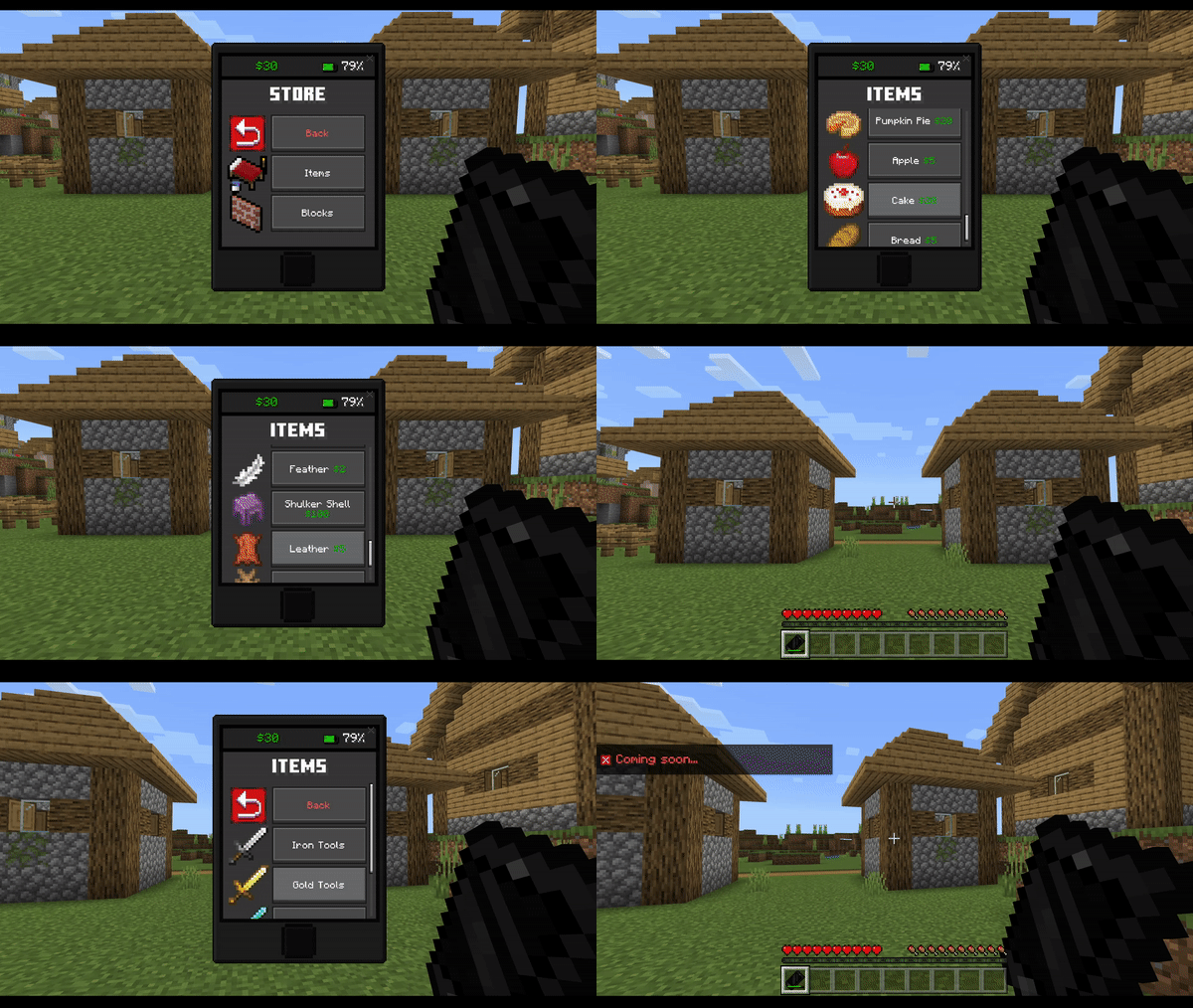
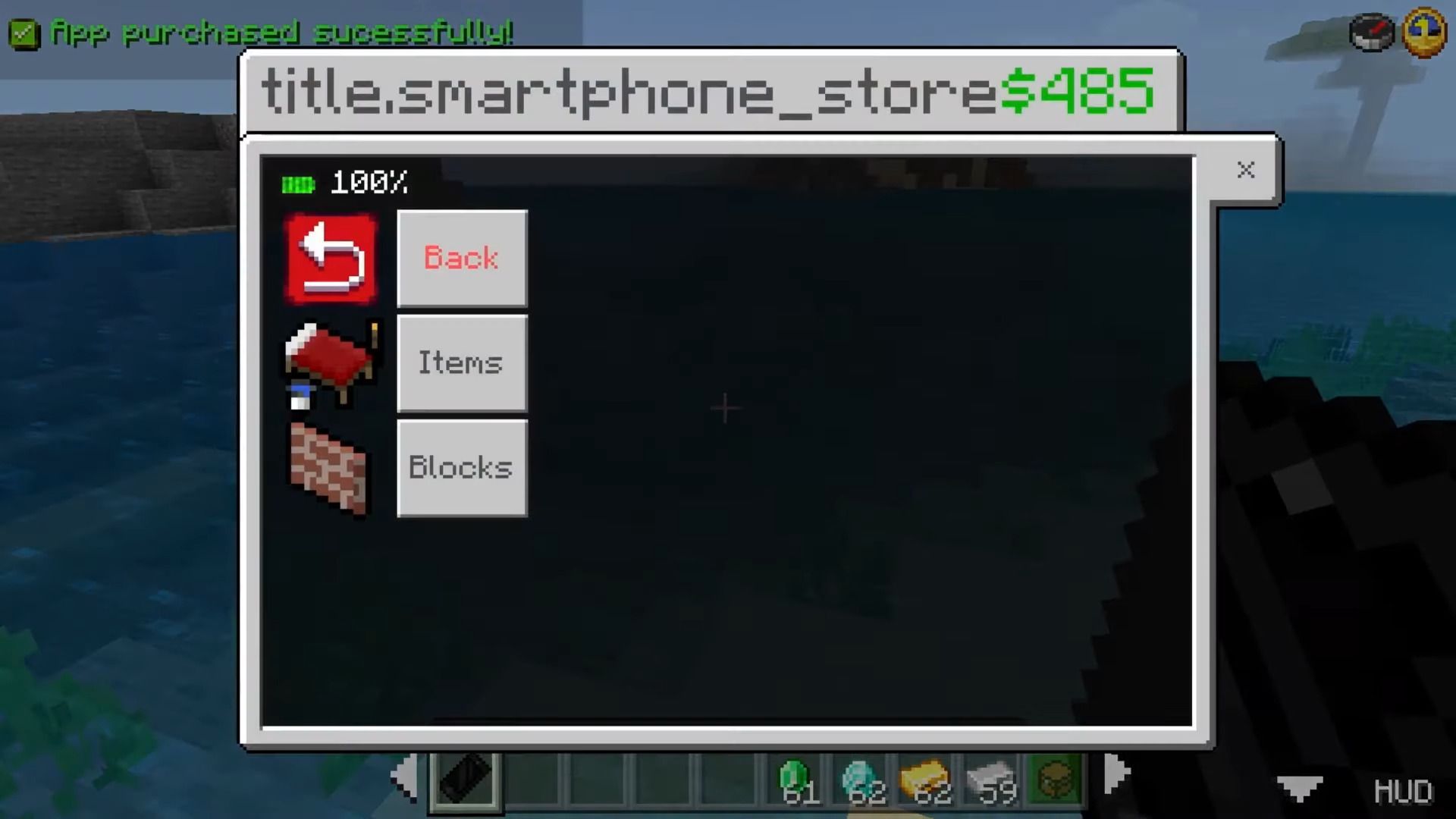
Store:
- The Store app is where you can buy items like food, armor, drops, and many more using the money in the add-on! The ability to buy blocks and other items is coming soon.
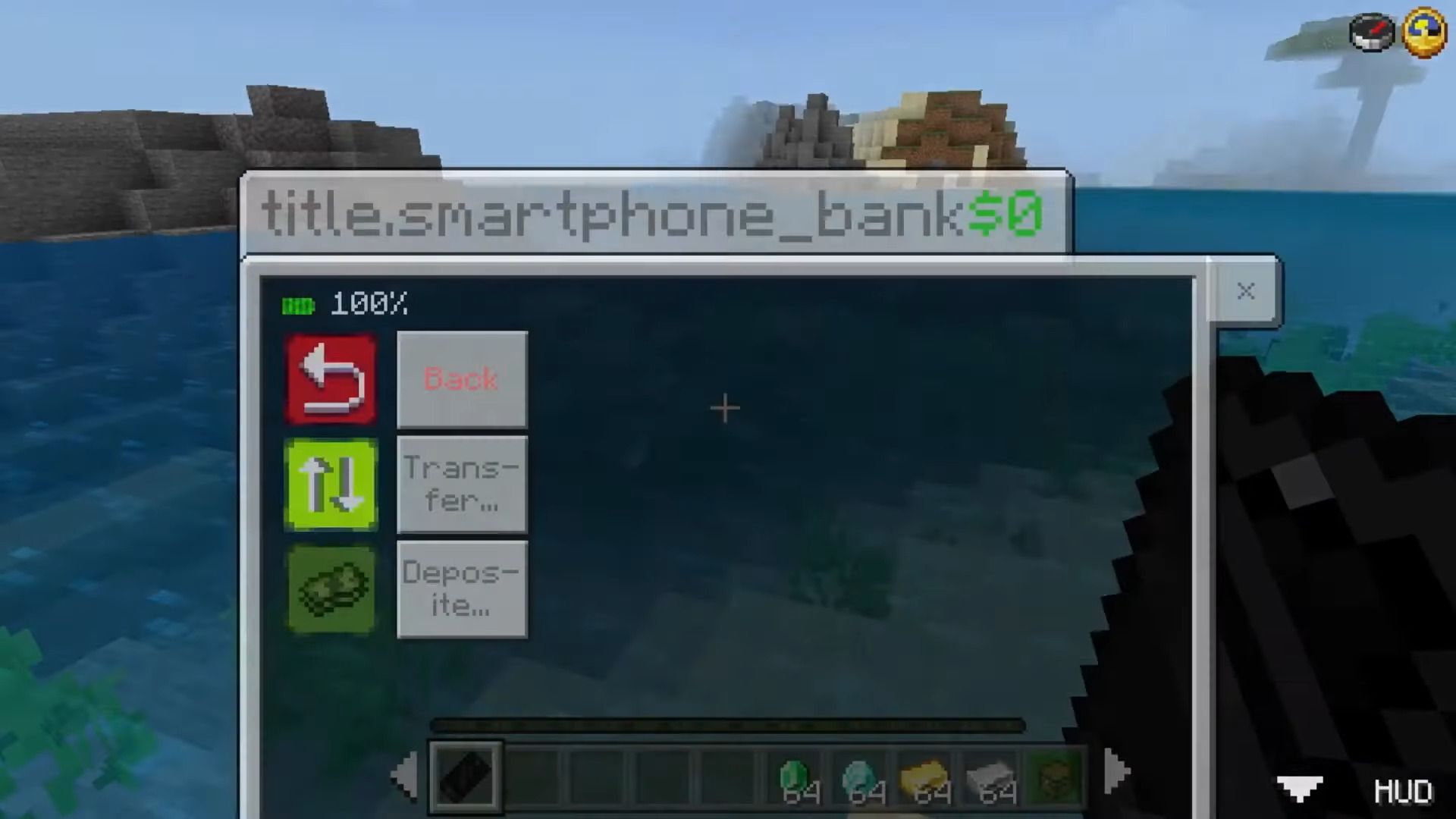
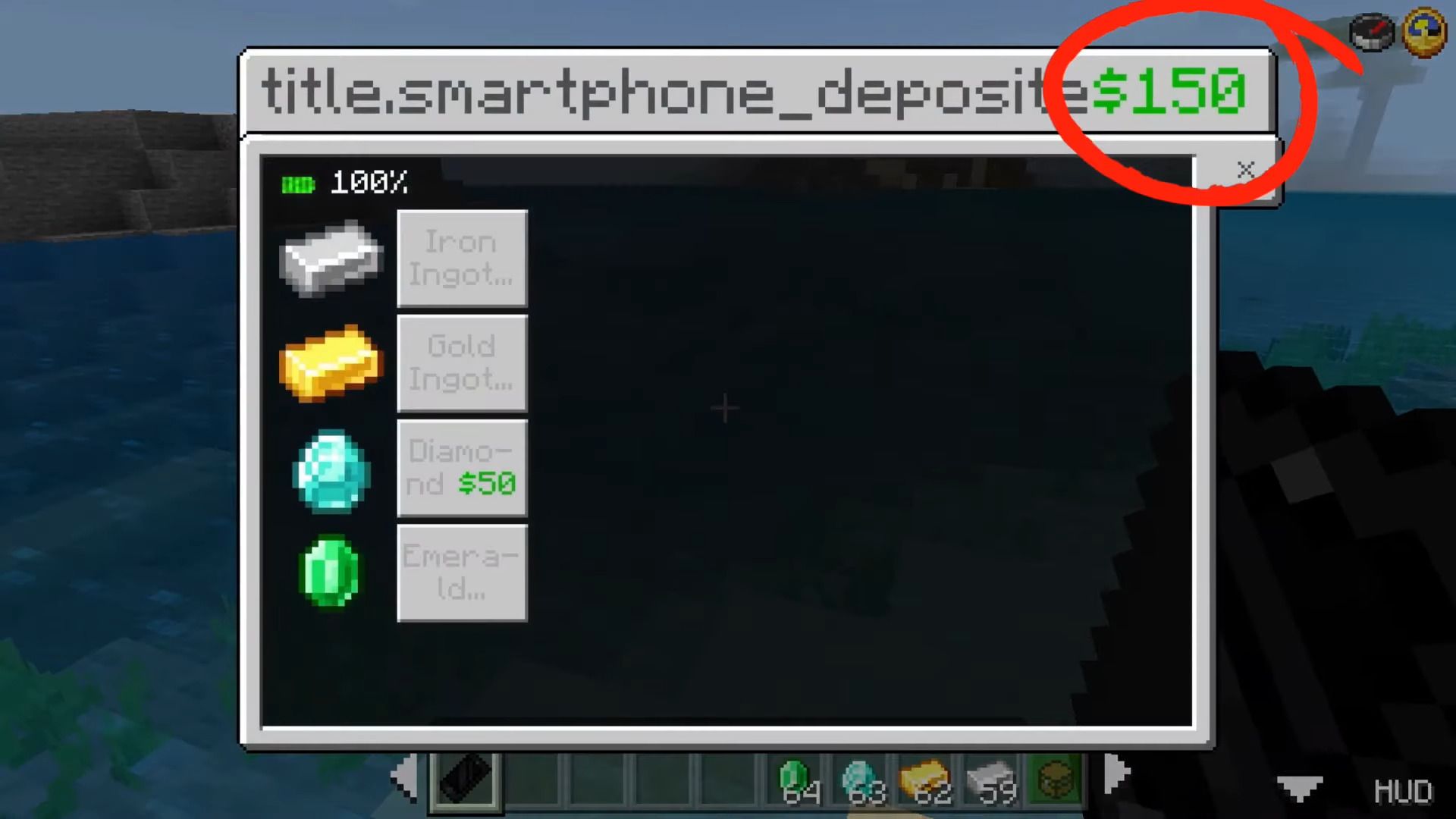
Bank:
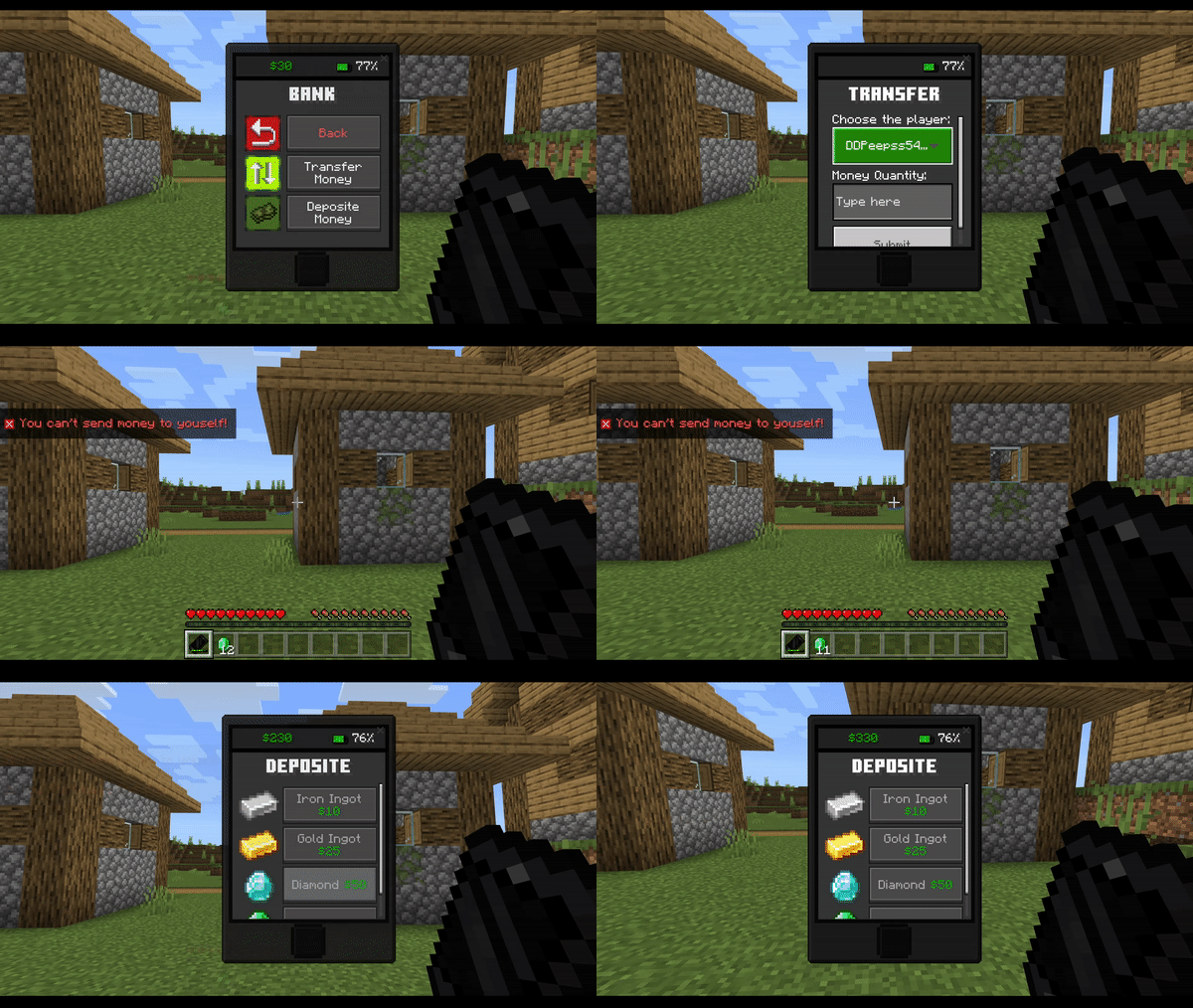
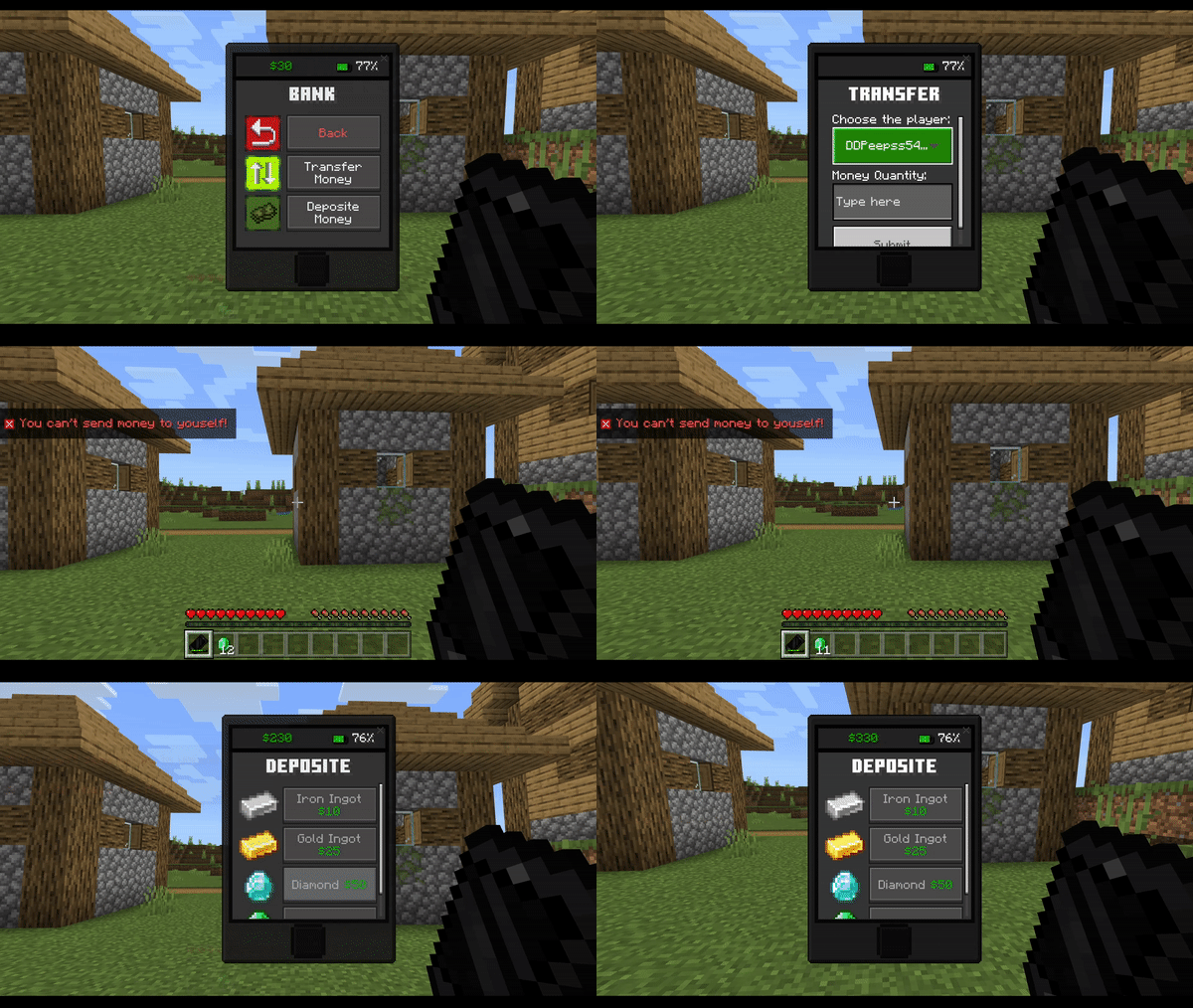
- The banking app is where you can get the add-on money and transfer your money to other players online. To get the add-on money, just go to the “Deposit” tab and exchange an iron ingot, gold ingto, diamond or emerald for cash.
Spotcraft (Music):
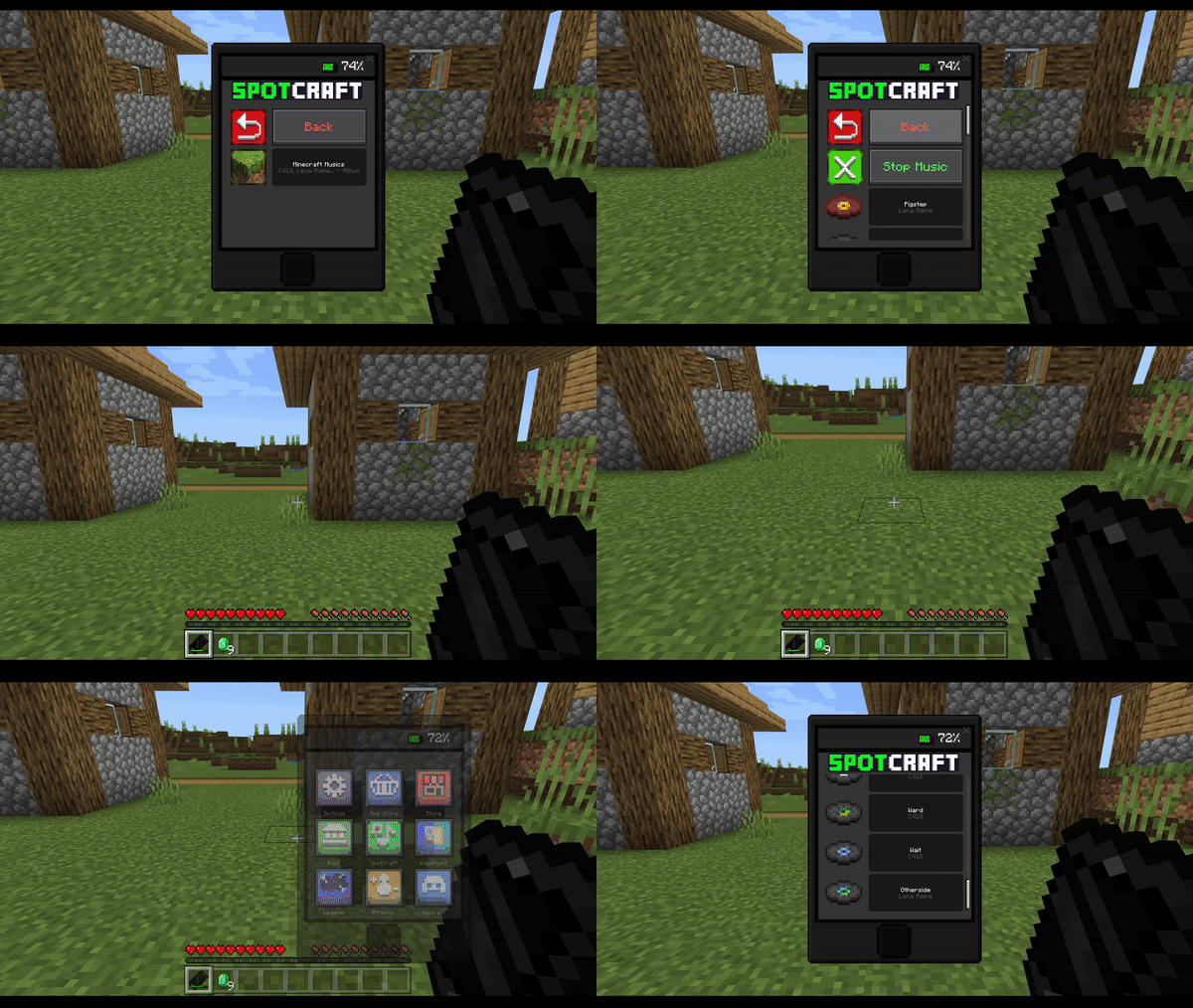
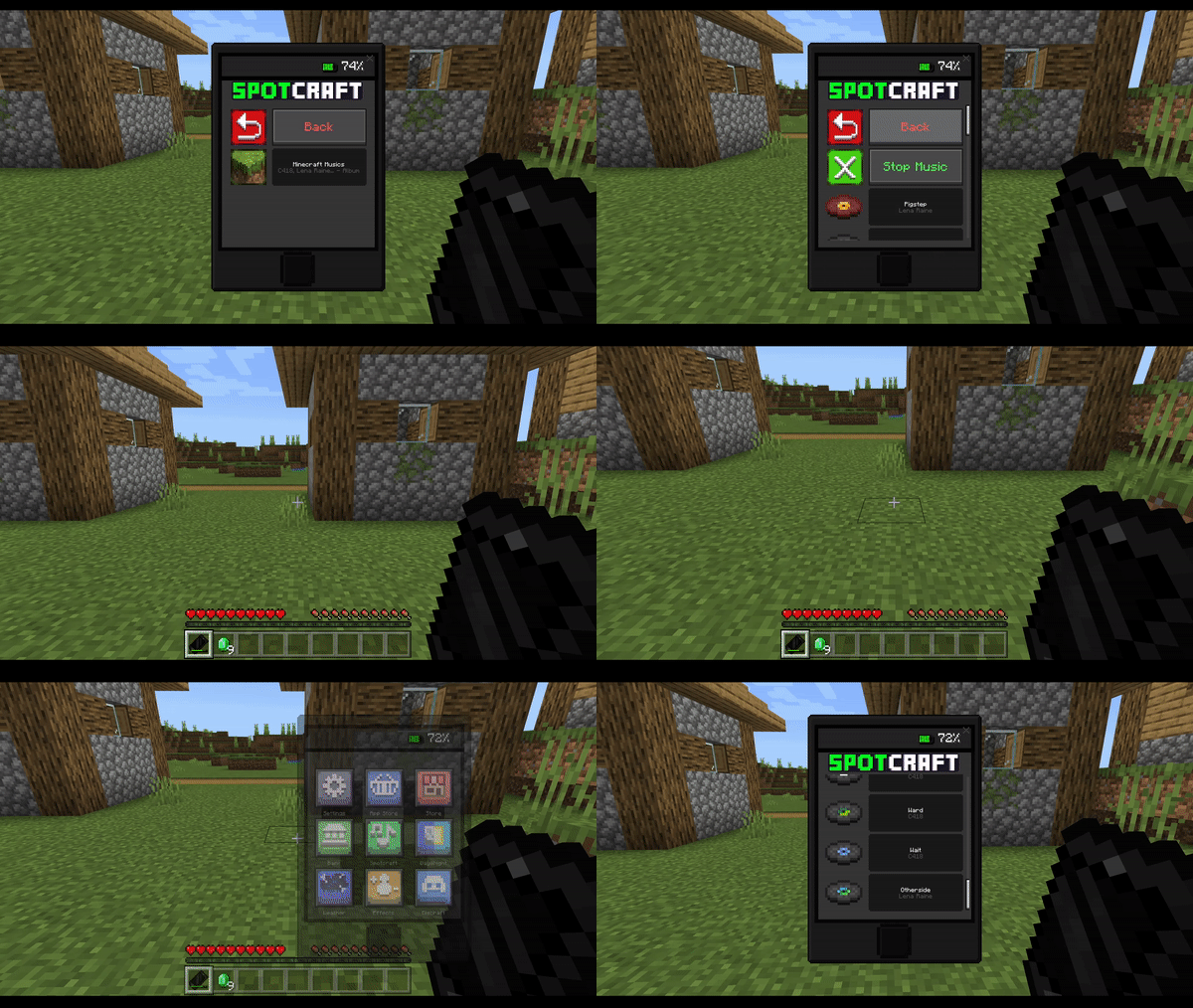
- The app is where you can play music, choose one of the songs from the playlist and enjoy! You can stop the music at any time.
Day&Night (Time):
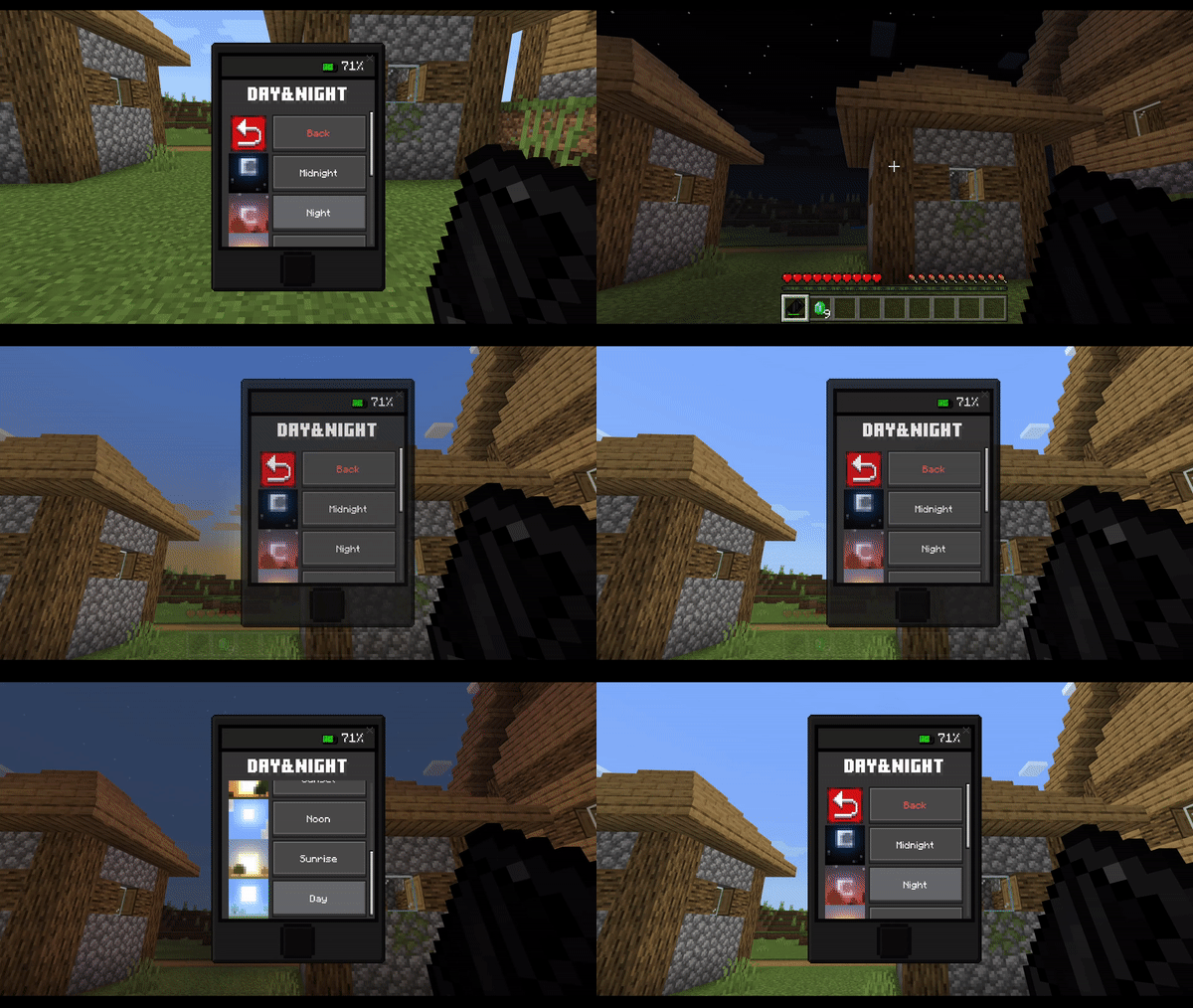
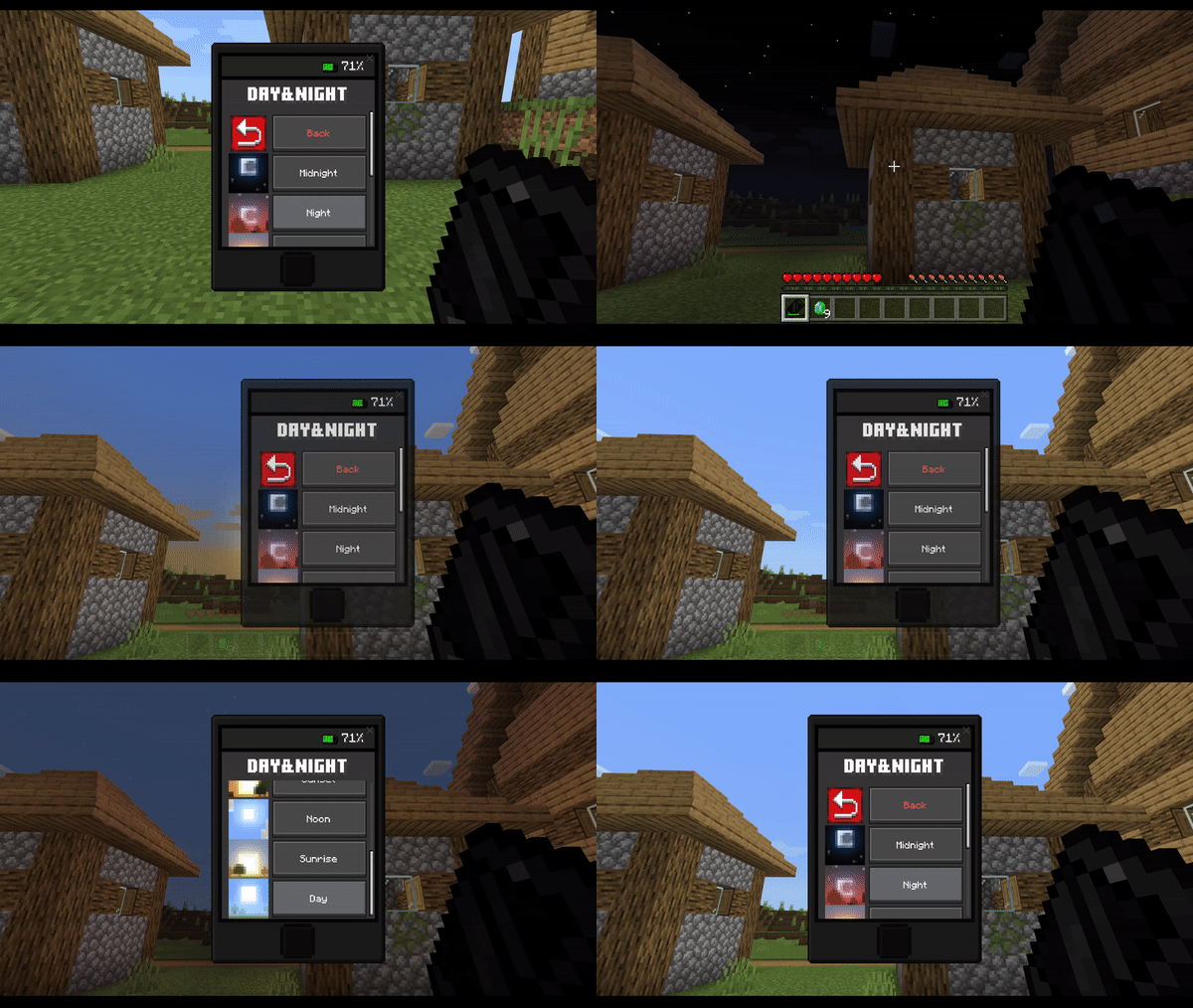
- The Day&Night app is where you can change the time of day, changing it to night, sunset, and others.
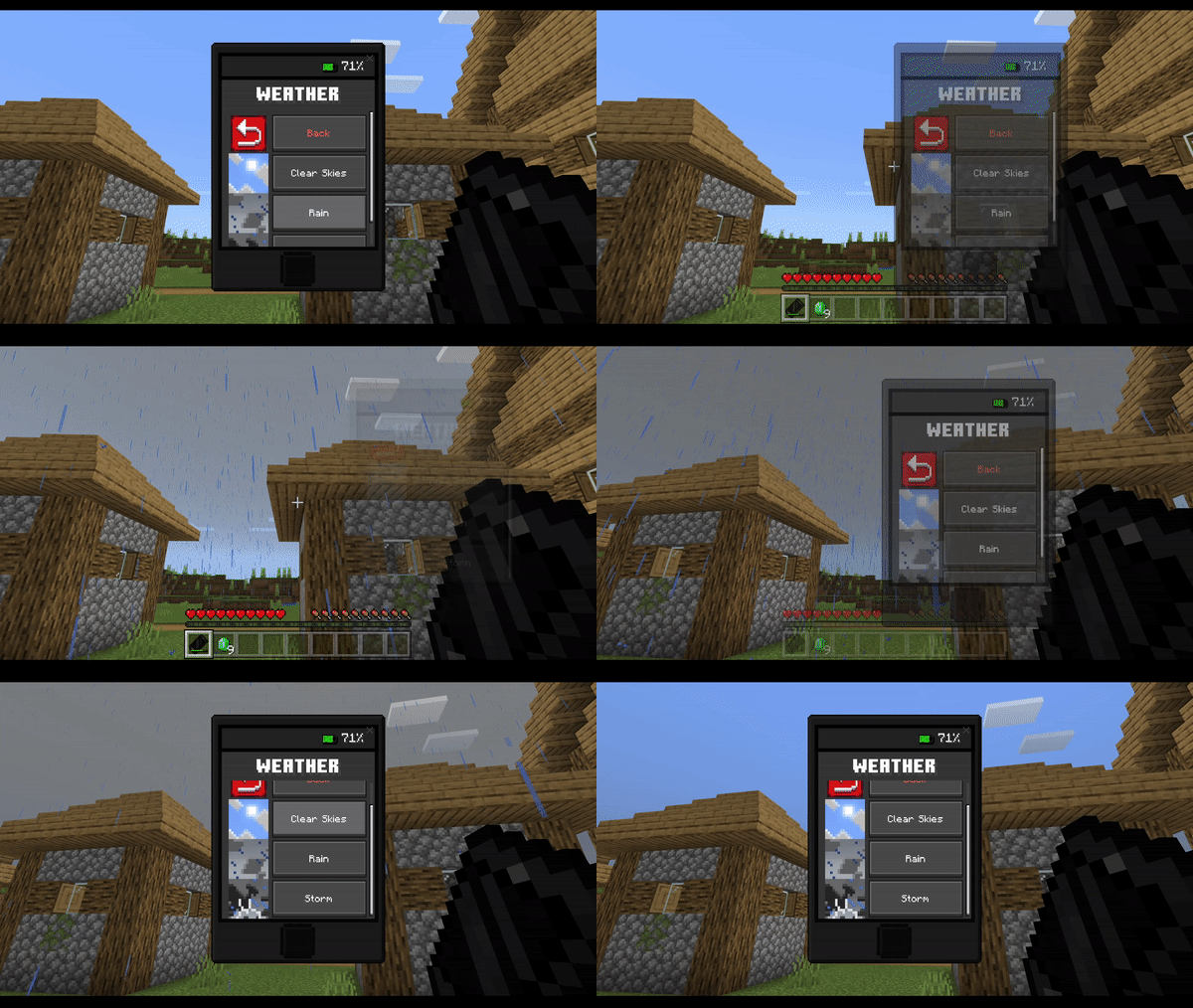
Weather:
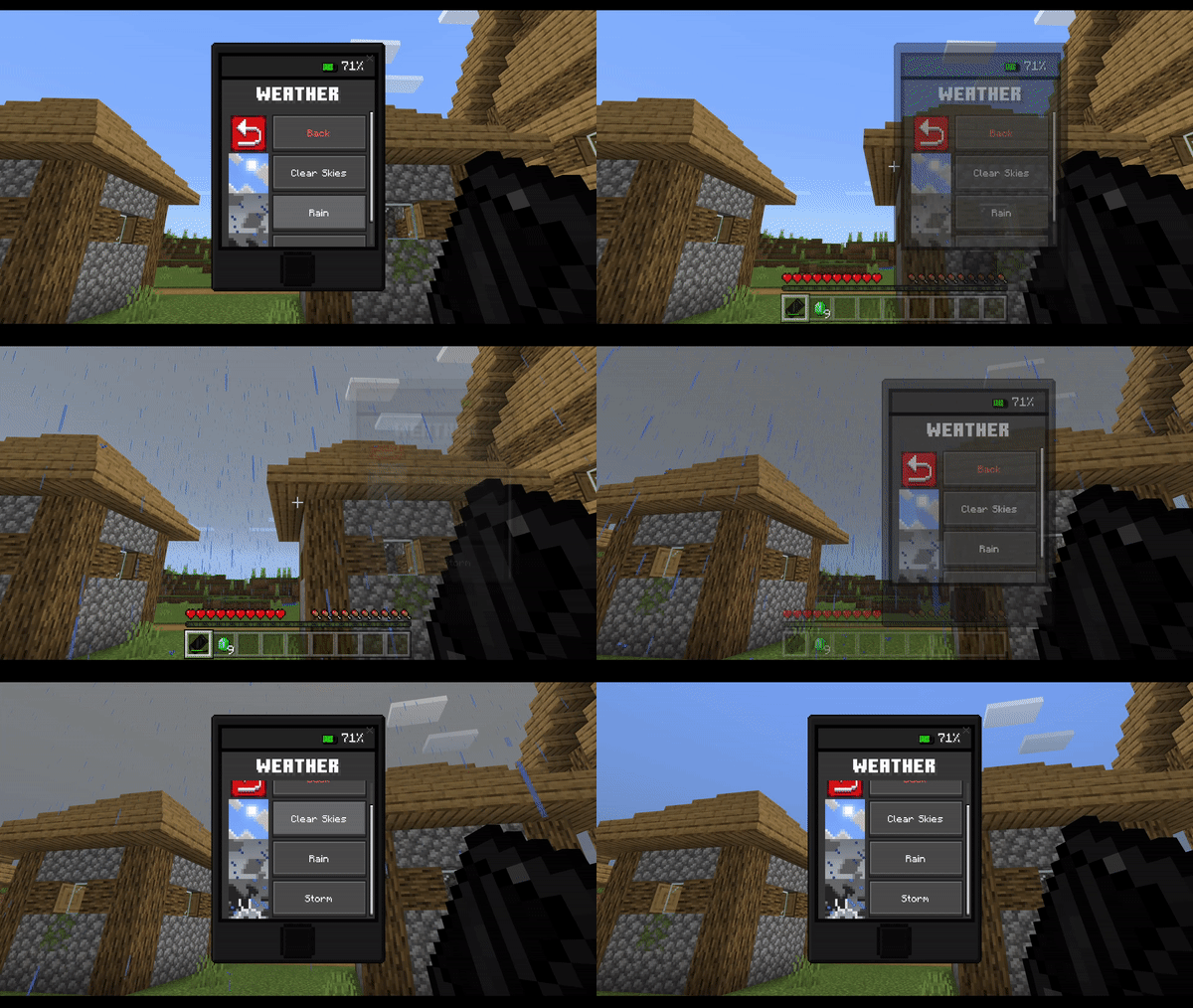
- The weather app is where you can change the weather from sunny to cloudy and from cloudy to rainy, maybe a storm? You choose!
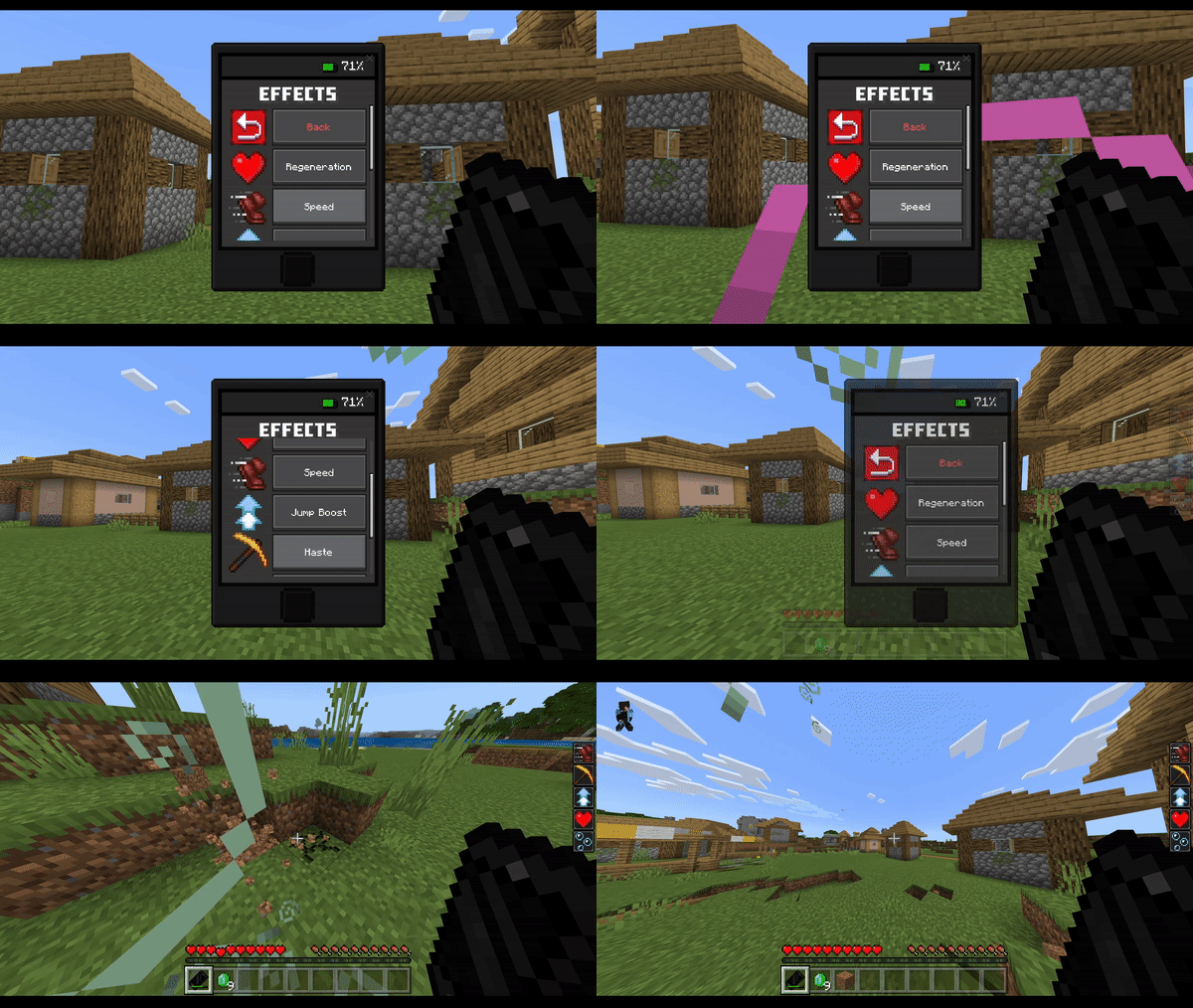
Effects:
- The effects app is where you can get effects to help you in times of need, such as regeneration, rush, jump boost, and others…
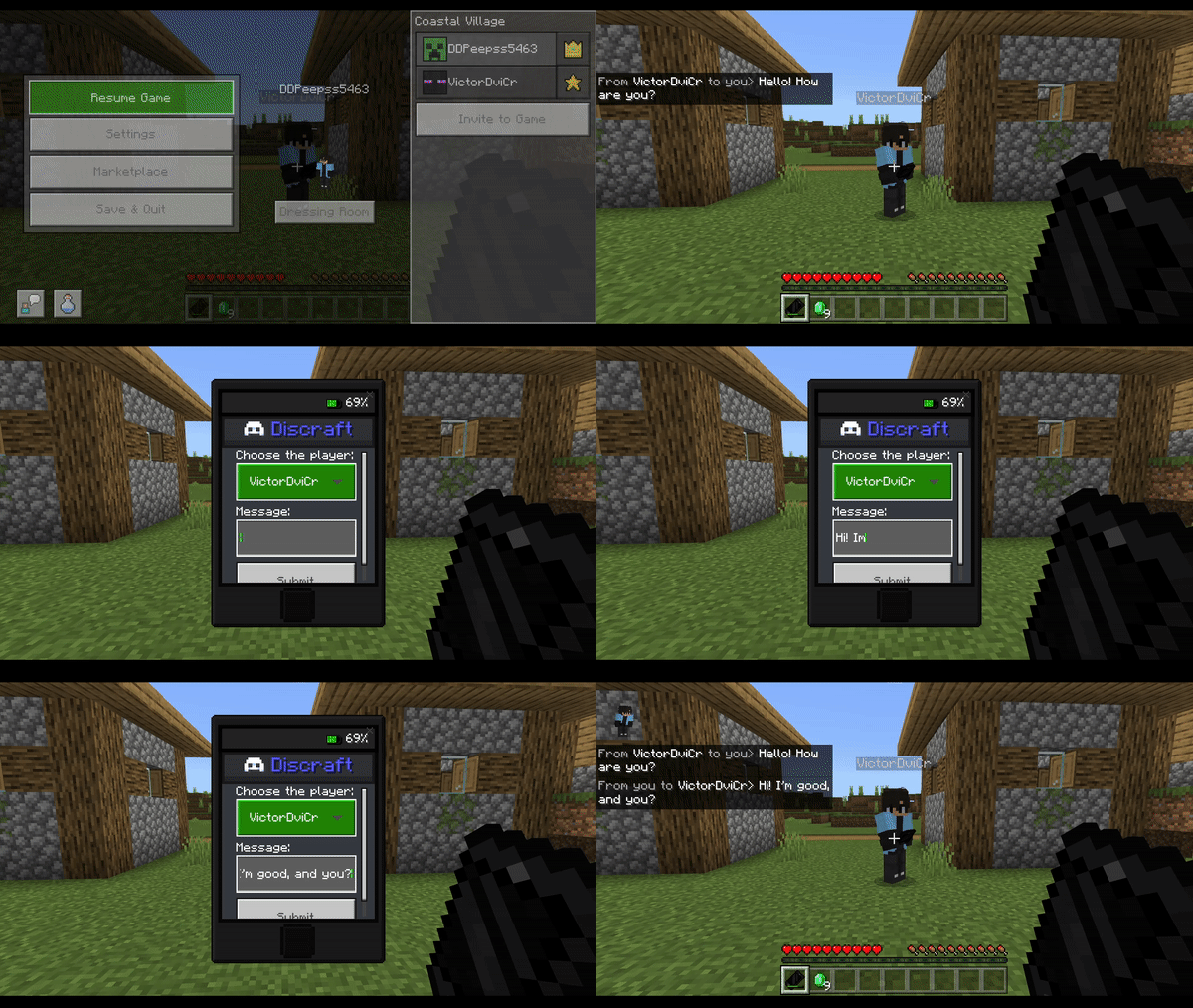
Discraft (Mesages):
- The Discraft app is where you can message your friends where only the two of you can see them. Basically a /msg, but cool.
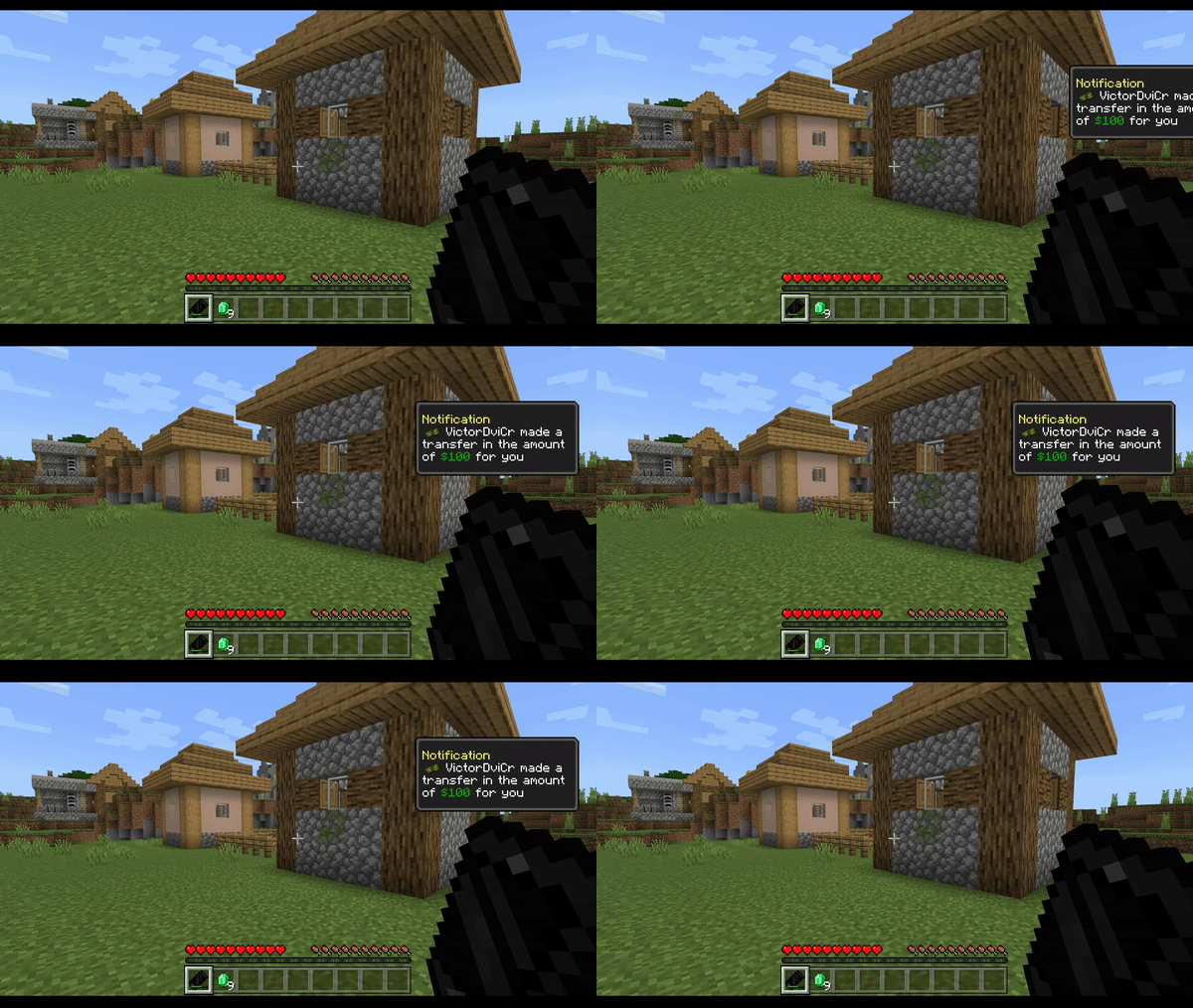
Notification System:
How it works?
- Notifications are messages that players will receive when they receive a message or a money transfer, they only appear when the player has their cell phone in their inventory and can be turned on and off via the settings app.
Crafting Recipes:
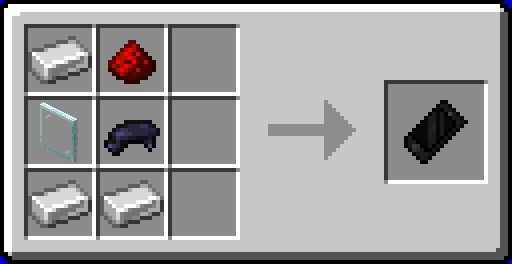
- 3 Iron Ingots
- 1 Redstone
- 1 Glass Panel
- 1 Black Dye
Installation Note:
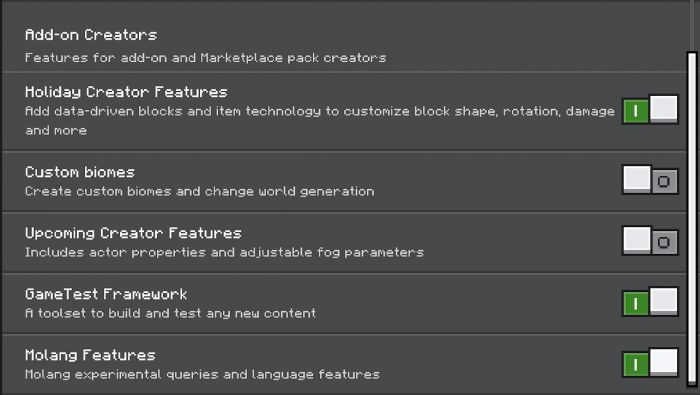
- Yes! For the addon to work properly, you need to enable some experiments as shown below.
Screenshots:
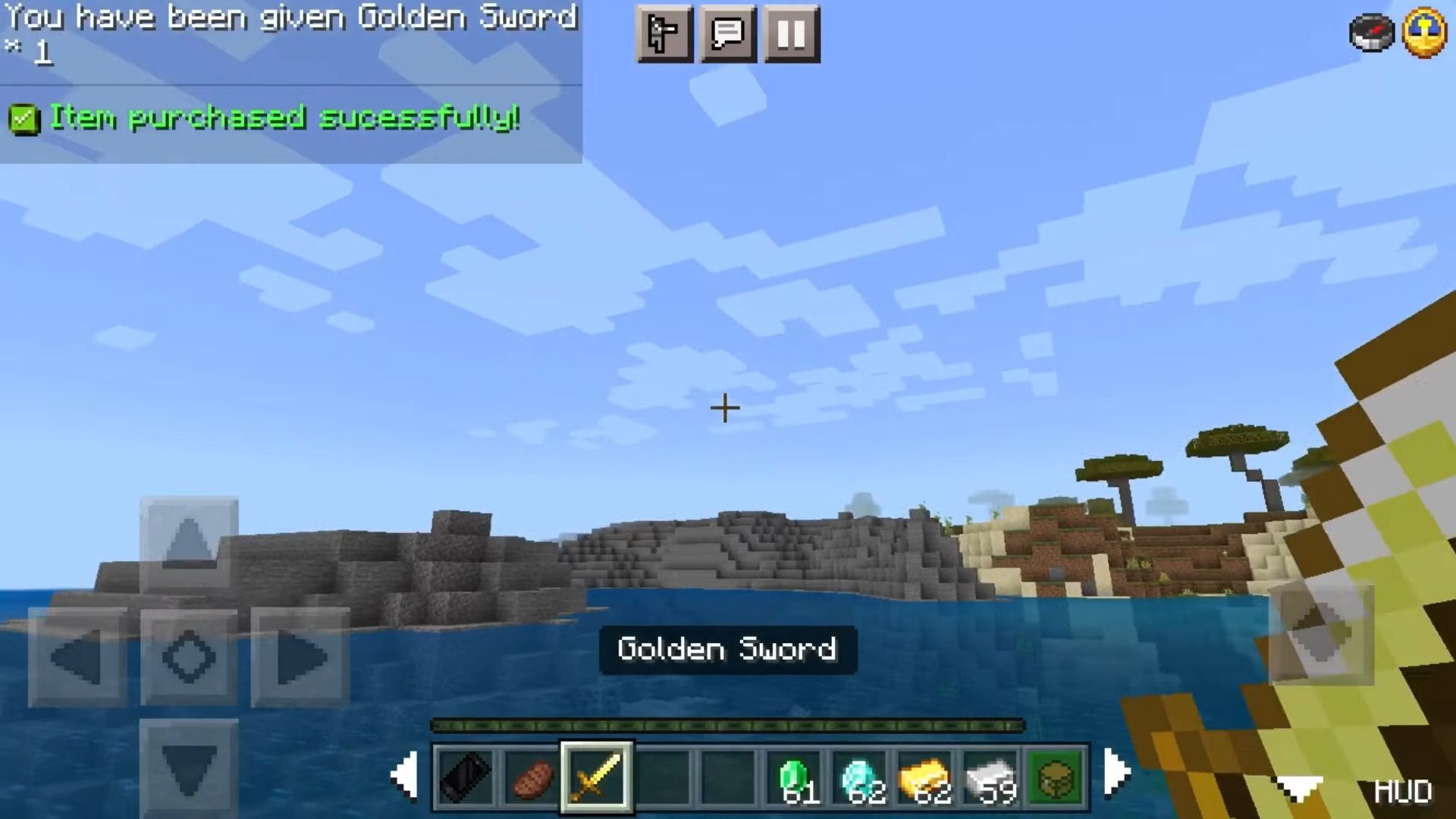
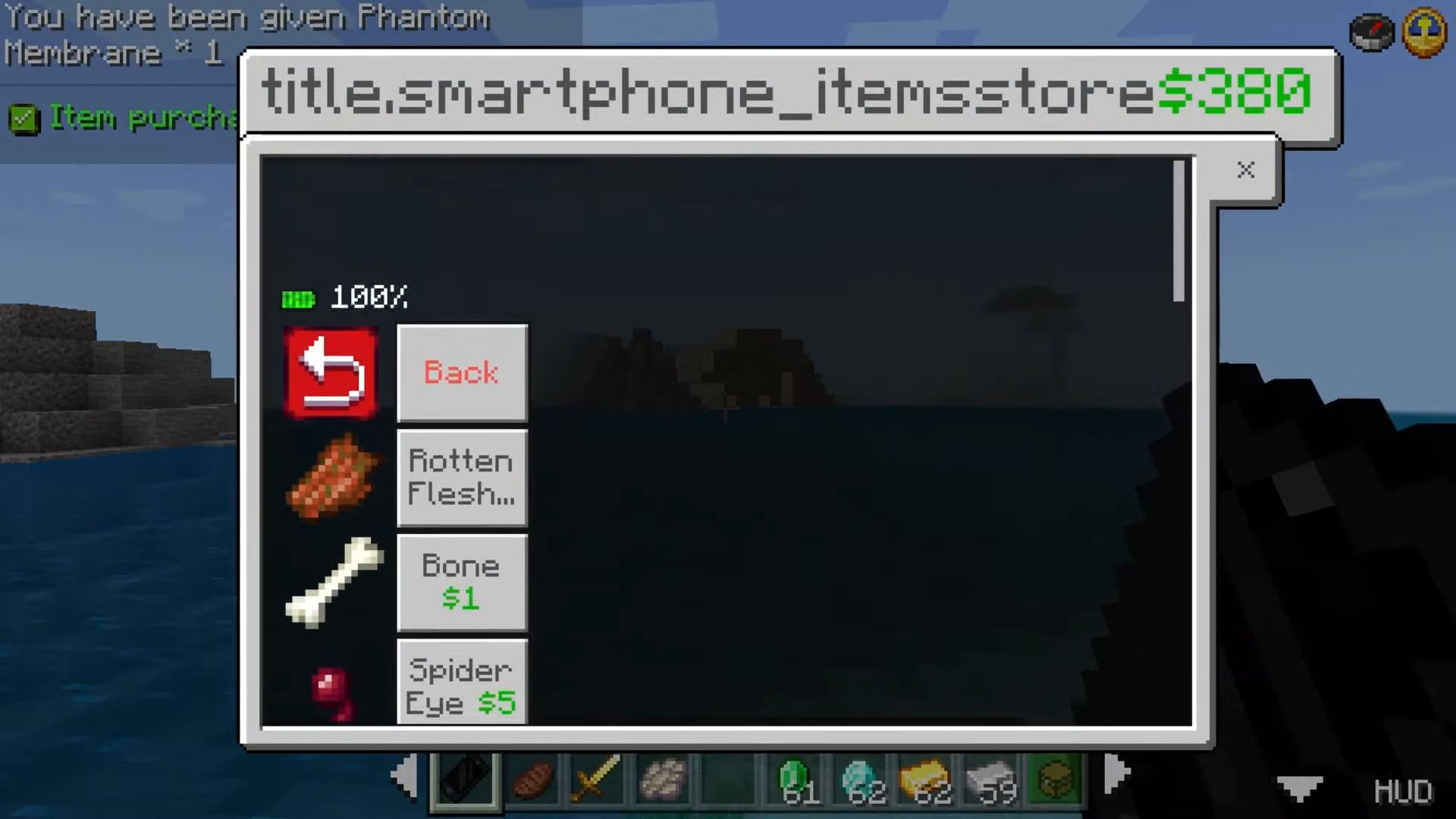
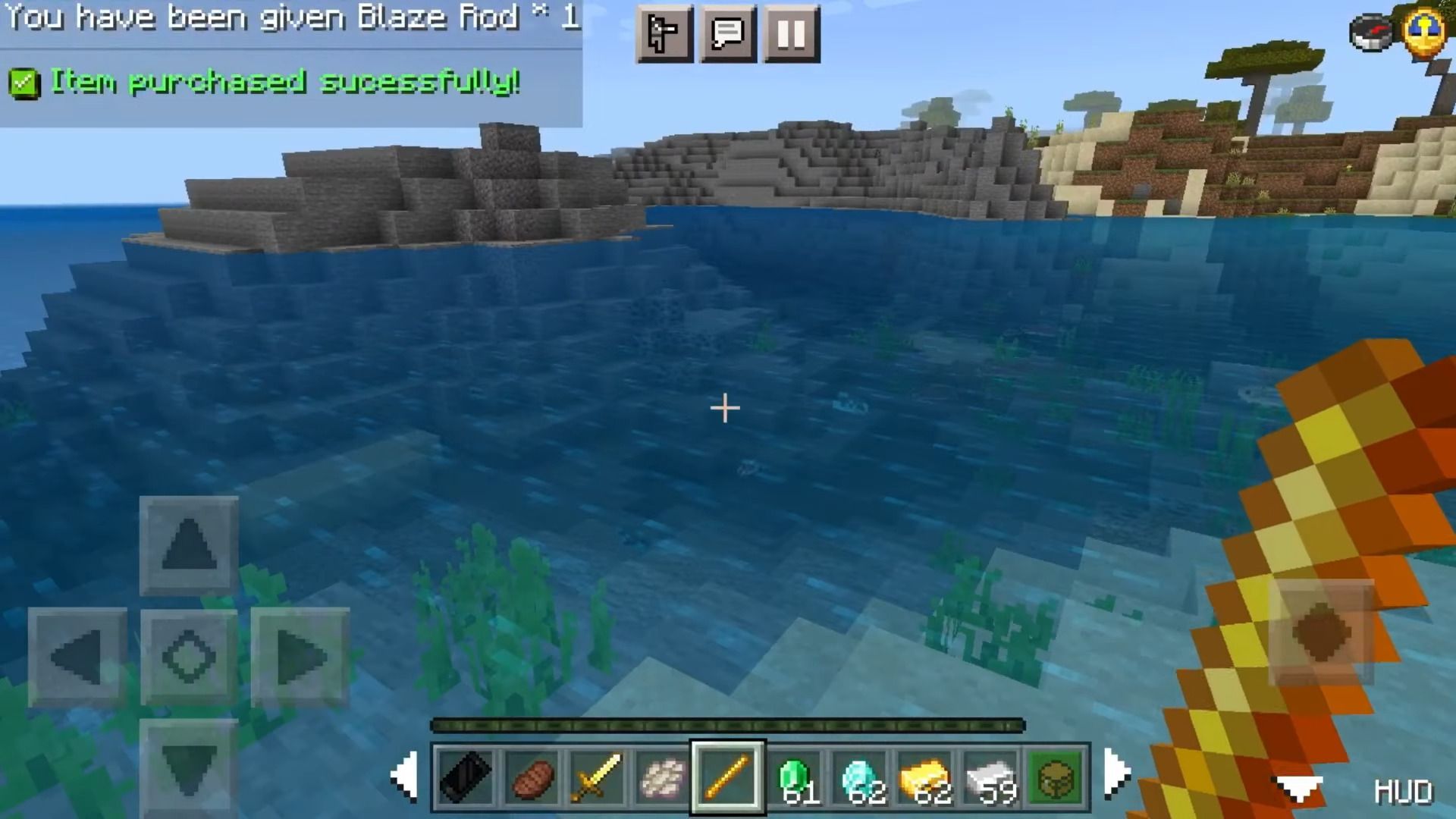
Smartphone Addon Download Links
For MCPE 1.18
Quick facts
- Edition: Minecraft Bedrock
- File type: .mcpack or .mcaddon
- Minecraft version listed: 1.18
- How to install: Download the .mcpack or .mcaddon file. → Open it — Minecraft imports it. → In your world: Behavior Packs → Available → Activate, then the same under Resource Packs.
- Where to get it: In MCModsHub, or directly above on this page.
Install steps are the general flow for this file type — How to install Minecraft Bedrock addons & mods walks through it step by step.
File checked by MCModsHub
- Pack type: .mcaddon — behaviour and resource pack in one file
- Manifest requires Minecraft 1.18.0 or newer
- Complete pack — everything it depends on is inside the file
- Download size: 581 KB
- Download link checked 18 Jun 2026 — working
- Mirrored on our own servers — the download does not depend on the original host
These come from our own check of the pack file, not from the source page.