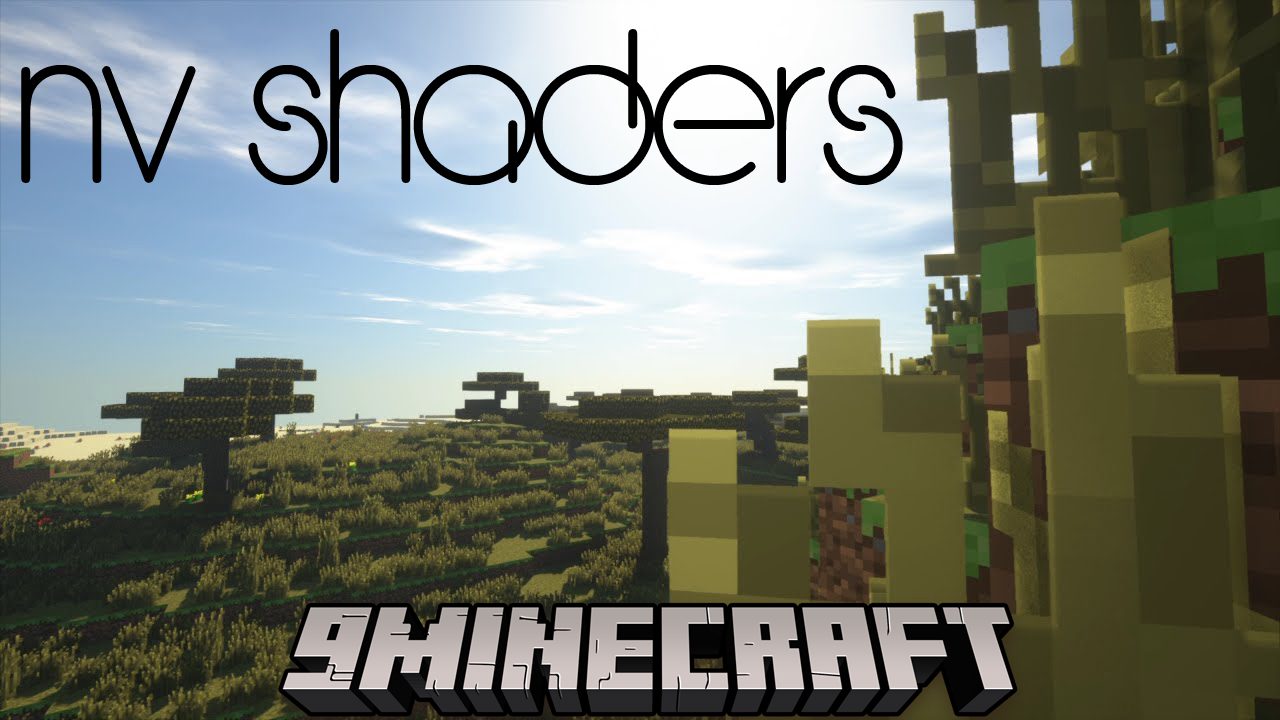
NV Shaders (26.3, 1.20.1) – Make The Game Much Brighter
Java shader pack listed for Minecraft 1.20. Downloads from the MC Java Mods app on Android.
⬇ Download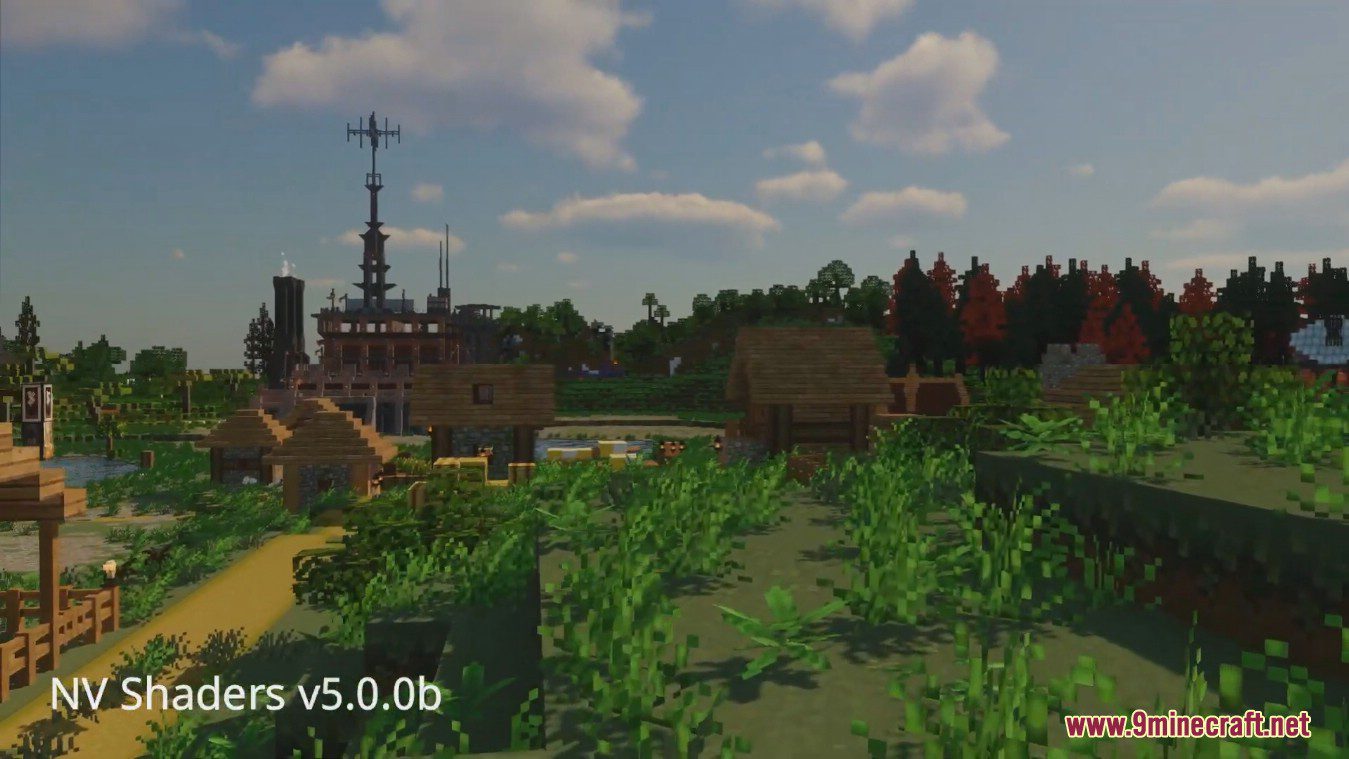
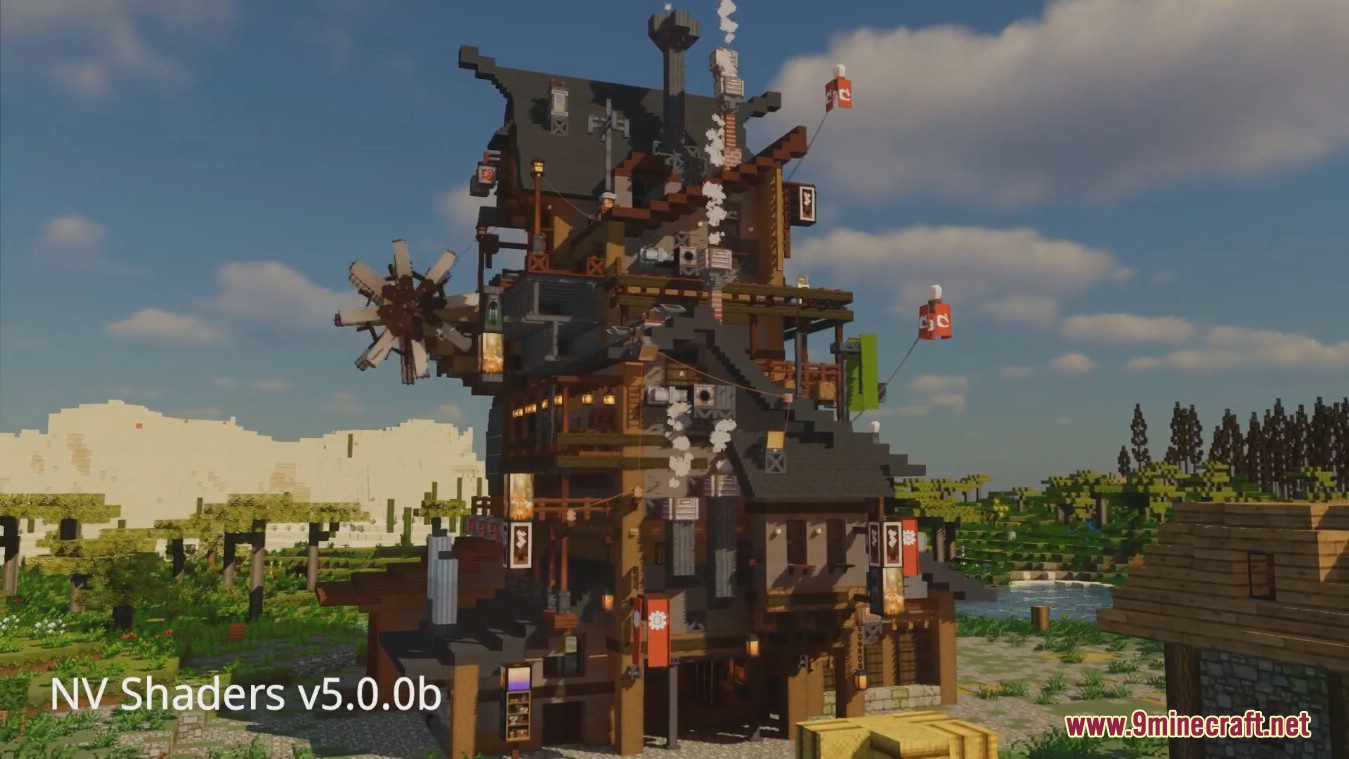
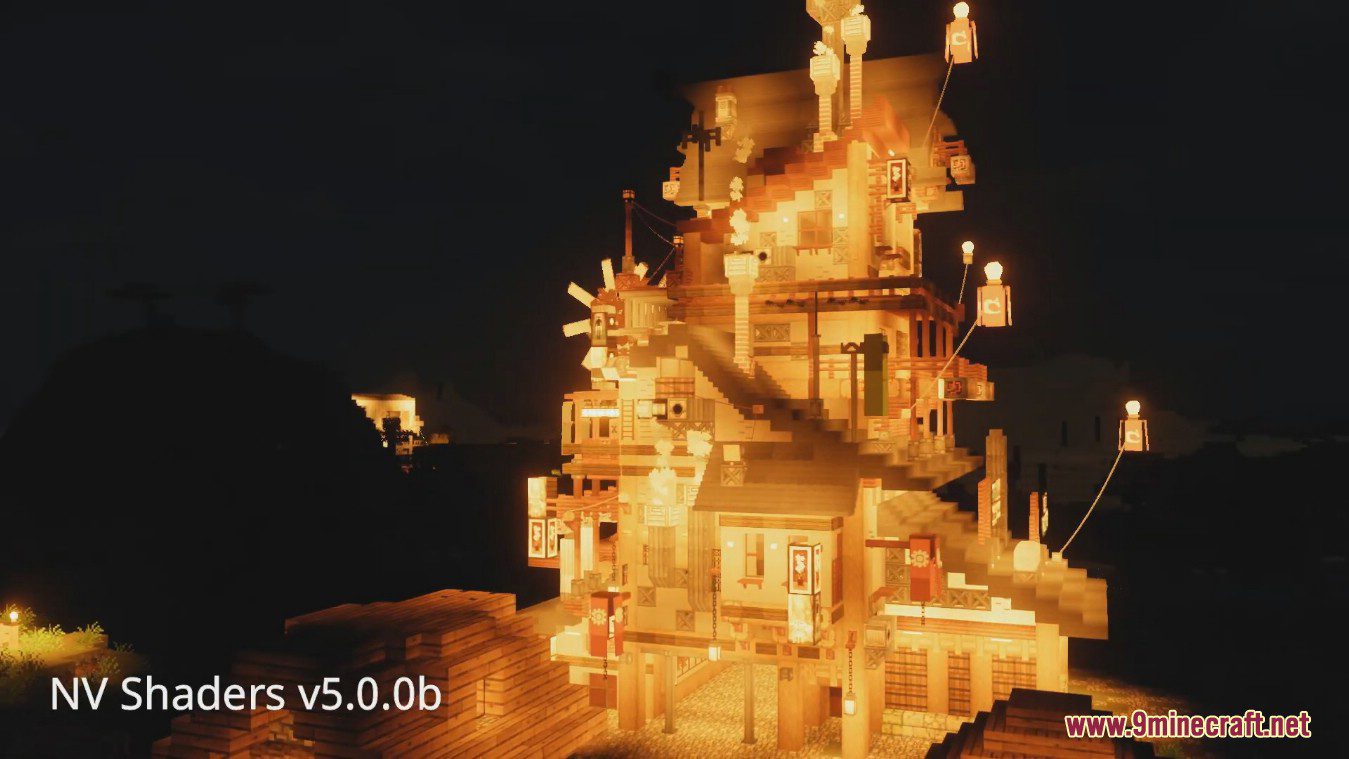
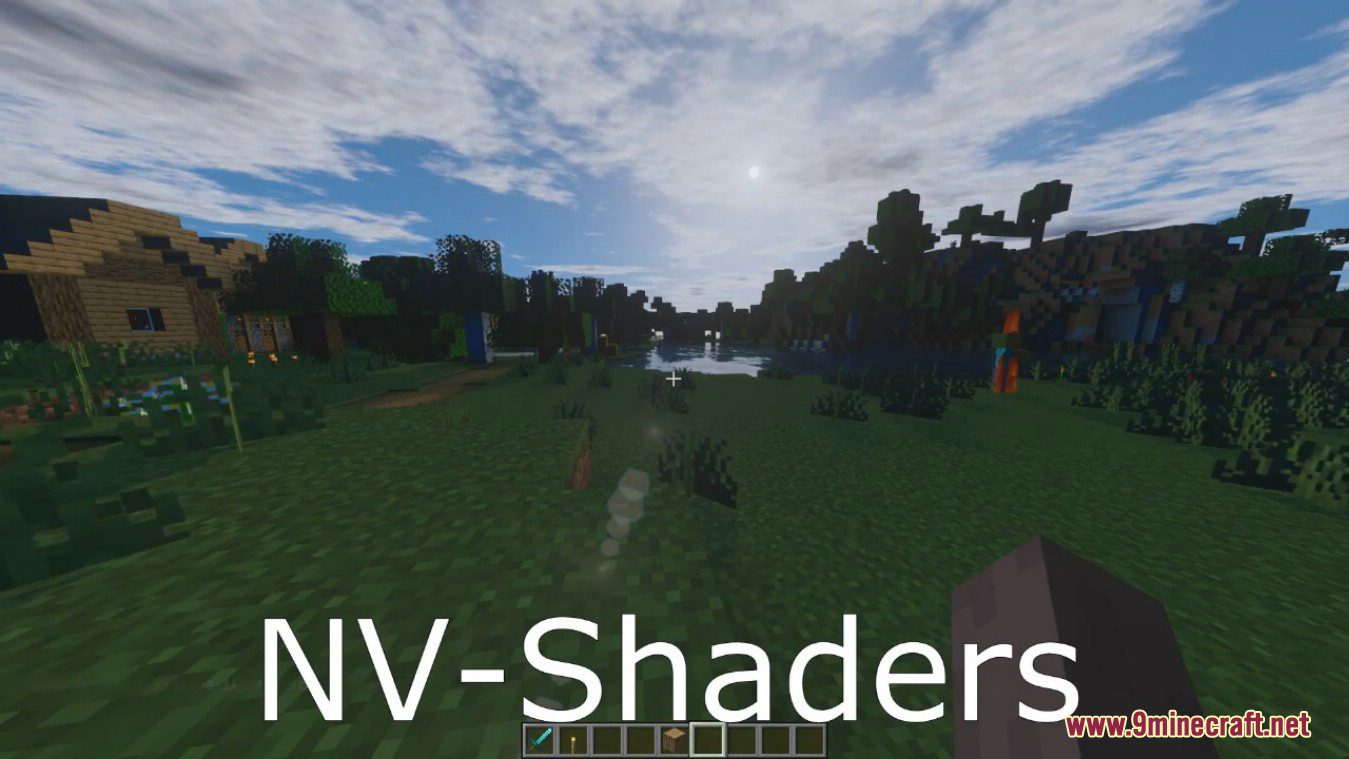
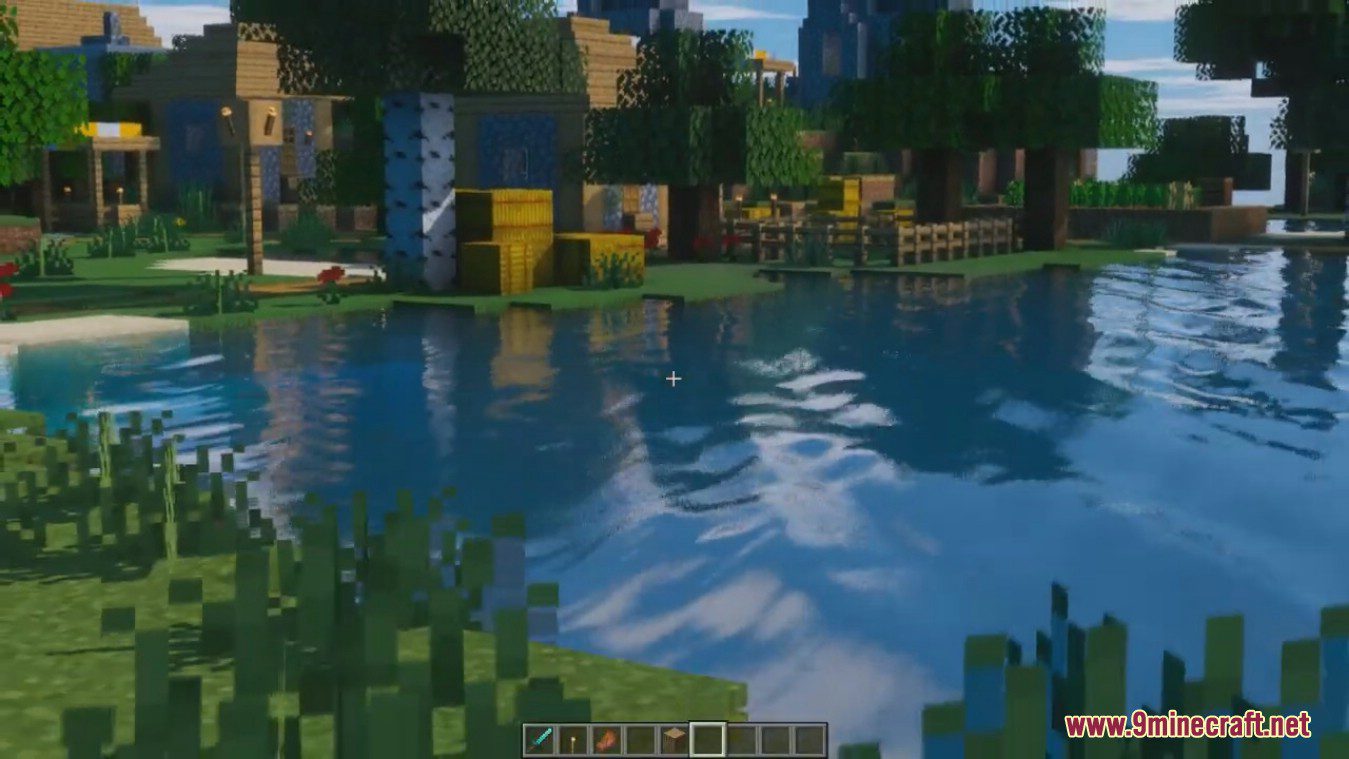
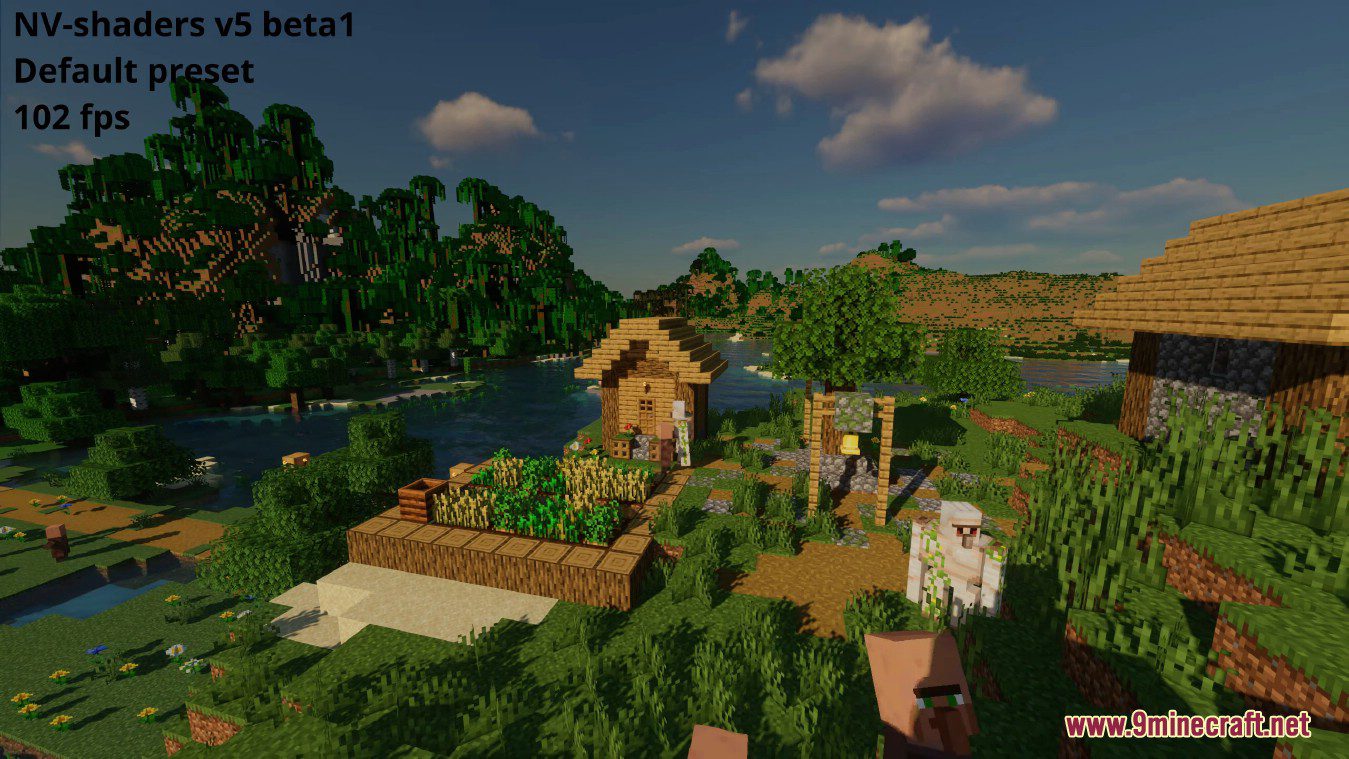
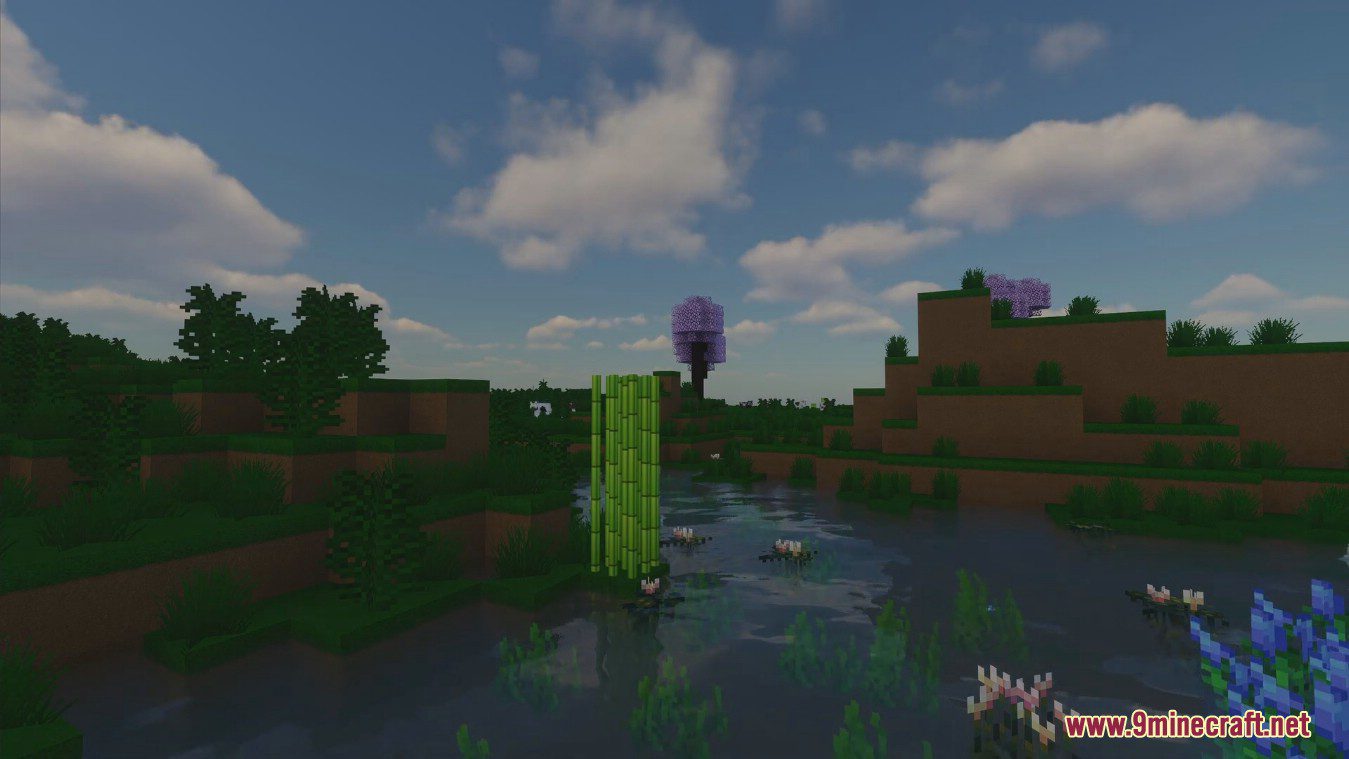
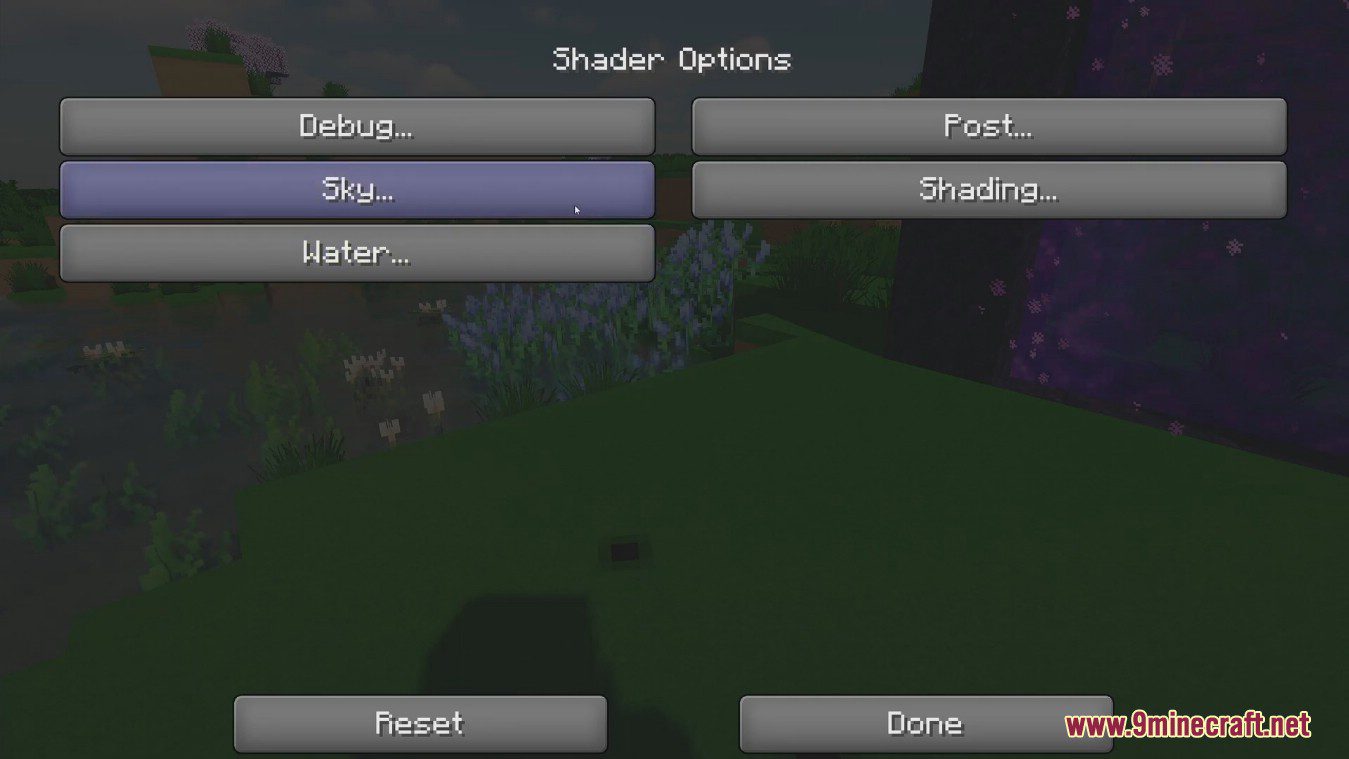
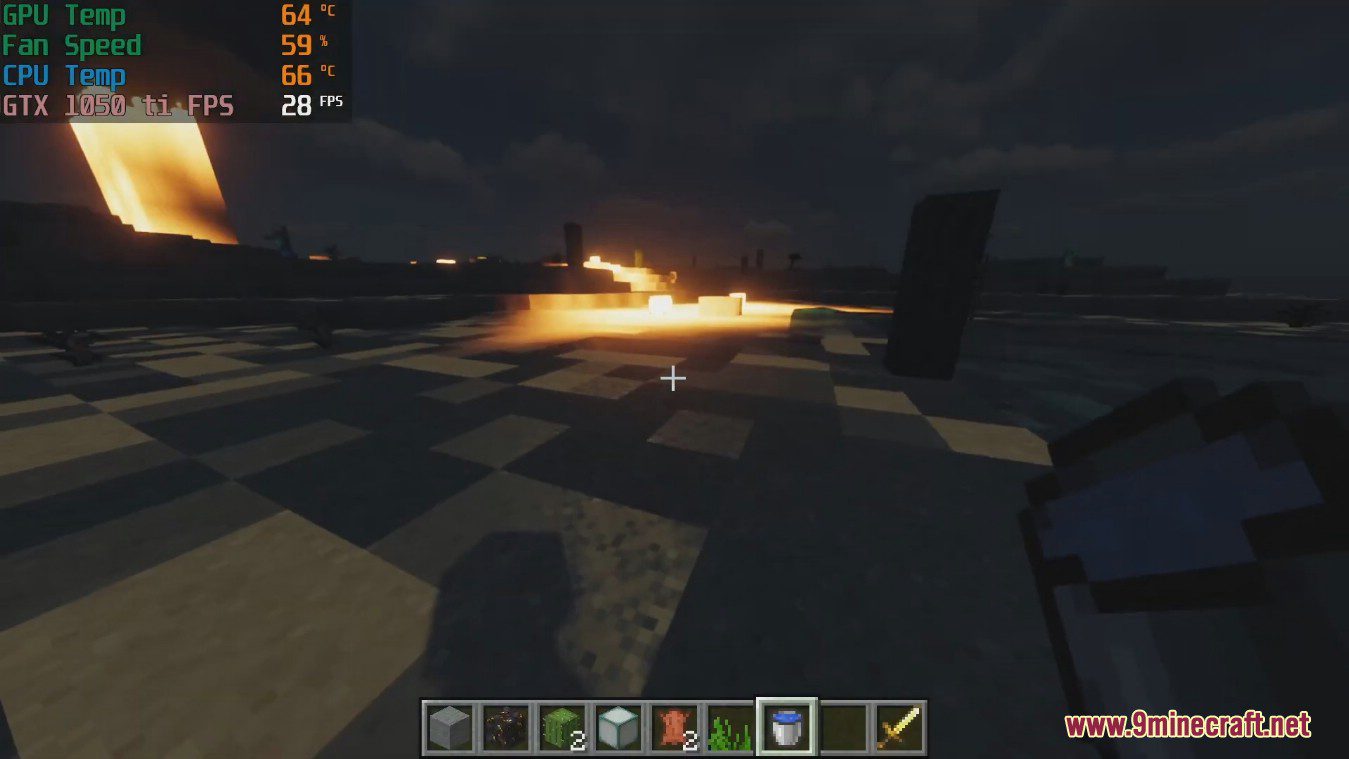
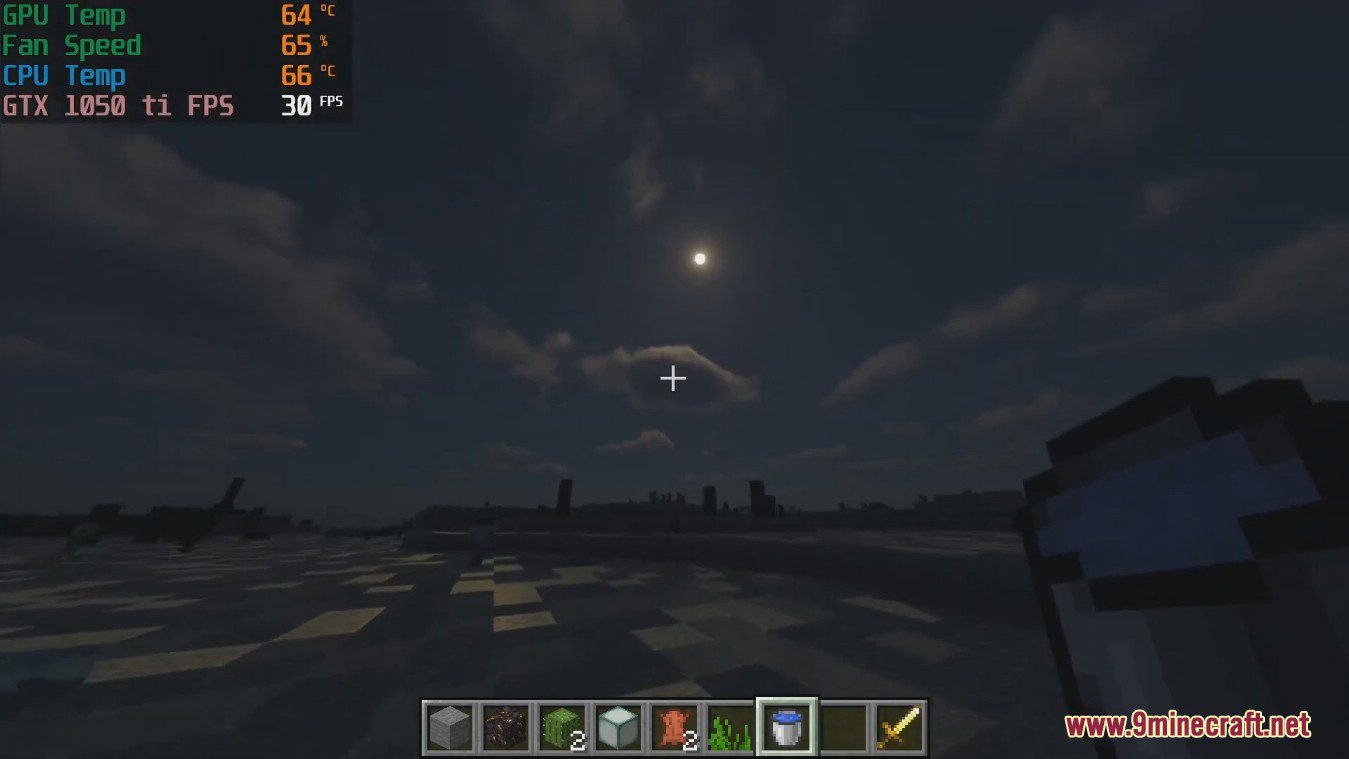
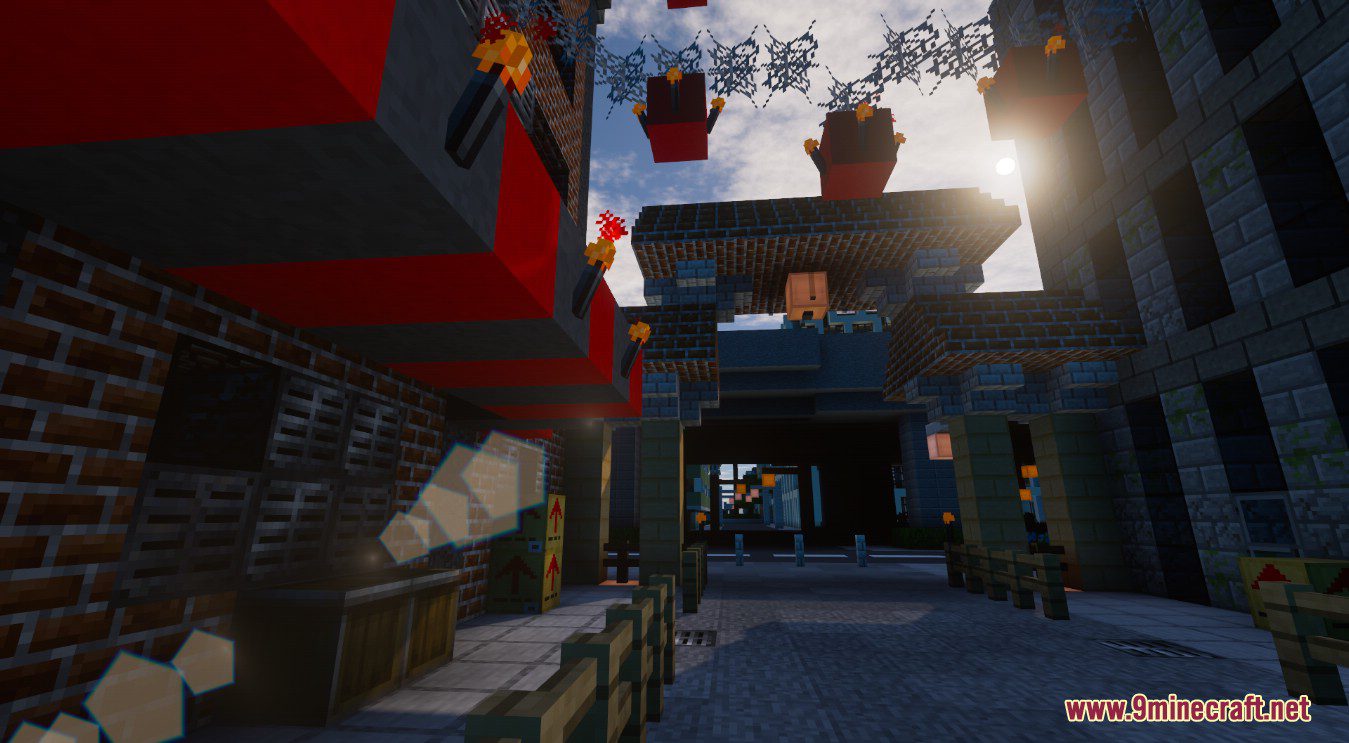
NV Shaders looks very cool and many effects in them are as realistic as possible. It does not use too bright lighting or too much glare. Shaders look great in any weather, and are well designed for all types of lighting. There are quite flexible settings that will help you set the desired settings for most effects. NV Shaders is designed to achieve breath taking realistic visuals while also giving the user a lot of customization options.
With all that said, this pack isn’t for players who are looking for a more subdued and more practical shader pack for their Minecraft playthroughs. Although, it makes a fantastic tool for budding Minecraft photographers or other content creators who require the best visuals to show off their own personal creations to friends or the internet at large.
Screenshots:
NV Shaders Download Links
- Edition: Minecraft Java
- File type: .zip (resource pack)
- Minecraft version listed: 1.20.1
- How to install: Download the .zip resource pack — do not unzip it. → Put it in .minecraft/resourcepacks. → Enable it in Options → Resource Packs.
- Where to get it: In MC Java Mods, or directly above on this page.
Install steps are the general flow for this file type — see the MC Java Mods guides for the full walkthrough.
NV Shaders (26.3, 1.20.1) – Make The Game Much Brighter is a free Minecraft Java shader. Compatible with Minecraft 1.20.1. Download it and open it directly in the game.