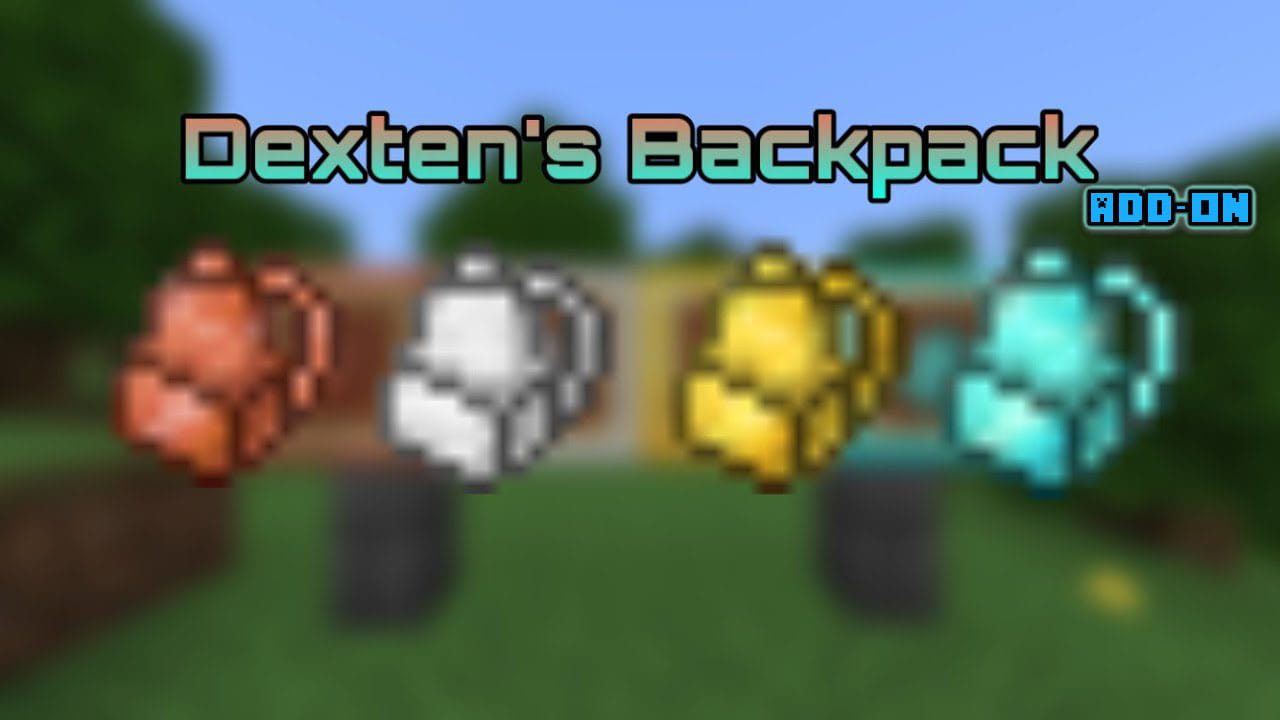
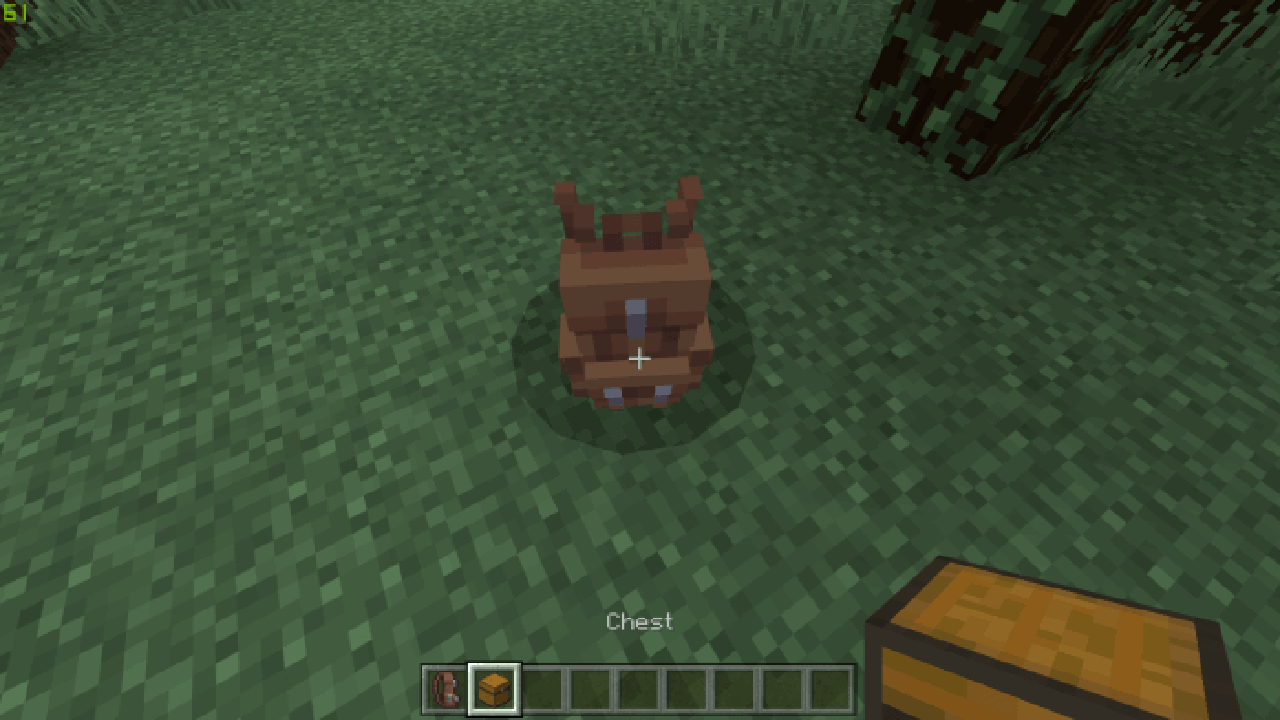
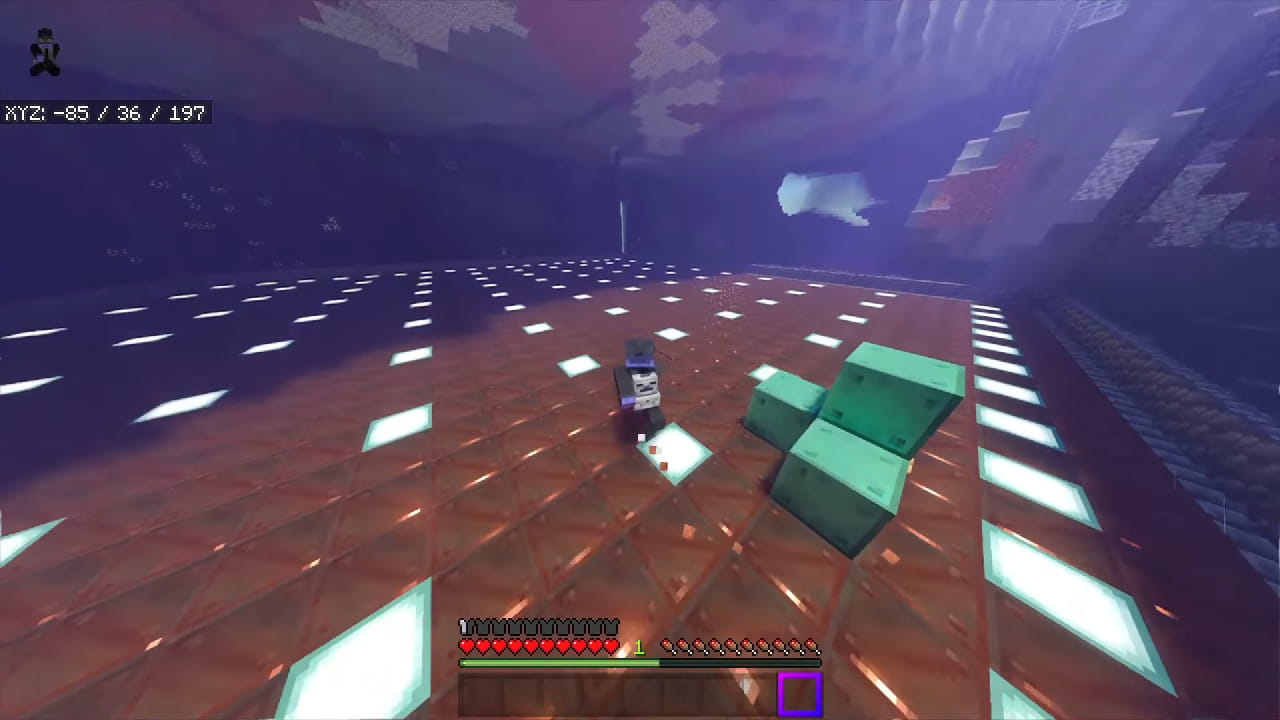
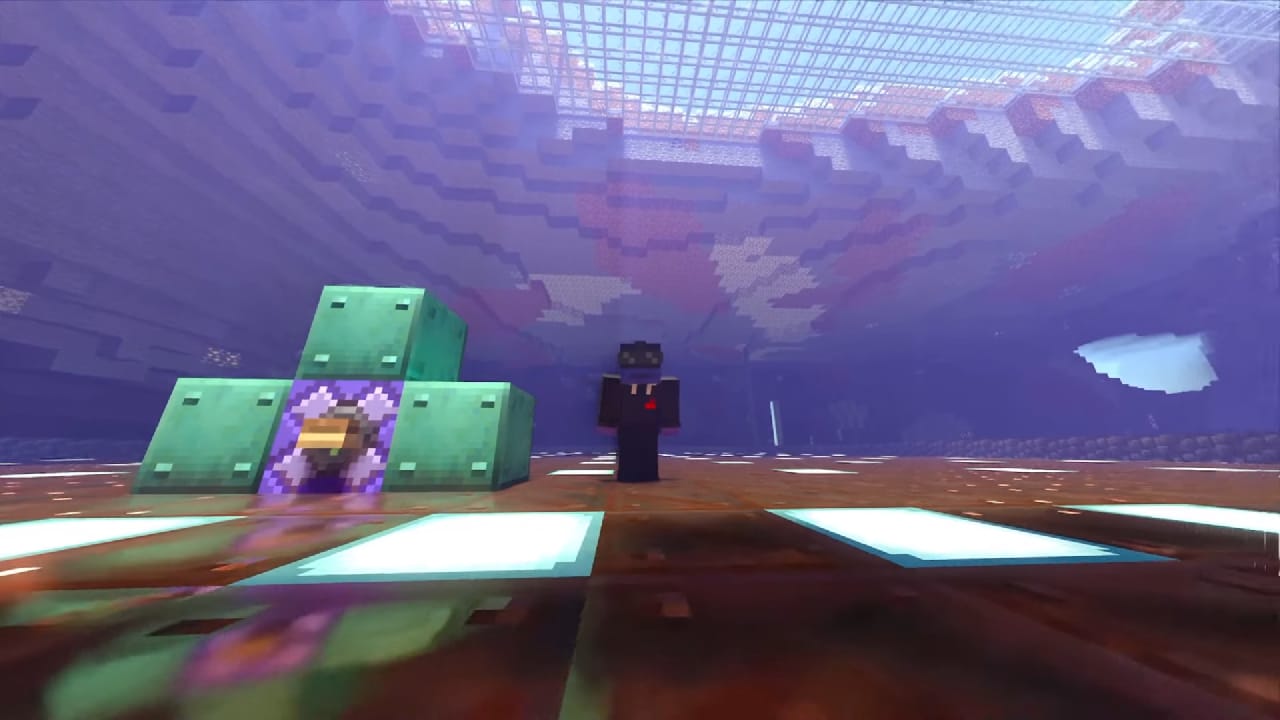
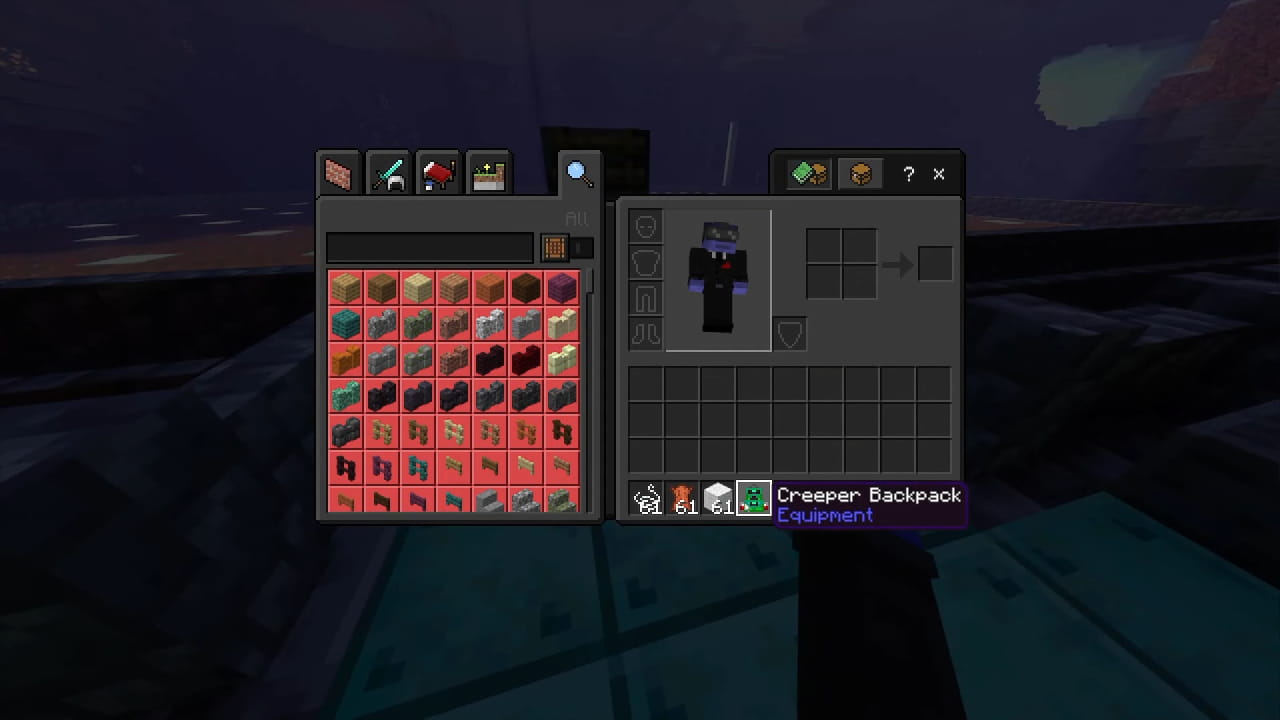
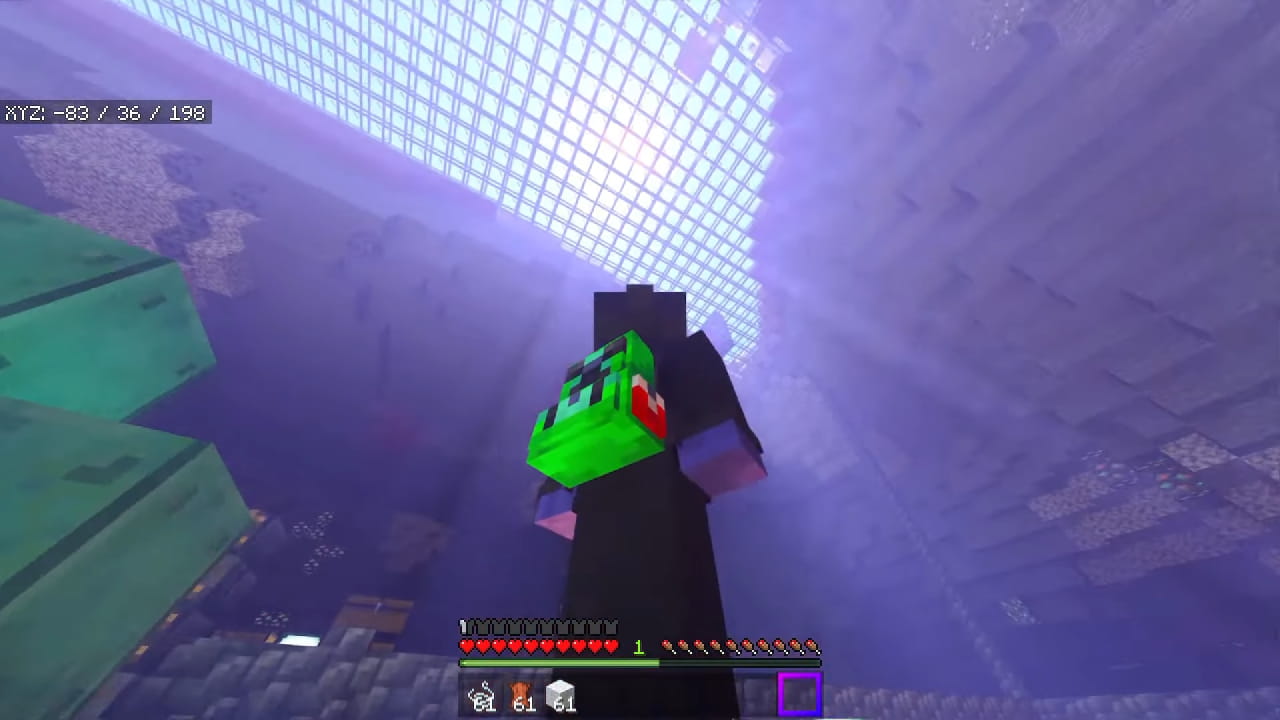
Backpacks Add-on is the first add-on for Minecraft: Bedrock Edition to implement fully working backpacks to the game. They are essentially a mobile chest which you can wear on your back while traveling around in your world. It’s great if you are out on an adventure and need somewhere to offload your blocks and items. It’s easy to wear and also easy to take off in case you need to access the storage space easily. It’s definitely a must have for all the survivors out there!
How to use:
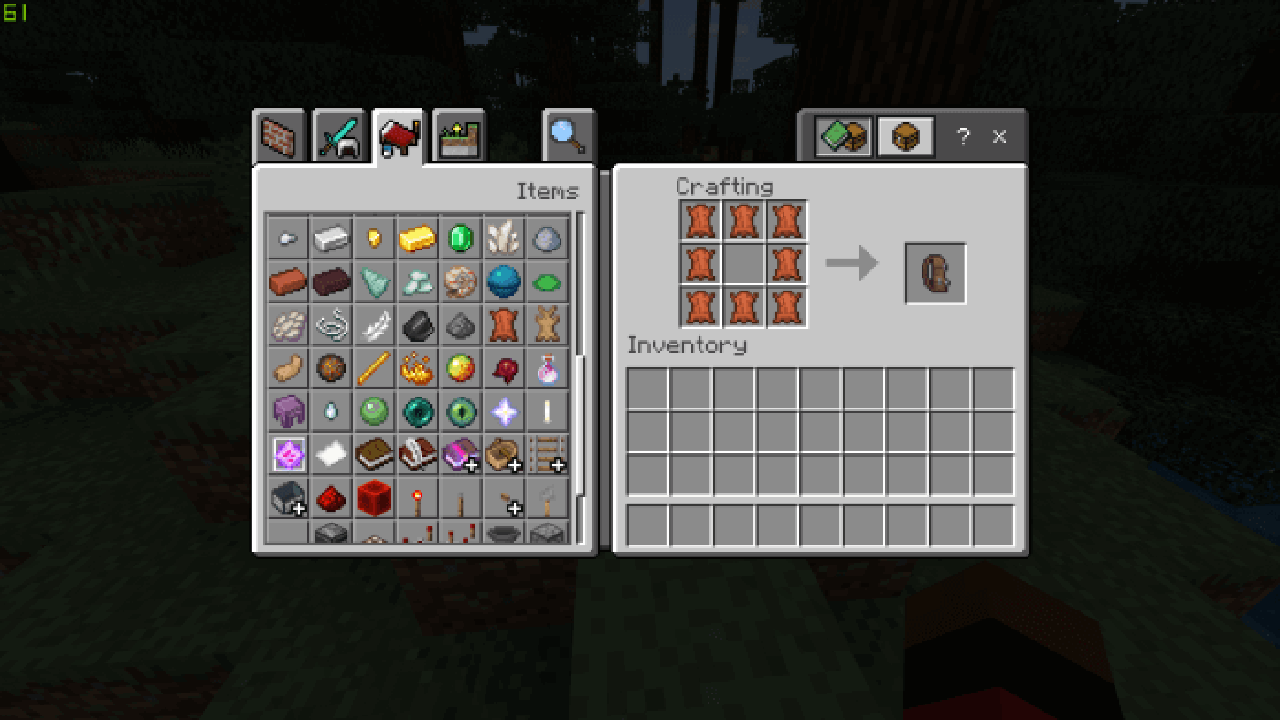
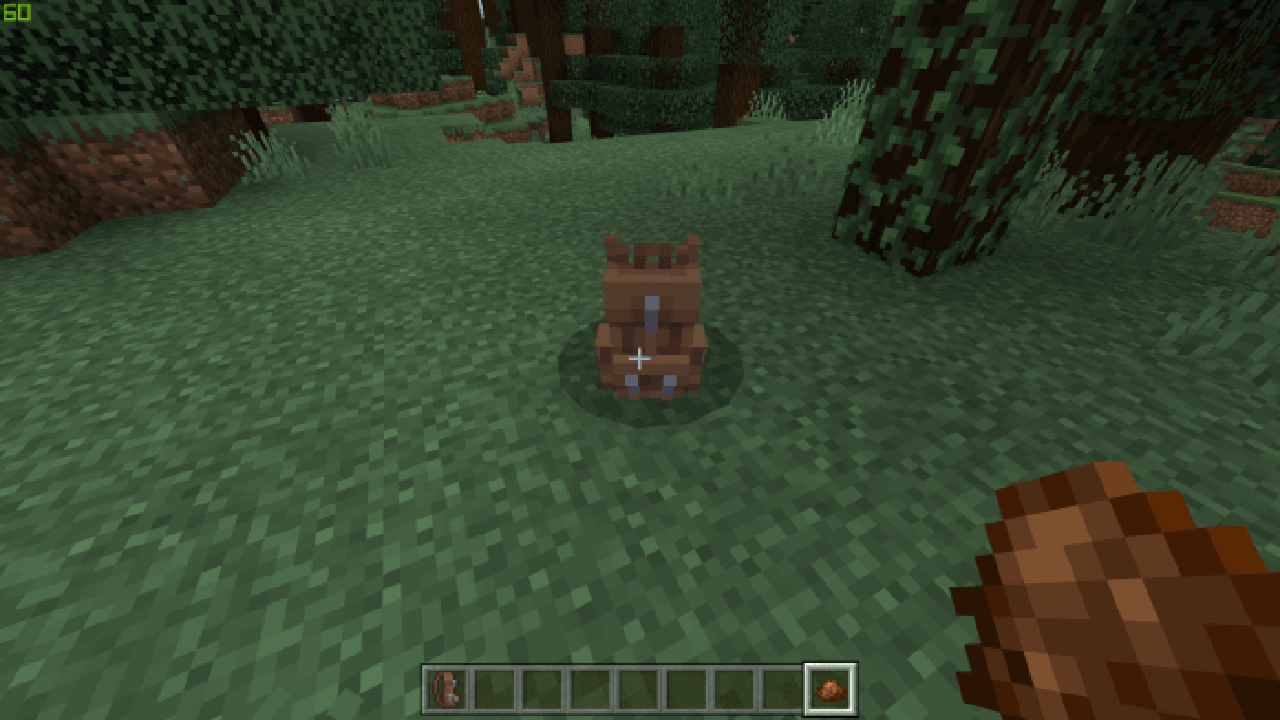
To get a backpack you’ll need to craft one. You can also dye them.Crafting recipes are listed below. To spawn a backpack long tap on the ground with the item
Dye a backpack by clicking on it with a dye (can be redyed)
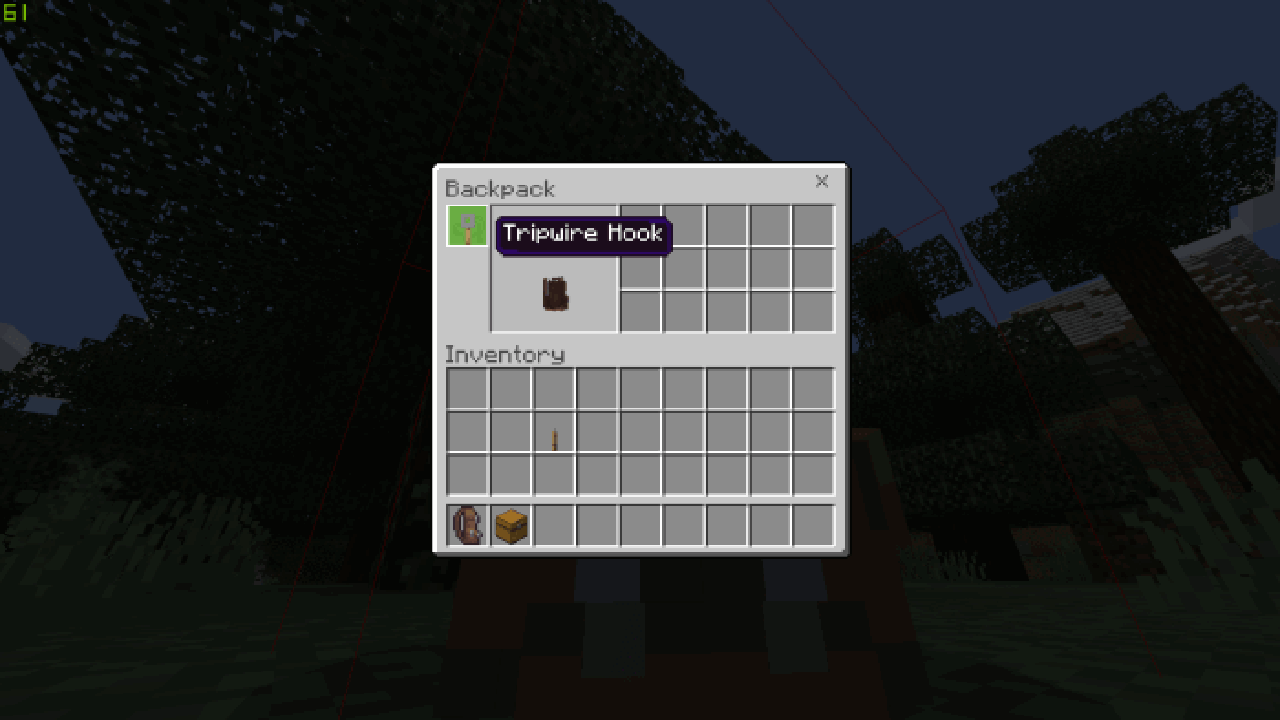
To lock a backpack place a tripwire hook in the 1st slot. This will prevent players from stealing your items.
Claim a backpack with a chest. (Make sure you don’t lock it if you haven’t claimed the backpack) this will unlock it’s inventory thus allowing you to store items in it.
To wear a backpack simply stand near one and it’ll jump on your back. To get it off sneak and left click, CONTINUE to sneak until you are a block away!
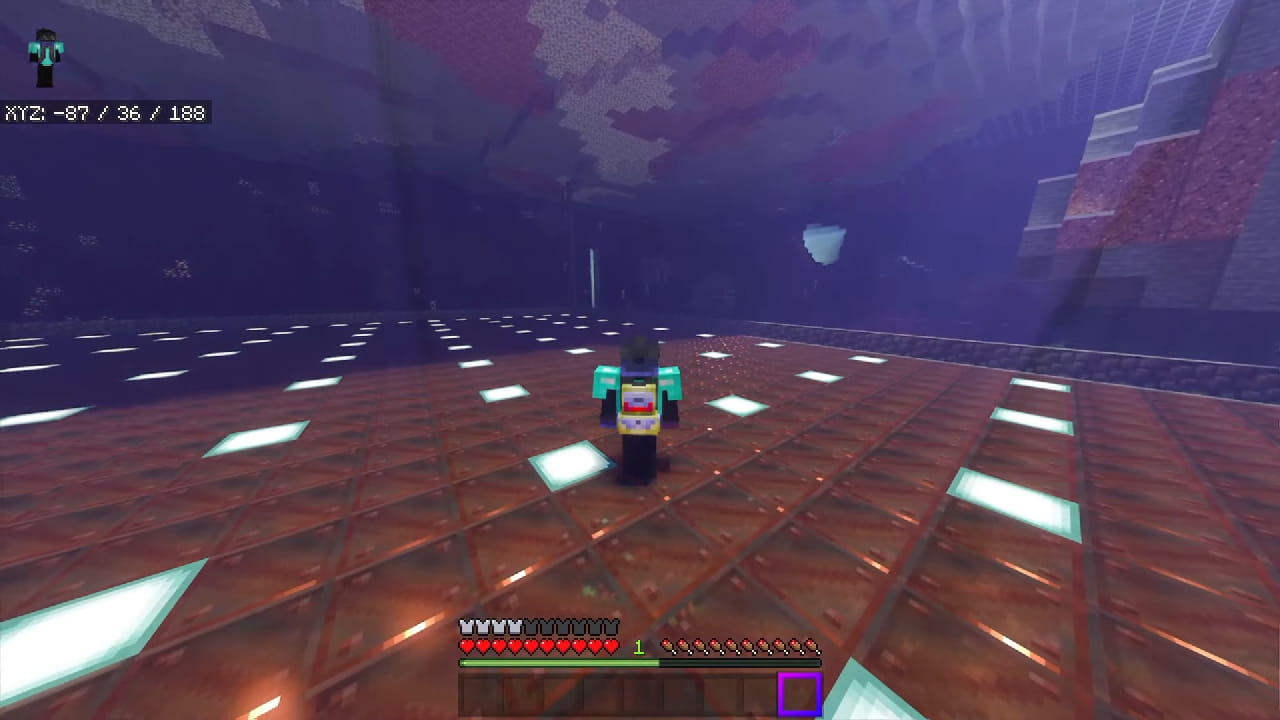
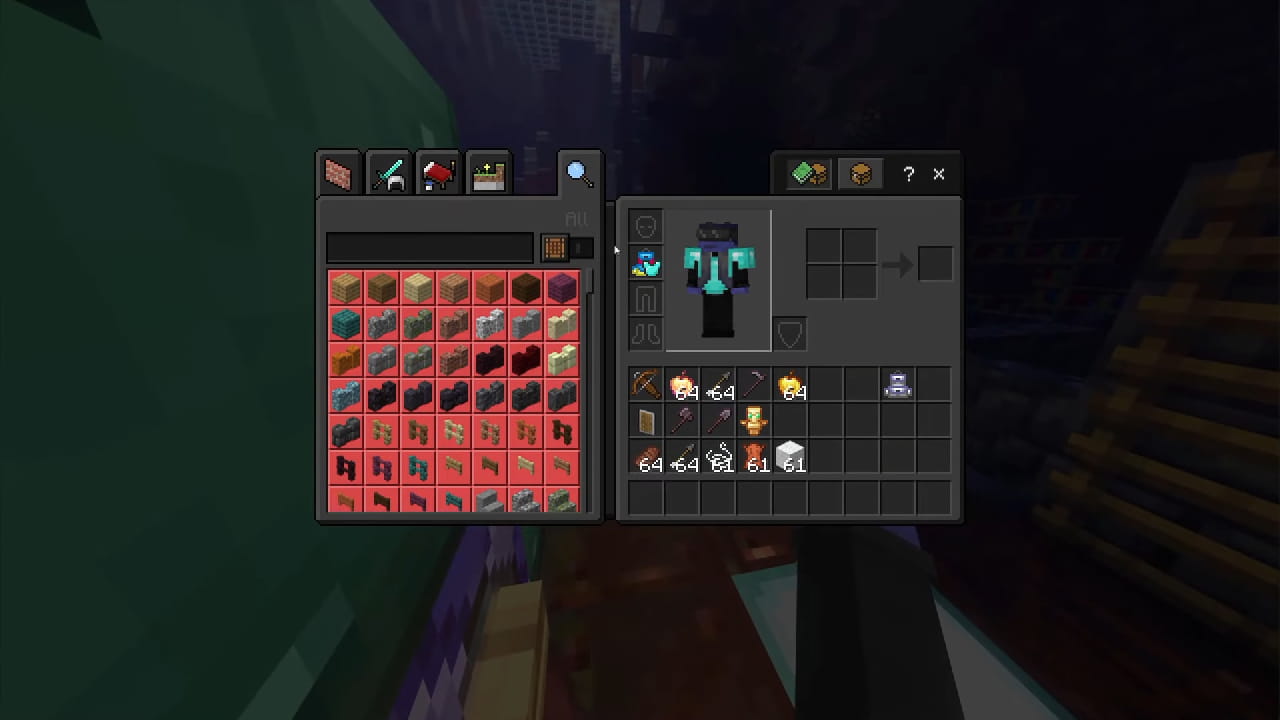
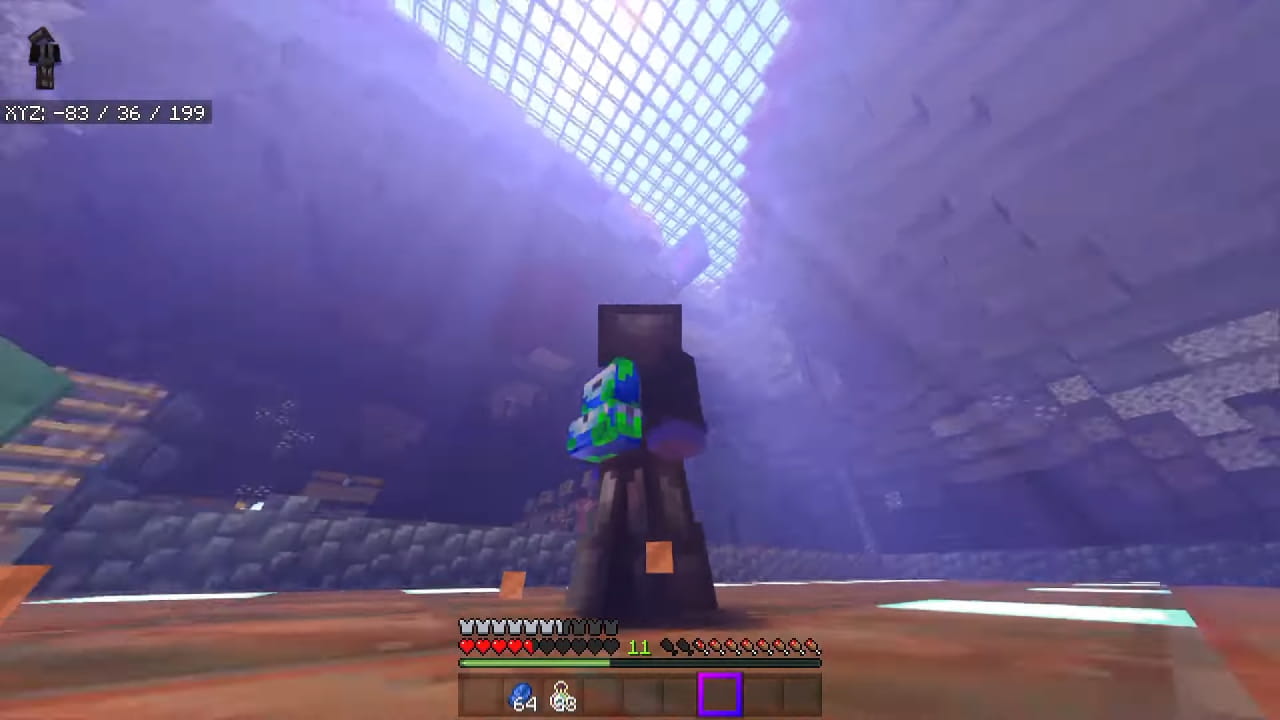
Screenshots:
Backpacks Add-on Download Links
For MCPE 1.16
Resource.mcpack: Download from server 2
Behavior.mcpack: Download from server 1
- Edition: Minecraft Bedrock
- File type: .mcpack or .mcaddon
- Minecraft version listed: 1.16
- How to install: Download the .mcpack or .mcaddon file. → Open it — Minecraft imports it. → In your world: Behavior Packs → Available → Activate, then the same under Resource Packs.
- Where to get it: In MCModsHub, or directly above on this page.
Install steps are the general flow for this file type — How to install Minecraft Bedrock addons & mods walks through it step by step.
- Pack type: .mcaddon — behaviour and resource pack in one file
- Complete pack — everything it depends on is inside the file
- Download size: 147 KB
- Download link checked 18 Jun 2026 — working
- Mirrored on our own servers — the download does not depend on the original host
These come from our own check of the pack file, not from the source page.