







Fast Server Pings Mod speeds up your multiplayer menu. This mod changes how the game checks for online servers, making the refresh button work much faster. It loads all your saved servers at the exact same time instead of going from top to bottom. You get a smoother menu screen without waiting a long time to see who is online to play.
Features:
- Checks all your saved servers at the same time instead of loading them one by one.
- Shows the old server status on your screen while it looks for new updates in the background.
- Stops the multiplayer menu from freezing when you click the refresh button.
- Helps players who keep a huge list of different multiplayer servers saved in their game.
- Replaces older ping fix mods because it already has those speed tricks built inside.
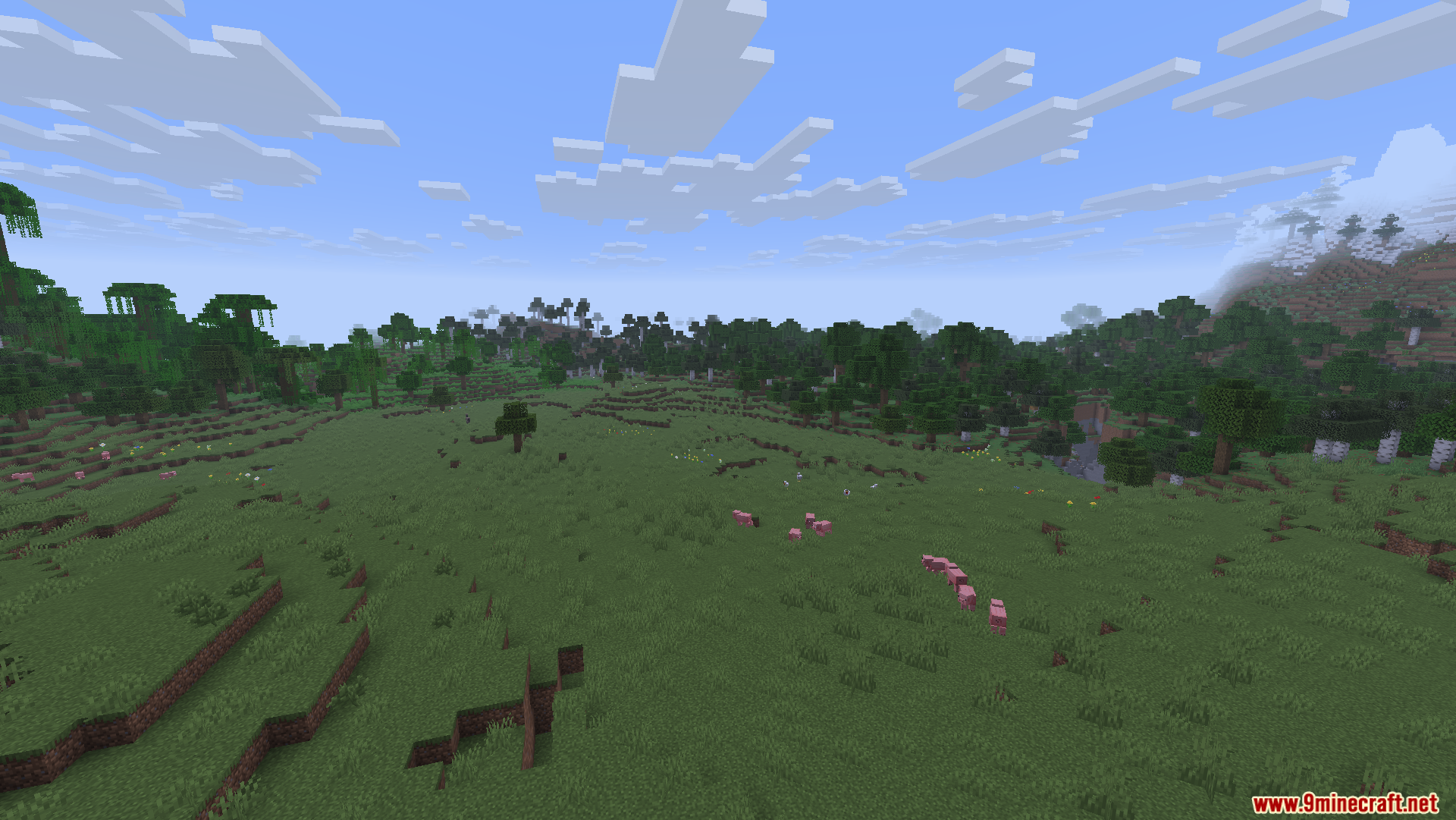
Screenshots:
Fast Server Pings Mod Download Links
Quick facts
- Edition: Minecraft Java
- File type: .jar
- Minecraft version listed: 1.20.1
- How to install: Install the matching mod loader (Forge, Fabric or NeoForge) for your Minecraft version. → Download the .jar. → Put it in the .minecraft/mods folder and launch that loader profile.
- Where to get it: In MC Java Mods, or directly above on this page.
Install steps are the general flow for this file type — How to install Minecraft Java mods & modpacks walks through it step by step.
Verified by MCModsHub
- Downloads as 86335.mcaddon
- Download size: 217 KB
- Download link checked 26 Sept 2026 — working
- Mirrored on our own servers — the download does not depend on the original host
These come from our own check of the pack file, not from the source page.