AddonsBedrock
Keystone Mod
Bedrock add-on listed for Minecraft 1.21 (behavior + resource pack). File opened and checked on 3 Oct 2026; installs from the MC Bedrock Mods app on Android.
⬇ Download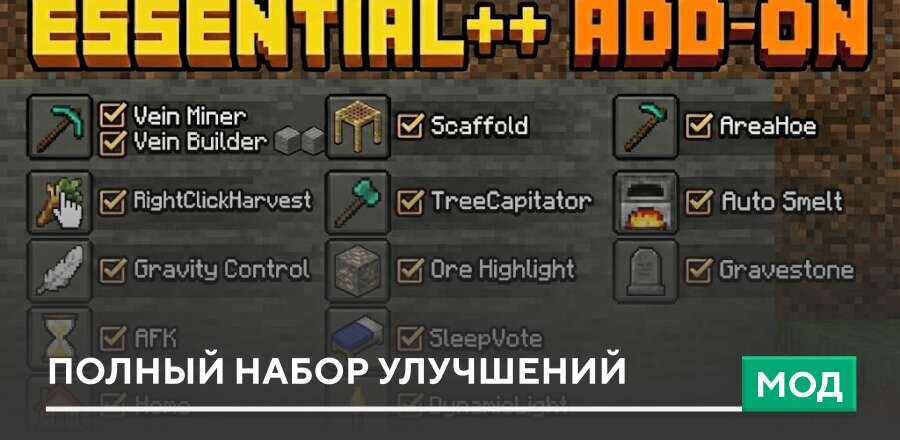
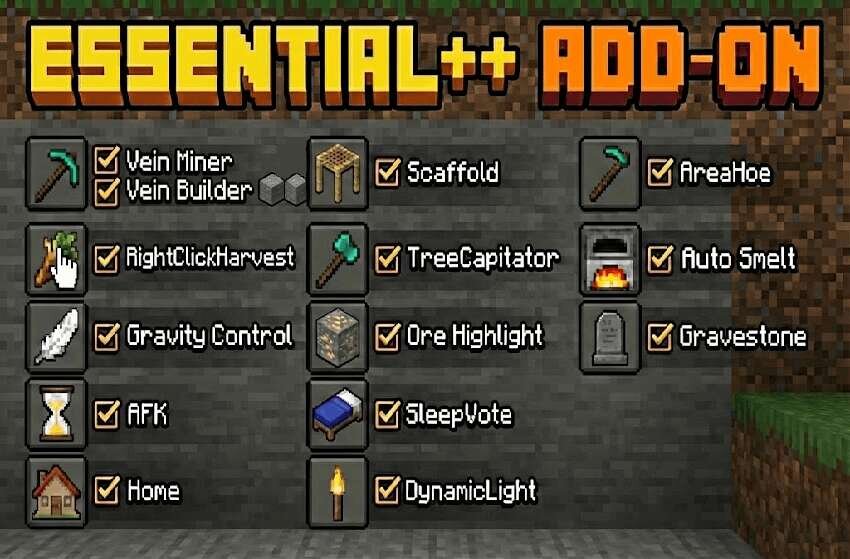


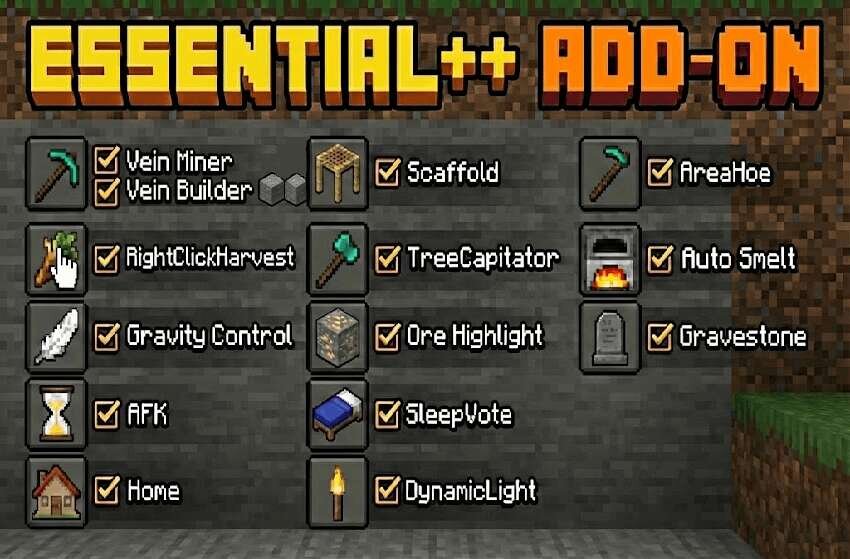
The Keystone mod combines many useful features that simplify resource gathering, construction, and world exploration. It includes automatic ore smelting, vein mining, accelerated tree chopping, and convenient farming tools. Additionally, navigation features are available, including teleportation to saved points and dynamic lighting in Minecraft. Features: Settings (/es:config) - open the settings and modules menu. Performance Mode - automatically disables heavy functions during lag. Mining: Vein Miner - breaks the entire ore vein when mining in a crouch. Auto Smelt - automatically smelts ore and gives experience. Ore Highlight - temporarily highlights similar ores nearby. Gravity Control - causes sand, gravel, and concrete powder to fall. Farming: Right Click Harvest - harvests and automatically replants crops. Area Hoe - processes a 3x3 area of land. Tree Capitator - chops down an entire tree from the bottom block. Construction: Scaffold - places blocks under the player when building bridges. Vein Builder - quickly places a line of blocks. Multiplayer: AFK Detection - marks AFK players. Sleep Vote - skips the night by voting. /es:pvp - enable or disable PvP. Navigation and Convenience: Homes - save and teleport to points. /es:sethome - save a point. /es:home [name] - teleport home. /es:delhome - delete a point. Dynamic Light - light from torches in hand. Gravestone - a grave with items after death. Changes in the new version: Fixed bugs. Added new features.
Quick facts
- Edition: Minecraft Bedrock
- File type: .mcpack or .mcaddon
- How to install: Download the .mcpack or .mcaddon file. → Open it — Minecraft imports it. → In your world: Behavior Packs → Available → Activate, then the same under Resource Packs.
- Where to get it: In MCModsHub, or directly above on this page.
Install steps are the general flow for this file type — How to install Minecraft Bedrock addons & mods walks through it step by step.
File checked by MCModsHub
- Pack type: .mcaddon — behaviour and resource pack in one file
- Manifest requires Minecraft 1.21.90 or newer
- Complete pack — everything it depends on is inside the file
- Download link checked 18 Jun 2026 — working
- Mirrored on our own servers — the download does not depend on the original host
These come from our own check of the pack file, not from the source page.