Home›Java›Shaders›Mr. Butternuss Shaders (26.2, 1.20.1) – Rework the Graphics and Textures
Mr. Butternuss Shaders (26.2, 1.20.1) – Rework the Graphics and Textures
ShadersJava

Mr. Butternuss Shaders (26.2, 1.20.1) – Rework the Graphics and Textures

Java shader pack listed for Minecraft 1.20. Downloads from the MC Java Mods app on Android.

by Moon

⬇ Download
Mr. Butternuss Shaders (26.2, 1.20.1) – Rework the Graphics and Textures — screenshot 1Mr. Butternuss Shaders (26.2, 1.20.1) – Rework the Graphics and Textures — screenshot 2Mr. Butternuss Shaders (26.2, 1.20.1) – Rework the Graphics and Textures — screenshot 3Mr. Butternuss Shaders (26.2, 1.20.1) – Rework the Graphics and Textures — screenshot 4Mr. Butternuss Shaders (26.2, 1.20.1) – Rework the Graphics and Textures — screenshot 5Mr. Butternuss Shaders (26.2, 1.20.1) – Rework the Graphics and Textures — screenshot 6Mr. Butternuss Shaders (26.2, 1.20.1) – Rework the Graphics and Textures — screenshot 7Mr. Butternuss Shaders (26.2, 1.20.1) – Rework the Graphics and Textures — screenshot 8

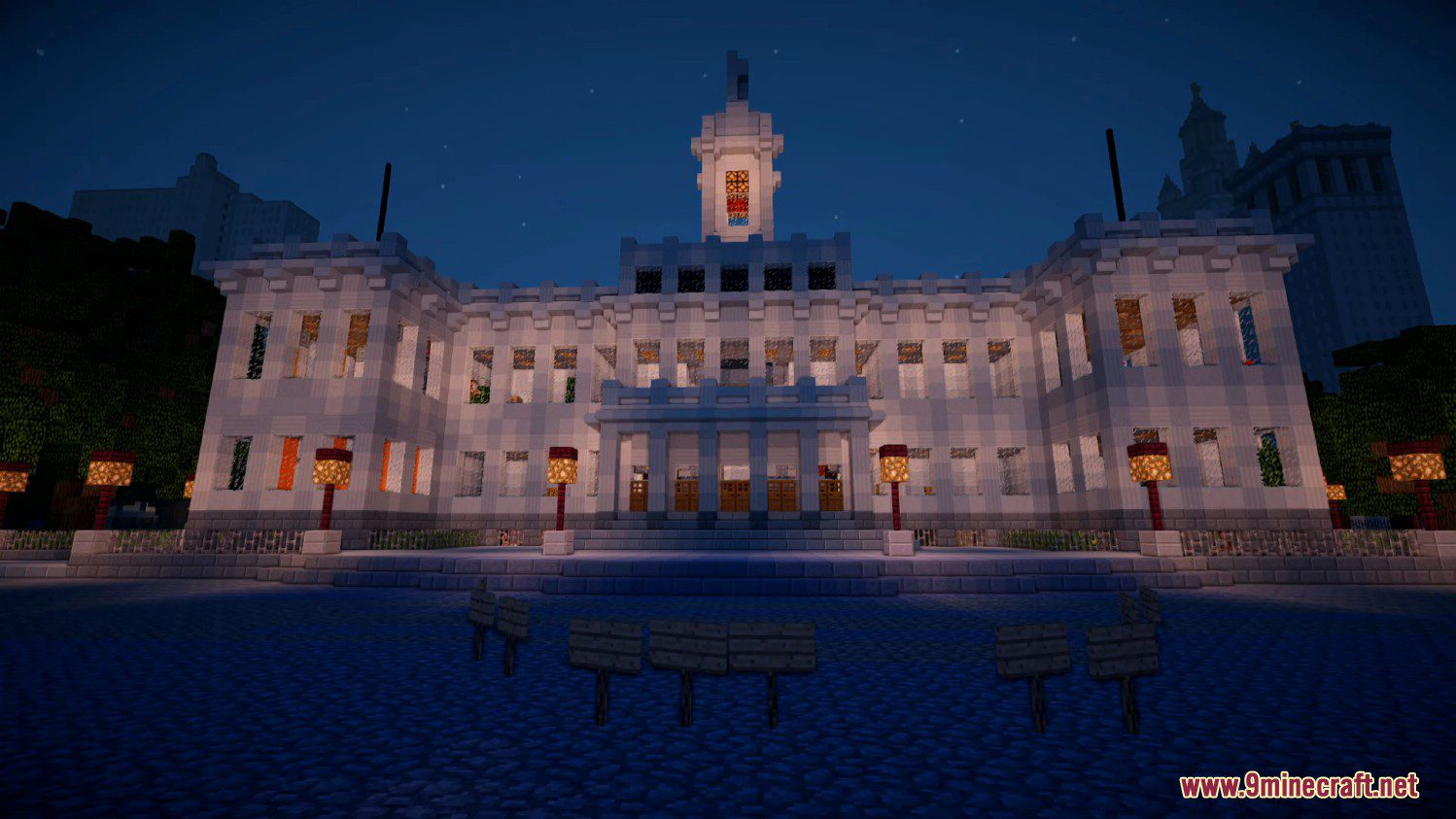
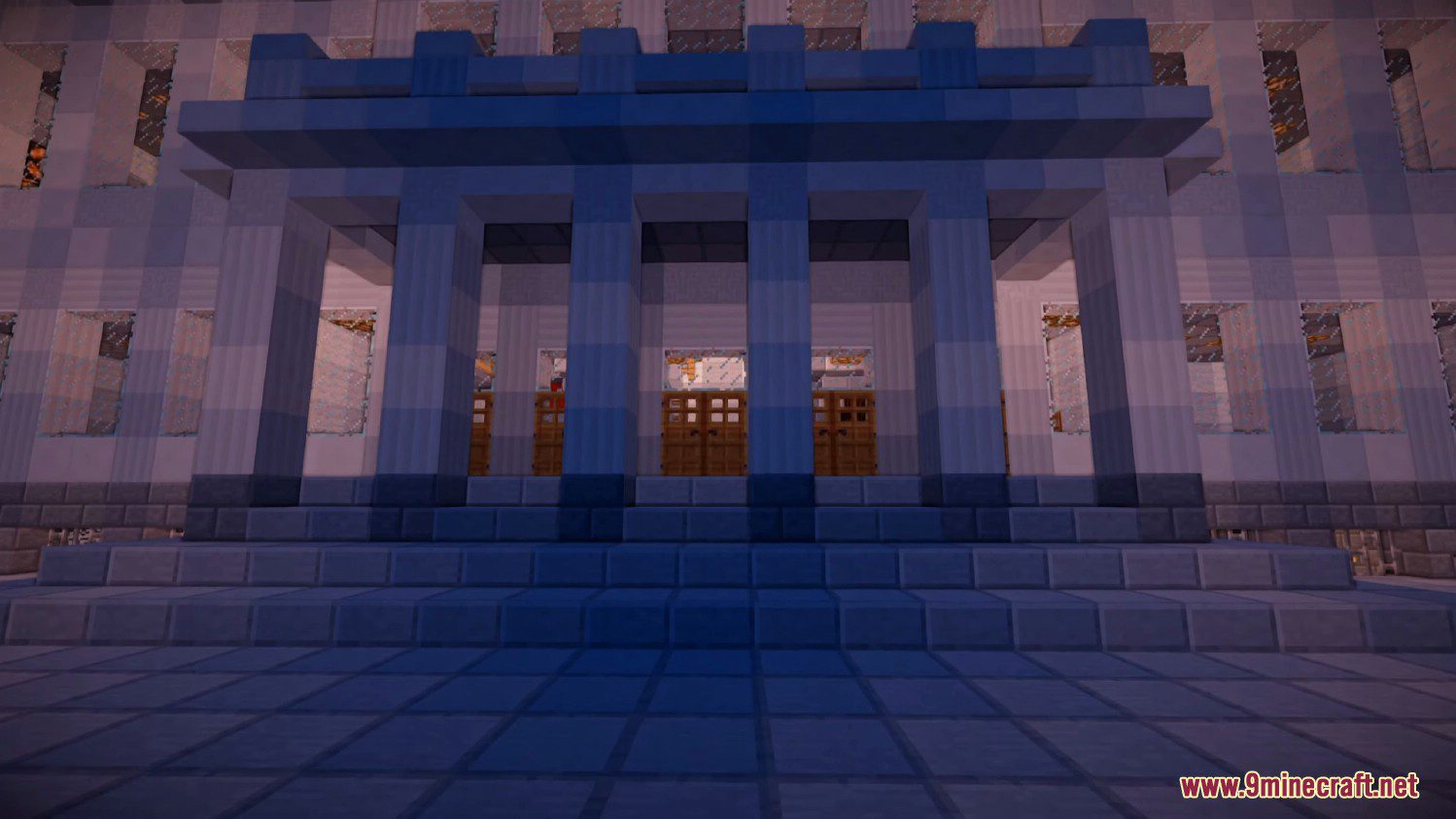
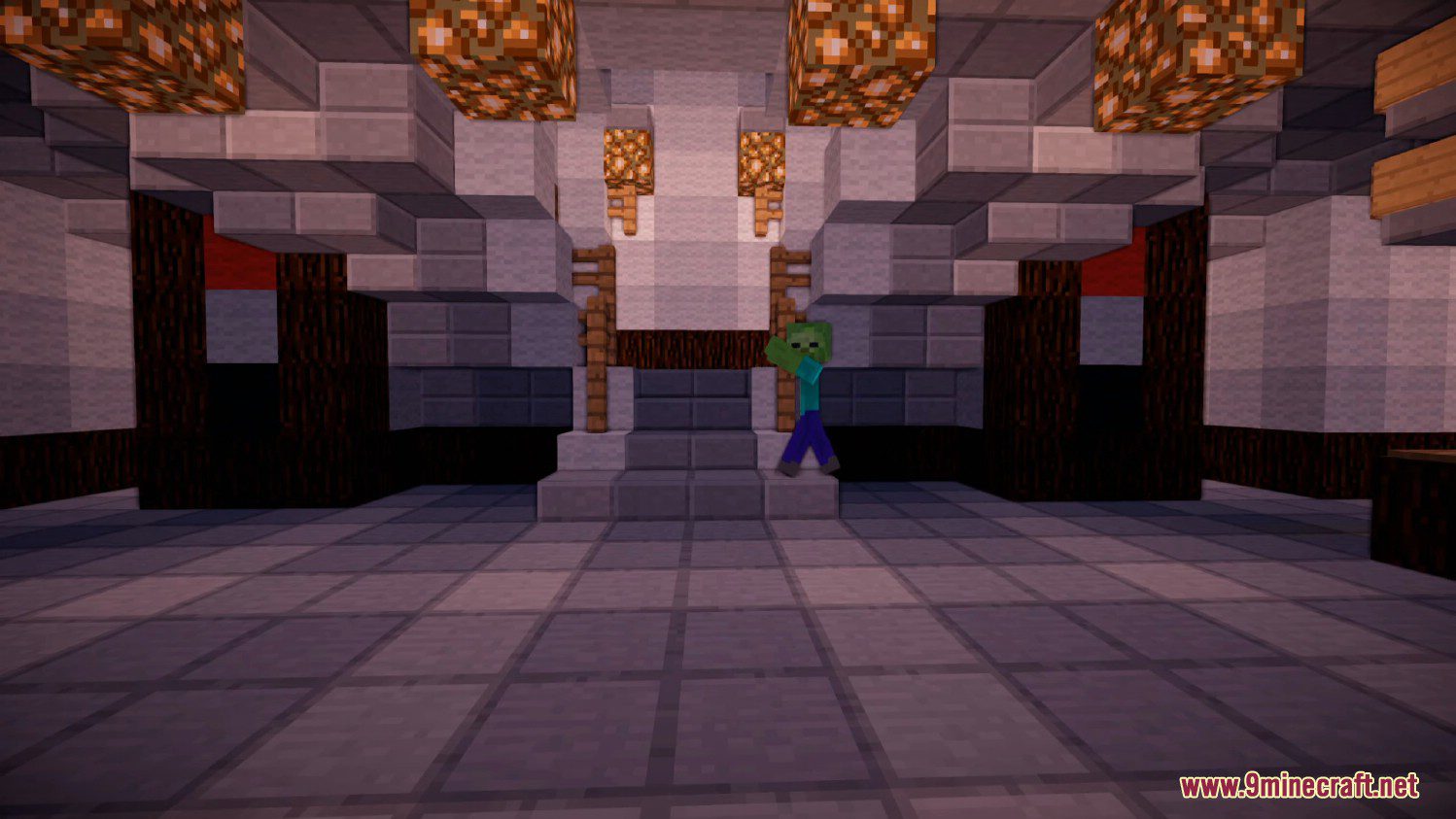
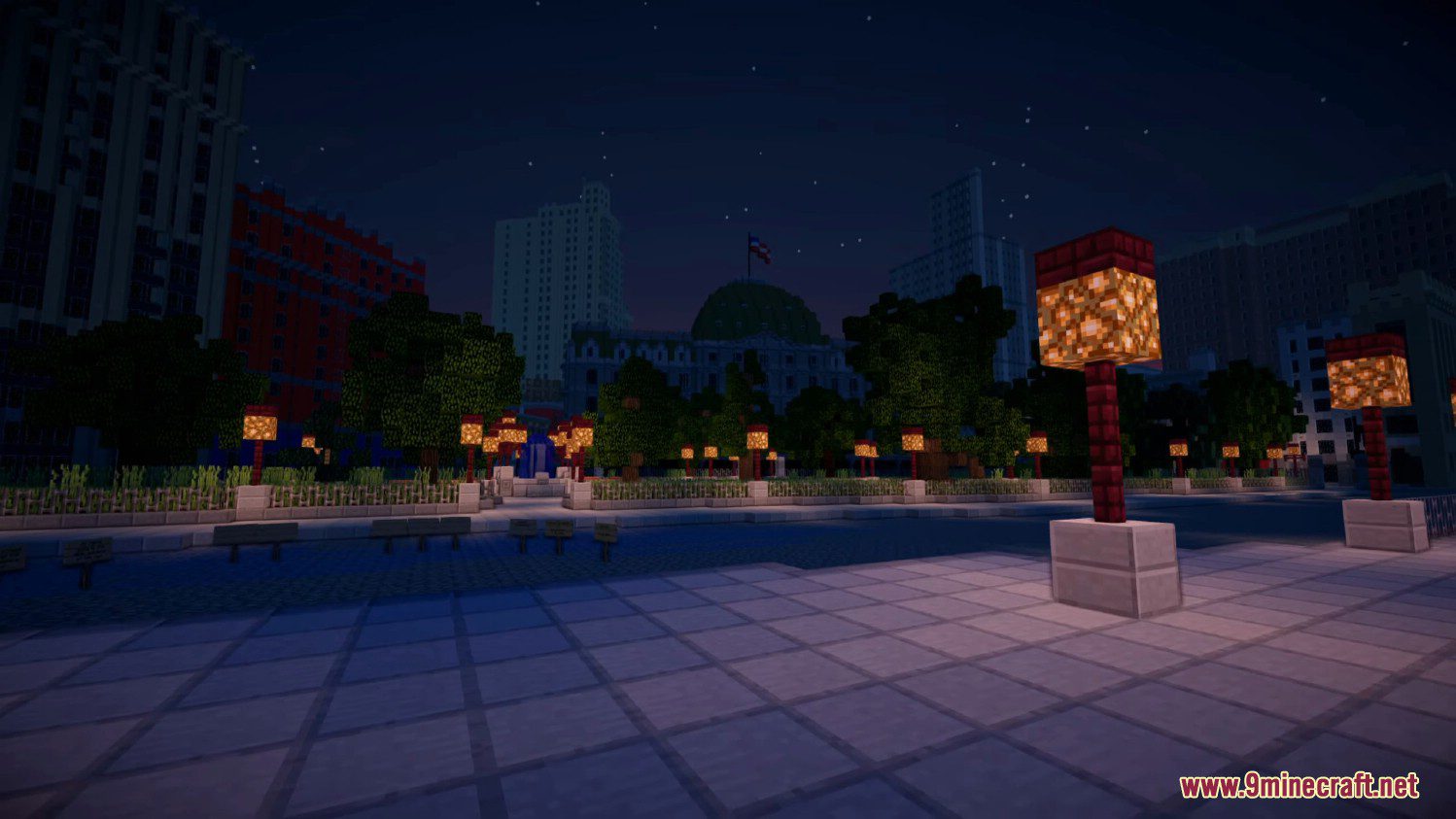
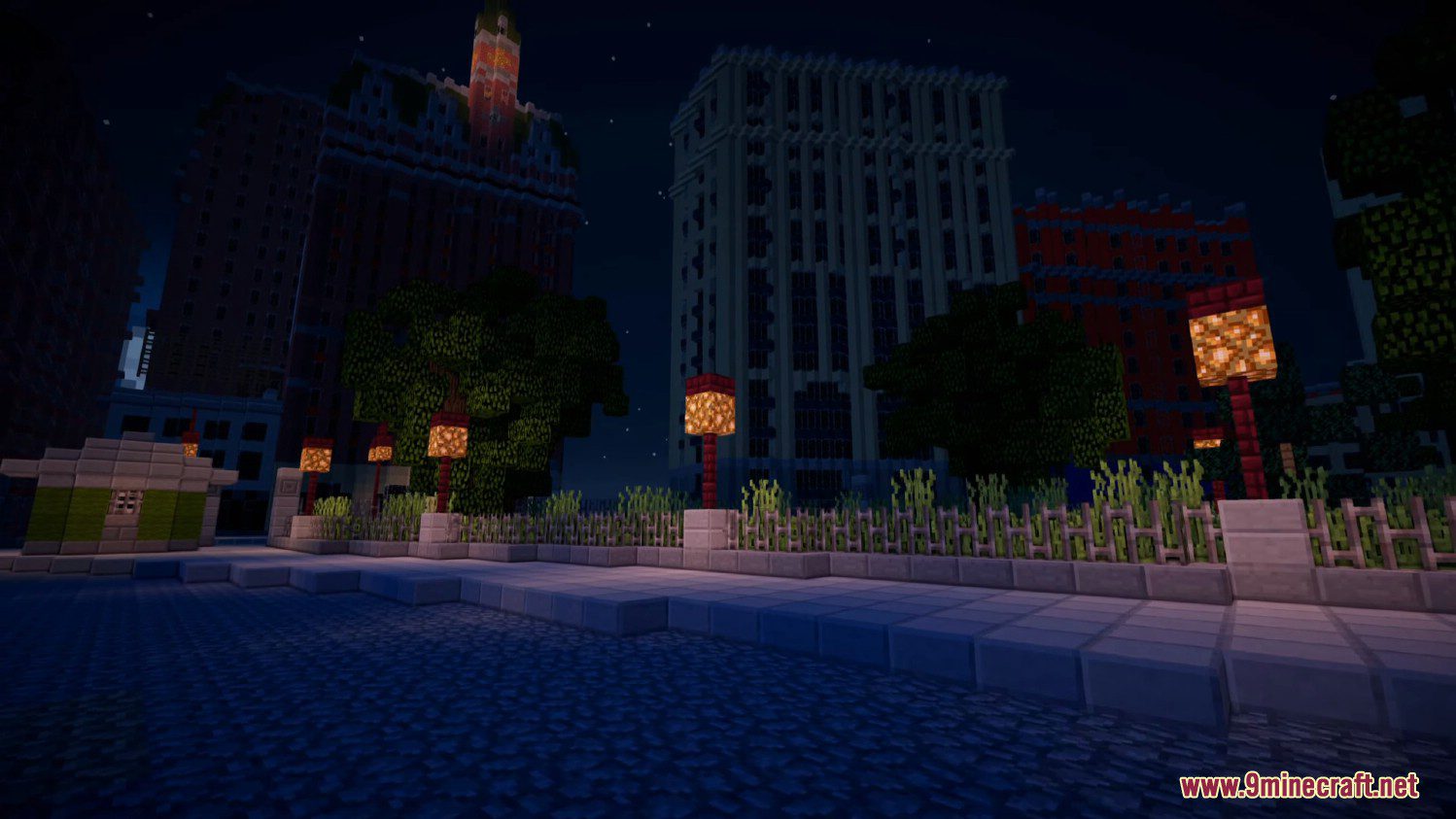
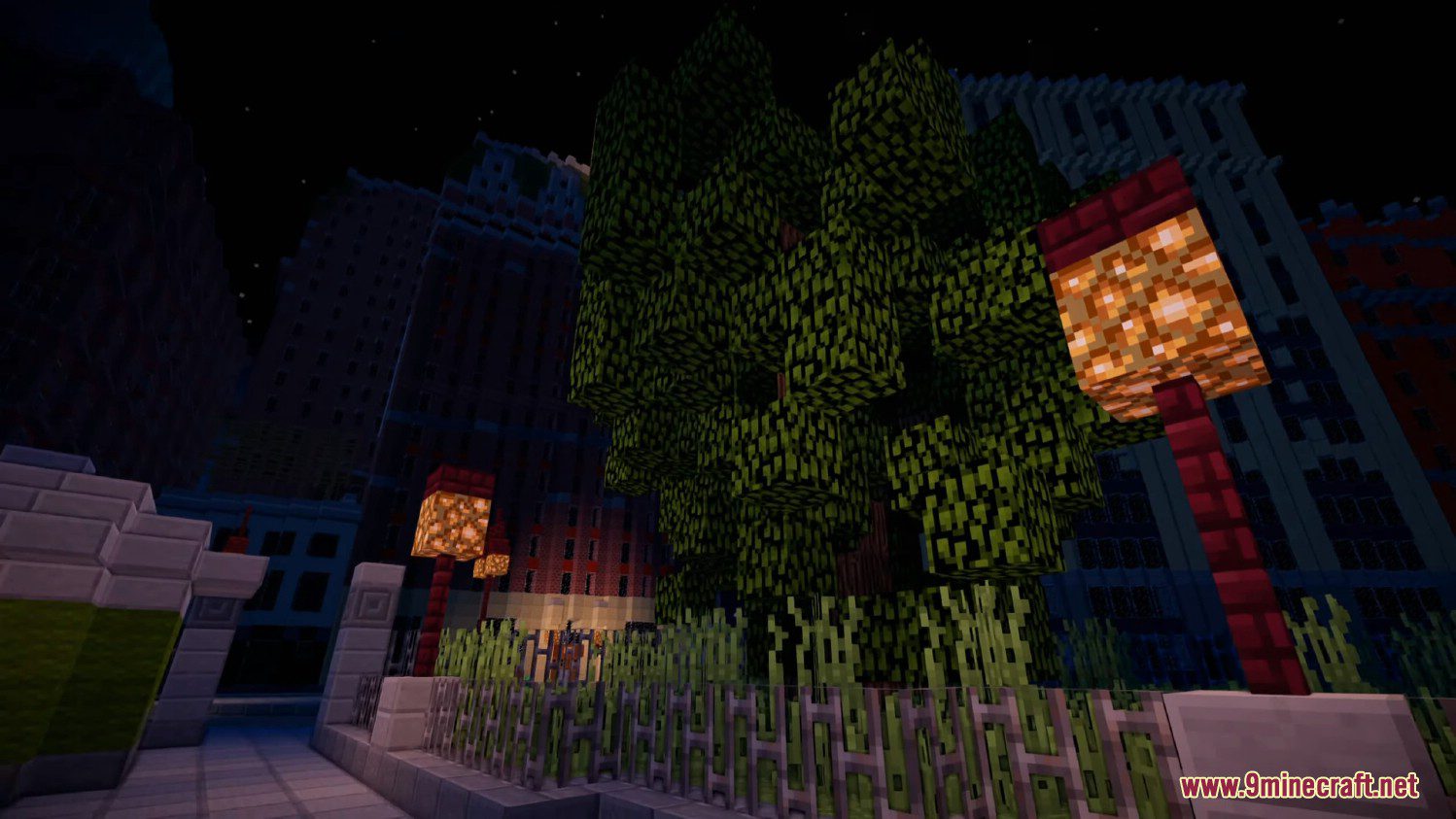
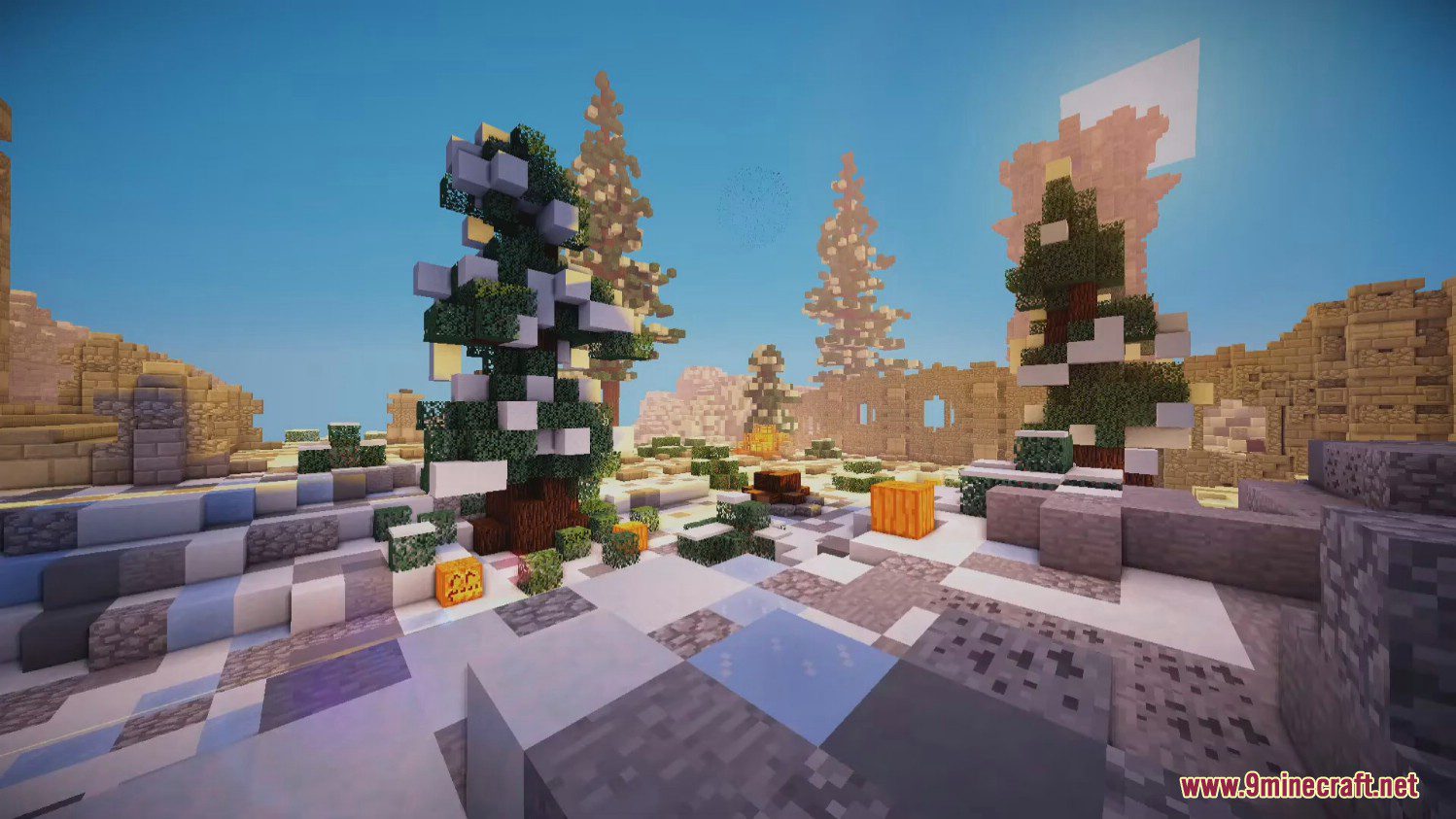
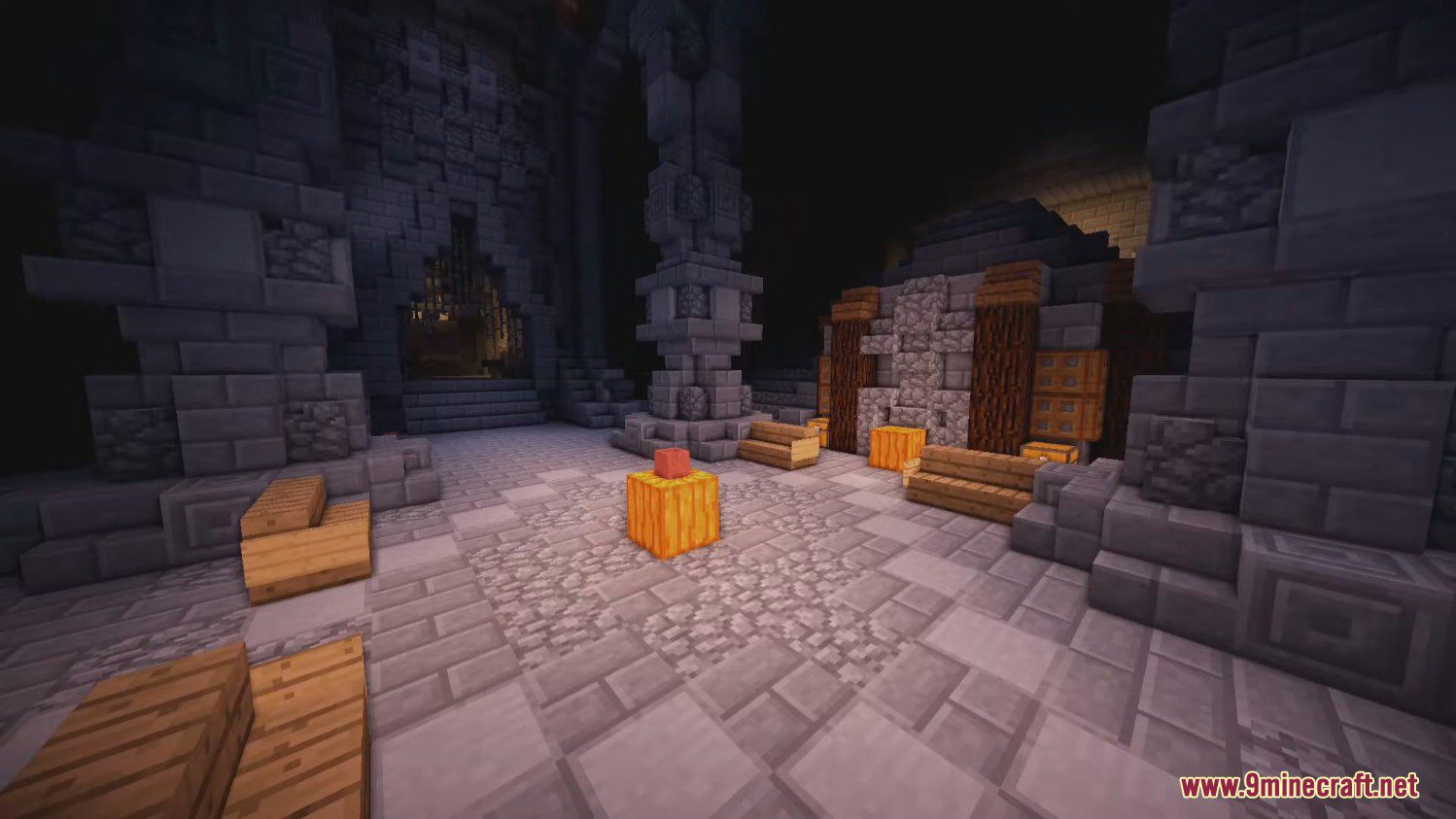
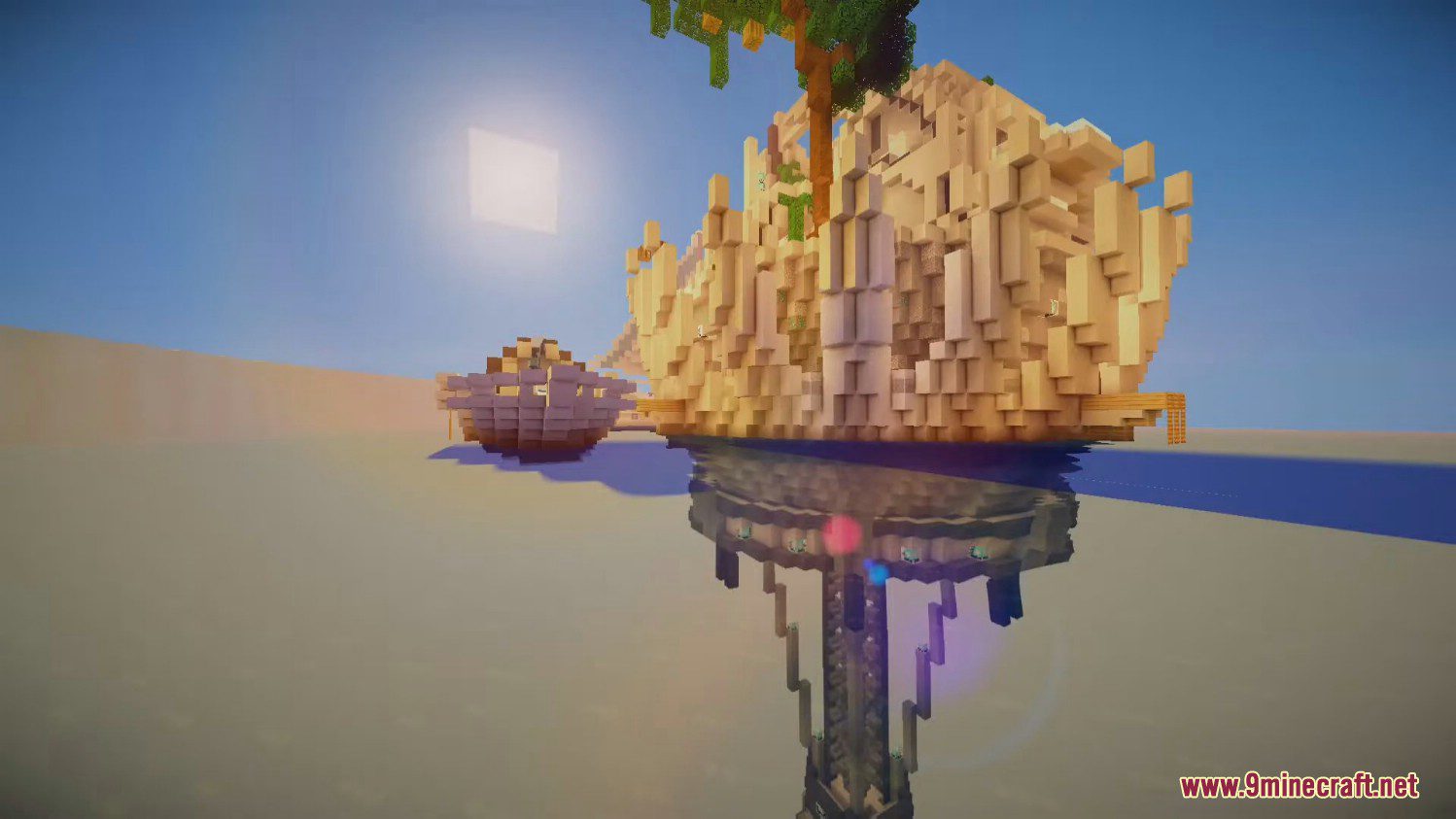
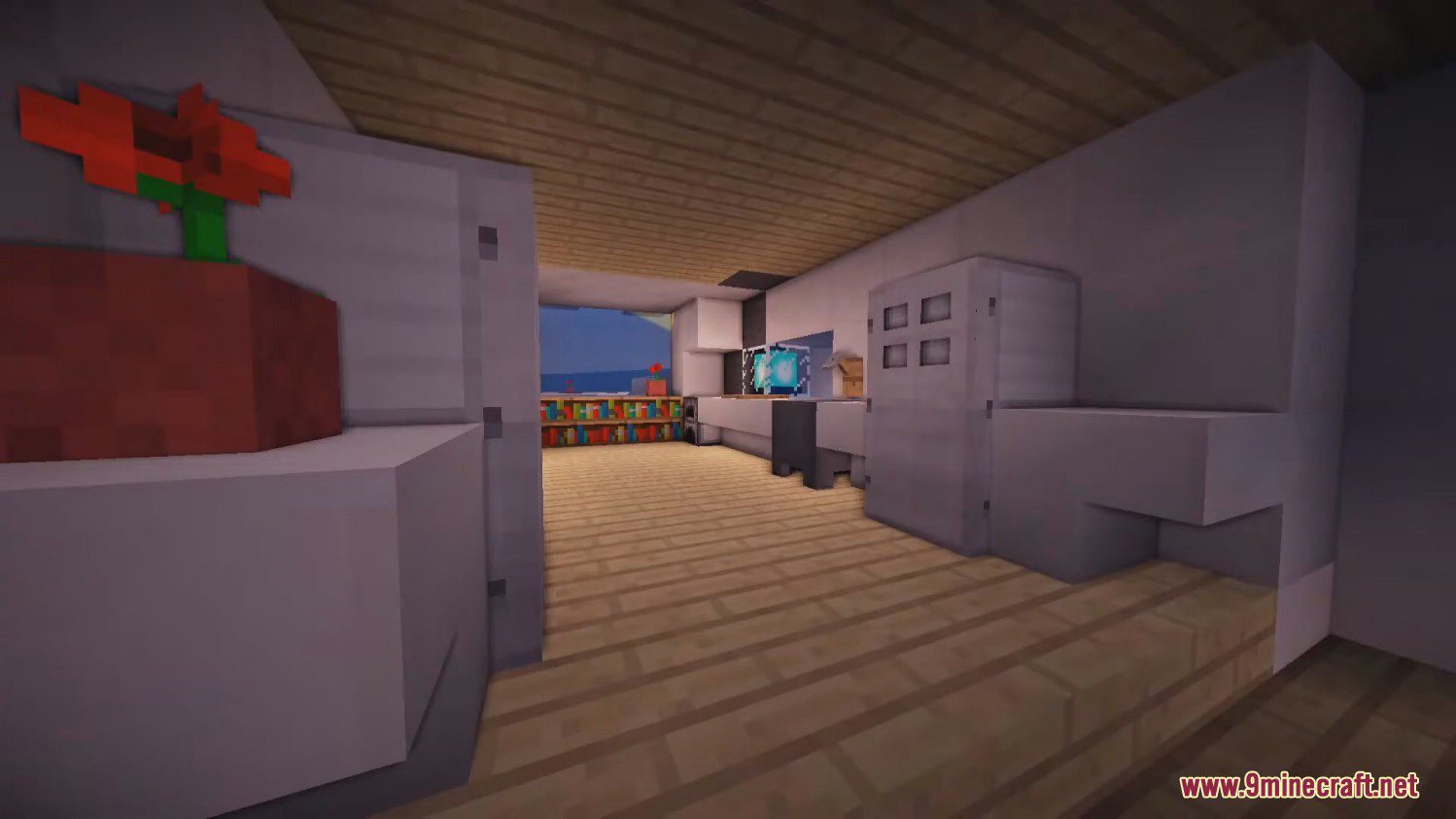
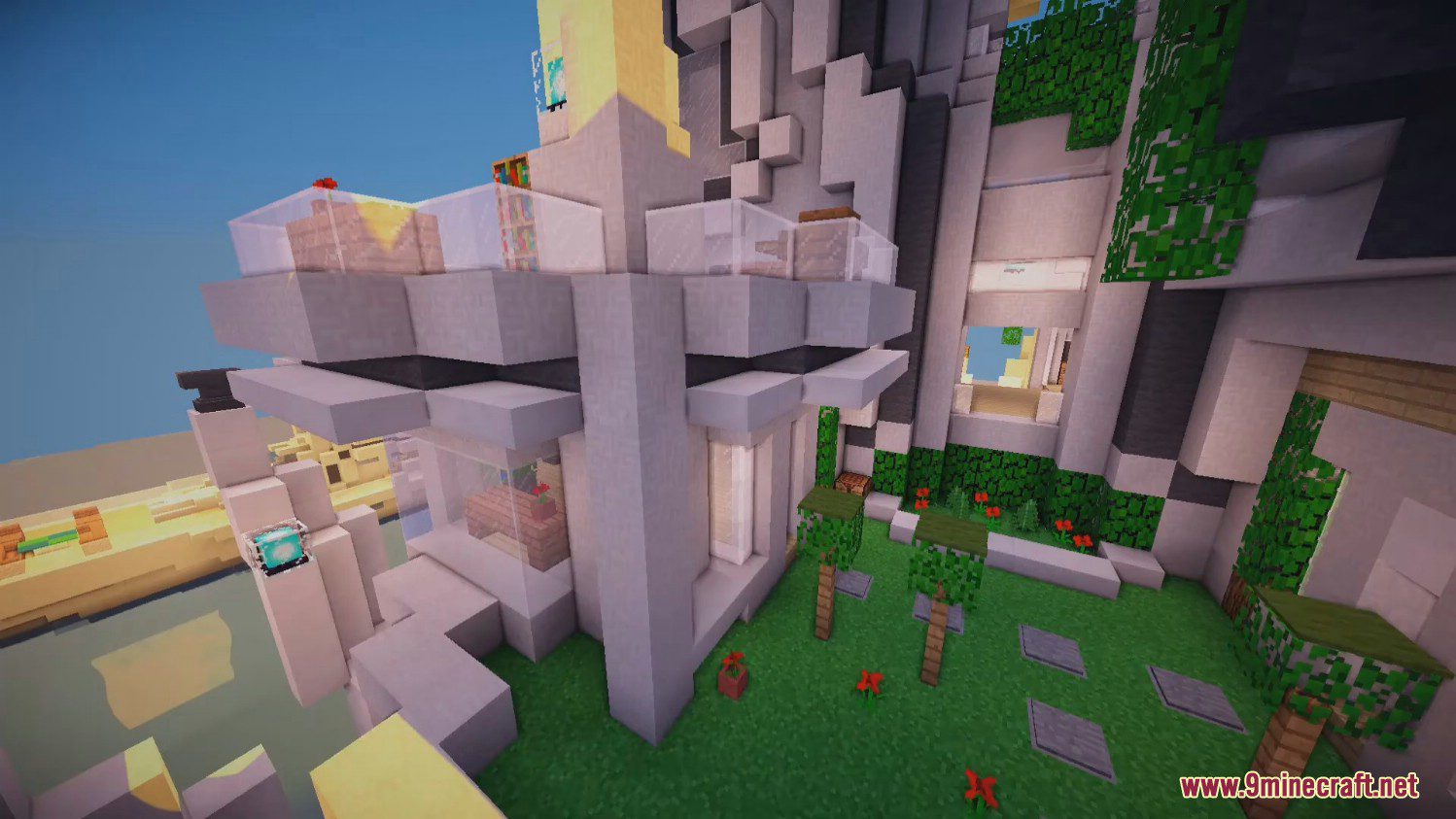
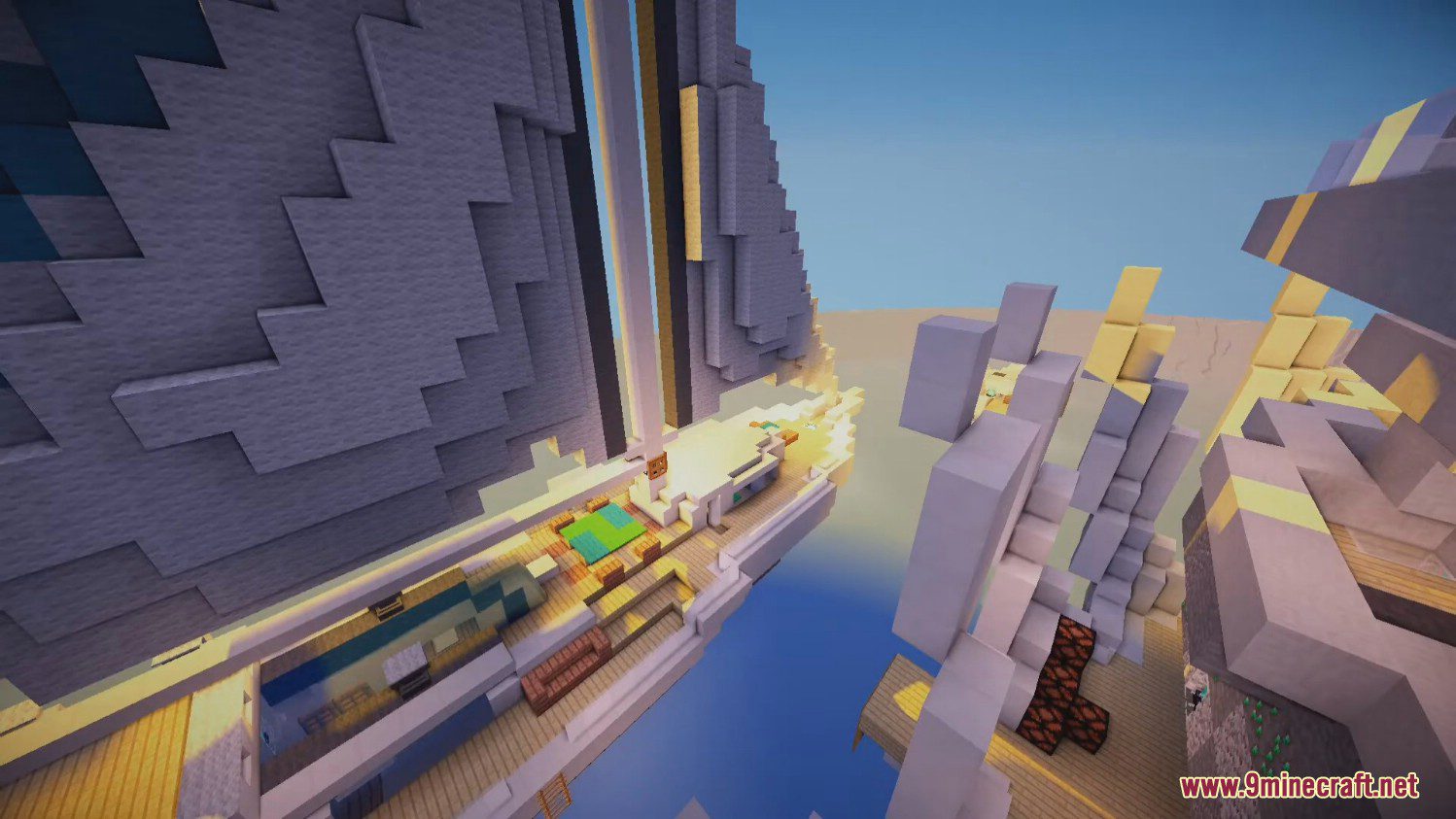
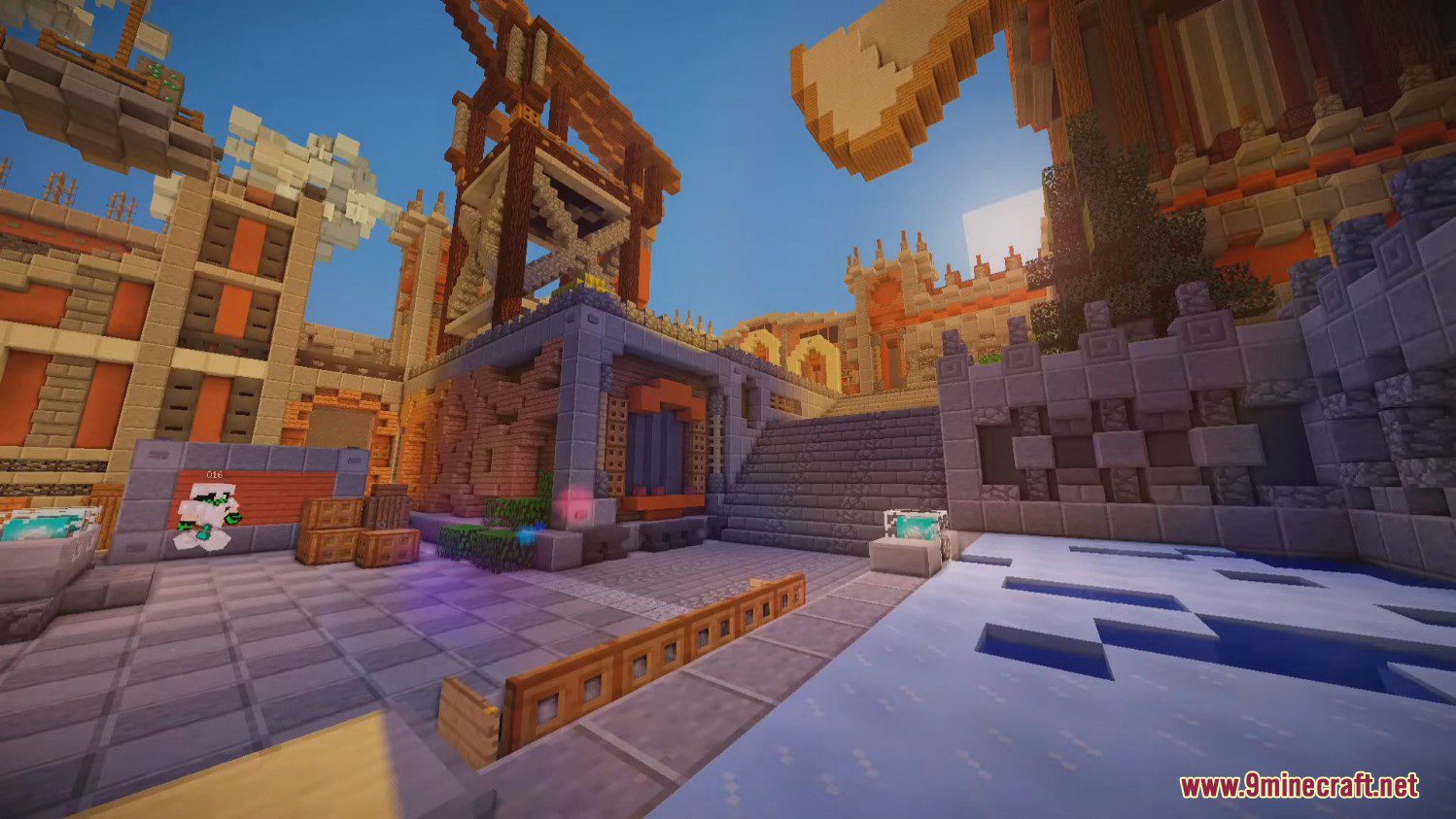
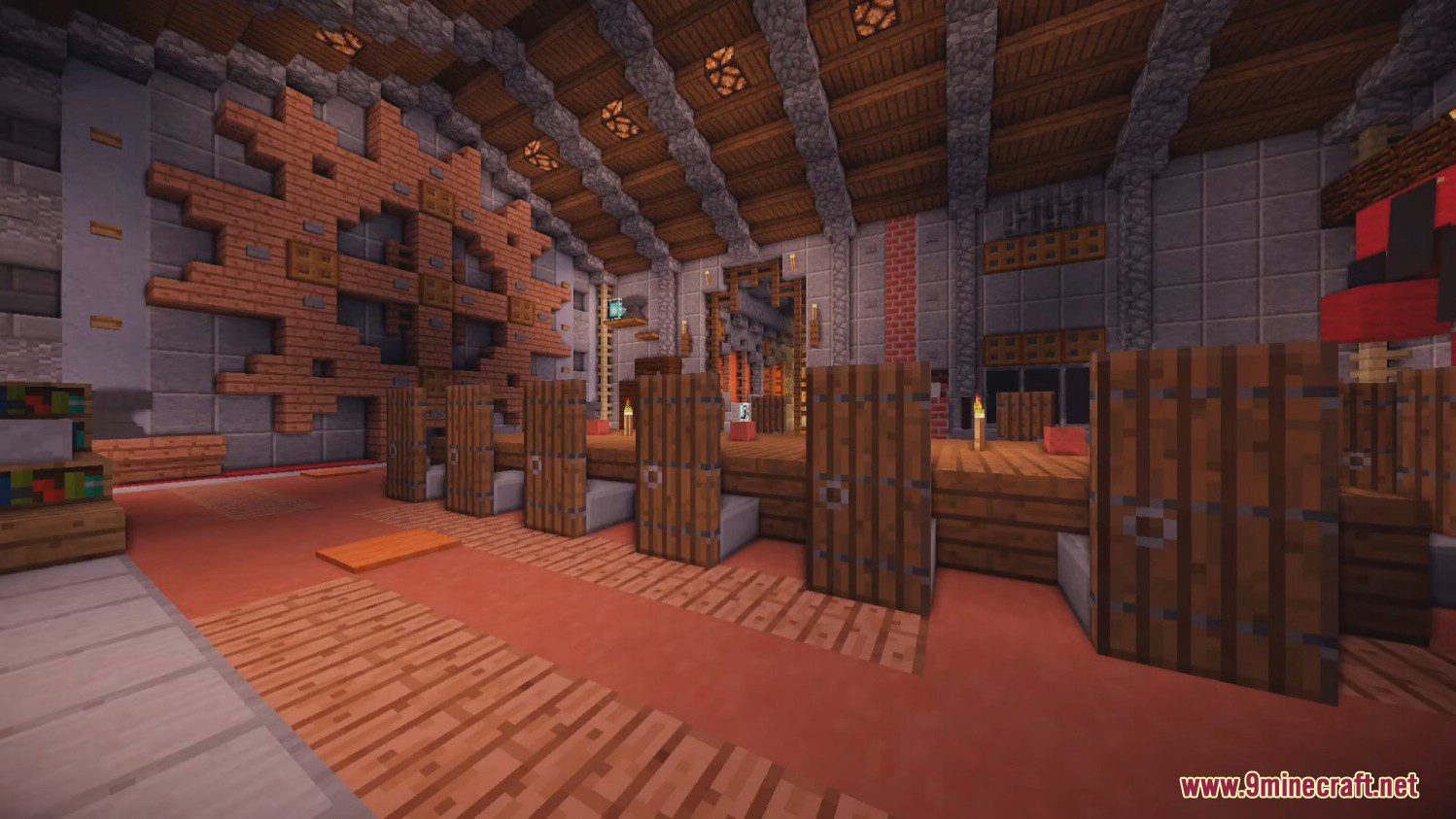
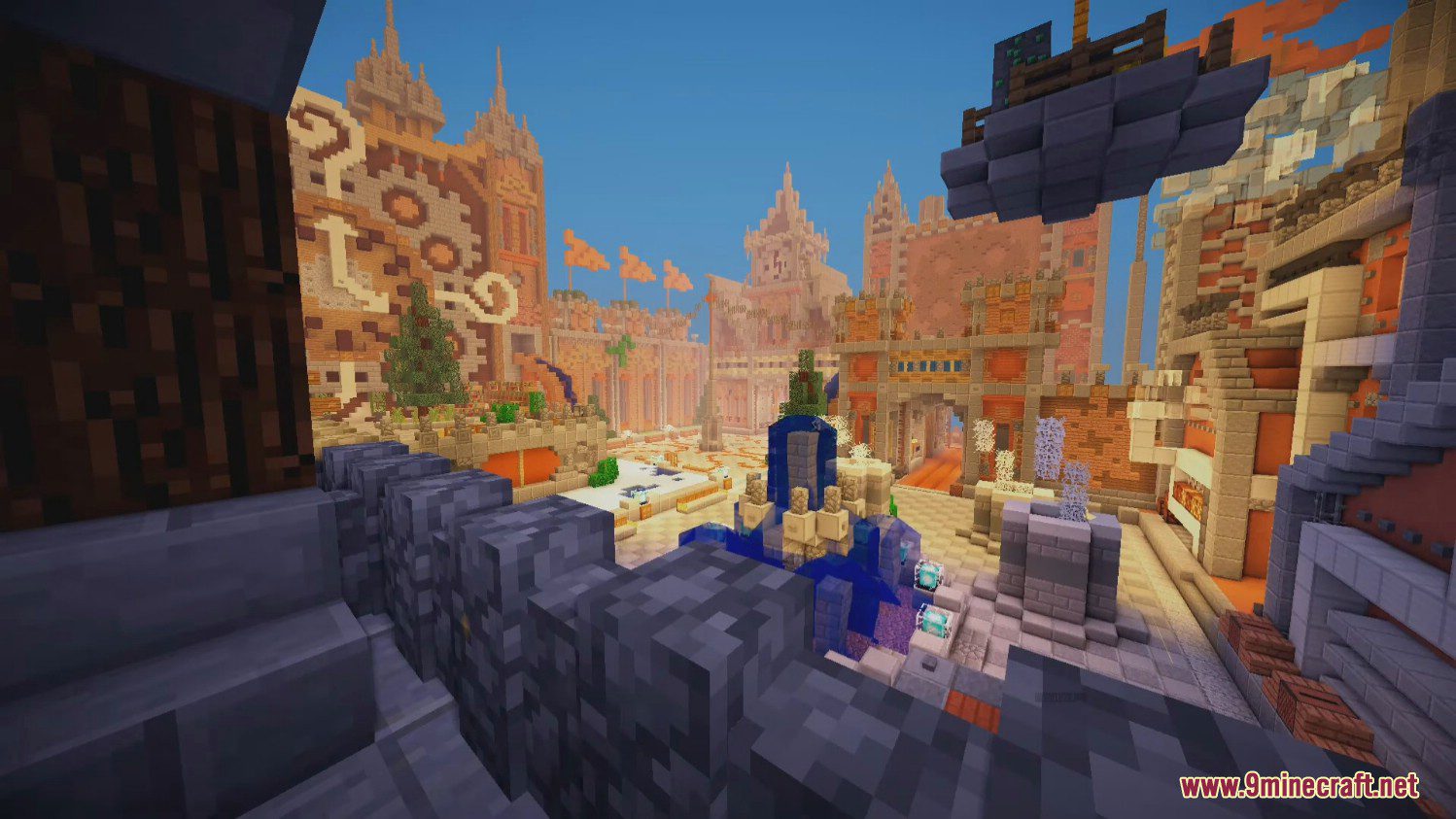
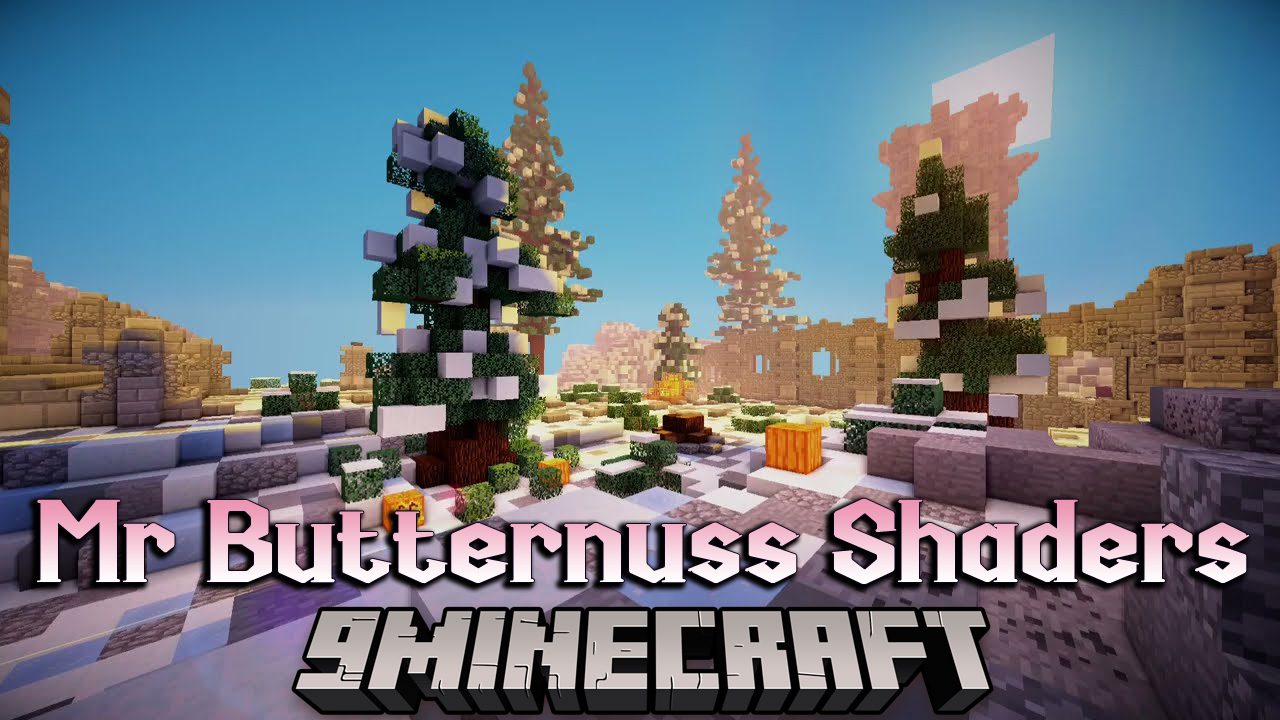
Mr. Butternuss Shaders is designed to rework the graphics and textures of Minecraft without affecting the performance of the game. The pack uses low resources in a PC and can, therefore, be used on a low-end PC with minimal lags. The shaders make the game look inherently more vibrant, with each texture made to look cleaner and smoother. The shaders also add bouncy movements to foliage and trees, making them look as if they are alive.

Mr. Butternuss Shaders (26.2, 1.20.1) – Rework the Graphics and Textures — Minecraft Java shader, screenshot 1

This adorable Minecraft shader pack is perfect for players that want a cartoonish style of graphics for their world. Using these shaders is therapeutic because leaves and grass blow in the wind, blocks blend perfectly, and the world has this slight pinkish hue which makes everything much lighter and more vibrant. This Minecraft shader pack has been out for ages and is simple to run on any PC. It’s definitely a catch and works well with cottagecore inspired builds.

Screenshots:
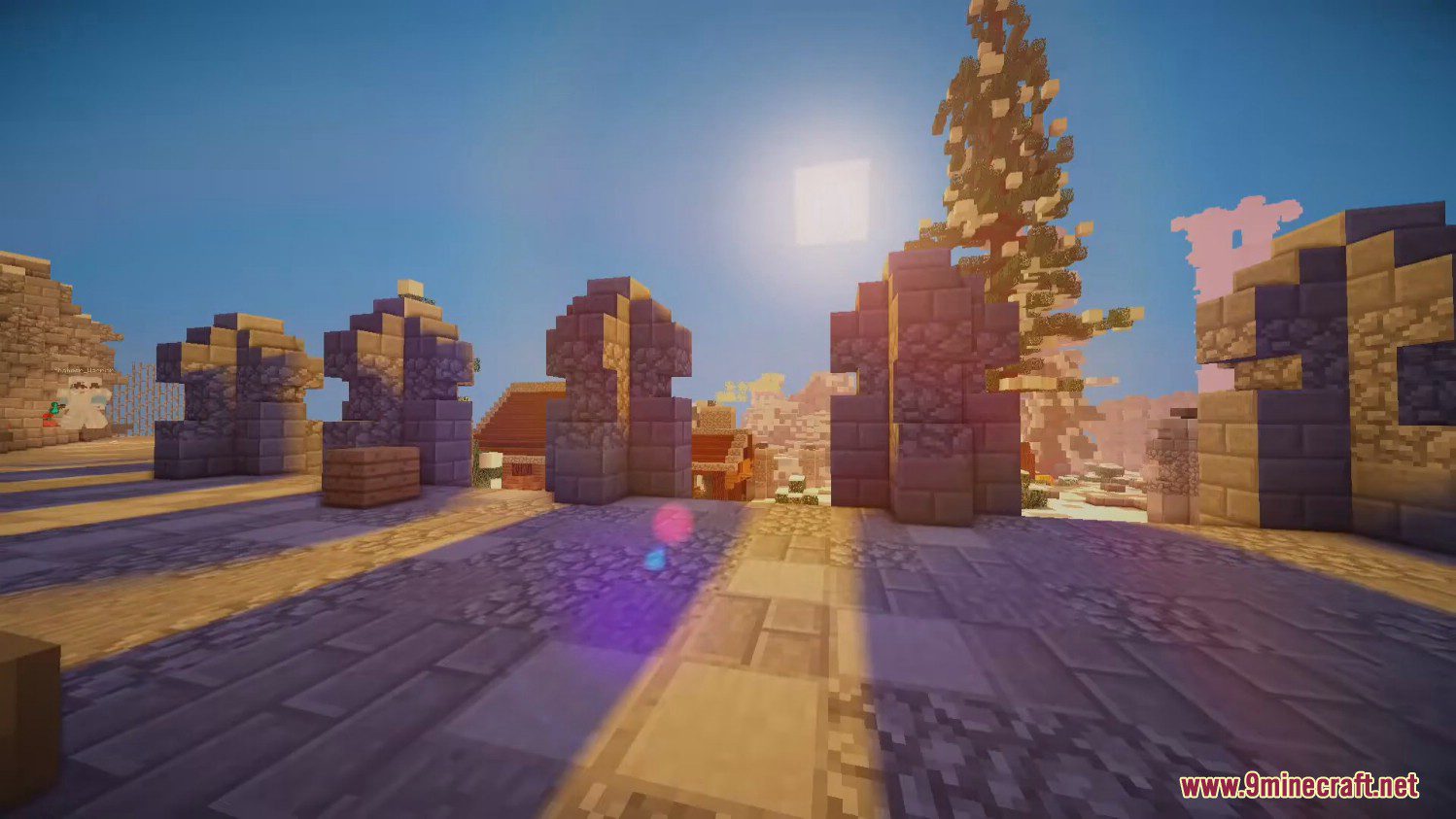
Mr. Butternuss Shaders (26.2, 1.20.1) – Rework the Graphics and Textures — Minecraft Java shader, screenshot 2

Mr. Butternuss Shaders (26.2, 1.20.1) – Rework the Graphics and Textures — Minecraft Java shader, screenshot 3

Mr. Butternuss Shaders (26.2, 1.20.1) – Rework the Graphics and Textures — Minecraft Java shader, screenshot 4

Mr. Butternuss Shaders (26.2, 1.20.1) – Rework the Graphics and Textures — Minecraft Java shader, screenshot 5

Mr. Butternuss Shaders (26.2, 1.20.1) – Rework the Graphics and Textures — Minecraft Java shader, screenshot 6

Mr. Butternuss Shaders (26.2, 1.20.1) – Rework the Graphics and Textures — Minecraft Java shader, screenshot 7

Mr. Butternuss Shaders (26.2, 1.20.1) – Rework the Graphics and Textures — Minecraft Java shader, screenshot 8

Mr. Butternuss Shaders (26.2, 1.20.1) – Rework the Graphics and Textures — Minecraft Java shader, screenshot 9

Mr. Butternuss Shaders (26.2, 1.20.1) – Rework the Graphics and Textures — Minecraft Java shader, screenshot 10

Mr. Butternuss Shaders (26.2, 1.20.1) – Rework the Graphics and Textures — Minecraft Java shader, screenshot 11

Mr. Butternuss Shaders (26.2, 1.20.1) – Rework the Graphics and Textures — Minecraft Java shader, screenshot 12

Mr. Butternuss Shaders (26.2, 1.20.1) – Rework the Graphics and Textures — Minecraft Java shader, screenshot 13

Mr. Butternuss Shaders (26.2, 1.20.1) – Rework the Graphics and Textures — Minecraft Java shader, screenshot 14

Mr. Butternuss Shaders (26.2, 1.20.1) – Rework the Graphics and Textures — Minecraft Java shader, screenshot 15

Mr. Butternuss Shaders (26.2, 1.20.1) – Rework the Graphics and Textures — Minecraft Java shader, screenshot 16

Mr. Butternuss Shaders (26.2, 1.20.1) – Rework the Graphics and Textures — Minecraft Java shader, screenshot 17

Mr. Butternuss Shaders Download Links

For All Versions of Minecraft

Standard version: Download from Server 1 – Download from Server 2

Extra version: Download from Server 1 – Download from Server 2

Quick facts

Install steps are the general flow for this file type — see the MC Java Mods guides for the full walkthrough.

File checked by MCModsHub

These come from our own check of the pack file, not from the source page.

Explore more