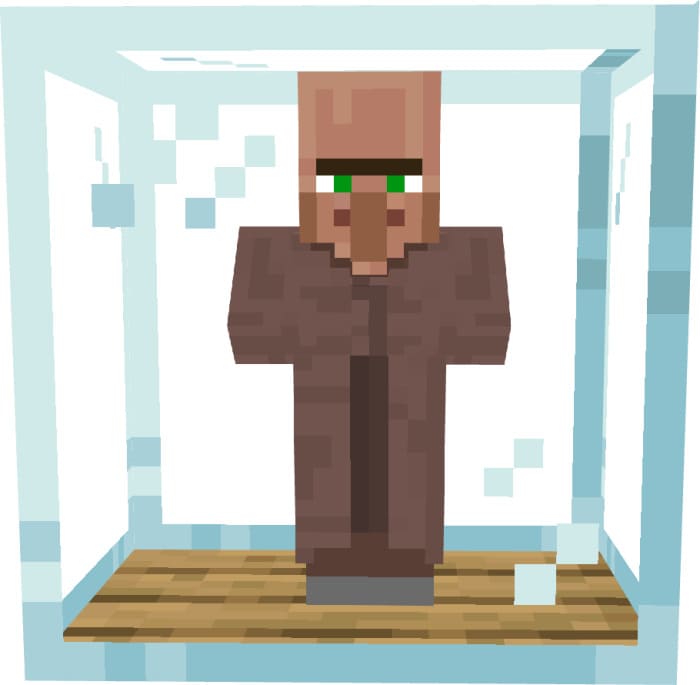
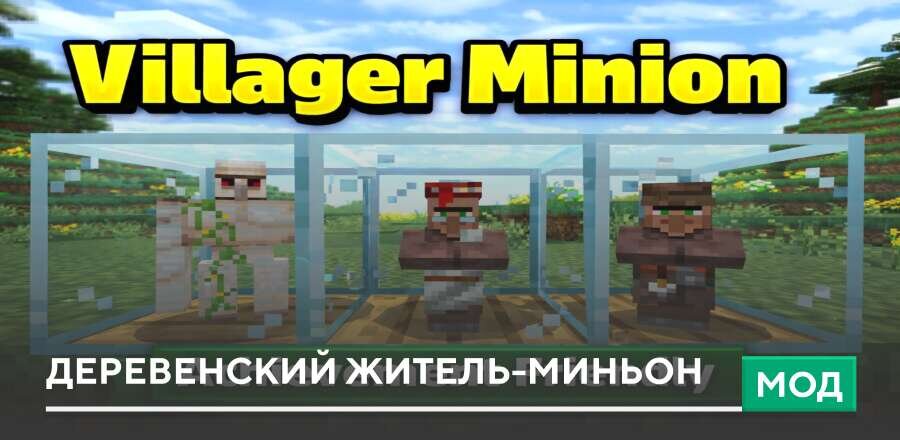
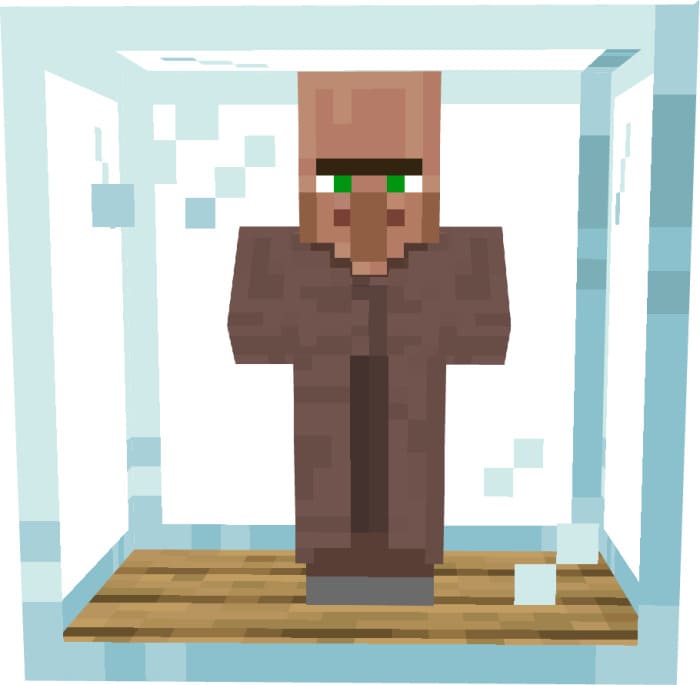
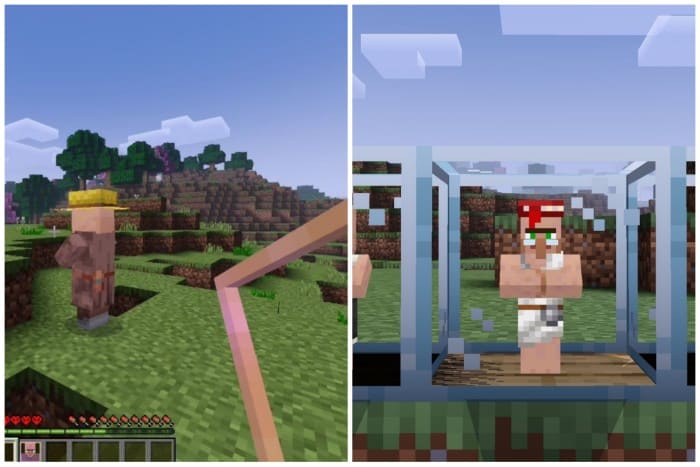
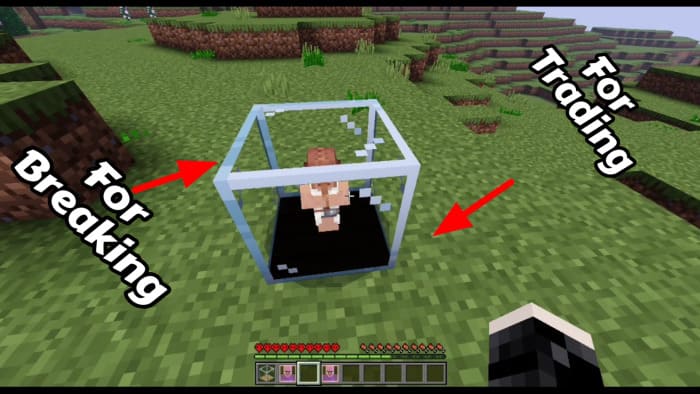



We all love pets that always provide the necessary amount of coziness, cuteness, and love at home. So why not get your own little Villager in Minecraft? Then you could trade with them at any time, and they wouldn't take up extra space and could fit even in a small block. This is exactly the function offered by the Villager Minion mod. For trading, you need to interact with the Cage from below, and for breaking it, from above. To start, you need to craft a Cage, then stand next to a Villager. Then you need to long-press to capture the Villager. After that, you can place the block with the Villager and get the ability to trade at any time. [media=https://youtu.be/H1574dqnIUM] Changes in the new version: Fixed bugs. Removed unnecessary elements.
Quick facts
- Edition: Minecraft Bedrock
- File type: .mcpack or .mcaddon
- How to install: Download the .mcpack or .mcaddon file. → Open it — Minecraft imports it. → In your world: Behavior Packs → Available → Activate, then the same under Resource Packs.
- Where to get it: In MCModsHub, or directly above on this page.
Install steps are the general flow for this file type — How to install Minecraft Bedrock addons & mods walks through it step by step.
Verified by MCModsHub
- Pack type: .mcaddon — behaviour and resource pack in one file
- Manifest requires Minecraft 1.21.80 or newer
- Complete pack — everything it depends on is inside the file
- Download link checked 18 Jun 2026 — working
- Mirrored on our own servers — the download does not depend on the original host
These come from our own check of the pack file, not from the source page.