
Bloominx Shaders (26.2, 1.20.1) – Realistic Reflections
Java shader pack listed for Minecraft 1.20. Downloads from the MC Java Mods app on Android.
⬇ Download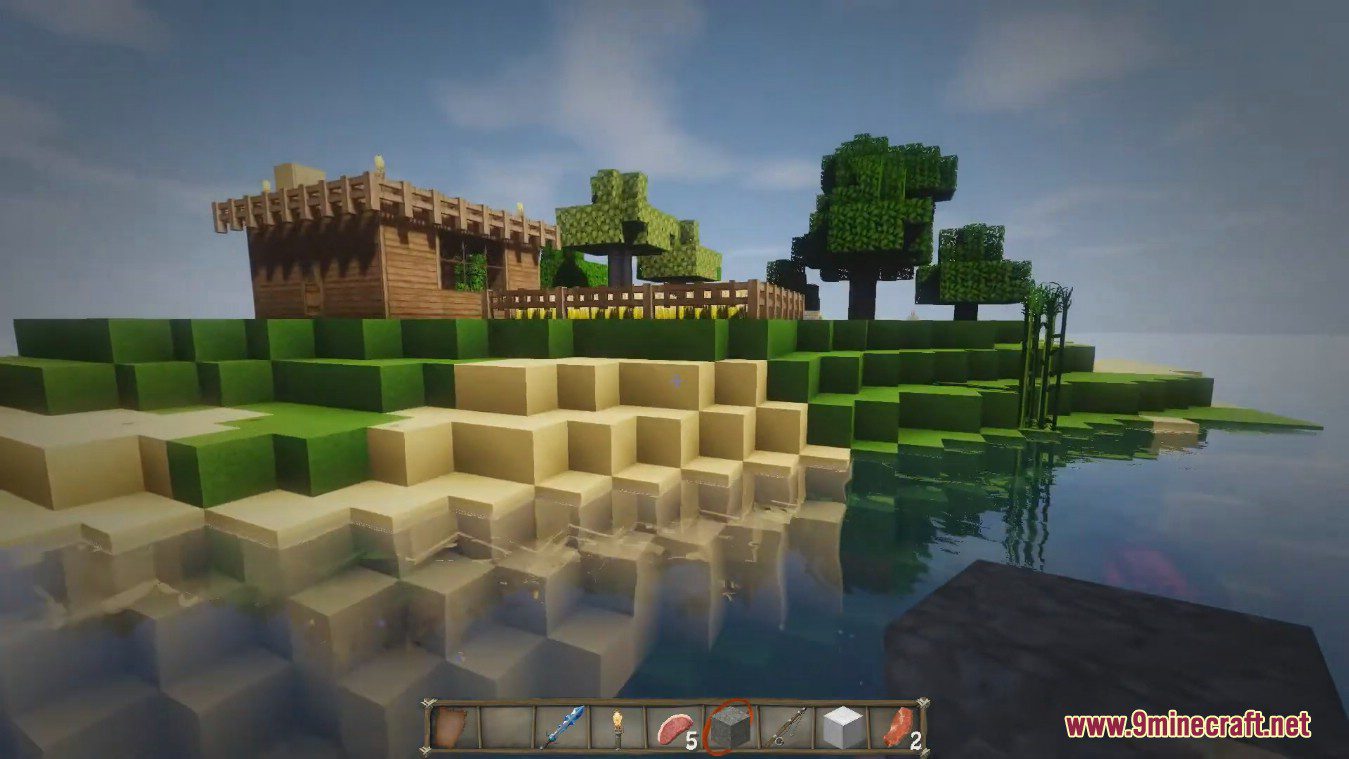
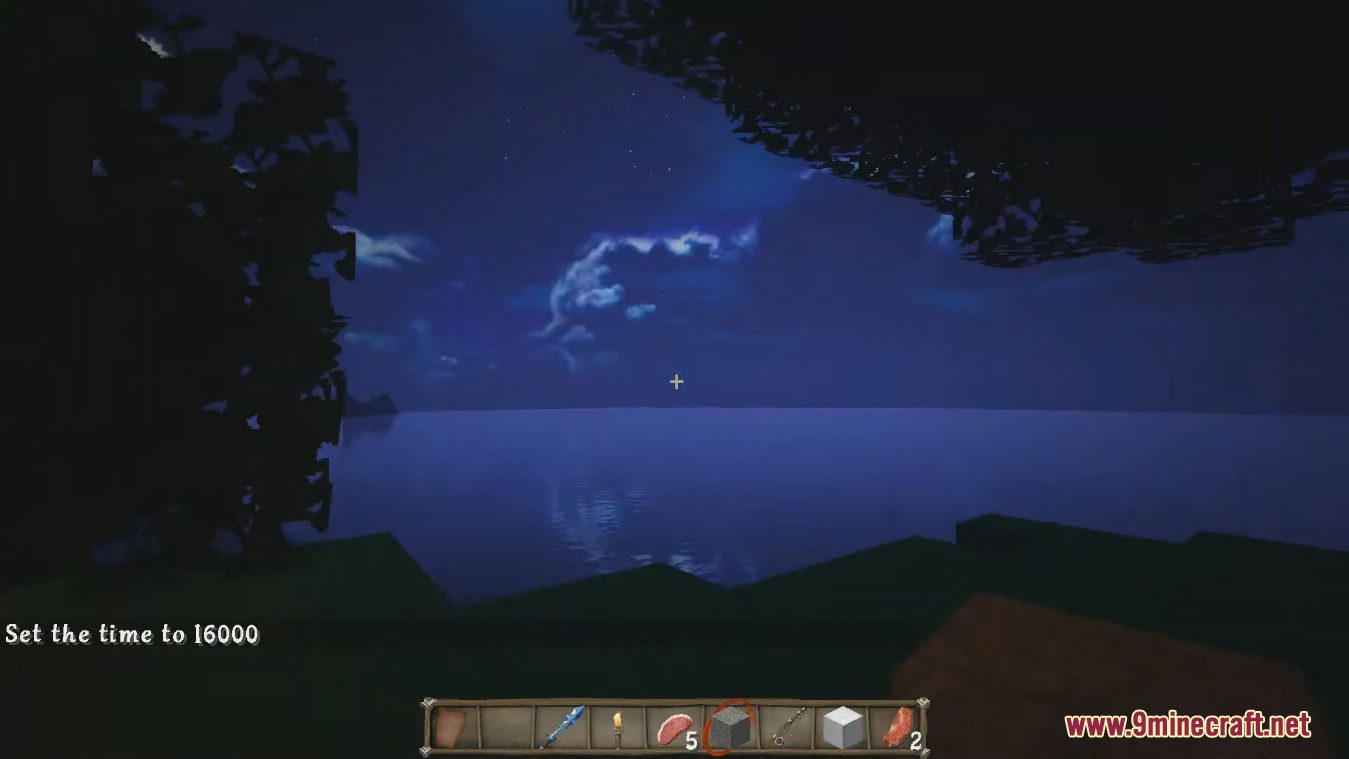
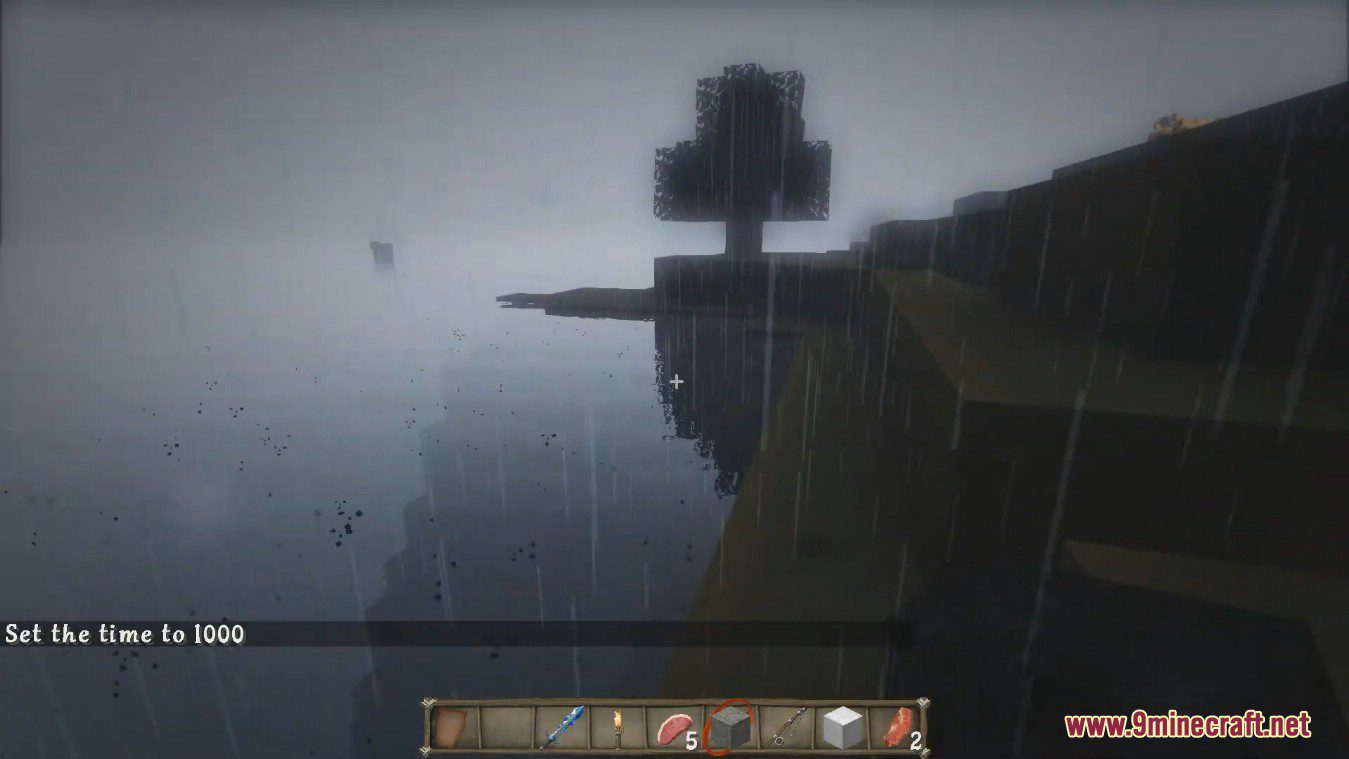
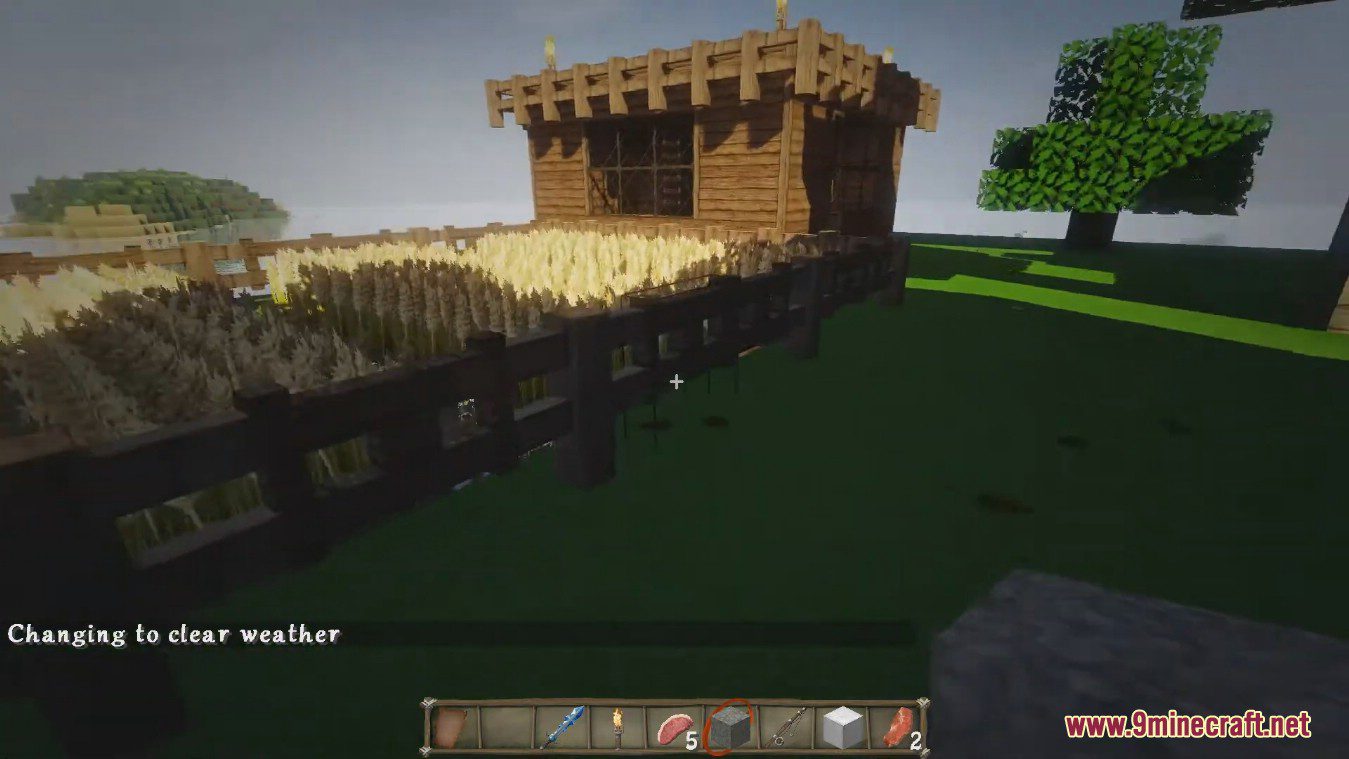
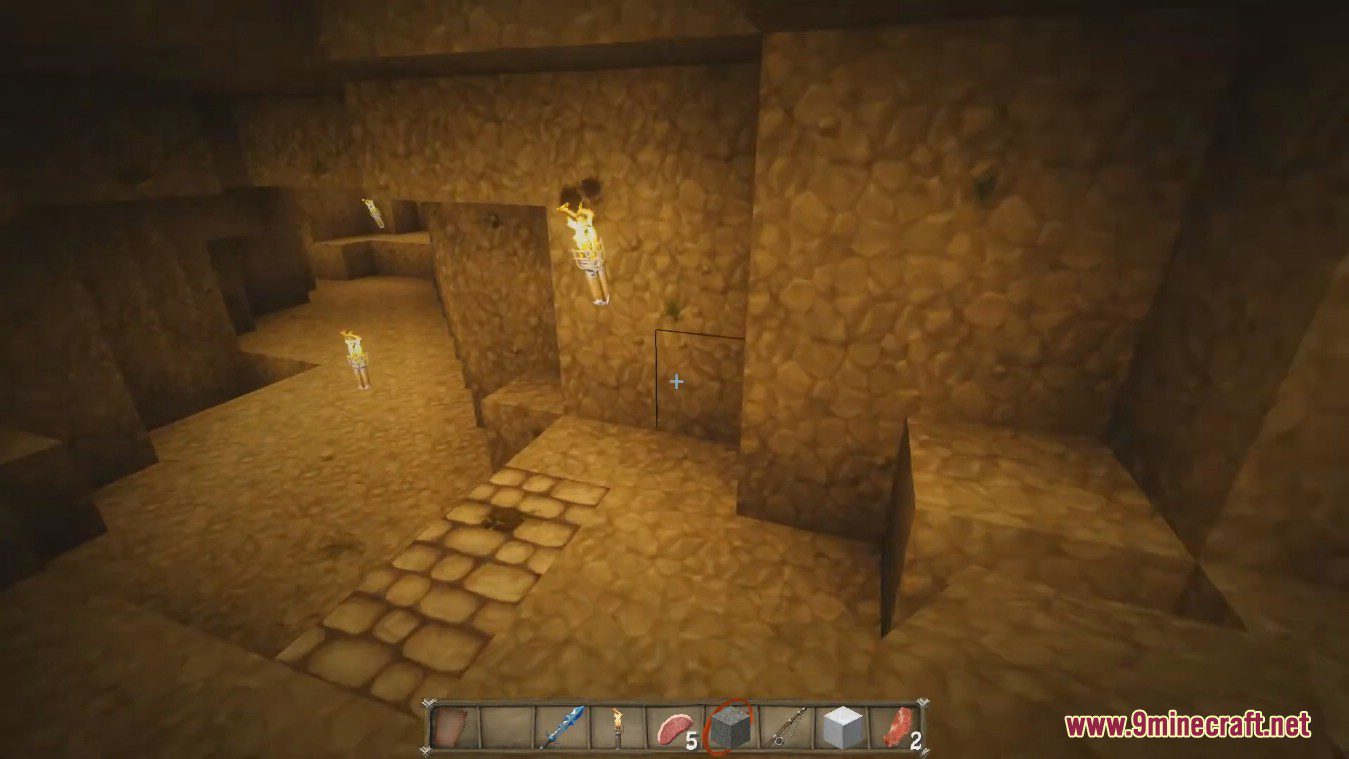
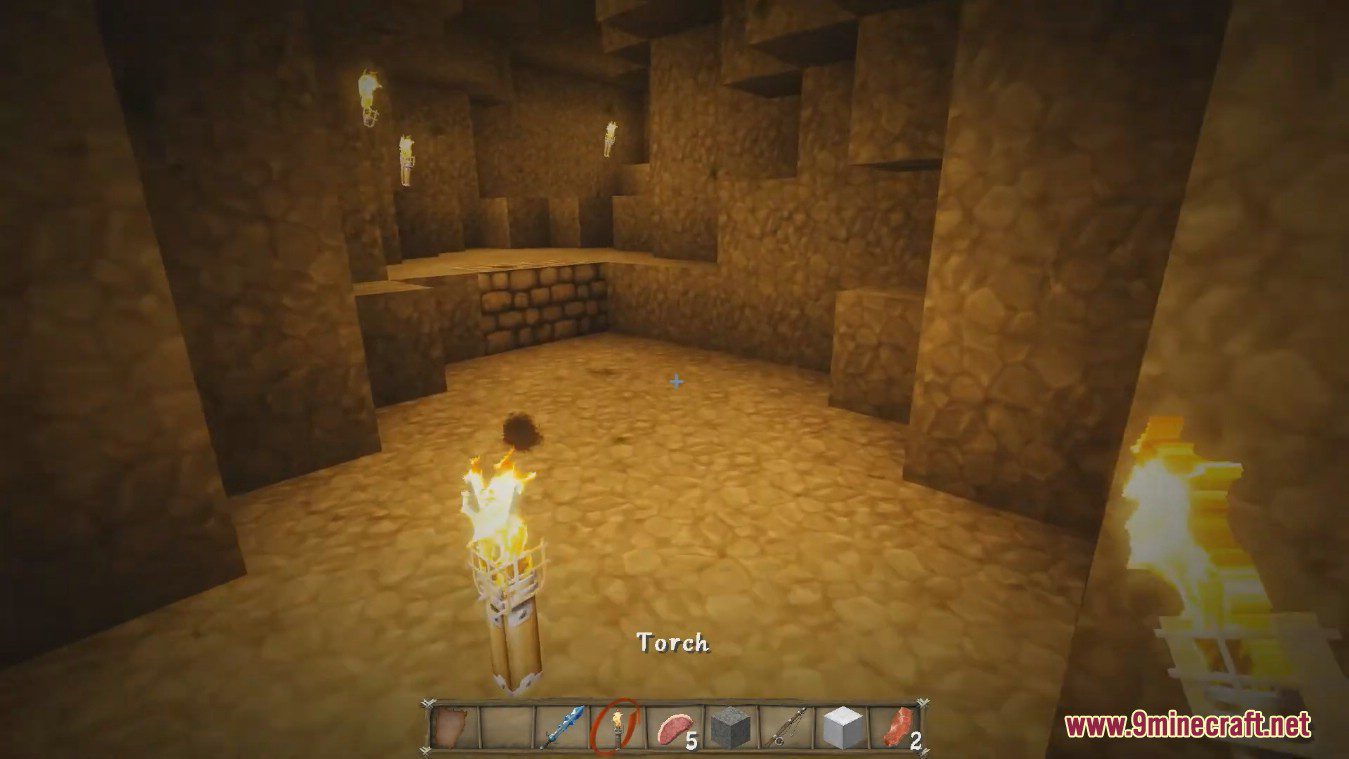
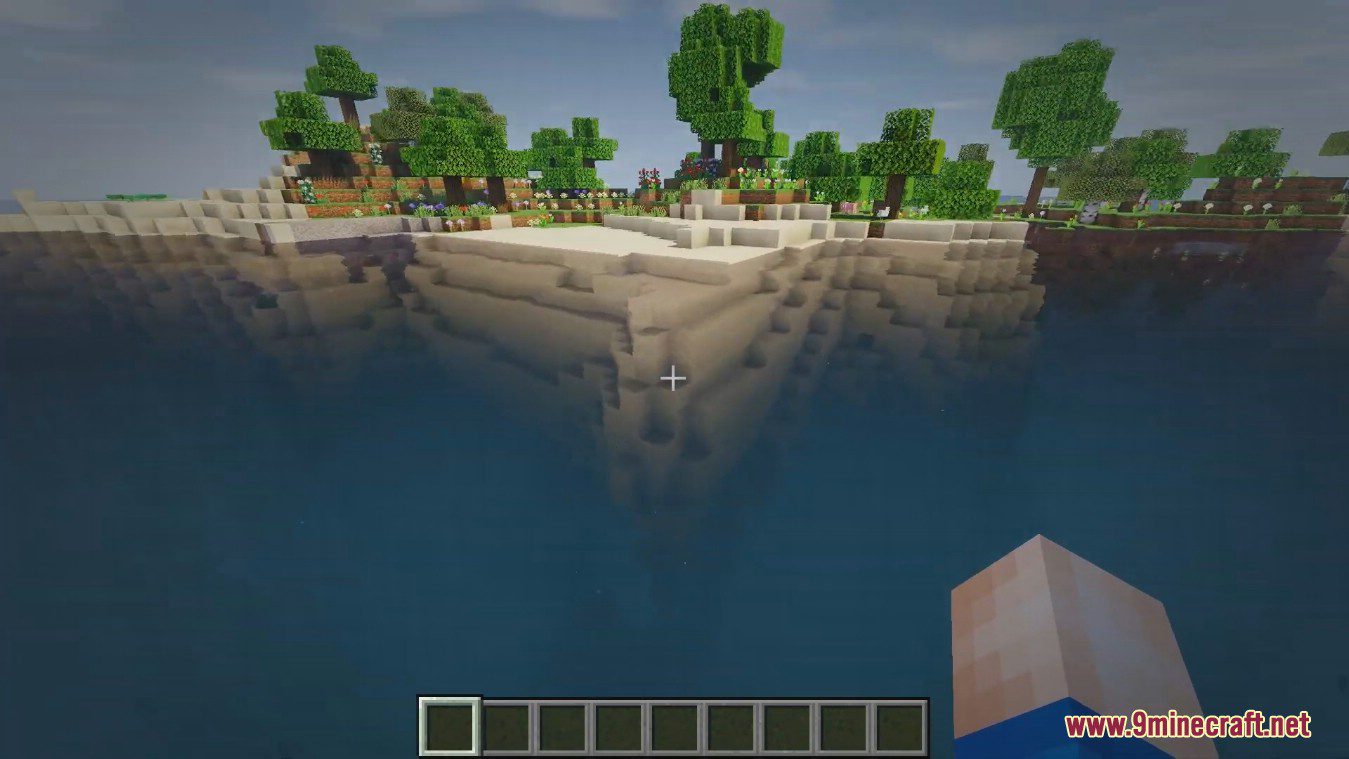
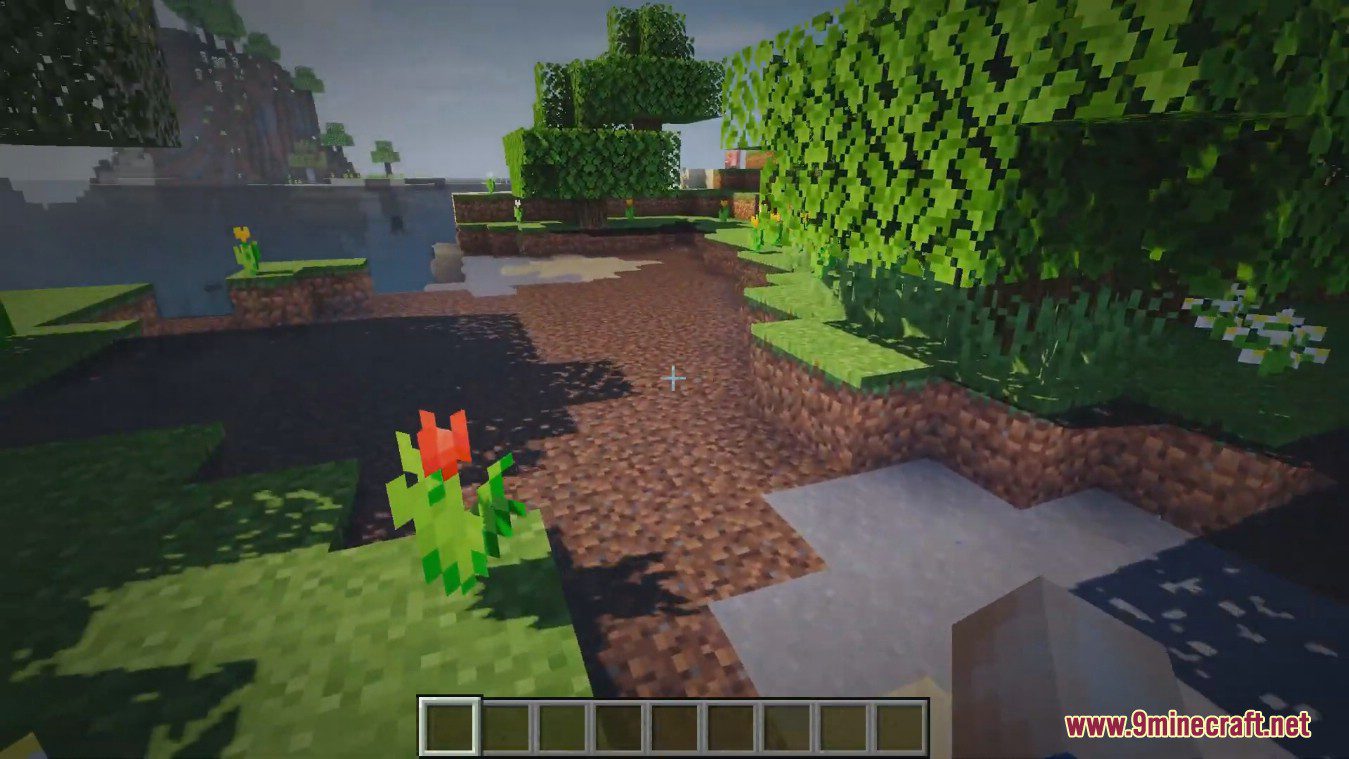
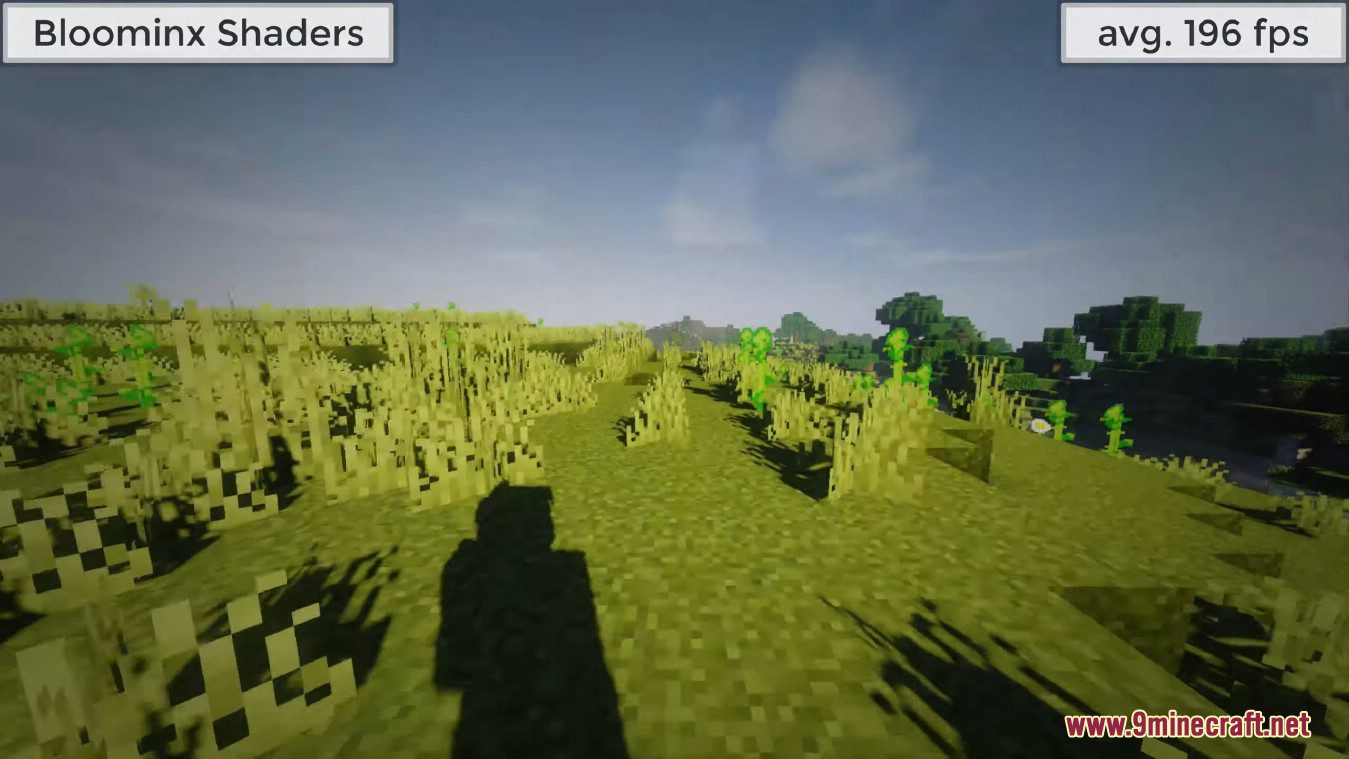
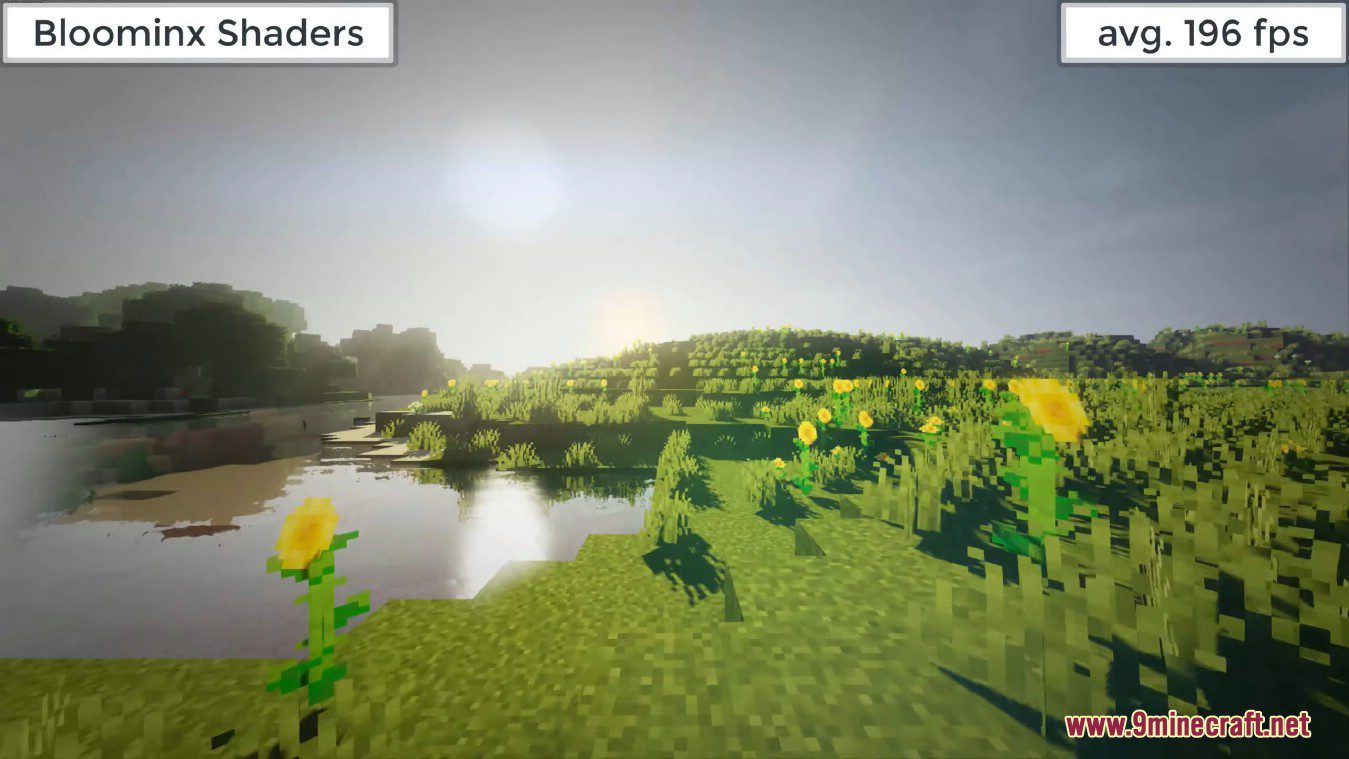
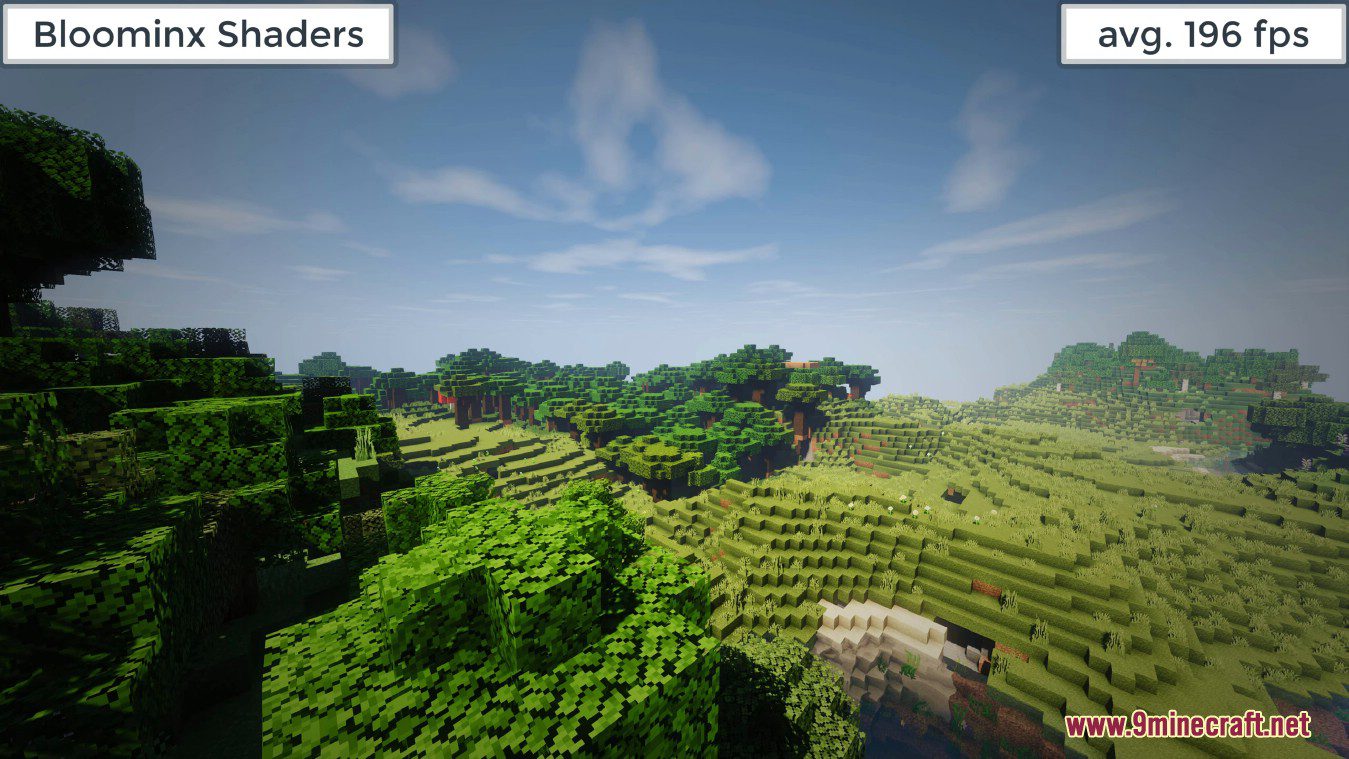
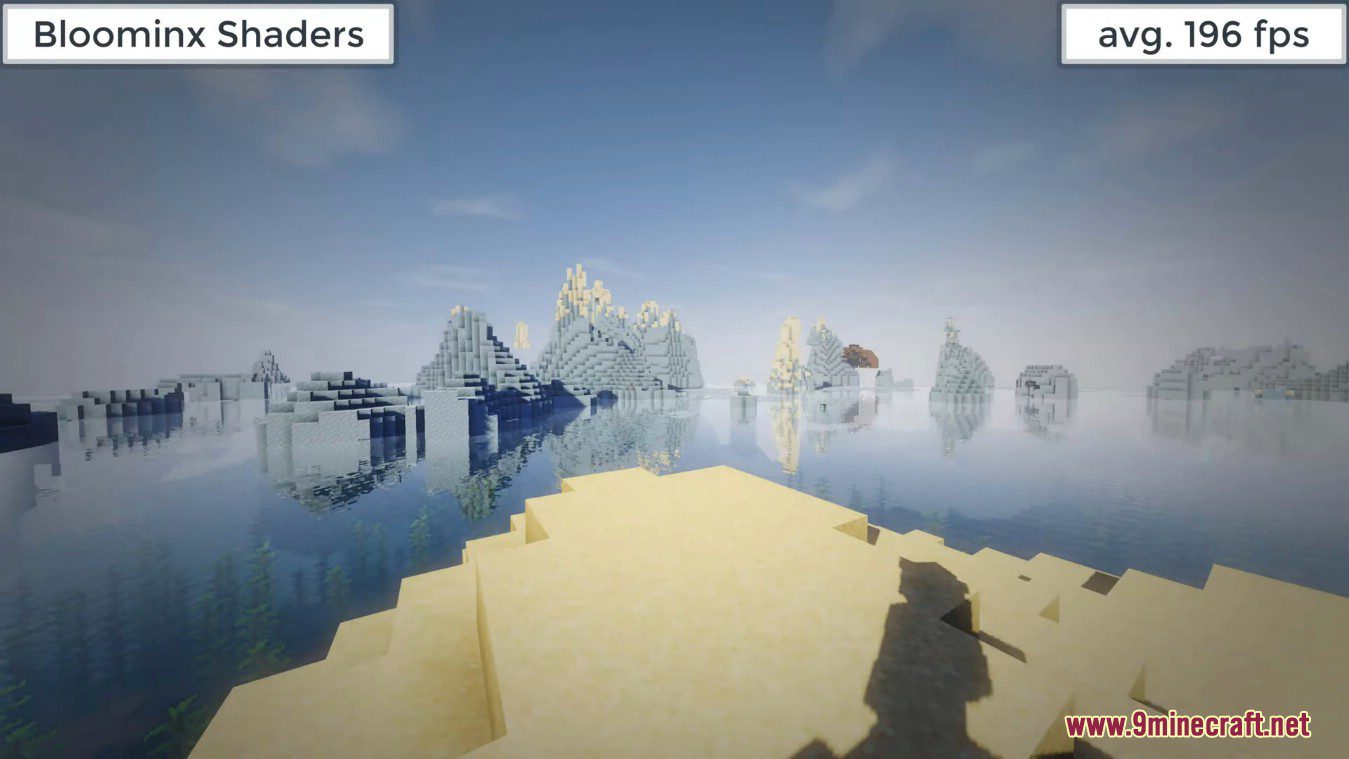
Bloominx Shaders adds realistic reflections to the surface of the water, so you can see yourself when running by the water’s edge or catch a view of a tall building nearby if it’s close enough to the water. There are some realistic shadow effects that seem to work with the clouds in the sky, creating shade for the world down below, which is pretty cool. There are custom clouds to go along with that as well.
This shader was designed by someone working with the constraints of Intel integrated graphics, the 4400 with the v4080 driver, to be specific, so it is a relatively simplistic shader pack that most other Minecraft players should be able to use. You don’t need Optifine or some other special software to make it work. Naturally, higher GPU power will allow the shader pack to work even better without the occasional hiccups or hardware lag you get when using integrated graphics for something like this. You’ll notice lots of bright lights and colors, but there aren’t many high-end visual effects here.
Features:
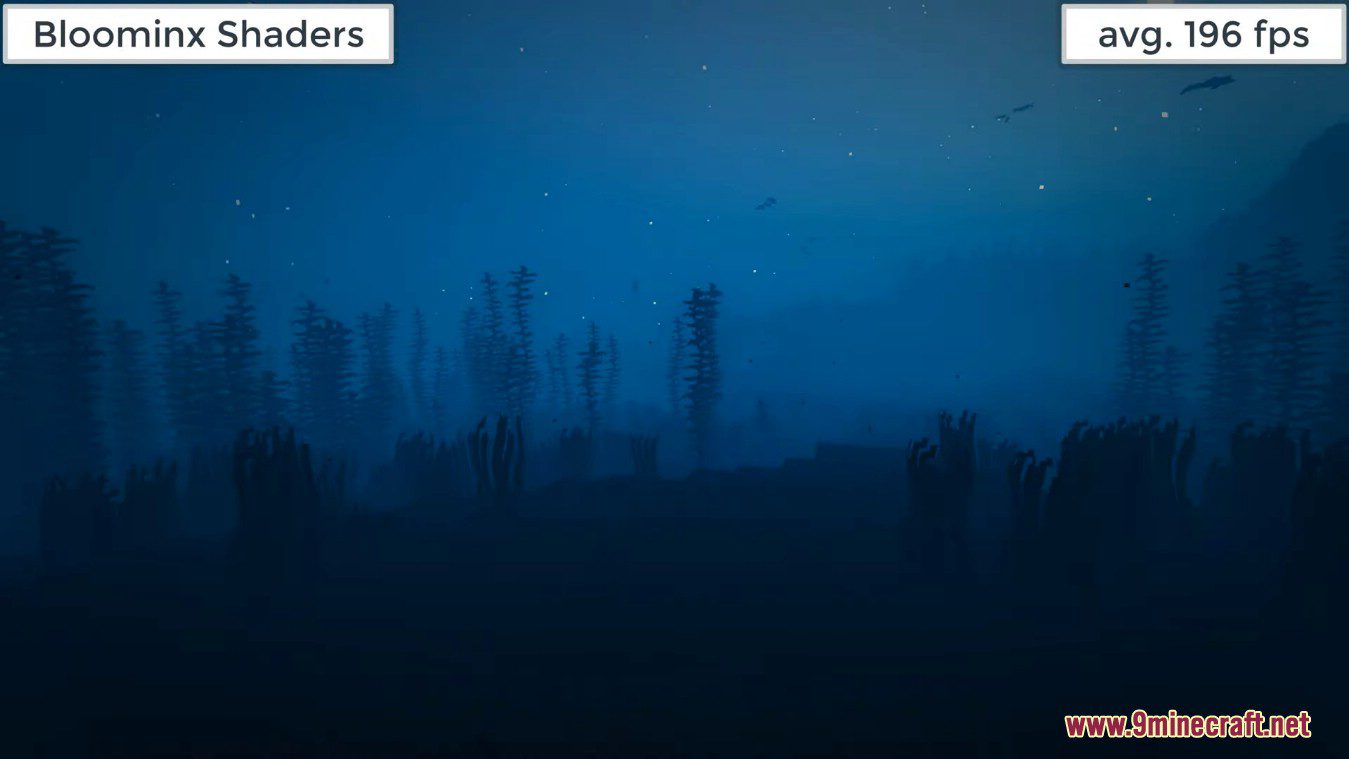
- Smoother fog during day and night.
- Improved bloom.
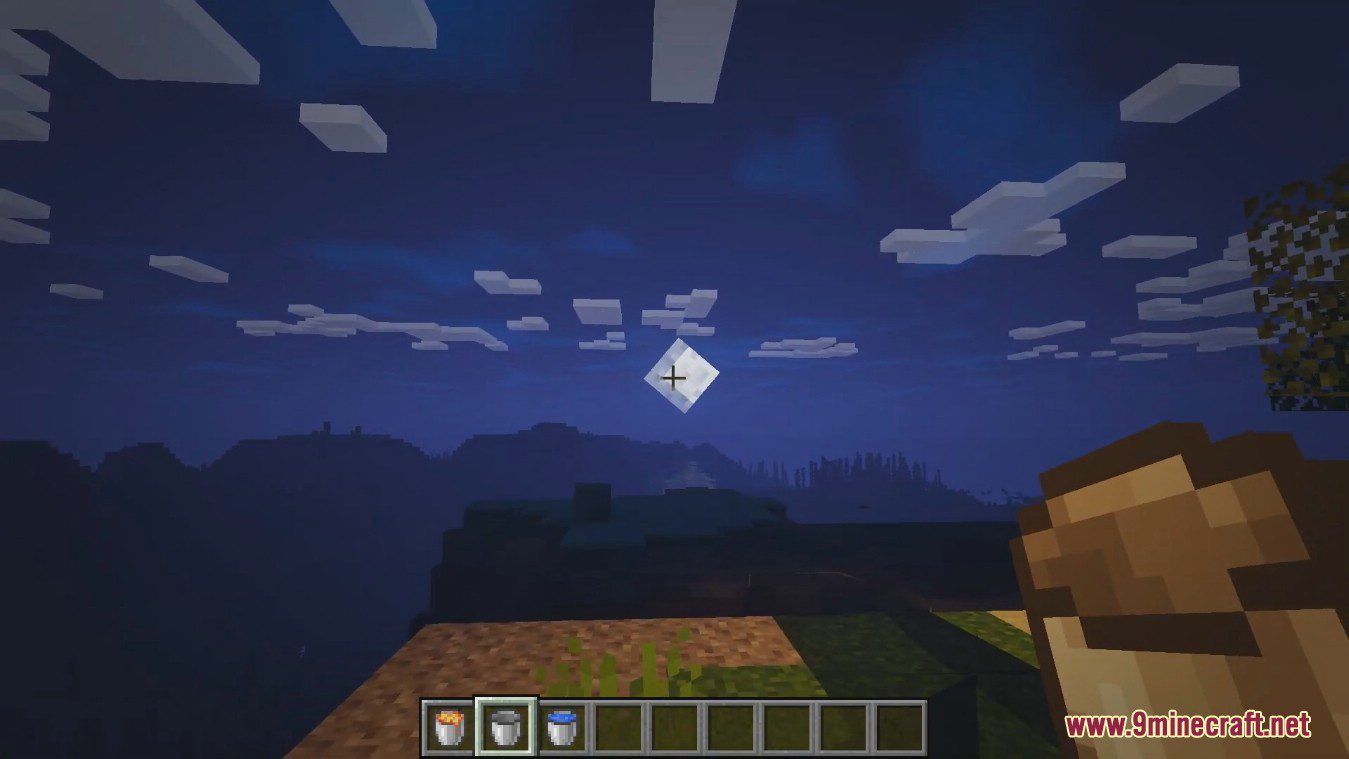
- Less dark and gloomy at night.
- Smoother and better blended torch color.
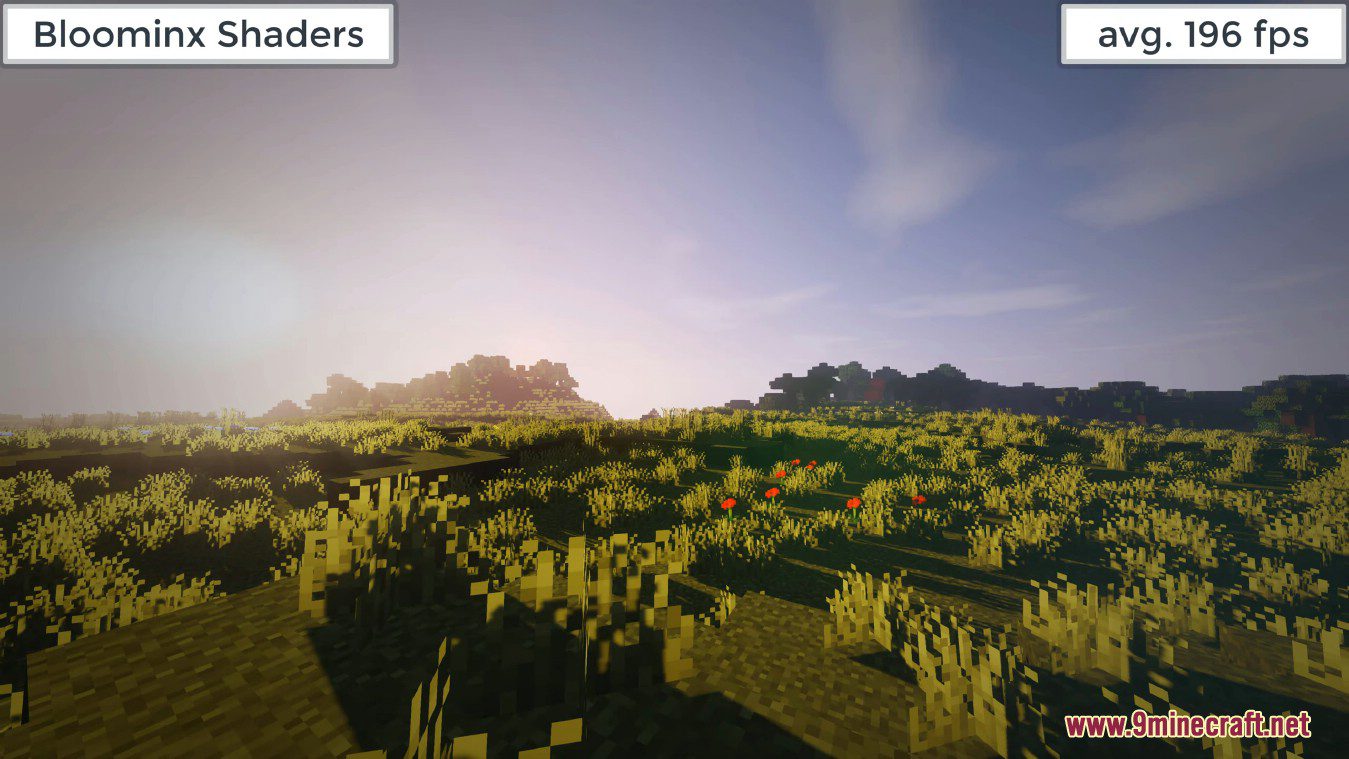
- Cleaner and more realistic god rays.
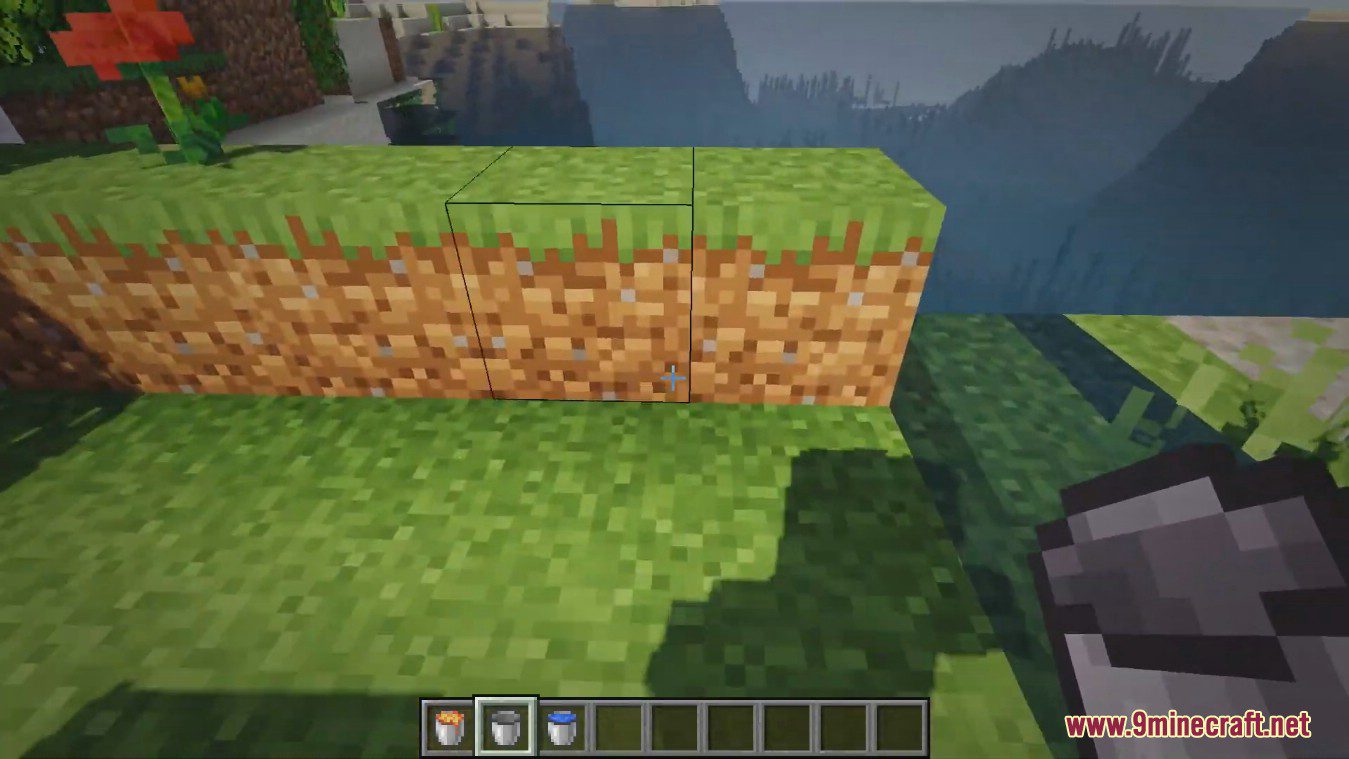
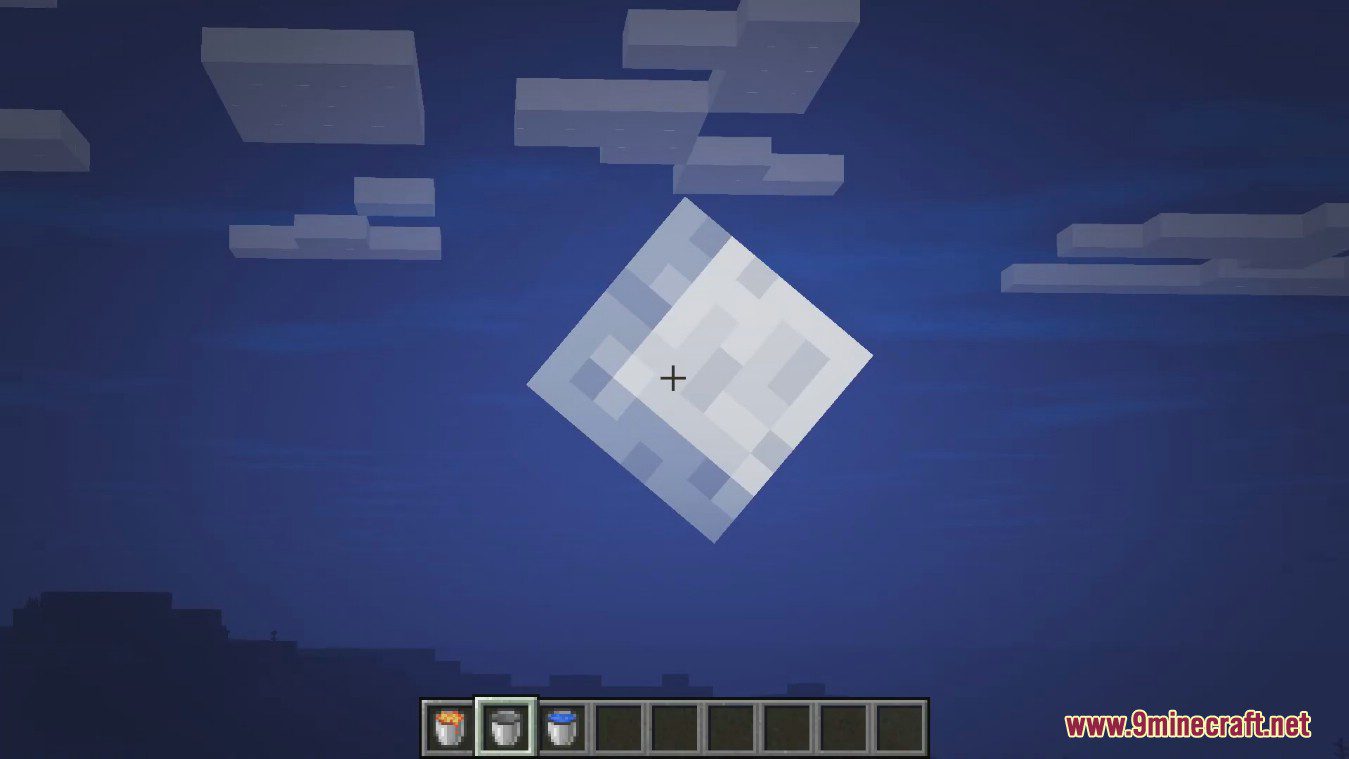
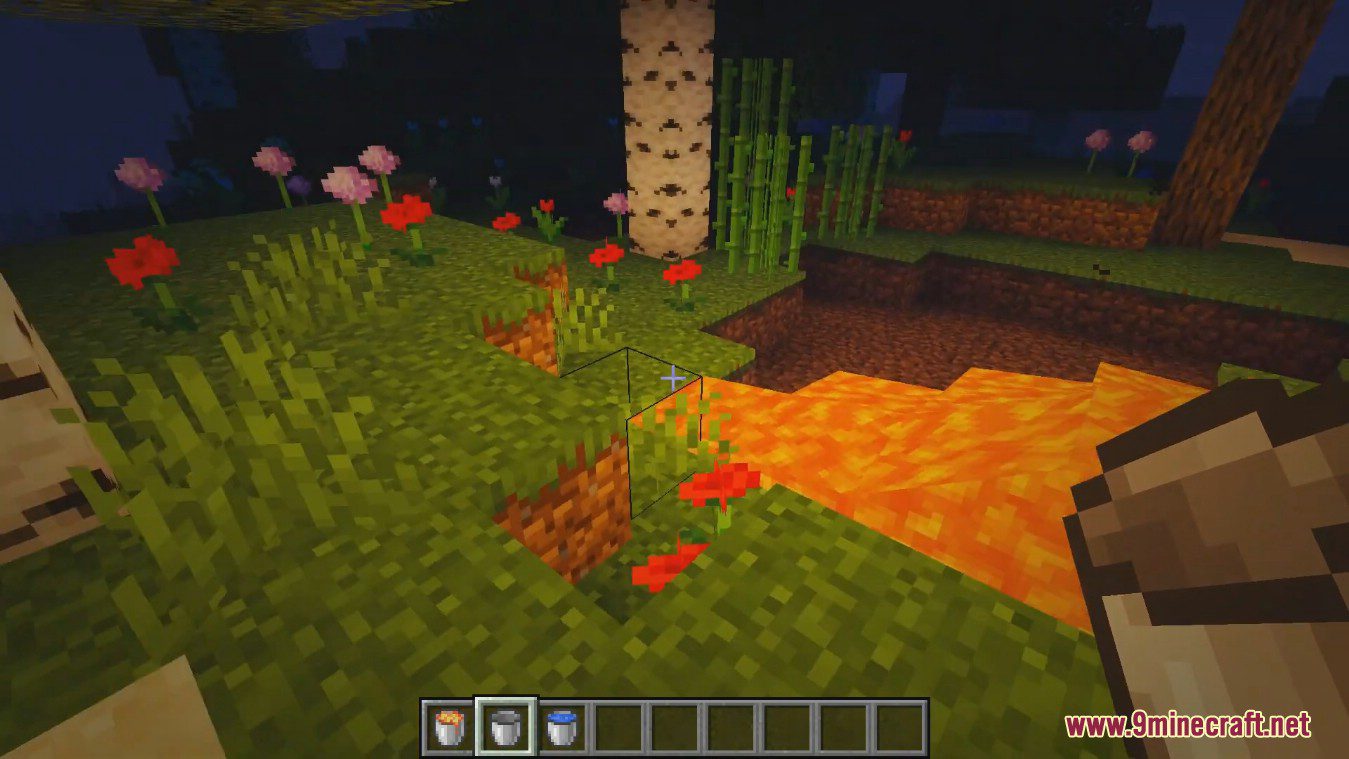
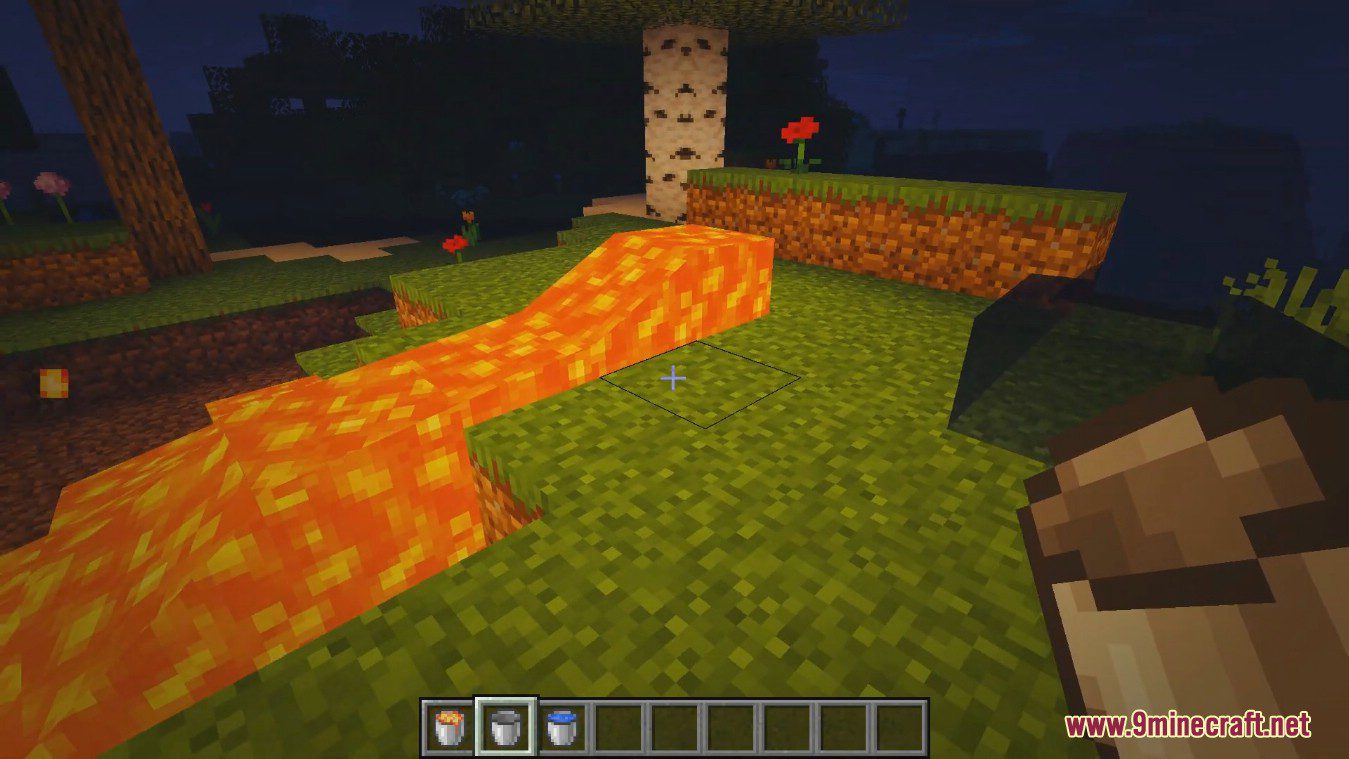
Screenshots:
Bloominx Shaders Download Links
For All Versions of Minecraft
- Edition: Minecraft Java
- File type: .zip (resource pack)
- Minecraft version listed: 1.20.1
- How to install: Download the .zip resource pack — do not unzip it. → Put it in .minecraft/resourcepacks. → Enable it in Options → Resource Packs.
- Where to get it: In MC Java Mods, or directly above on this page.
Install steps are the general flow for this file type — see the MC Java Mods guides for the full walkthrough.
- Download size: 138 KB
- Download link checked 17 Jun 2026 — working
- Mirrored on our own servers — the download does not depend on the original host
These come from our own check of the pack file, not from the source page.