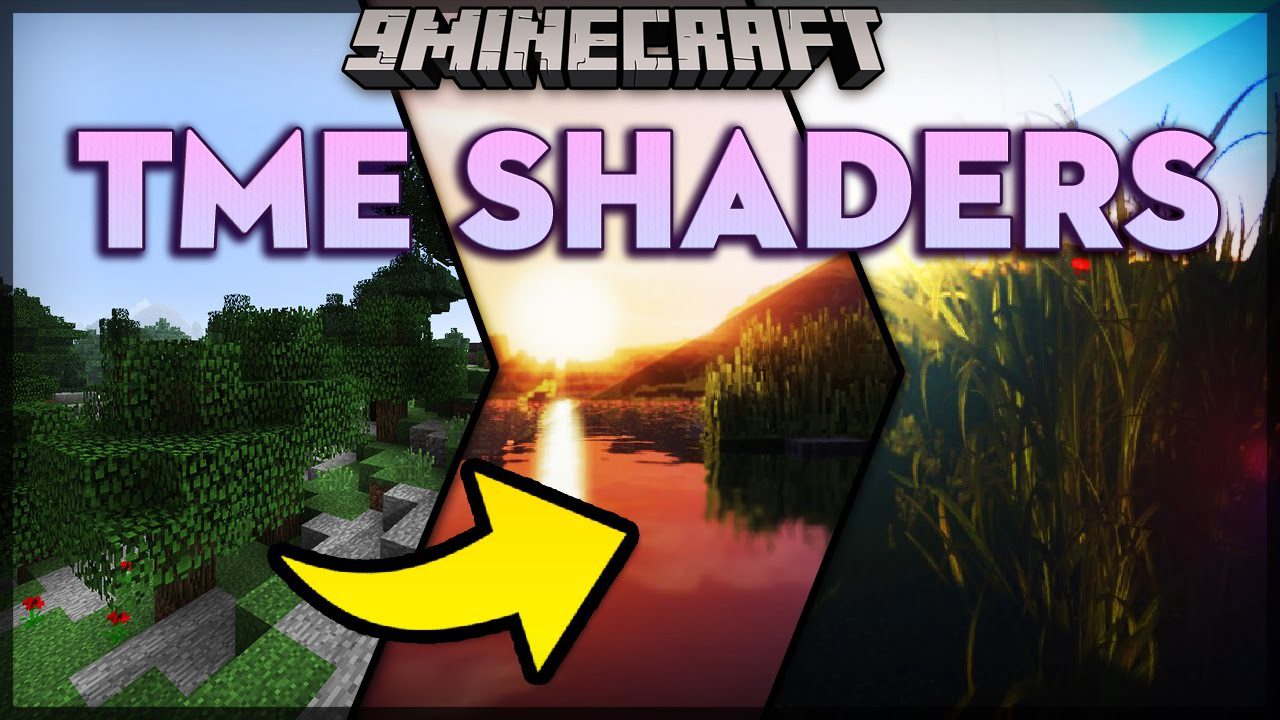
TME Shaders (26.2, 1.20.1) – Too Much Effects for Minecraft
Java shader pack listed for Minecraft 1.20. Downloads from the MC Java Mods app on Android.
⬇ Download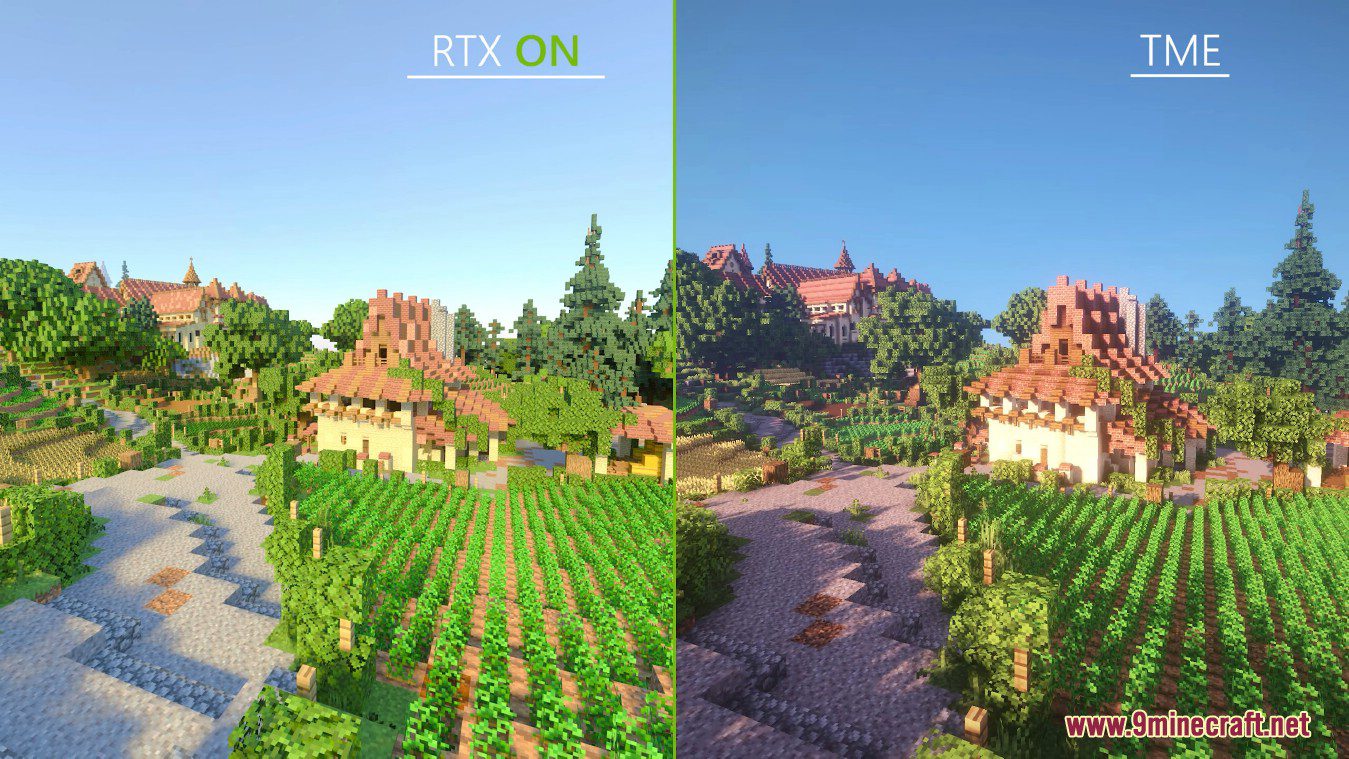
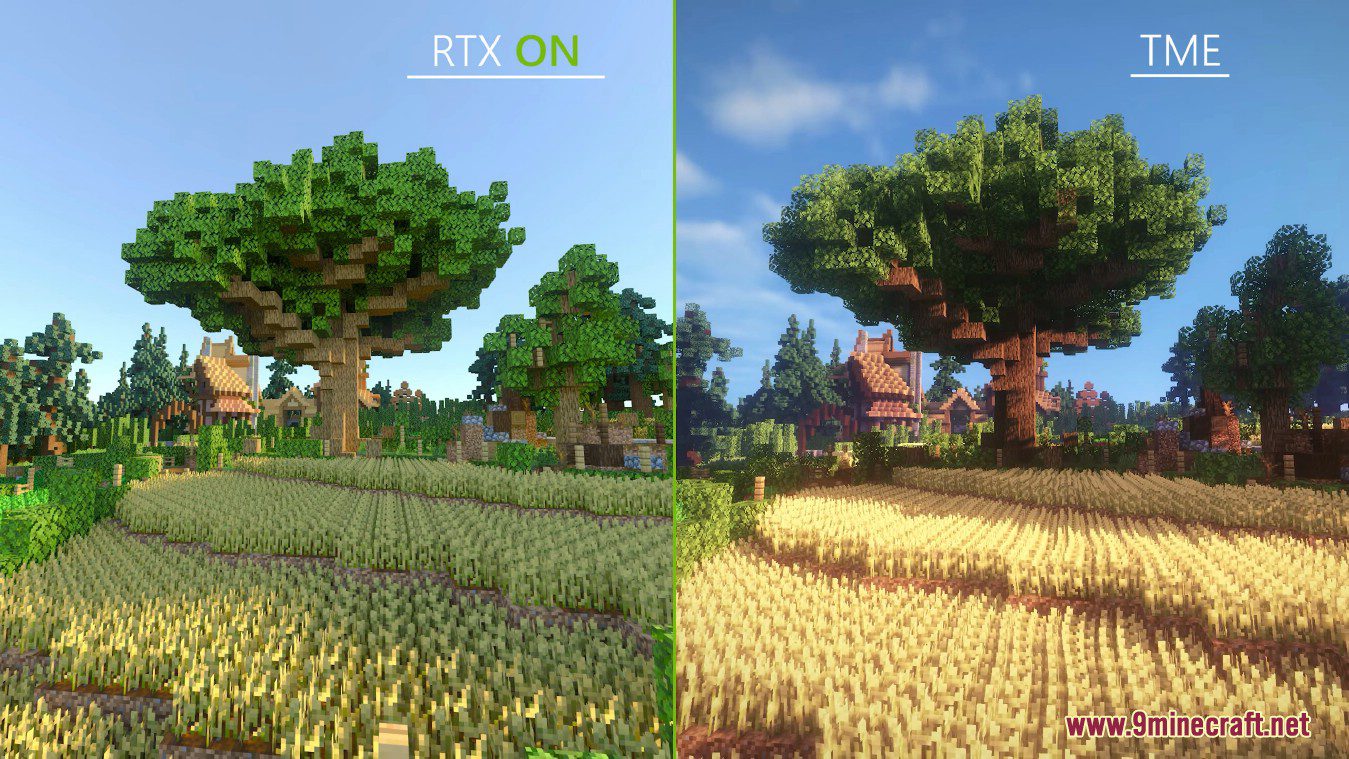
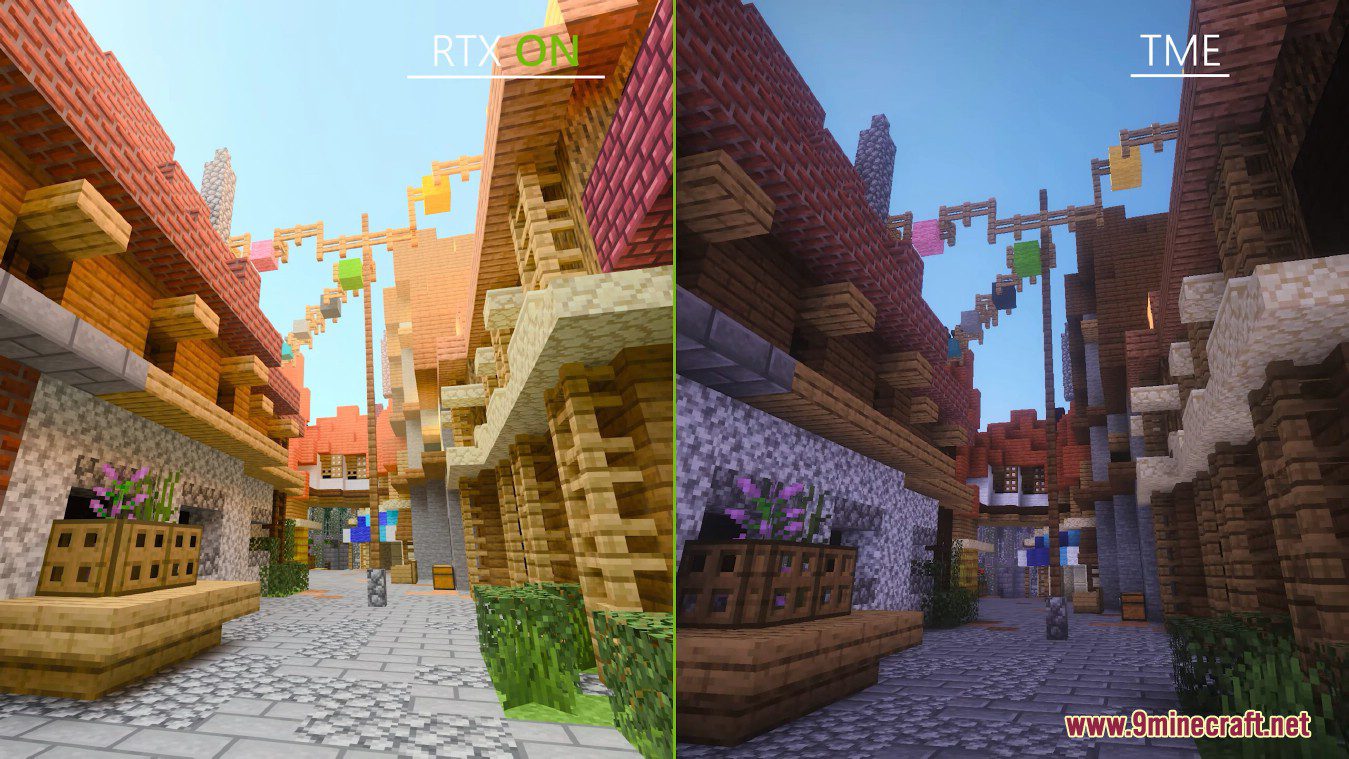
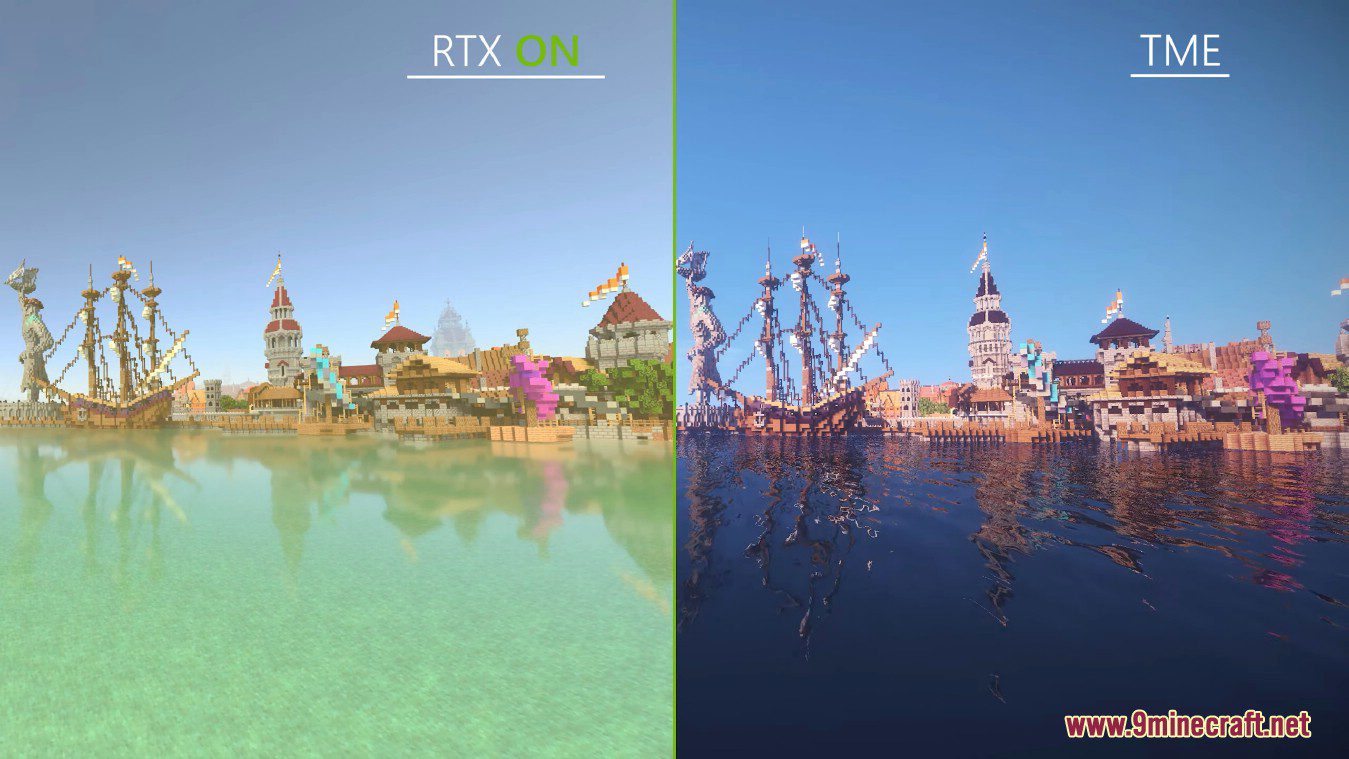
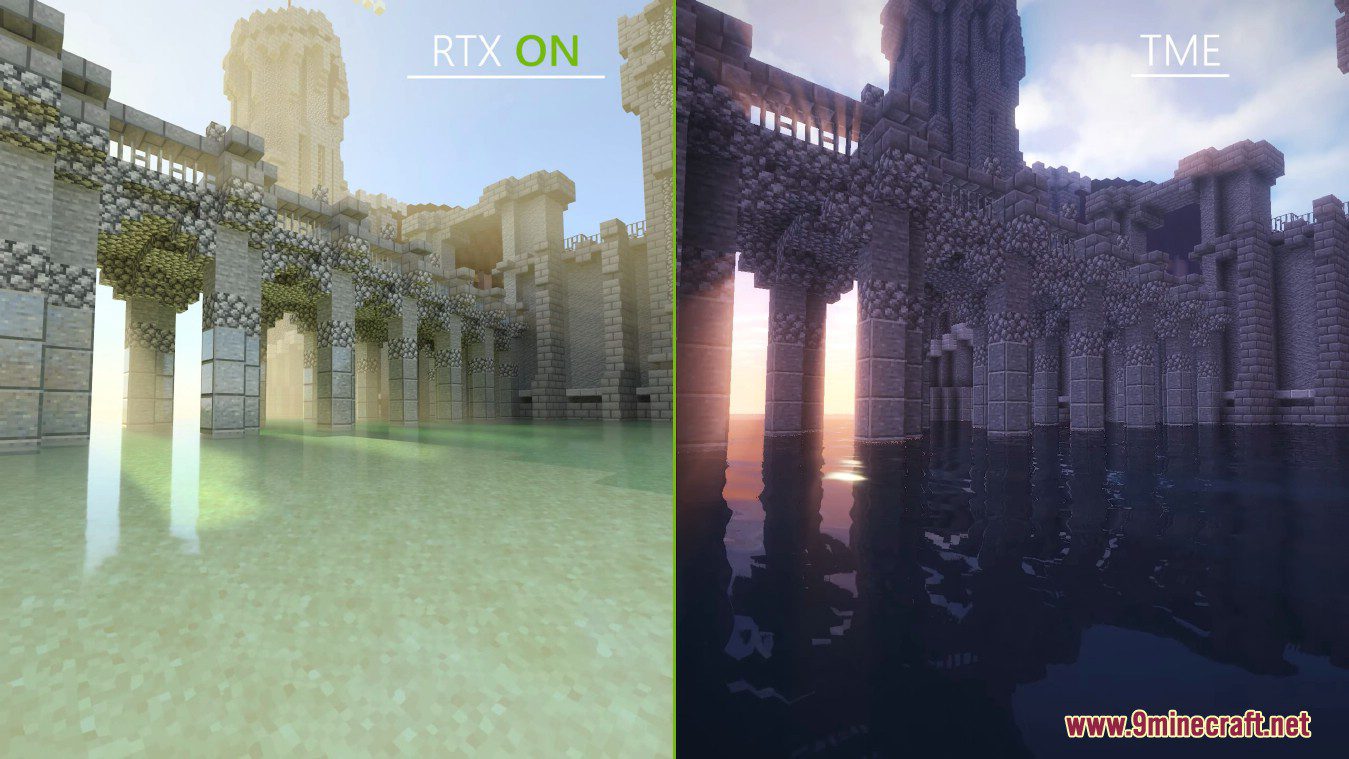
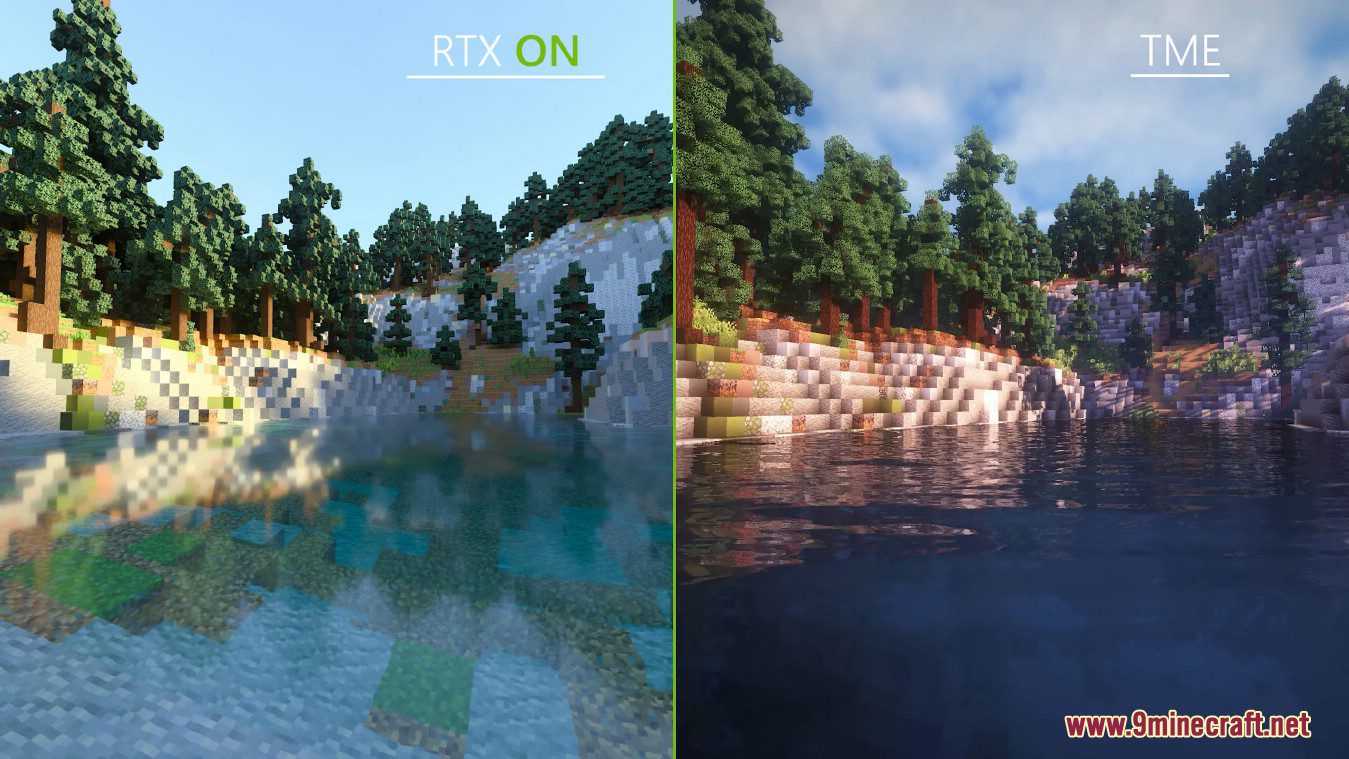
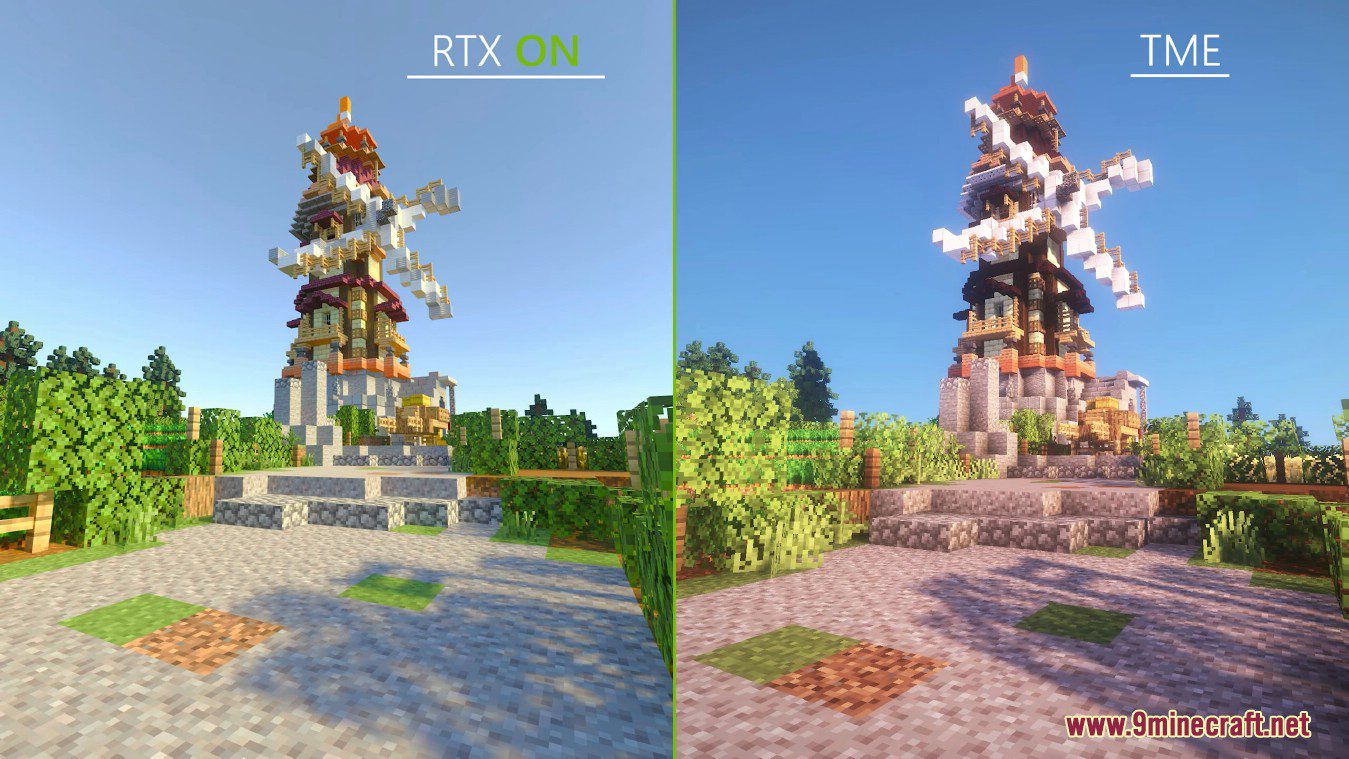
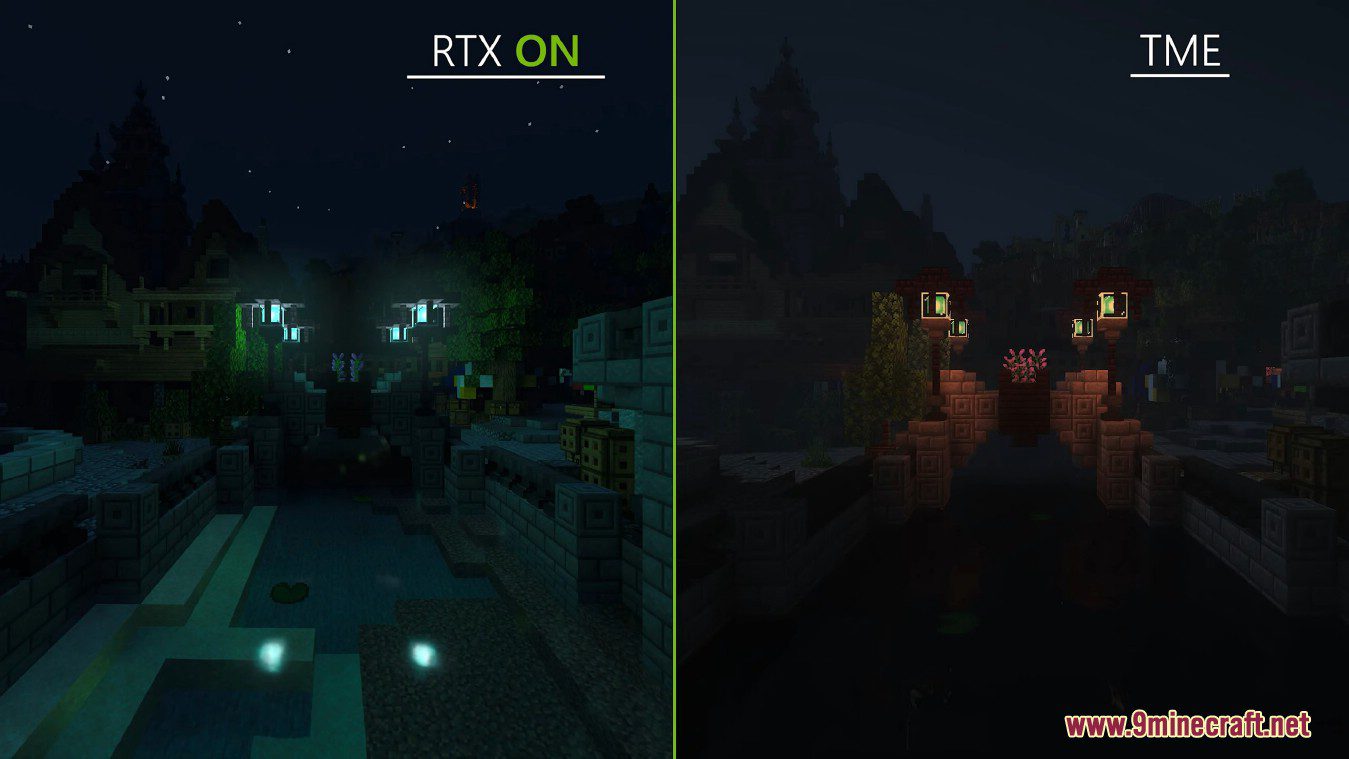
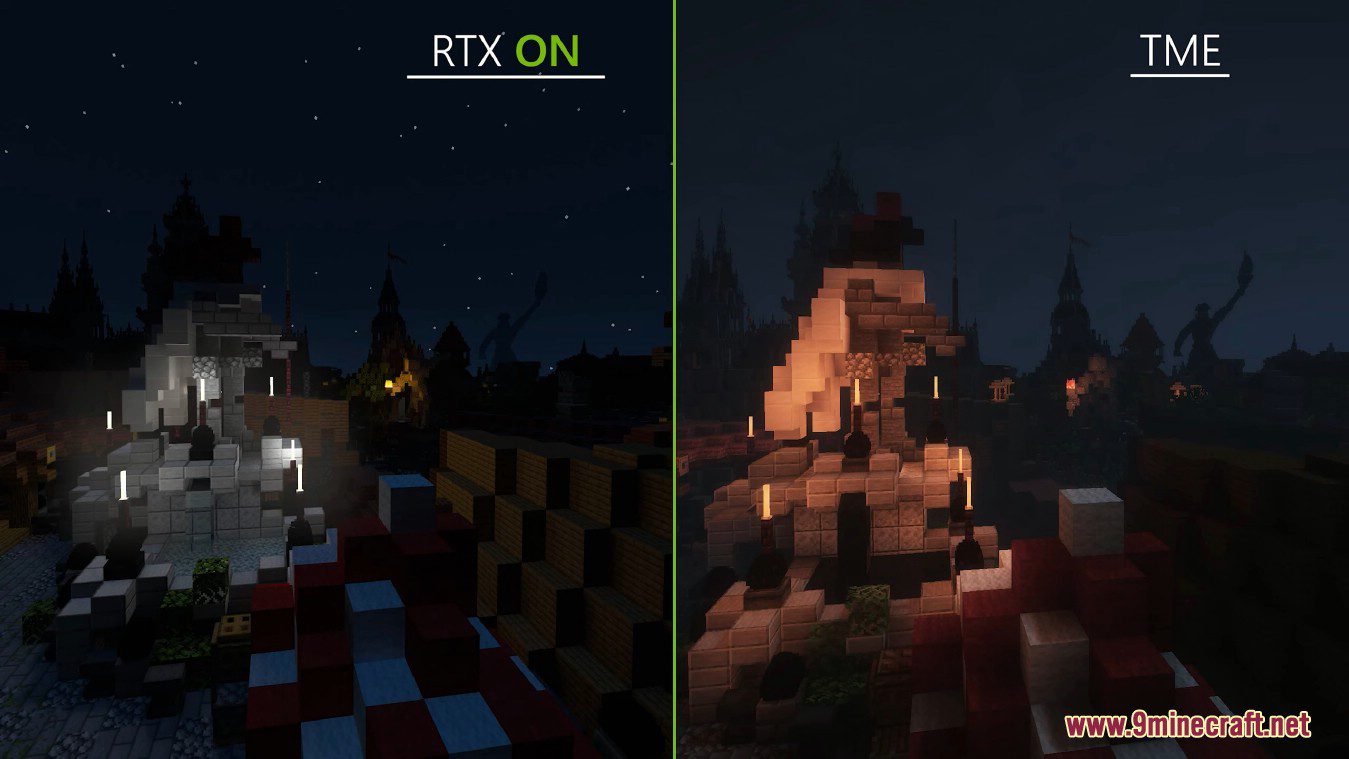
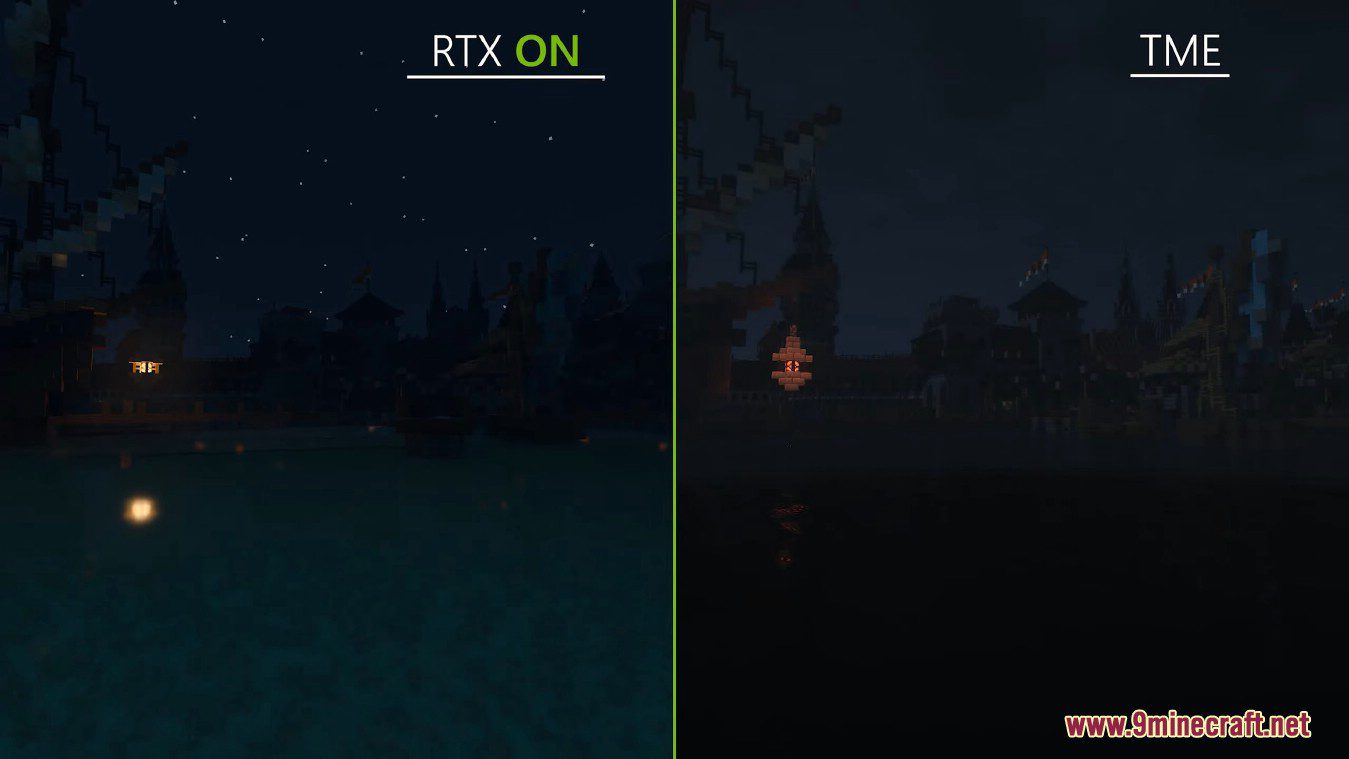
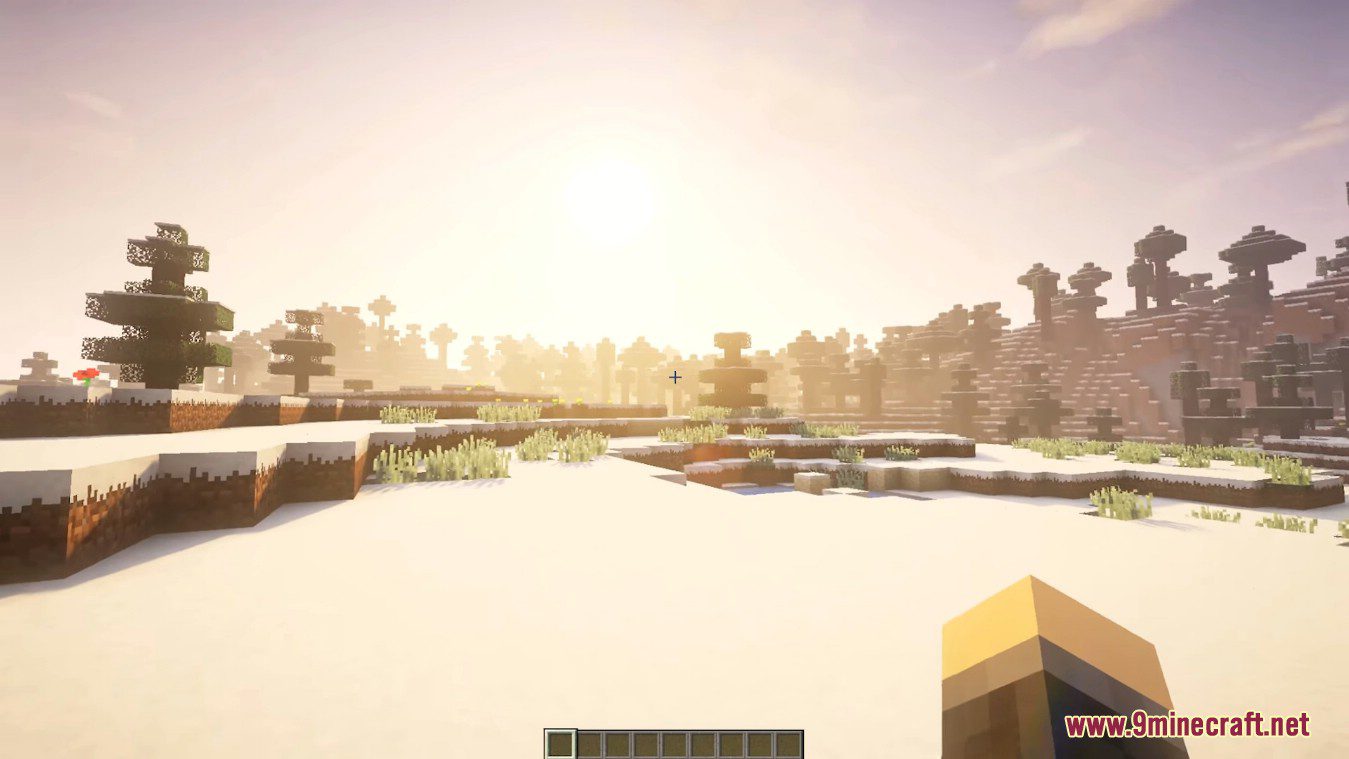
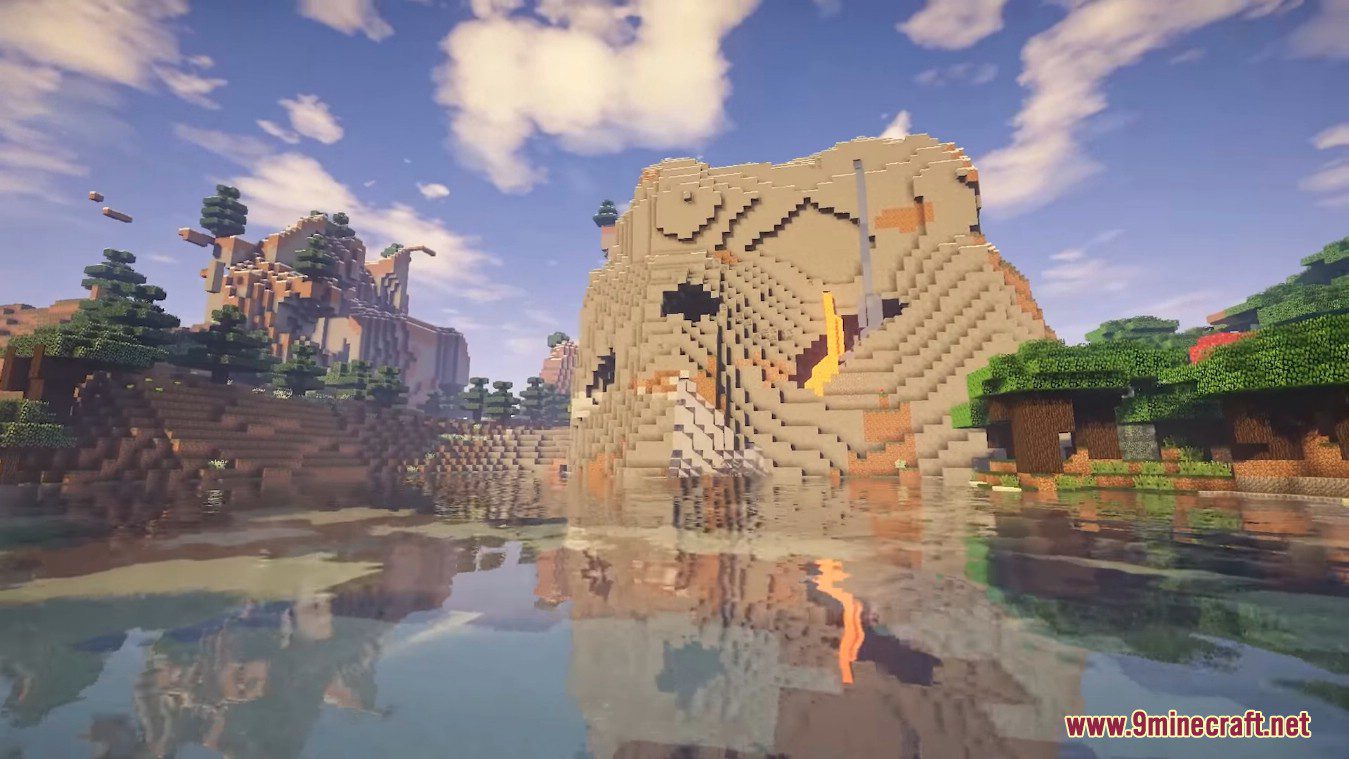
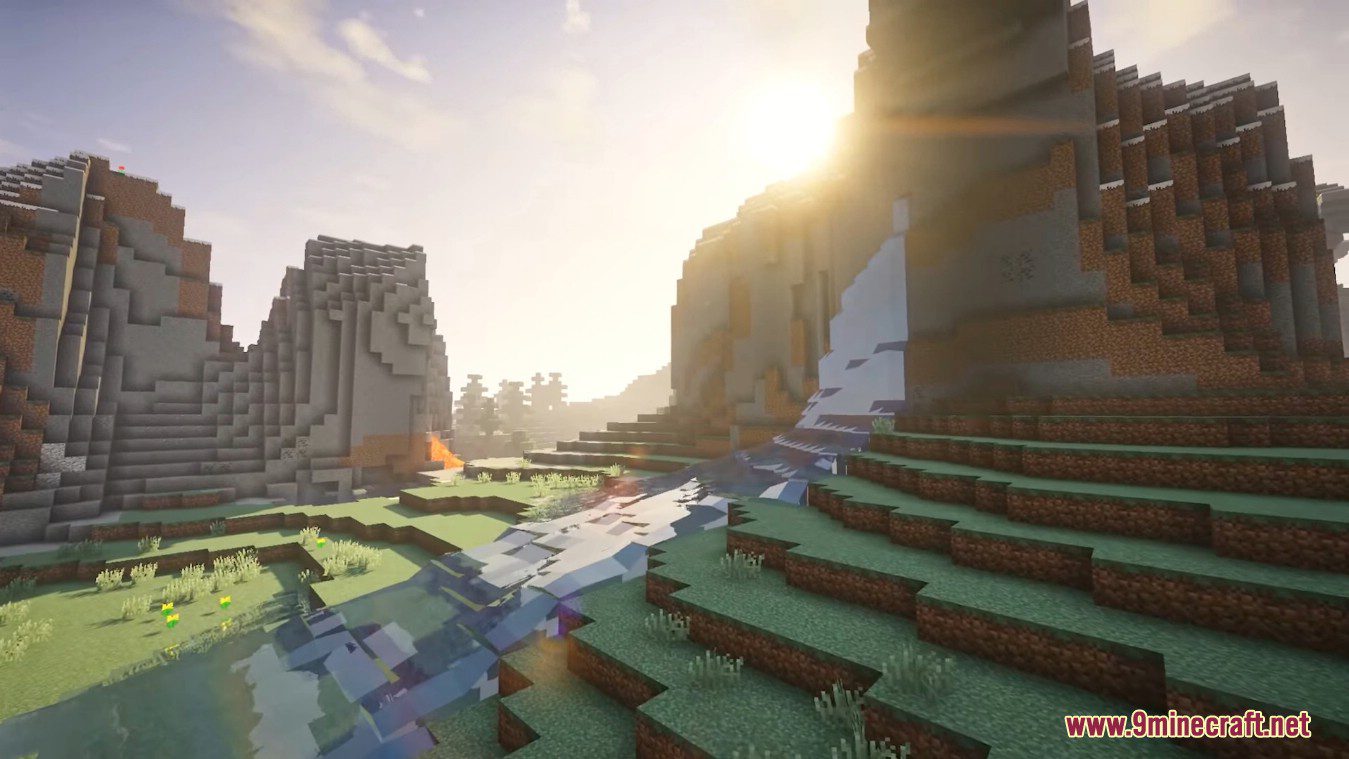
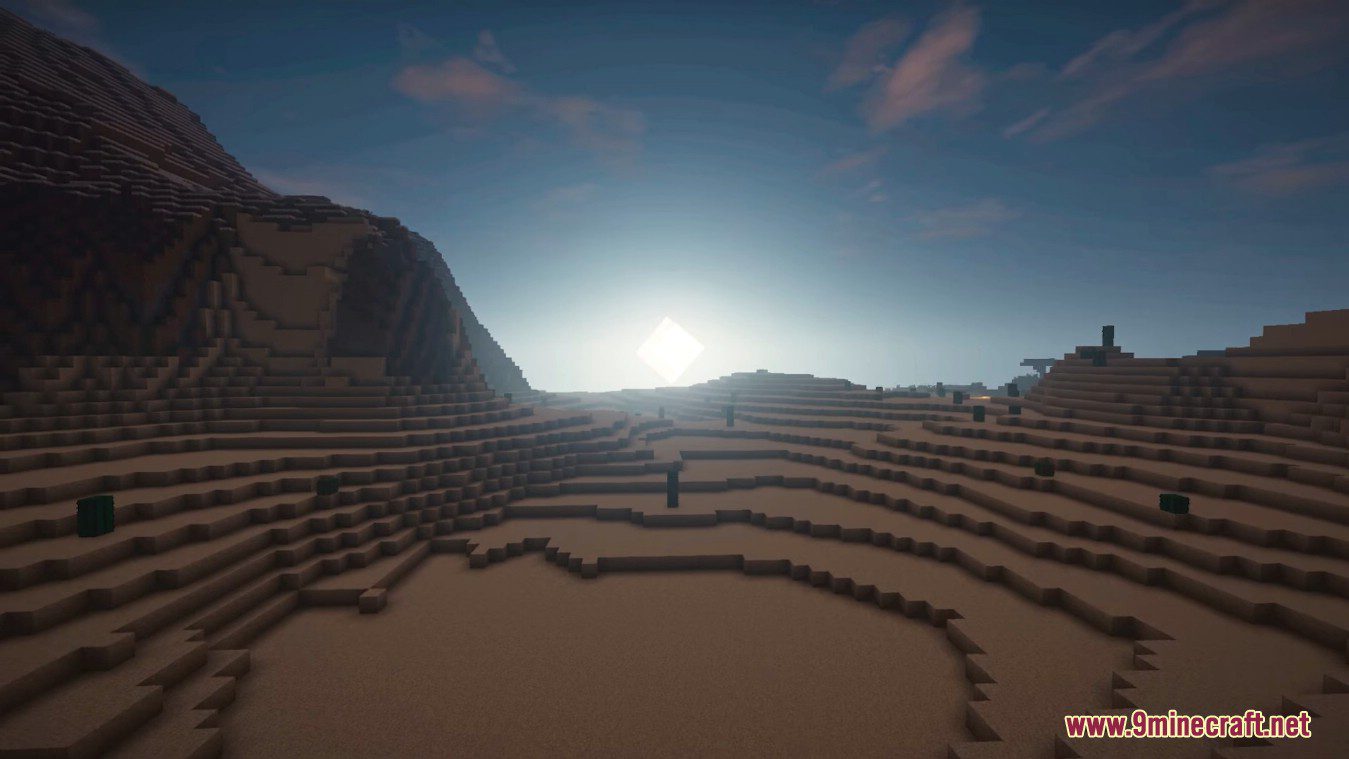
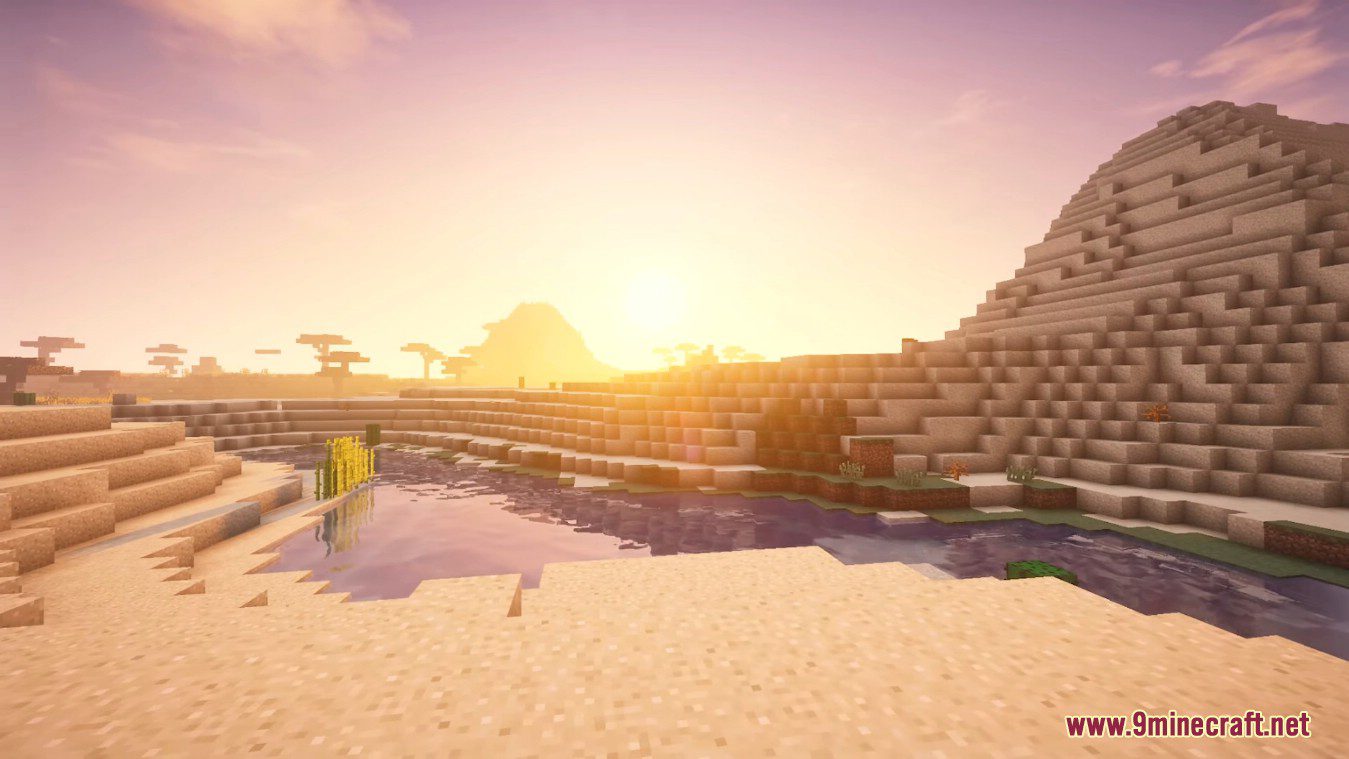
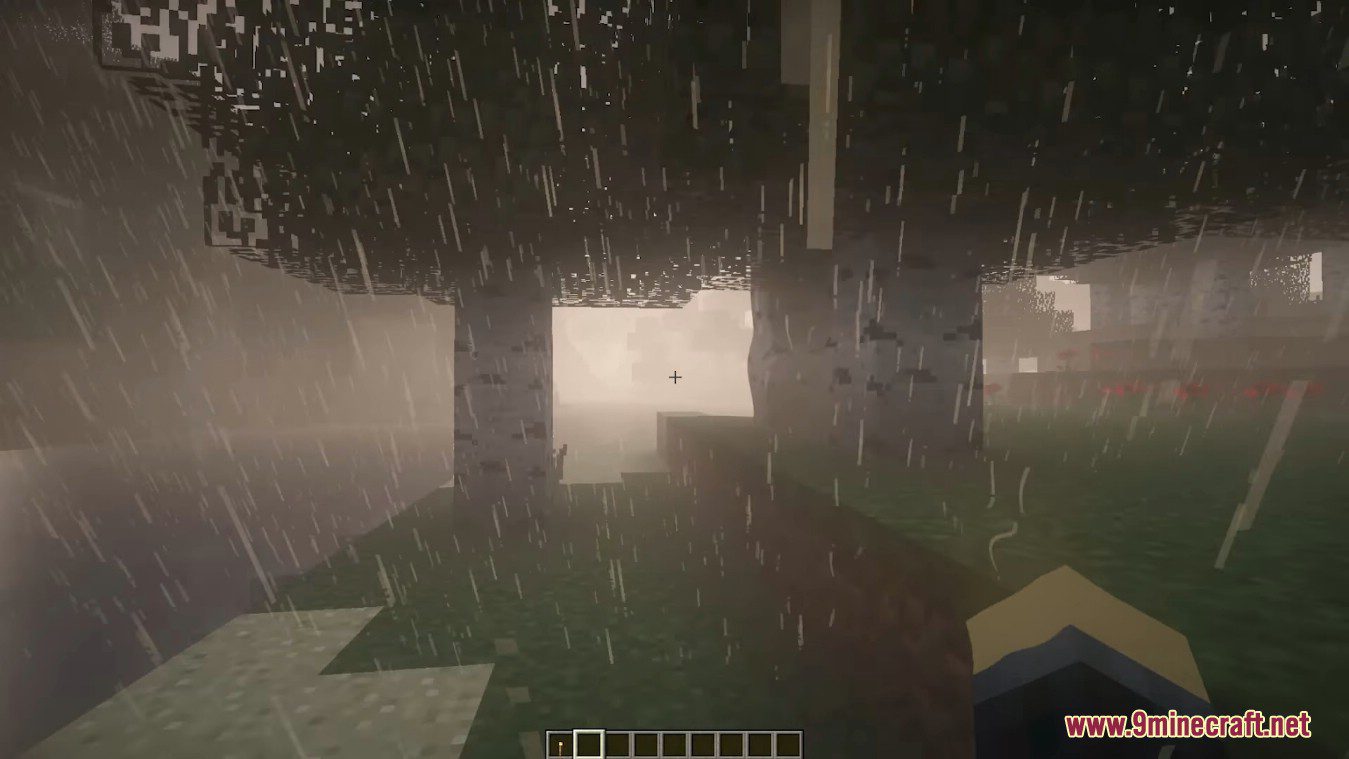
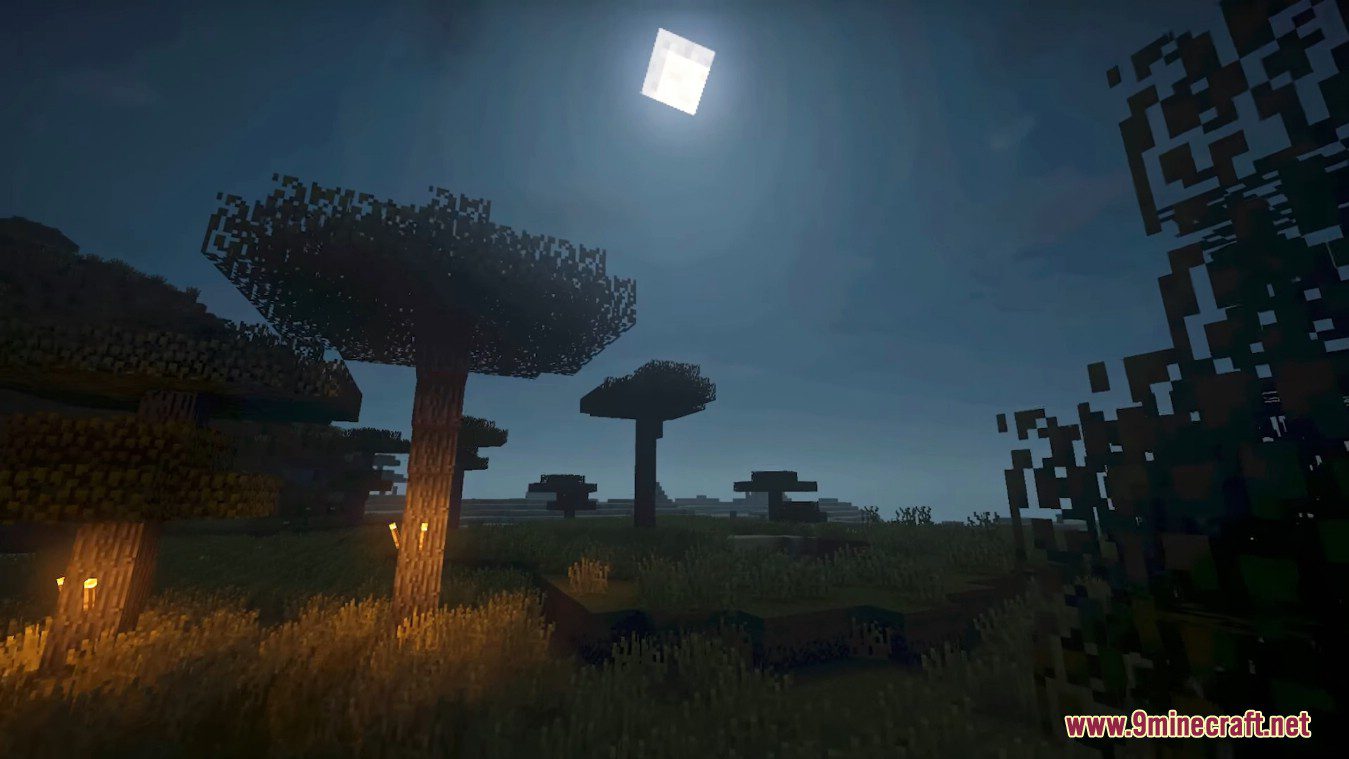
TME Shaders is designed primarily for players to be able to create colorful and attractive screenshots featuring landscapes with a large amount of vegetation, biomes, and animals at once. Indeed, it is enough to look at some design options featured by the TME shader to realize how well-detailed all the objects and blocks become, thus forming stunning locations. Dynamic lighting, attractive water reflection effects, shadows, as well as sun and moon rays are added in the process, which only complements all this beauty.
The TME part actually stands for Too Much Effects, because this shader adds plenty of special effects to Minecraft which aren’t normally there. These include moving foliage on trees, realistic shadows that follow the clouds overhead, and more cool effects. Speaking of clouds, they look realistic and billowy with this shader pack installed, not at all like their normal, blocky shapes. Shadows bend and curve around corners and different objects cast shadows of different lengths, all of which makes Minecraft look great.
Screenshots:
TME Shaders Download Links
For All Versions of Minecraft
- Edition: Minecraft Java
- File type: .zip (resource pack)
- Minecraft version listed: 1.20.1
- How to install: Download the .zip resource pack — do not unzip it. → Put it in .minecraft/resourcepacks. → Enable it in Options → Resource Packs.
- Where to get it: In MC Java Mods, or directly above on this page.
Install steps are the general flow for this file type — see the MC Java Mods guides for the full walkthrough.
- Download size: 2.6 MB
- Download link checked 17 Jun 2026 — working
- Mirrored on our own servers — the download does not depend on the original host
These come from our own check of the pack file, not from the source page.