Cyanide Shaders (26.3, 1.20.1) – Low-End PCs Friendly
Java shader pack listed for Minecraft 1.20–26.x. Downloads from the MC Java Mods app on Android.
⬇ Download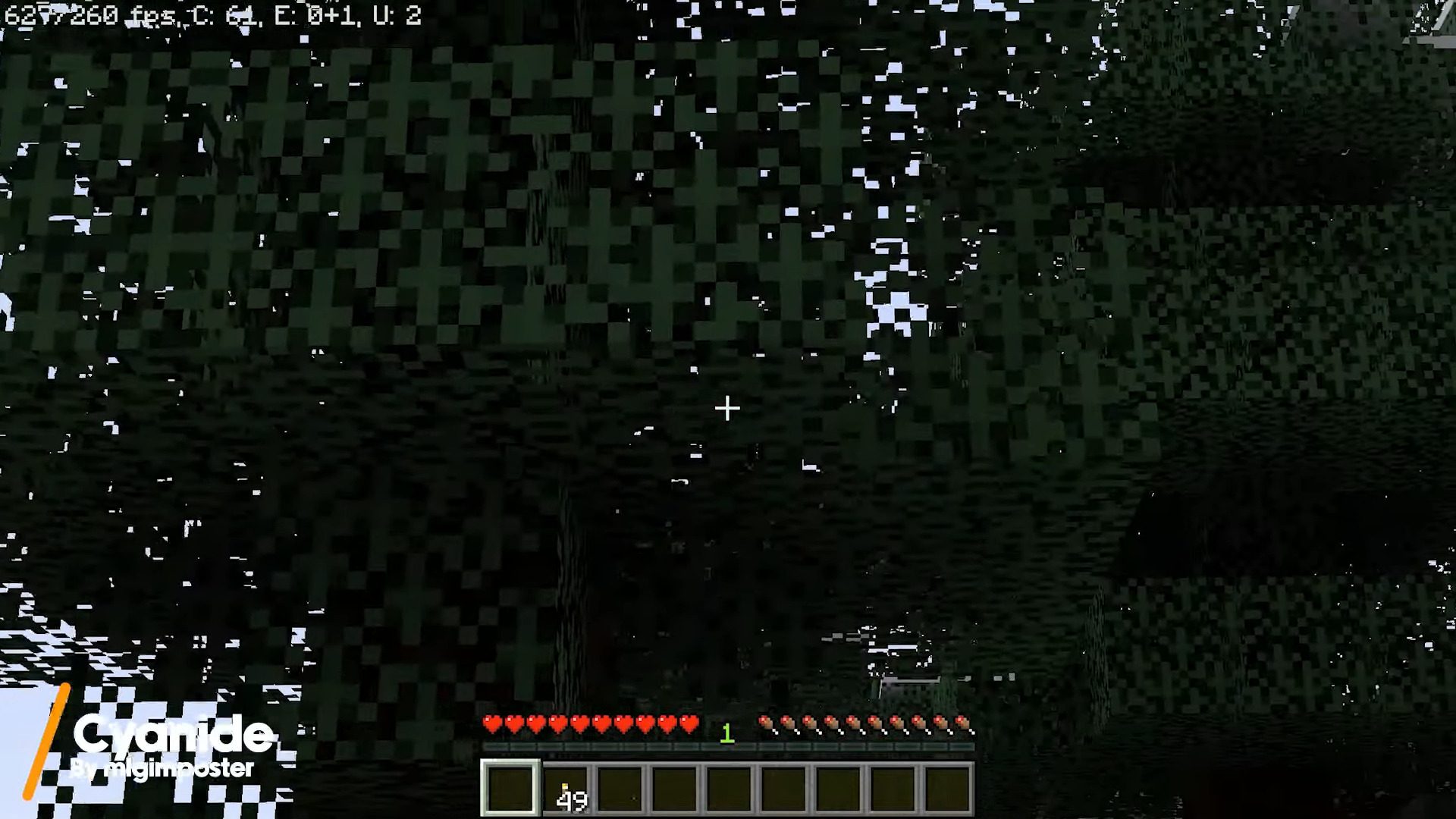
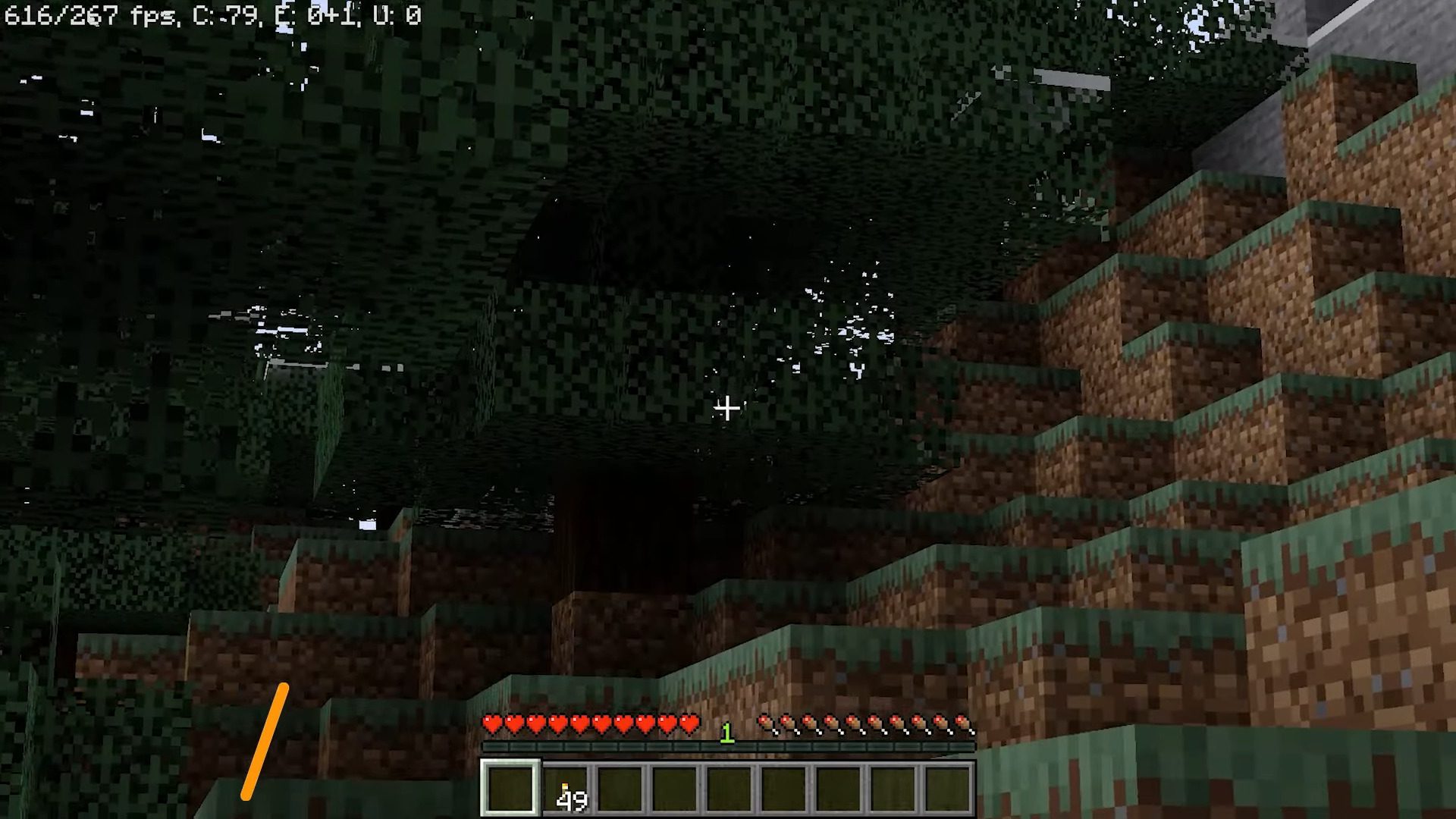
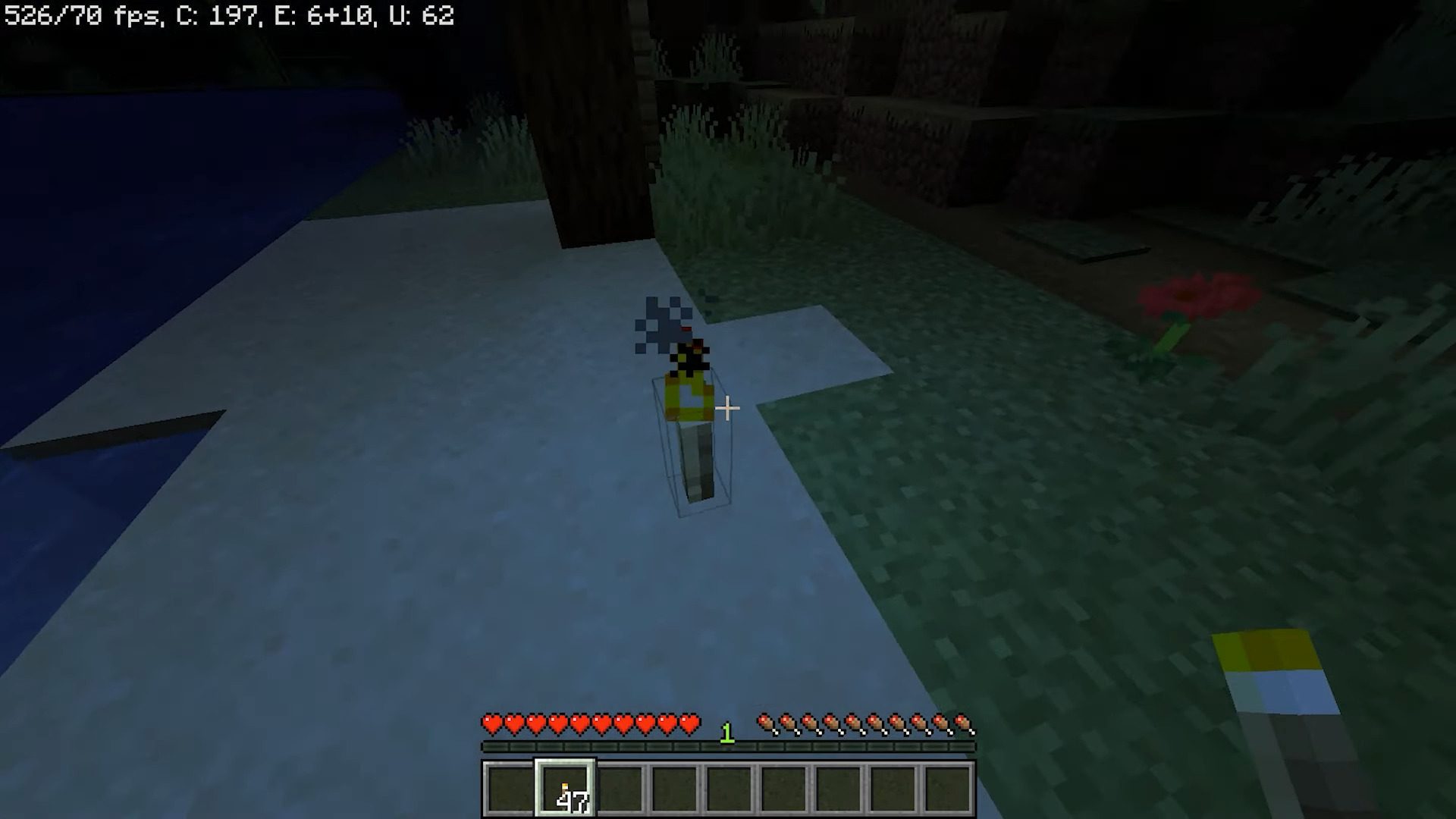
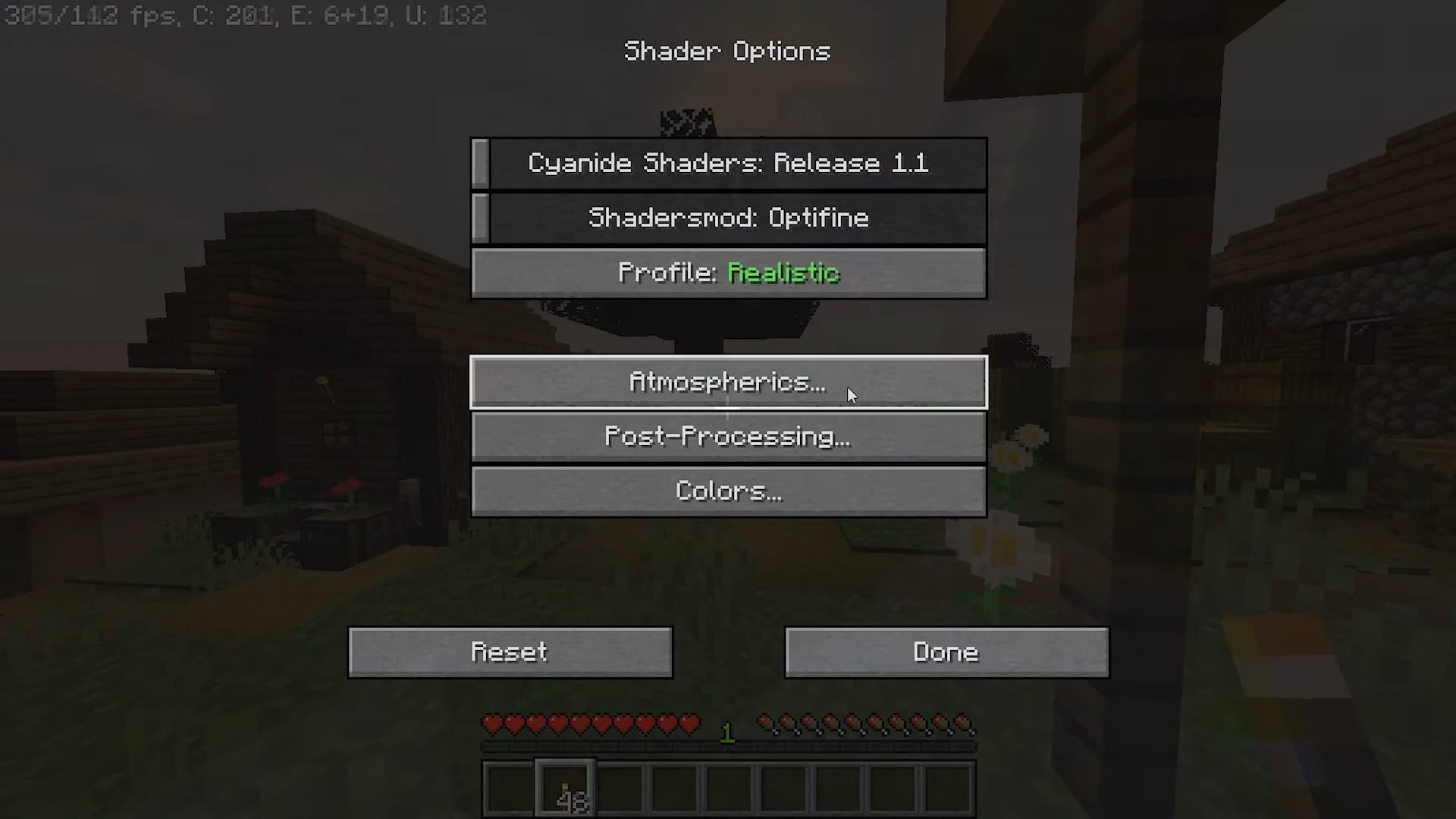
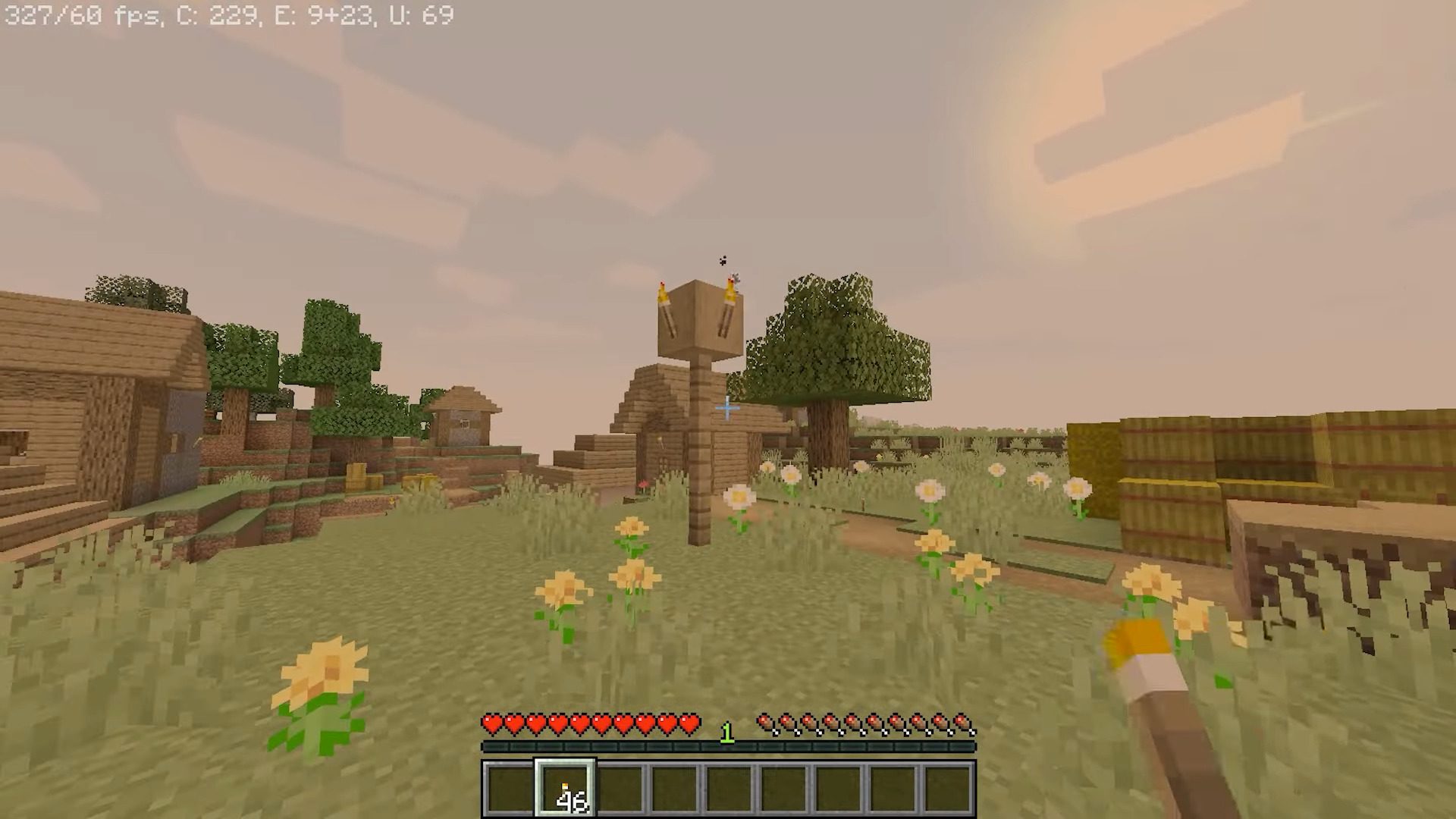
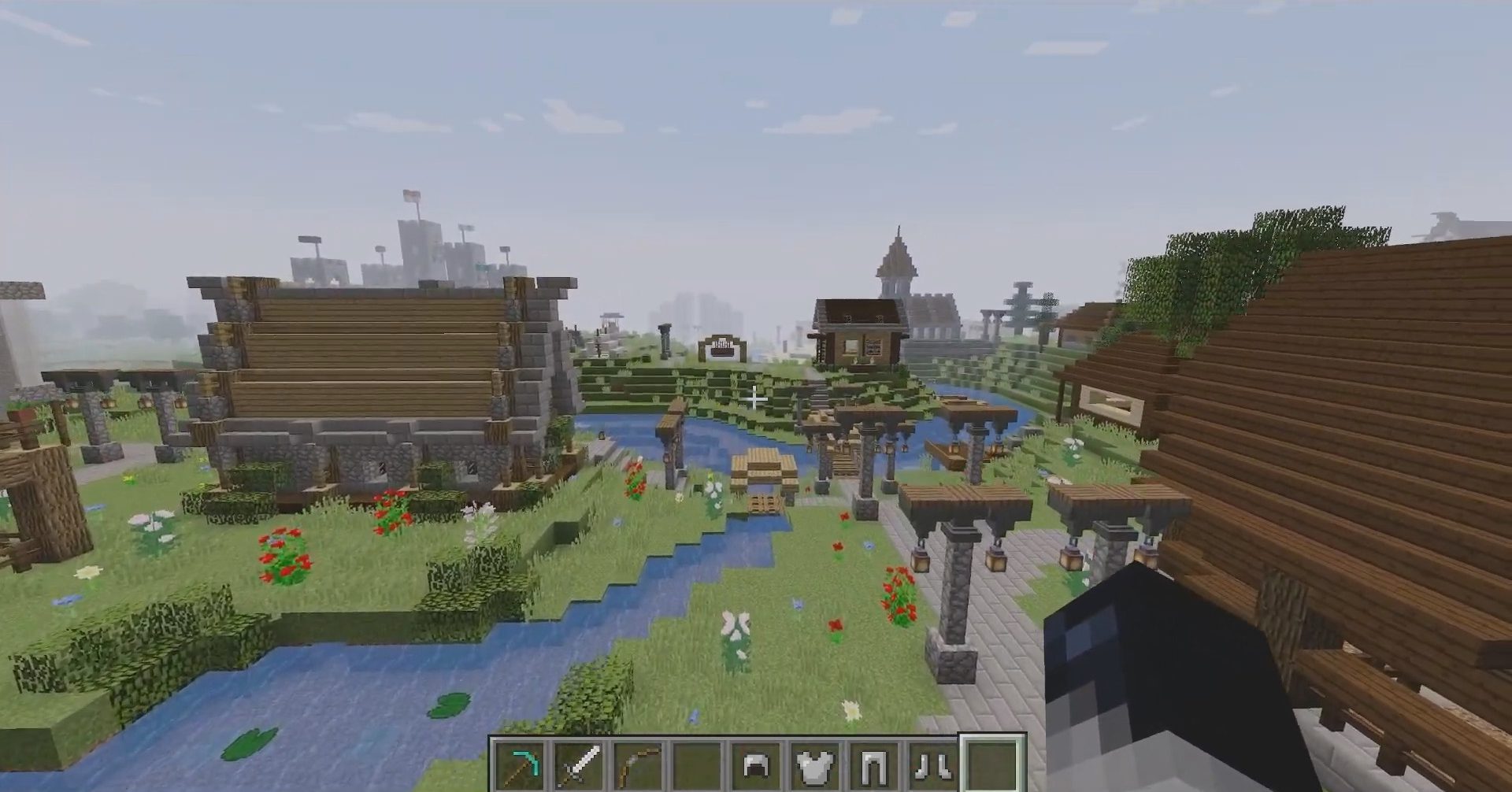
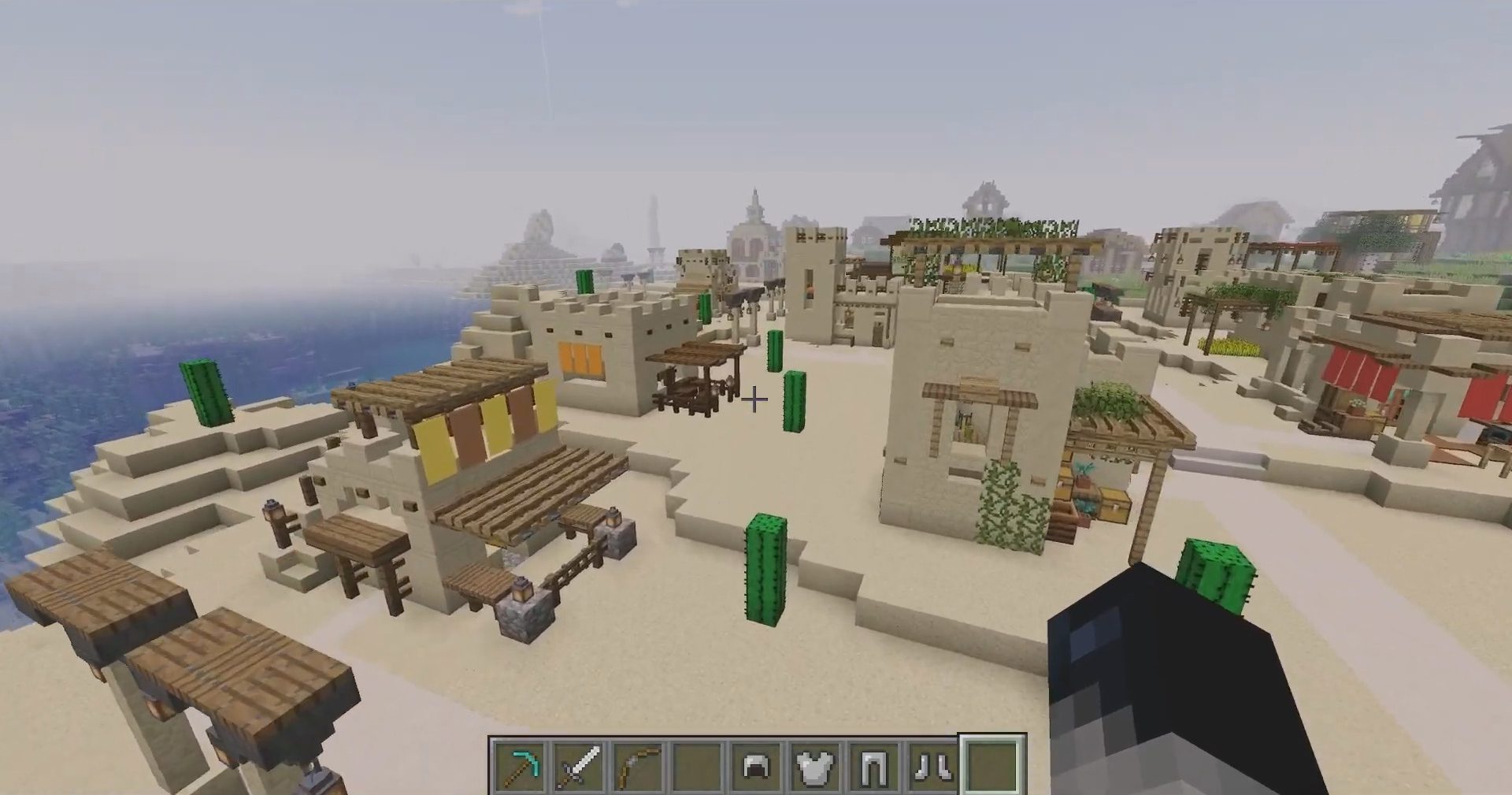
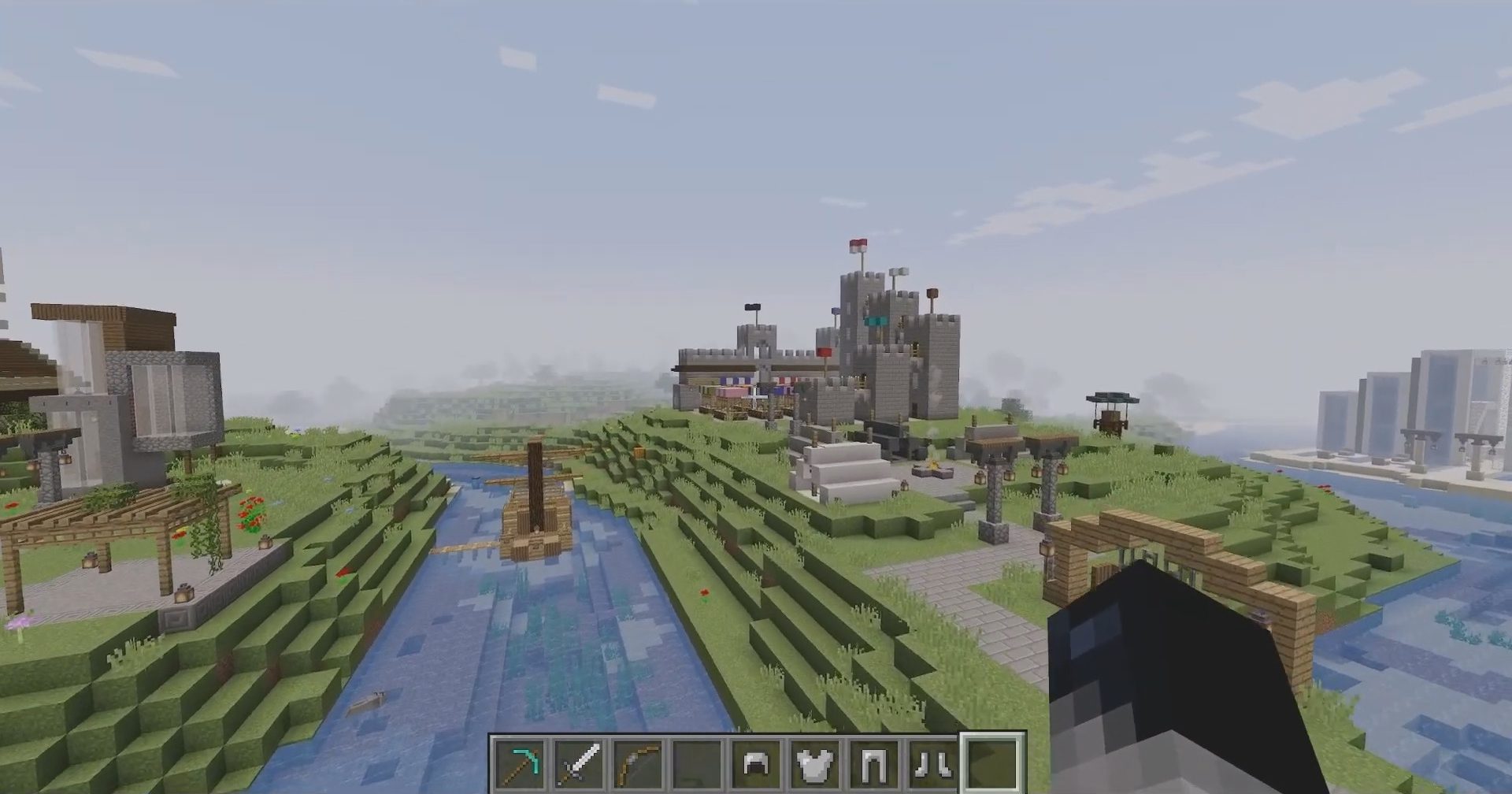
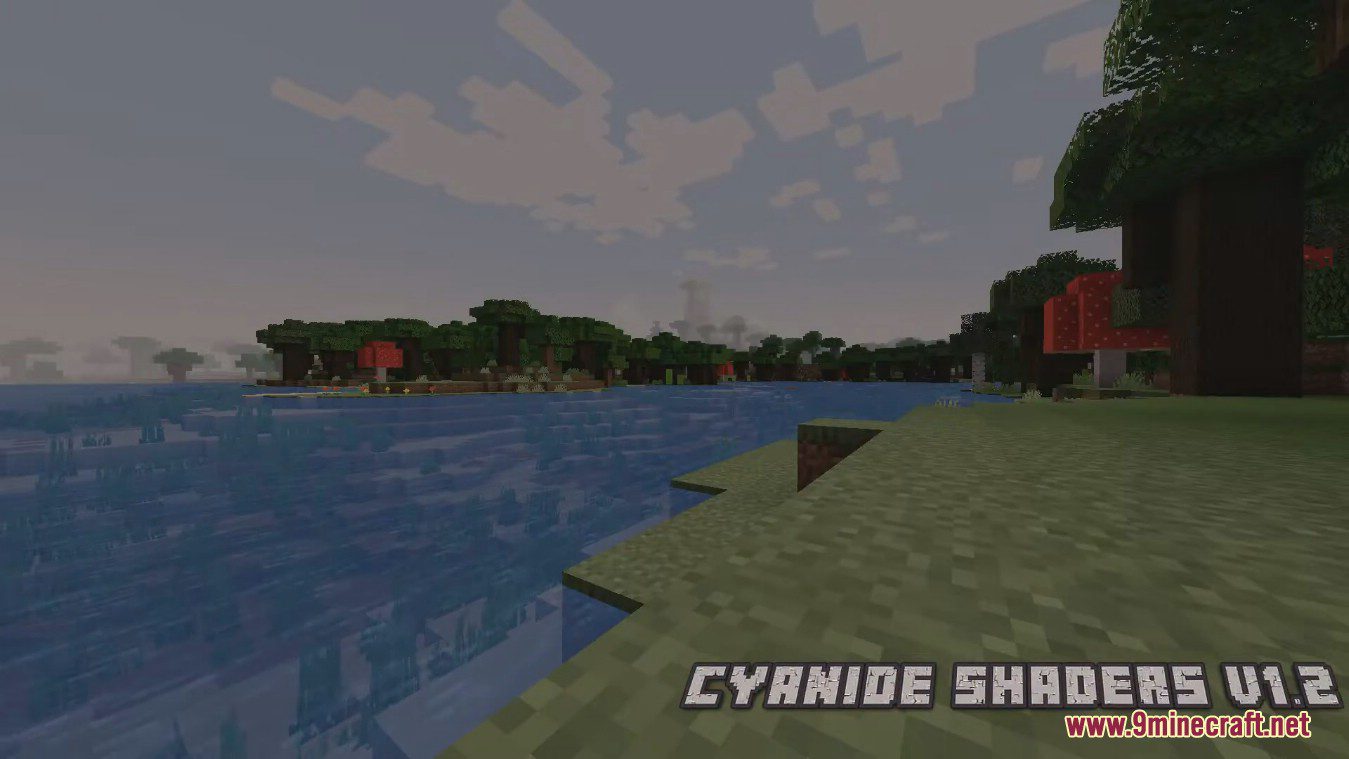
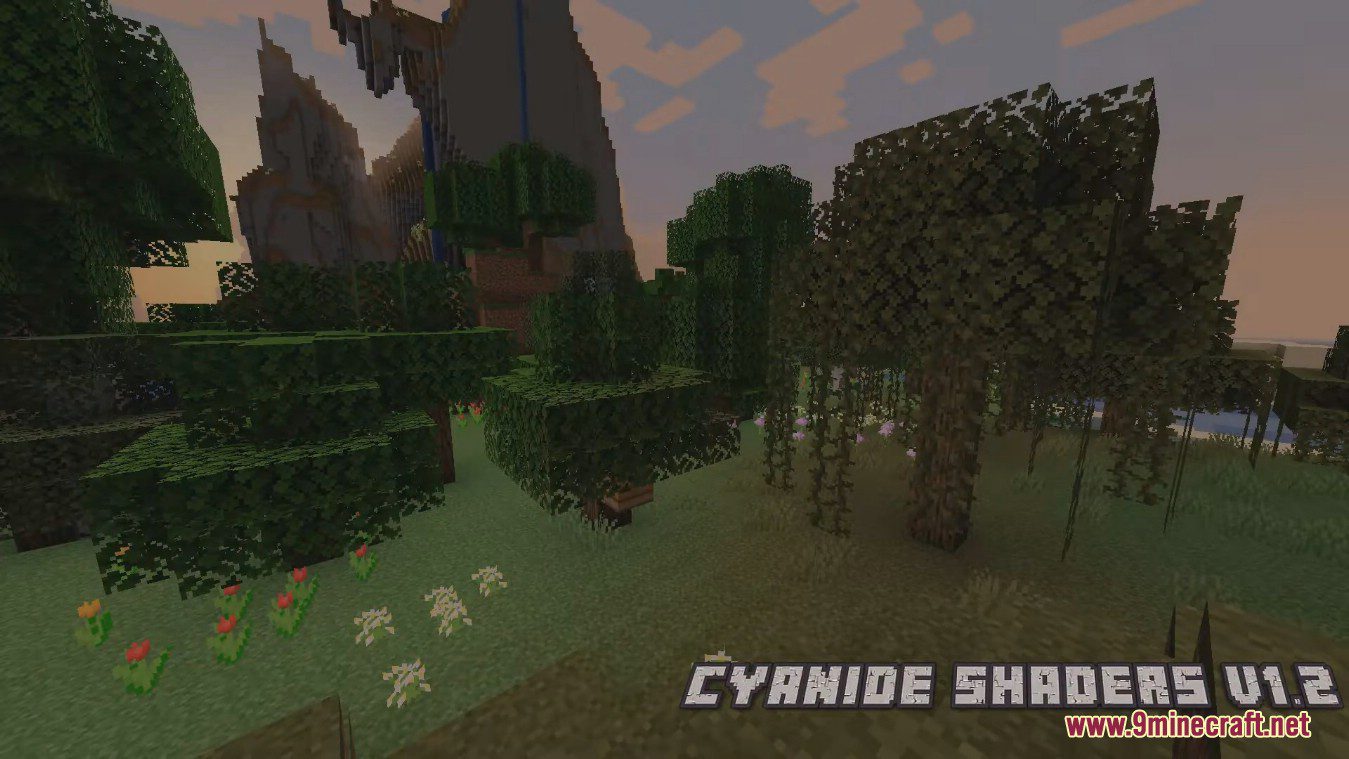
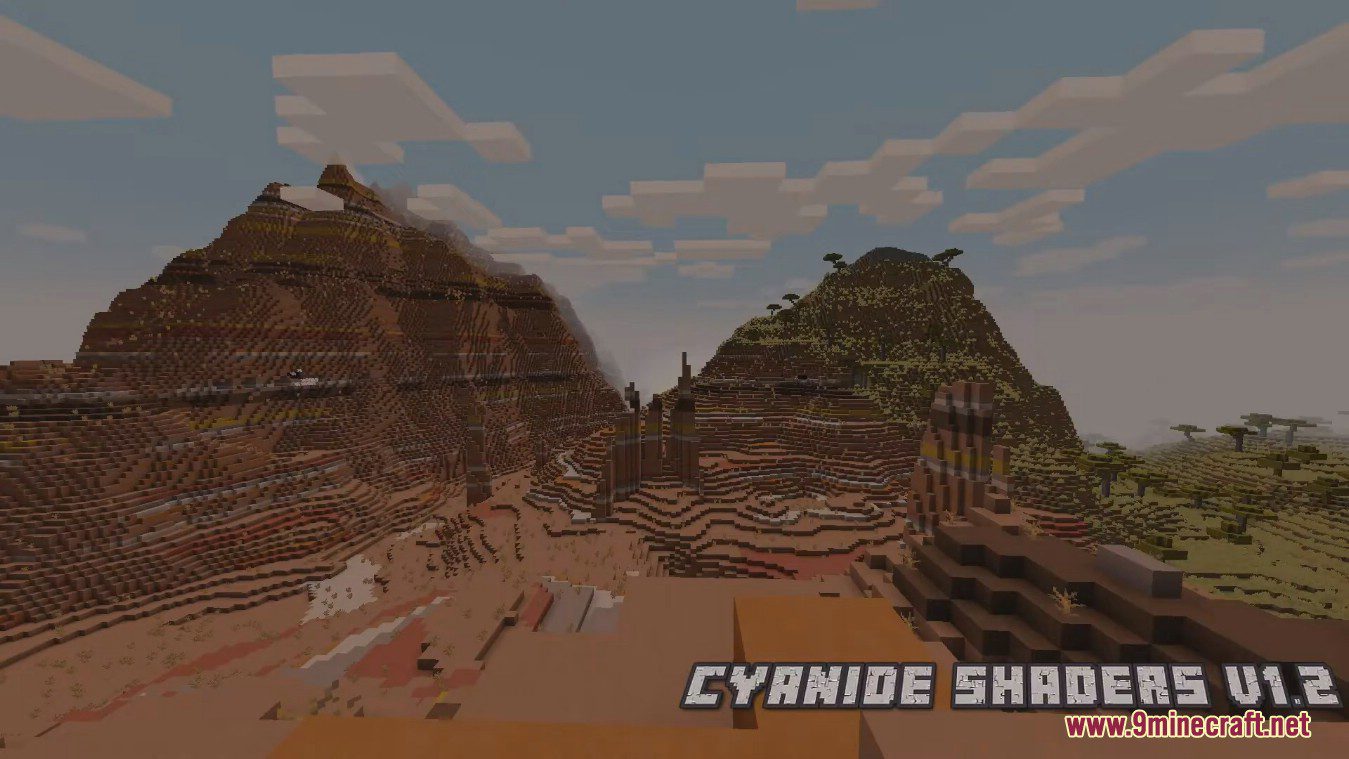
Cyanide Shaders focuses around the vanilla style of Minecraft. It’s meant to be used by users with weak PCs, or people that want to use simple shaderpacks during mini-games such as Duels-type. It also features many tone-mapping operators, and a lot of customization. If that wasn’t enough, there’s also a bloom effect, in case you want things to glow up a bit. Cyanide also allows new users to create their own shaderpacks, using this shaderpack as a base.
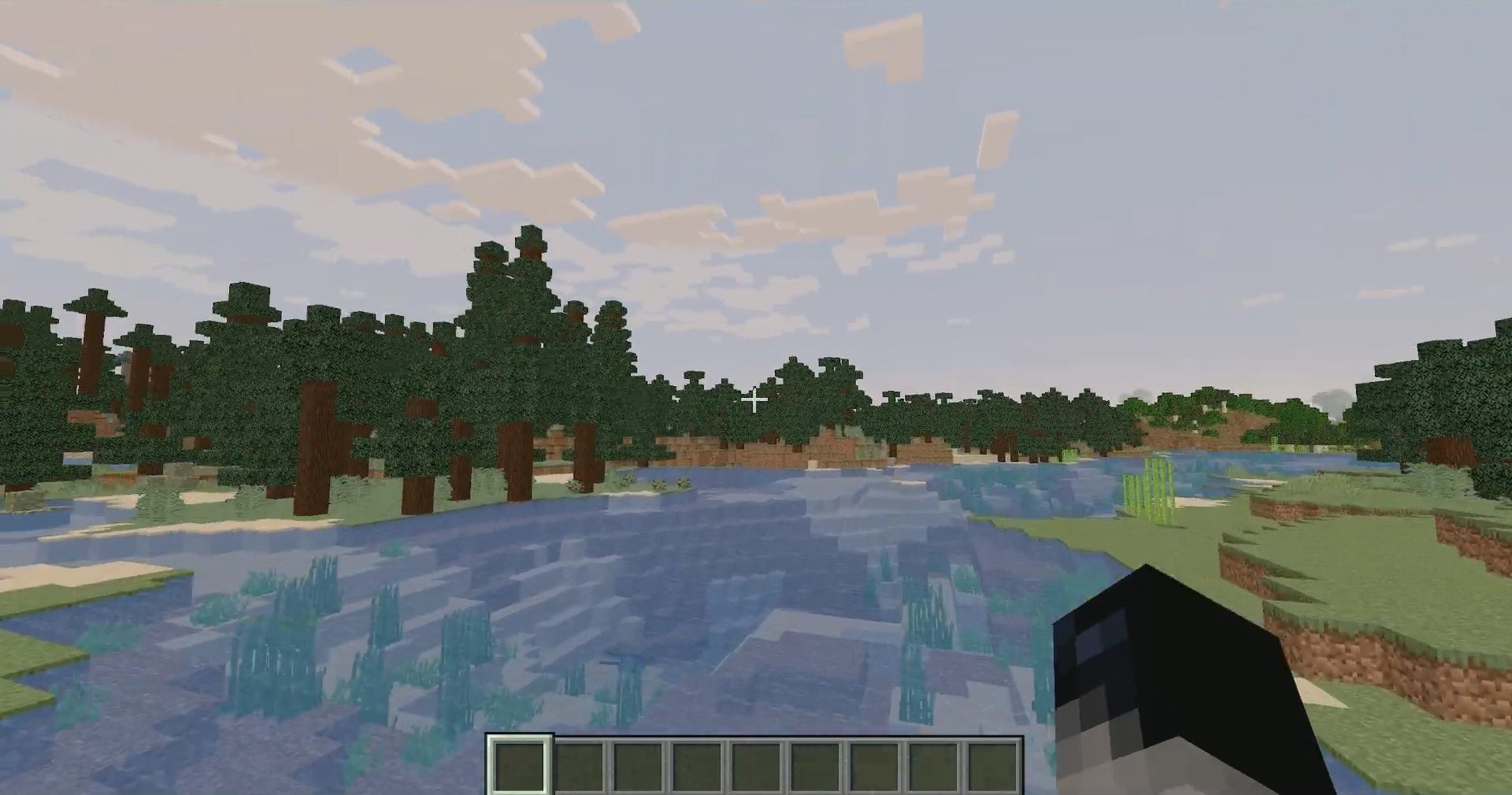
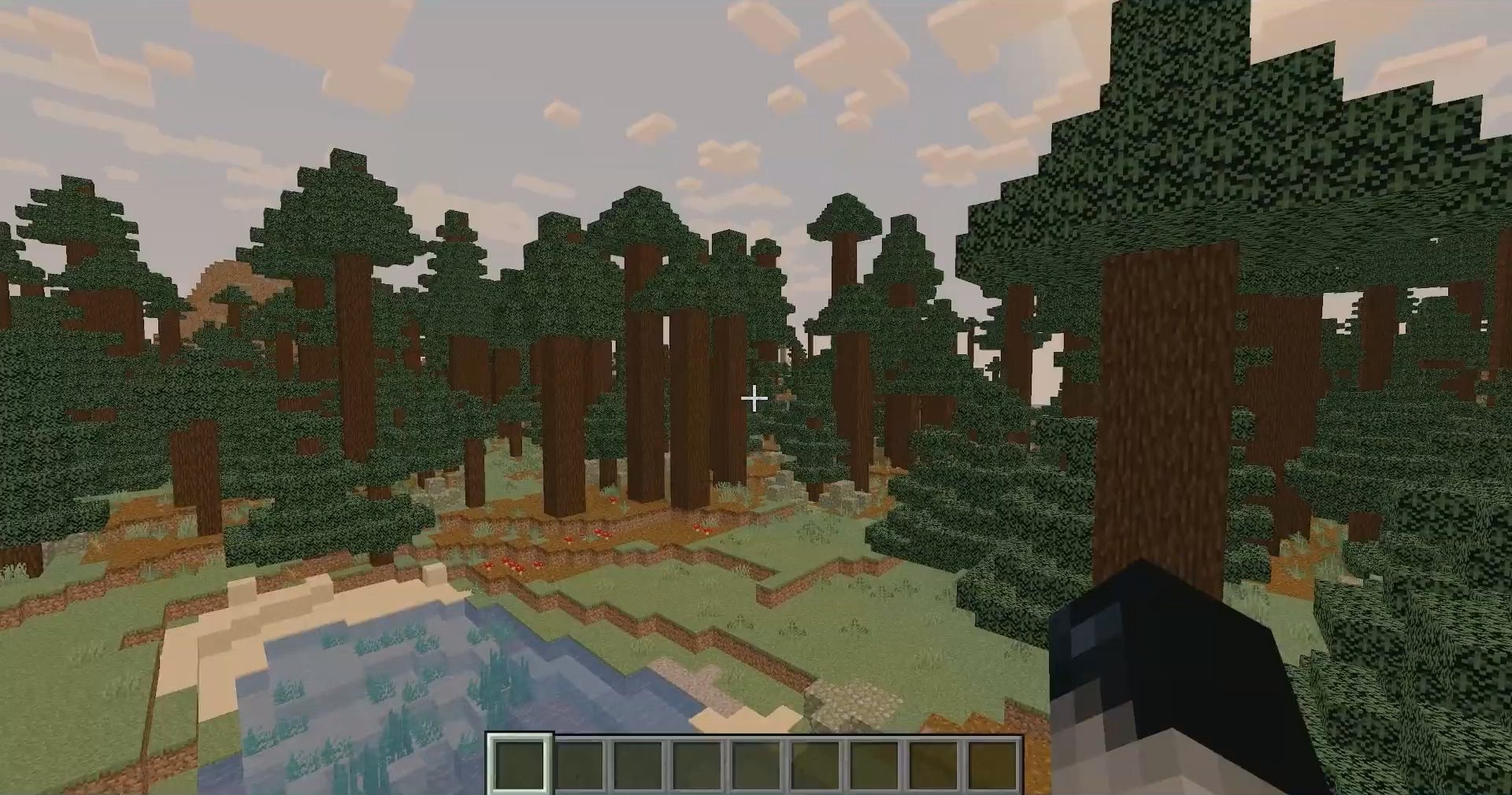
Cyanide is a simple yet decent shaderpack, with not too many lines of code. The shaderpack is extremely optimized, and doesn’t make the feeling of the vanilla game fade away. Colors change based on time, and many improvements were made, with the inclusion of many tonemap operators to choose from, each one giving a different vibe.
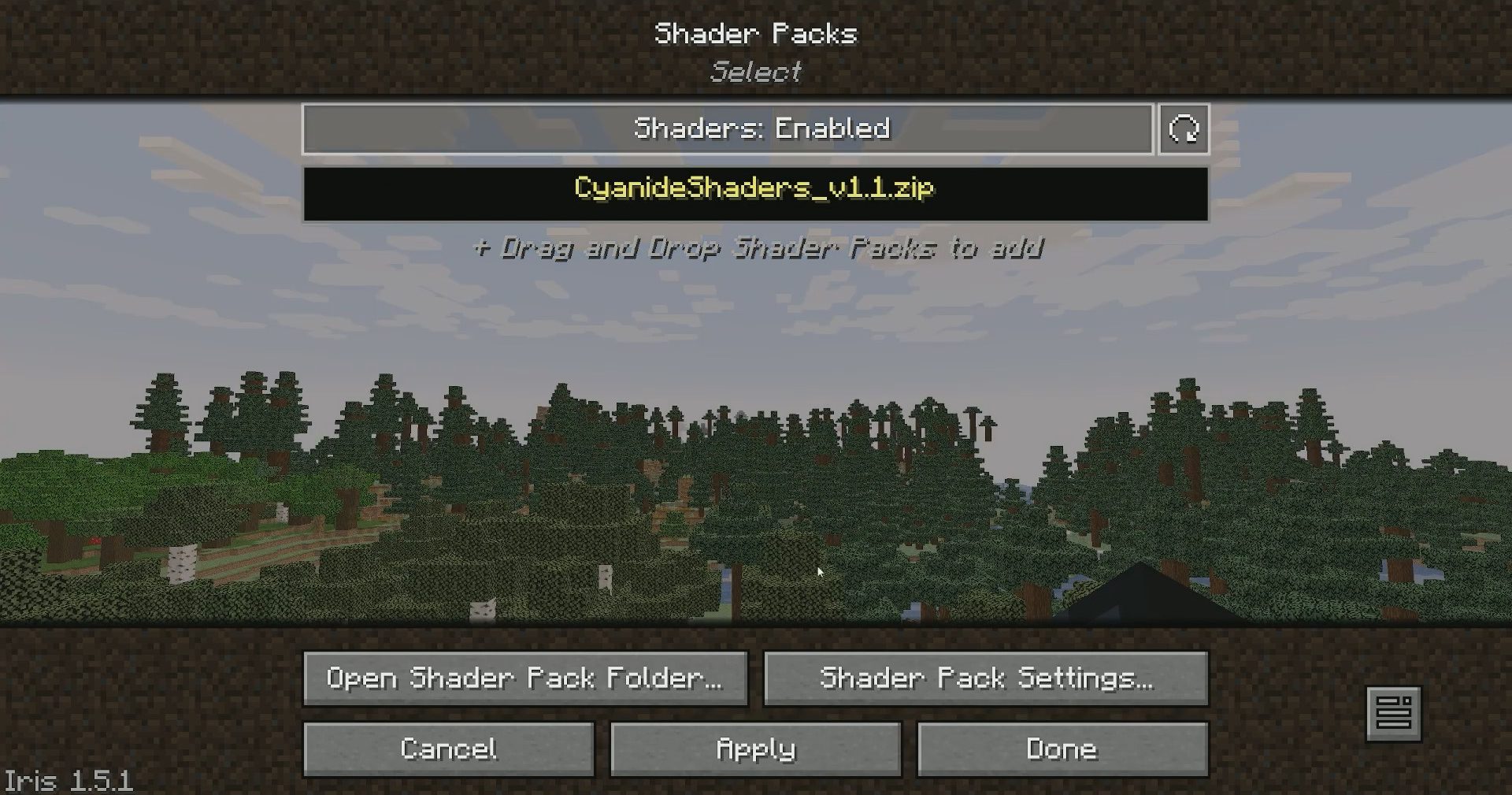
Screenshots:
Cyanide Shaders Download Links
- Edition: Minecraft Java
- File type: .zip (resource pack)
- Minecraft versions listed: 26.3, 1.20.1
- How to install: Download the .zip resource pack — do not unzip it. → Put it in .minecraft/resourcepacks. → Enable it in Options → Resource Packs.
- Where to get it: In MC Java Mods, or directly above on this page.
Install steps are the general flow for this file type — see the MC Java Mods guides for the full walkthrough.
Cyanide Shaders (26.3, 1.20.1) – Low-End PCs Friendly is a free Minecraft Java shader. Compatible with Minecraft 26.3, 1.20.1. Download it and open it directly in the game.