ShadersJava
Trippy Shaders (26.2, 1.20.1) – The world is so Colorful and Messy
Java shader pack listed for Minecraft 1.20. Downloads from the MC Java Mods app on Android.
⬇ Download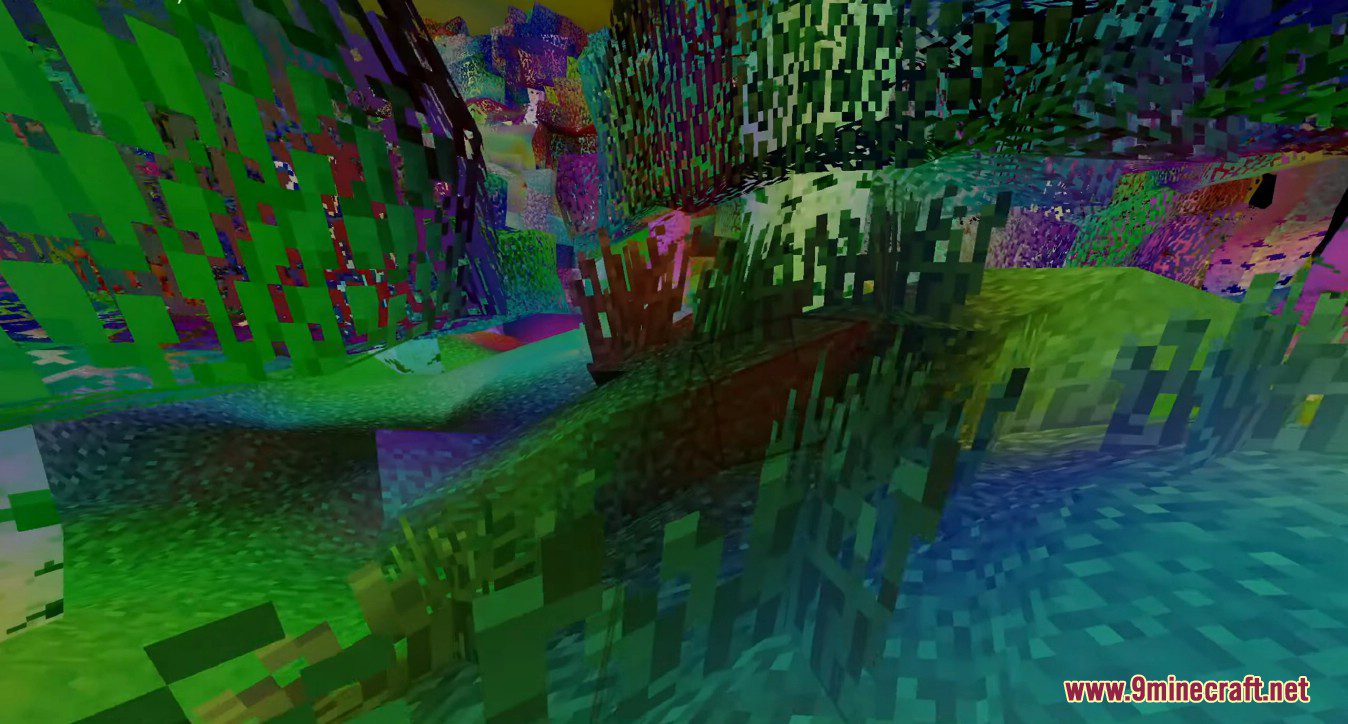
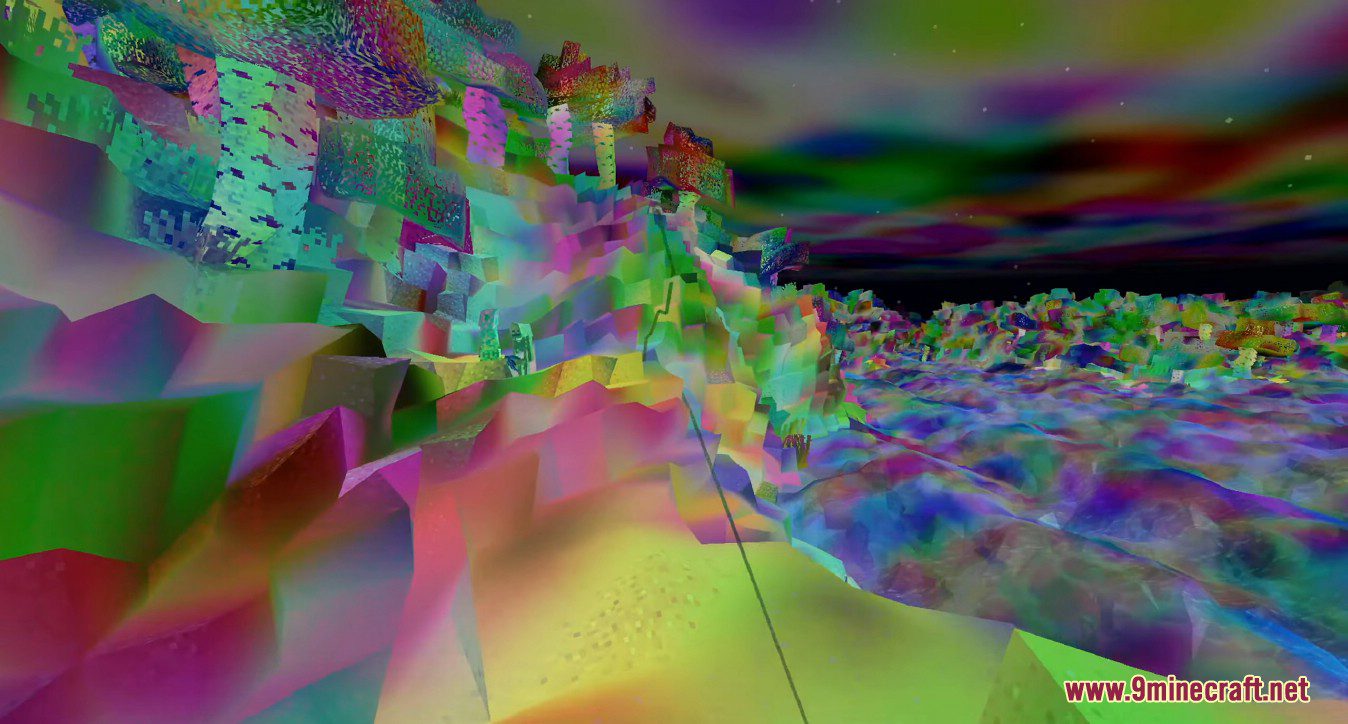
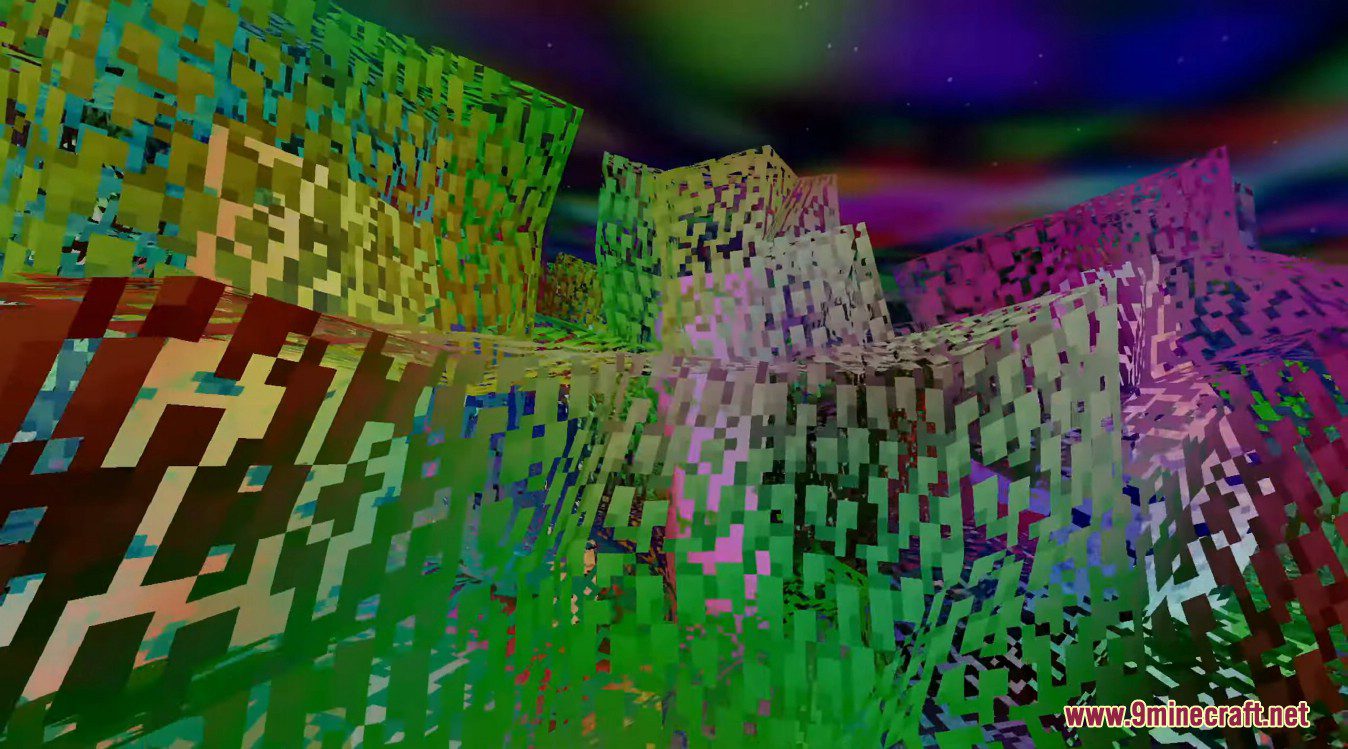
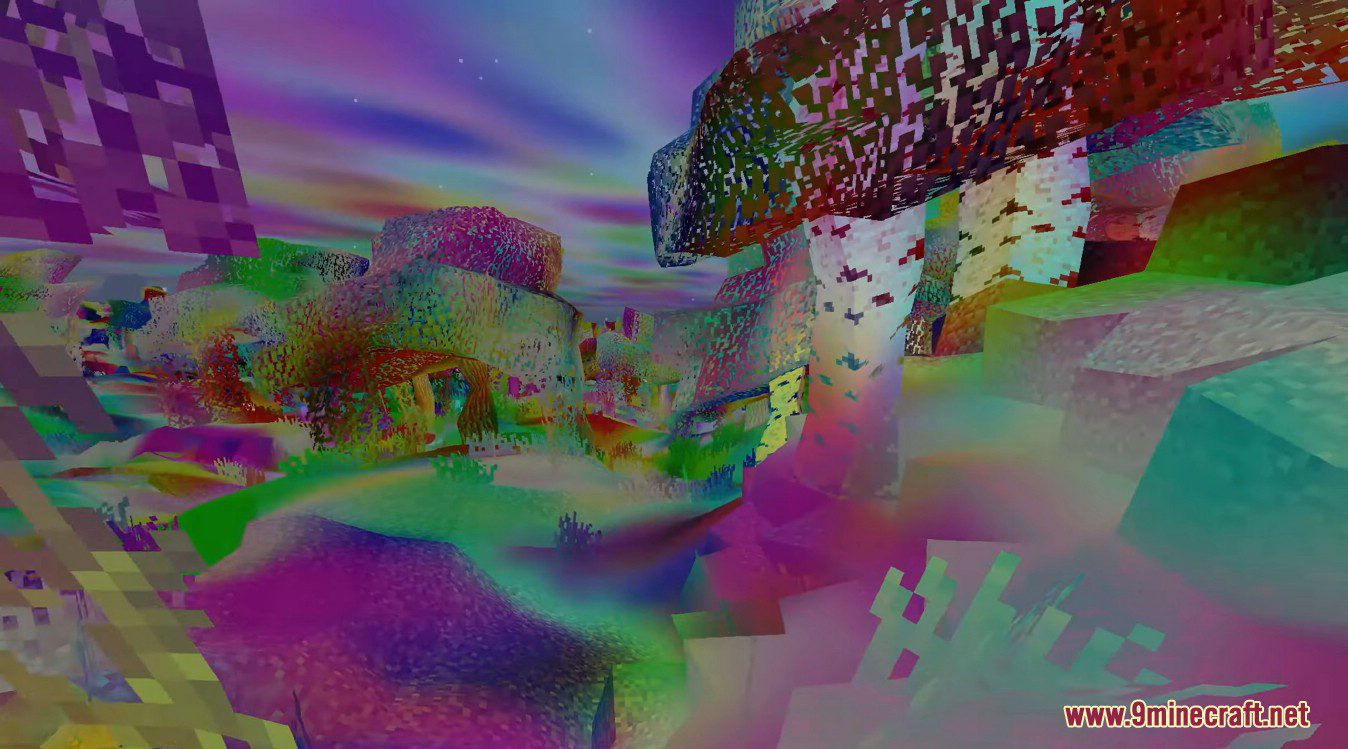
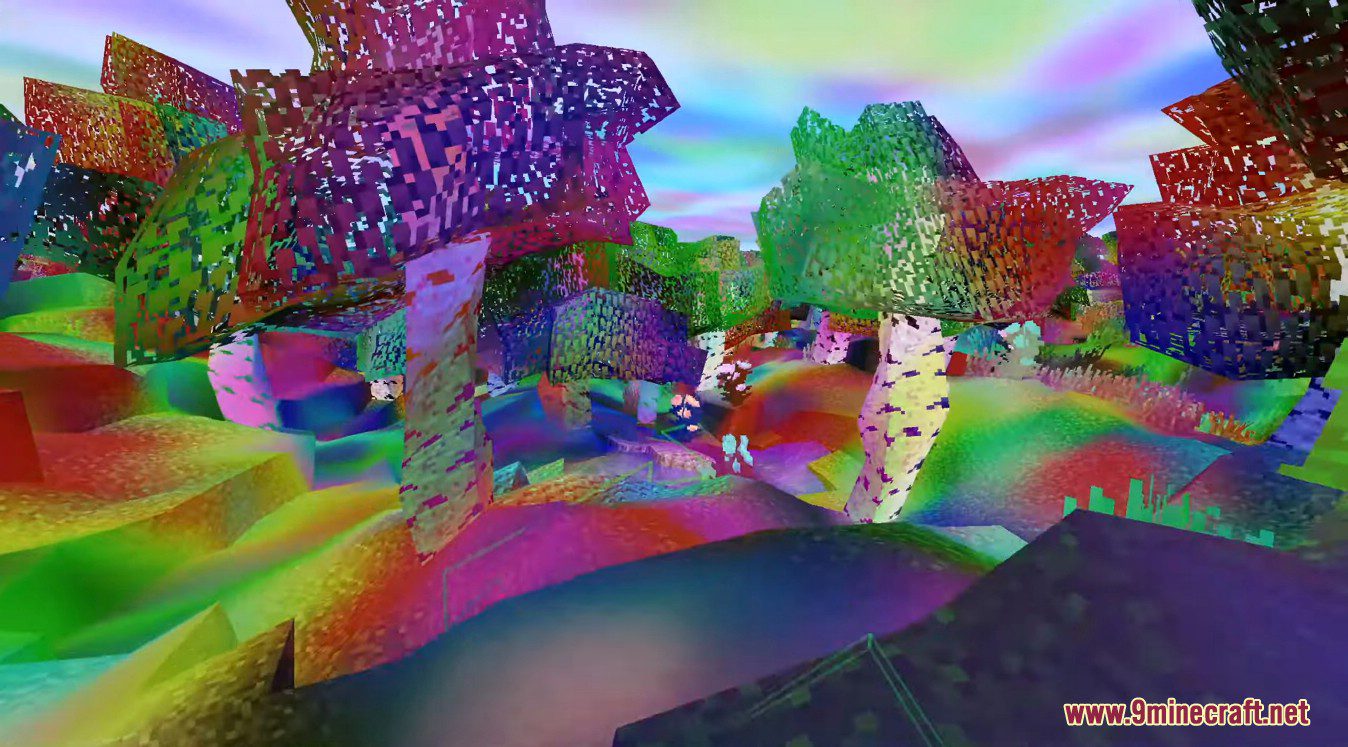
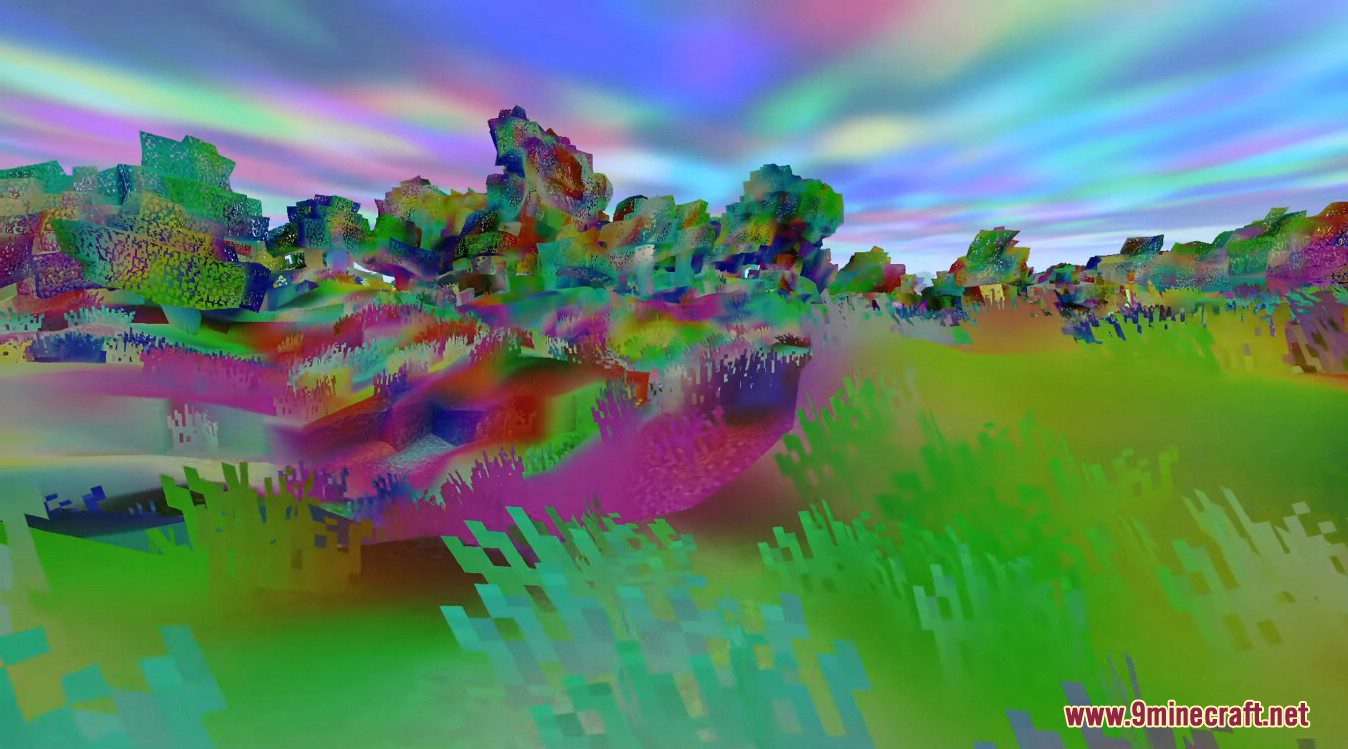
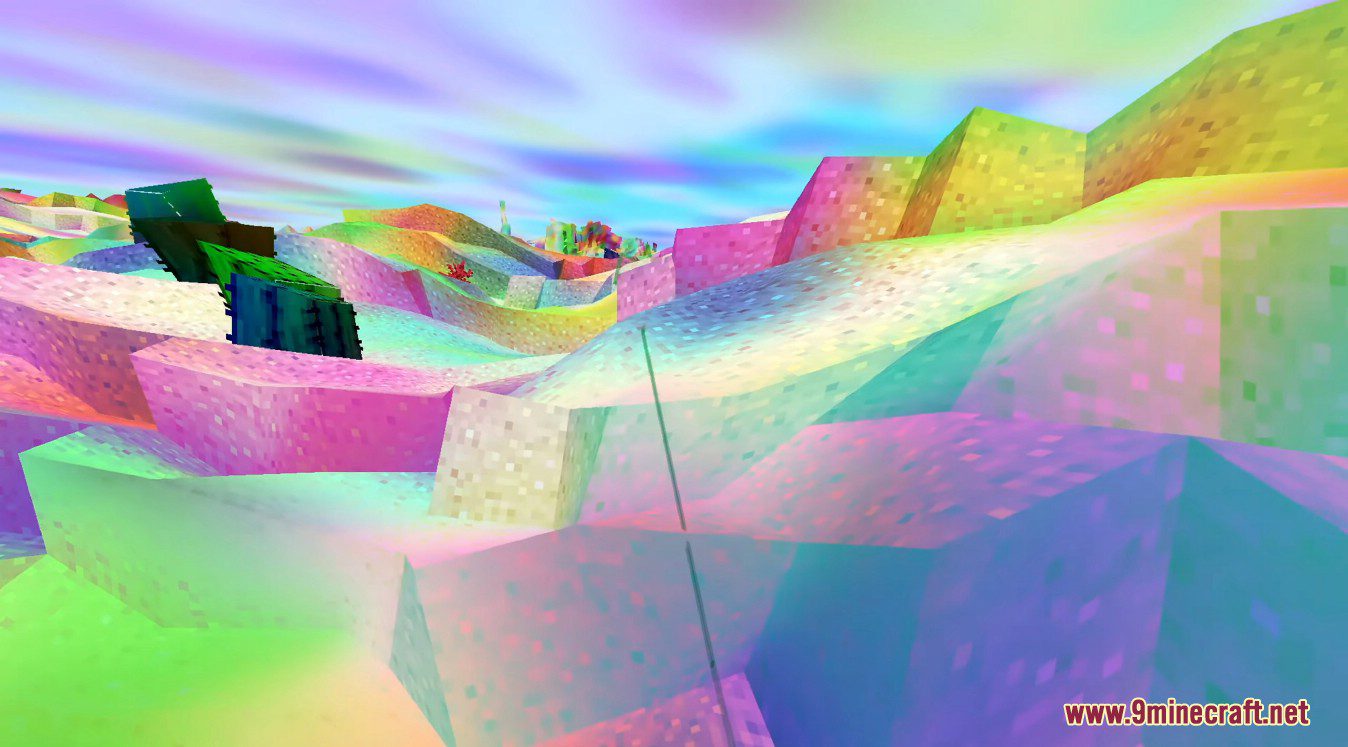
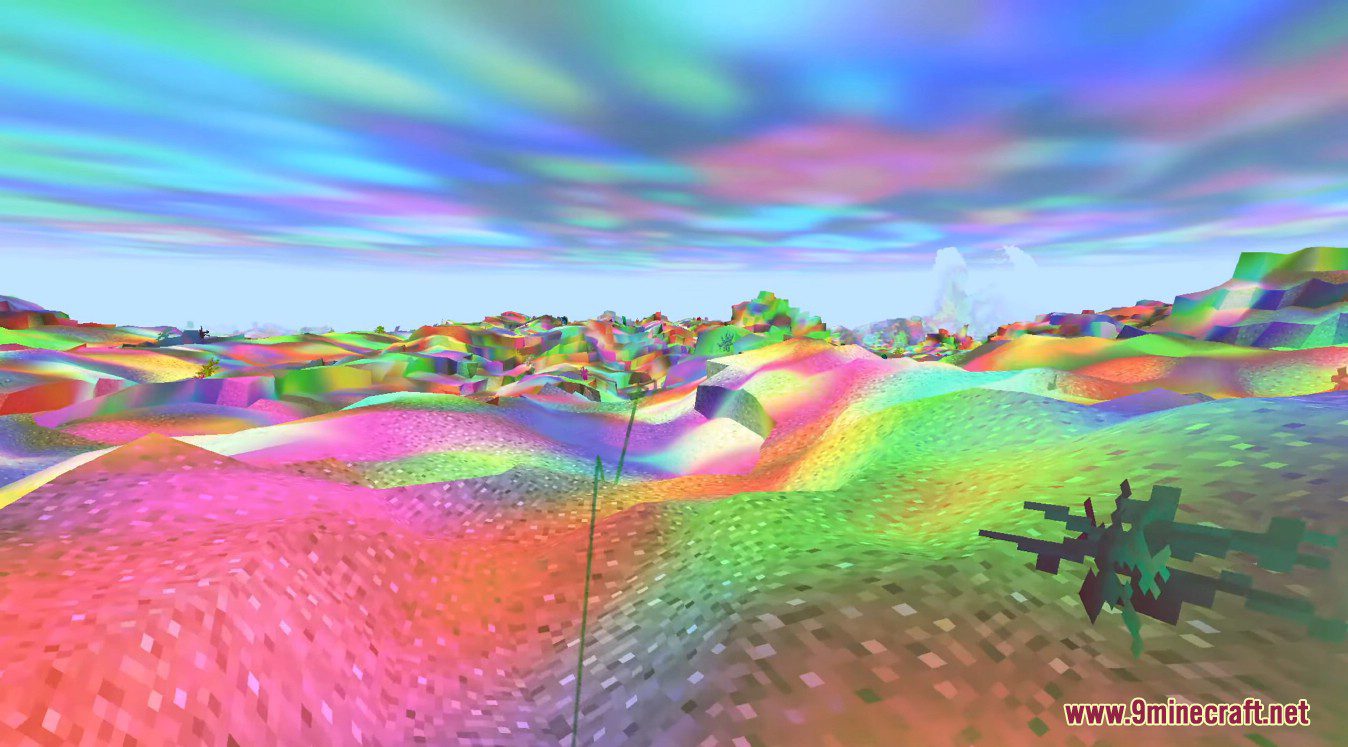
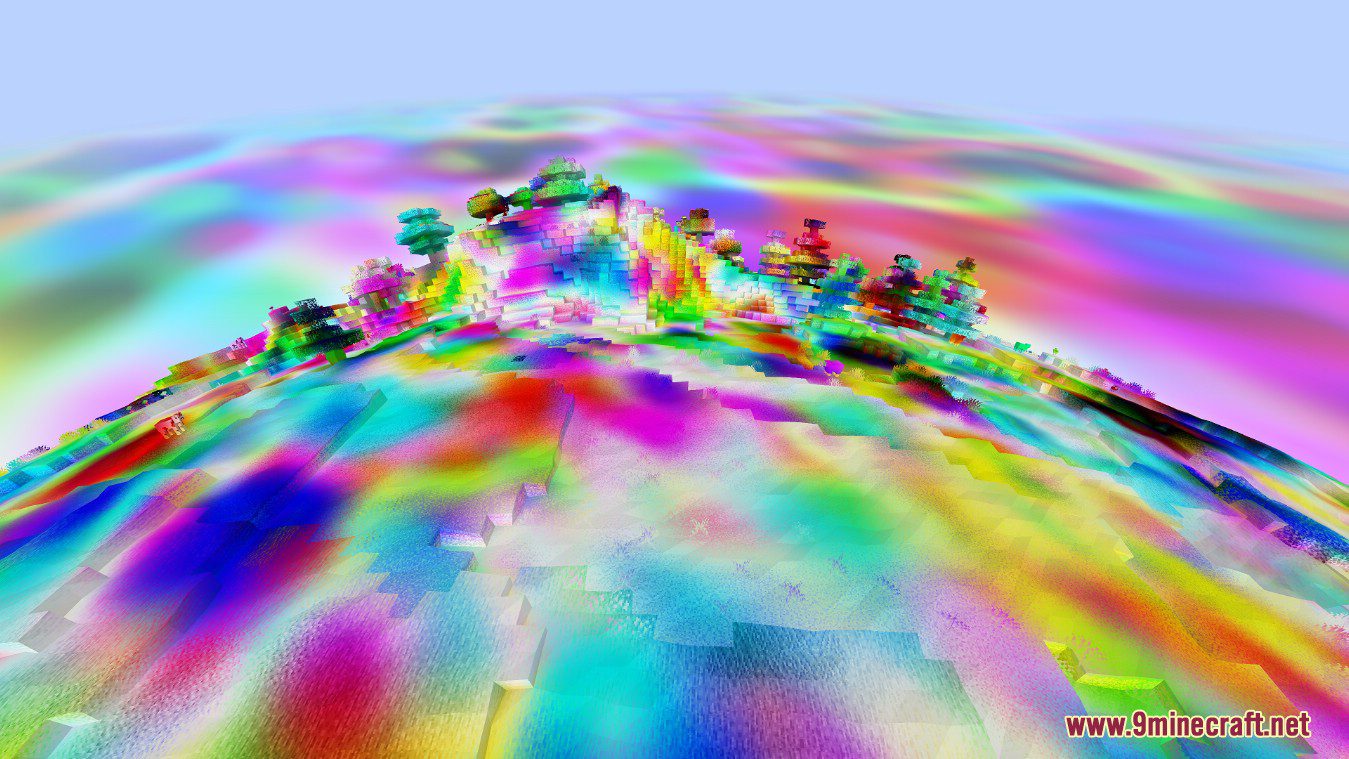
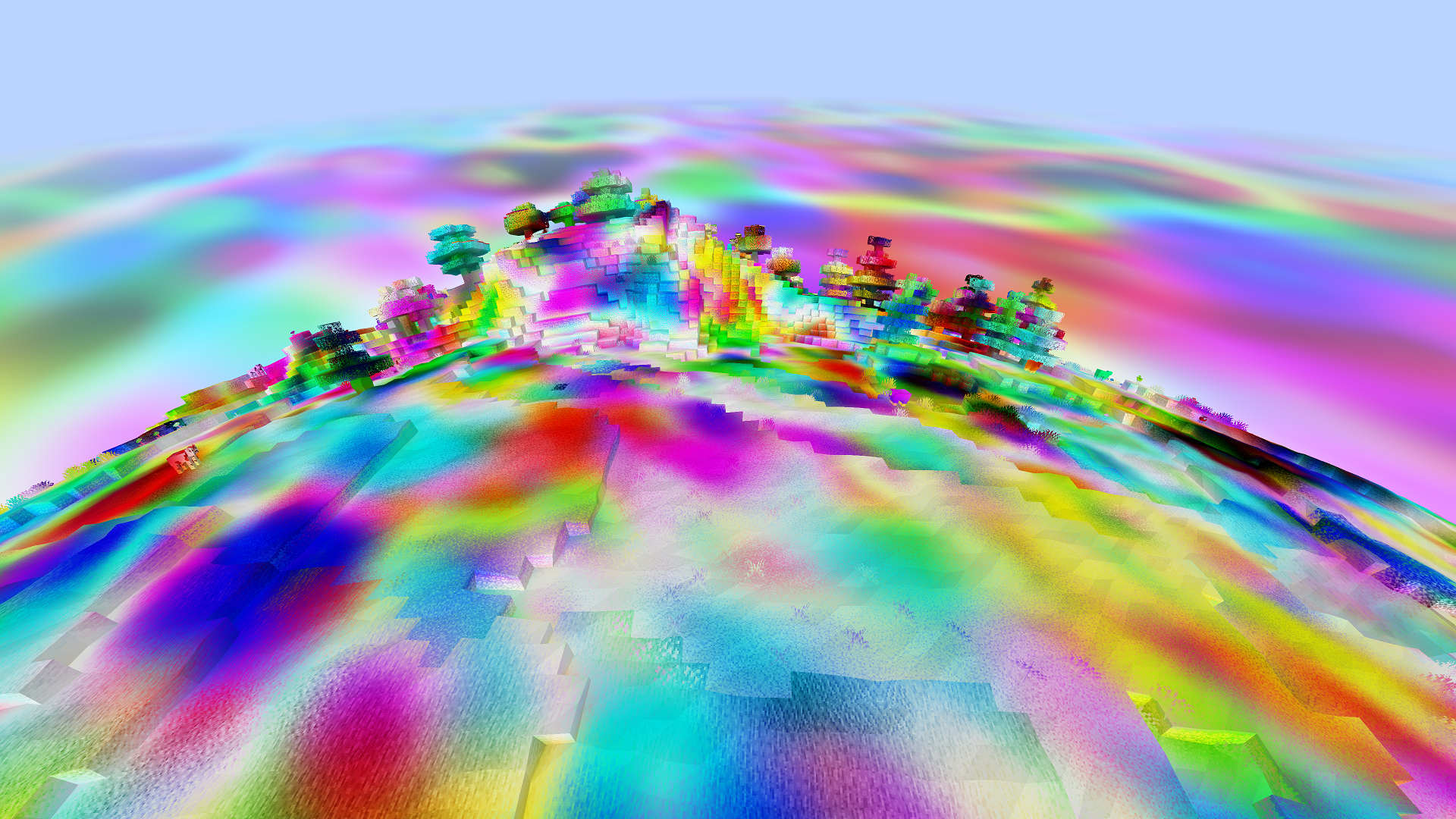
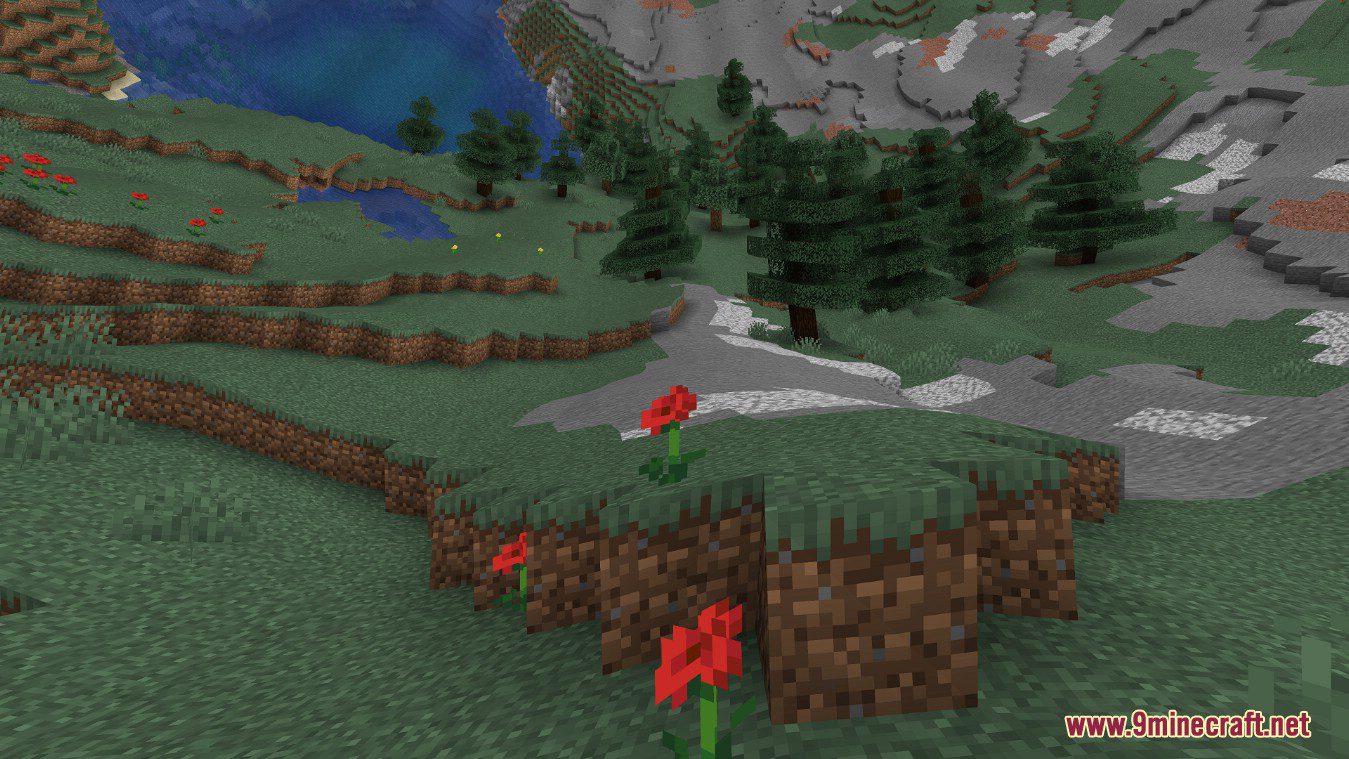
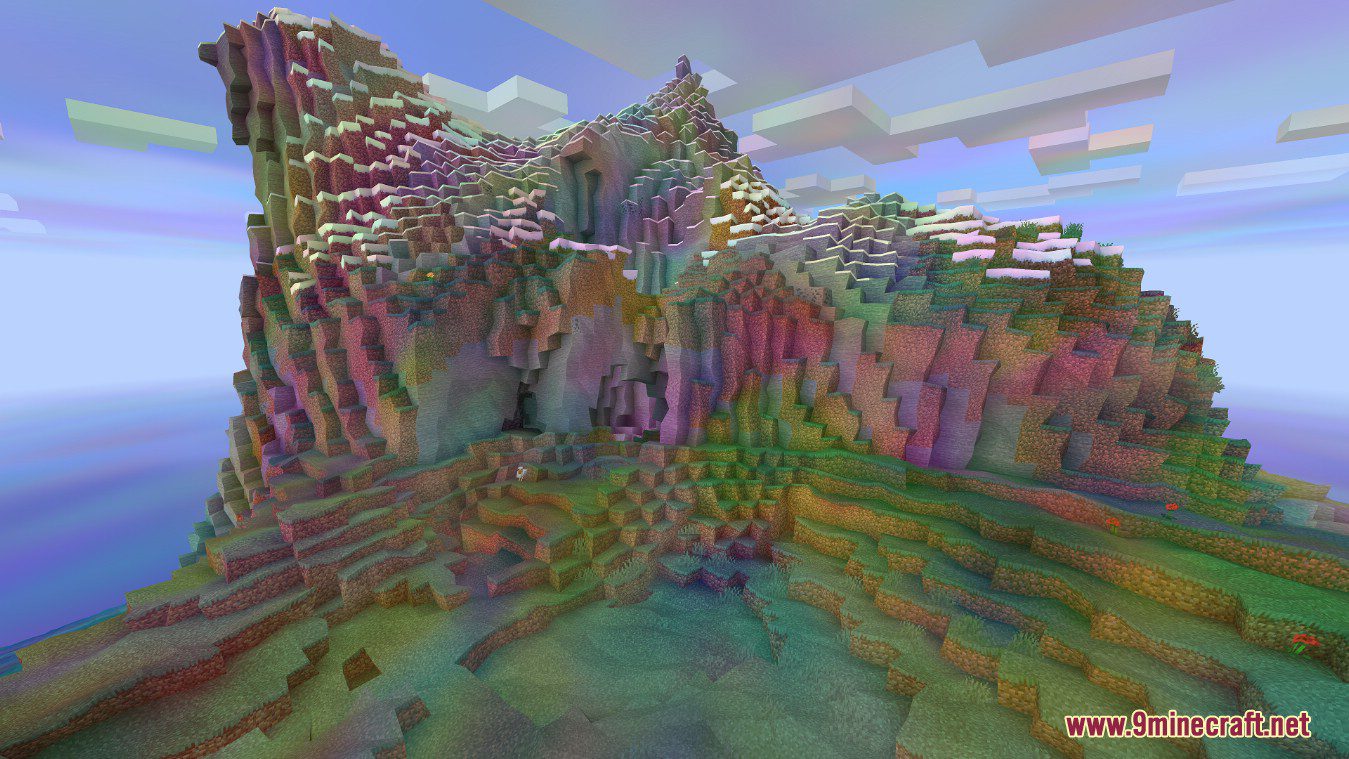
Trippy Shaders adds strange effects to Minecraft. There are plenty of settings to tweak waviness, color intensity, distortion, curvature and more. And then there is a feature that make Minecraft a lot harder to play: World curvature. This effect changes your Minecraft world to be an actual globe. Speaking of trippy effects, in the comparison above, you can see what this shaderpack looks when all effects are maxed out (except for world curvature).
Features:
- Color: You can change color intensity and animation.
- Uncube: You can make blocks look dizzy and animated.
- Globe: You can make the world look like a globe.
Screenshots:
Trippy Shaders Download Links
For All Versions of Minecraft
Quick facts
- Edition: Minecraft Java
- File type: .zip (resource pack)
- Minecraft version listed: 1.20.1
- How to install: Download the .zip resource pack — do not unzip it. → Put it in .minecraft/resourcepacks. → Enable it in Options → Resource Packs.
- Where to get it: In MC Java Mods, or directly above on this page.
Install steps are the general flow for this file type — see the MC Java Mods guides for the full walkthrough.
File checked by MCModsHub
- Download size: 10 KB
- Download link checked 17 Jun 2026 — working
- Mirrored on our own servers — the download does not depend on the original host
These come from our own check of the pack file, not from the source page.