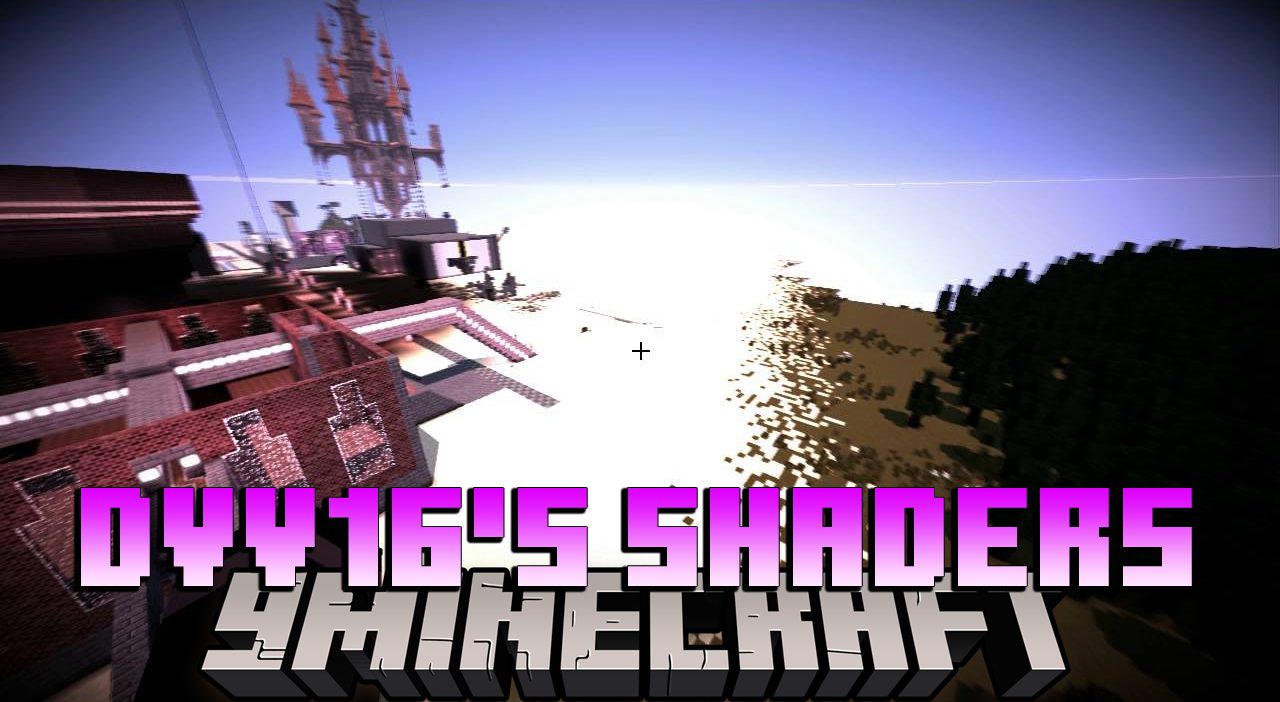
Dvv16's Shaders (26.2, 1.20.1) – Focus on Purple and Pink Colors
Java shader pack listed for Minecraft 1.20. Downloads from the MC Java Mods app on Android.
One of the first things you'll notice about Dvv16's Shaders is the abundance of purples, pinks, and deep, dark blues in the environment around the world…
⬇ Download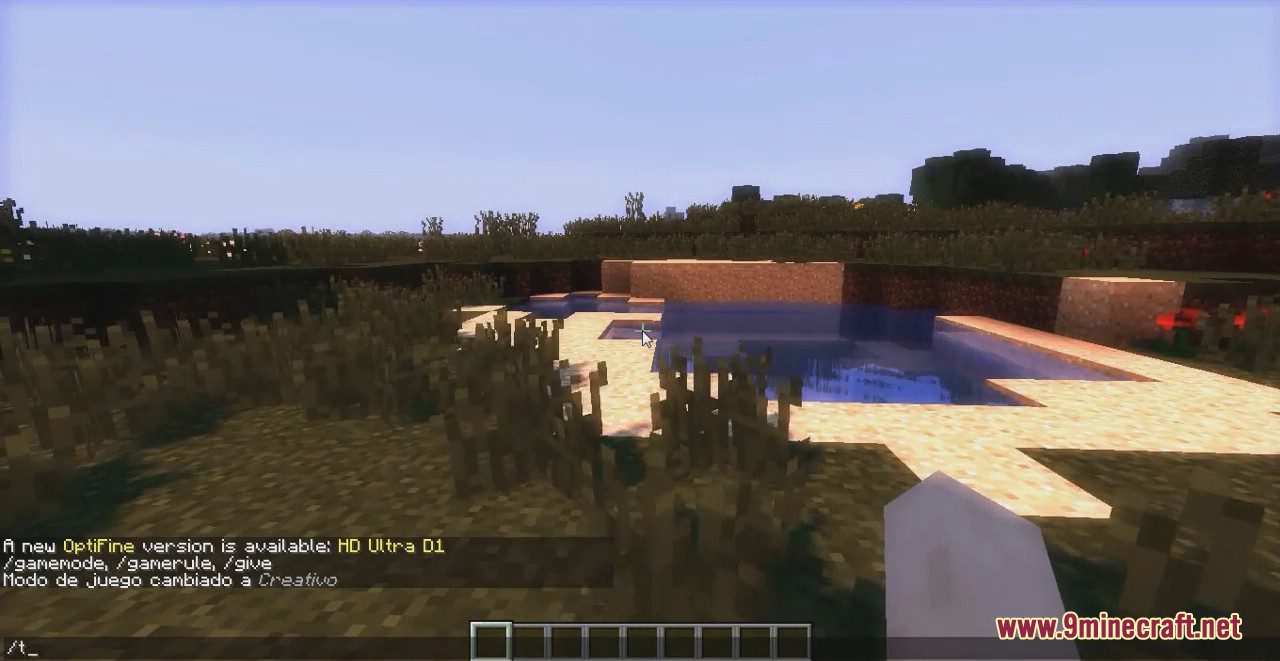
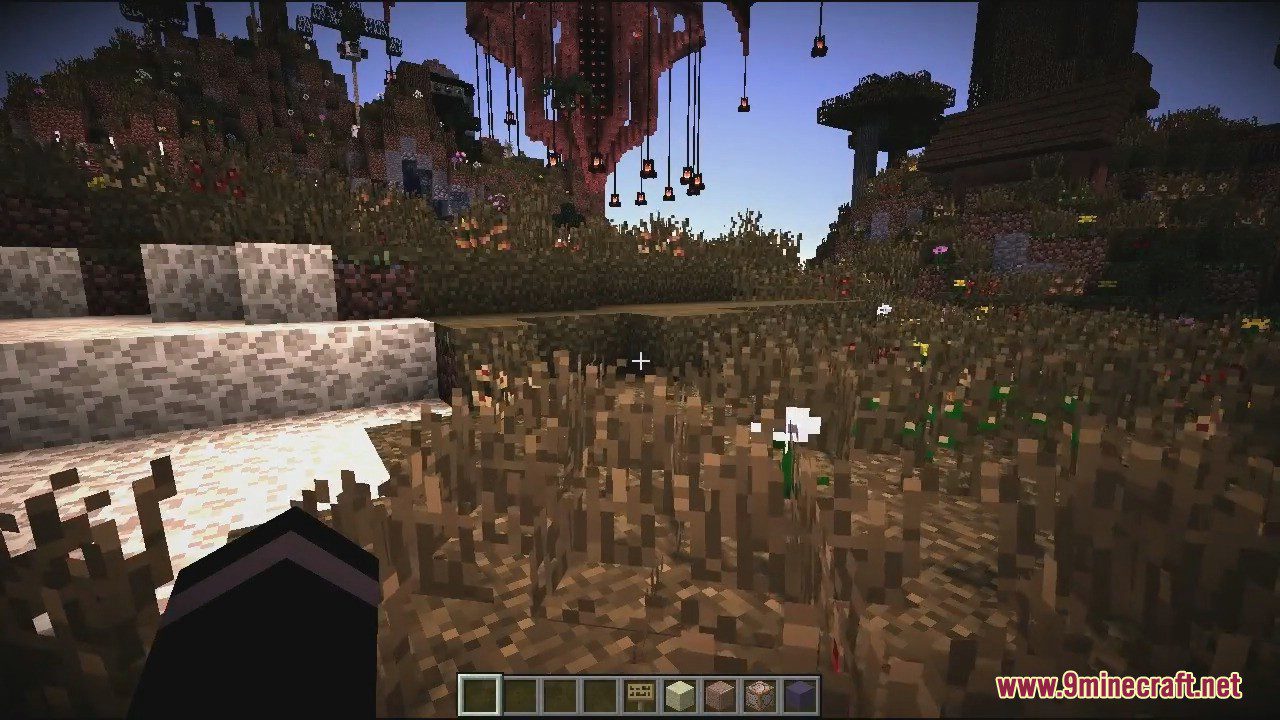
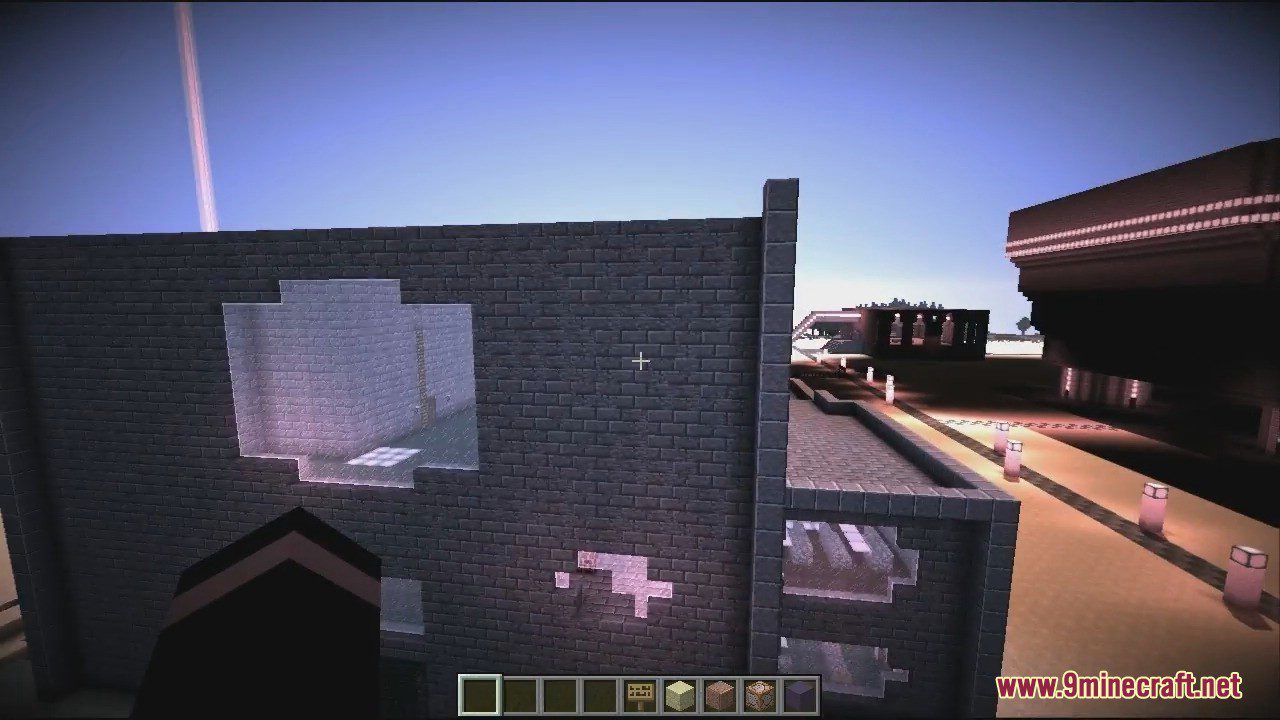
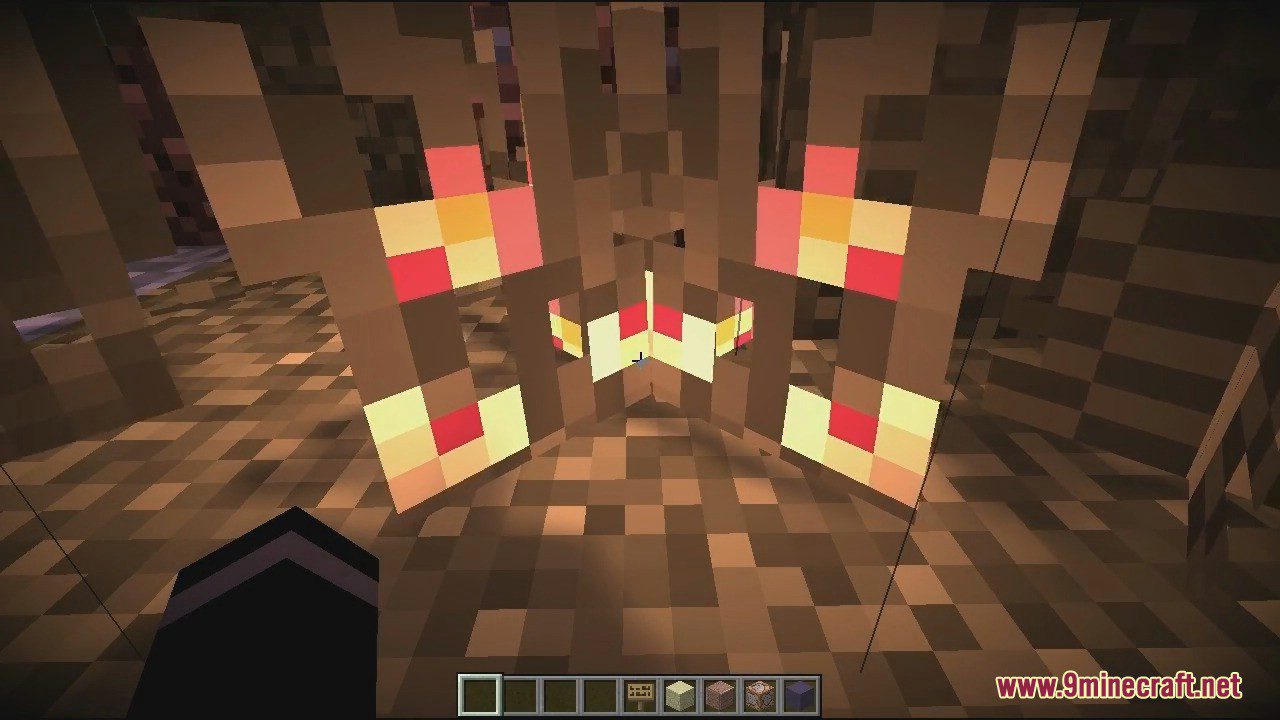
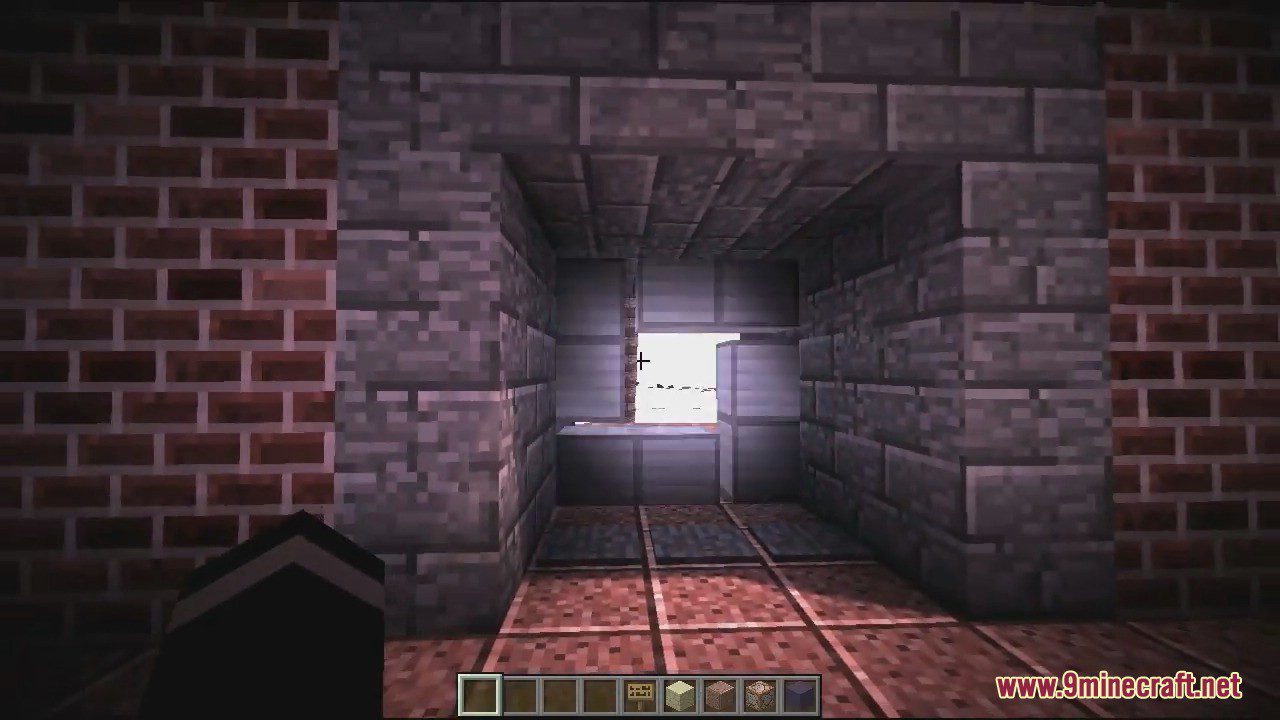
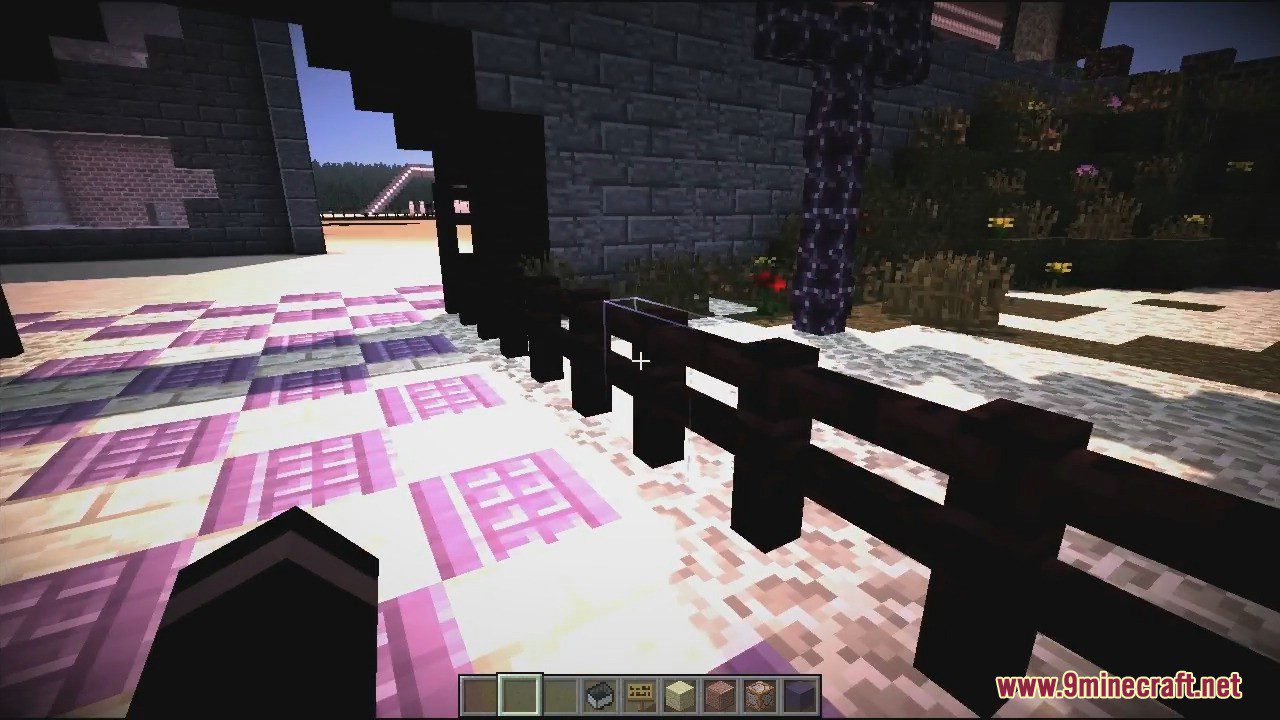
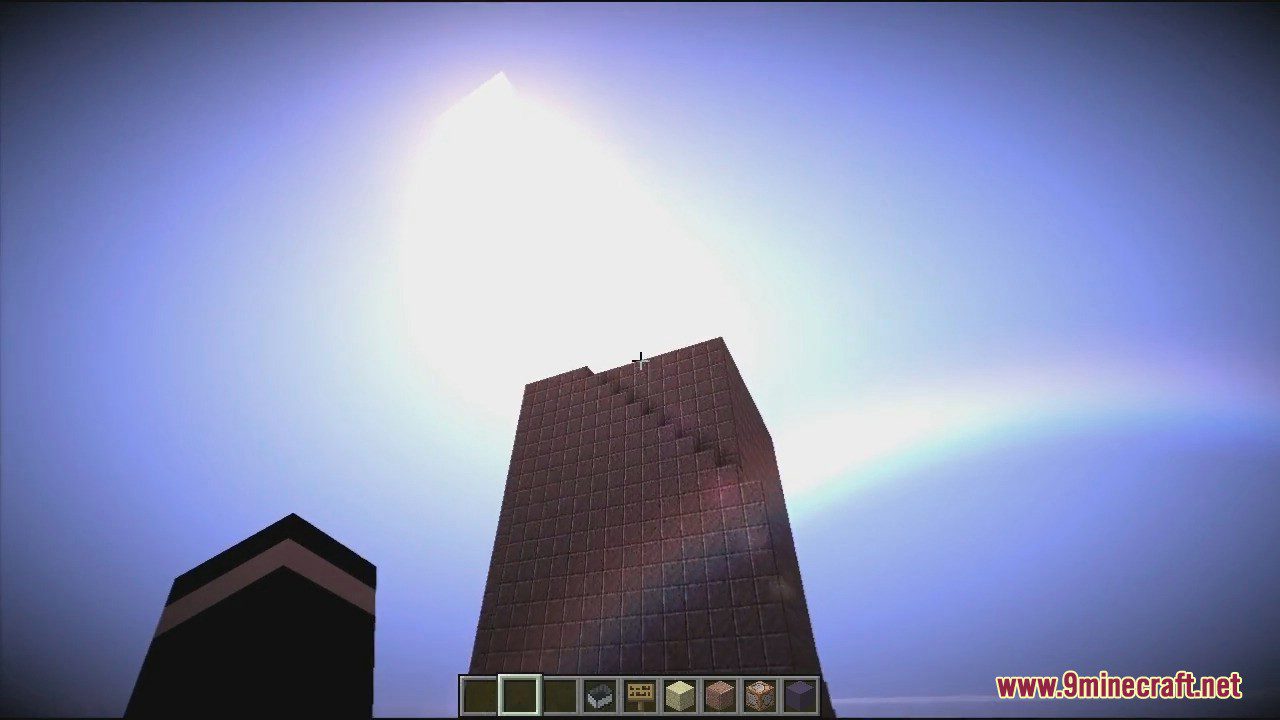
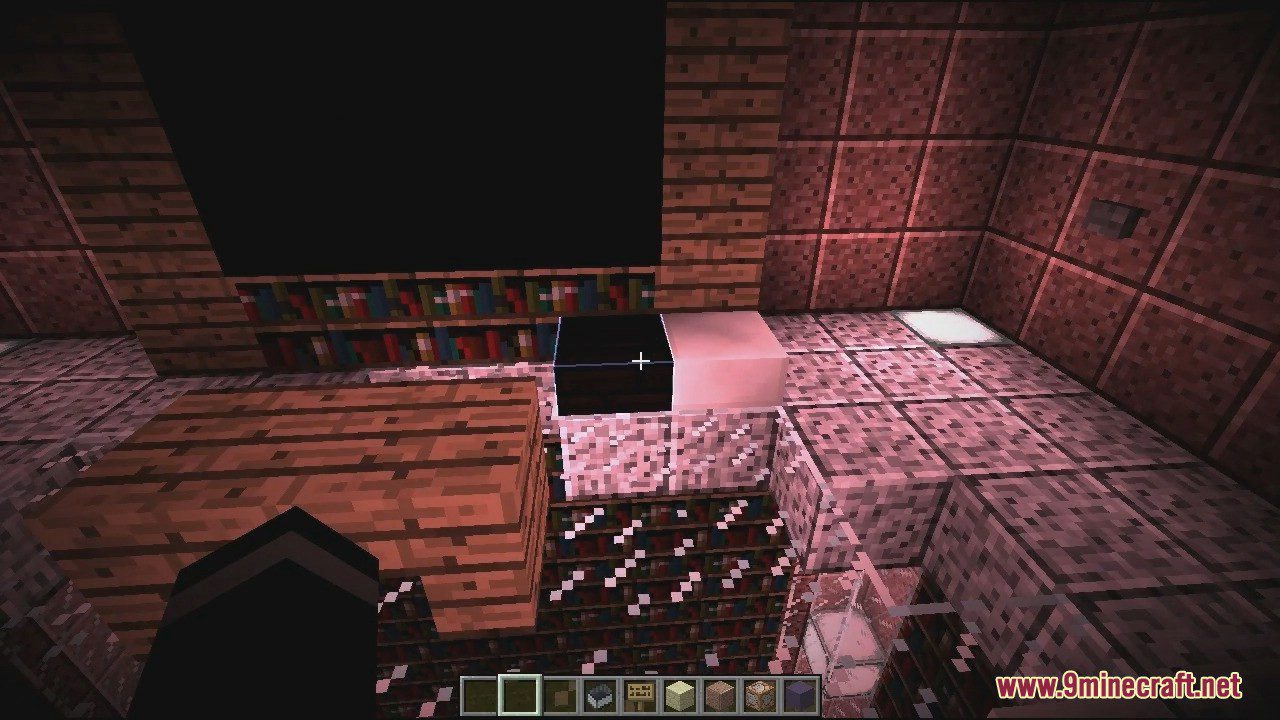
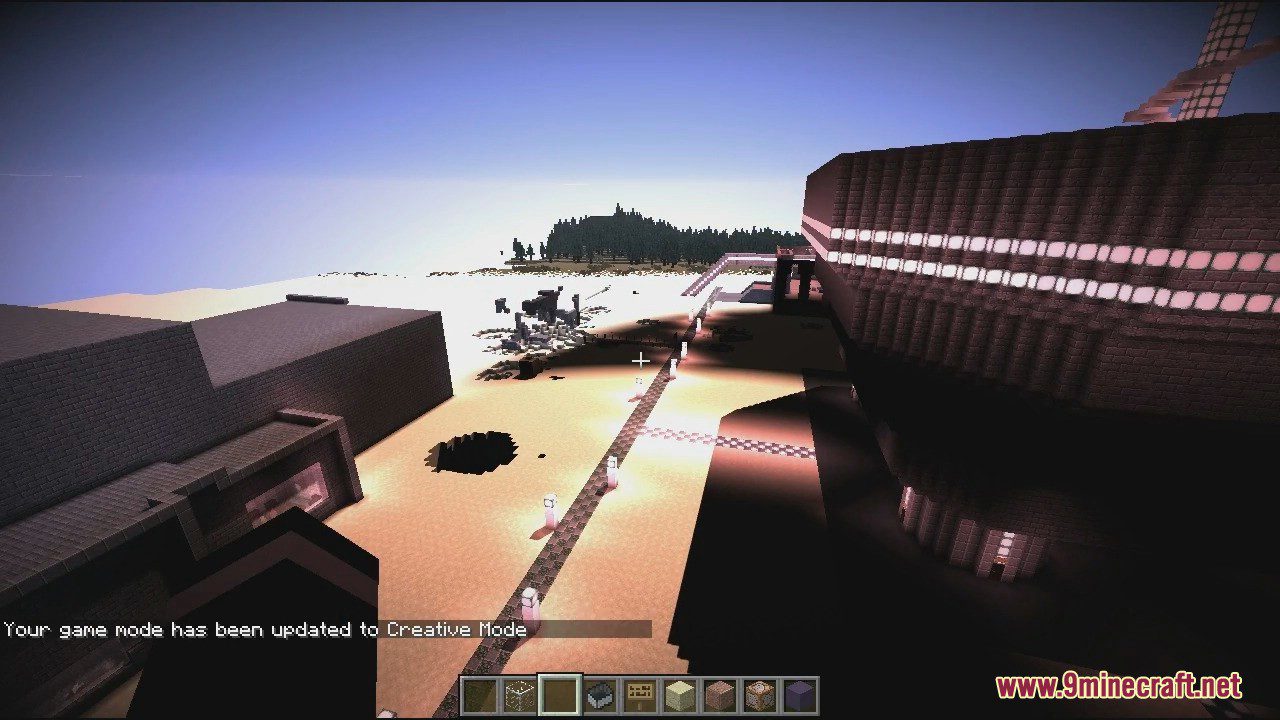
One of the first things you’ll notice about Dvv16’s Shaders is the abundance of purples, pinks, and deep, dark blues in the environment around the world. The sky, especially early in the morning and early in the evening, comes alive with colors that seem almost unnatural and that you haven’t seen in any other shader pack before. The days are brighter, and the nights are darker than most of you’ve probably seen. Water effects play a big part in any shader pack and in Dvv16’s Shaders, the water effects are pretty tame. It’s not that the water doesn’t ripple and look like real water, but that the reflections are relatively simple. Yes, that’s a relatively minor thing to complain about when you consider most shaders don’t include reflections at all anyhow, but if you’re like other players looking for significant upgrades to the appearance of Minecraft, then this could be a deciding factor for whether you download this mod or just avoid it. Not bad, but not great, this mod is probably worth checking out.
Honestly, there isn’t a lot of information available for Dvv16’s Shaders mod. It’s was only recently released and it’s also the first shader mod from Dvv16, so there’s not much to say about it. From the few screenshots and player comments available, it’s a good shader pack without any obvious flaws or other major issues that would make a player want to steer clear of it. Besides the fact that it isn’t a particularly bad shader mod, there’s little else to tell. It’s not particularly good either, seeing as it’s the first shader by this author and there are so many other, much better shader packs available for Minecraft.
Screenshots:
Dvv16’s Shaders Download Links
For All Versions of Minecraft
- Edition: Minecraft Java
- File type: .zip (resource pack)
- Minecraft version listed: 1.20.1
- How to install: Download the .zip resource pack — do not unzip it. → Put it in .minecraft/resourcepacks. → Enable it in Options → Resource Packs.
- Where to get it: In MC Java Mods, or directly above on this page.
Install steps are the general flow for this file type — see the MC Java Mods guides for the full walkthrough.
- Download size: 37 KB
- Download link checked 20 Jun 2026 — working
- Mirrored on our own servers — the download does not depend on the original host
These come from our own check of the pack file, not from the source page.