ShadersJava
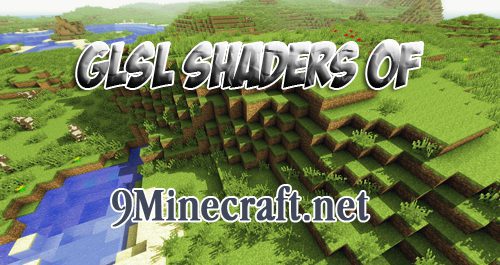
GLSL Shaders OF Mod (1.4.7)
Minecraft Java shader pack. Download on the author's site.
⬇ DownloadAll credits go to the original GLSL Shaders OF Mod creator daxnitro
Screenshots:
Using Sonic Ethers shaders
Installation GLSL Shaders OF Mod 1.4.7
- 1. Download GLSL Shaders OF and Optifine
- 2. Extract Optifine into Minecraft.jar
- 3. Delete INF-META
- 4. Open game and check for Optifine (If you see Optine 1.x.x then you are done with this step. If you don’t see it,back to step 2)
- 5. Extract GLSL Shader OF to Minecraft.jar
- 6. Open the Game and go to Option > Shaders and Click on the Shaders Folder buttons (It should open new windown)
- 7. Download Sildur’s shader or Zeeekes complete shaders/Chocapic13’s shaders! to your .minecraft/shaders Folder
- 8. Back to Game and choosing the shaders you downloaded
- 9. Finish and enjoy the game
Or using Magic Launcher to install it automaticly
Download Links for GLSL Shaders OF Mod 1.4.7
GLSL Shaders OF has been stopped development. Newest version updated here: https://www.9minecraft.net/glsl-shaders-mod/
Quick facts
- Edition: Minecraft Java
- File type: .zip (resource pack)
- How to install: Download the .zip resource pack — do not unzip it. → Put it in .minecraft/resourcepacks. → Enable it in Options → Resource Packs.
- Where to get it: Opens on the file's original source — not every file is mirrored on our own servers.
Install steps are the general flow for this file type — see the MC Java Mods guides for the full walkthrough.
GLSL Shaders OF Mod (1.4.7) is a free Minecraft Java shader. Download it and open it directly in the game.