AddonsBedrock
Storage Management Terminal
Bedrock add-on listed for Minecraft 1.19 (behavior + resource pack). File opened and checked on 27 Sep 2026; installs from the MC Bedrock Mods app on Android.
⬇ Download
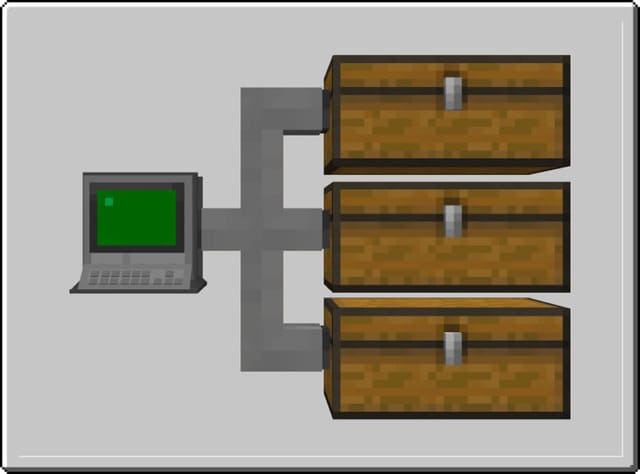
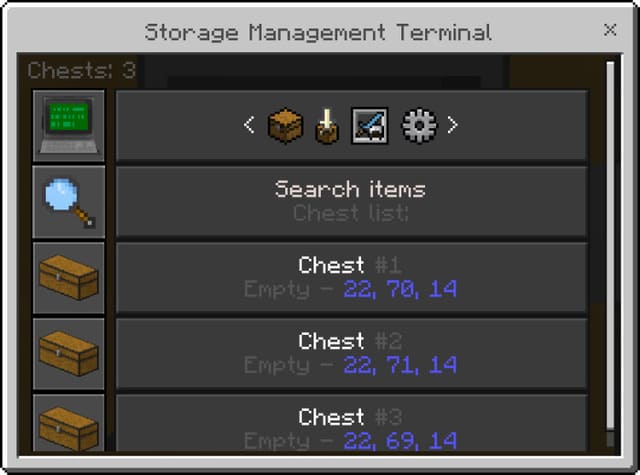
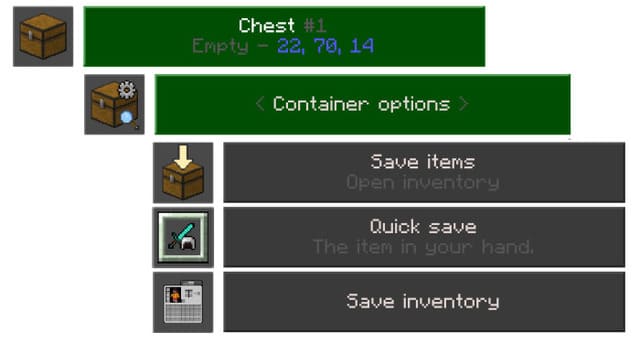
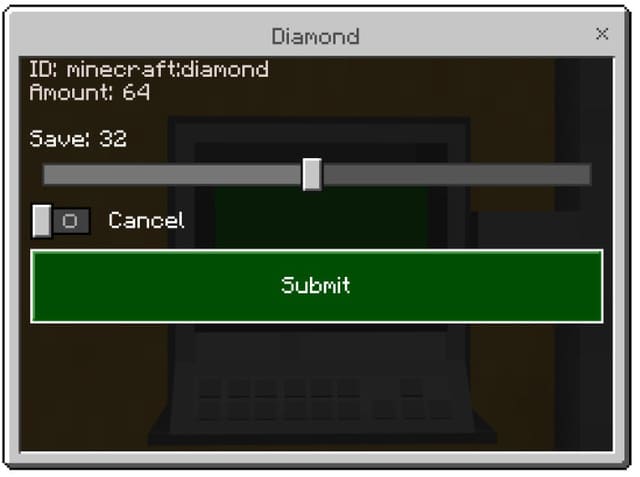
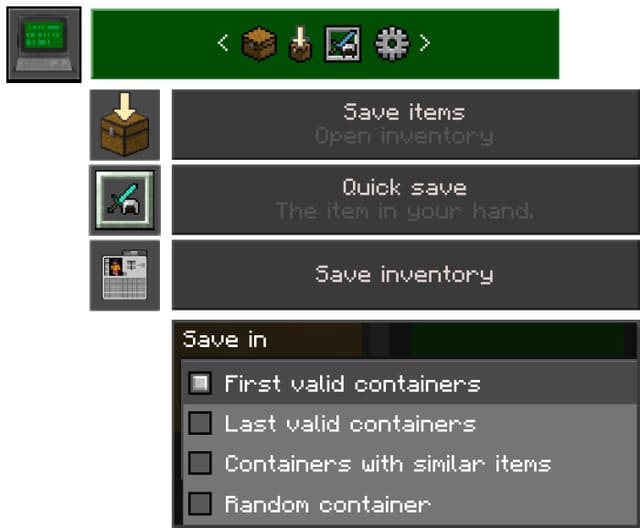
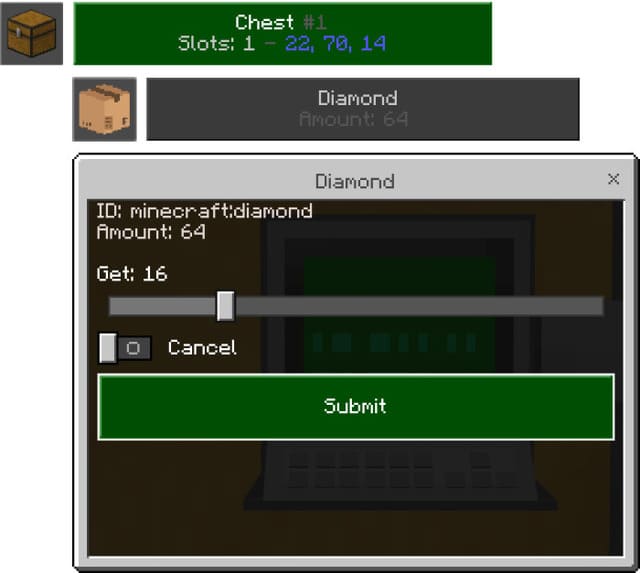
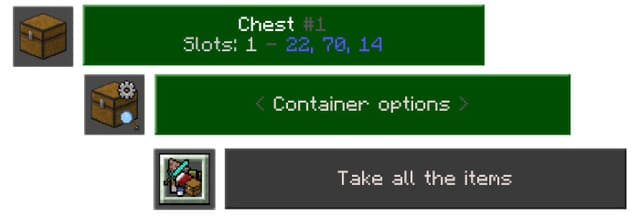
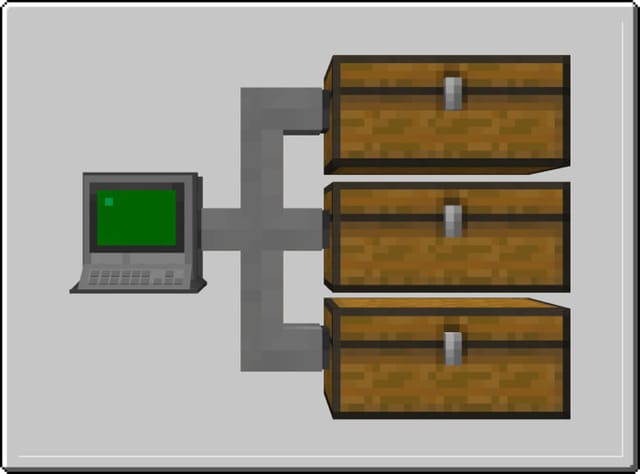
Storage Management Terminal is a small terminal that allows you to manage, search, sort, and store items simultaneously in a large number of chests. The main function is managing multiple chests from a single block, which significantly reduces time spent in your storage room in Minecraft Bedrock. First, place the Terminal from which you will manage all chests. Then connect cables to each chest. In the Terminal menu you can search for items, select specific chests, and change options. Saving items: Select the chest where you want to put things (Save items: open inventory and select item, Quick save: adds item in hand to chest, Save inventory: adds part or entire inventory). Select the quantity of items being added. You can also add items through the first icon in the Terminal interface without selecting a chest. Getting items: Select the needed chest, item, and quantity. You can also select all items at once. You can display a list of all items. Searching for items: Enter the item name, then select the chest from the list. Other items in that chest will also be displayed. You can search in a separate chest with specific settings. Remote terminal connection: Allows you to save or retrieve items from a distance by interacting with the Terminal while holding a remote connection item.
Quick facts
- Edition: Minecraft Bedrock
- File type: .mcpack or .mcaddon
- How to install: Download the .mcpack or .mcaddon file. → Open it — Minecraft imports it. → In your world: Behavior Packs → Available → Activate, then the same under Resource Packs.
- Where to get it: In MCModsHub, or directly above on this page.
Install steps are the general flow for this file type — How to install Minecraft Bedrock addons & mods walks through it step by step.
File checked by MCModsHub
- Pack type: .mcaddon — behaviour and resource pack in one file
- Manifest requires Minecraft 1.19.70 or newer
- Complete pack — everything it depends on is inside the file
- Download size: 591 KB
- Download link checked 18 Jun 2026 — working
- Mirrored on our own servers — the download does not depend on the original host
These come from our own check of the pack file, not from the source page.