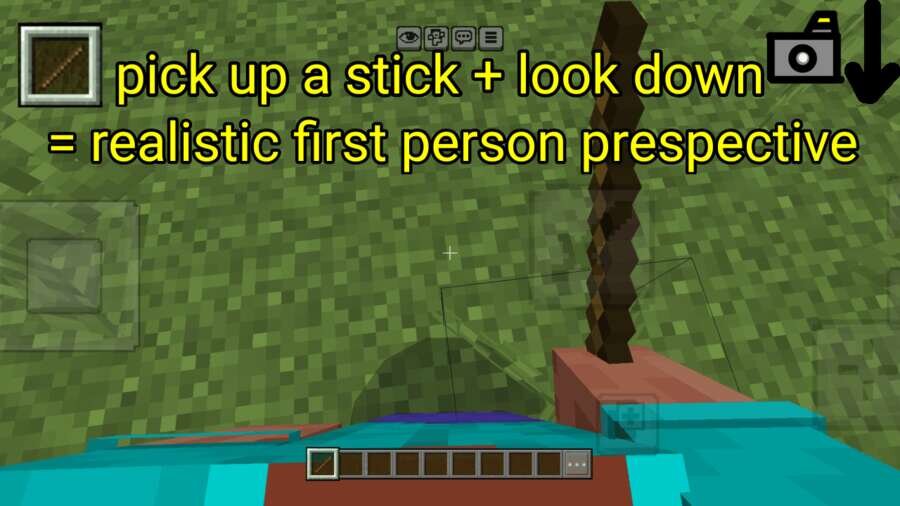

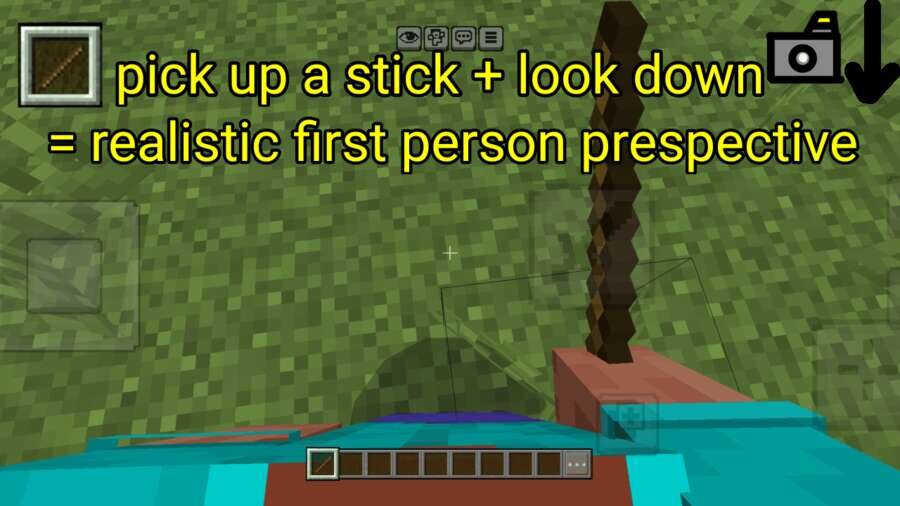
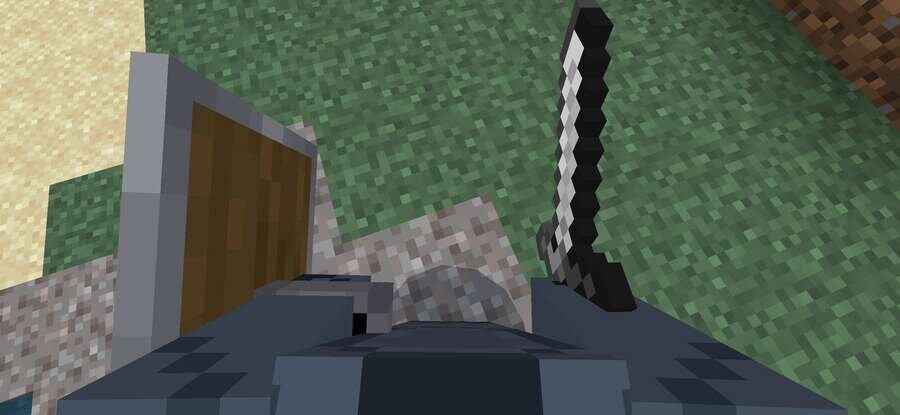
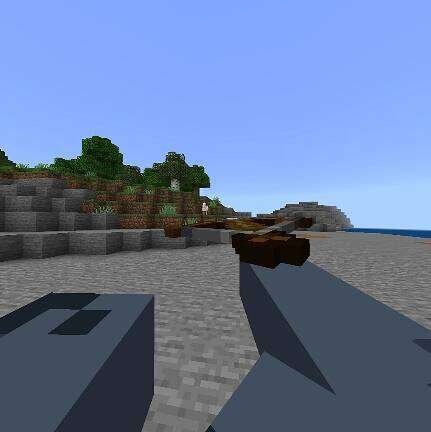
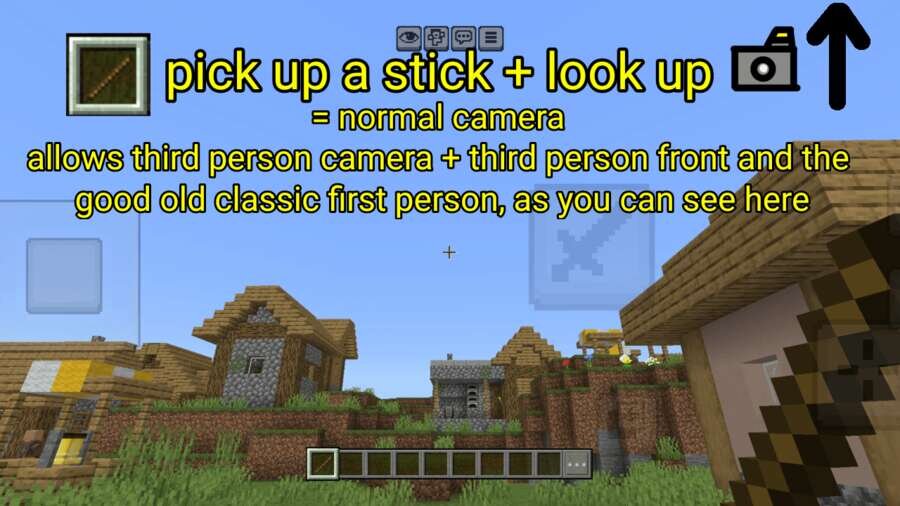
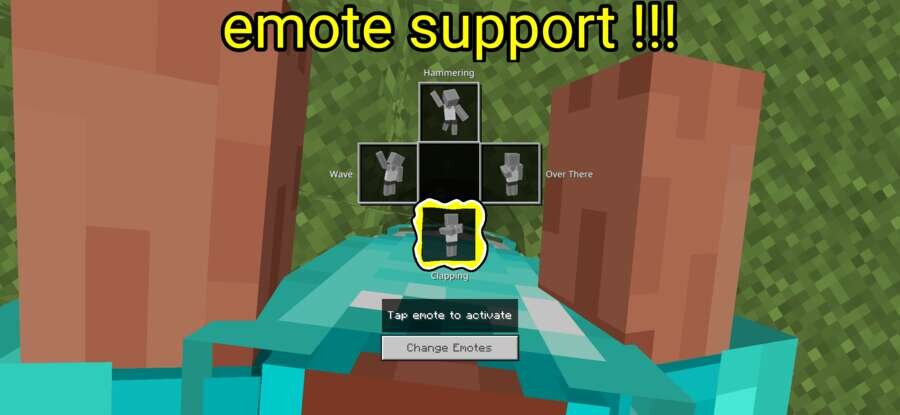

Sometimes you want to see your character as if you're in their body. To get more immersion in the game, you can enable a new camera display mode. Realistic First Person changes the familiar camera and lets you see your character from a new perspective. This creates more sense of presence, making gameplay more lively. This approach helps you immerse yourself in the world and see combat, movement, and exploration in a new light. It is recommended to set the field of view from 60 to 70, and disable the slider 'Field of view can be changed during gameplay.' Changes: Fixed bugs.
Quick facts
- Edition: Minecraft Bedrock
- File type: .mcpack or .mcaddon
- Minecraft version listed: 1.21
- How to install: Download the .mcpack or .mcaddon file. → Open it — Minecraft imports it. → In your world: Behavior Packs → Available → Activate, then the same under Resource Packs.
- Where to get it: In MCModsHub, or directly above on this page.
Install steps are the general flow for this file type — How to install Minecraft Bedrock addons & mods walks through it step by step.
Verified by MCModsHub
- Pack type: .mcaddon — behaviour and resource pack in one file
- Manifest requires Minecraft 1.21.100 or newer
- Complete pack — everything it depends on is inside the file
- Download size: 357 KB
- Download link checked 18 Jun 2026 — working
- Mirrored on our own servers — the download does not depend on the original host
These come from our own check of the pack file, not from the source page.