Dynamic FPS
Reduce resource usage while Minecraft is in the background, idle, or on battery.
Features
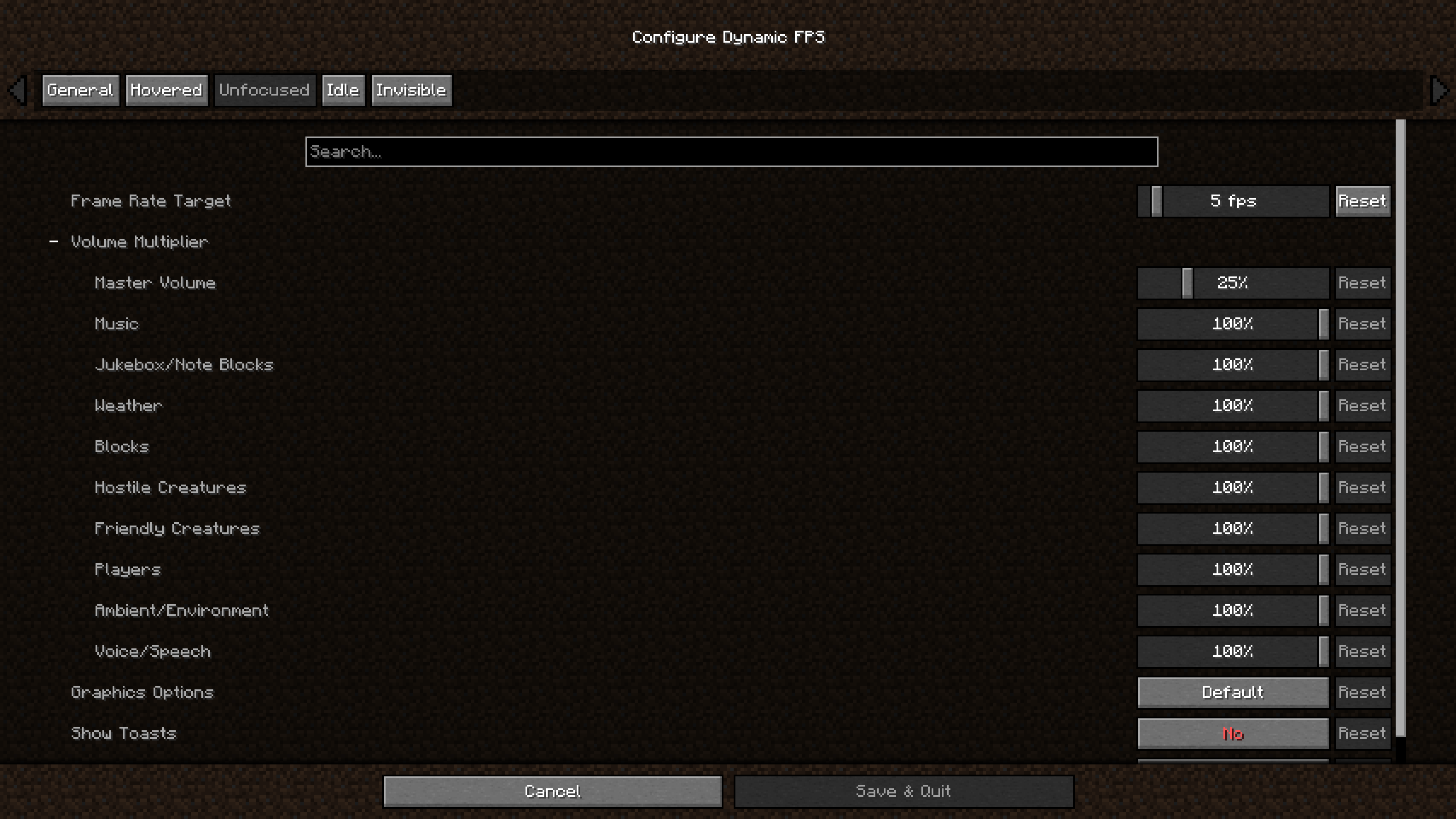
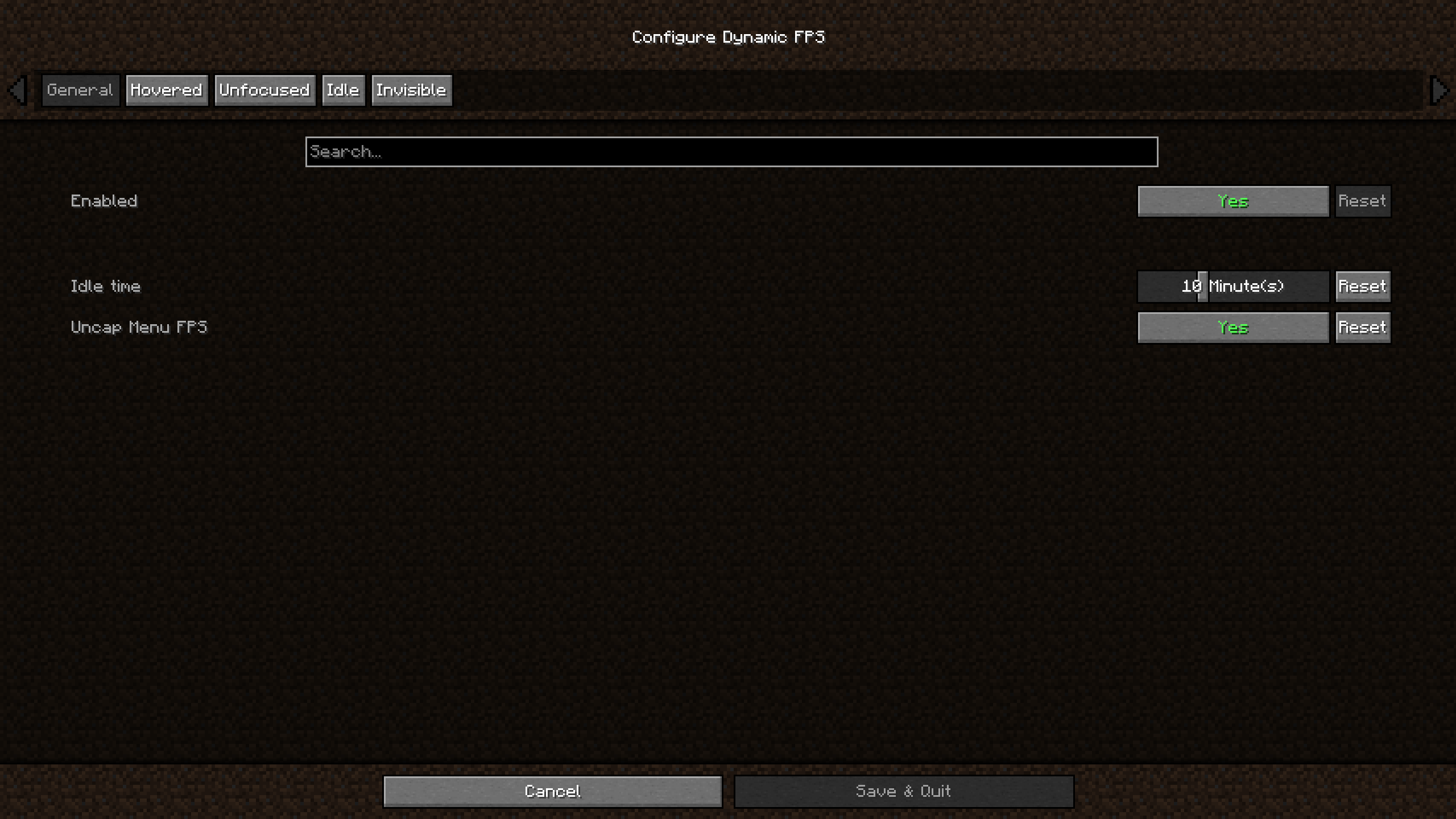
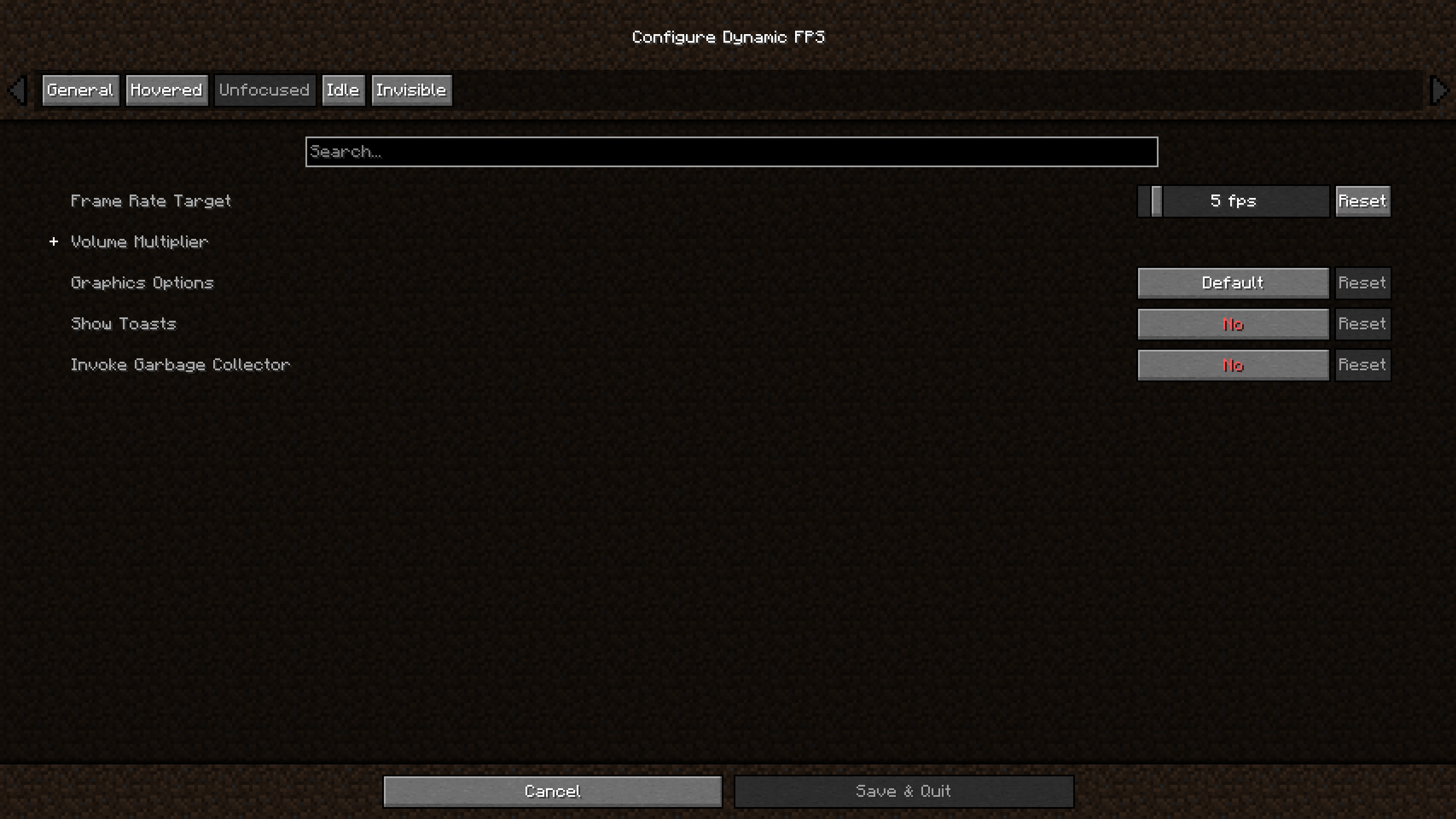
Dynamic FPS will detect whether the Minecraft window is currently active, being hovered over, unfocused, or invisible.
For each of these states you're able to adjust the frame rate, volume, and whether toast notifications are temporarily paused.
You can also configure these settings for when you're idling (with a custom timeout) or while your laptop / handheld is on battery.
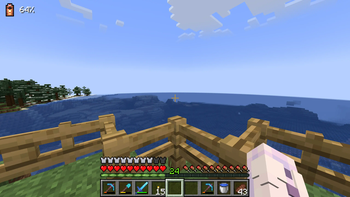
Optionally you may also display the current battery status on the in-game HUD and receive toast notifications about battery activity.
In addition to this Dynamic FPS fixes a vanilla bug causing higher-than-necessary background CPU usage and stops rendering the world while it's being obscured by resource loading overlay, helping especially on low-end systems.
Installation
Dynamic FPS is available for download on GitHub, Modrinth, and CurseForge.
To access the in-game config screen you'll also need to install Mod Menu and Cloth Config.
Frequently Asked Questions
- Why is Minecraft still running at 15 FPS?
Dynamic FPS will only slow the client render loop to a minimum of 15 cycles per second. Lower frame rates are achieved by then cancelling the rendering of all superfluous frames, e.g. 14 out of 15 frames are cancelled for 1 FPS.
This lets you resume playing almost instantly after switching back to the game: Instead of having to wait for up to a second until the next rendered frame comes along, the game checks back within 1/15th of a second.
Disclaimer
Enabling the battery integration requires downloading an additional library at runtime.
The mod contains the hashes for these files ahead of time and will verify them before usage.
You may disable this behavior in the mod's settings, or install the library yourself if you wish.
- Edition: Minecraft Java
- File type: .jar
- Minecraft version listed: 26.2
- How to install: Install the matching mod loader (Forge, Fabric or NeoForge) for your Minecraft version. → Download the .jar. → Put it in the .minecraft/mods folder and launch that loader profile.
- Where to get it: Opens on Modrinth — not every file is mirrored on our own servers.
Install steps are the general flow for this file type — How to install Minecraft Java mods & modpacks walks through it step by step.
- Ships as dynamic-fps-3.11.9+minecraft-26.2.0-neoforge.jar — drop this file into the mods folder
- Download size: 181 KB
- Download link checked 8 Sept 2026 — working
These come from our own check of the pack file, not from the source page.