AddonsBedrock
True Backpack
Minecraft Bedrock add-on (behavior + resource pack). File opened and checked on 25 Sep 2026; installs from the MC Bedrock Mods app on Android.
⬇ Download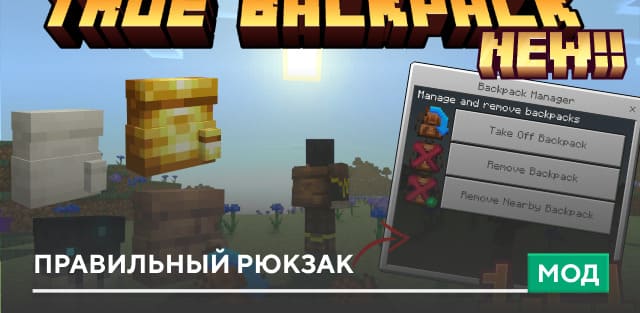
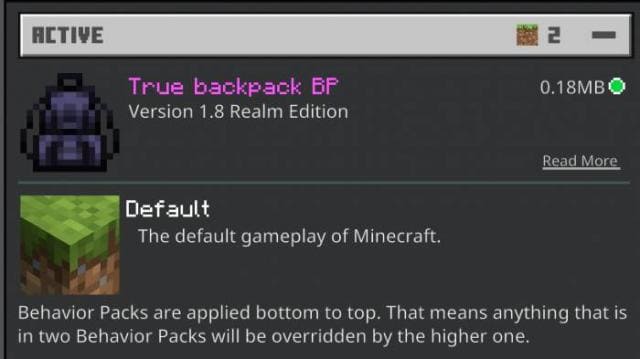
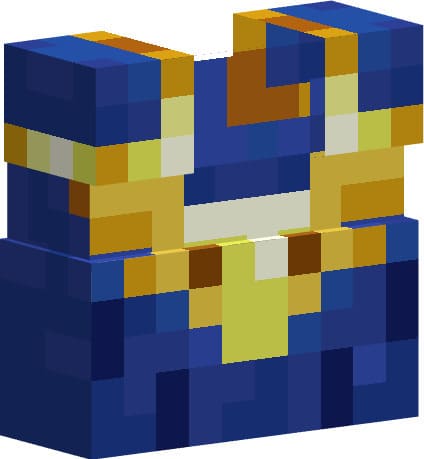
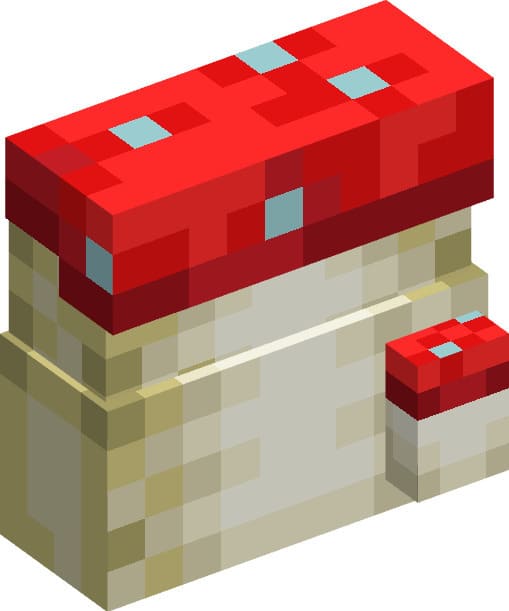
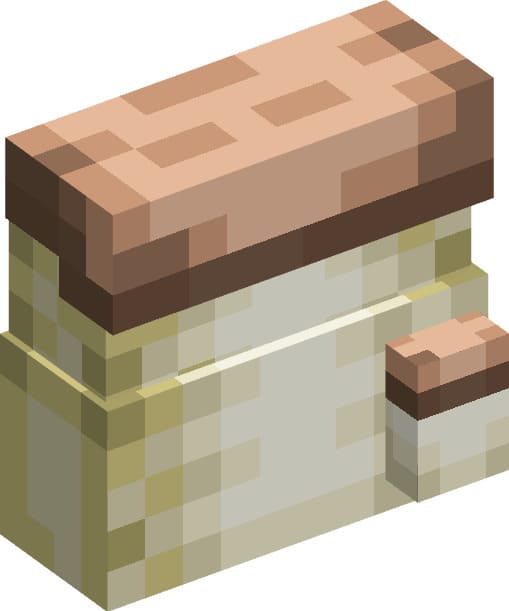
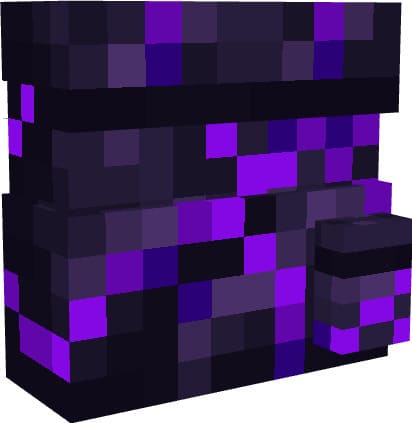
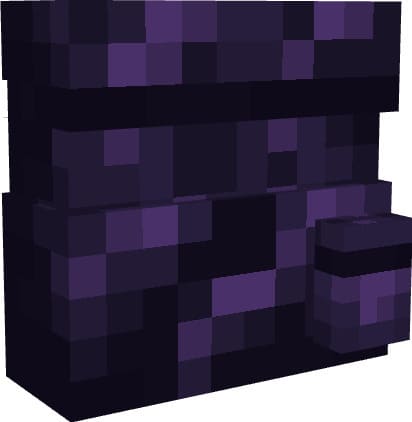
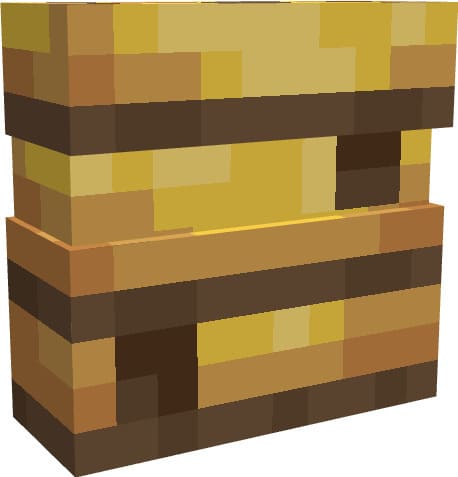
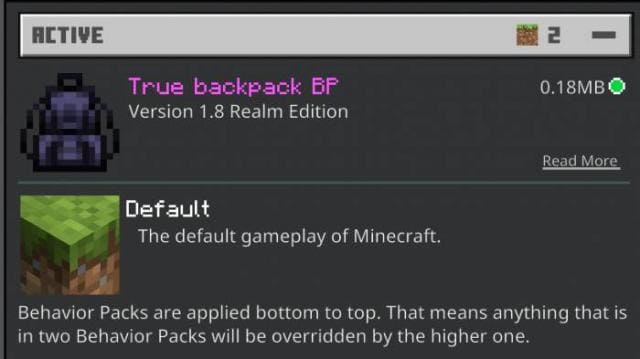
There are already plenty of backpack mods, so you can choose one that suits you. We offer another backpack option with the True Backpack add-on for Minecraft. The special feature is that you always know if you're wearing a backpack. An icon next to the hotbar always displays the item's presence. A Realms version is available with updated behavior packs while keeping the same textures. Backpack styles include: Blue Backpack, Mushroom Backpack, Brown Mushroom Backpack, Crying Obsidian Bag, Obsidian Bag, Bee Hive Bag, Sculk Catalyst Bag, Sculk Bag, Bone Bag, Purpur Bag, Mud Bag, Mud Brick Bag, Prismarine Backpack, Magma Backpack, End Brick Backpack, Quartz Backpack, Cyber-Bag (requires Nether Star, grants resistance 1), Kaffy Bag (new style, requires cookies), Deadly Netherite Bag (256 slots, permanent after installation), Hay Bag, Dripleaf Bag, Netherite Bag (256 slots, permanent), and Pumpkin-Bag. Bucket with lava and bucket with water are also available.
Quick facts
- Edition: Minecraft Bedrock
- File type: .mcpack or .mcaddon
- How to install: Download the .mcpack or .mcaddon file. → Open it — Minecraft imports it. → In your world: Behavior Packs → Available → Activate, then the same under Resource Packs.
- Where to get it: In MCModsHub, or directly above on this page.
Install steps are the general flow for this file type — How to install Minecraft Bedrock addons & mods walks through it step by step.
File checked by MCModsHub
- Pack type: .mcaddon — behaviour and resource pack in one file
- Complete pack — everything it depends on is inside the file
- Download size: 387 KB
- Download link checked 30 Jun 2026 — working
- Mirrored on our own servers — the download does not depend on the original host
These come from our own check of the pack file, not from the source page.