AddonsBedrock
No More Names
Bedrock add-on listed for Minecraft 1.16–1.21 (behavior pack only). File opened and checked on 5 Oct 2026; installs from the MC Bedrock Mods app on Android.
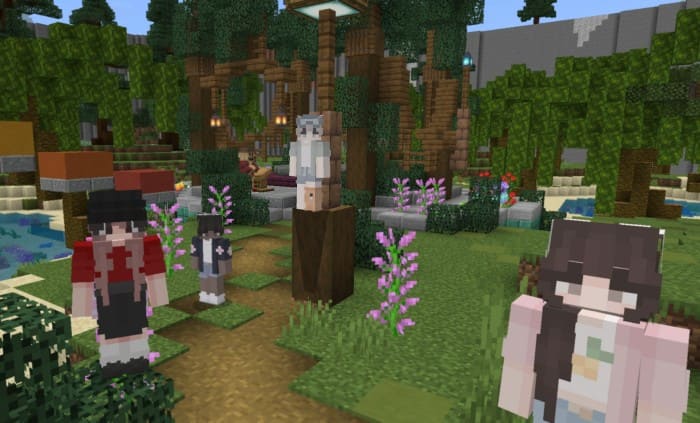
Hide player names with this useful mod. Player names will only appear when you aim at their character model. Perfect for hiding games and mini-games with…
⬇ Download
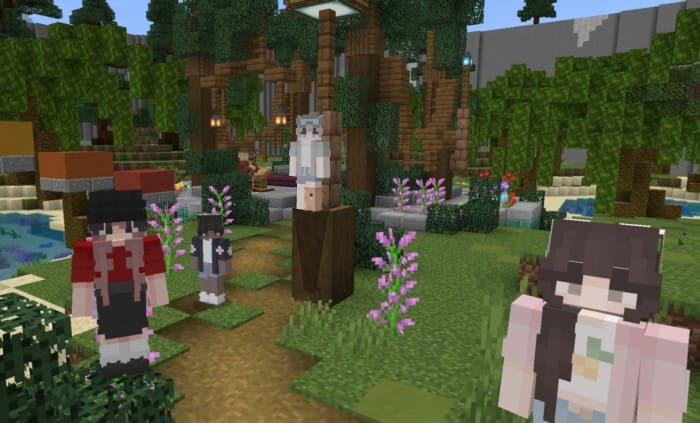
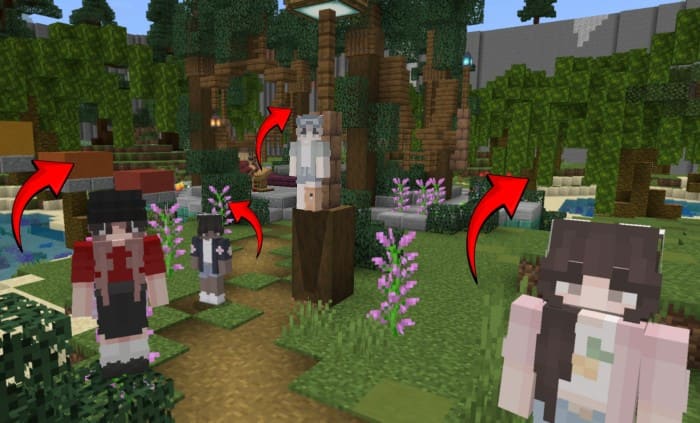

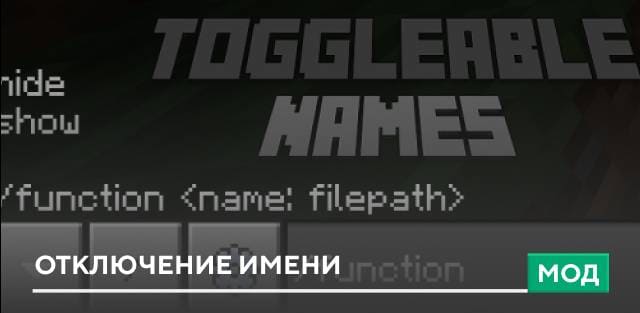
Sometimes you need the function to hide player usernames. This can be for games where you need to hide, or other creations that are created in Minecraft. Use the No More Names mod to hide names. Player names will only appear when you aim your crosshair at their character model. Use this add-on to play various mini-games with your friends.
Quick facts
- Edition: Minecraft Bedrock
- File type: .mcpack or .mcaddon
- Minecraft versions listed: 1.21.50, 1.21.41, 1.21.30
- How to install: Download the .mcpack or .mcaddon file. → Open it — Minecraft imports it. → In your world: Behavior Packs → Available → Activate, then the same under Resource Packs.
- Where to get it: In MCModsHub, or directly above on this page.
Install steps are the general flow for this file type — How to install Minecraft Bedrock addons & mods walks through it step by step.
File checked by MCModsHub
- Pack type: .mcaddon — behaviour and resource pack in one file
- Manifest requires Minecraft 1.16.0 or newer
- Complete pack — everything it depends on is inside the file
- Download size: 3 KB
- Download link checked 18 Jun 2026 — working
- Mirrored on our own servers — the download does not depend on the original host
These come from our own check of the pack file, not from the source page.