AddonsBedrock
DROPLIGHT - Multi Language
Bedrock add-on listed for Minecraft 1.21 (behavior + resource pack). Needs Beta APIs. File opened and checked on 8 Oct 2026; installs from the MC Bedrock Mods app on Android.
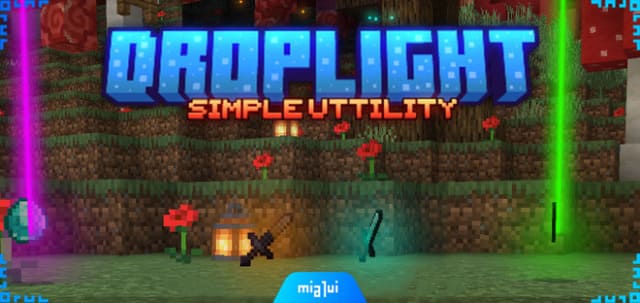
Highlight dropped items in Minecraft with custom colors for each item type. Categorizes items into 7 rarity levels from common to exotic. Includes visual…
⬇ Download
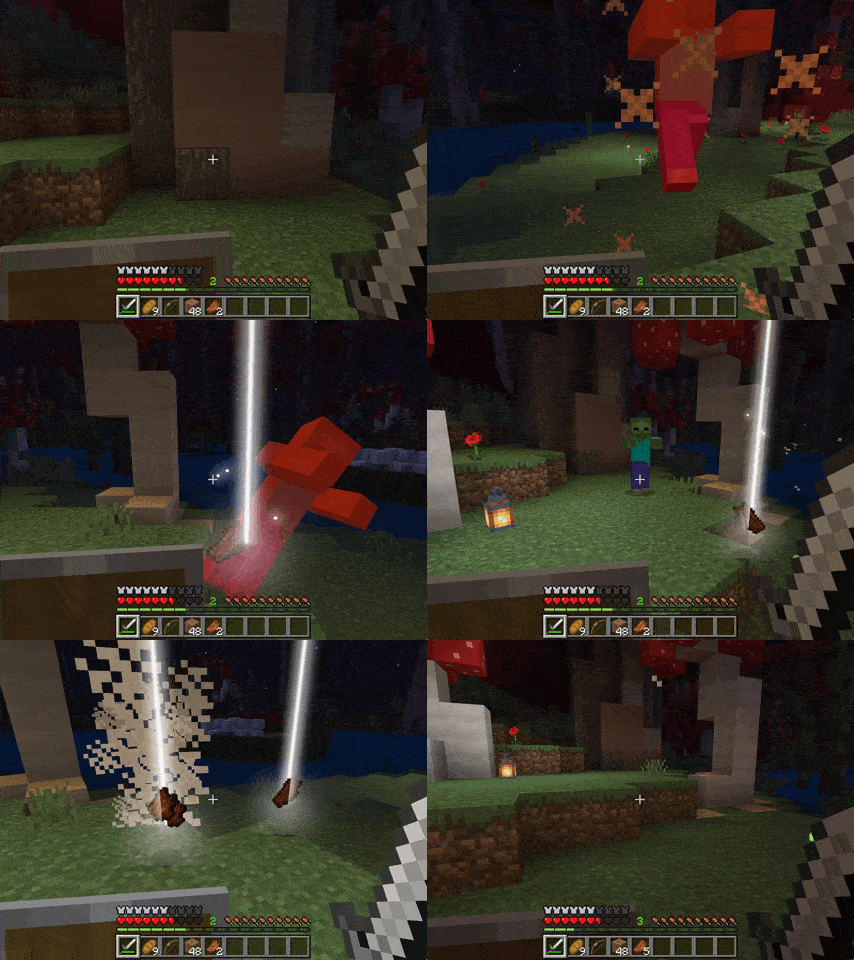
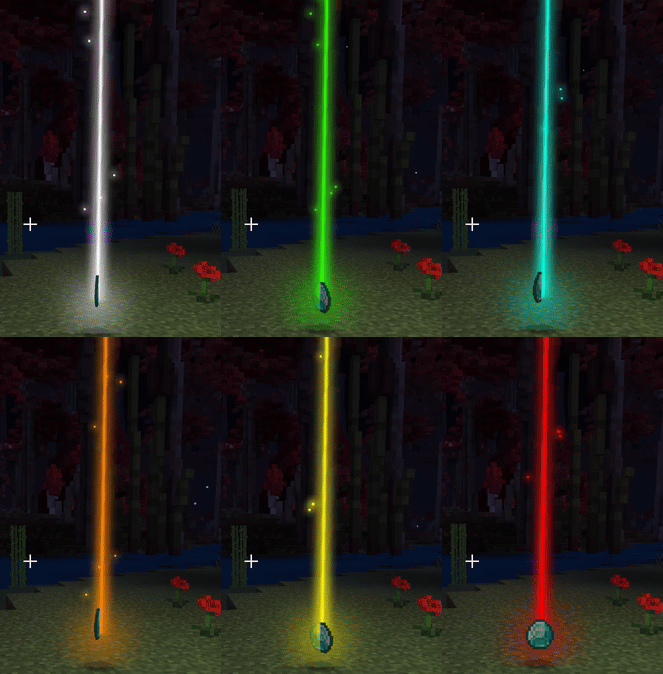
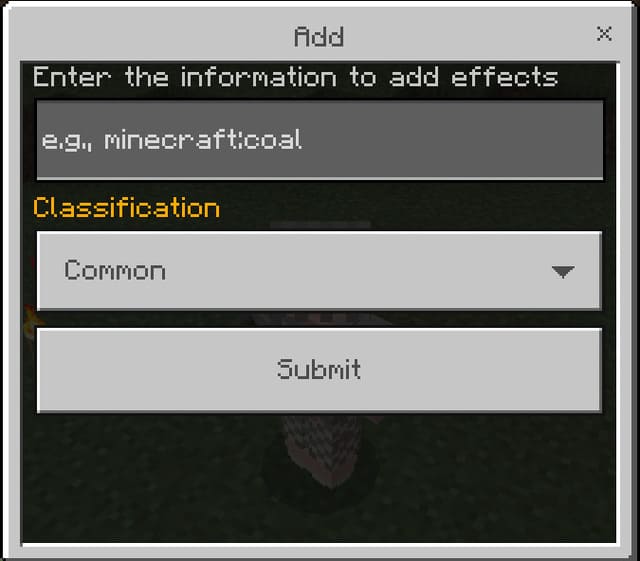
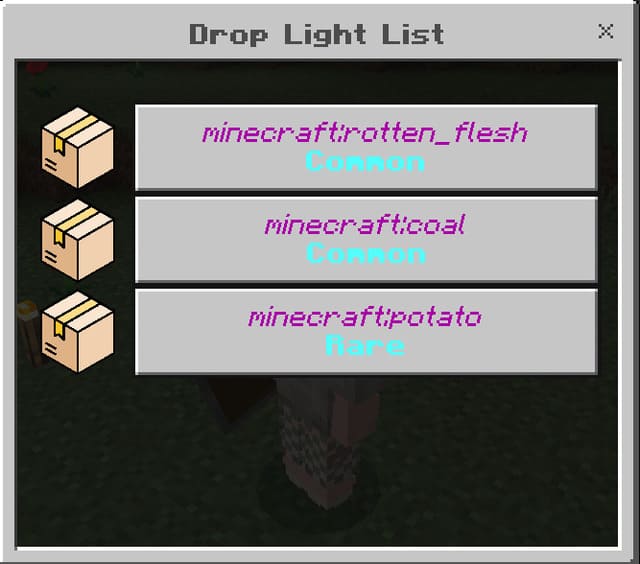
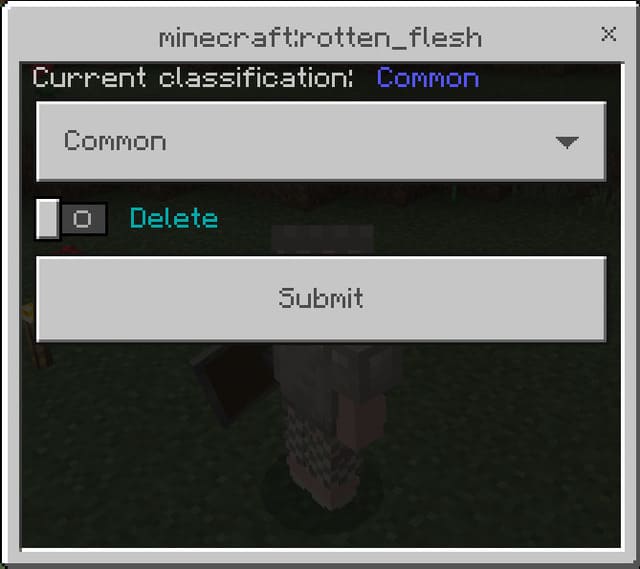
Highlights dropped items with custom colors based on rarity. All items divided into 7 categories by value from common to exotic. After entering world, use command /tag @s add admin then !setup to install. Use !dp command to open menu and add items. Set item rarity level for color selection. Each player can have customized settings. Configure lighting: with light creates a light column, without light only highlights surrounding area. Supports custom blocks, item information, commands, sounds, and timezone settings. Allows icon customization and language selection. Requires experimental options.
Quick facts
- Edition: Minecraft Bedrock
- File type: .mcpack or .mcaddon
- How to install: Download the .mcpack or .mcaddon file. → Open it — Minecraft imports it. → In your world: Behavior Packs → Available → Activate, then the same under Resource Packs.
- Where to get it: In MCModsHub, or directly above on this page.
Install steps are the general flow for this file type — How to install Minecraft Bedrock addons & mods walks through it step by step.
File checked by MCModsHub
- Pack type: .mcaddon — behaviour and resource pack in one file
- Manifest requires Minecraft 1.21.0 or newer
- Needs Beta APIs switched on in the world settings
- Complete pack — everything it depends on is inside the file
- Download size: 1.0 MB
- Download link checked 18 Jun 2026 — working
- Mirrored on our own servers — the download does not depend on the original host
These come from our own check of the pack file, not from the source page.