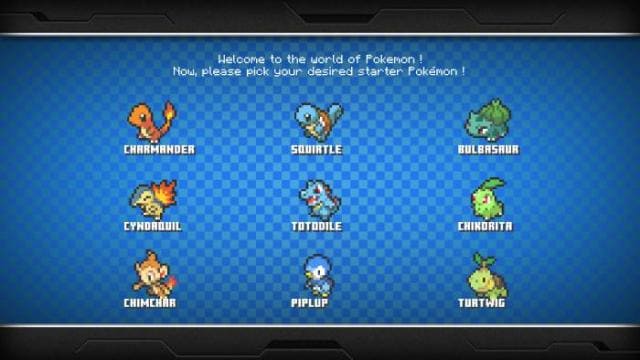
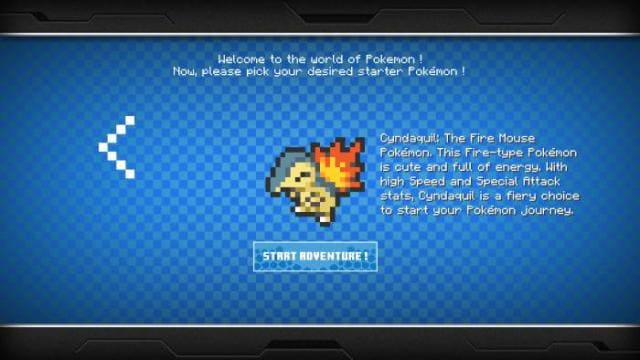
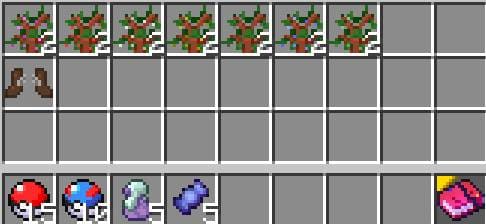
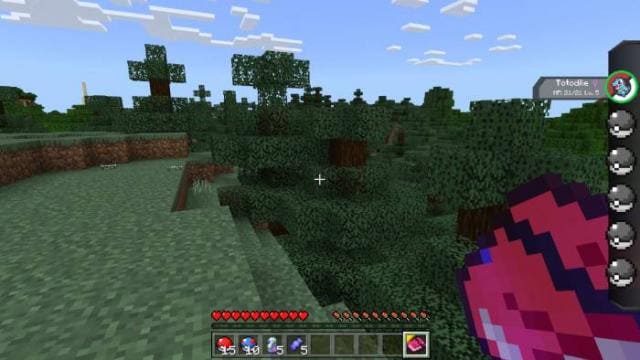
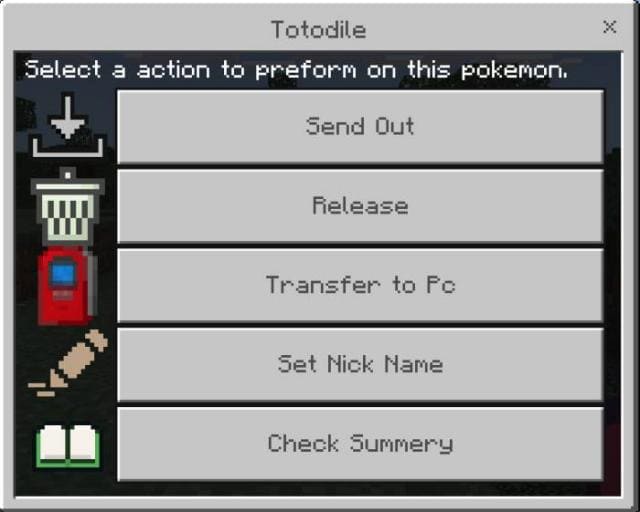
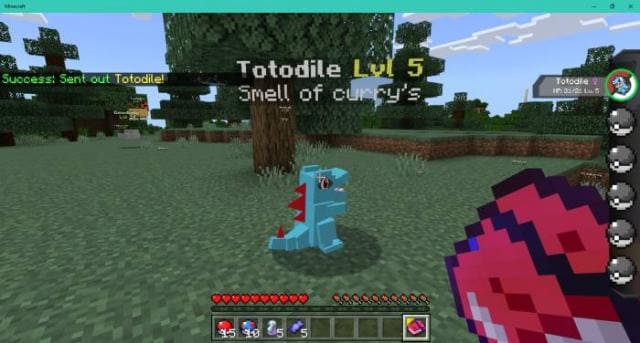
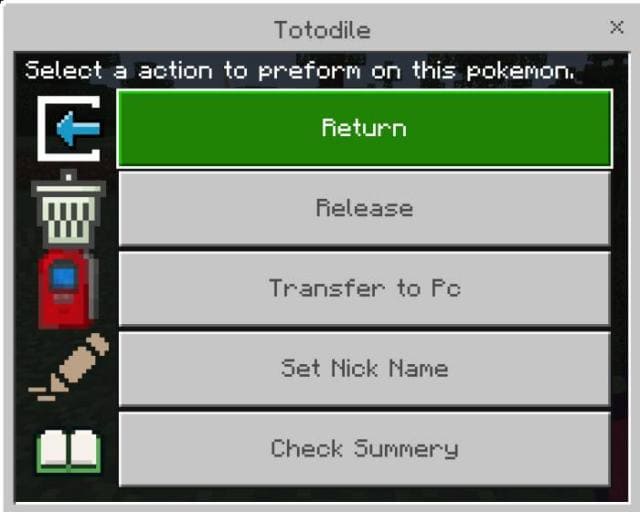
Up to 213 types of Pokémon can appear in your Minecraft with the PokeBedrock mod installed. A trading system, trainer battles, battles against bots, combat with Pokémon, evolution system, shiny Pokémon and a host of new items in the form of armor and weapons will appear in the game. First you need to choose your Pokémon. You'll immediately have a set of starter items after entering. The interface also changes for interacting with mobs. Menu opens by crouching and clicking. In this menu you can release a Pokémon, let it go, move it to PC, change its name and learn its stats. You can also return your Pokémon. You can change the nickname in the Set Nick Name option. Up to 11 characters are supported, with the first letter capitalized. The Check Summary button gives mob stats. You can store all Pokémon on the computer. Battle Systems: To battle a Pokémon, take the menu and hit a wild Pokémon with it. Then select the pet you will send into battle. You can also change your pet, open your bag, leave battle or see damage and effects. In the bag menu you can use items in battle. The bag also allows you to catch a wild Pokémon. Healing Machine: You can restore health or resurrect a Pokémon. Trading Machine: You can buy Pokémon from other players or upgrade them. A total of 213 mobs are available, which differ in their stats. Pokémon Trainer: NPCs you can interact with. Battles with them give you certain resources.
Quick facts
- Edition: Minecraft Bedrock
- File type: .mcpack or .mcaddon
- How to install: Download the .mcpack or .mcaddon file. → Open it — Minecraft imports it. → In your world: Behavior Packs → Available → Activate, then the same under Resource Packs.
- Where to get it: In MCModsHub, or directly above on this page.
Install steps are the general flow for this file type — How to install Minecraft Bedrock addons & mods walks through it step by step.
Verified by MCModsHub
- Pack type: .mcaddon — behaviour and resource pack in one file
- Needs Beta APIs switched on in the world settings
- Complete pack — everything it depends on is inside the file
- Download size: 40.6 MB
- Download link checked 18 Jun 2026 — working
- Mirrored on our own servers — the download does not depend on the original host
These come from our own check of the pack file, not from the source page.