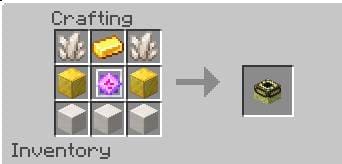
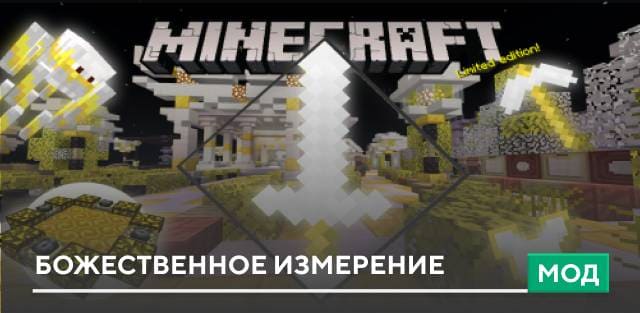
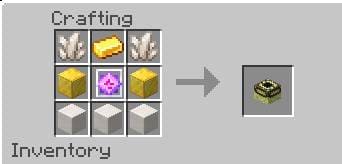
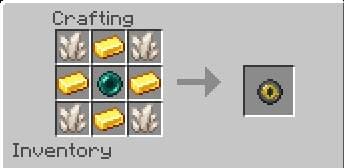
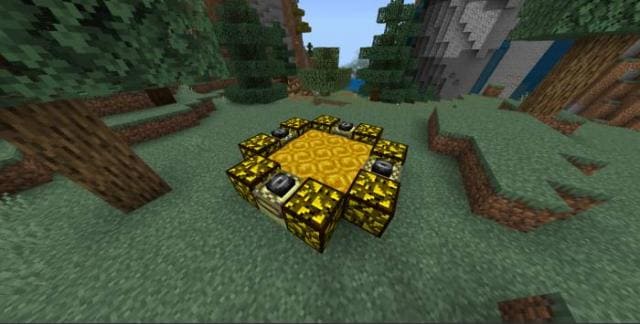
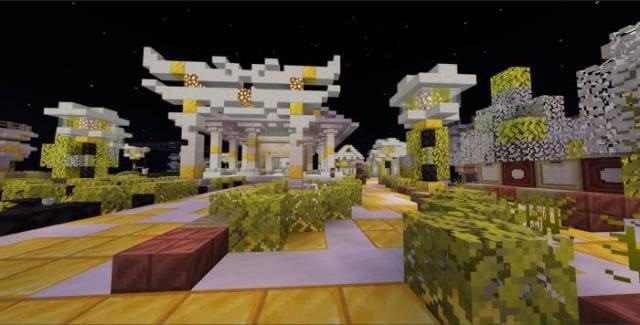
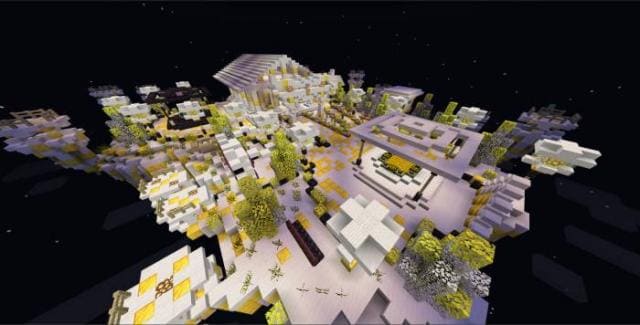
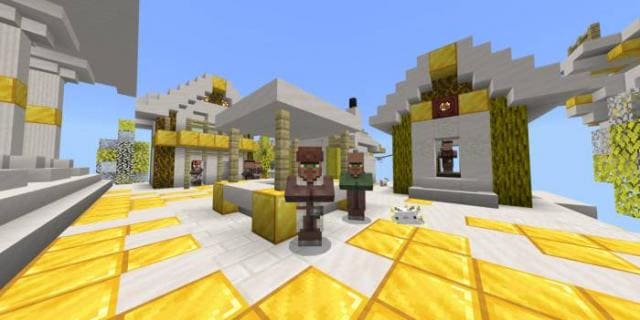
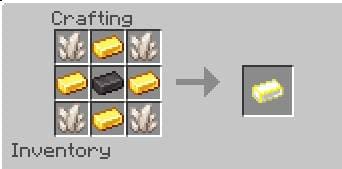
As soon as the Nether was created for Minecraft, players were shocked. Then the End appeared, and players were still shocked. So why don't developers create new dimensions? Unfortunately, this doesn't happen, but we have to live with it. For example, you can use the Divine Realm mod to visit a Divine Dimension with new items, blocks and mobs. Divine Portal Block, Divine Pearl, Portal to Divine Dimension. Create a portal below level 90 of the world. Place the portal block and light it 4 times with a flint and steel. After that you need to activate the portal with a Divine Pearl. Divine Dimension: New creatures appear here, Divine Ingot for crafting divine items, crafting divine wooden items, even more various islands. You can use Pearl to move between islands. Added new spiders. Remember to enable Experimental Options in map settings. Changes in new version: Added Divine Ship, updated to latest game version, fixed bugs, made minor improvements.
Quick facts
- Edition: Minecraft Bedrock
- File type: .mcpack or .mcaddon
- How to install: Download the .mcpack or .mcaddon file. → Open it — Minecraft imports it. → In your world: Behavior Packs → Available → Activate, then the same under Resource Packs.
- Where to get it: In MCModsHub, or directly above on this page.
Install steps are the general flow for this file type — How to install Minecraft Bedrock addons & mods walks through it step by step.
Verified by MCModsHub
- Pack type: .mcpack — a single pack
- Manifest requires Minecraft 1.13.0 or newer
- Ships one half — this pack asks for another pack that is not included
- Download size: 411 KB
- Download link checked 18 Jun 2026 — working
- Mirrored on our own servers — the download does not depend on the original host
These come from our own check of the pack file, not from the source page.